
Private Sub Command 1Click Dim S 1 As
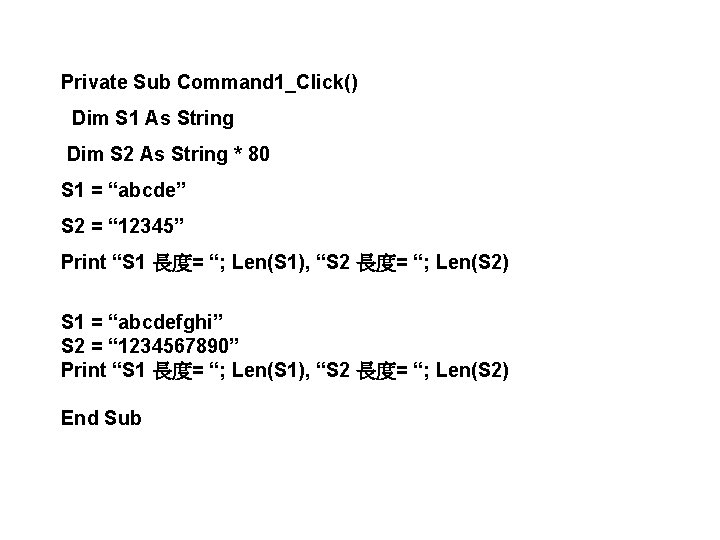
Private Sub Command 1_Click() Dim S 1 As String Dim S 2 As String * 80 S 1 = “abcde” S 2 = “ 12345” Print “S 1 長度= “; Len(S 1), “S 2 長度= “; Len(S 2) S 1 = “abcdefghi” S 2 = “ 1234567890” Print “S 1 長度= “; Len(S 1), “S 2 長度= “; Len(S 2) End Sub
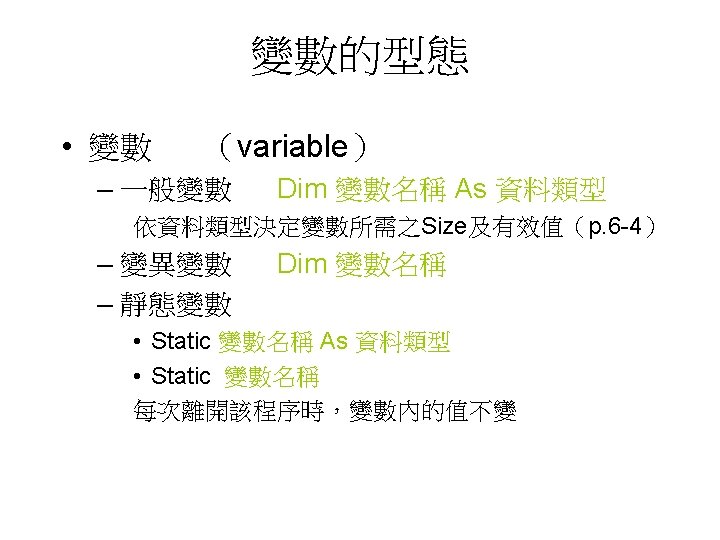
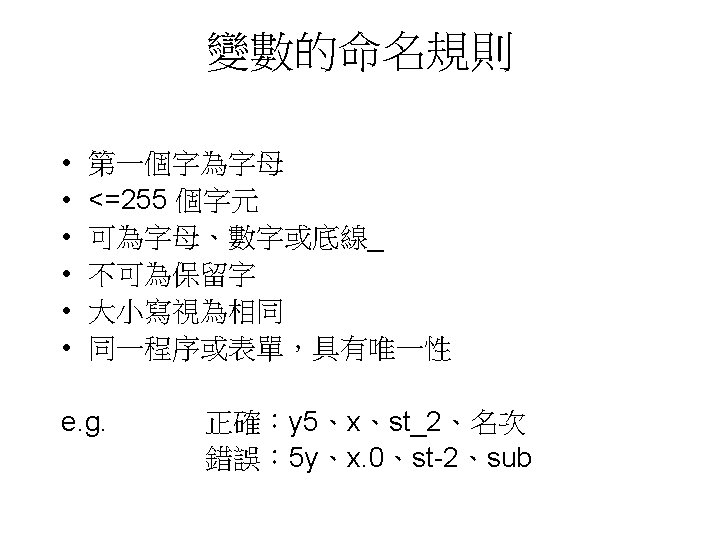
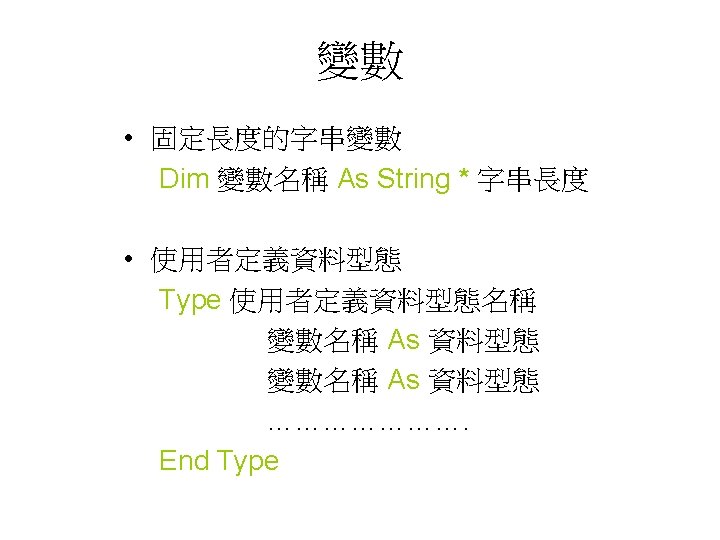
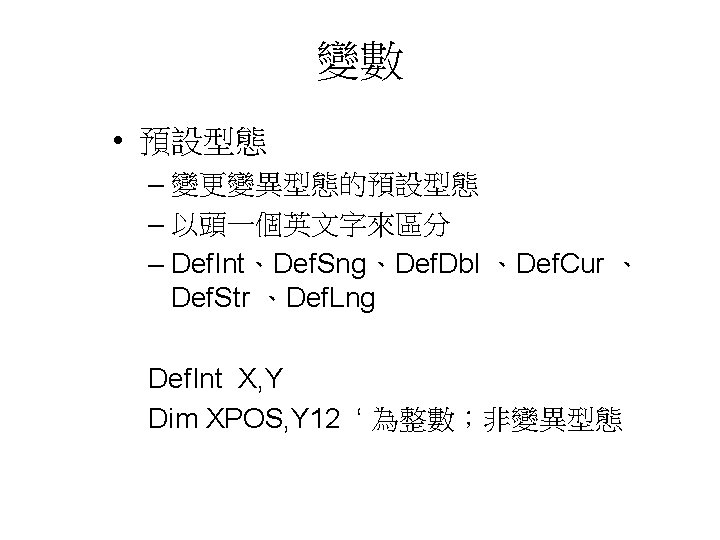
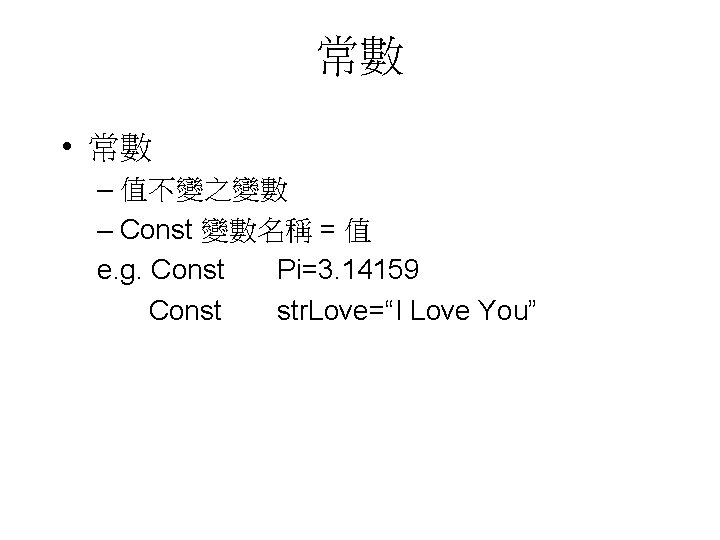
常數 • 常數 – 值不變之變數 – Const 變數名稱 = 值 e. g. Const Pi=3. 14159 Const str. Love=“I Love You”
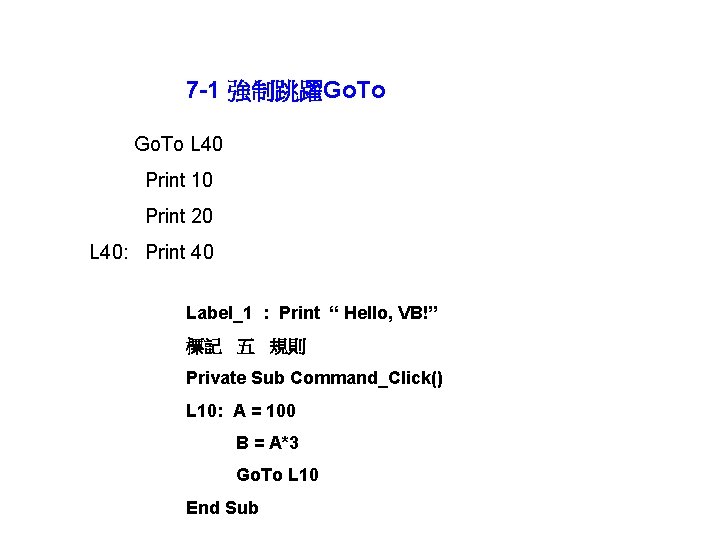
7 -1 強制跳躍Go. To L 40 Print 10 Print 20 L 40: Print 40 Label_1 : Print “ Hello, VB!” 標記 五 規則 Private Sub Command_Click() L 10: A = 100 B = A*3 Go. To L 10 End Sub
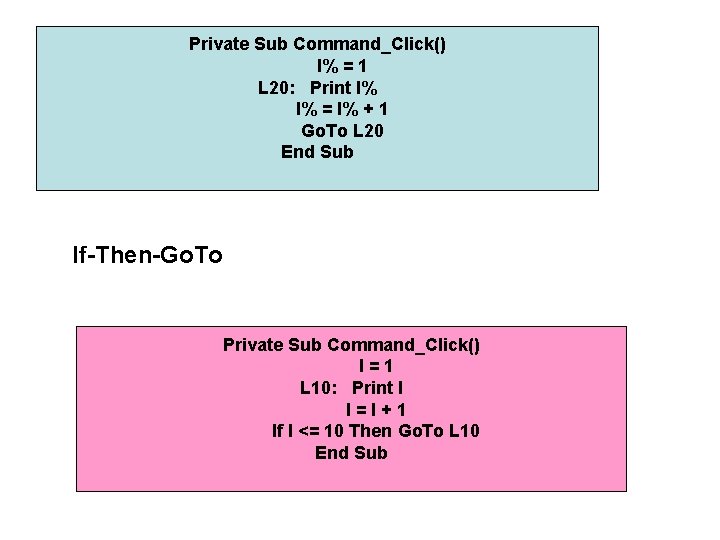
Private Sub Command_Click() I% = 1 L 20: Print I% I% = I% + 1 Go. To L 20 End Sub If-Then-Go. To Private Sub Command_Click() I=1 L 10: Print I I=I+1 If I <= 10 Then Go. To L 10 End Sub
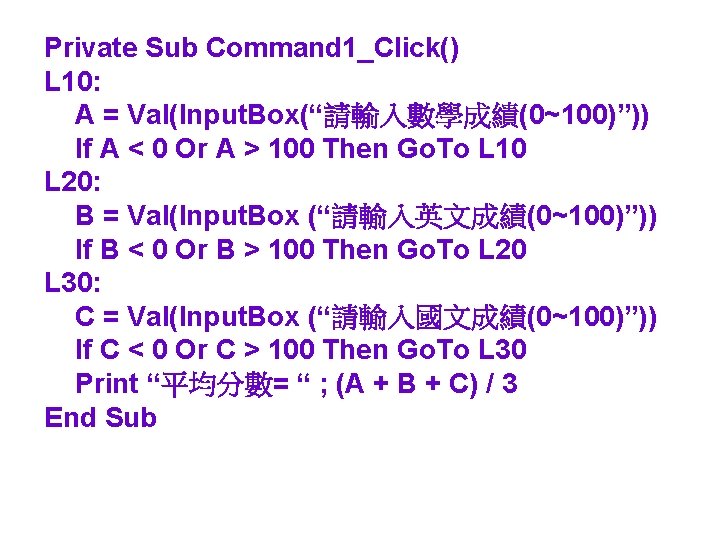
Private Sub Command 1_Click() L 10: A = Val(Input. Box(“請輸入數學成績(0~100)”)) If A < 0 Or A > 100 Then Go. To L 10 L 20: B = Val(Input. Box (“請輸入英文成績(0~100)”)) If B < 0 Or B > 100 Then Go. To L 20 L 30: C = Val(Input. Box (“請輸入國文成績(0~100)”)) If C < 0 Or C > 100 Then Go. To L 30 Print “平均分數= “ ; (A + B + C) / 3 End Sub
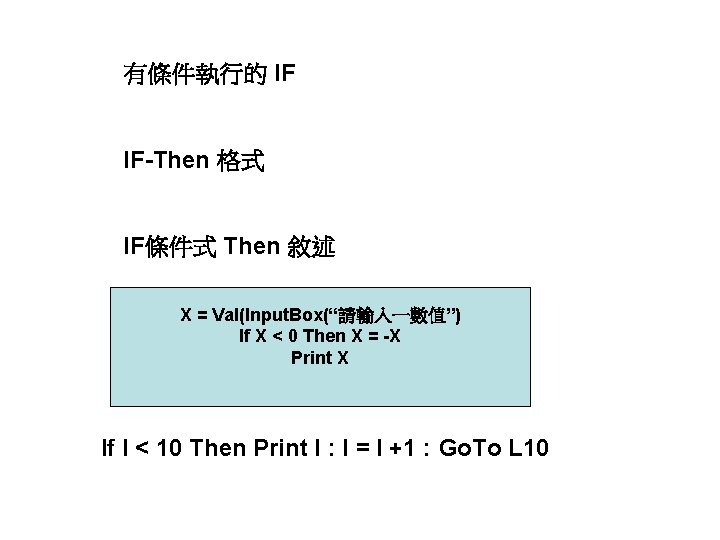
有條件執行的 IF IF-Then 格式 IF條件式 Then 敘述 X = Val(Input. Box(“請輸入一數值”) If X < 0 Then X = -X Print X If I < 10 Then Print I : I = I +1 : Go. To L 10
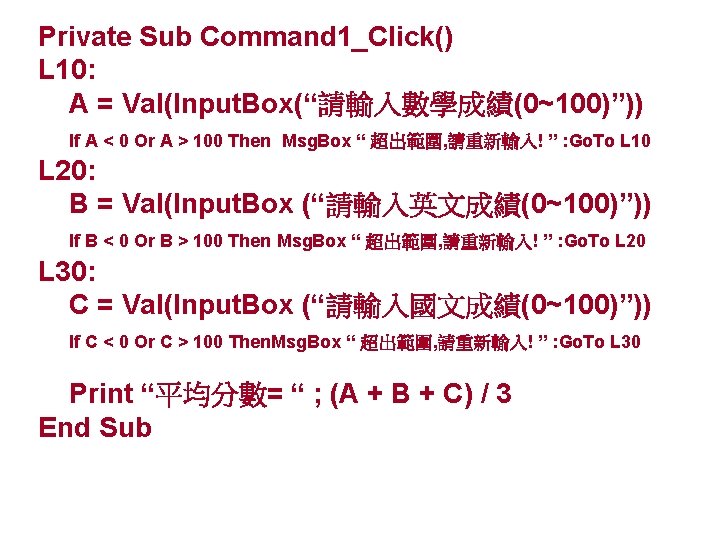
Private Sub Command 1_Click() L 10: A = Val(Input. Box(“請輸入數學成績(0~100)”)) If A < 0 Or A > 100 Then Msg. Box “ 超出範圍, 請重新輸入! ” : Go. To L 10 L 20: B = Val(Input. Box (“請輸入英文成績(0~100)”)) If B < 0 Or B > 100 Then Msg. Box “ 超出範圍, 請重新輸入! ” : Go. To L 20 L 30: C = Val(Input. Box (“請輸入國文成績(0~100)”)) If C < 0 Or C > 100 Then. Msg. Box “ 超出範圍, 請重新輸入! ” : Go. To L 30 Print “平均分數= “ ; (A + B + C) / 3 End Sub
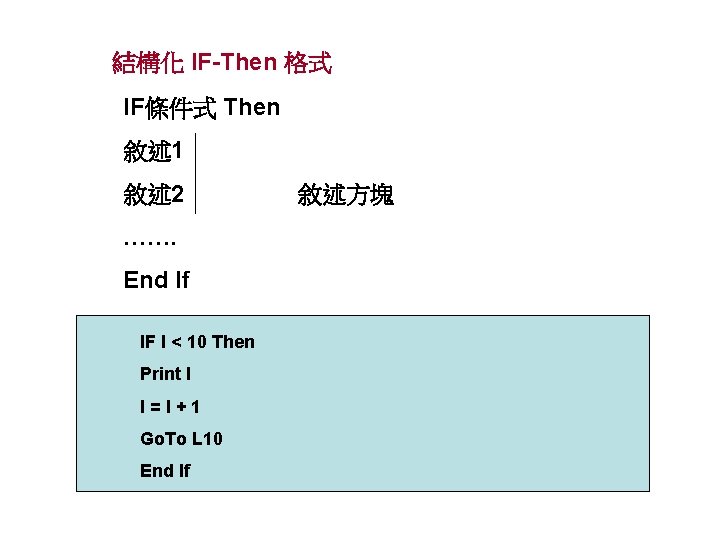
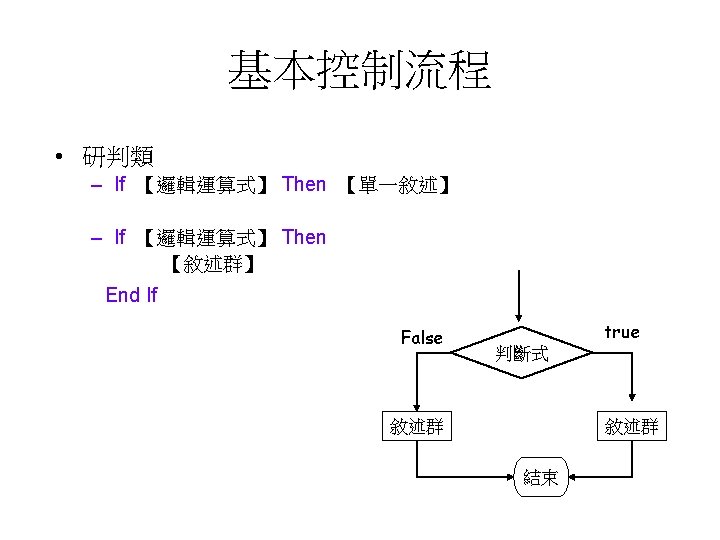
結構化 IF-Then 格式 IF條件式 Then 敘述 1 敘述 2 ……. End If IF I < 10 Then Print I I=I+1 Go. To L 10 End If 敘述方塊
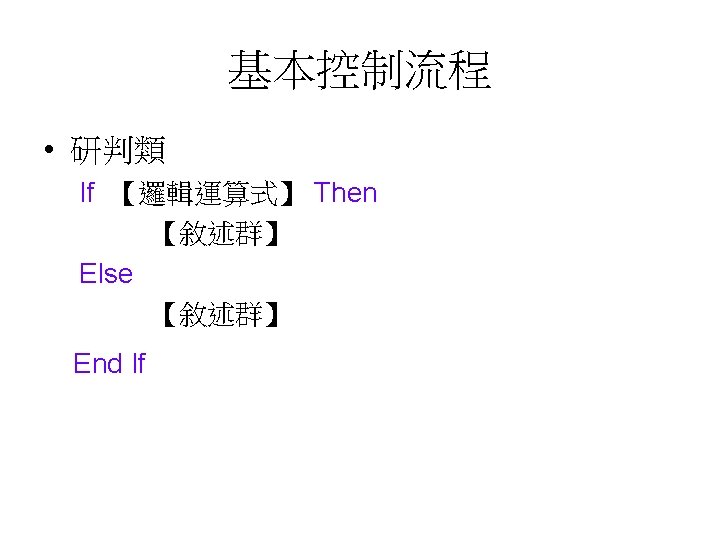
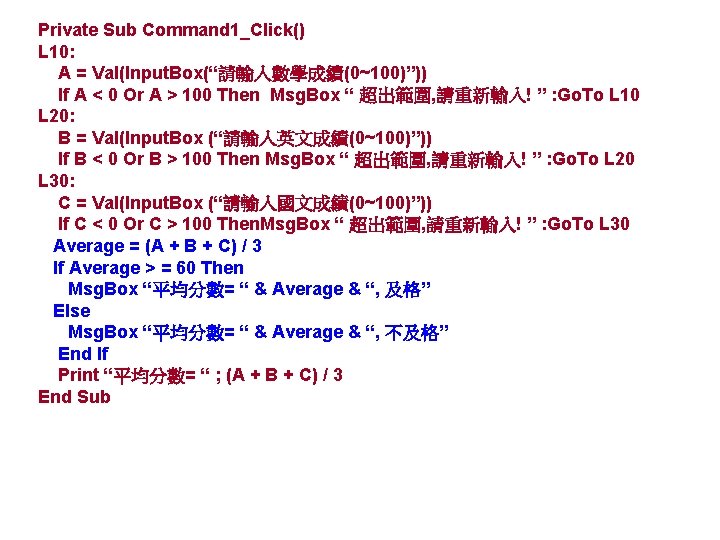
Private Sub Command 1_Click() L 10: A = Val(Input. Box(“請輸入數學成績(0~100)”)) If A < 0 Or A > 100 Then Msg. Box “ 超出範圍, 請重新輸入! ” : Go. To L 10 L 20: B = Val(Input. Box (“請輸入英文成績(0~100)”)) If B < 0 Or B > 100 Then Msg. Box “ 超出範圍, 請重新輸入! ” : Go. To L 20 L 30: C = Val(Input. Box (“請輸入國文成績(0~100)”)) If C < 0 Or C > 100 Then. Msg. Box “ 超出範圍, 請重新輸入! ” : Go. To L 30 Average = (A + B + C) / 3 If Average > = 60 Then Msg. Box “平均分數= “ & Average & “, 及格” Else Msg. Box “平均分數= “ & Average & “, 不及格” End If Print “平均分數= “ ; (A + B + C) / 3 End Sub
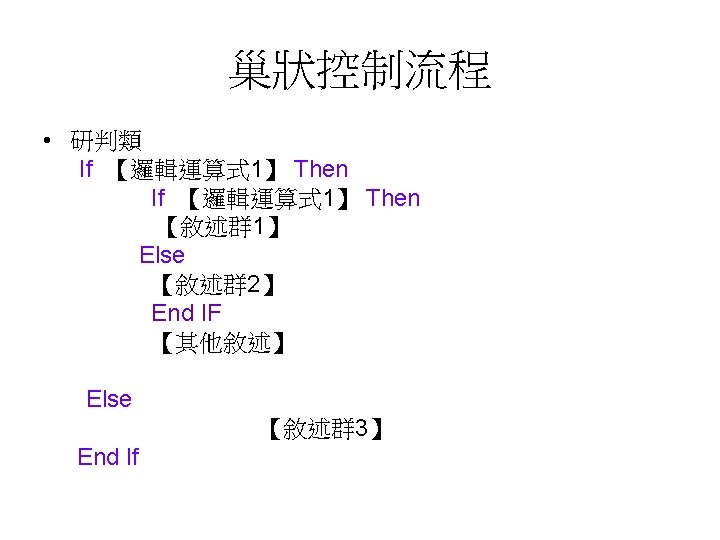
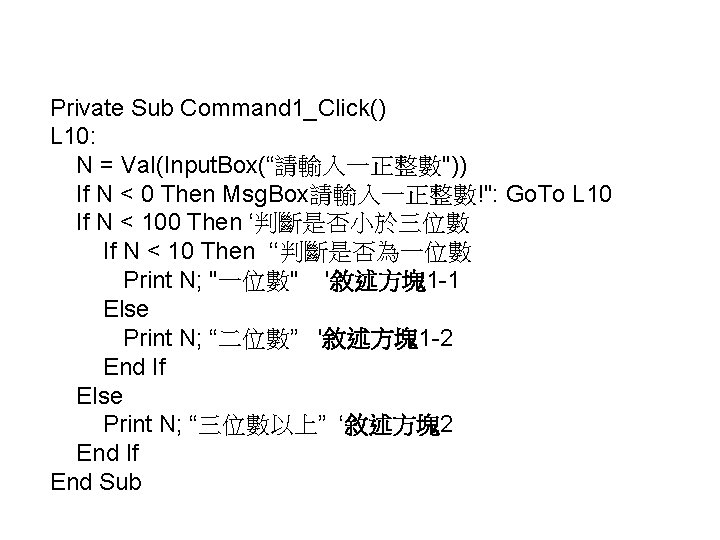
Private Sub Command 1_Click() L 10: N = Val(Input. Box(“請輸入一正整數")) If N < 0 Then Msg. Box請輸入一正整數!": Go. To L 10 If N < 100 Then ‘判斷是否小於三位數 If N < 10 Then ‘‘判斷是否為一位數 Print N; "一位數" '敘述方塊1 -1 Else Print N; “二位數” '敘述方塊1 -2 End If Else Print N; “三位數以上” ‘敘述方塊2 End If End Sub
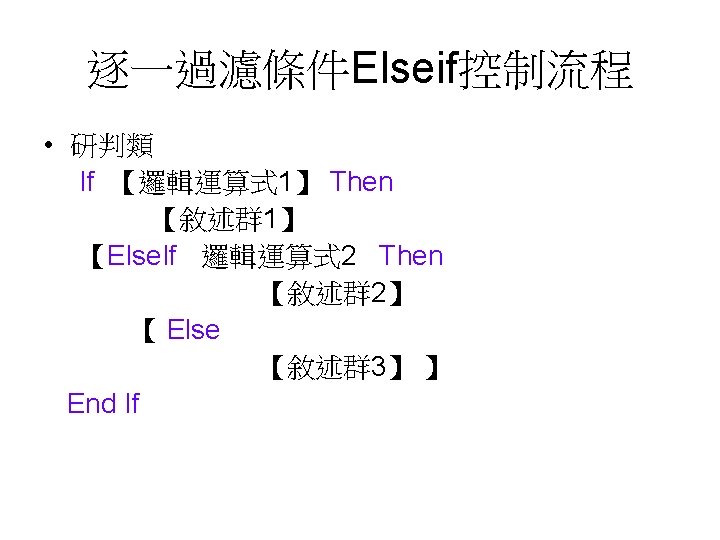
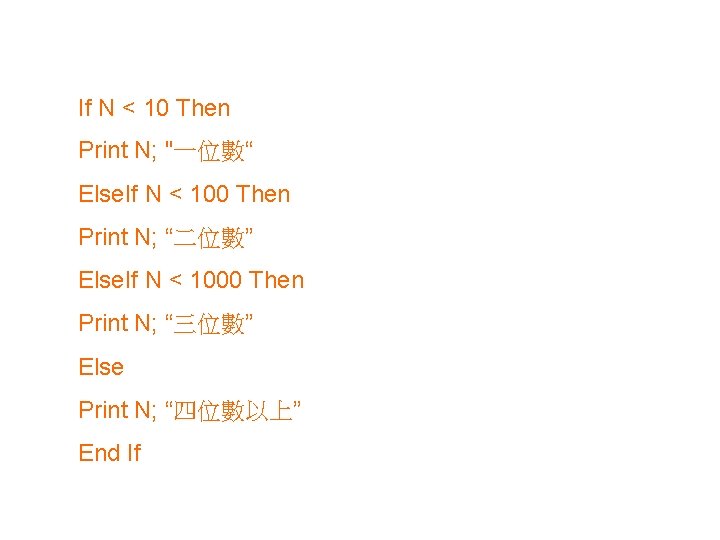
If N < 10 Then Print N; "一位數“ Else. If N < 100 Then Print N; “二位數” Else. If N < 1000 Then Print N; “三位數” Else Print N; “四位數以上” End If
- Slides: 19