
Principles of IT Using the Tool Palette Vocabulary
Principles of IT Using the Tool Palette Vocabulary
Copyright © Texas Education Agency, 2017. These Materials are copyrighted © and trademarked ™ as the property of the Texas Education Agency (TEA) and may not be reproduced without the express written permission of TEA, except under the following conditions: 1) Texas public school districts, charter schools, and Education Service Centers may reproduce and use copies of the Materials and Related Materials for the districts’ and schools’ educational use without obtaining permission from TEA. 2) Residents of the state of Texas may reproduce and use copies of the Materials and Related Materials for individual personal use only, without obtaining written permission of TEA. 3) Any portion reproduced must be reproduced in its entirety and remain unedited, unaltered and unchanged in any way. 4) No monetary charge can be made for the reproduced materials or any document containing them; however, a reasonable charge to cover only the cost of reproduction and distribution may be charged. Private entities or persons located in Texas that are not Texas public school districts, Texas Education Service Centers, or Texas charter schools or any entity, whether public or private, educational or non-educational, located outside the state of Texas MUST obtain written approval from TEA and will be required to enter into a license agreement that may involve the payment of a licensing fee or a royalty. For information contact: Office of Copyrights, Trademarks, License Agreements, and Royalties, Texas Education Agency, 1701 N. Congress Ave. , Austin, TX 78701 -1494; phone 512 -463 -7004; email: copyrights@tea. state. tx. us. Copyright © Texas Education Agency, 2017. All rights reserved. 2
The Tool Palette A selection of tools that allow you to insert shapes and choose shape styles such as color fill, outline color and line weight, size, layout, and even fill effects. Copyright © Texas Education Agency, 2017. All rights reserved. 3

Shapes Graphics organized into categories such as basic shapes, lines, block arrows, flowcharts, callouts, and stars and banners. Copyright © Texas Education Agency, 2017. All rights reserved. 4
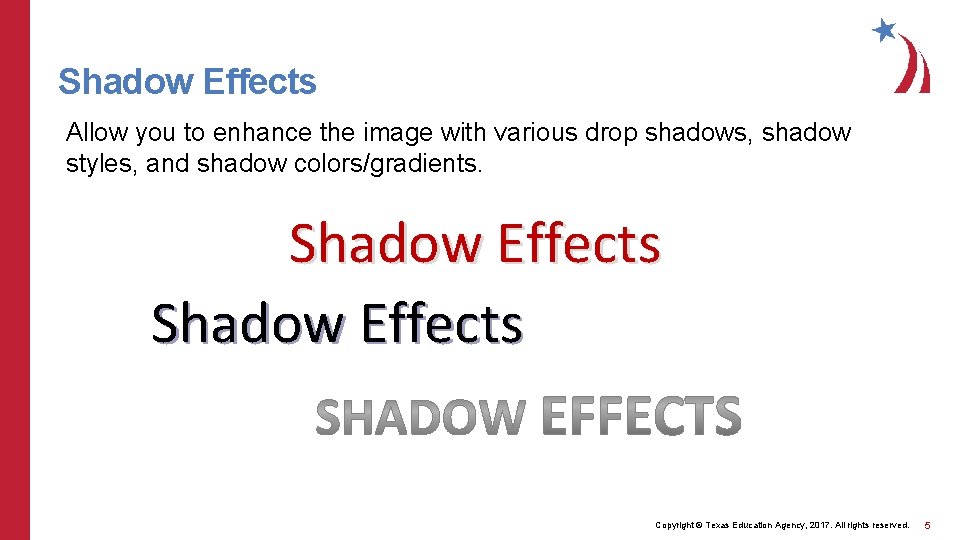
Shadow Effects Allow you to enhance the image with various drop shadows, shadow styles, and shadow colors/gradients. Shadow Effects Copyright © Texas Education Agency, 2017. All rights reserved. 5
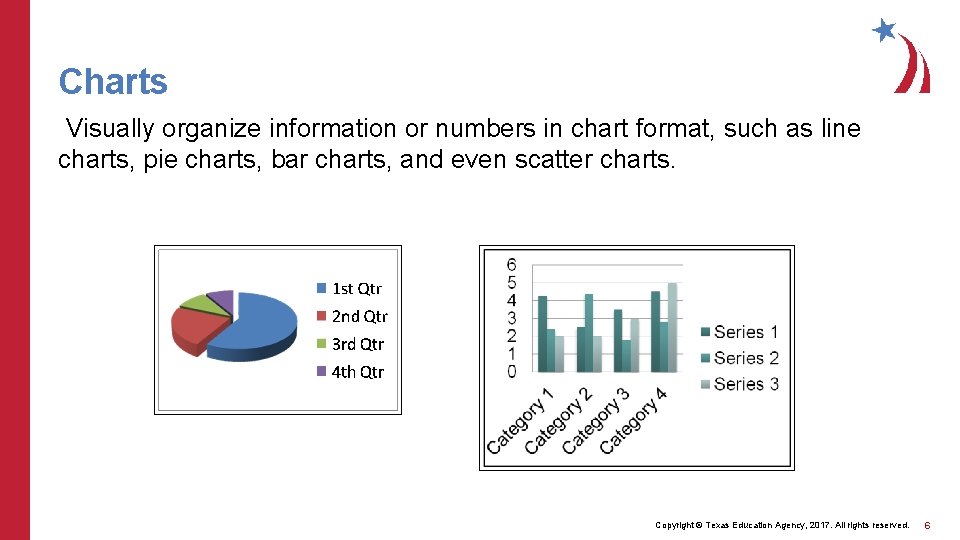
Charts Visually organize information or numbers in chart format, such as line charts, pie charts, bar charts, and even scatter charts. Copyright © Texas Education Agency, 2017. All rights reserved. 6
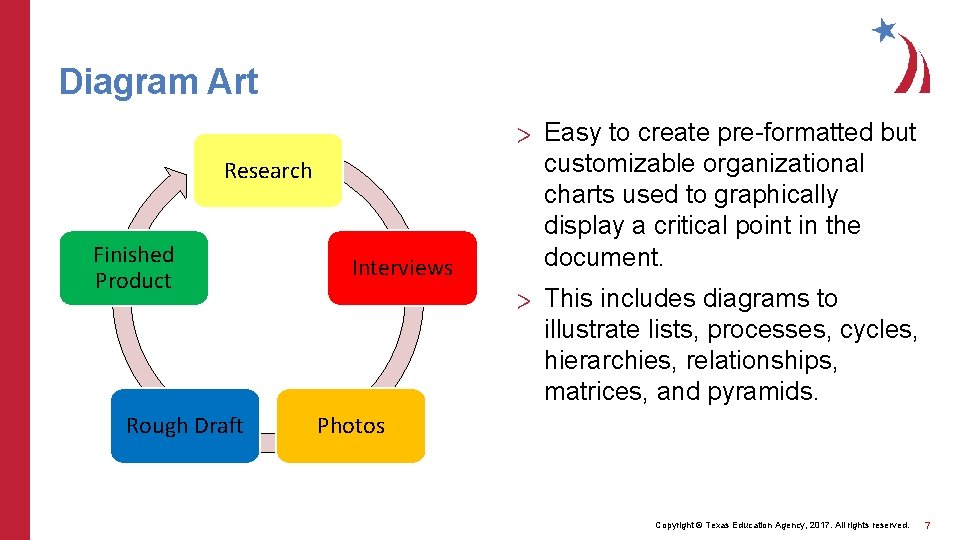
Diagram Art Research Finished Product Rough Draft Interviews > Easy to create pre-formatted but customizable organizational charts used to graphically display a critical point in the document. > This includes diagrams to illustrate lists, processes, cycles, hierarchies, relationships, matrices, and pyramids. Photos Copyright © Texas Education Agency, 2017. All rights reserved. 7
Position/Text Wrapping A layout option that allows you to position the image horizontally and vertically, as well as “wrap text” around an image, bring text in front of an image, bring the image in front of the text, put the image in line with the text etc. Copyright © Texas Education Agency, 2017. All rights reserved. 8
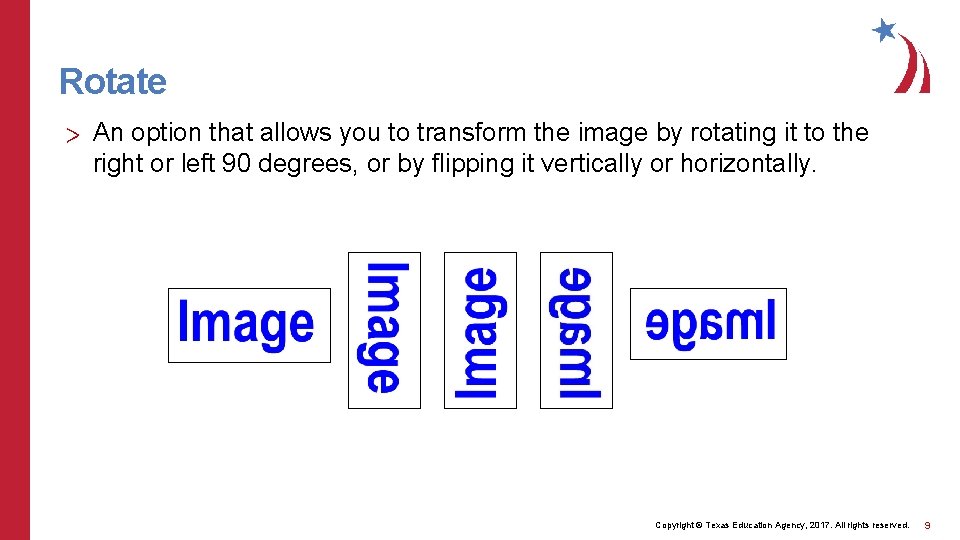
Rotate > An option that allows you to transform the image by rotating it to the right or left 90 degrees, or by flipping it vertically or horizontally. Copyright © Texas Education Agency, 2017. All rights reserved. 9
- Slides: 9