
Principles of Information Technology Chapter 18 Understanding Graphics
- Slides: 10
Principles of Information Technology Chapter 18: Understanding Graphics
File Compression and Graphics § Graphics files can be very large. When they are stored on the computer, the images are often compressed, or saved in a format requiring less space. § In lossless compression, information is removed in such a way that all of it can later be fully restored without introducing errors. § In lossy compression, some information is permanently removed from the file in such a way that it cannot be restored to its original state.
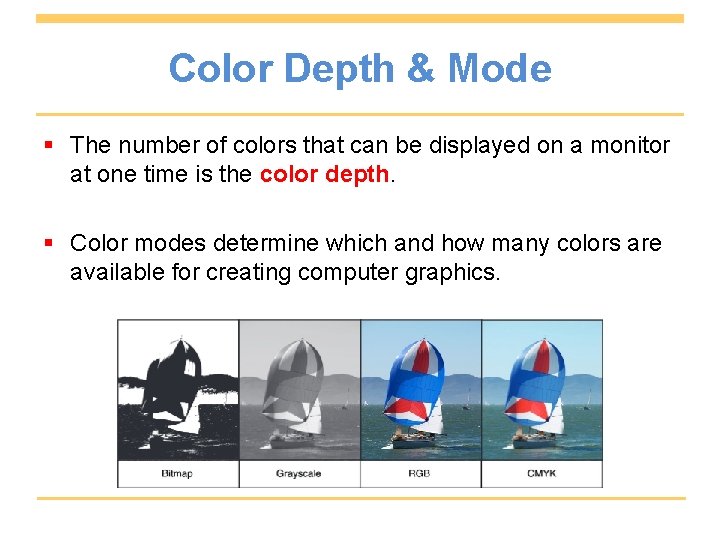
Color Depth & Mode § The number of colors that can be displayed on a monitor at one time is the color depth. § Color modes determine which and how many colors are available for creating computer graphics.
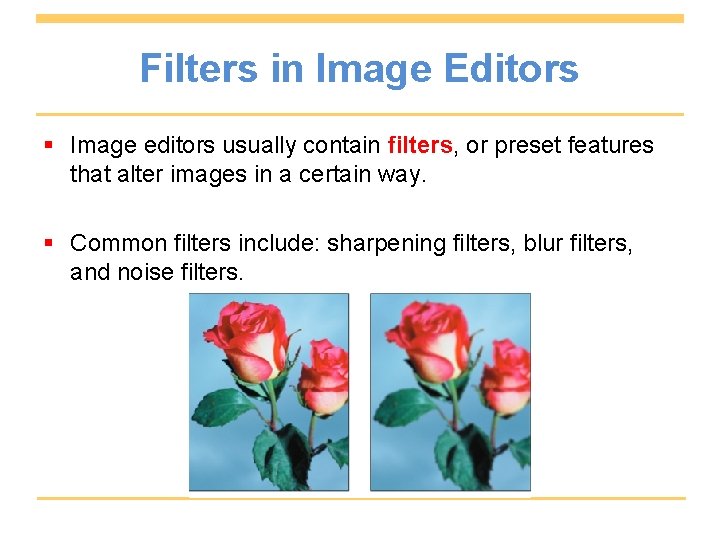
Filters in Image Editors § Image editors usually contain filters, or preset features that alter images in a certain way. § Common filters include: sharpening filters, blur filters, and noise filters.
Image Editor Selection Tools § A selection tool is a graphics tool that allows you to choose one part of an image or the objects that make up an image. The rectangle selection tool is sometimes called the Marquee tool, and highlights a simple shape. The Lasso tool in an image editor is used to select complex, or freehand, shapes. The Magic Wand is used to select all touching pixels of a similar color.
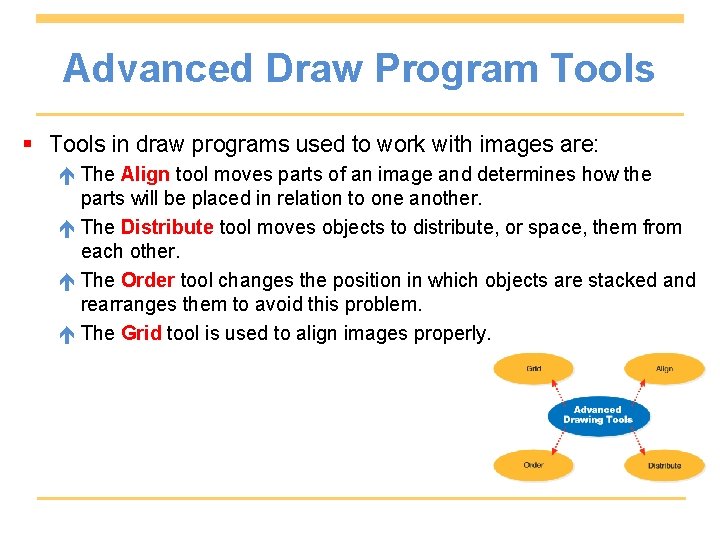
Advanced Draw Program Tools § Tools in draw programs used to work with images are: The Align tool moves parts of an image and determines how the parts will be placed in relation to one another. The Distribute tool moves objects to distribute, or space, them from each other. The Order tool changes the position in which objects are stacked and rearranges them to avoid this problem. The Grid tool is used to align images properly.
Animating Images § Before computers, animation was done by hand or with cameras. Sometimes, artists drew by hand each frame, or individual still image in a sequence. § The speed at which a frame moves, measured in number of images per second, is called the frame rate. § Tweening is the ability of a graphics program to determine in-between frames, so you do not need to draw every one.
Software for Viewing Animation § There are many file formats used for displaying streaming video, animation, or live action. § Player software, a program that interprets the information in an animation file, must be installed in order to view animated graphics on a computer monitor.
Chapter Review § Graphics files often need compression because they are large files that use a lot of storage space and take time to download. Compressing the files reduces both. § RGB mode is used to design computer graphics because computer monitors display RGB color. § Input devices that allow graphics in other formats to be digitized include scanners and digital cameras.
Chapter Review (continued) § Tweening has given animators the ability to determine inbetween frames, so they do not need to draw every one. They just draw the starting and ending frames, and the computer draws those in-between frames in sequence. § One advantage of vector animation includes quick downloads.