
Principles of Computer Science I Prof Nadeem Abdul
Principles of Computer Science I Prof. Nadeem Abdul Hamid CSC 120 – Fall 2005 Lecture Unit 6 - Decisions 1
Lecture Outline l l Implementing decisions using if statements Grouping statements into blocks Comparing numbers, strings, and objects Using Boolean operators and variables CSC 120 — Berry College — Fall 2005 2
Making Decisions l Computer programs often need to make decisions l l Take different actions depending on some condition(s) Example: Can’t withdraw more money than in account balance l “If amount-to-withdraw is less than available balance then deduct from balance; otherwise charge a penalty to the balance. ” l if ( amount <= balance ) balance = balance - amount; 3
if/else l Statement Does this work? if ( amount <= balance ) balance = balance - amount; if ( amount > balance ) balance = balance - OVERDRAFT_PENALTY; l How about this? if ( amount <= balance ) balance = balance - amount; else balance = balance - OVERDRAFT_PENALTY; 4
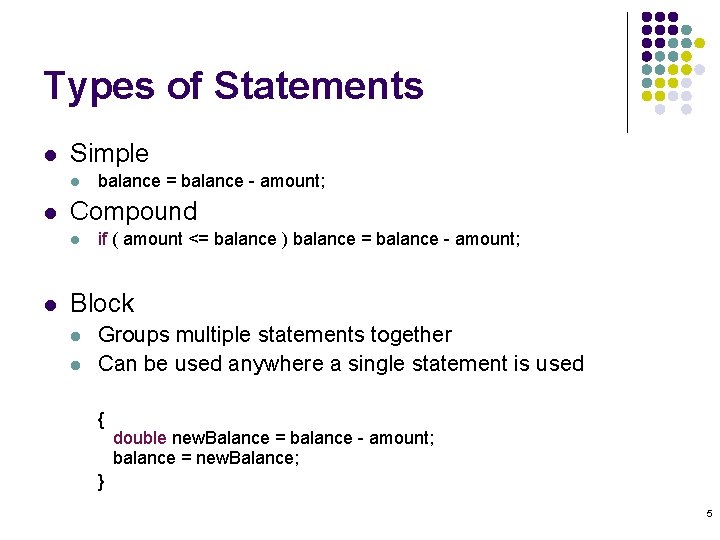
Types of Statements l Simple l l Compound l l balance = balance - amount; if ( amount <= balance ) balance = balance - amount; Block l l Groups multiple statements together Can be used anywhere a single statement is used { double new. Balance = balance - amount; balance = new. Balance; } 5
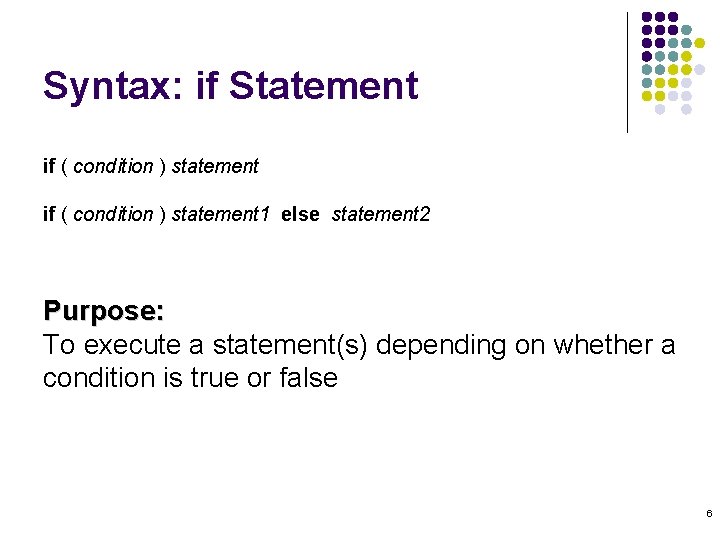
Syntax: if Statement if ( condition ) statement 1 else statement 2 Purpose: To execute a statement(s) depending on whether a condition is true or false 6
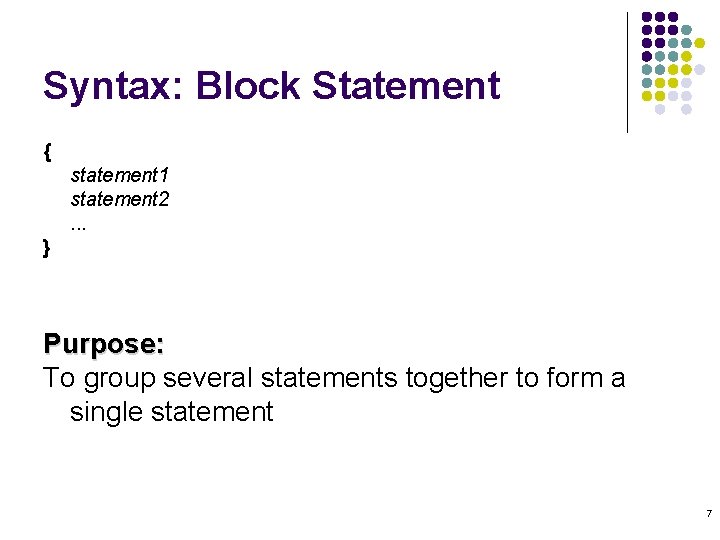
Syntax: Block Statement { statement 1 statement 2. . . } Purpose: To group several statements together to form a single statement 7
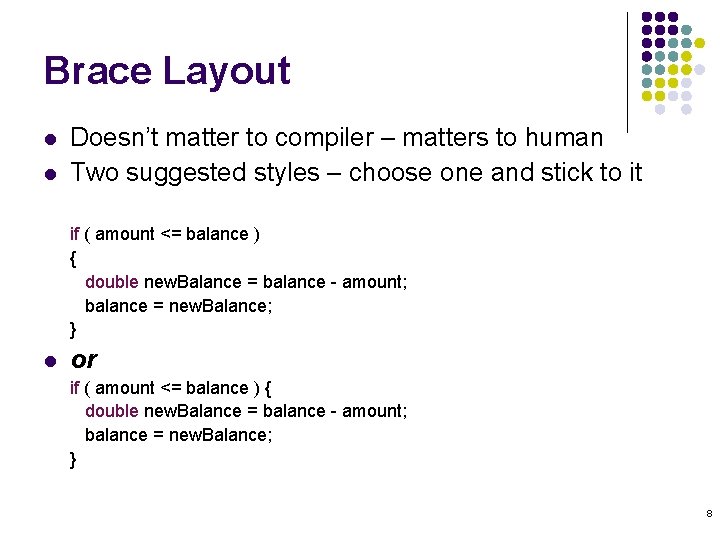
Brace Layout l l Doesn’t matter to compiler – matters to human Two suggested styles – choose one and stick to it if ( amount <= balance ) { double new. Balance = balance - amount; balance = new. Balance; } l or if ( amount <= balance ) { double new. Balance = balance - amount; balance = new. Balance; } 8
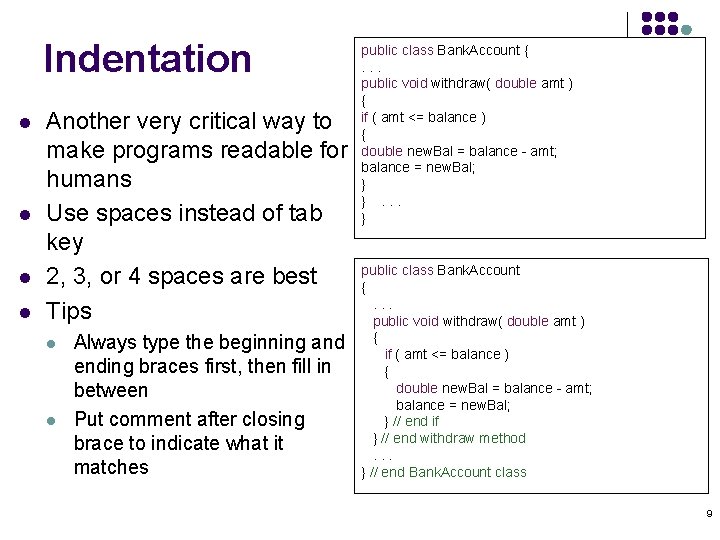
Indentation l l Another very critical way to make programs readable for humans Use spaces instead of tab key 2, 3, or 4 spaces are best Tips l l Always type the beginning and ending braces first, then fill in between Put comment after closing brace to indicate what it matches public class Bank. Account {. . . public void withdraw( double amt ) { if ( amt <= balance ) { double new. Bal = balance - amt; balance = new. Bal; } }. . . } public class Bank. Account {. . . public void withdraw( double amt ) { if ( amt <= balance ) { double new. Bal = balance - amt; balance = new. Bal; } // end if } // end withdraw method. . . } // end Bank. Account class 9
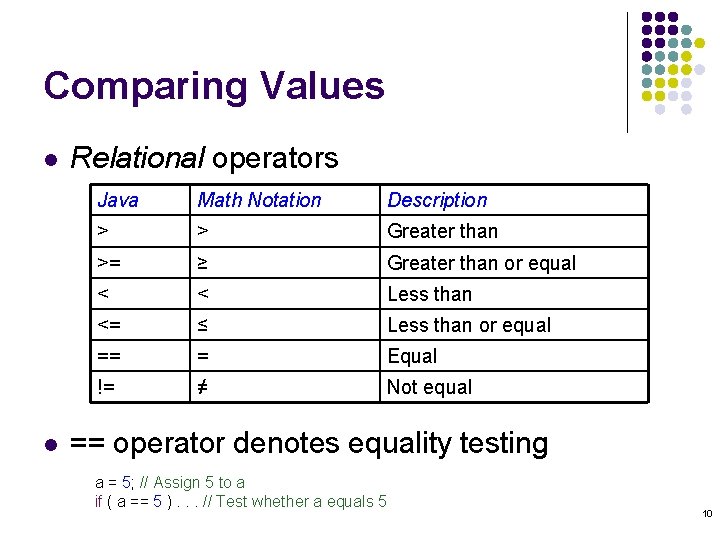
Comparing Values l l Relational operators Java Math Notation Description > > Greater than >= ≥ Greater than or equal < < Less than <= ≤ Less than or equal == = Equal != ≠ Not equal == operator denotes equality testing a = 5; // Assign 5 to a if ( a == 5 ). . . // Test whether a equals 5 10
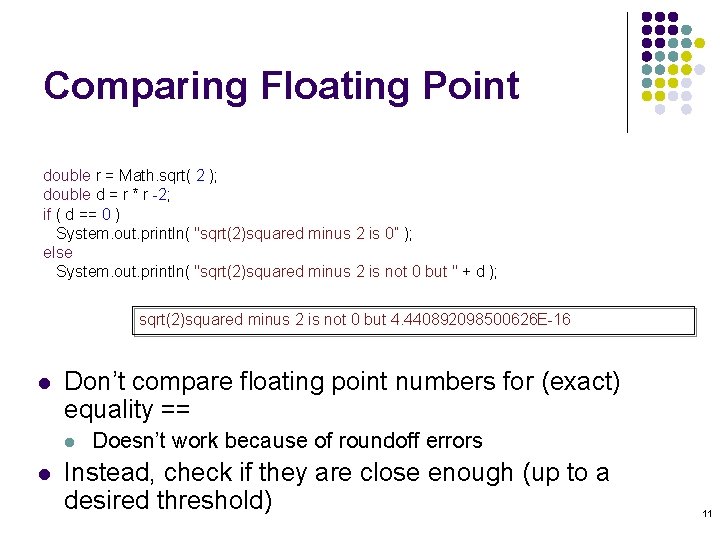
Comparing Floating Point double r = Math. sqrt( 2 ); double d = r * r -2; if ( d == 0 ) System. out. println( "sqrt(2)squared minus 2 is 0” ); else System. out. println( "sqrt(2)squared minus 2 is not 0 but " + d ); sqrt(2)squared minus 2 is not 0 but 4. 440892098500626 E-16 l Don’t compare floating point numbers for (exact) equality == l l Doesn’t work because of roundoff errors Instead, check if they are close enough (up to a desired threshold) 11

Comparing Floating Point (Correctly) l Test whether (absolute value of) the difference between two number is close to 0 l l Threshold often referred to as – ‘epsilon’ In Java: final double EPSILON = 1 E-14; . . . if ( Math. abs(x - y) <= EPSILON ) // x is approximately equal to y 12
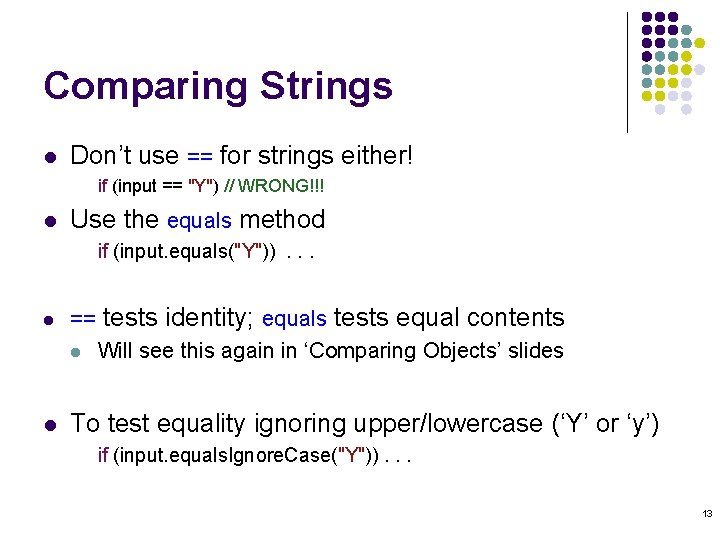
Comparing Strings l Don’t use == for strings either! if (input == "Y") // WRONG!!! l Use the equals method if (input. equals("Y")). . . l l == tests identity; equals tests equal contents l Will see this again in ‘Comparing Objects’ slides To test equality ignoring upper/lowercase (‘Y’ or ‘y’) if (input. equals. Ignore. Case("Y")). . . 13
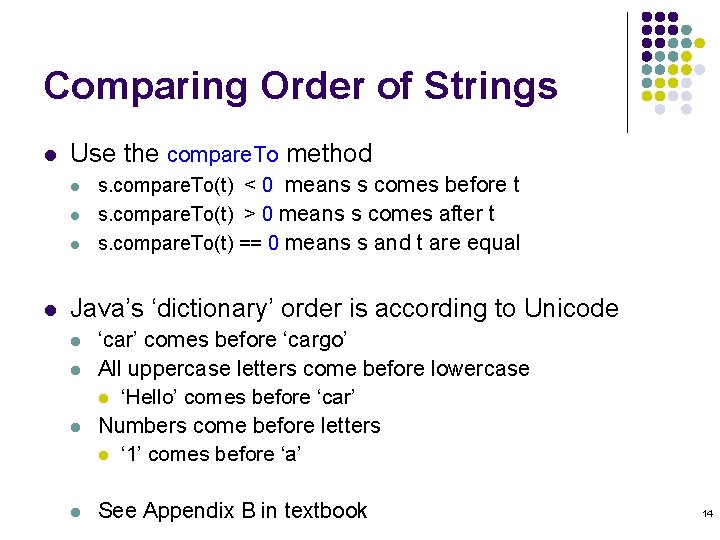
Comparing Order of Strings l Use the compare. To method l l s. compare. To(t) < 0 means s comes before t s. compare. To(t) > 0 means s comes after t s. compare. To(t) == 0 means s and t are equal Java’s ‘dictionary’ order is according to Unicode l l ‘car’ comes before ‘cargo’ All uppercase letters come before lowercase l ‘Hello’ comes before ‘car’ Numbers come before letters l ‘ 1’ comes before ‘a’ See Appendix B in textbook 14
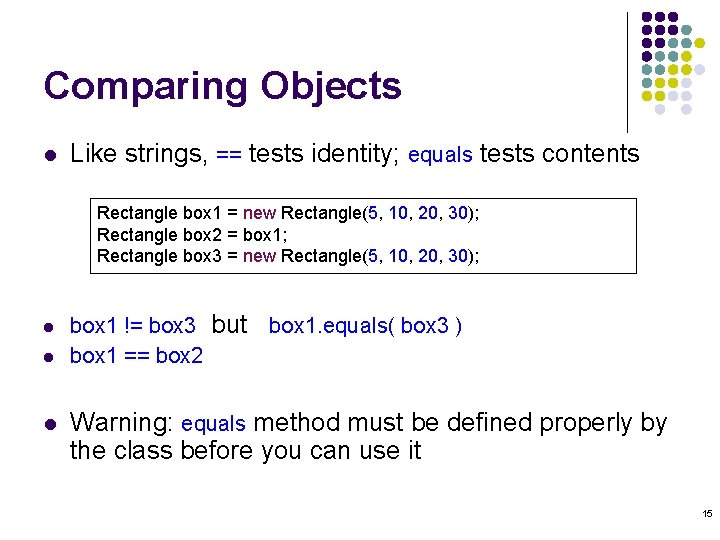
Comparing Objects l Like strings, == tests identity; equals tests contents Rectangle box 1 = new Rectangle(5, 10, 20, 30); Rectangle box 2 = box 1; Rectangle box 3 = new Rectangle(5, 10, 20, 30); l l l box 1 != box 3 but box 1. equals( box 3 ) box 1 == box 2 Warning: equals method must be defined properly by the class before you can use it 15
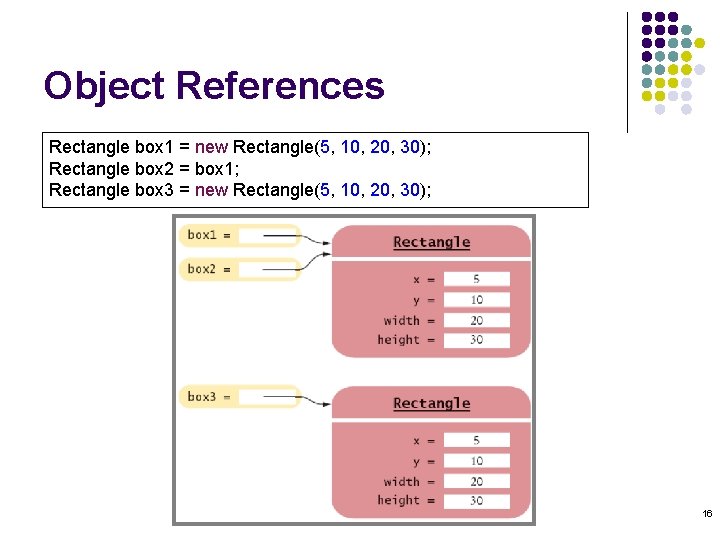
Object References Rectangle box 1 = new Rectangle(5, 10, 20, 30); Rectangle box 2 = box 1; Rectangle box 3 = new Rectangle(5, 10, 20, 30); 16
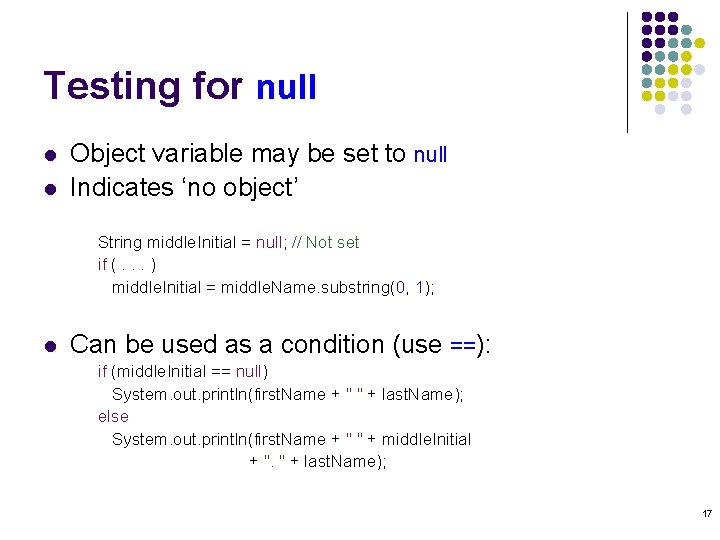
Testing for null l l Object variable may be set to null Indicates ‘no object’ String middle. Initial = null; // Not set if (. . . ) middle. Initial = middle. Name. substring(0, 1); l Can be used as a condition (use ==): if (middle. Initial == null) System. out. println(first. Name + " " + last. Name); else System. out. println(first. Name + " " + middle. Initial + ". " + last. Name); 17
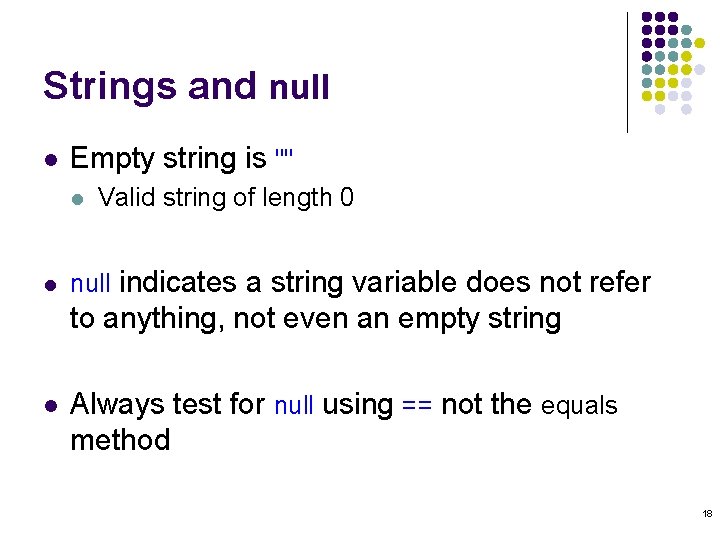
Strings and null l Empty string is "" l l Valid string of length 0 null indicates a string variable does not refer to anything, not even an empty string l Always test for null using == not the equals method 18
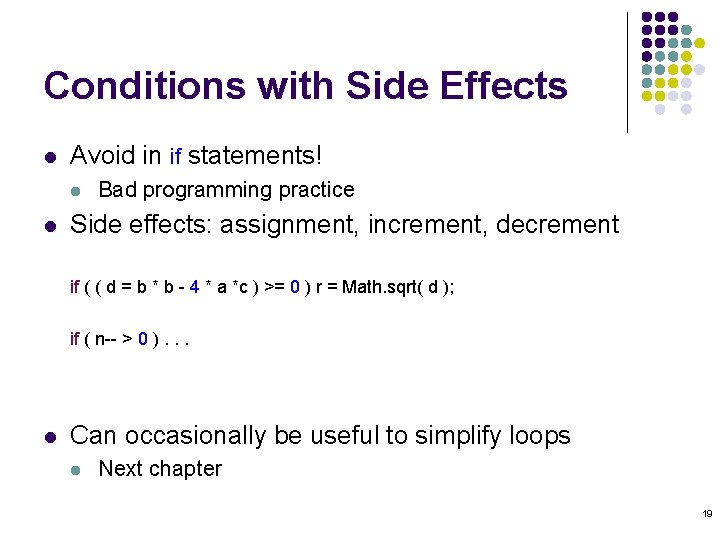
Conditions with Side Effects l Avoid in if statements! l l Bad programming practice Side effects: assignment, increment, decrement if ( ( d = b * b - 4 * a *c ) >= 0 ) r = Math. sqrt( d ); if ( n-- > 0 ). . . l Can occasionally be useful to simplify loops l Next chapter 19
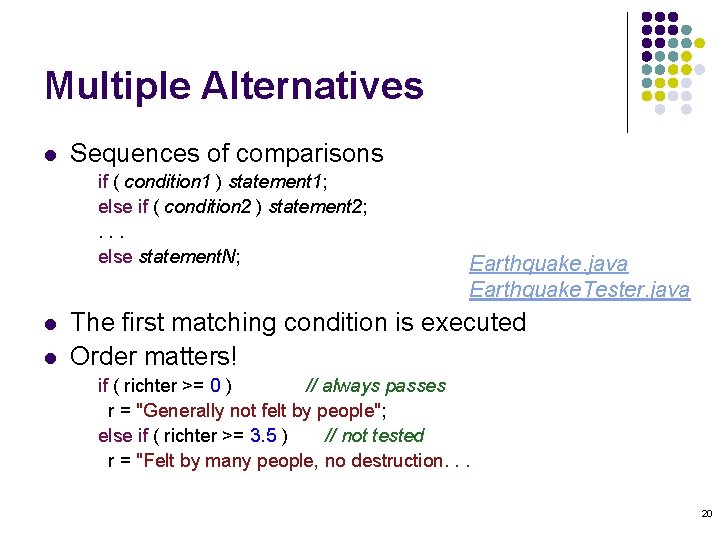
Multiple Alternatives l Sequences of comparisons if ( condition 1 ) statement 1; else if ( condition 2 ) statement 2; . . . else statement. N; l l Earthquake. java Earthquake. Tester. java The first matching condition is executed Order matters! if ( richter >= 0 ) // always passes r = "Generally not felt by people"; else if ( richter >= 3. 5 ) // not tested r = "Felt by many people, no destruction. . . 20
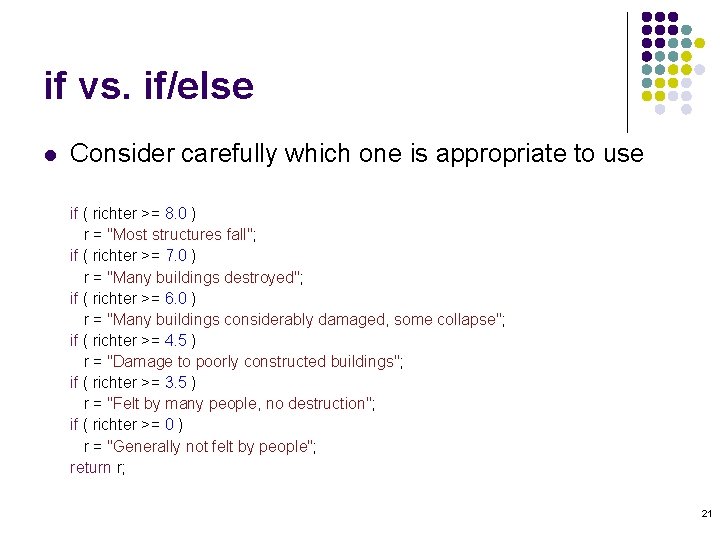
if vs. if/else l Consider carefully which one is appropriate to use if ( richter >= 8. 0 ) r = "Most structures fall"; if ( richter >= 7. 0 ) r = "Many buildings destroyed"; if ( richter >= 6. 0 ) r = "Many buildings considerably damaged, some collapse"; if ( richter >= 4. 5 ) r = "Damage to poorly constructed buildings"; if ( richter >= 3. 5 ) r = "Felt by many people, no destruction"; if ( richter >= 0 ) r = "Generally not felt by people"; return r; 21
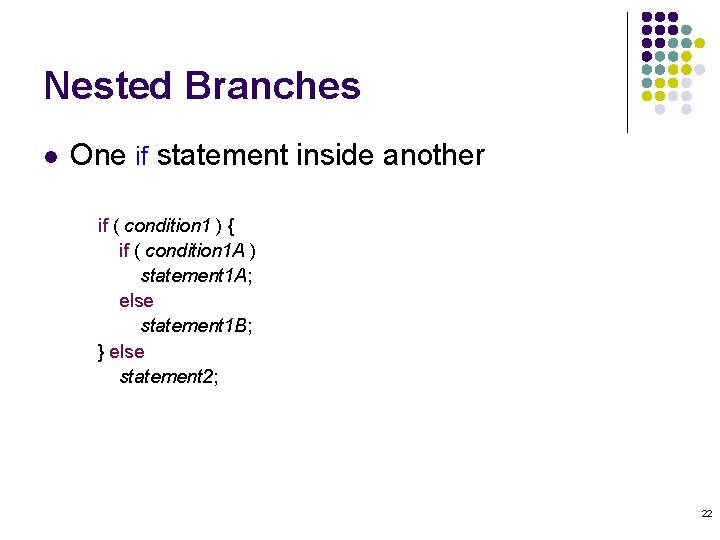
Nested Branches l One if statement inside another if ( condition 1 ) { if ( condition 1 A ) statement 1 A; else statement 1 B; } else statement 2; 22
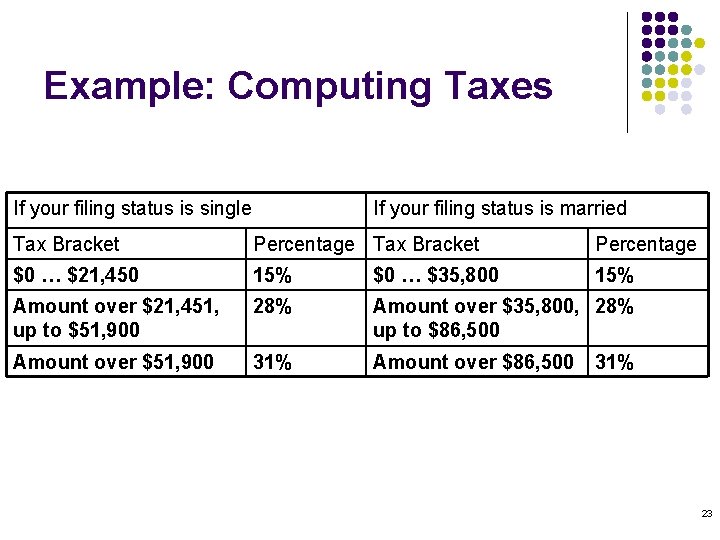
Example: Computing Taxes If your filing status is single If your filing status is married Tax Bracket Percentage $0 … $21, 450 15% $0 … $35, 800 15% Amount over $21, 451, up to $51, 900 28% Amount over $35, 800, 28% up to $86, 500 Amount over $51, 900 31% Amount over $86, 500 31% 23
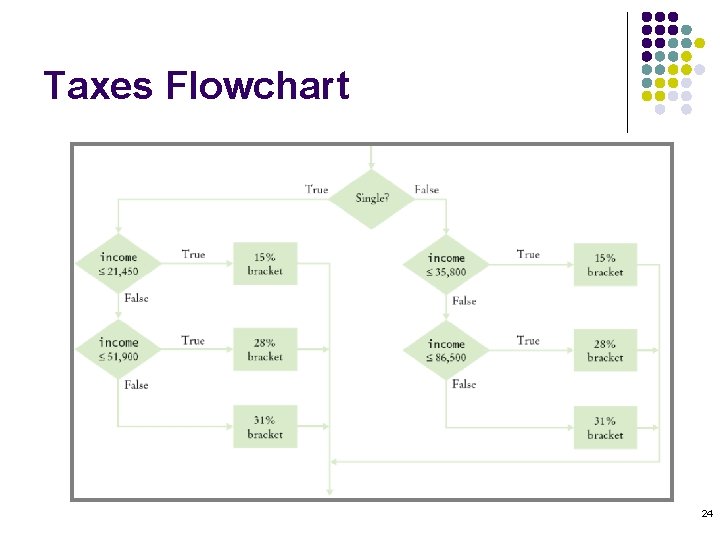
Taxes Flowchart 24
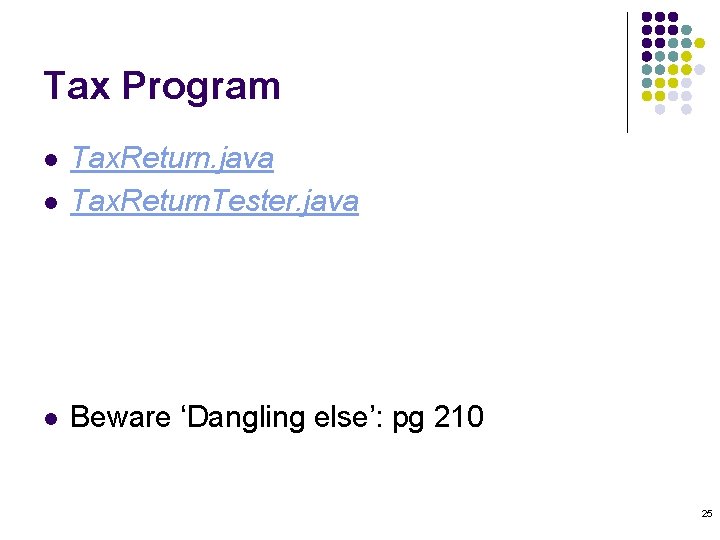
Tax Program l Tax. Return. java Tax. Return. Tester. java l Beware ‘Dangling else’: pg 210 l 25
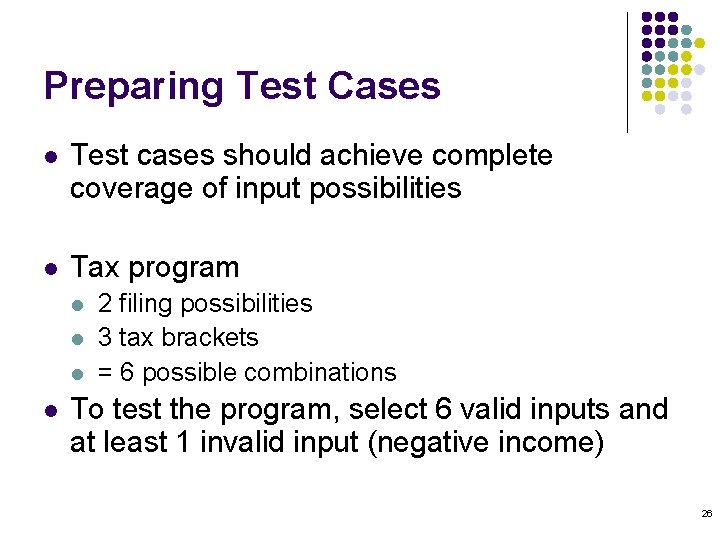
Preparing Test Cases l Test cases should achieve complete coverage of input possibilities l Tax program l l 2 filing possibilities 3 tax brackets = 6 possible combinations To test the program, select 6 valid inputs and at least 1 invalid input (negative income) 26
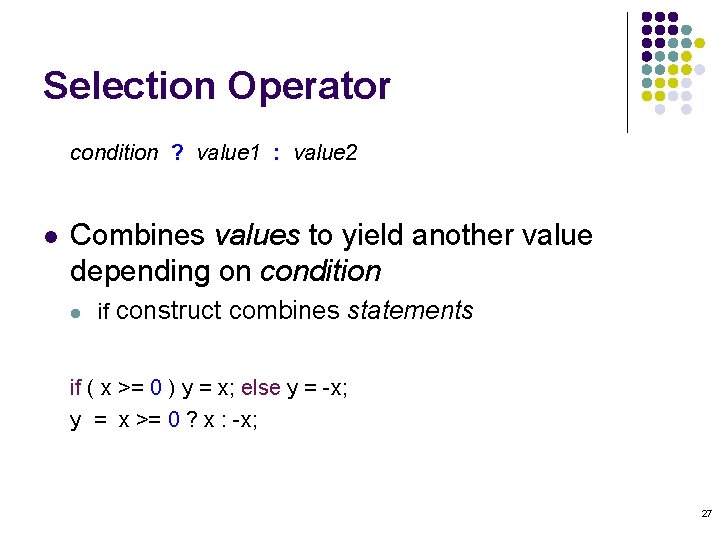
Selection Operator condition ? value 1 : value 2 l Combines values to yield another value depending on condition l if construct combines statements if ( x >= 0 ) y = x; else y = -x; y = x >= 0 ? x : -x; 27
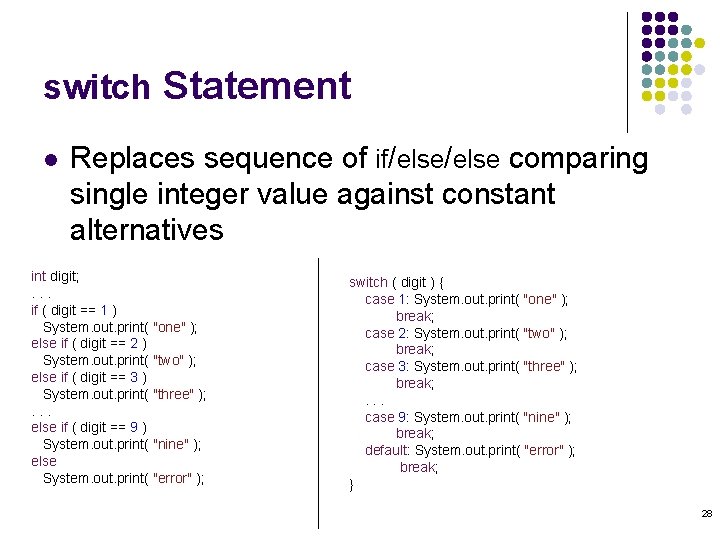
switch Statement l Replaces sequence of if/else comparing single integer value against constant alternatives int digit; . . . if ( digit == 1 ) System. out. print( "one" ); else if ( digit == 2 ) System. out. print( "two" ); else if ( digit == 3 ) System. out. print( "three" ); . . . else if ( digit == 9 ) System. out. print( "nine" ); else System. out. print( "error" ); switch ( digit ) { case 1: System. out. print( "one" ); break; case 2: System. out. print( "two" ); break; case 3: System. out. print( "three" ); break; . . . case 9: System. out. print( "nine" ); break; default: System. out. print( "error" ); break; } 28
switch Statement (cont. ) l Case values must be constants and must be integers, characters, or enumerated constants l l Cannot be used with floating point, string, or objects Without break statements, execution ‘falls through’ to the next case until the end 29
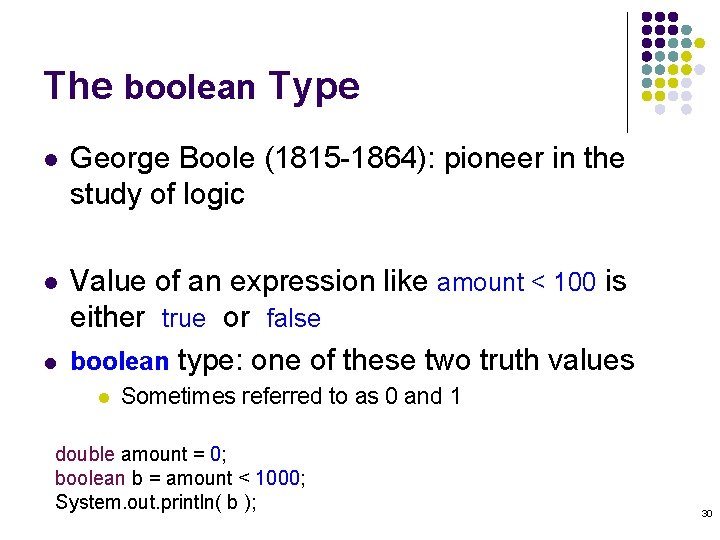
The boolean Type l George Boole (1815 -1864): pioneer in the study of logic l Value of an expression like amount < 100 is either true or false boolean type: one of these two truth values l l Sometimes referred to as 0 and 1 double amount = 0; boolean b = amount < 1000; System. out. println( b ); 30
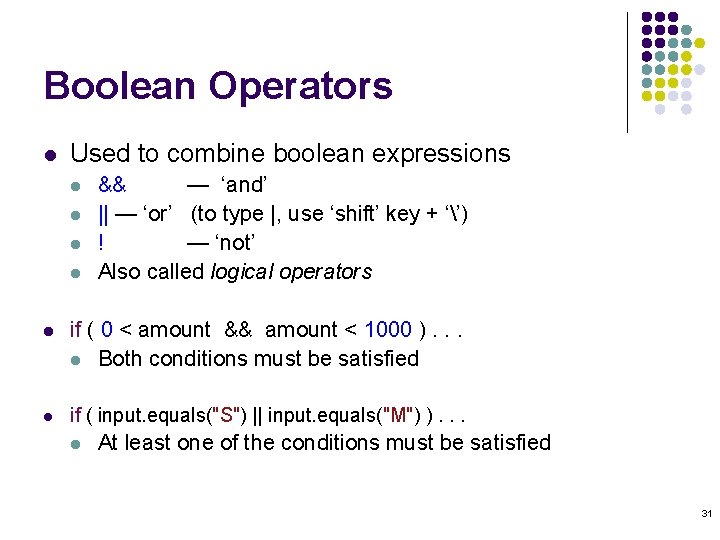
Boolean Operators l Used to combine boolean expressions l l && — ‘and’ || — ‘or’ (to type |, use ‘shift’ key + ‘’) ! — ‘not’ Also called logical operators l if ( 0 < amount && amount < 1000 ). . . l Both conditions must be satisfied l if ( input. equals("S") || input. equals("M") ). . . l At least one of the conditions must be satisfied 31
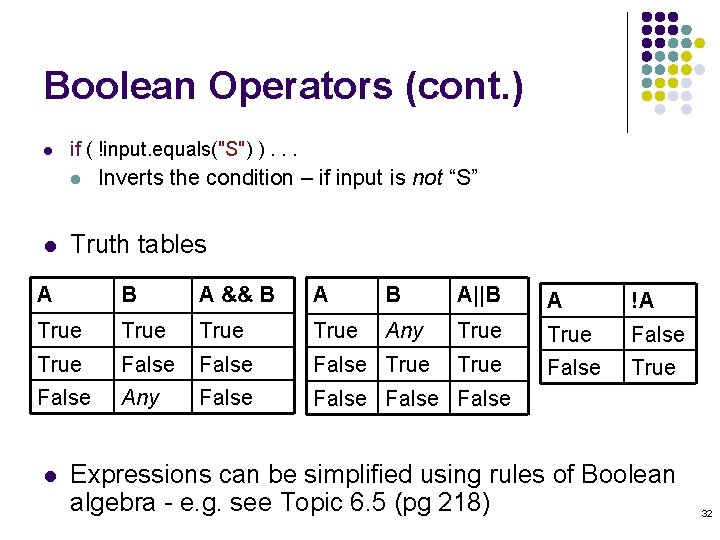
Boolean Operators (cont. ) l if ( !input. equals("S") ). . . l l Inverts the condition – if input is not “S” Truth tables A B A && B A||B A !A True Any True False False True False Any False l Expressions can be simplified using rules of Boolean algebra - e. g. see Topic 6. 5 (pg 218) 32
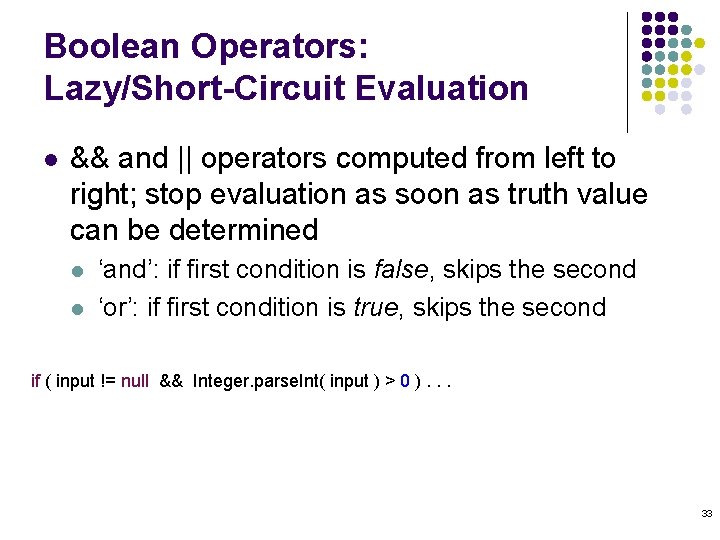
Boolean Operators: Lazy/Short-Circuit Evaluation l && and || operators computed from left to right; stop evaluation as soon as truth value can be determined l l ‘and’: if first condition is false, skips the second ‘or’: if first condition is true, skips the second if ( input != null && Integer. parse. Int( input ) > 0 ). . . 33
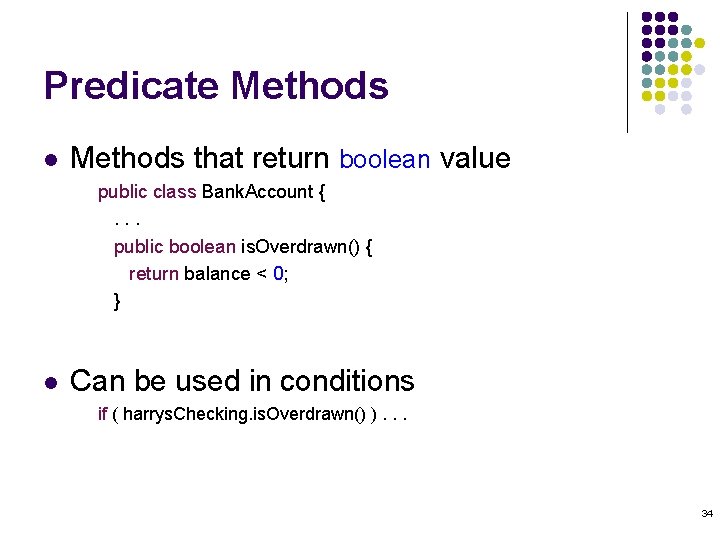
Predicate Methods l Methods that return boolean value public class Bank. Account {. . . public boolean is. Overdrawn() { return balance < 0; } l Can be used in conditions if ( harrys. Checking. is. Overdrawn() ). . . 34
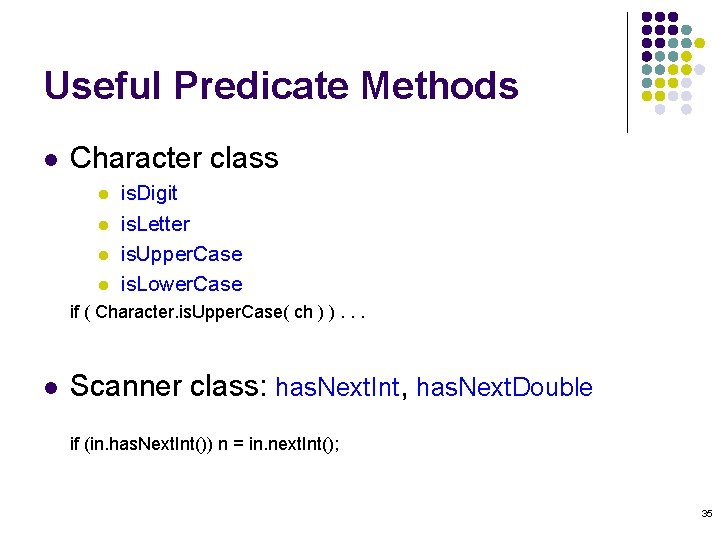
Useful Predicate Methods l Character class l l is. Digit is. Letter is. Upper. Case is. Lower. Case if ( Character. is. Upper. Case( ch ) ). . . l Scanner class: has. Next. Int, has. Next. Double if (in. has. Next. Int()) n = in. next. Int(); 35
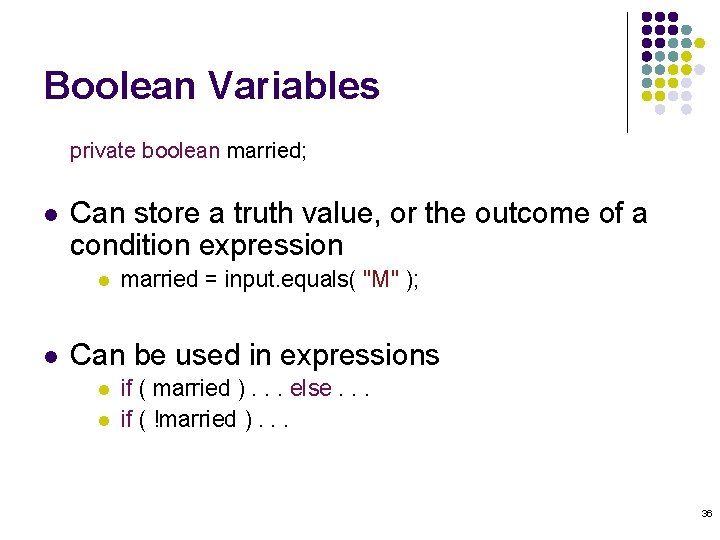
Boolean Variables private boolean married; l Can store a truth value, or the outcome of a condition expression l l married = input. equals( "M" ); Can be used in expressions l l if ( married ). . . else. . . if ( !married ). . . 36
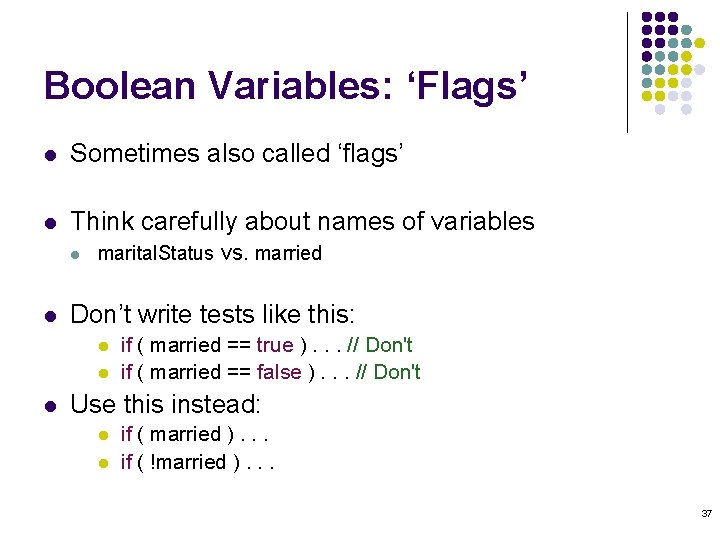
Boolean Variables: ‘Flags’ l Sometimes also called ‘flags’ l Think carefully about names of variables l l marital. Status vs. married Don’t write tests like this: l l l if ( married == true ). . . // Don't if ( married == false ). . . // Don't Use this instead: l l if ( married ). . . if ( !married ). . . 37
Artificial Intelligence l l Serious research: mid-1950 s Successes? l l Failures? l l Chess Theorem-proving OCR Translation Grammar-checking Most ‘AI’ techniques don’t actually imitate human thinking Ethical issues? . . . 38
- Slides: 38