
Principles of Acoustic Measurements Exercises l Basic Concepts
Principles of Acoustic Measurements Exercises: l Basic Concepts of Sound l Measuring Sound in Practice l Basic Frequency Analysis of Sound BA 7671 -11, 1
Basic Concepts of Sound BA 7671 -11, 2 l Sound Pressure Level Measurements – Measurement of perceptible change of SPL – Pressure/temperature analogy l d. B conversion l Sound Fields – Spatial Decay – Pressure increase at walls l d. B – Addition of d. B’s – Subtraction of d. B’s
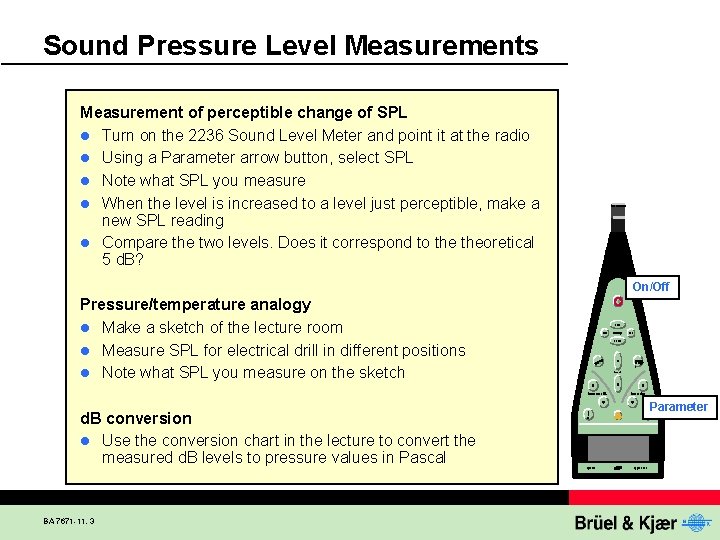
Sound Pressure Level Measurements Measurement of perceptible change of SPL l Turn on the 2236 Sound Level Meter and point it at the radio l Using a Parameter arrow button, select SPL l Note what SPL you measure l When the level is increased to a level just perceptible, make a new SPL reading l Compare the two levels. Does it correspond to theoretical 5 d. B? On/Off Pressure/temperature analogy l Make a sketch of the lecture room l Measure SPL for electrical drill in different positions l Note what SPL you measure on the sketch d. B conversion l Use the conversion chart in the lecture to convert the measured d. B levels to pressure values in Pascal BA 7671 -11, 3 Parameter
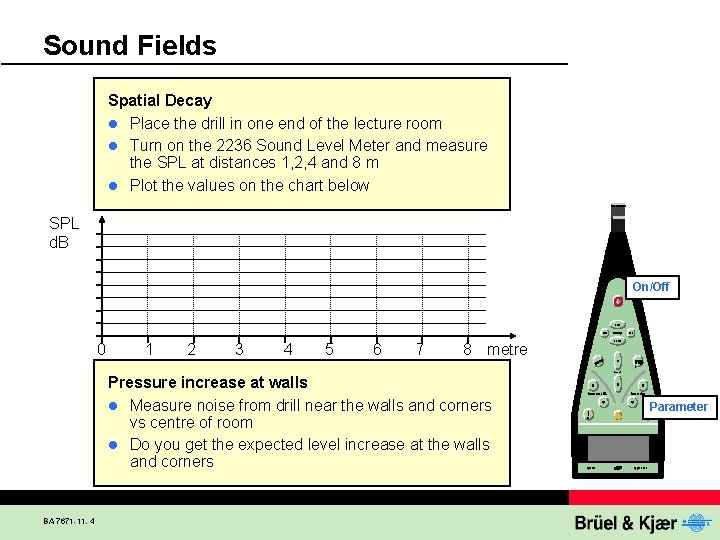
Sound Fields Spatial Decay l Place the drill in one end of the lecture room l Turn on the 2236 Sound Level Meter and measure the SPL at distances 1, 2, 4 and 8 m l Plot the values on the chart below SPL d. B On/Off 0 1 2 3 4 5 6 7 8 metre Pressure increase at walls l Measure noise from drill near the walls and corners vs centre of room l Do you get the expected level increase at the walls and corners BA 7671 -11, 4 Parameter
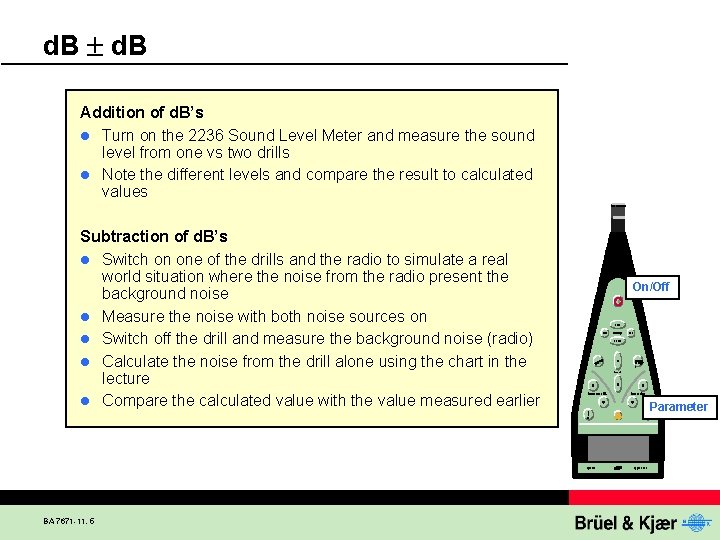
d. B Addition of d. B’s l Turn on the 2236 Sound Level Meter and measure the sound level from one vs two drills l Note the different levels and compare the result to calculated values Subtraction of d. B’s l Switch on one of the drills and the radio to simulate a real world situation where the noise from the radio present the background noise l Measure the noise with both noise sources on l Switch off the drill and measure the background noise (radio) l Calculate the noise from the drill alone using the chart in the lecture l Compare the calculated value with the value measured earlier BA 7671 -11, 5 On/Off Parameter

Principles of Acoustic Measurements Exercises: l Basic Concepts of Sound l Measuring Sound in Practice l Basic Frequency Analysis of Sound BA 7671 -11, 6
Measuring Sound Microphones – Free field and Random microphones – IEC and ANSI l Sound Level Meters – Time weighting - continuous – Time weighting - intermittent – Time weighting - impact – Crest factor l BA 7671 -11, 7
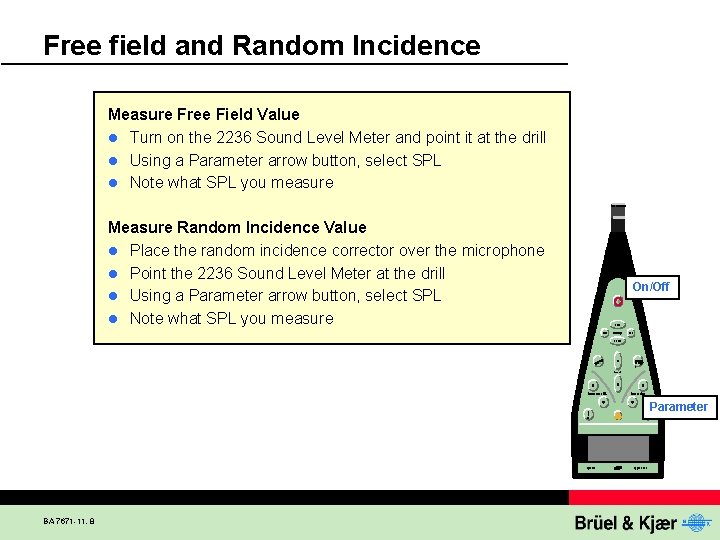
Free field and Random Incidence Measure Free Field Value l Turn on the 2236 Sound Level Meter and point it at the drill l Using a Parameter arrow button, select SPL l Note what SPL you measure Measure Random Incidence Value l Place the random incidence corrector over the microphone l Point the 2236 Sound Level Meter at the drill l Using a Parameter arrow button, select SPL l Note what SPL you measure On/Off Parameter BA 7671 -11, 8
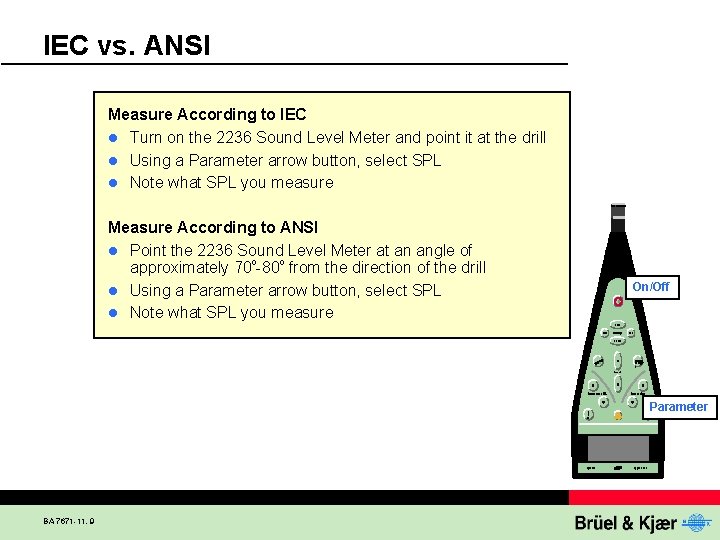
IEC vs. ANSI Measure According to IEC l Turn on the 2236 Sound Level Meter and point it at the drill l Using a Parameter arrow button, select SPL l Note what SPL you measure Measure According to ANSI l Point the 2236 Sound Level Meter at an angle of approximately 70 -80 from the direction of the drill l Using a Parameter arrow button, select SPL l Note what SPL you measure On/Off Parameter BA 7671 -11, 9
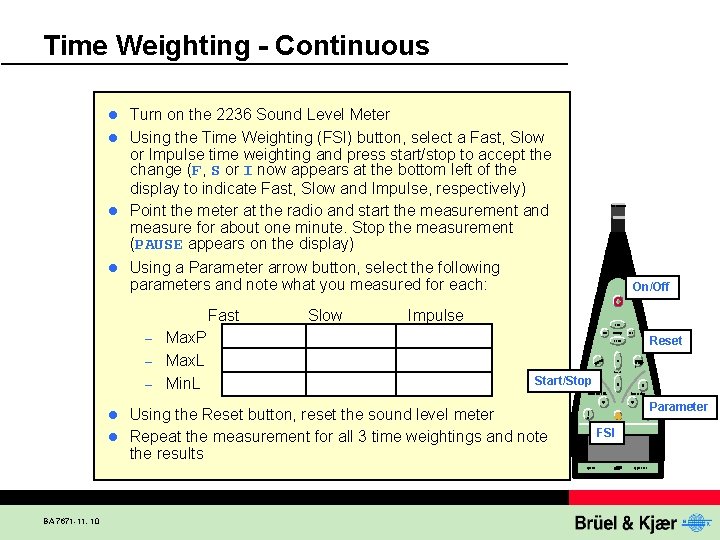
Time Weighting - Continuous Turn on the 2236 Sound Level Meter l Using the Time Weighting (FSI) button, select a Fast, Slow or Impulse time weighting and press start/stop to accept the change (F, S or I now appears at the bottom left of the display to indicate Fast, Slow and Impulse, respectively) l Point the meter at the radio and start the measurement and measure for about one minute. Stop the measurement (PAUSE appears on the display) l Using a Parameter arrow button, select the following parameters and note what you measured for each: l Fast Max. P – Max. L – Min. L Slow On/Off Impulse – Reset Start/Stop Using the Reset button, reset the sound level meter l Repeat the measurement for all 3 time weightings and note the results Parameter l BA 7671 -11, 10 FSI
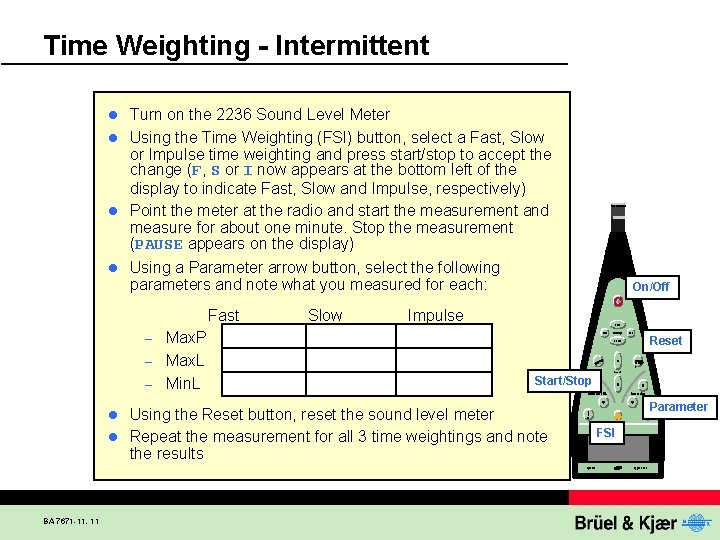
Time Weighting - Intermittent Turn on the 2236 Sound Level Meter l Using the Time Weighting (FSI) button, select a Fast, Slow or Impulse time weighting and press start/stop to accept the change (F, S or I now appears at the bottom left of the display to indicate Fast, Slow and Impulse, respectively) l Point the meter at the radio and start the measurement and measure for about one minute. Stop the measurement (PAUSE appears on the display) l Using a Parameter arrow button, select the following parameters and note what you measured for each: l Fast Max. P – Max. L – Min. L Slow On/Off Impulse – Reset Start/Stop Using the Reset button, reset the sound level meter l Repeat the measurement for all 3 time weightings and note the results Parameter l BA 7671 -11, 11 FSI
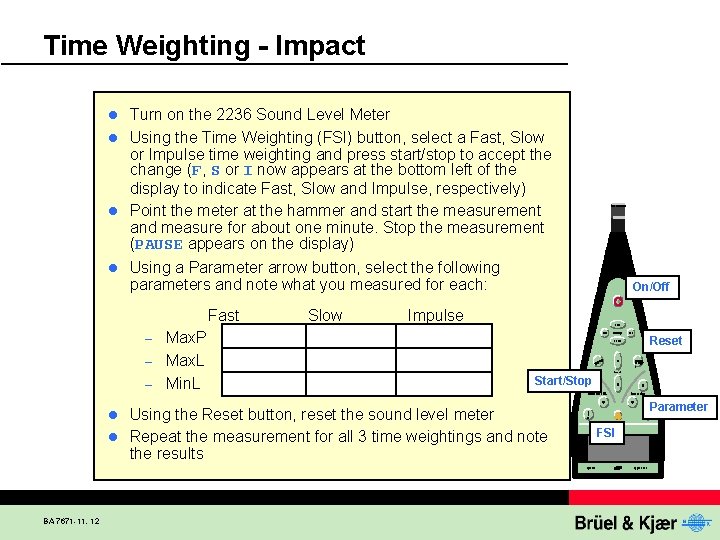
Time Weighting - Impact Turn on the 2236 Sound Level Meter l Using the Time Weighting (FSI) button, select a Fast, Slow or Impulse time weighting and press start/stop to accept the change (F, S or I now appears at the bottom left of the display to indicate Fast, Slow and Impulse, respectively) l Point the meter at the hammer and start the measurement and measure for about one minute. Stop the measurement (PAUSE appears on the display) l Using a Parameter arrow button, select the following parameters and note what you measured for each: l Fast Max. P – Max. L – Min. L Slow On/Off Impulse – Reset Start/Stop Using the Reset button, reset the sound level meter l Repeat the measurement for all 3 time weightings and note the results Parameter l BA 7671 -11, 12 FSI
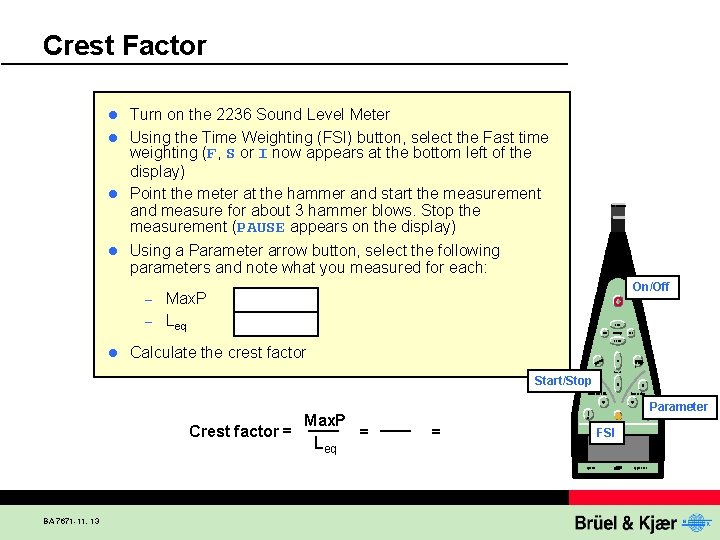
Crest Factor Turn on the 2236 Sound Level Meter l Using the Time Weighting (FSI) button, select the Fast time weighting (F, S or I now appears at the bottom left of the display) l Point the meter at the hammer and start the measurement and measure for about 3 hammer blows. Stop the measurement (PAUSE appears on the display) l Using a Parameter arrow button, select the following parameters and note what you measured for each: l On/Off Max. P – Leq – l Calculate the crest factor Start/Stop Crest factor = BA 7671 -11, 13 Max. P Leq Parameter = = FSI

Principles of Acoustic Measurements Exercises: l Basic Concepts of Sound l Measuring Sound in Practice l Basic Frequency Analysis of Sound BA 7671 -11, 14
Measuring Sound in Practice BA 7671 -11, 15 l Leq l SEL l Statistics l Noise Dose l Calibration l Sound Level Meter Placement
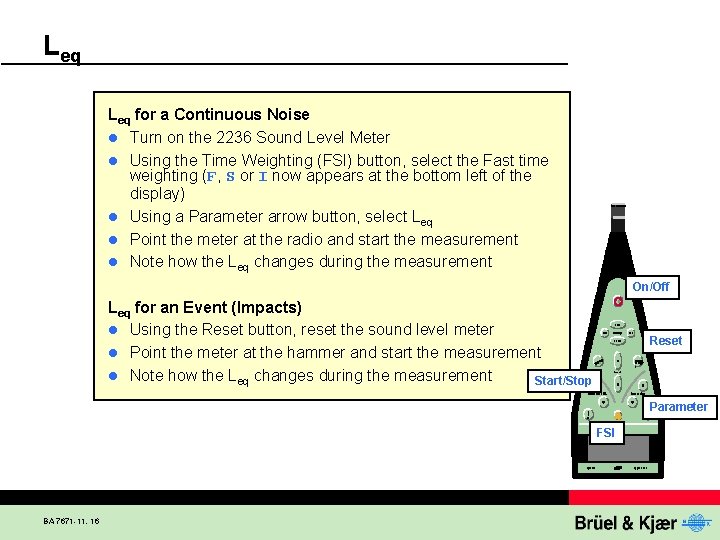
Leq for a Continuous Noise l Turn on the 2236 Sound Level Meter l Using the Time Weighting (FSI) button, select the Fast time weighting (F, S or I now appears at the bottom left of the display) l Using a Parameter arrow button, select Leq l Point the meter at the radio and start the measurement l Note how the Leq changes during the measurement On/Off Leq for an Event (Impacts) l Using the Reset button, reset the sound level meter l Point the meter at the hammer and start the measurement l Note how the Leq changes during the measurement Start/Stop Reset Parameter FSI BA 7671 -11, 16
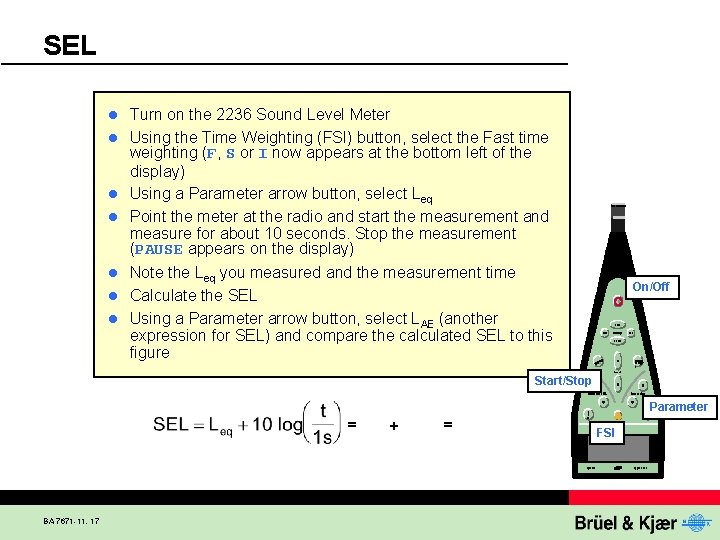
SEL l l l l Turn on the 2236 Sound Level Meter Using the Time Weighting (FSI) button, select the Fast time weighting (F, S or I now appears at the bottom left of the display) Using a Parameter arrow button, select Leq Point the meter at the radio and start the measurement and measure for about 10 seconds. Stop the measurement (PAUSE appears on the display) Note the Leq you measured and the measurement time Calculate the SEL Using a Parameter arrow button, select LAE (another expression for SEL) and compare the calculated SEL to this figure On/Off Start/Stop Parameter = BA 7671 -11, 17 + = FSI
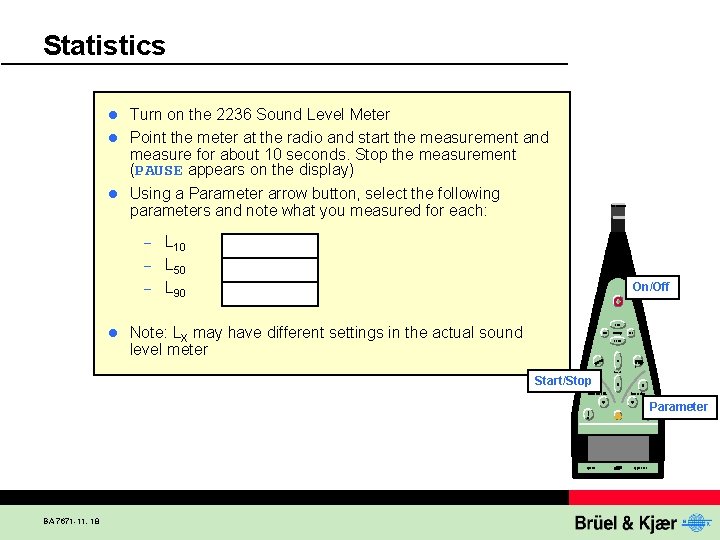
Statistics Turn on the 2236 Sound Level Meter l Point the meter at the radio and start the measurement and measure for about 10 seconds. Stop the measurement (PAUSE appears on the display) l Using a Parameter arrow button, select the following parameters and note what you measured for each: l L 10 – L 50 – L 90 – l On/Off Note: LX may have different settings in the actual sound level meter Start/Stop Parameter BA 7671 -11, 18
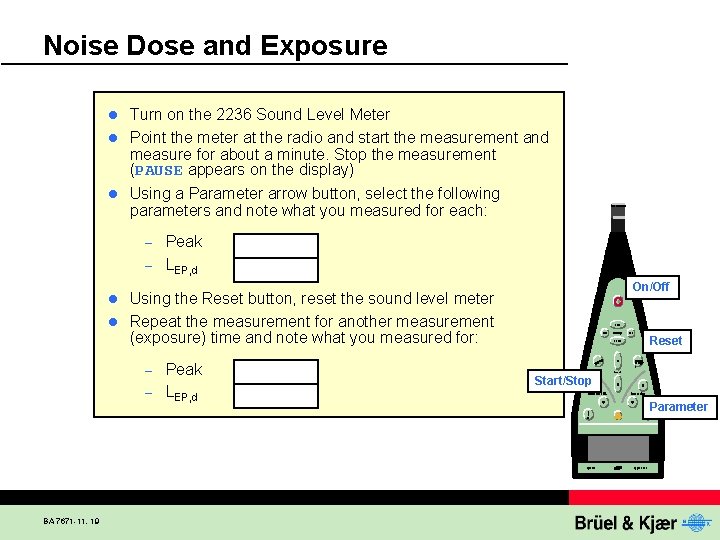
Noise Dose and Exposure Turn on the 2236 Sound Level Meter l Point the meter at the radio and start the measurement and measure for about a minute. Stop the measurement (PAUSE appears on the display) l Using a Parameter arrow button, select the following parameters and note what you measured for each: l Peak – LEP, d – On/Off Using the Reset button, reset the sound level meter l Repeat the measurement for another measurement (exposure) time and note what you measured for: l Peak – LEP, d – BA 7671 -11, 19 Reset Start/Stop Parameter
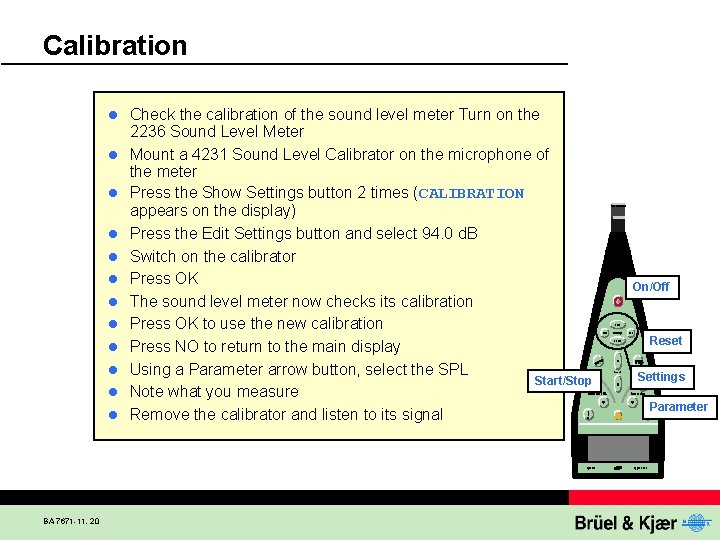
Calibration l l l BA 7671 -11, 20 Check the calibration of the sound level meter Turn on the 2236 Sound Level Meter Mount a 4231 Sound Level Calibrator on the microphone of the meter Press the Show Settings button 2 times (CALIBRATION appears on the display) Press the Edit Settings button and select 94. 0 d. B Switch on the calibrator Press OK The sound level meter now checks its calibration Press OK to use the new calibration Press NO to return to the main display Using a Parameter arrow button, select the SPL Start/Stop Note what you measure Remove the calibrator and listen to its signal On/Off Reset Settings Parameter
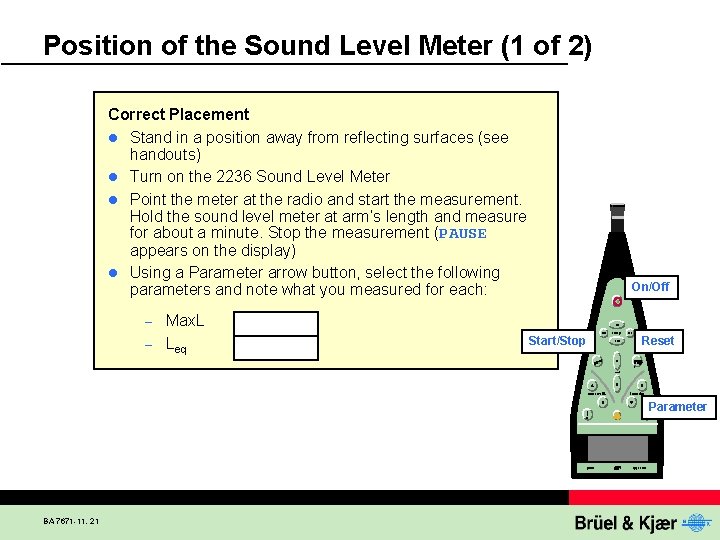
Position of the Sound Level Meter (1 of 2) Correct Placement l Stand in a position away from reflecting surfaces (see handouts) l Turn on the 2236 Sound Level Meter l Point the meter at the radio and start the measurement. Hold the sound level meter at arm’s length and measure for about a minute. Stop the measurement (PAUSE appears on the display) l Using a Parameter arrow button, select the following parameters and note what you measured for each: Max. L – Leq On/Off – Start/Stop Reset Parameter BA 7671 -11, 21
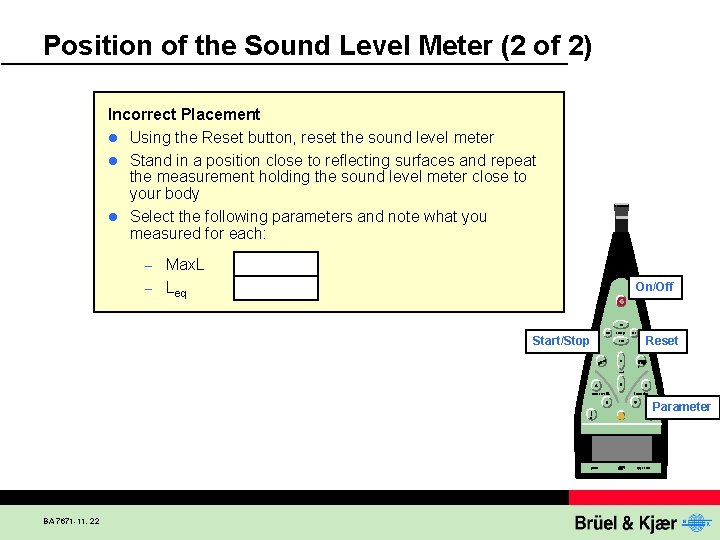
Position of the Sound Level Meter (2 of 2) Incorrect Placement l Using the Reset button, reset the sound level meter l Stand in a position close to reflecting surfaces and repeat the measurement holding the sound level meter close to your body l Select the following parameters and note what you measured for each: Max. L – Leq – On/Off Start/Stop Reset Parameter BA 7671 -11, 22

Principles of Acoustic Measurements Exercises: l Basic Concepts of Sound l Measuring Sound in Practice l Basic Frequency Analysis of Sound BA 7671 -11, 23
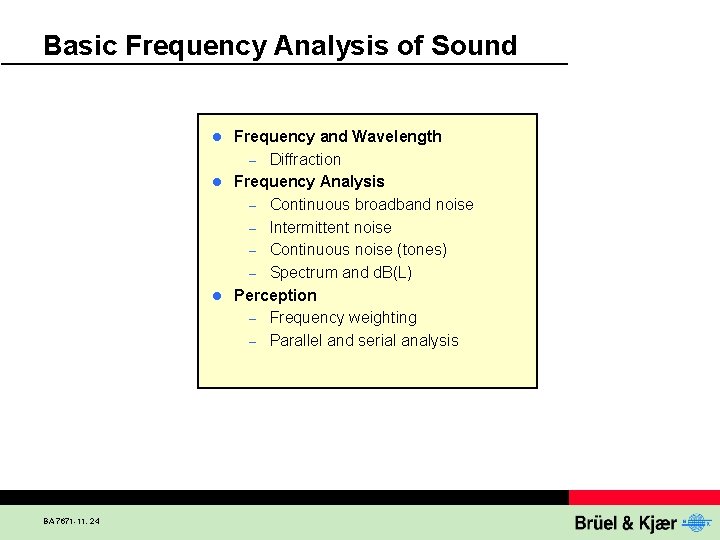
Basic Frequency Analysis of Sound Frequency and Wavelength – Diffraction l Frequency Analysis – Continuous broadband noise – Intermittent noise – Continuous noise (tones) – Spectrum and d. B(L) l Perception – Frequency weighting – Parallel and serial analysis l BA 7671 -11, 24
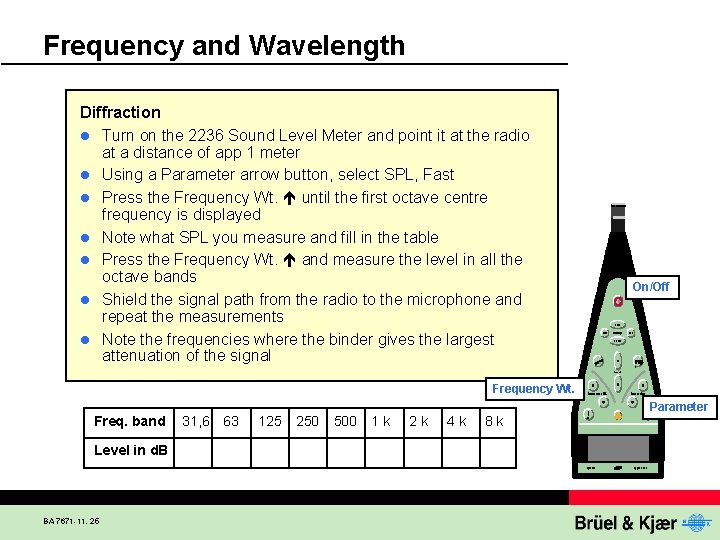
Frequency and Wavelength Diffraction l Turn on the 2236 Sound Level Meter and point it at the radio at a distance of app 1 meter l Using a Parameter arrow button, select SPL, Fast l Press the Frequency Wt. until the first octave centre frequency is displayed l Note what SPL you measure and fill in the table l Press the Frequency Wt. and measure the level in all the octave bands l Shield the signal path from the radio to the microphone and repeat the measurements l Note the frequencies where the binder gives the largest attenuation of the signal On/Off Frequency Wt. Freq. band Level in d. B BA 7671 -11, 25 31, 6 63 125 250 500 1 k 2 k 4 k 8 k Parameter
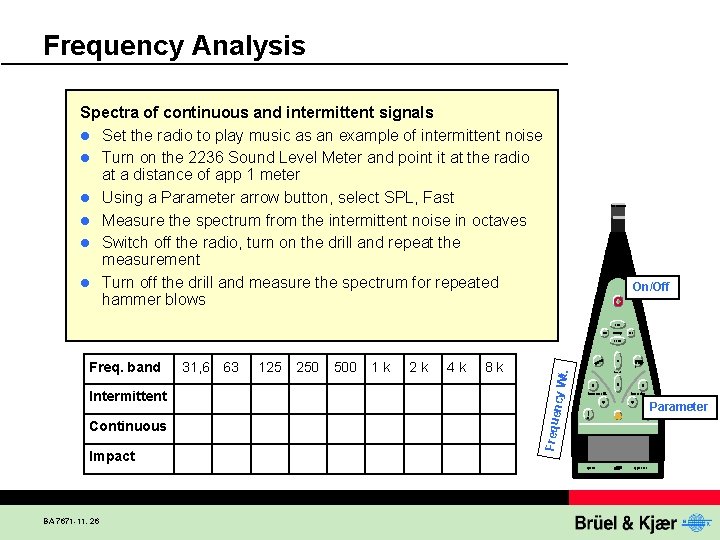
Frequency Analysis Spectra of continuous and intermittent signals l Set the radio to play music as an example of intermittent noise l Turn on the 2236 Sound Level Meter and point it at the radio at a distance of app 1 meter l Using a Parameter arrow button, select SPL, Fast l Measure the spectrum from the intermittent noise in octaves l Switch off the radio, turn on the drill and repeat the measurement l Turn off the drill and measure the spectrum for repeated hammer blows Continuous Impact BA 7671 -11, 26 250 500 1 k 2 k 4 k 8 k t. 125 ncy W Intermittent 31, 6 63 Freque Freq. band On/Off Parameter
Discussion of Results l BA 7671 -11, 27 Comment on the difference and usefulness of the serial octave measurement compared to the previous measurement of white noise for – Intermittent noise from radio – Continuous noise from drill – Impact noise from hammer blow
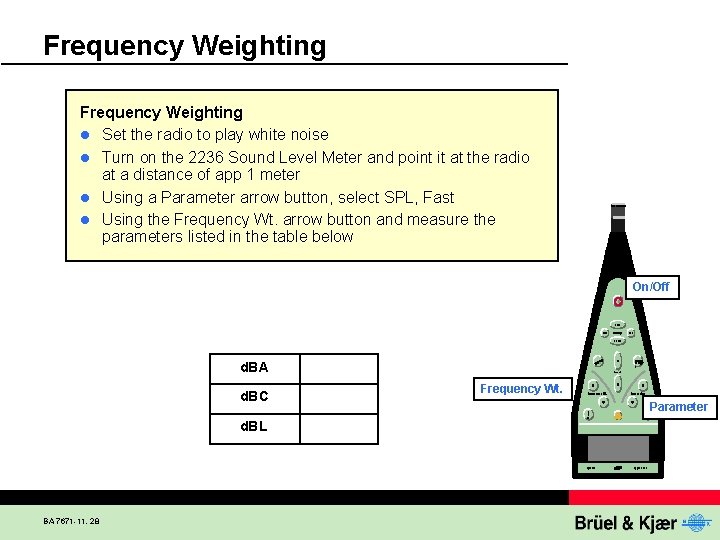
Frequency Weighting l Set the radio to play white noise l Turn on the 2236 Sound Level Meter and point it at the radio at a distance of app 1 meter l Using a Parameter arrow button, select SPL, Fast l Using the Frequency Wt. arrow button and measure the parameters listed in the table below On/Off d. BA d. BC d. BL BA 7671 -11, 28 Frequency Wt. Parameter
Switch to Notes mode to see Review Questions BA 7671 -11, 29
Switch to Notes mode to see Review Questions BA 7671 -11, 30
- Slides: 30