
Primo GENI Tutorial Jason Liu Miguel Erazo Nathanael

- Slides: 14
Primo. GENI Tutorial Jason Liu, Miguel Erazo, Nathanael Van Vorst Florida International University GEC 12, November 2, 2011, Kansas City, MO
Outline • Introduction • Demonstration • Hands-on session
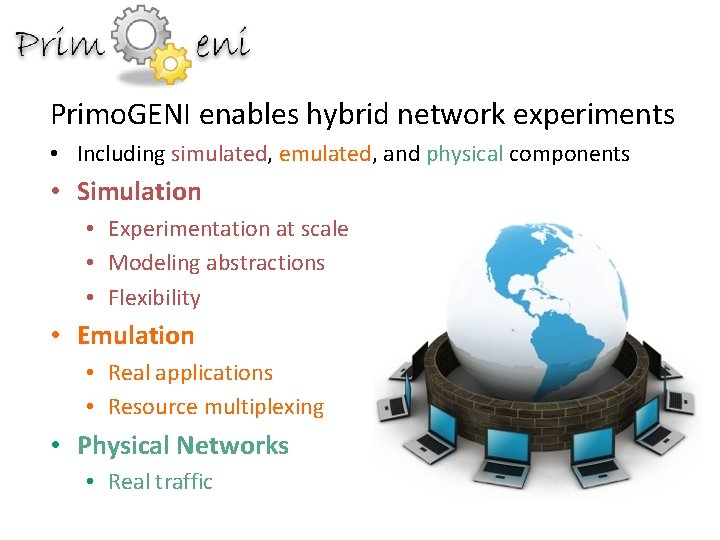
Primo. GENI enables hybrid network experiments • Including simulated, emulated, and physical components • Simulation • Experimentation at scale • Modeling abstractions • Flexibility • Emulation • Real applications • Resource multiplexing • Physical Networks • Real traffic
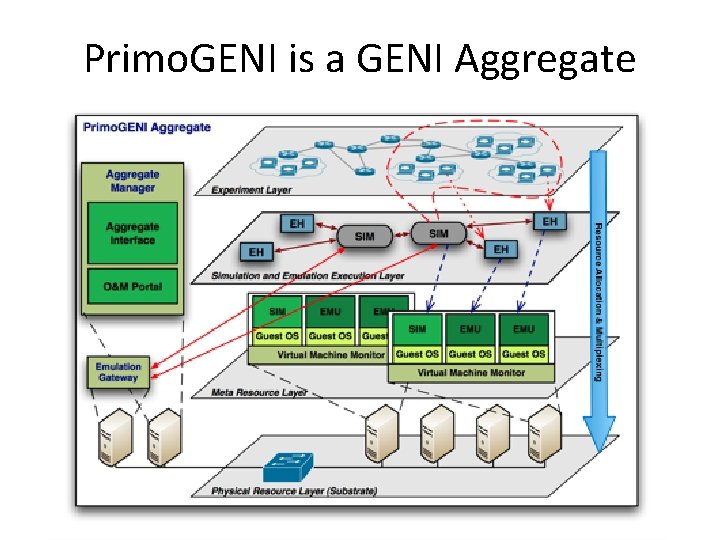
Primo. GENI is a GENI Aggregate
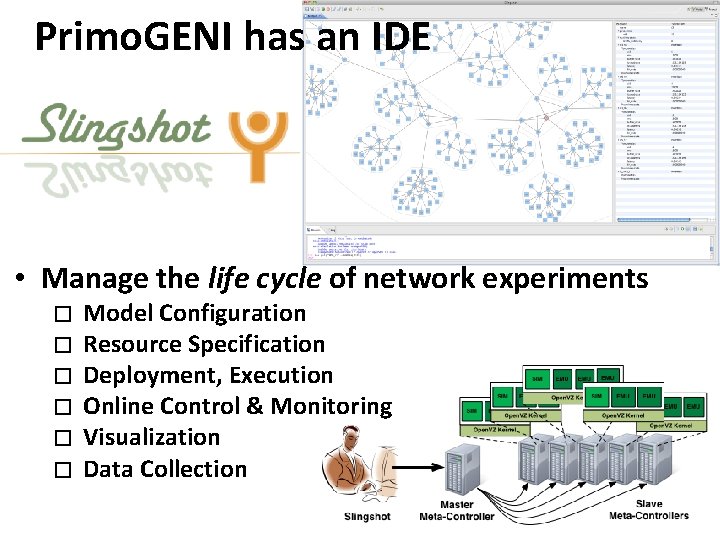
Primo. GENI has an IDE • Manage the life cycle of network experiments � � � Model Configuration Resource Specification Deployment, Execution Online Control & Monitoring Visualization Data Collection
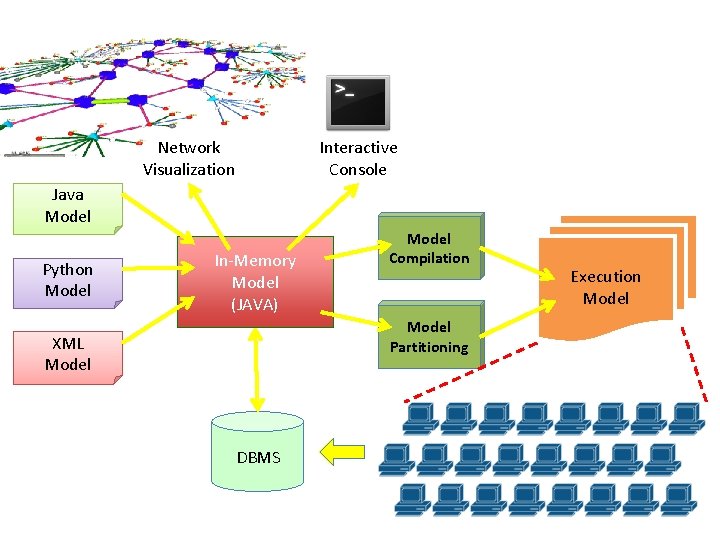
Network Visualization Interactive Console Java Model Python Model In-Memory Model (JAVA) Model Compilation Model Partitioning XML Model DBMS Execution Model
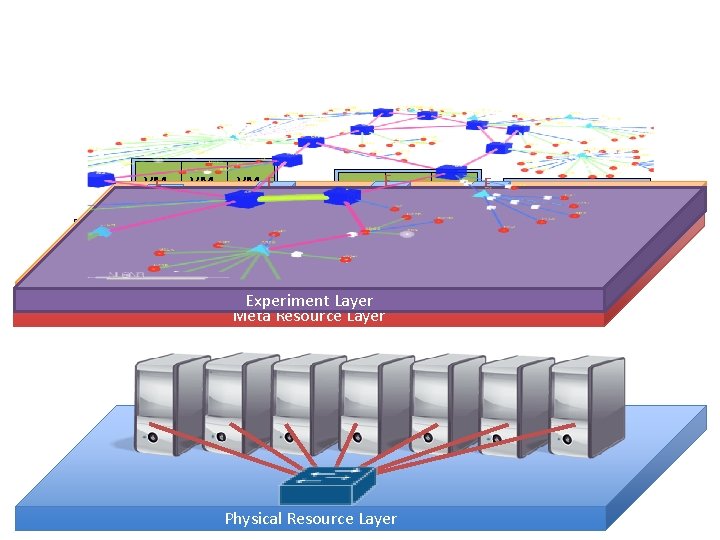
VM E 0 E VM 0 VM 2 E VM 1 Open. VZ Kernel S VM 0 VM S 1 VM 2 VM 3 E Open. VZ Kernel E S VM 2 Open. VZ VM 0 E Kernel E VM 0 E VM 1 VM 2 Open. VZ Kernel S S VM 1 EVM 2 VM 0 Open. VZ Kernel Layer Simulation and Emulation Execution Experiment Layer Meta Resource Layer Physical Resource Layer E VME 0 VM 1 E VM 2 E 3 VMOpen. VZ VM 2 Kernel VM 1 S E Open. VZ Kernel
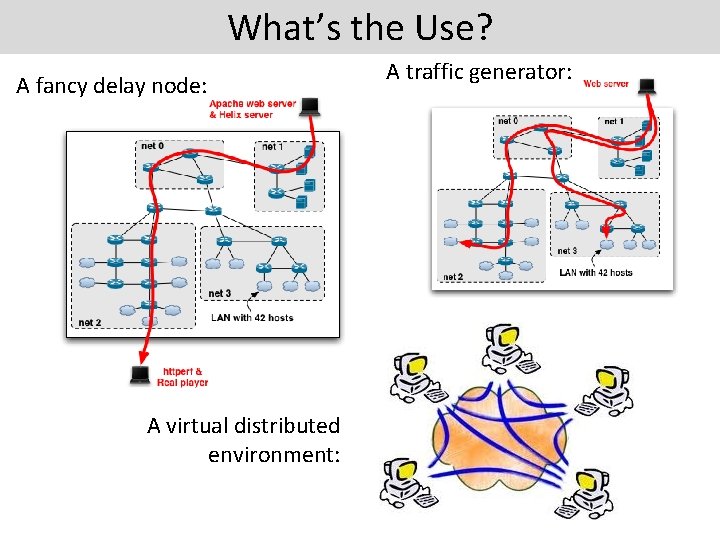
What’s the Use? A fancy delay node: A virtual distributed environment: A traffic generator:
Demonstration
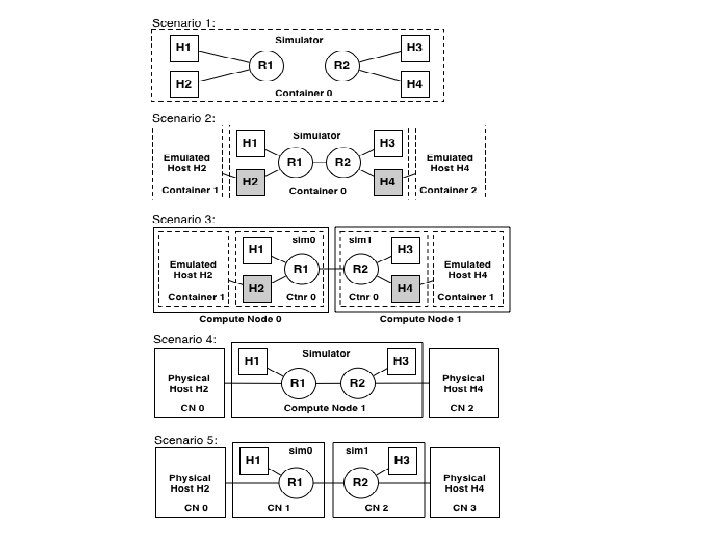
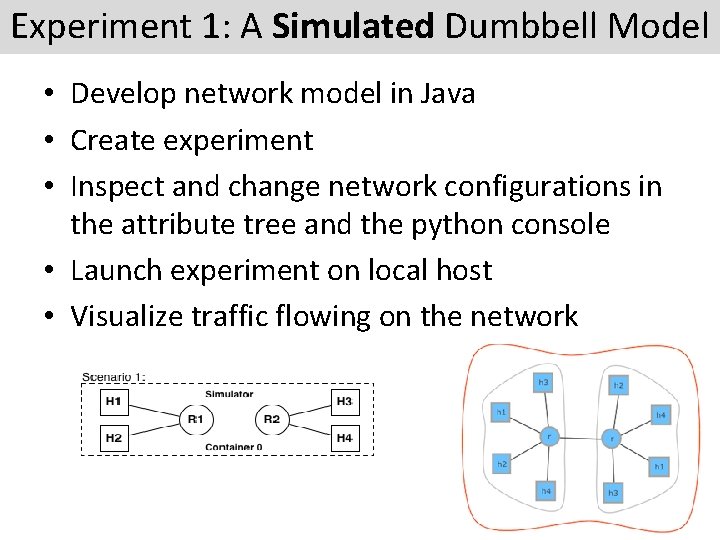
Experiment 1: A Simulated Dumbbell Model • Develop network model in Java • Create experiment • Inspect and change network configurations in the attribute tree and the python console • Launch experiment on local host • Visualize traffic flowing on the network
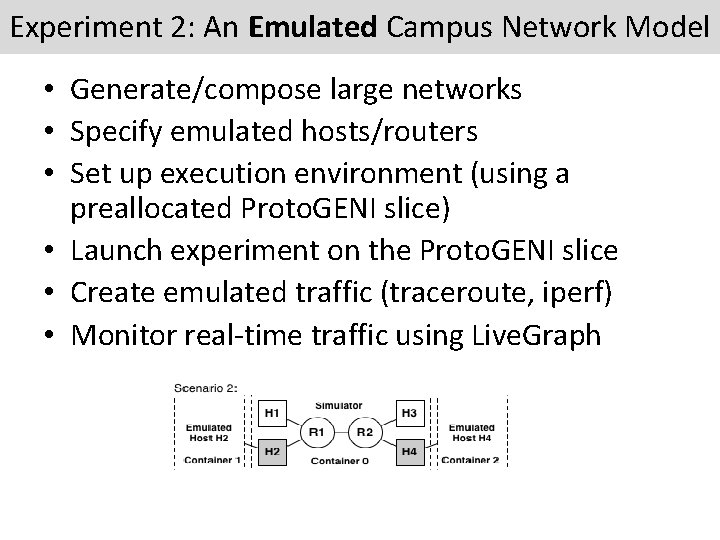
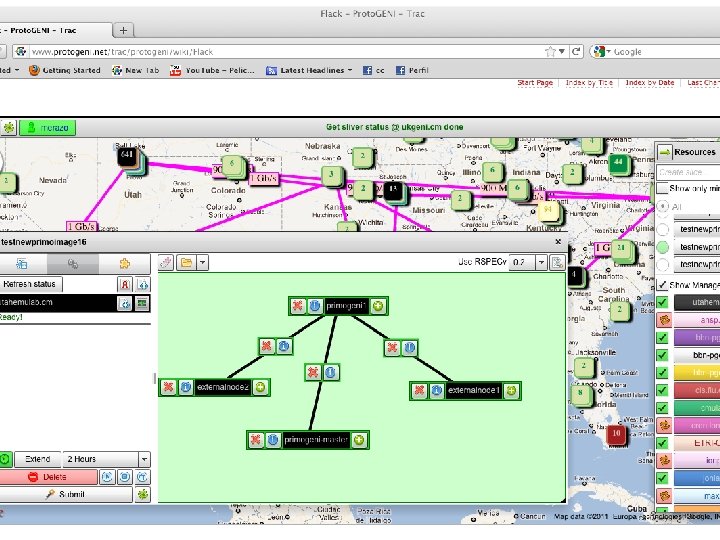
Experiment 2: An Emulated Campus Network Model • Generate/compose large networks • Specify emulated hosts/routers • Set up execution environment (using a preallocated Proto. GENI slice) • Launch experiment on the Proto. GENI slice • Create emulated traffic (traceroute, iperf) • Monitor real-time traffic using Live. Graph
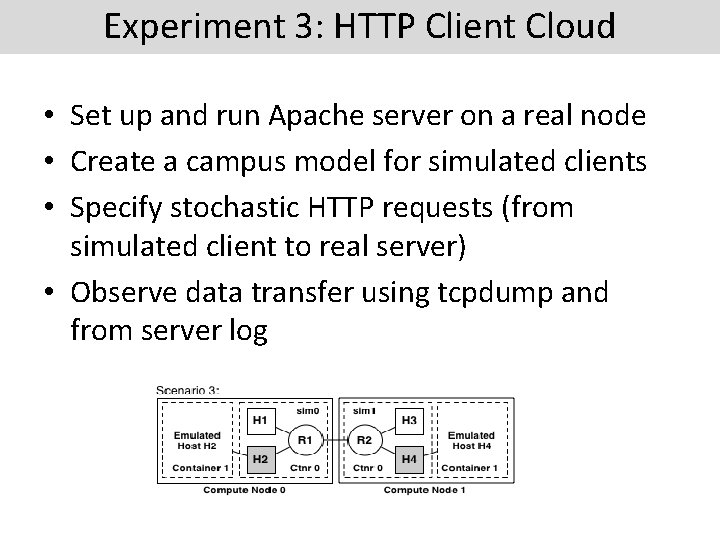
Experiment 3: HTTP Client Cloud • Set up and run Apache server on a real node • Create a campus model for simulated clients • Specify stochastic HTTP requests (from simulated client to real server) • Observe data transfer using tcpdump and from server log