
Primitive Data Types Identifiers n What word does
- Slides: 32
Primitive Data Types
Identifiers n What word does it sound like?
Identifiers n Name that will be used to describe anything a programmer is required to define. n classes, methods, constants, variables; n Examples n Name of objects n n marker, pencil Methods n turn. Right, forward, move
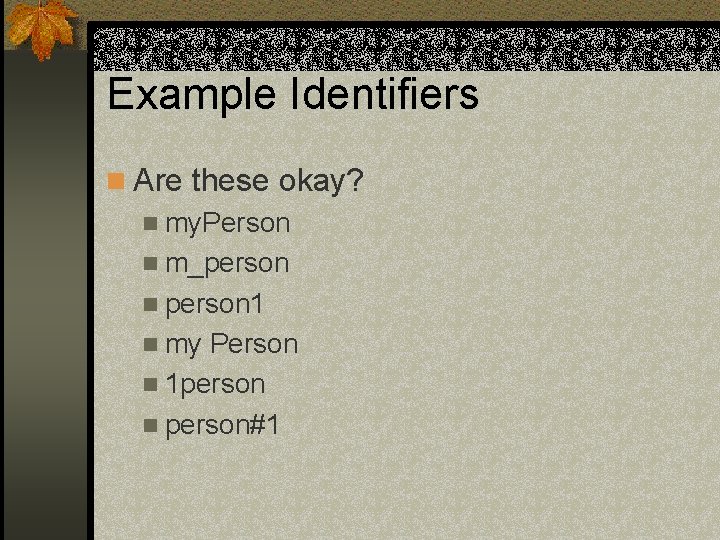
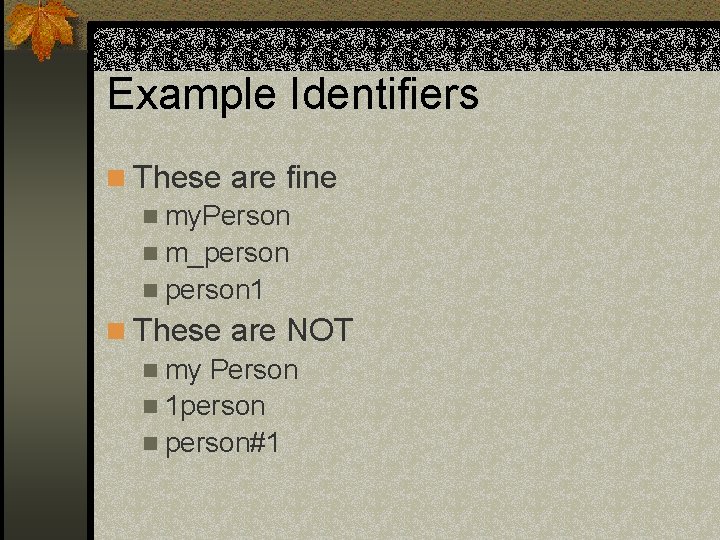
Rules for Identifiers n Must start with a letter n After the letter, can be any combination of letters, numbers, or _ n No SPACES!!! n Cannot be a reserved word (words with special meanings in java [see handout])
Example Identifiers n Are these okay? n my. Person n m_person n person 1 n my Person n 1 person n person#1
Example Identifiers n These are fine n my. Person n m_person n person 1 n These are NOT n my Person n 1 person n person#1
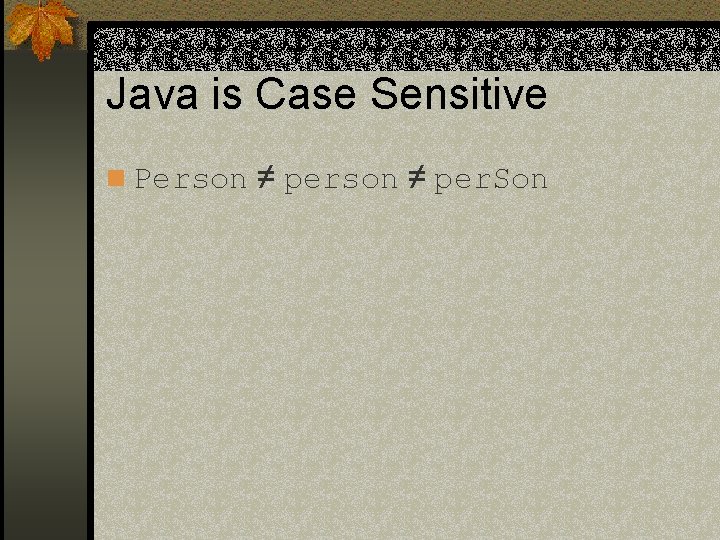
Java is Case Sensitive n Person ≠ per. Son
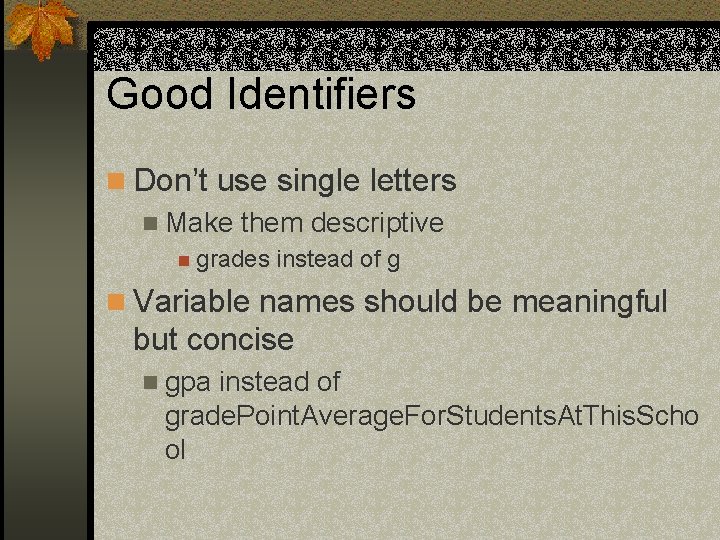
Good Identifiers n Don’t use single letters n Make them descriptive n grades instead of g n Variable names should be meaningful but concise n gpa instead of grade. Point. Average. For. Students. At. This. Scho ol
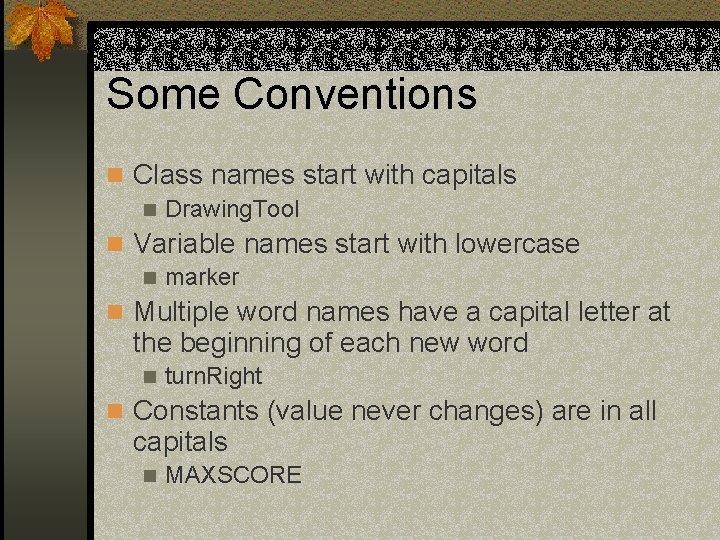
Some Conventions n Class names start with capitals n Drawing. Tool n Variable names start with lowercase n marker n Multiple word names have a capital letter at the beginning of each new word n turn. Right n Constants (value never changes) are in all capitals n MAXSCORE
Data Types n Depending on what you want to store in java, you need to tell it what type it is. n Why do you think it matters if something is a number or a letter?
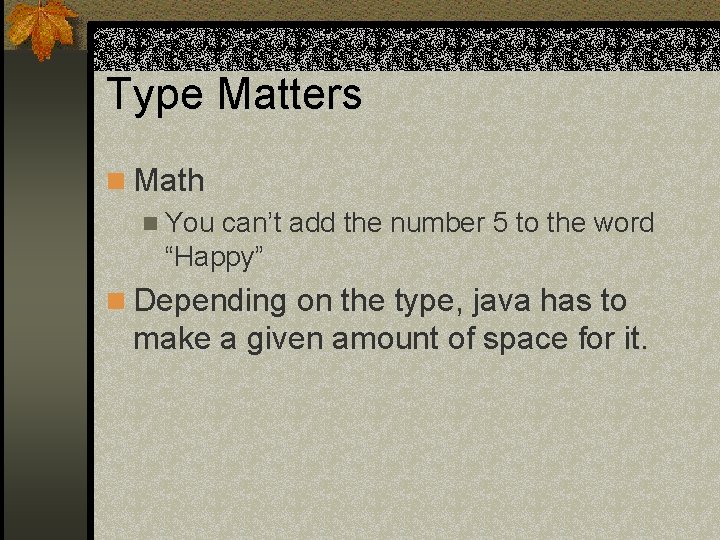
Type Matters n Math n You can’t add the number 5 to the word “Happy” n Depending on the type, java has to make a given amount of space for it.
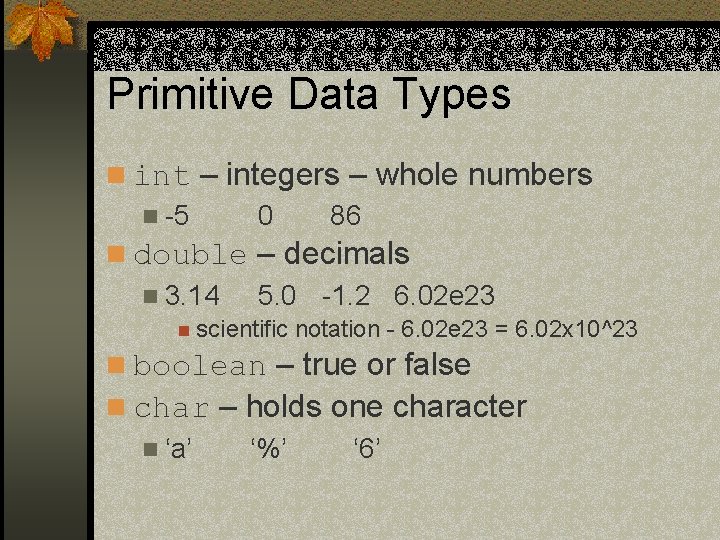
Primitive Data Types n int – integers – whole numbers n -5 0 86 n double – decimals n 3. 14 5. 0 -1. 2 6. 02 e 23 n scientific notation - 6. 02 e 23 = 6. 02 x 10^23 n boolean – true or false n char – holds one character n ‘a’ ‘%’ ‘ 6’
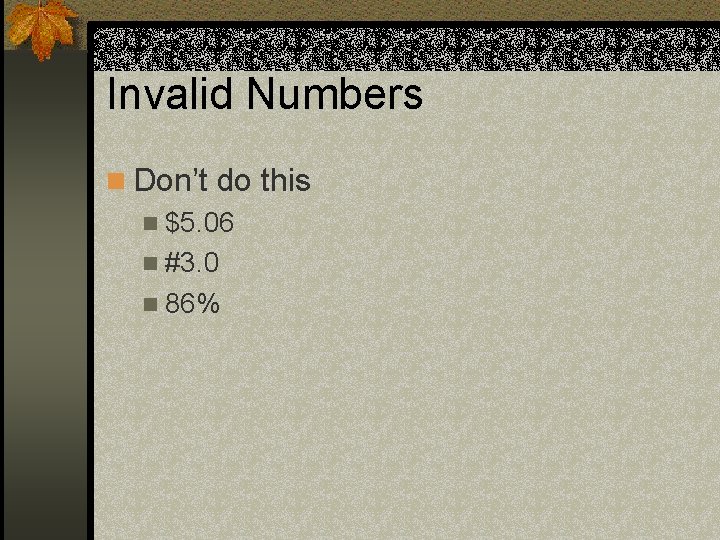
Invalid Numbers n Don’t do this n $5. 06 n #3. 0 n 86%
You Might Also see n long and short are like int n float is like double
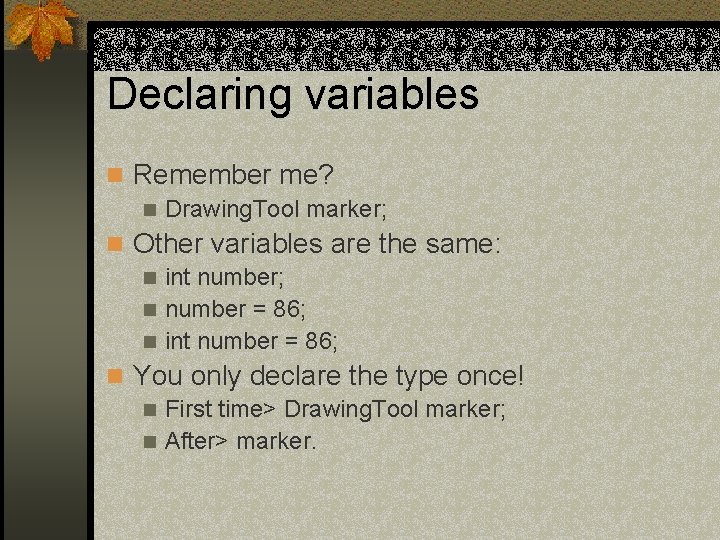
Declaring variables n Remember me? n Drawing. Tool marker; n Other variables are the same: n int number; n number = 86; n int number = 86; n You only declare the type once! n First time> Drawing. Tool marker; n After> marker.
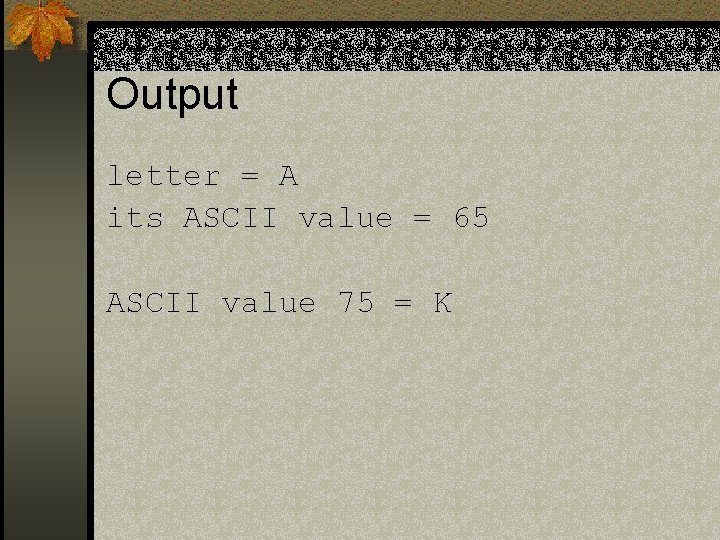
Ascii n The characters are secretly stored as integer values. Thus ascii value 65 is the capital ‘A’
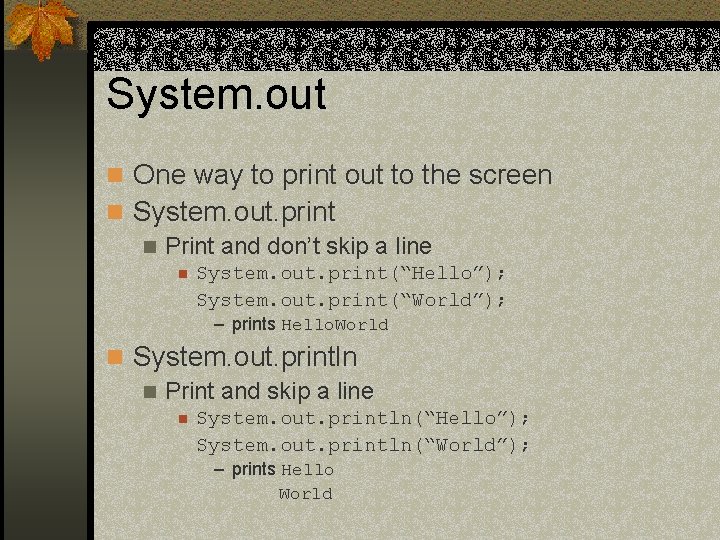
System. out n One way to print out to the screen n System. out. print n Print and don’t skip a line n System. out. print(“Hello”); System. out. print(“World”); – prints Hello. World n System. out. println n Print and skip a line n System. out. println(“Hello”); System. out. println(“World”); – prints Hello World
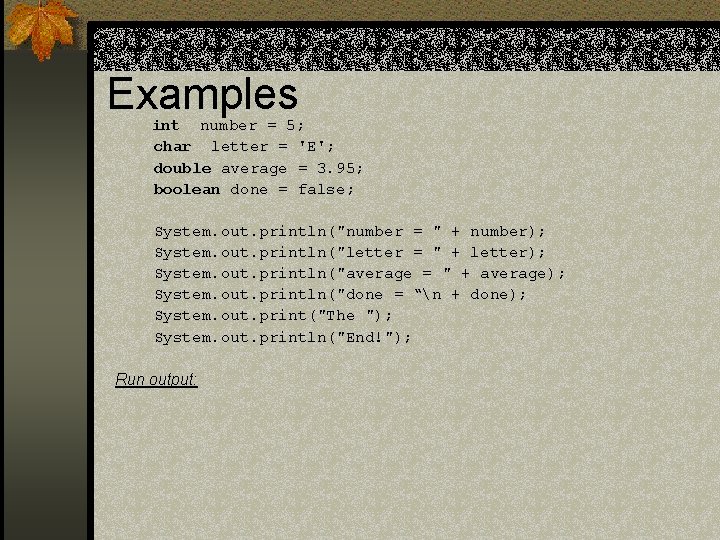
Examples int number = 5; char letter = 'E'; double average = 3. 95; boolean done = false; System. out. println("number = " + number); System. out. println("letter = " + letter); System. out. println("average = " + average); System. out. println("done = “n + done); System. out. print("The "); System. out. println("End!"); Run output:
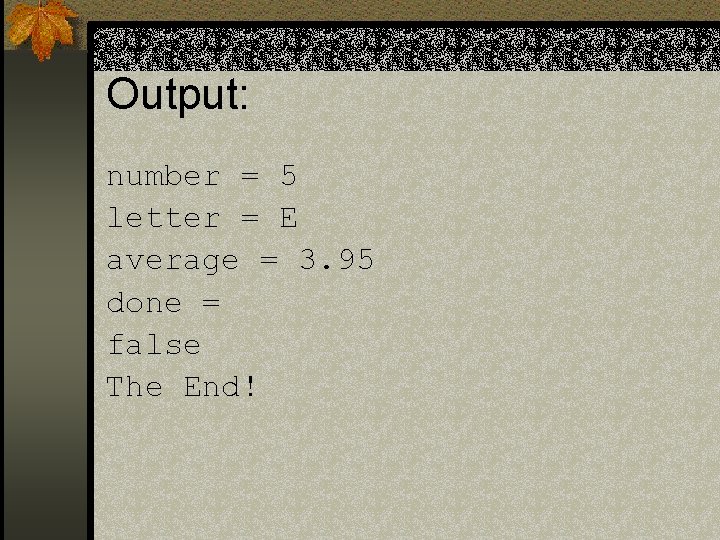
Output: number = 5 letter = E average = 3. 95 done = false The End!
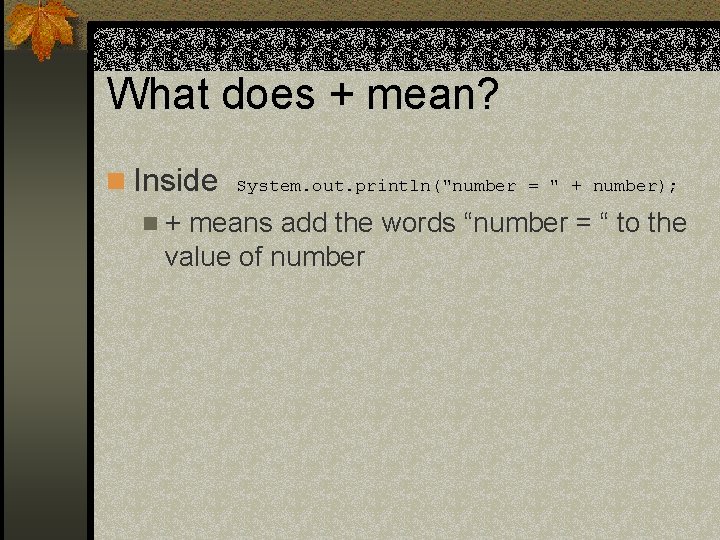
What does + mean? n Inside System. out. println("number = " + number); n + means add the words “number = “ to the value of number
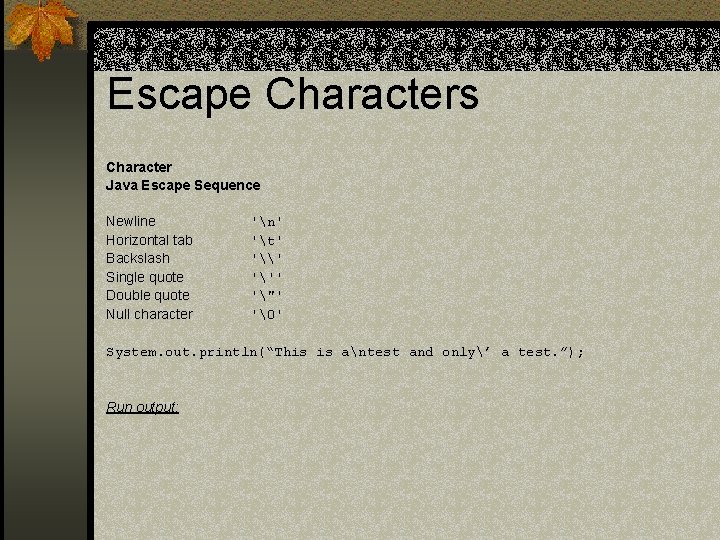
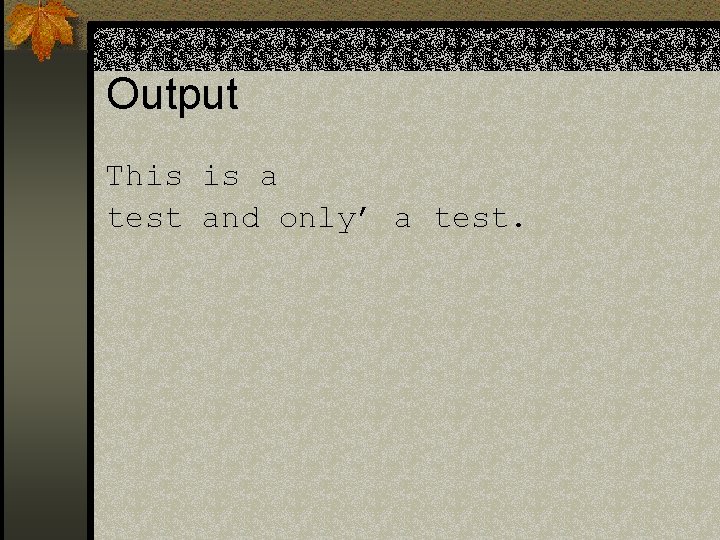
Escape Characters Character Java Escape Sequence Newline Horizontal tab Backslash Single quote Double quote Null character 'n' 't' '\' ''' '"' '' System. out. println(“This is antest and only’ a test. ”); Run output:
Output This is a test and only’ a test.
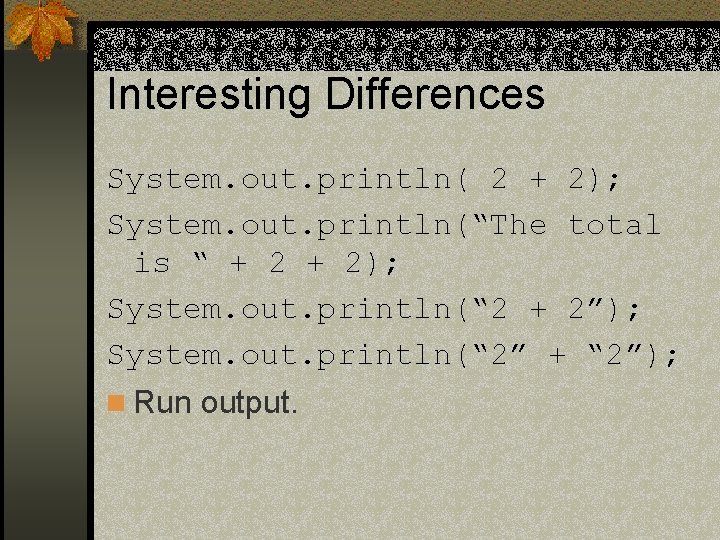
Interesting Differences System. out. println( 2 + 2); System. out. println(“The total is “ + 2); System. out. println(“ 2 + 2”); System. out. println(“ 2” + “ 2”); n Run output.
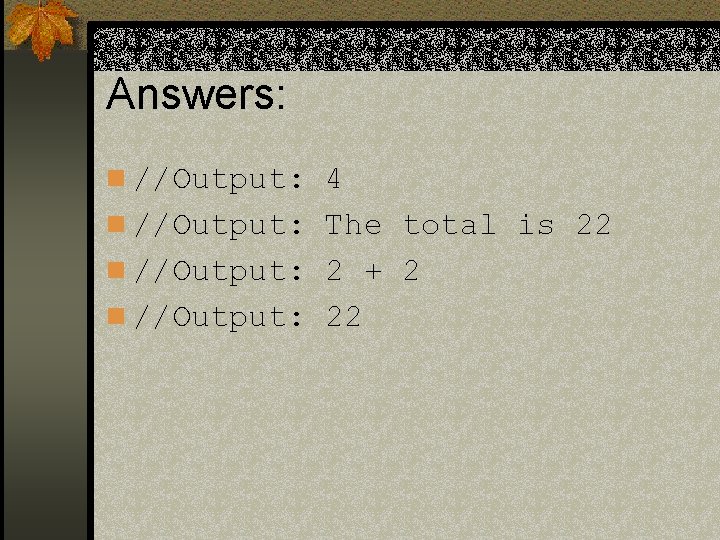
Answers: n //Output: 4 n //Output: The total is 22 n //Output: 2 + 2 n //Output: 22
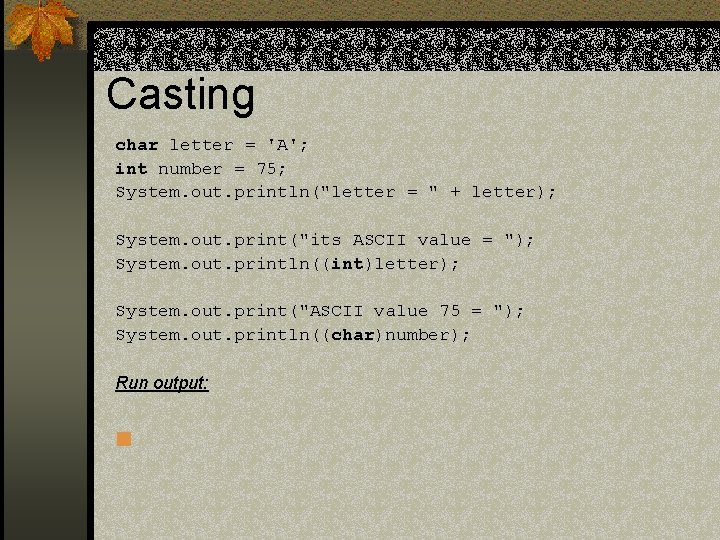
Casting char letter = 'A'; int number = 75; System. out. println("letter = " + letter); System. out. print("its ASCII value = "); System. out. println((int)letter); System. out. print("ASCII value 75 = "); System. out. println((char)number); Run output: n
Output letter = A its ASCII value = 65 ASCII value 75 = K
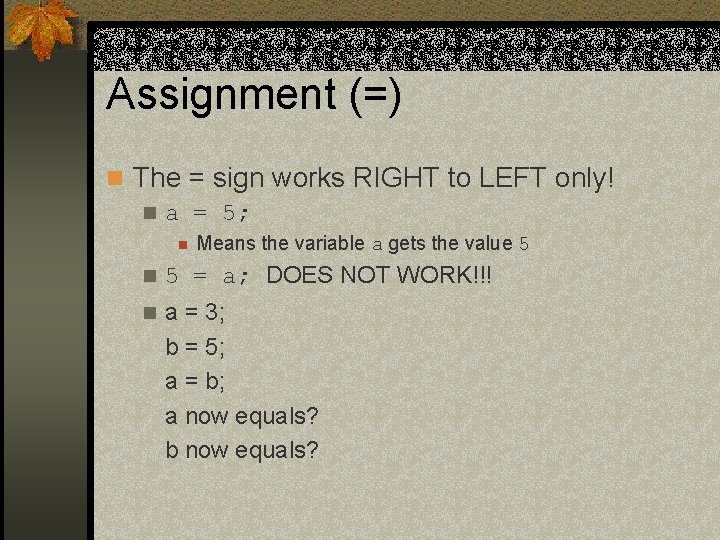
Assignment (=) n The = sign works RIGHT to LEFT only! n a = 5; n Means the variable a gets the value 5 n 5 = a; DOES NOT WORK!!! n a = 3; b = 5; a = b; a now equals? b now equals?
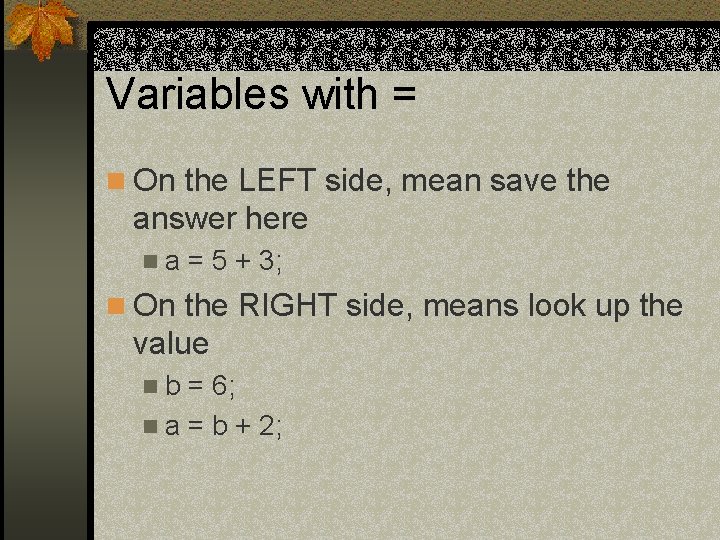
Variables with = n On the LEFT side, mean save the answer here na = 5 + 3; n On the RIGHT side, means look up the value nb = 6; n a = b + 2;
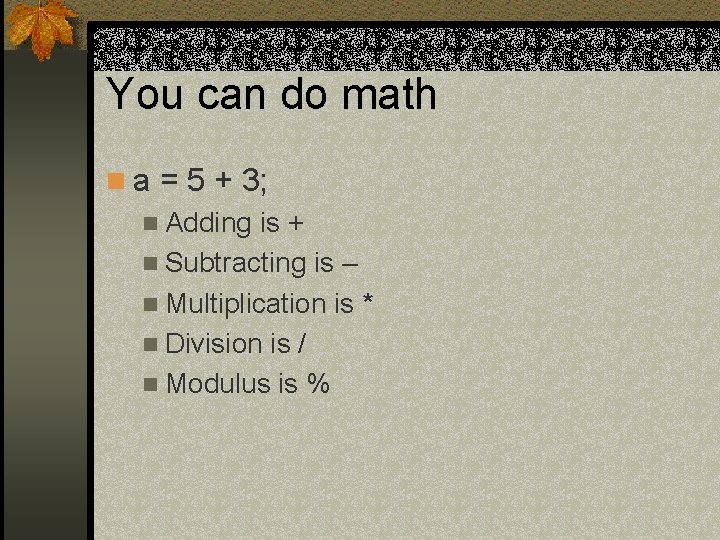
You can do math n a = 5 + 3; n Adding is + n Subtracting is – n Multiplication is * n Division is / n Modulus is %
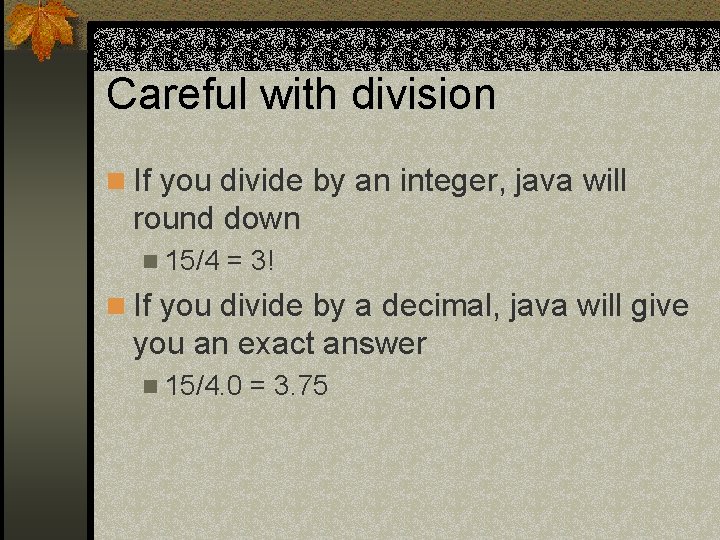
Careful with division n If you divide by an integer, java will round down n 15/4 = 3! n If you divide by a decimal, java will give you an exact answer n 15/4. 0 = 3. 75
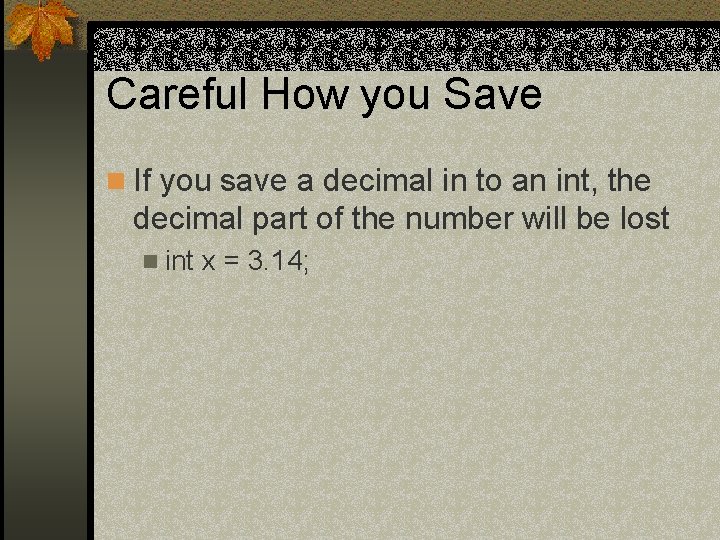
Careful How you Save n If you save a decimal in to an int, the decimal part of the number will be lost n int x = 3. 14;
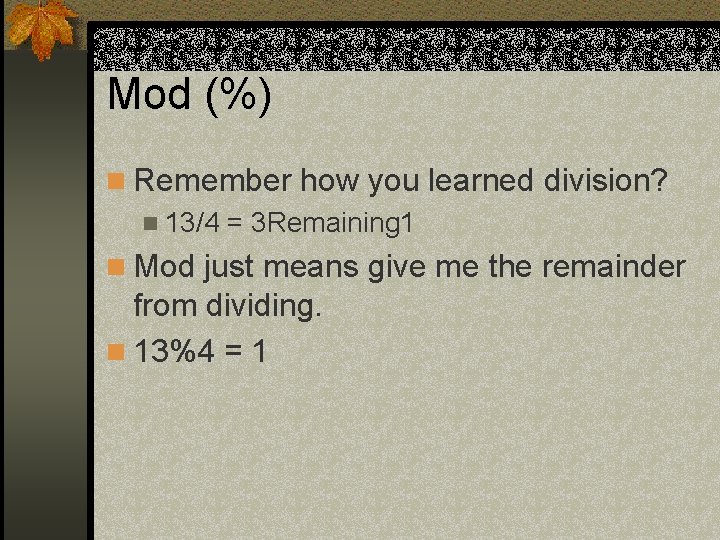
Mod (%) n Remember how you learned division? n 13/4 = 3 Remaining 1 n Mod just means give me the remainder from dividing. n 13%4 = 1