
Primary Sources 2 0 Using todays technology to


- Slides: 20
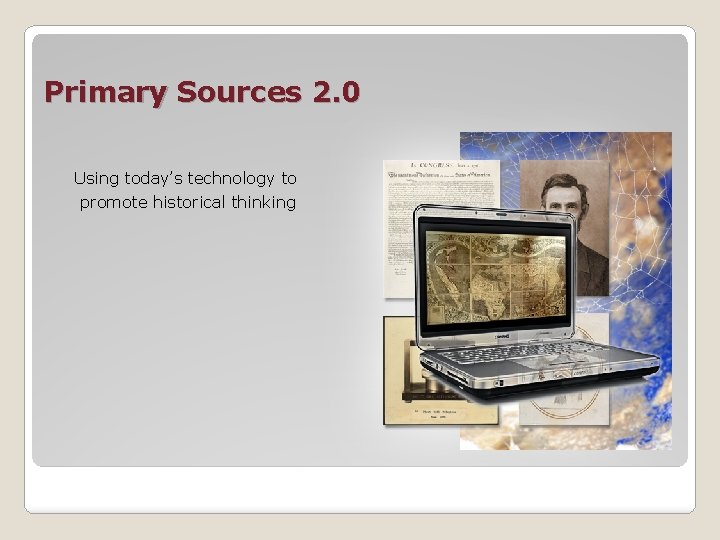
Primary Sources 2. 0 Using today’s technology to promote historical thinking
Connect � � � Web 1. 0 Internet began as a textbased research tool Invention of the browser changed it into a graphical source of information for many people World Wide “Web” of linked information grew rapidly People “surf” the Web for information and entertainment One-way communication Writing Web pages required knowledge of HTML and FTP
Connect Communicate /Collaborate Read / Write Web � Knowledge of HTML and FTP not required to create and put content on the Web. � Anyone with a computer and an Internet connection can communicate and collaborate via the Web. � Web 2. 0
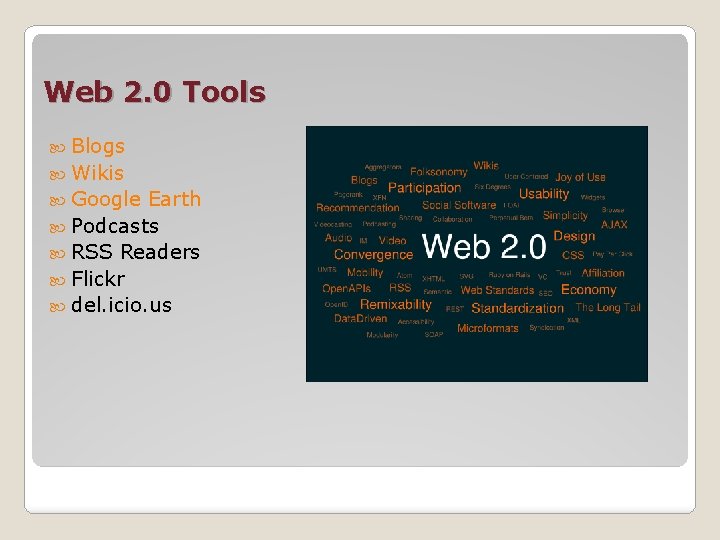
Web 2. 0 Tools Blogs Wikis Google Earth Podcasts RSS Readers Flickr del. icio. us
Blogs Web-log = Blog
Frequently updated web page of short journal entries (called posts) about the author’s: ◦ opinions and thoughts ◦ current news ◦ links to interesting web sites Written in a relaxed, conversational style Readers of the blog make comments to the posts allowing them to contribute to the conversation. A distinguishing feature of blogs - entries are listed in reverse chronological order – the most recent entries are on top. Blogs
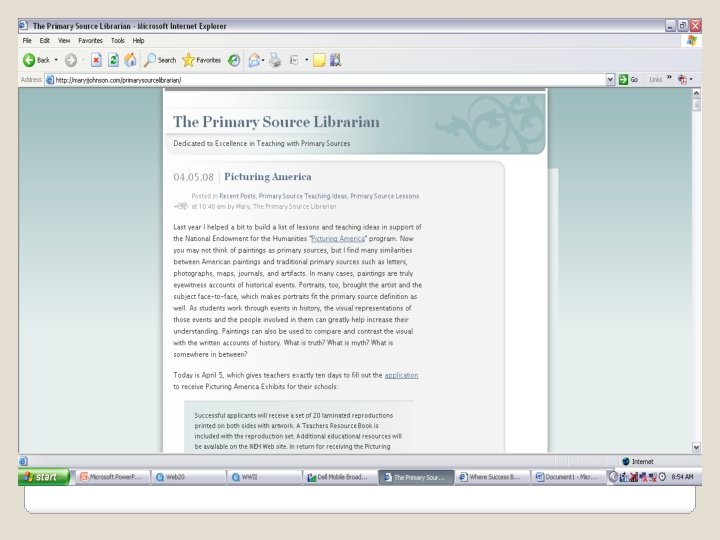
Teachers can use blogs to: ◦ communicate with their peers ◦ students’ parents Some schools also provide individual blogs for their students. ◦ This provides a way for students to post their journal entries and for the teachers to respond back with their comments. Example: Primary Source Librarian blog What Can You Do With a Blog?
Wikis Hawaiian word for fast
A software tool that allows visitors to become participants in the collaborative effort of creating and editing a website. Participants can easily add, remove, edit and change the content of the site. Participation requires no special technical knowledge or tools apart from a computer with an Internet connection. Examples: ◦ Primary Sources: Inquiry and 21 st Century Learning Wiki ◦ Technology Integration Wiki ◦ Westward Expansion Wikis
Ideal tool for collaborative authoring It’s easy to include: ◦ links to other pages within the wiki ◦ external links to sites on the Internet ◦ images, animations, audio and video Possible uses in the classroom: ◦ communicating with parents ◦ professional development collaboration ◦ student communication and collaboration What Can You Do With a Wiki?
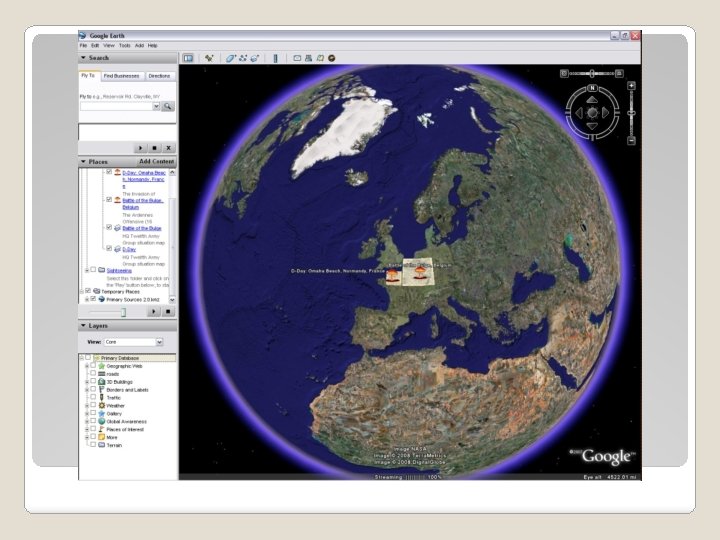
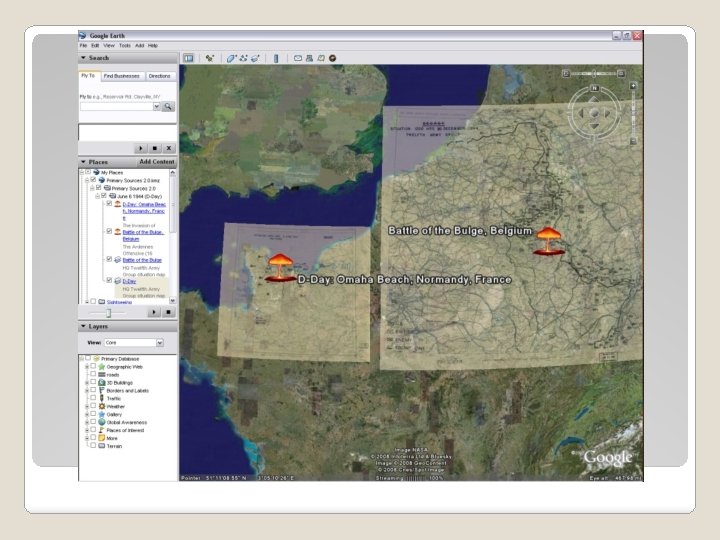
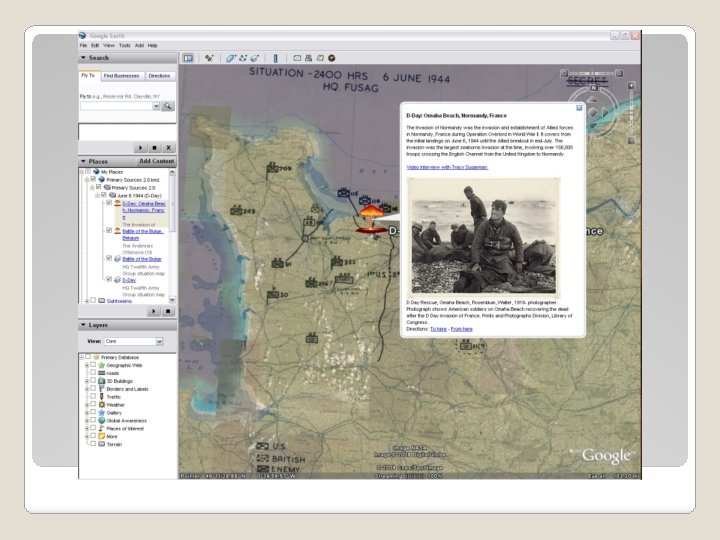
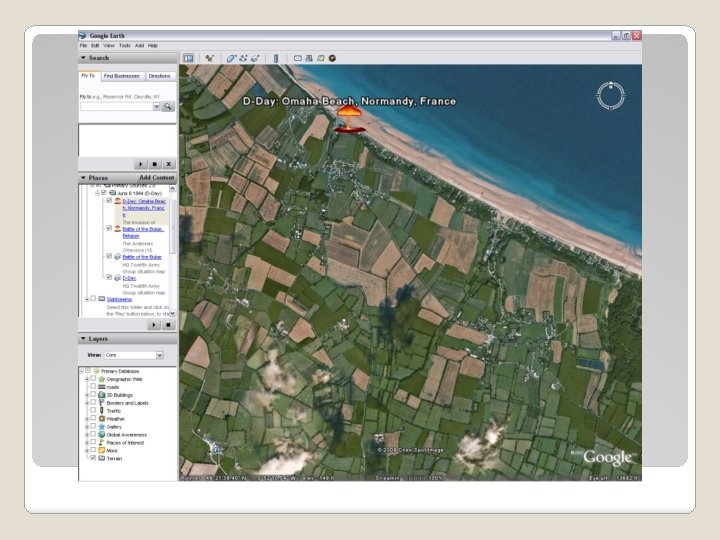
Google Earth superimposition of images obtained from satellite imagery
A virtual globe program that maps the earth by superimposing images obtained from satellite imagery and aerial photography. ◦ Displays cities, buildings, terrain and even the shadows of people and street signs. The degree of resolution available is based somewhat on the points of interest, but most land (except for some islands) is covered to at least 15 meters of resolution. Also includes a Sky tool for viewing constellations, stars, galaxies and animations depicting orbital patterns. Google Earth?
Point and zoom to any place on the planet that you want to explore Search for places, enter coordinates, or use the mouse to browse to a specific location Overlay images, text and endless data layers for rich multimedia experiences Save projects allowing for collaboration, project evolution, and teacher friendly file submission. What Can You Do With Google Earth?
Library of Congress ◦ www. loc. gov Teaching with Primary Sources ◦ http: //www. mscd. edu /tps Primary Sources: Inquiry & ◦ http: //tpsco. wikispaces. com Technology – Colorado 21 st Century Learning Integration Wiki and Article ◦ http: //tpstechex. pbworks. com/ ◦ http: //www. loc. gov/teachers/tps/newsletter/pdf/TPSNew s. Spring 09. pdf Questions ?
Contact: Peggy O’Neill-Jones Regional Director Library of Congress Teaching with Primary Sources 303 -556 -4821 oneilljp@mscd. edu Questions?