
Price tag template instructions Good for you You
- Slides: 4
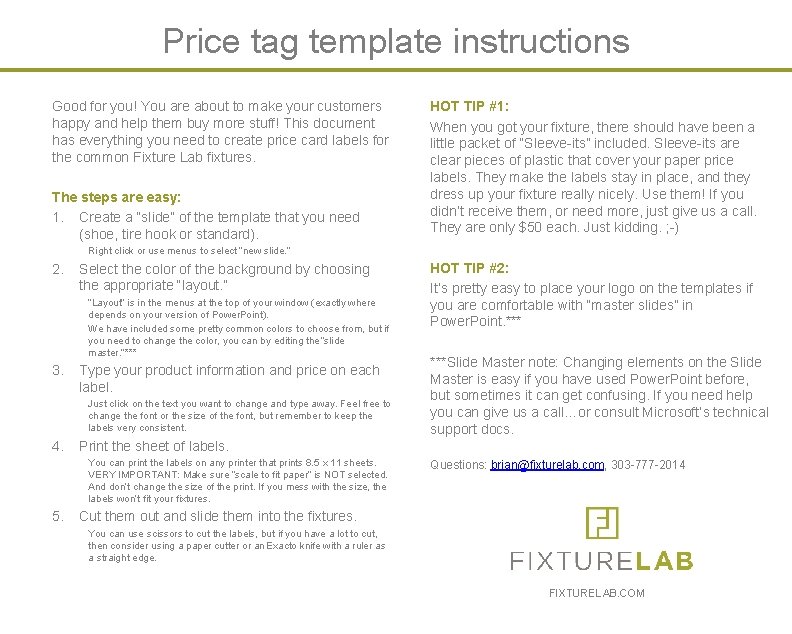
Price tag template instructions Good for you! You are about to make your customers happy and help them buy more stuff! This document has everything you need to create price card labels for the common Fixture Lab fixtures. The steps are easy: 1. Create a “slide” of the template that you need (shoe, tire hook or standard). HOT TIP #1: When you got your fixture, there should have been a little packet of “Sleeve-its” included. Sleeve-its are clear pieces of plastic that cover your paper price labels. They make the labels stay in place, and they dress up your fixture really nicely. Use them! If you didn’t receive them, or need more, just give us a call. They are only $50 each. Just kidding. ; -) Right click or use menus to select “new slide. ” 2. Select the color of the background by choosing the appropriate “layout. ” “Layout” is in the menus at the top of your window (exactly where depends on your version of Power. Point). We have included some pretty common colors to choose from, but if you need to change the color, you can by editing the “slide master. ”*** 3. Type your product information and price on each label. Just click on the text you want to change and type away. Feel free to change the font or the size of the font, but remember to keep the labels very consistent. 4. ***Slide Master note: Changing elements on the Slide Master is easy if you have used Power. Point before, but sometimes it can get confusing. If you need help you can give us a call…or consult Microsoft’s technical support docs. Print the sheet of labels. You can print the labels on any printer that prints 8. 5 x 11 sheets. VERY IMPORTANT: Make sure “scale to fit paper” is NOT selected. And don’t change the size of the print. If you mess with the size, the labels won’t fit your fixtures. 5. HOT TIP #2: It’s pretty easy to place your logo on the templates if you are comfortable with “master slides” in Power. Point. *** Questions: brian@fixturelab. com, 303 -777 -2014 Cut them out and slide them into the fixtures. You can use scissors to cut the labels, but if you have a lot to cut, then consider using a paper cutter or an Exacto knife with a ruler as a straight edge. FIXTURELAB. COM
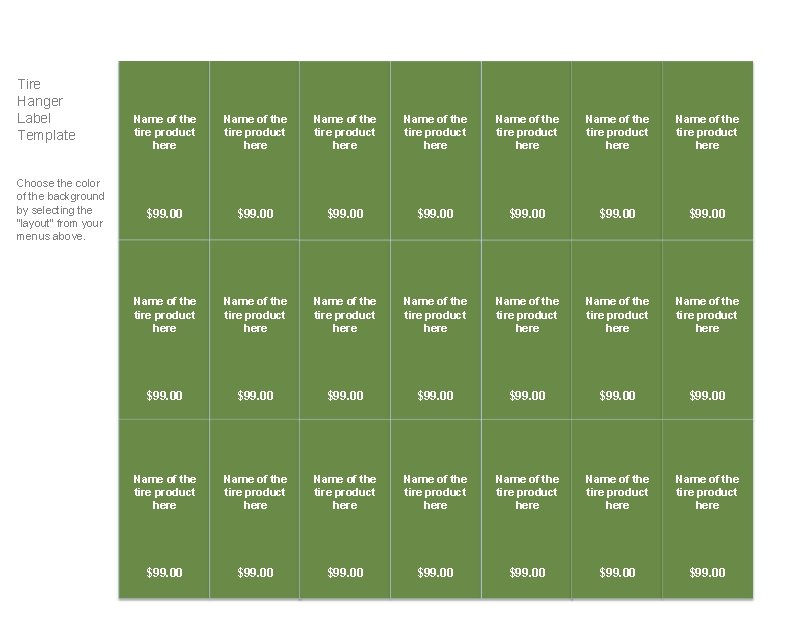
Tire Hanger Label Template Choose the color of the background by selecting the “layout” from your menus above. Name of the tire product here Name of the tire product here Name of the tire product here Name of the tire product here $99. 00 $99. 00 Name of the tire product here Name of the tire product here $99. 00 $99. 00
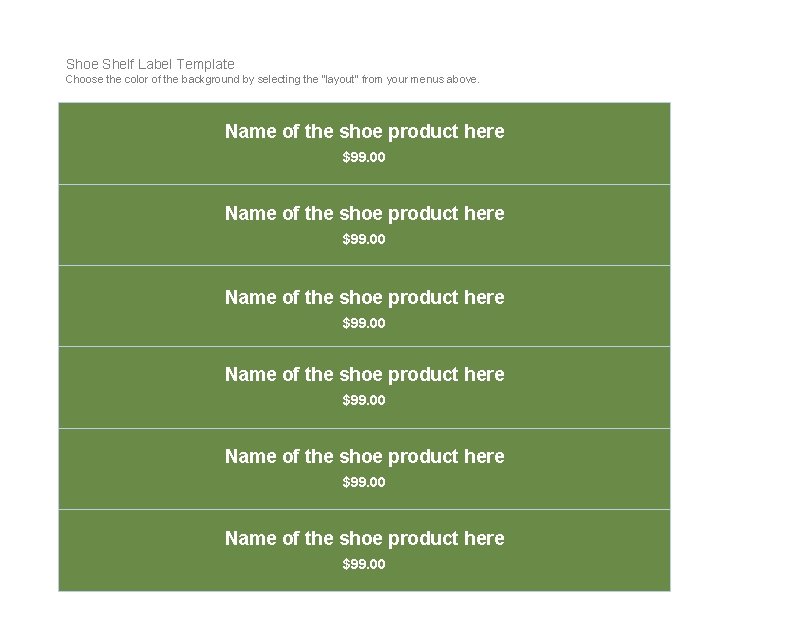
Shoe Shelf Label Template Choose the color of the background by selecting the “layout” from your menus above. Name of the shoe product here $99. 00
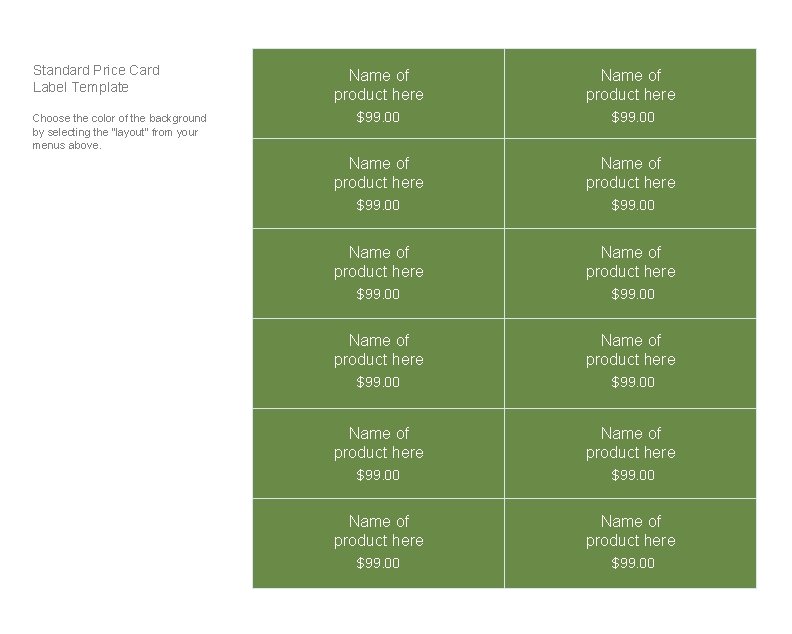
Standard Price Card Label Template Choose the color of the background by selecting the “layout” from your menus above. Name of product here Name of product here $99. 00 $99. 00