
PREWRITING AND OUTLINING ICS 139 w 08082011 Syllabus
PRE-WRITING AND OUTLINING ICS 139 w 08/08/2011
Syllabus now available http: //www. ics. uci. edu/~jwross/courses/ics 139 w/
What is prewriting? • First stage of the writing process 1. prewriting 2. drafting 3. revising 4. editing 5. publishing • Prewriting is about figuring out what to write
Why prewrite?
Methods for prewriting 1. Brainstorming 2. Looping (freewriting) 3. Mind-mapping 4. Outlining
Brainstorming • Goal: get as many ideas on paper as possible • generate first, filter later • Start with a blank page and write down anything • Don’t worry if it’s a good idea or not, just get it down • Once finished, review for good ideas
Brainstorming Exercise • Individually, brainstorm as many ideas for technological “systems” as you can • Topics for Assignment 2 • Can be familiar or unfamiliar • Software • an application, a website, a game, etc • Hardware • the newest gadget or device, etc • More abstract "system” • a network protocol, a socio-technical system, etc Share with a neighbor!
Pitfalls of Brainstorming • Group vs. individual brainstorming sessions • Nominal groups > collocated groups • Fear of evaluation • Limited communication channels (blocking) • Free riding
Looping (freewriting) • Write down all your thoughts on a subject • generate first, filter later • Good for coming up with interesting ideas • This is prewriting – do not turn in something like this! • stream-of-consciousness not very effective for technical writing
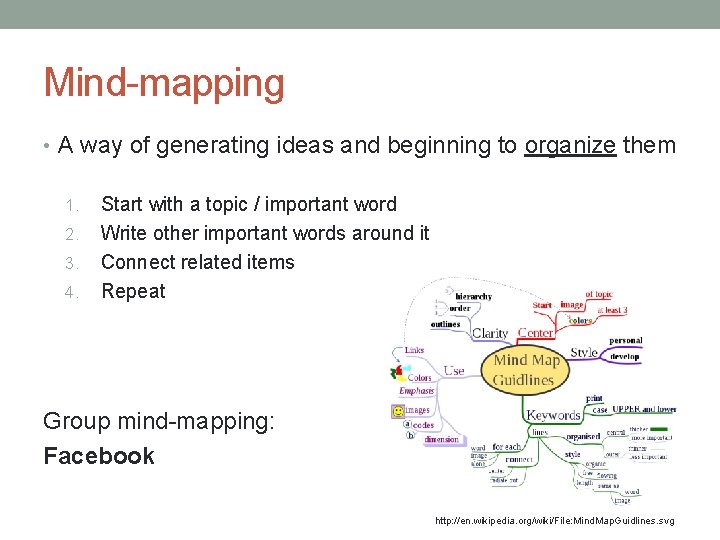
Mind-mapping • A way of generating ideas and beginning to organize them 1. 2. 3. 4. Start with a topic / important word Write other important words around it Connect related items Repeat Group mind-mapping: Facebook http: //en. wikipedia. org/wiki/File: Mind. Map. Guidlines. svg
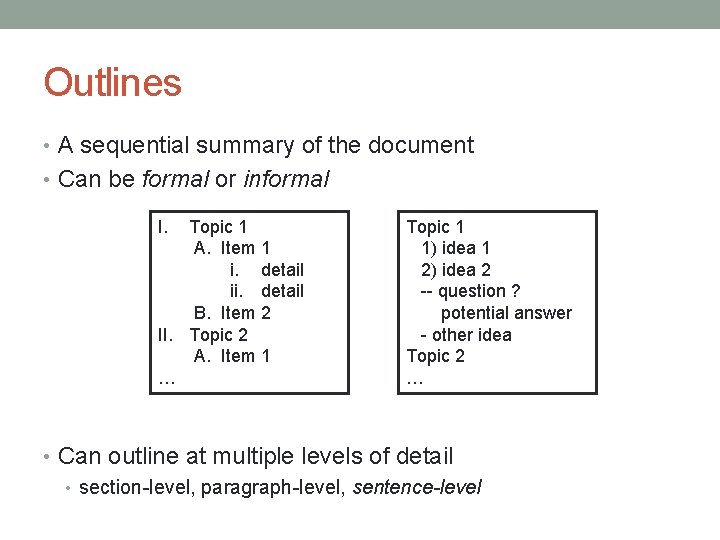
Outlines • A sequential summary of the document • Can be formal or informal I. Topic 1 A. Item 1 i. detail ii. detail B. Item 2 II. Topic 2 A. Item 1 … Topic 1 1) idea 1 2) idea 2 -- question ? potential answer - other idea Topic 2 … • Can outline at multiple levels of detail • section-level, paragraph-level, sentence-level
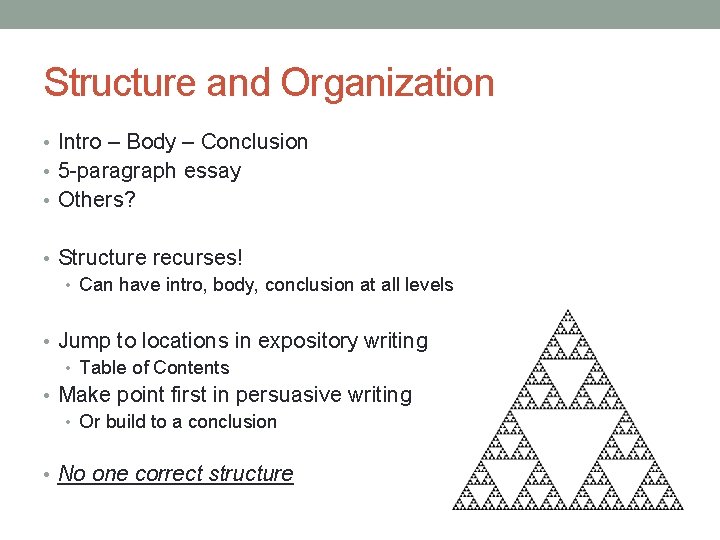
Structure and Organization • Intro – Body – Conclusion • 5 -paragraph essay • Others? • Structure recurses! • Can have intro, body, conclusion at all levels • Jump to locations in expository writing • Table of Contents • Make point first in persuasive writing • Or build to a conclusion • No one correct structure
Example Outlines: Expository writing • http: //en. wikipedia. org/wiki/Internet • Automatically-generated outline • What does this outline tell us about the structure? • http: //arstechnica. com/tech-policy/news/2011/08/creative- commons-images-and-you. ars
Example Outlines: Technical Documentation • http: //developer. android. com/guide/index. html • Tutorials • http: //guides. rubyonrails. org/getting_started. html • APIs • http: //download. oracle. com/javase/6/docs/api/
Example Outlines: Research Papers • http: //chi 2012. acm. org/chi 2012 archivalformat_final. doc • http: //dx. doi. org/10. 1145/1054972. 1055017 • http: //dx. doi. org/10. 1145/587078. 587080 Standard Format: 1. 2. 3. 4. 5. Abstract Introduction Related Work Method Results 6. 7. 8. 9. Discussion Future Work Conclusion References
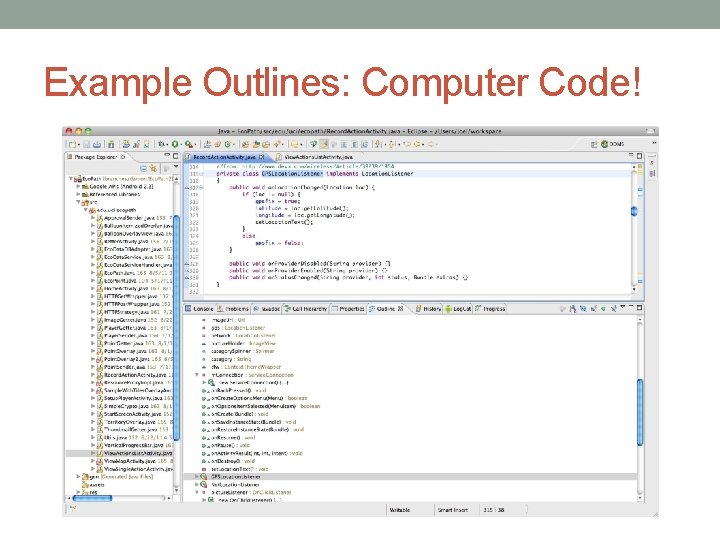
Example Outlines: Computer Code!
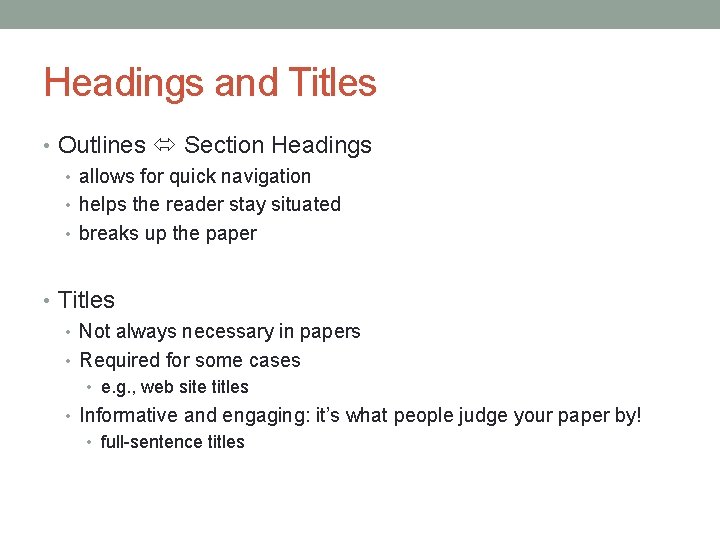
Headings and Titles • Outlines Section Headings • allows for quick navigation • helps the reader stay situated • breaks up the paper • Titles • Not always necessary in papers • Required for some cases • e. g. , web site titles • Informative and engaging: it’s what people judge your paper by! • full-sentence titles
Stress-free Outlining Be comfortable • Doesn’t have to be perfect initially • Can outline and change things around without committing Not a required formal step, but is very helpful • Can outline almost anything (emails, etc) • Solution for being understood even while nervous • Outline can be understood without having to “write” • (without worrying about the grammar or style elements) • If understandable, then you’ve already solved half the problem
Homework for Wednesday • Decide on a system for Assignment 2 • (can use an example from our in-class brainstorming) • non-specific Facebook is off limits • Bring in a clean outline (hard copy) for peer editing • should outline at least to the paragraph level • does not need to be formal, but should be readable • Remember to check the assignment instructions! • http: //www. ics. uci. edu/~jwross/courses/ics 139 w/assignment 2. html
BREAK!
Peer Editing • Practice editing papers and responding to others’ writing • Multiple eyes catch multiple problems • Get comfortable sharing work with others
Giving Good Feedback • First rule: be honest and kind • “looks okay” doesn’t help anyone • If you react to a paper or something feels wrong, point it out • Mutual Respect • Constructive criticism about the text, not the author • Be pleasant, helpful, and professional • Also give feedback on writing strengths!
Giving Good Feedback • Pretend you are the target reader • e. g. : you are the hiring manager; you are a new system user; etc. • Don’t rely on your own knowledge or context! • Give suggestions for fixes and improvements • Try and figure out WHY something this wrong • Don’t just look for grammar – editing != proofreading • Also check organization, argument effectiveness, etc. • Editing tips apply • read aloud, look things up, etc
Using Peer Editing • Pay attention to the feedback from others! • No one (not even Joel or Dmitri) will catch everything • edit and edit again; iterate and iterate again
Peer-Editing: Resumes and Cover Letters • Exchange and edit Resumes/Cover Letters • Use worksheet as a guide • Exchange with at least two (2) classmates • Can also ask Joel or Dmitri to edit, but need two others • You will need to turn your edit sheets on Wednesday • (you can use the comments for editing before then)
Closing • Resumes due Tuesday Midnight to EEE Dropbox • (EEE so you can read my comments!) • Bring your editing sheets to class on Wednesday to turn in • Wednesday: bring complete outline for Assignment 2 for peer-editing • hard copy so we can see what edits have been made to it.
- Slides: 26