
Preserving AudioVisual Files A Guide from the Palenque
- Slides: 8
Preserving Audio/Visual Files A Guide from the Palenque Project
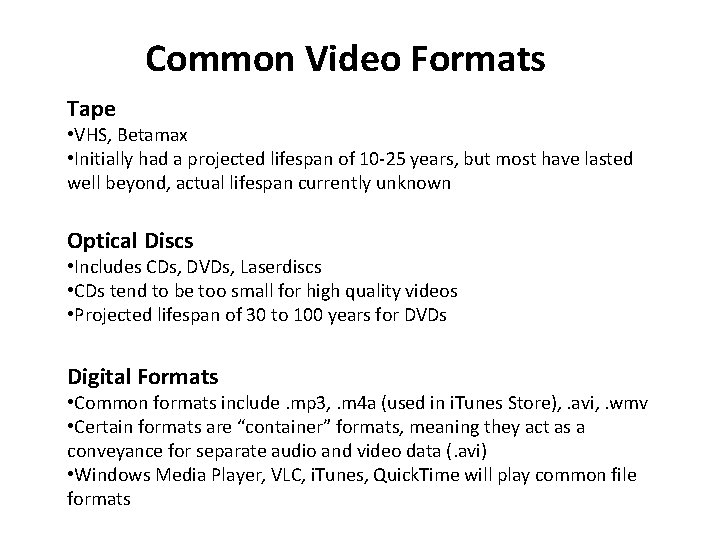
Common Video Formats Tape • VHS, Betamax • Initially had a projected lifespan of 10 -25 years, but most have lasted well beyond, actual lifespan currently unknown Optical Discs • Includes CDs, DVDs, Laserdiscs • CDs tend to be too small for high quality videos • Projected lifespan of 30 to 100 years for DVDs Digital Formats • Common formats include. mp 3, . m 4 a (used in i. Tunes Store), . avi, . wmv • Certain formats are “container” formats, meaning they act as a conveyance for separate audio and video data (. avi) • Windows Media Player, VLC, i. Tunes, Quick. Time will play common file formats
Formatting Suggestions File Format Matters • Not all file types are supported, not all will be supported forever Save in Common Formats • Update to newer formats if others fall out of use
Formatting Suggestions Know Your Codecs • Codecs (MPEG, Div. X) allow video to play by decoding data in video files • http: //windows. microsoft. com/en-us/windows 7/codecsfrequently-asked-questions Video Players • Use a video player which supports many file formats • Update regularly
Problems in Video Preservation Many file formats exist • Not all are still supported, not all will be supported forever Videos are large files • Video “compression” can save memory space • This can cause loss of quality and fidelity • This issue tends to affect large-scale video repositories more than personal collections
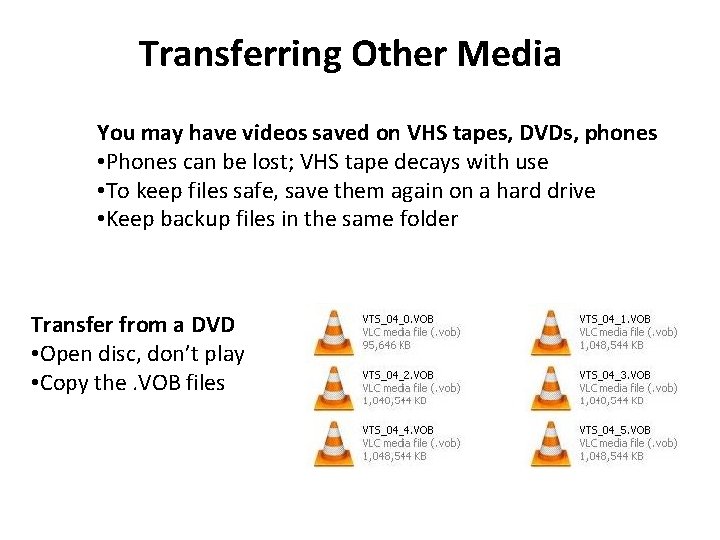
Transferring Other Media You may have videos saved on VHS tapes, DVDs, phones • Phones can be lost; VHS tape decays with use • To keep files safe, save them again on a hard drive • Keep backup files in the same folder Transfer from a DVD • Open disc, don’t play • Copy the. VOB files
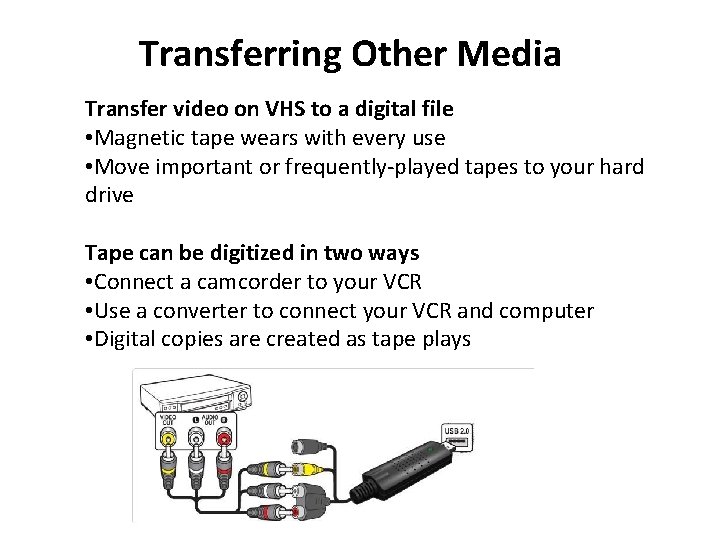
Transferring Other Media Transfer video on VHS to a digital file • Magnetic tape wears with every use • Move important or frequently-played tapes to your hard drive Tape can be digitized in two ways • Connect a camcorder to your VCR • Use a converter to connect your VCR and computer • Digital copies are created as tape plays
General Archiving Good Practices File redundancy • Save multiple copies of files in original location and other storage locations Choose Descriptive Names for Files • Make sure your files and folders can be identified in the future Check Files • Review your files annually to ensure they function properly