
Presenter Lecturer Moderator TRAINING on Show cue Show
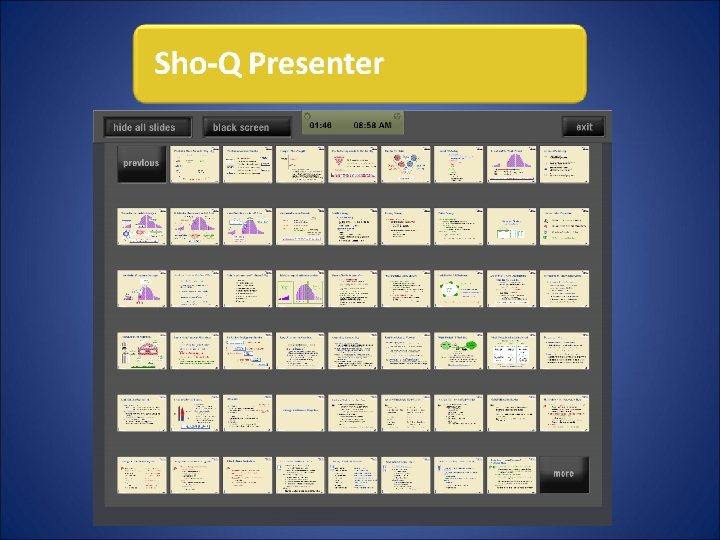
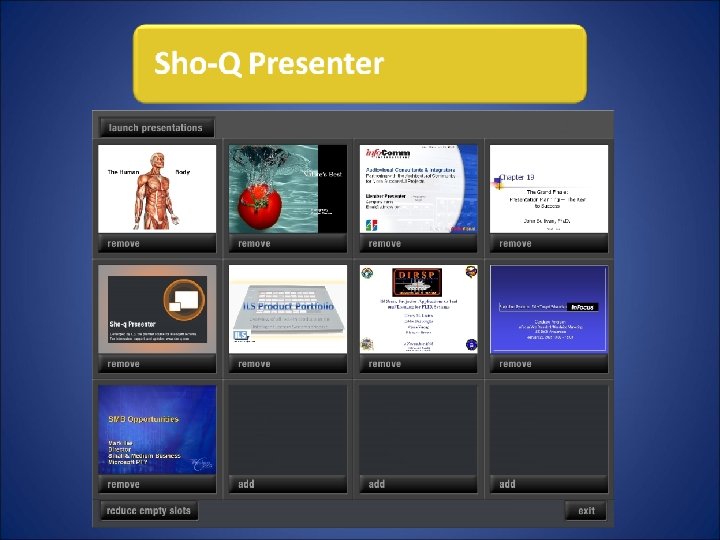
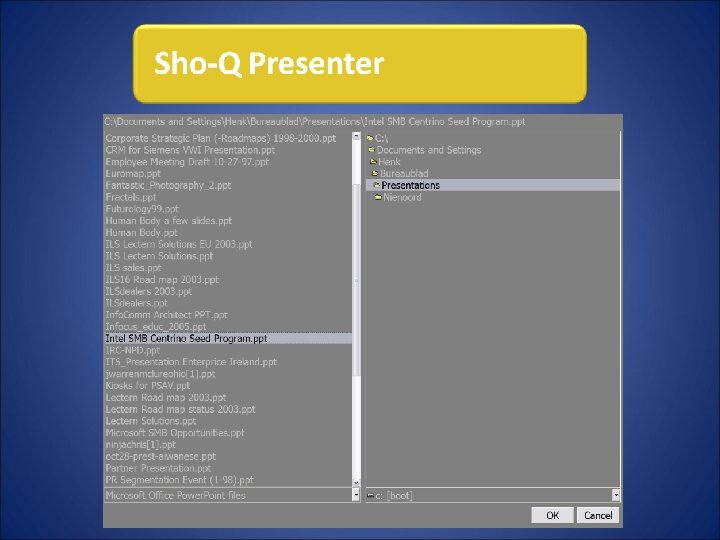
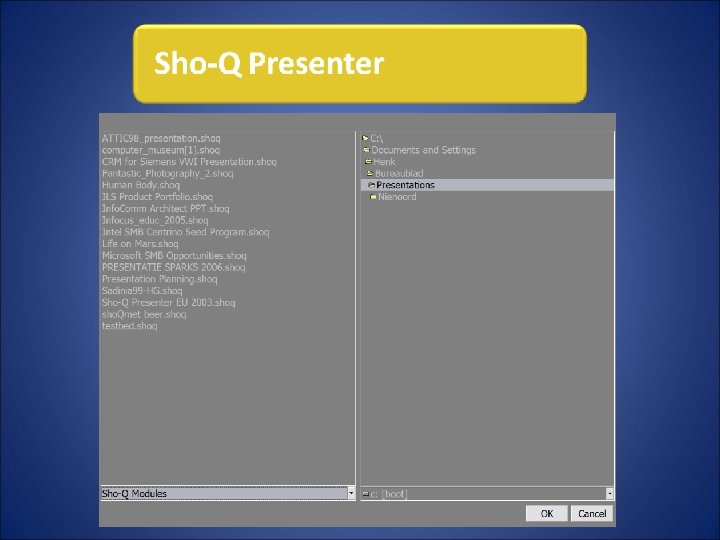
- Slides: 38
Presenter Lecturer Moderator TRAINING on
Show cue Show queue
Why use Sho-Q? Professional Productive
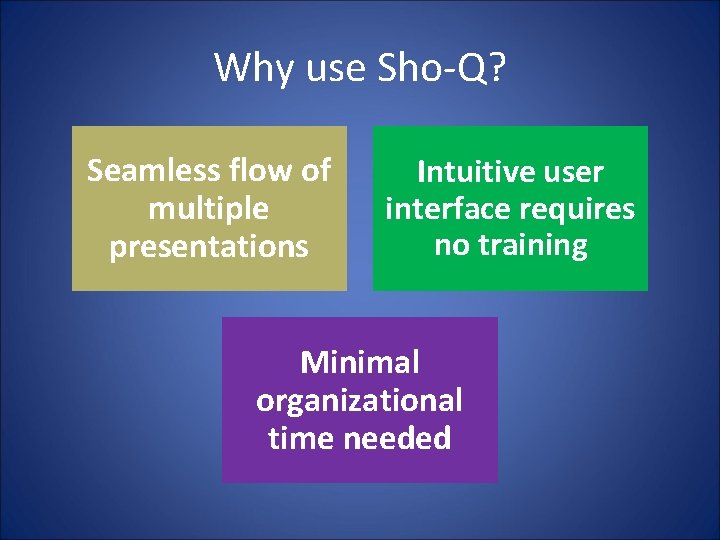
Why use Sho-Q? Seamless flow of multiple presentations Intuitive user interface requires no training Minimal organizational time needed
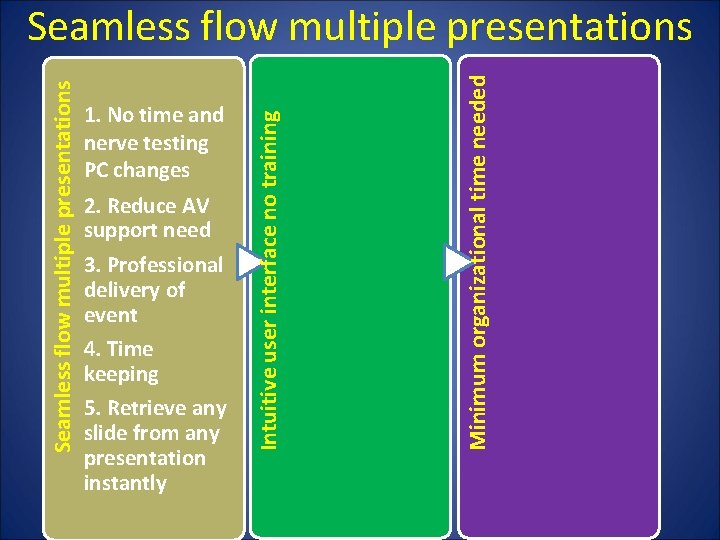
2. Reduce AV support need 3. Professional delivery of event 4. Time keeping 5. Retrieve any slide from any presentation instantly Minimum organizational time needed 1. No time and nerve testing PC changes Intuitive user interface no training Seamless flow multiple presentations
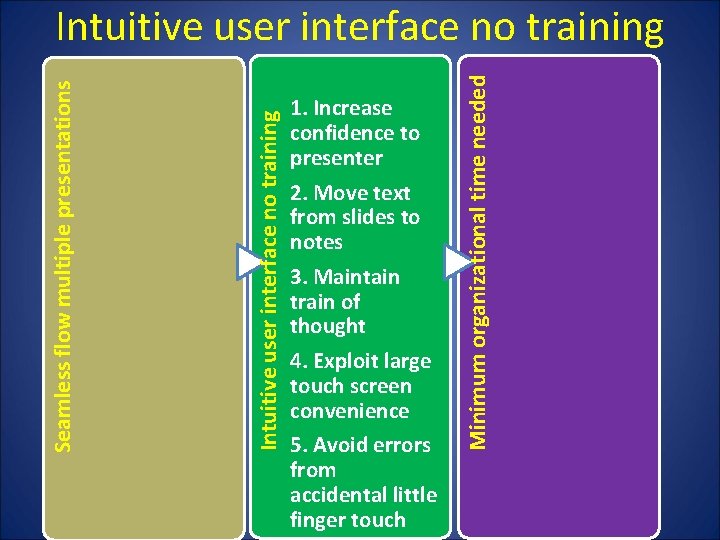
1. Increase confidence to presenter 2. Move text from slides to notes 3. Maintain train of thought 4. Exploit large touch screen convenience 5. Avoid errors from accidental little finger touch Minimum organizational time needed Intuitive user interface no training Seamless flow multiple presentations Intuitive user interface no training
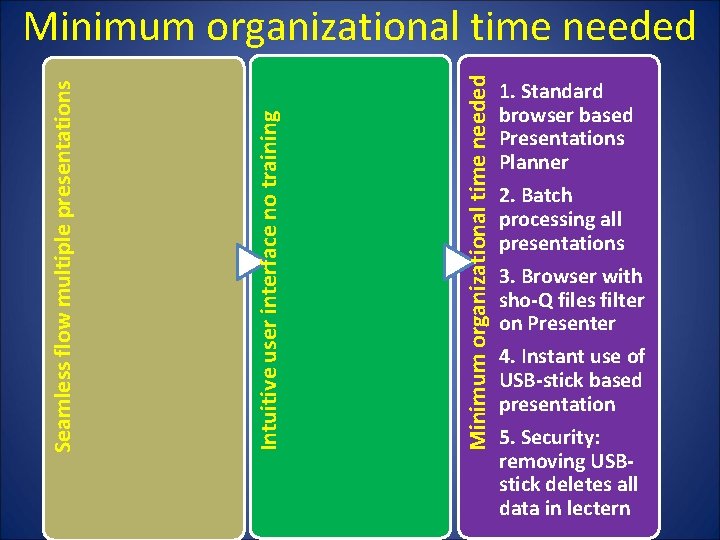
Minimum organizational time needed Intuitive user interface no training Seamless flow multiple presentations Minimum organizational time needed 1. Standard browser based Presentations Planner 2. Batch processing all presentations 3. Browser with sho-Q files filter on Presenter 4. Instant use of USB-stick based presentation 5. Security: removing USBstick deletes all data in lectern
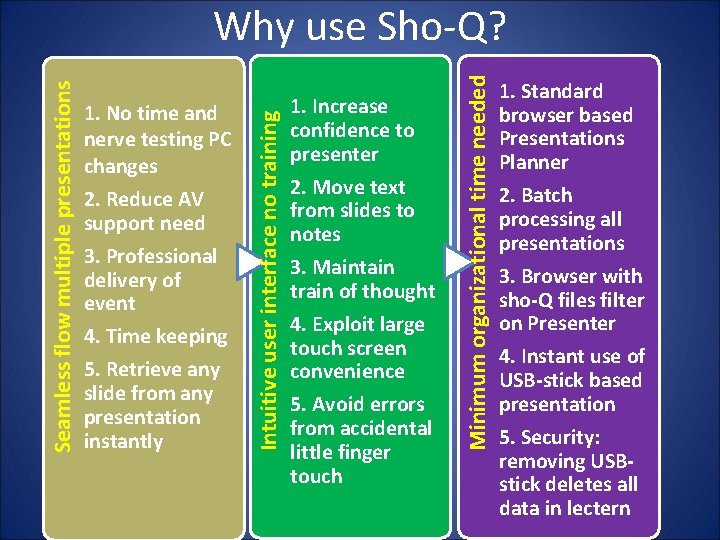
2. Reduce AV support need 3. Professional delivery of event 4. Time keeping 5. Retrieve any slide from any presentation instantly 1. Increase confidence to presenter 2. Move text from slides to notes 3. Maintain train of thought 4. Exploit large touch screen convenience 5. Avoid errors from accidental little finger touch Minimum organizational time needed 1. No time and nerve testing PC changes Intuitive user interface no training Seamless flow multiple presentations Why use Sho-Q? 1. Standard browser based Presentations Planner 2. Batch processing all presentations 3. Browser with sho-Q files filter on Presenter 4. Instant use of USB-stick based presentation 5. Security: removing USBstick deletes all data in lectern
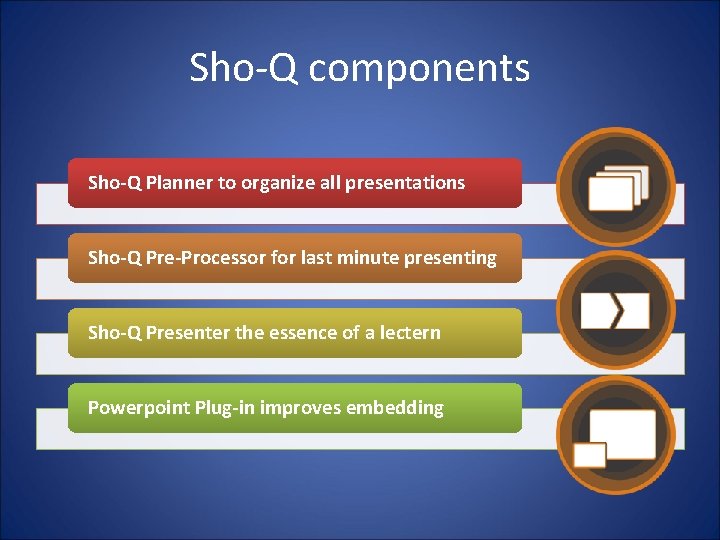
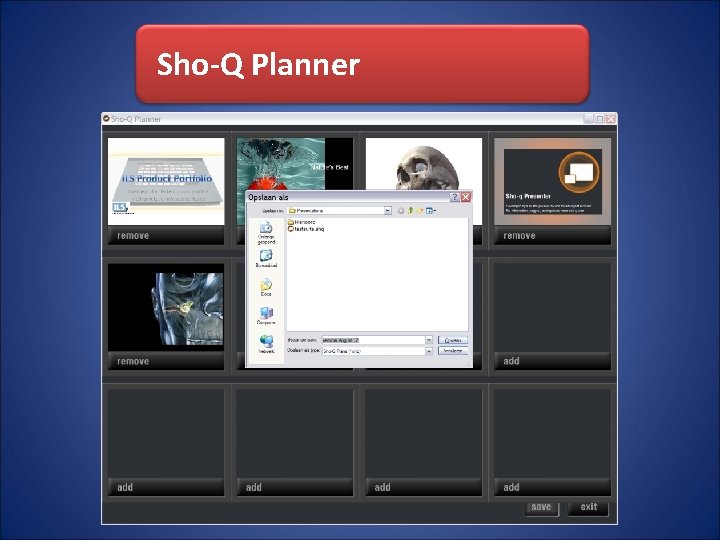
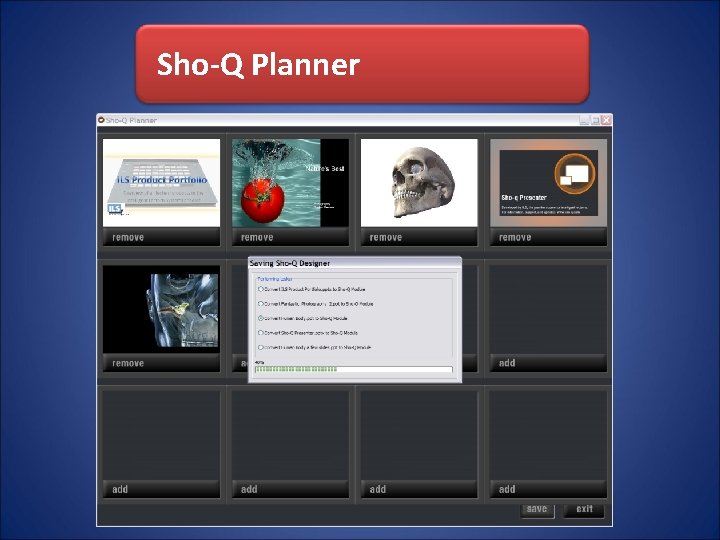
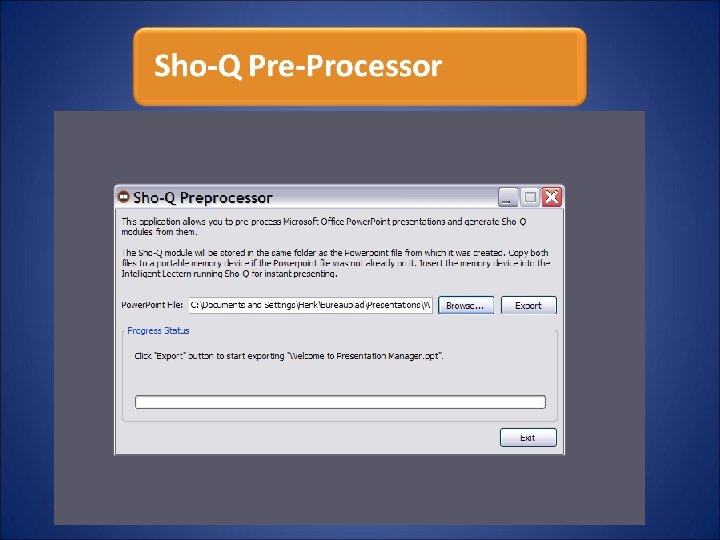
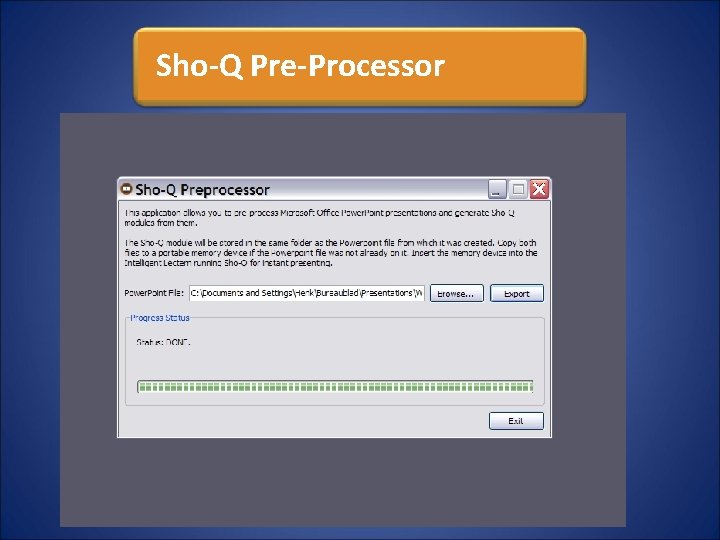
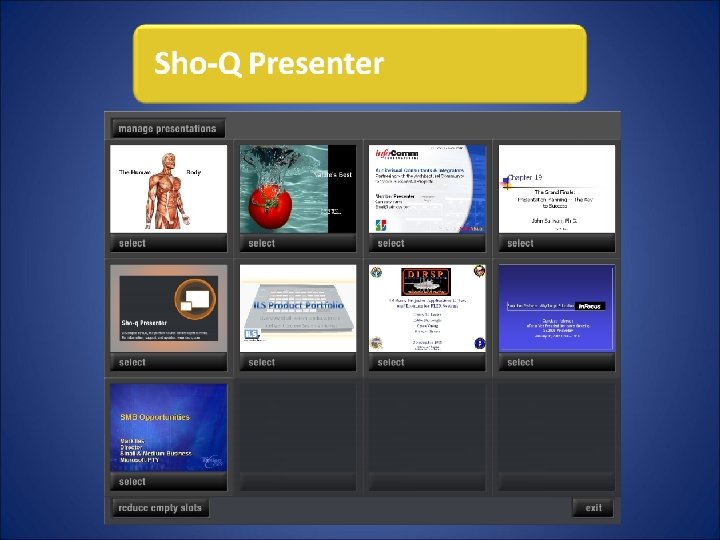
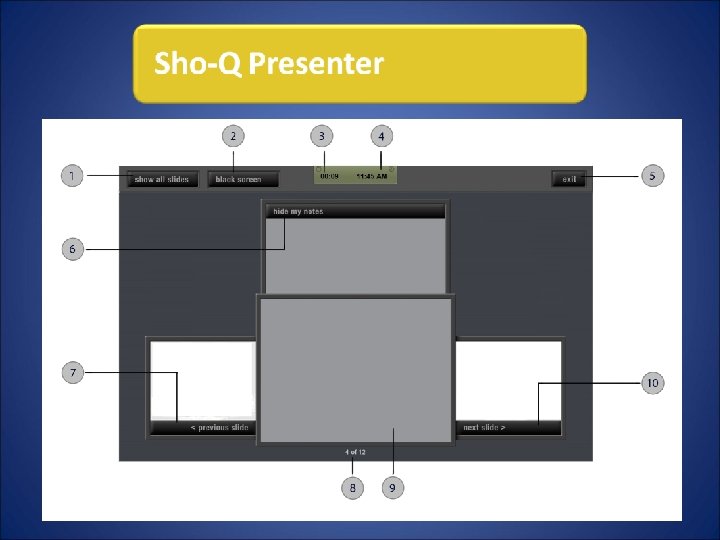
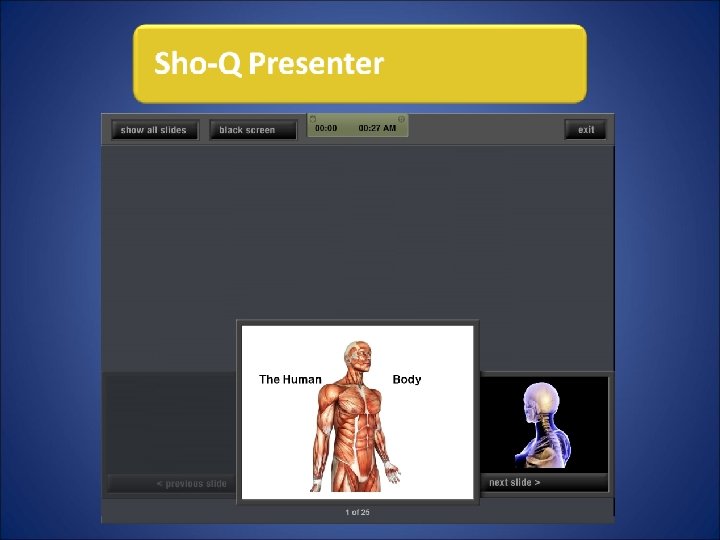
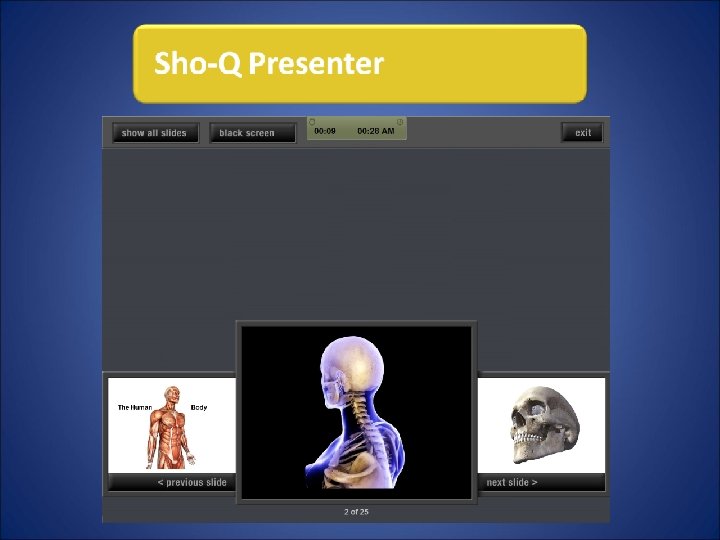
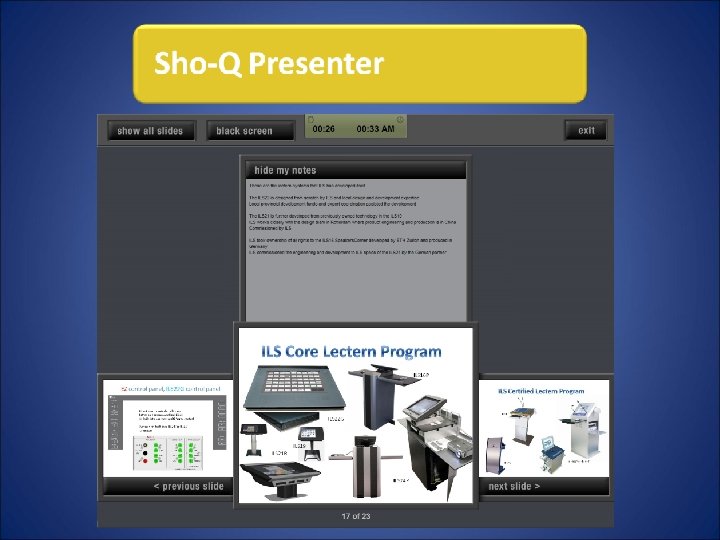
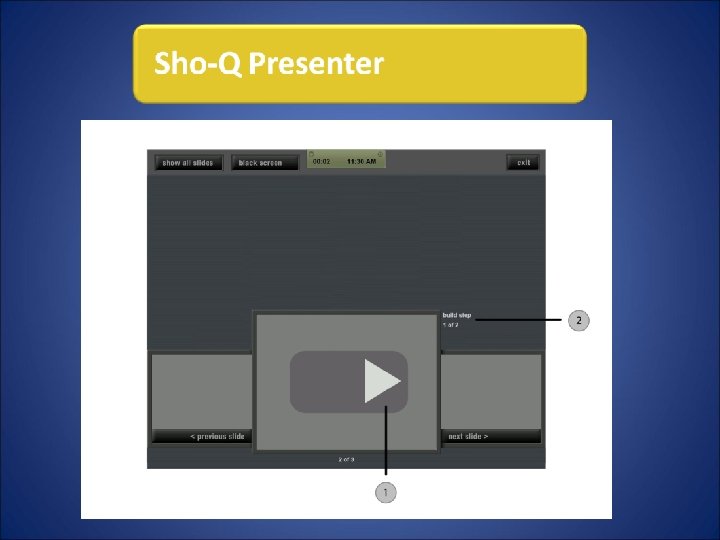
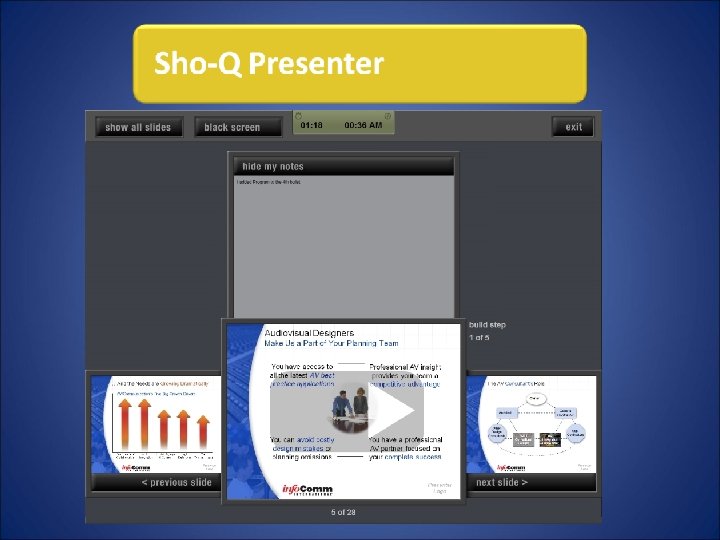
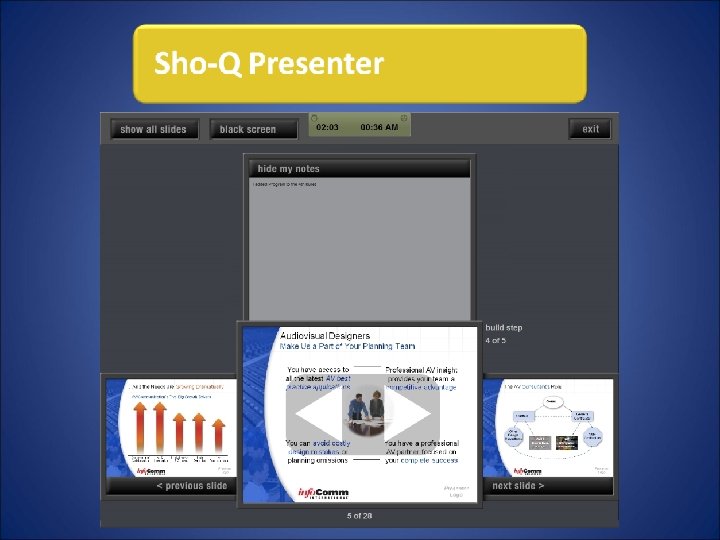
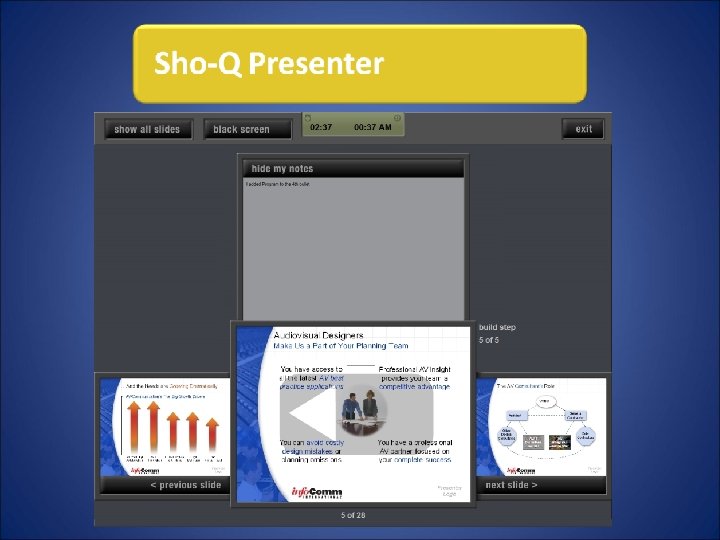
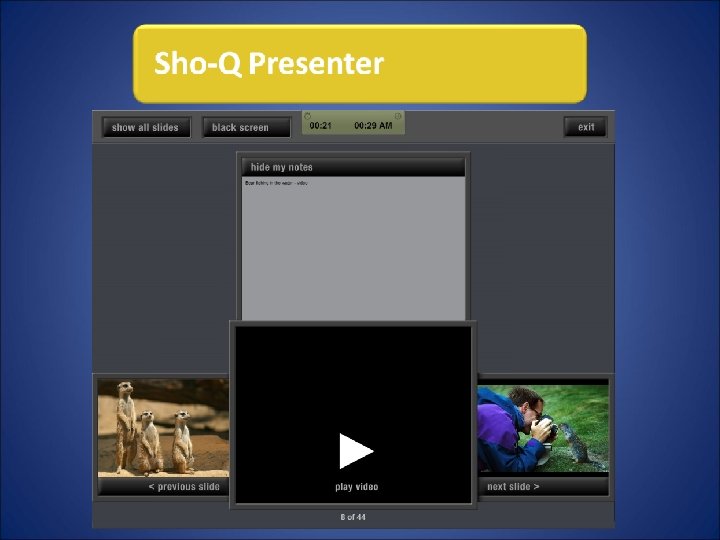
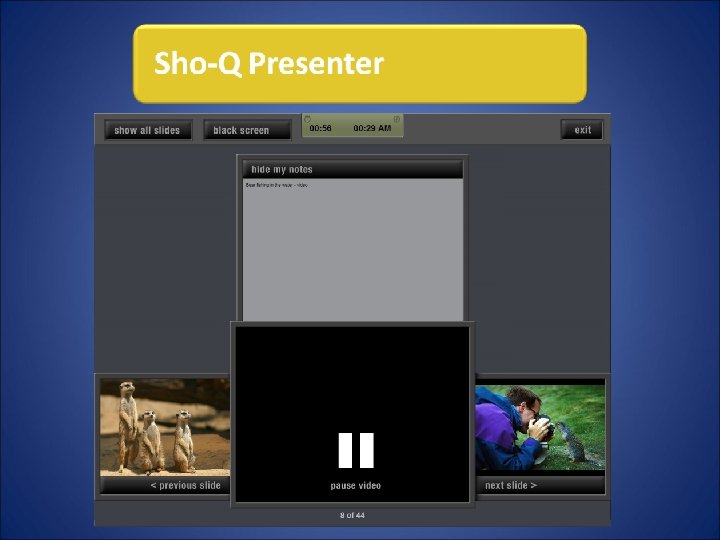
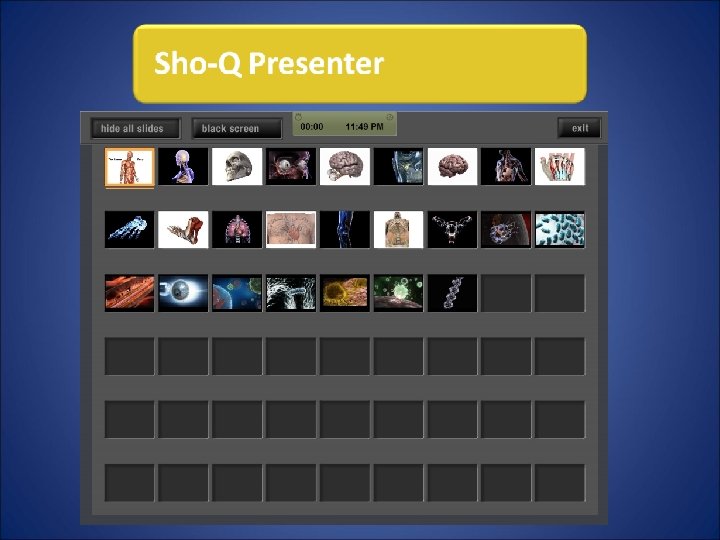
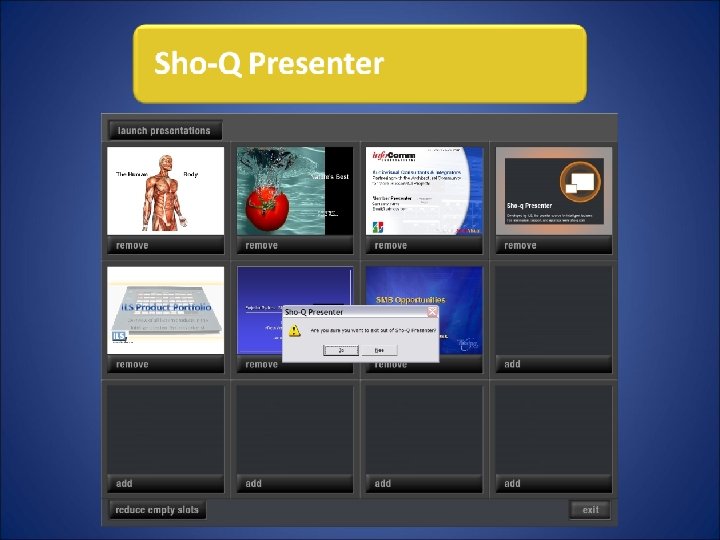
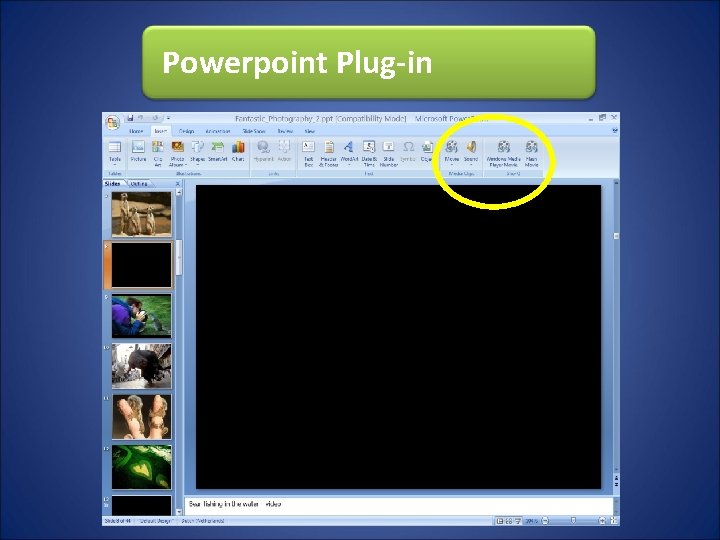
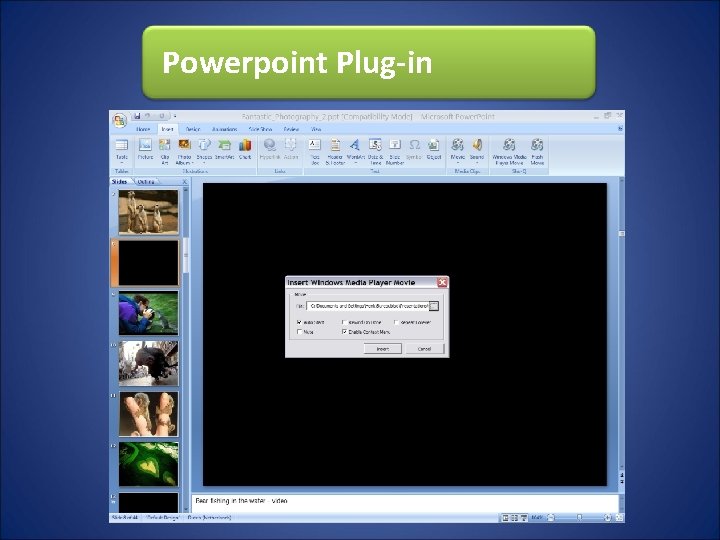
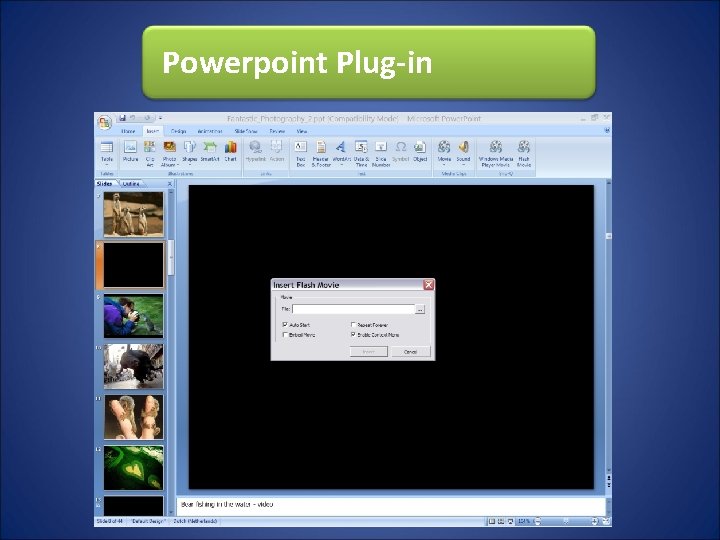
Sho-Q components Sho-Q Planner to organize all presentations Sho-Q Pre-Processor for last minute presenting Sho-Q Presenter the essence of a lectern Powerpoint Plug-in improves embedding
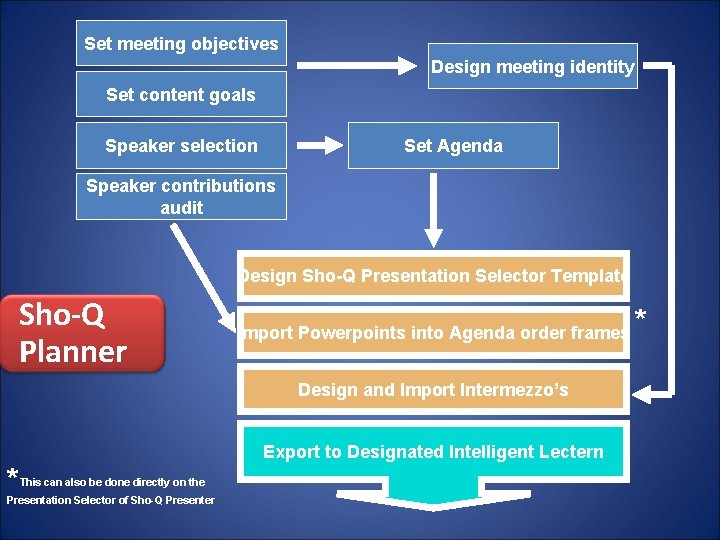
Set meeting objectives Design meeting identity Set content goals Speaker selection Set Agenda Speaker contributions audit Design Sho-Q Presentation Selector Template Sho-Q Planner Import Powerpoints into Agenda order frames Design and Import Intermezzo’s Export to Designated Intelligent Lectern * This can also be done directly on the Presentation Selector of Sho-Q Presenter *
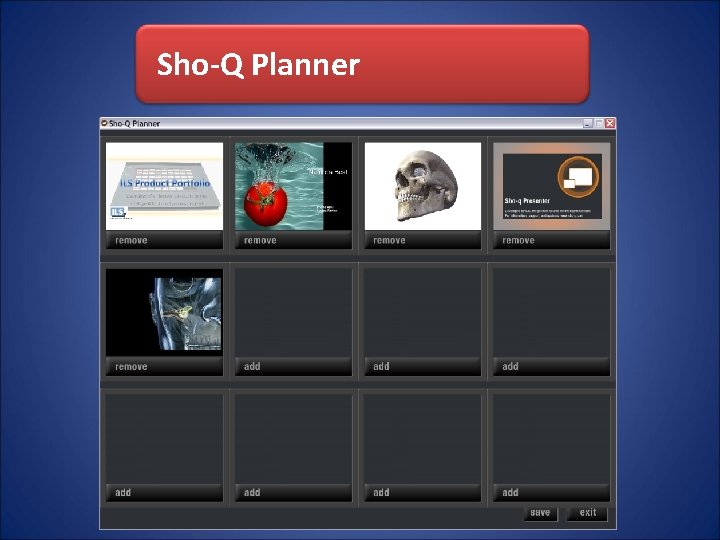
Sho-Q Planner
Sho-Q Planner
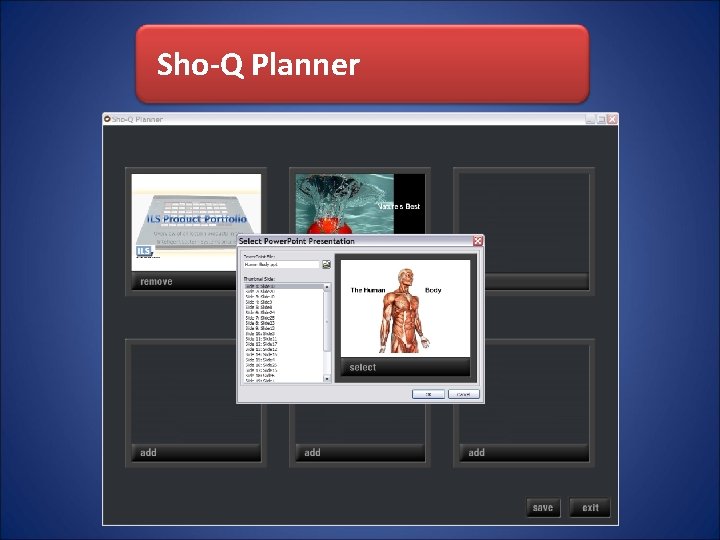
Sho-Q Planner
Sho-Q Planner
Sho-Q Pre-Processor
Powerpoint Plug-in
Powerpoint Plug-in
Powerpoint Plug-in
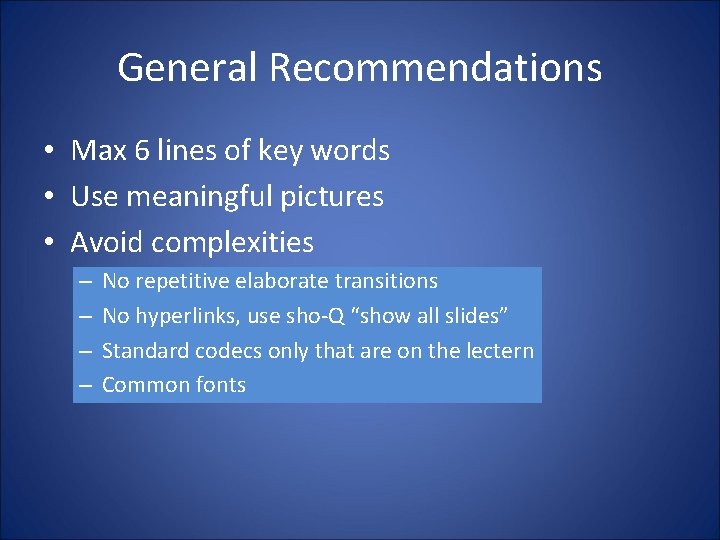
General Recommendations • Max 6 lines of key words • Use meaningful pictures • Avoid complexities – – No repetitive elaborate transitions No hyperlinks, use sho-Q “show all slides” Standard codecs only that are on the lectern Common fonts
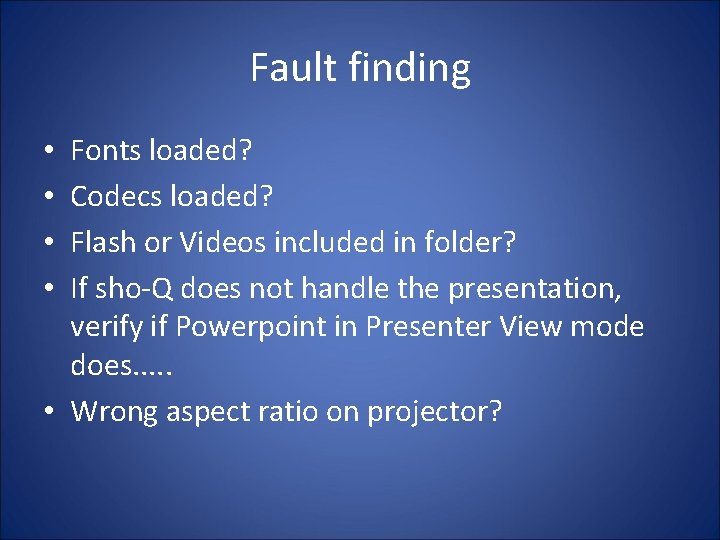
Fault finding Fonts loaded? Codecs loaded? Flash or Videos included in folder? If sho-Q does not handle the presentation, verify if Powerpoint in Presenter View mode does. . . • Wrong aspect ratio on projector? • •