
Presentations By Melissa Mogensen Outline Habits when presenting
Presentations By: Melissa Mogensen
Outline • • Habits when presenting Power Point habits Style of slides Power Point extras
Habits when presenting • Movement • Pace • Audience interaction • Dress

Power Point presentation blunders • reading from the screen • writing full sentences • laser pointer • • questions handouts one picture per page number of slides
Principles of a Power Point • Identify core ideas • Organize concepts • Highlight good ideas • Tell a good story • Keep it simple

Color • • • Good • Bad Good Bad Bad Statistics

Color Cont. • • Bad Bad
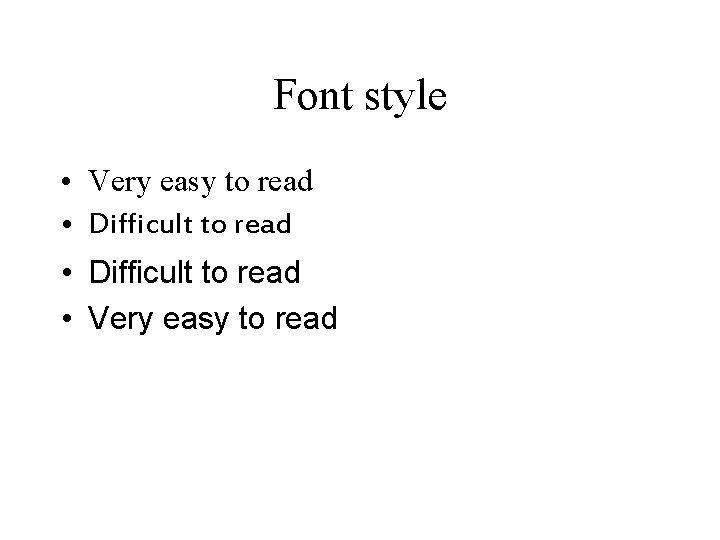
Font style • Very easy to read • Difficult to read • Very easy to read
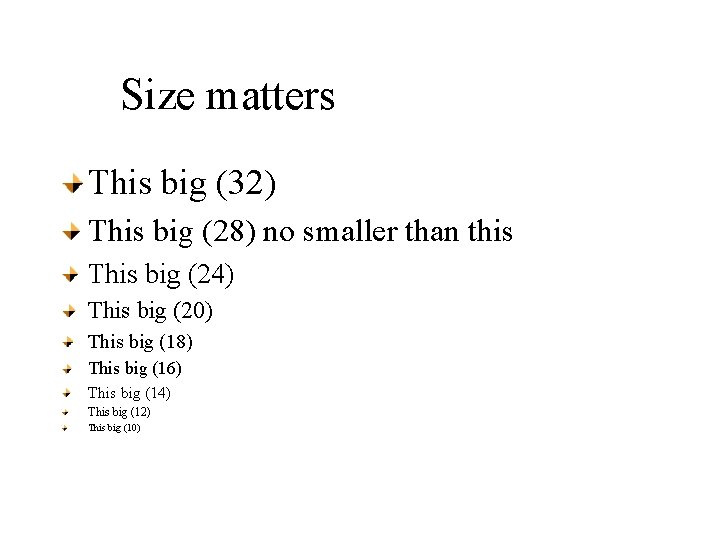
Size matters to me This big (32) This big (28) no smaller than this This big (24) This big (20) This big (18) This big (16) This big (14) This big (12) This big (10)
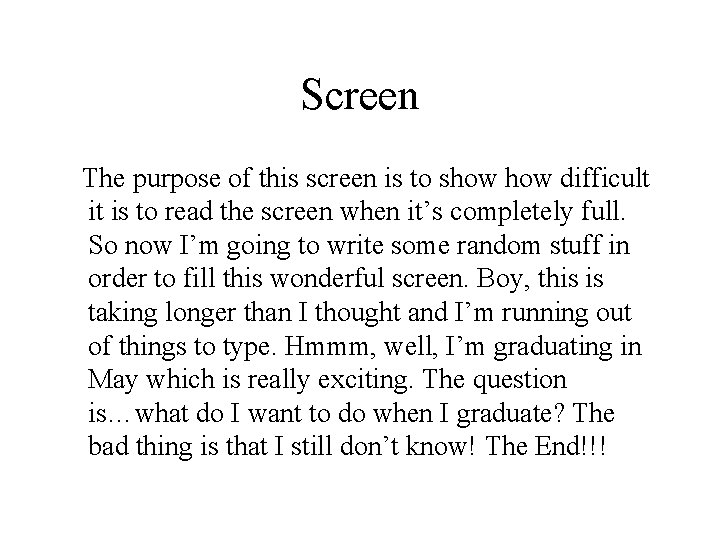
Screen The purpose of this screen is to show difficult it is to read the screen when it’s completely full. So now I’m going to write some random stuff in order to fill this wonderful screen. Boy, this is taking longer than I thought and I’m running out of things to type. Hmmm, well, I’m graduating in May which is really exciting. The question is…what do I want to do when I graduate? The bad thing is that I still don’t know! The End!!!
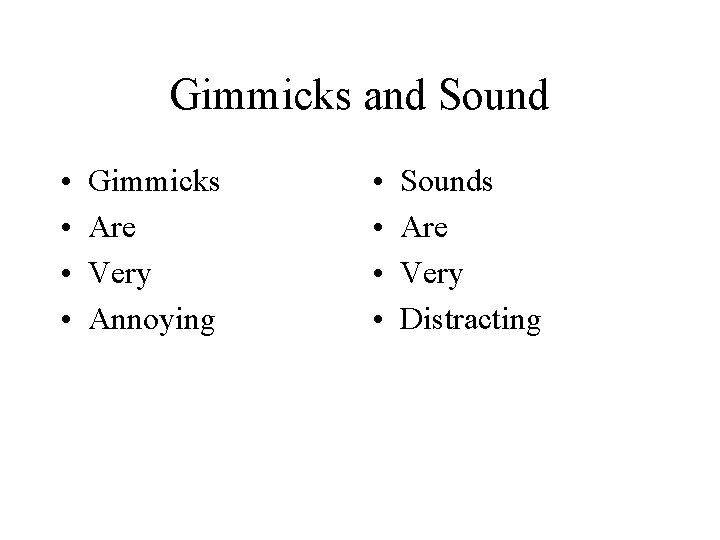
Gimmicks and Sound • • Gimmicks Are Very Annoying • • Sounds Are Very Distracting
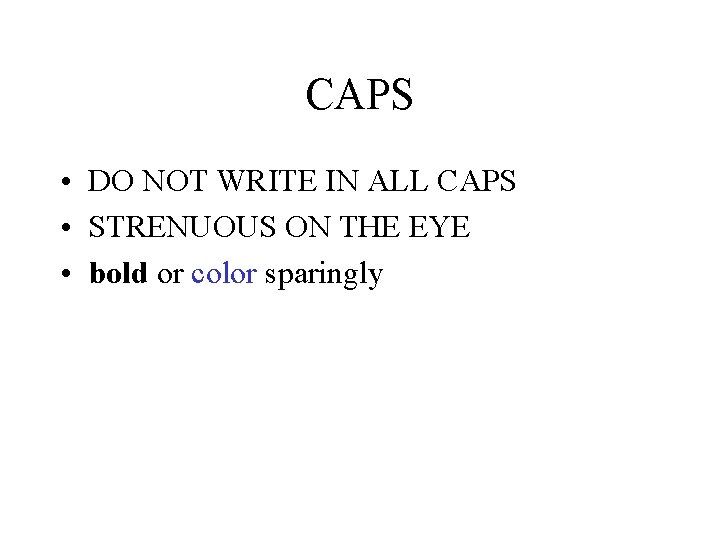
CAPS • DO NOT WRITE IN ALL CAPS • STRENUOUS ON THE EYE • bold or color sparingly
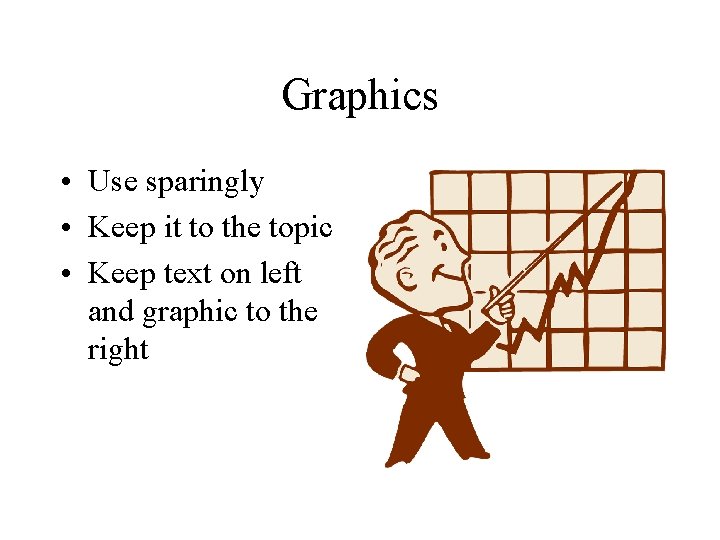
Graphics • Use sparingly • Keep it to the topic • Keep text on left and graphic to the right
Text boxes (drawing tool bar) Allow you to insert text ANYWHERE!!!
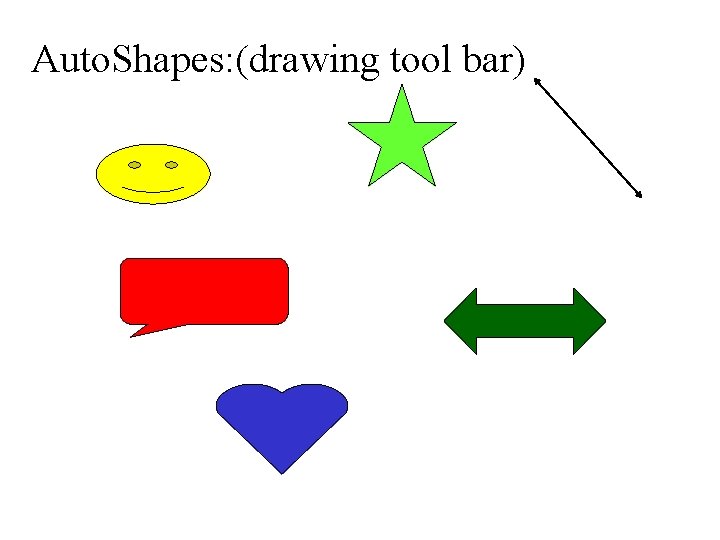
Auto. Shapes: (drawing tool bar)
Movie/Animations • Use sparingly • Keep it to the content
Conclusion • Power Point can be useful • Easy to misuse • Just because you can, doesn’t mean you should • Flexible
• Questions? ? ? ?
- Slides: 18