
Presentations An overview of key elements Structure of


- Slides: 30
Presentations An overview of key elements
Structure of an Oral Presentation
Go to: Presenting Your Content For important information on: § § § Your goal as the presenter You as your most important medium Profiling your audience Your posture and oral delivery The pause: an essential tool
Articulate a Short Title followed by: Your name § Your affiliation § Your email/Web address §
Provide a Verbal Roadmap State your objective § Tell your audience what to expect § Consider a motivating example that: § Places your work in context § Defines a problem § Engages your audience in a story §
Organize Your Content Provide necessary background § Describe the project § Present your main results § Lead your audience up the key steps of your reasoning § Highlight then interpret your most important results §
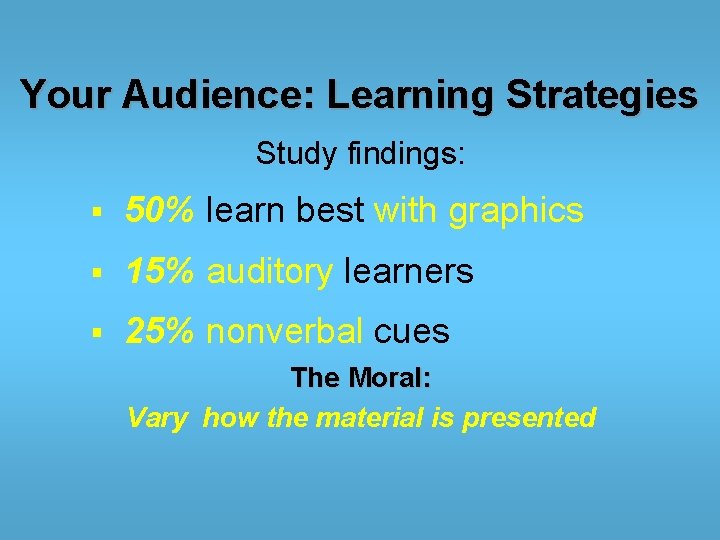
Your Audience: Learning Strategies Study findings: § 50% learn best with graphics § 15% auditory learners § 25% nonverbal cues The Moral: Vary how the material is presented
Developing Your Message § Be clear § Be concise § Use familiar terms § Identify new terms § Allow audience time to process new information – whether you say it or show it or both.
Close with a Conclusion Revisit the example or story from the beginning of your presentation § Remind your audience of your work’s objective § Explain your results in terms of your subject matter §
Discuss your Conclusion Restate the purpose of your presentation § Review your key findings § Discuss aspects that need further study or next steps § § Thank your audience for attending § Invite questions, comments, & discussion from your audience
Go to: Oral Presentation Skills For an in-depth practical guide on: § § § Preparation and Planning Structure of an Oral Presentation Creating Interest with the Audience Body language Voice and Pronunciation © C. STORZ and the English language teachers of the Institut national de télécommunications, EVRY FRANCE. ©
Use Power. Point to: § Introduce content in small increments § Supplement oral presentation with appropriate visuals § Design posters
Power. Point Presentation Colors § Use strongly contrasting colors for text and background § Project slides in advance to be sure colors have adequate contrast
Typeface and Fonts Excellent information on typography can be found on Victor Chen’s Effective Power. Point Presentations
Read Me! Making Text Inviting Text is necessary, but you can present it so it invites the viewer to read more. You can also highlight items of special interest. You can use graphics between text lines to prevent visual monotony. You can also add color for emphasis, offset lines of text and use space to call attention to direct a viewer’s eye. Invite your viewer to pay attention by: § Highlighting text § Using graphics: Adding Color
When to Use Text New terms Quotes: “Blah blah, blah. . . ” § Objectives Proposed Outline As necessary
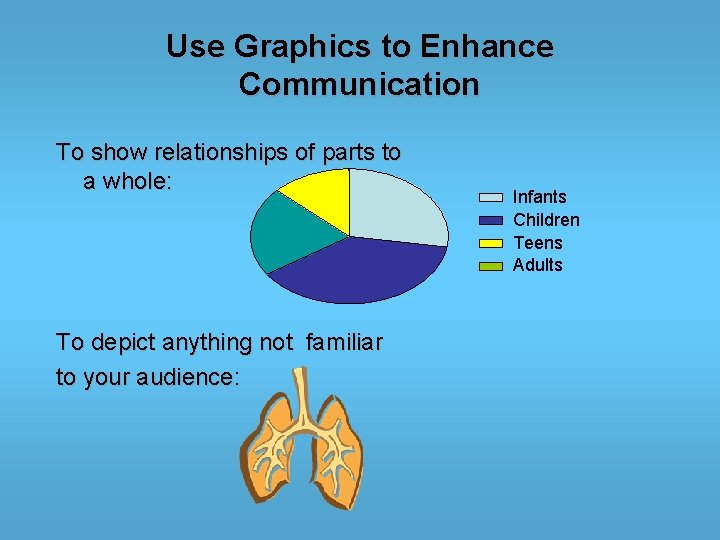
Use Graphics to Enhance Communication To show relationships of parts to a whole: To depict anything not familiar to your audience: Infants Children Teens Adults
When Not to use visual effects
Not all visuals enhance your message. Clip art used only for decoration may distract your audience from your key points. Unnecessary animation may have same negative effect.
Power. Point Presentation/Data Storage Options § USB flash drives: integrated with USB (Universal Serial Bus) interface. Small, lightweight, removable and rewritable. § CD/DVD: stable, still widely used. § Floppy disks & Zip: older technology, use in decline.
Make a Copy! In your data storage device of choice § Using an alternative storage option §
Before Your Power. Point Presentation Check for: ü Projection equipment ü Screen ü Lighting
Find Help on: § Power. Point Tutorial Sites § Tips and Tricks § Additional Resources § FAQS At: Poster &Presentation Development
Find Help on: § Layout & Headings § Graphics & Colors § Editing § Software At: Creating Effective Poster Presentations
To access an online version of this slide show and online copies of handout documents go to the SON Honors Program Webpage & scroll down to Resources
For more information or assistance contact us at: soneddes@unc. edu
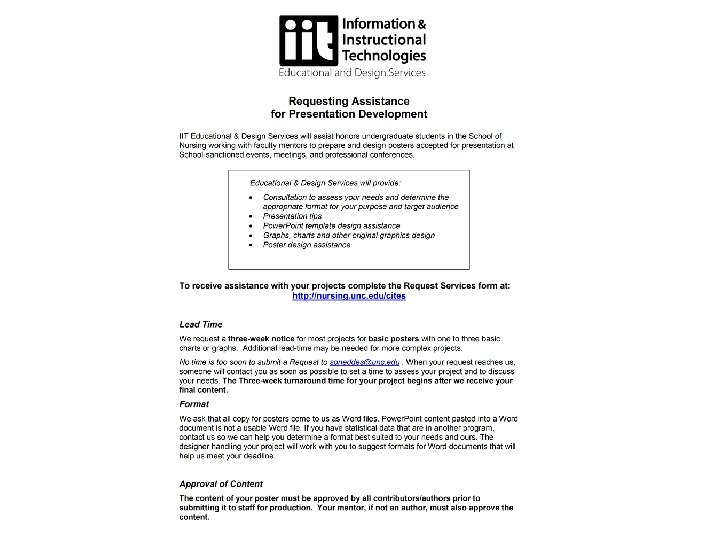
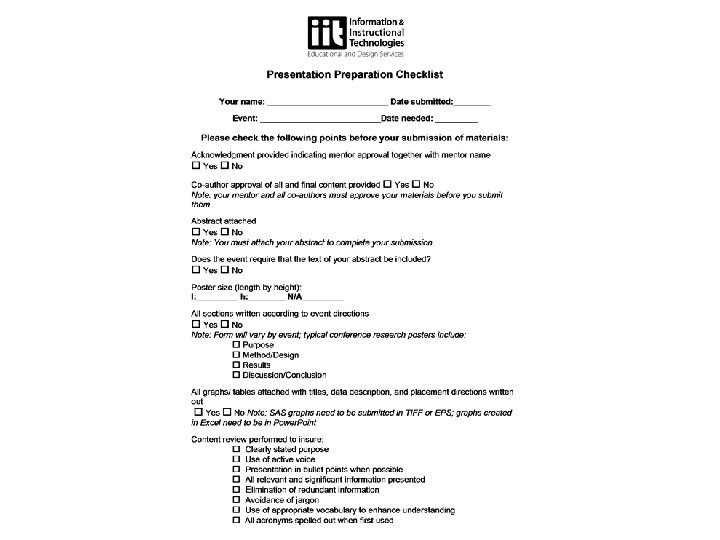
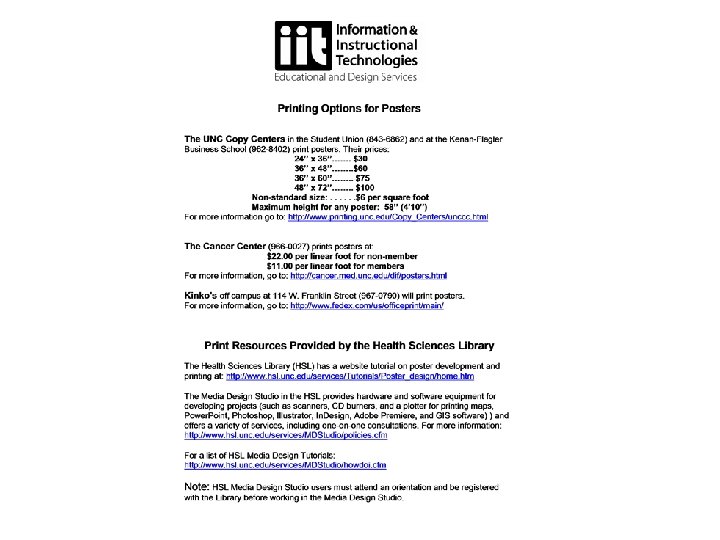
The Bottom Line Print Documents üRequest Form üChecklist üPrinting Options üAvailable in Word