
Presentation Title SCO UNIX diagnostics and troubleshooting Presenters
Presentation Title: SCO UNIX diagnostics and troubleshooting Presenter’s Name: Alex Sack & Richard Harry Session ID: 132 1
Get Your Passport Stamped · Be sure to get your Passport stamped. · Get your passport stamped · · · By breakout session instructors By exhibitors in the exhibit hall Turn in your Passport · · After the last breakout session on Wednesday Drawing for great prizes for Wrap-up Session • Remember to complete the breakout session evaluation form, too 2
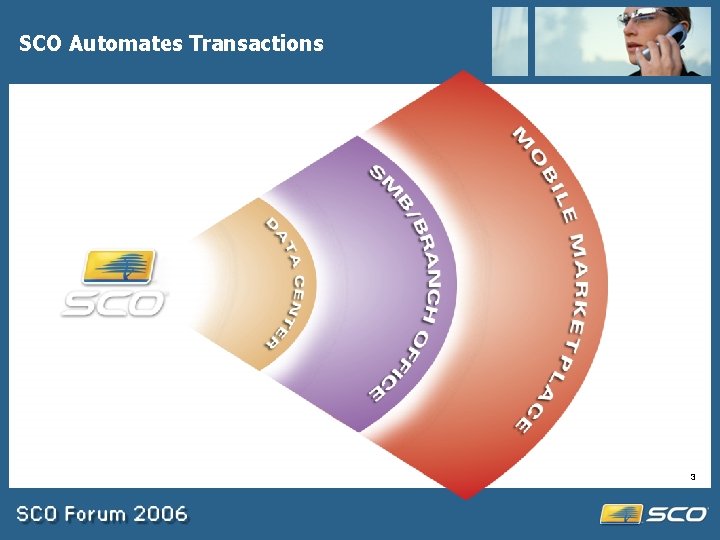
SCO Automates Transactions 3
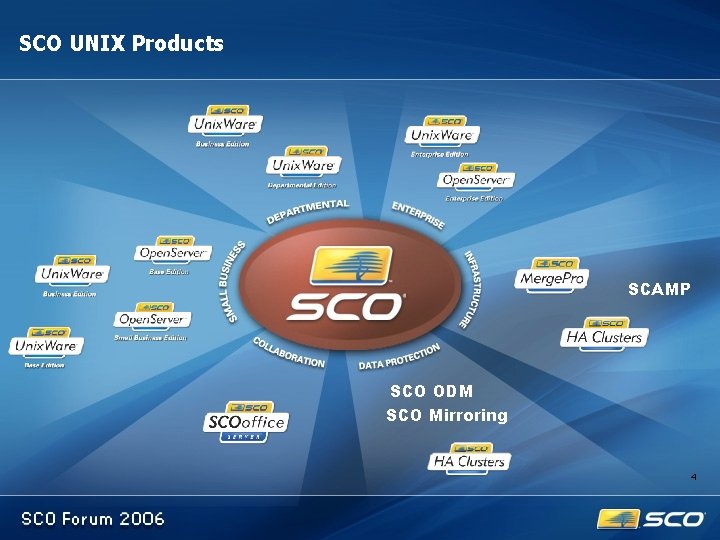
SCO UNIX Products SCAMP SCO ODM SCO Mirroring 4
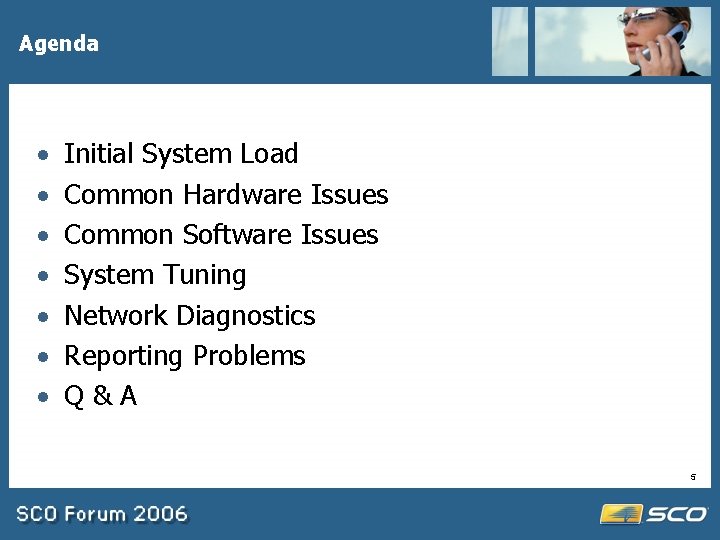
Agenda · · · · Initial System Load Common Hardware Issues Common Software Issues System Tuning Network Diagnostics Reporting Problems Q&A 5
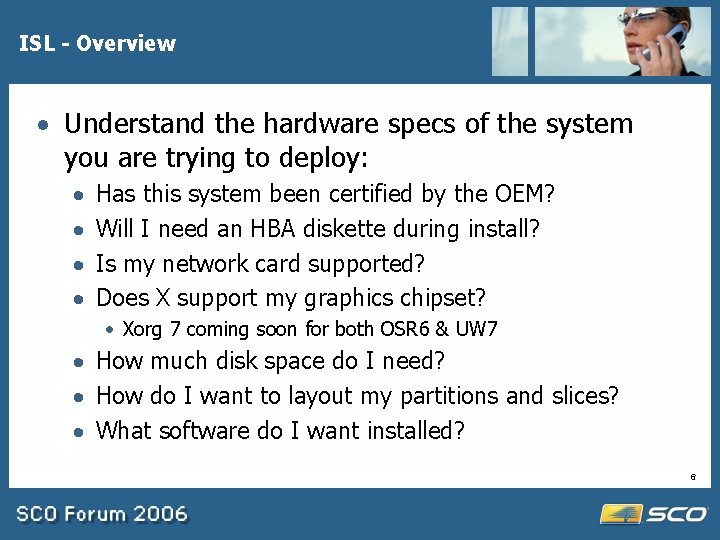
ISL - Overview · Understand the hardware specs of the system you are trying to deploy: · · Has this system been certified by the OEM? Will I need an HBA diskette during install? Is my network card supported? Does X support my graphics chipset? · Xorg 7 coming soon for both OSR 6 & UW 7 · How much disk space do I need? · How do I want to layout my partitions and slices? · What software do I want installed? 6
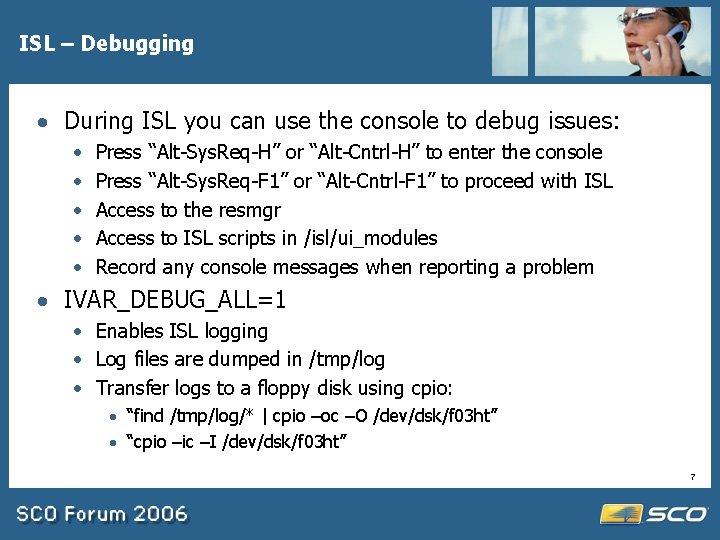
ISL – Debugging · During ISL you can use the console to debug issues: · · · Press “Alt-Sys. Req-H” or “Alt-Cntrl-H” to enter the console Press “Alt-Sys. Req-F 1” or “Alt-Cntrl-F 1” to proceed with ISL Access to the resmgr Access to ISL scripts in /isl/ui_modules Record any console messages when reporting a problem · IVAR_DEBUG_ALL=1 · Enables ISL logging · Log files are dumped in /tmp/log · Transfer logs to a floppy disk using cpio: · “find /tmp/log/* | cpio –oc –O /dev/dsk/f 03 ht” · “cpio –ic –I /dev/dsk/f 03 ht” 7
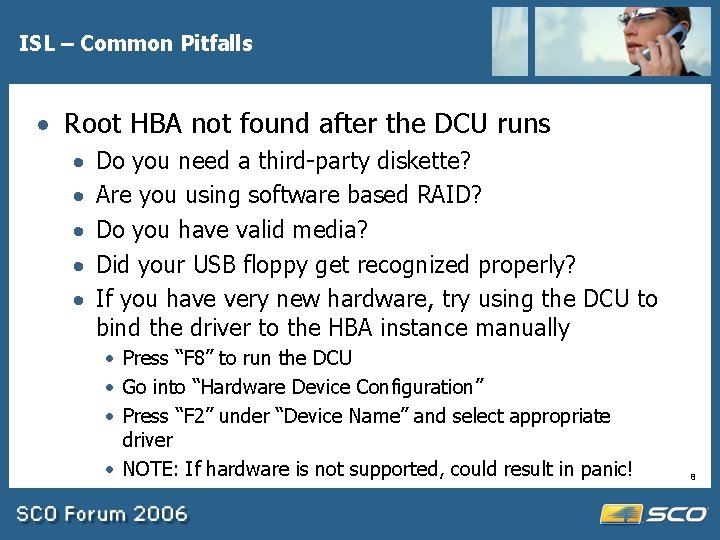
ISL – Common Pitfalls · Root HBA not found after the DCU runs · · · Do you need a third-party diskette? Are you using software based RAID? Do you have valid media? Did your USB floppy get recognized properly? If you have very new hardware, try using the DCU to bind the driver to the HBA instance manually · Press “F 8” to run the DCU · Go into “Hardware Device Configuration” · Press “F 2” under “Device Name” and select appropriate driver · NOTE: If hardware is not supported, could result in panic! 8
ISL – Common Pitfalls · IDE hangs or fails to recognize my devices · Latest IDE driver supports Native PCI mode and Intel’s Enhanced Mode on ICH flavor chipsets · Slave only configurations are not supported! · Check your jumpers · Cable Select is not always reliable · Check chipset mode in BIOS 9
ISL – Common Pitfalls · Red screen when ISL tries to mount CD-ROM · ATAPI_DMA_DISABLE=Y · Some drives claim they can do bus mastering (DMA) but really can’t (e. g. some older Proliants) · Check the BIOS and make sure the device was properly enumerated and DMA is active · DMA depends on both the controller and ATAPI drive · Go with a native SATA chipset (e. g. AHCI). 10
ISL – Common Pitfalls · My NIC is not auto-detected · Is there a driver available for SCO on the OEM website? e. g. Marvell Yukon · If the NIC is a newer version of an existing chipset, it could be a board id issue? Check SCO website. · network drivers, pkgadd for both OSR 6 & UW 7 · If you need a third-party driver, defer networking, install driver package after ISL completes, and use SCOadmin Network to configure card 11
ISL – Common Pitfalls · PANIC: vfs_mountroot() failure · This panic occurs when the kernel loads but the root disk is not detected · Check to see you installed to the right disk! · During ISL you can “Select alternate root disk” during the “Setting up your hard disks” screen. · Make sure the BIOS boot order is setup properly · A common reason for this failure is a lack of $static in the HBA driver’s System file · Make sure the BIOS enumerated the disk properly 12
ISL – Common Pitfalls · Screen goes blank after ISL kernel initially loads · Does your graphics chipset support VESA mode? · USE_VESA_BIOS=Y · Tells the kernel to use standard VESA BIOS calls instead of relying on the ECM tables on the card · Cards that use system memory for the framebuffer can cause issues (e. g. Intel Extreme Graphics chipsets) · Most modern graphic chipsets are supported by ISL 13
Common Hardware Issues Migrating Disks to OSR 6 · To migrate a disk from OSR 506, OSR 507 or Unix. Ware to OSR 6: · You MUST install the wd supplement on the OSR 506 or OSR 507 disk BEFORE migrating the disk! · OSR 6 does not support UW style extended VTOC slices · Please administer the disk on the source system before moving the hardware to the target system · The divvy command can be used on OSR 6 and OSR 506 & OSR 507 disks with the wd supplement installed · You can not convert a UW VTOC layout disk to an OSR 6 VTOC/DIVVY dual format disk · Always backup your data! 14
Common Hardware Issues · Multi-core support – OSR 6/UW 714 · Multi-core CPUs require ACPI which is not in the mini -kernel during ISL · ISL using PSM=atup, add latest maintenance pack, rebuild, reboot. Support for both AMD & Intel multi-core. · 507 may work but could be licensing issues · ENABLE_JT=Y (to turn on logical processors) · MULTICORE=N (to turn off physical processors) · USE_XAPIC=Y (to use XAPIC on hardware that does not advertise itself properly – some IBM hardware) · psradm/psrinfo (to get status and turn on individual processors) 15
Common Hardware Issues · Commands timing out or hang right after copyright displayed · Interrupt Routing · xapic ID, workaround patch coming soon ACPI=X · hybrid MPS/ACPI boot · Pn. P OS set to NO in the BIOS · Change PSM 16
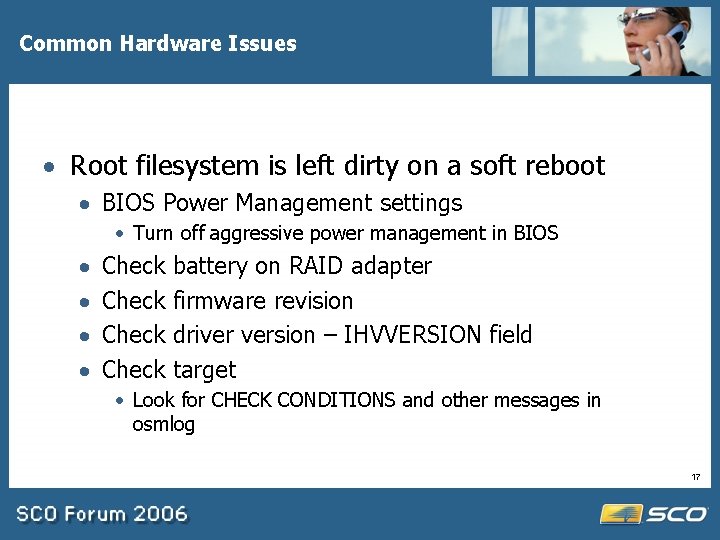
Common Hardware Issues · Root filesystem is left dirty on a soft reboot · BIOS Power Management settings · Turn off aggressive power management in BIOS · · Check battery on RAID adapter firmware revision driver version – IHVVERSION field target · Look for CHECK CONDITIONS and other messages in osmlog 17
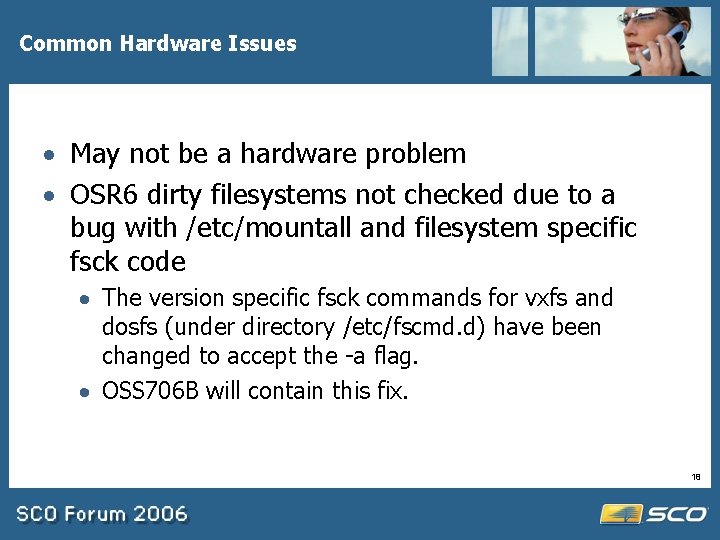
Common Hardware Issues · May not be a hardware problem · OSR 6 dirty filesystems not checked due to a bug with /etc/mountall and filesystem specific fsck code · The version specific fsck commands for vxfs and dosfs (under directory /etc/fscmd. d) have been changed to accept the -a flag. · OSS 706 B will contain this fix. 18
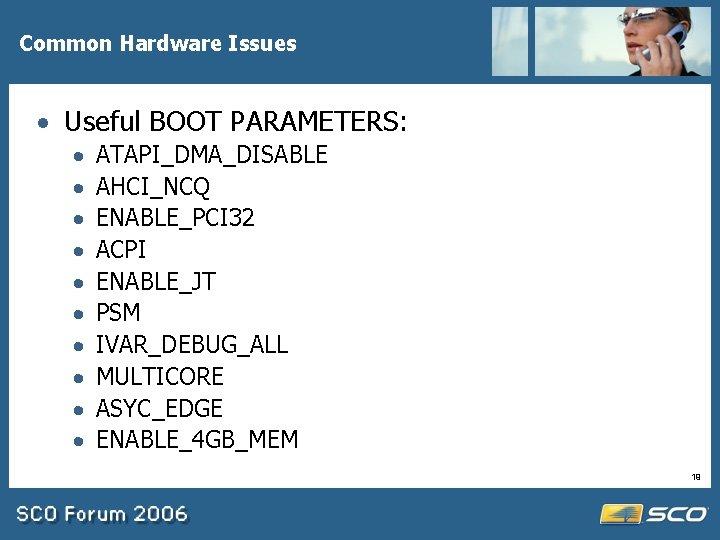
Common Hardware Issues · Useful BOOT PARAMETERS: · · · · · ATAPI_DMA_DISABLE AHCI_NCQ ENABLE_PCI 32 ACPI ENABLE_JT PSM IVAR_DEBUG_ALL MULTICORE ASYC_EDGE ENABLE_4 GB_MEM 19
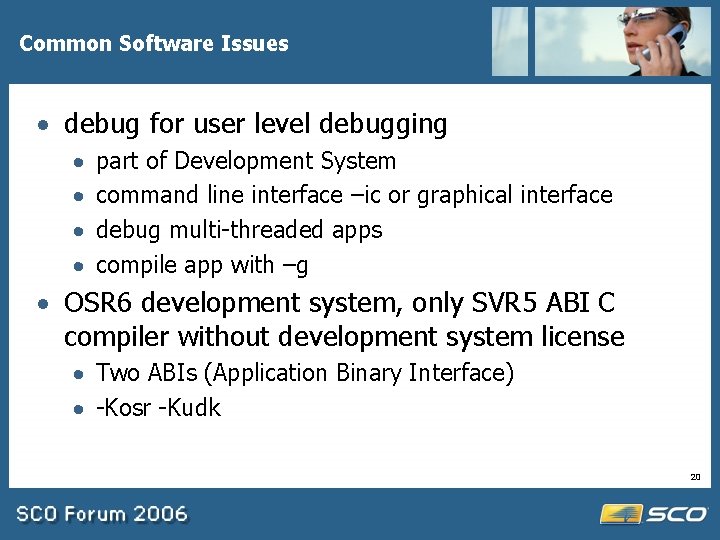
Common Software Issues · debug for user level debugging · · part of Development System command line interface –ic or graphical interface debug multi-threaded apps compile app with –g · OSR 6 development system, only SVR 5 ABI C compiler without development system license · Two ABIs (Application Binary Interface) · -Kosr -Kudk 20
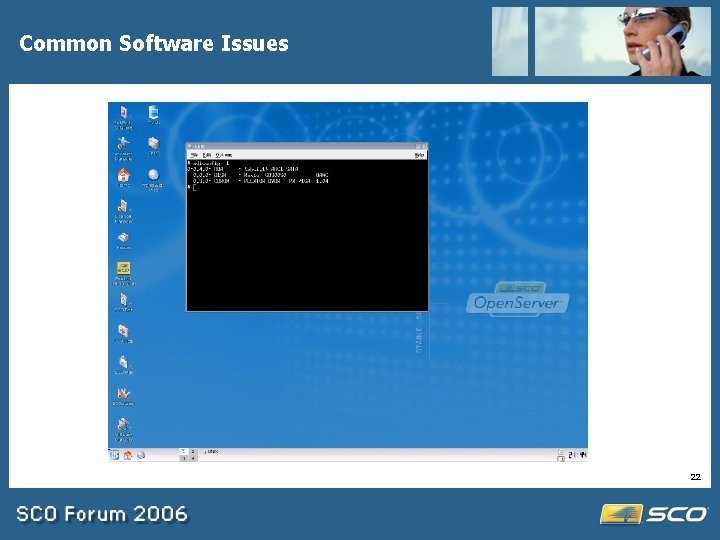
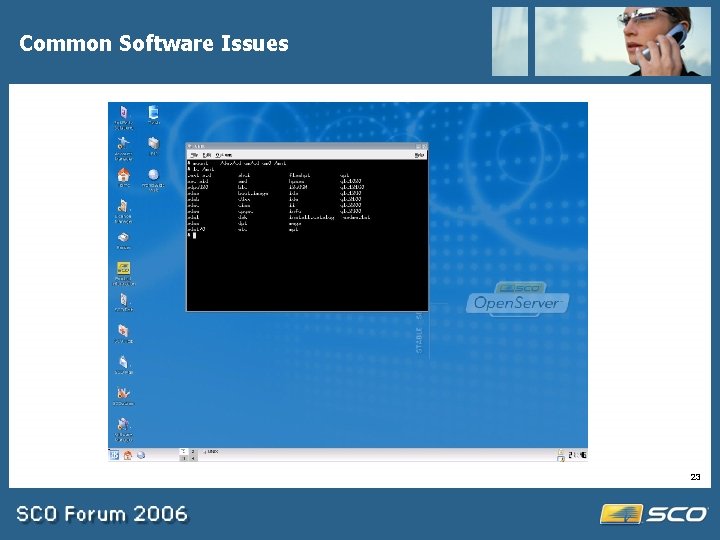
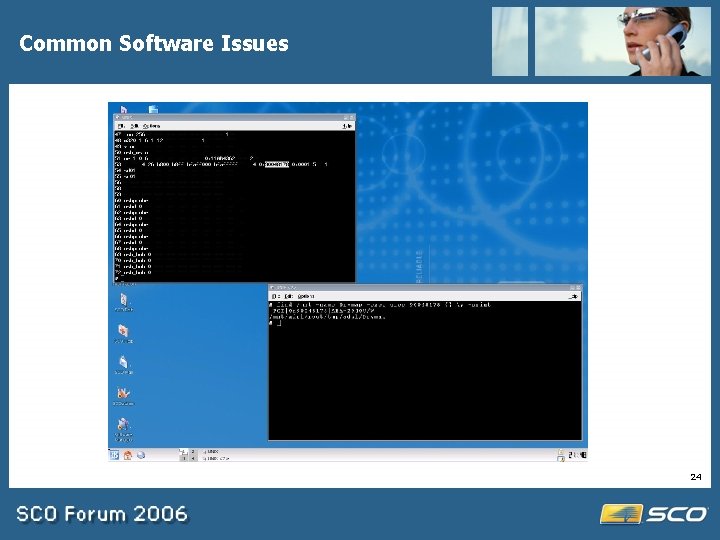
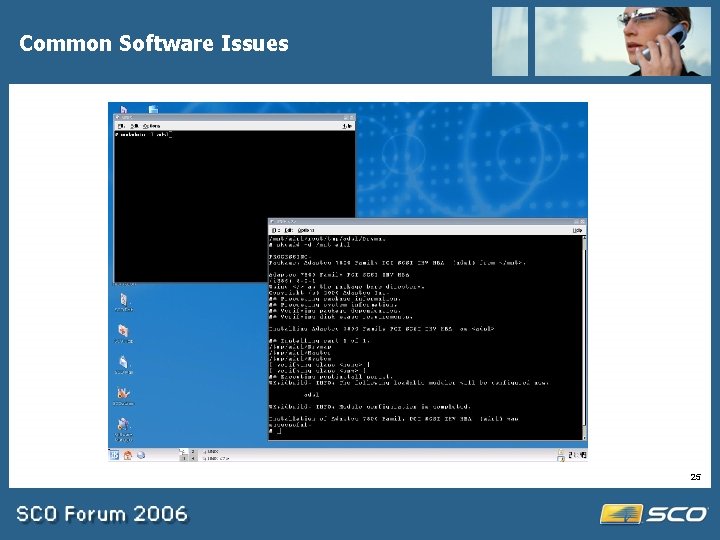
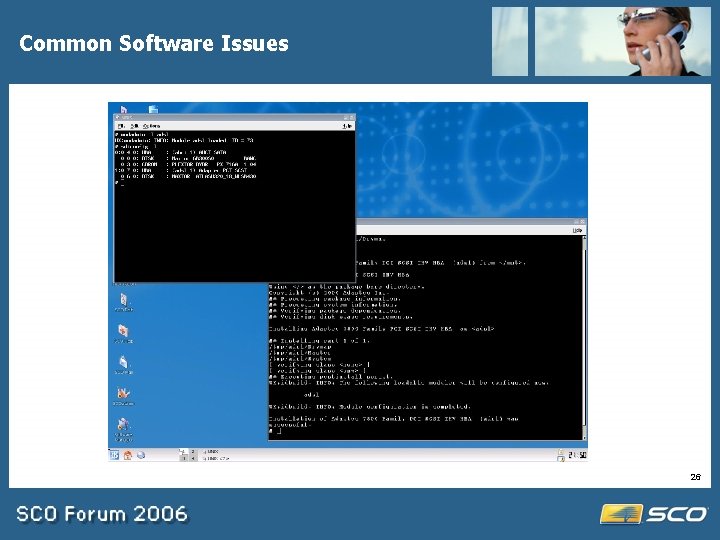
Common Software Issues · You’ve added a new card e. g. SCSI controller for a tape device and it’s not working. · All OSR 6/UW 7 HBA drivers are not installed by default. · Only hardware present at ISL has device drivers installed. · CD 1 is also an HBA CD · pkgadd –d cdrom 1 <driver_pkg_name> · How to know what driver to use? · resmgr to list the storage drivers · device IDs in the Drvmap file 21
Common Software Issues 22
Common Software Issues 23
Common Software Issues 24
Common Software Issues 25
Common Software Issues 26
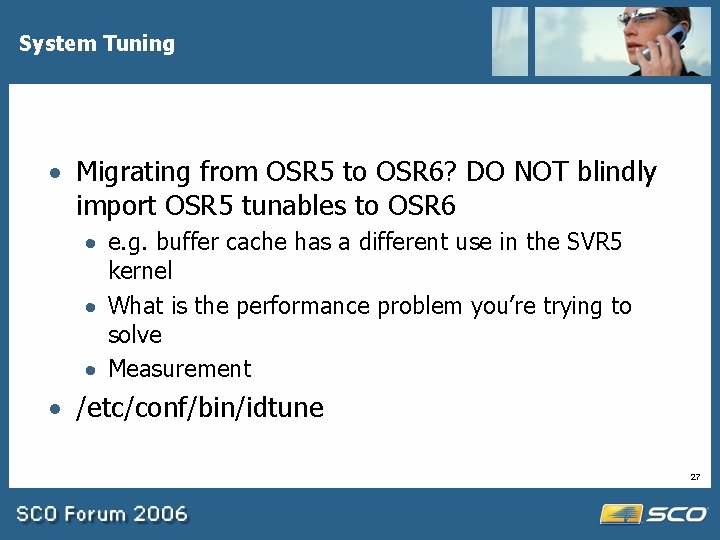
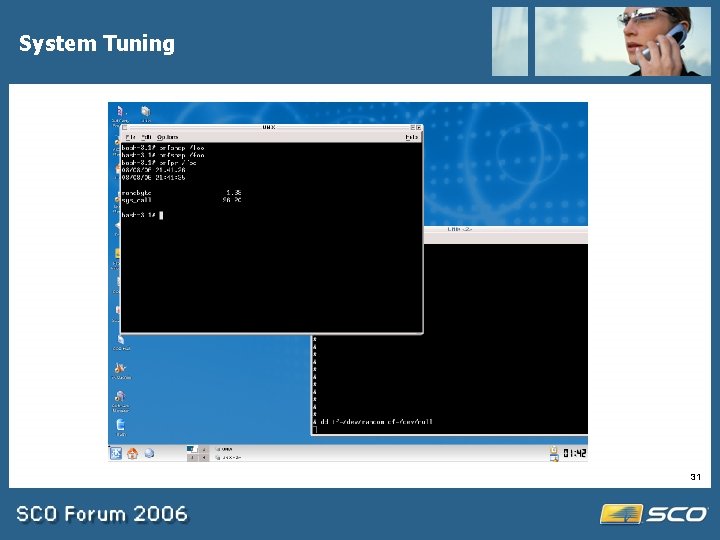
System Tuning · Migrating from OSR 5 to OSR 6? DO NOT blindly import OSR 5 tunables to OSR 6 · e. g. buffer cache has a different use in the SVR 5 kernel · What is the performance problem you’re trying to solve · Measurement · /etc/conf/bin/idtune 27
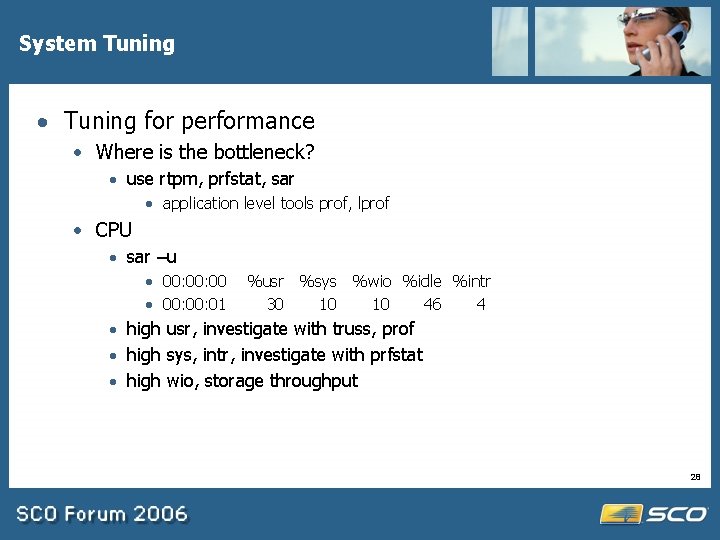
System Tuning · Tuning for performance · Where is the bottleneck? · use rtpm, prfstat, sar · application level tools prof, lprof · CPU · sar –u · 00: 00 · 00: 01 %usr %sys %wio %idle %intr 30 10 10 46 4 · high usr, investigate with truss, prof · high sys, intr, investigate with prfstat · high wio, storage throughput 28

System Tuning 29

System Tuning 30
System Tuning 31
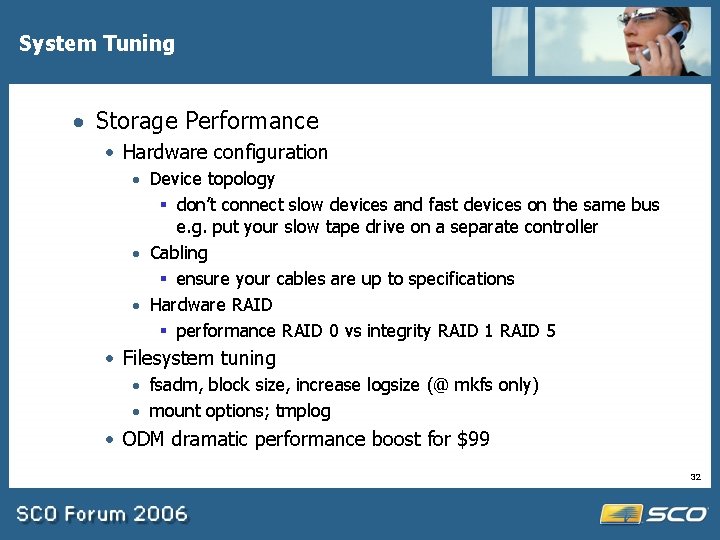
System Tuning · Storage Performance · Hardware configuration · Device topology § don’t connect slow devices and fast devices on the same bus e. g. put your slow tape drive on a separate controller · Cabling § ensure your cables are up to specifications · Hardware RAID § performance RAID 0 vs integrity RAID 1 RAID 5 · Filesystem tuning · fsadm, block size, increase logsize (@ mkfs only) · mount options; tmplog · ODM dramatic performance boost for $99 32
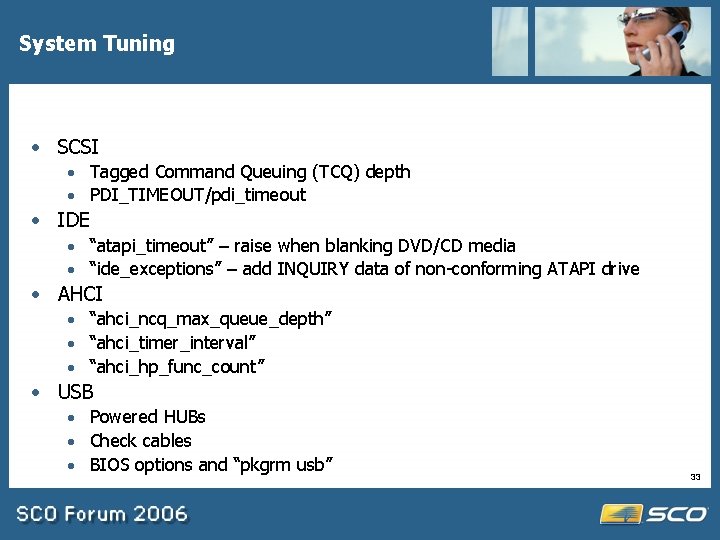
System Tuning · SCSI · Tagged Command Queuing (TCQ) depth · PDI_TIMEOUT/pdi_timeout · IDE · “atapi_timeout” – raise when blanking DVD/CD media · “ide_exceptions” – add INQUIRY data of non-conforming ATAPI drive · AHCI · “ahci_ncq_max_queue_depth” · “ahci_timer_interval” · “ahci_hp_func_count” · USB · Powered HUBs · Check cables · BIOS options and “pkgrm usb” 33
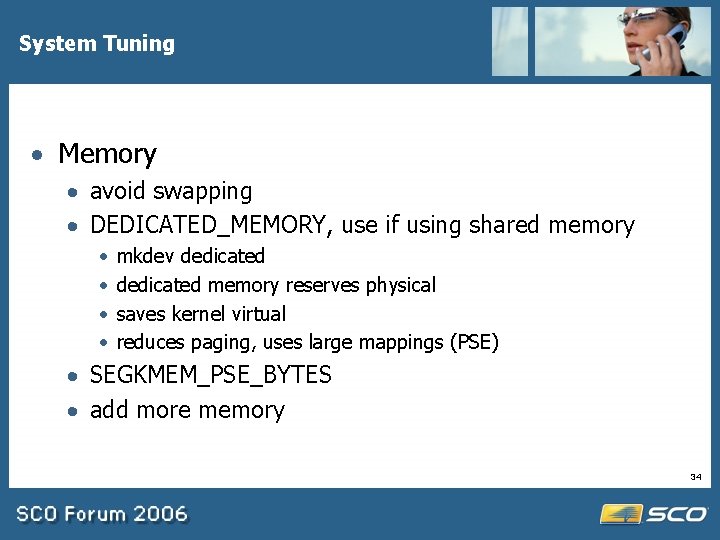
System Tuning · Memory · avoid swapping · DEDICATED_MEMORY, use if using shared memory · · mkdev dedicated memory reserves physical saves kernel virtual reduces paging, uses large mappings (PSE) · SEGKMEM_PSE_BYTES · add more memory 34
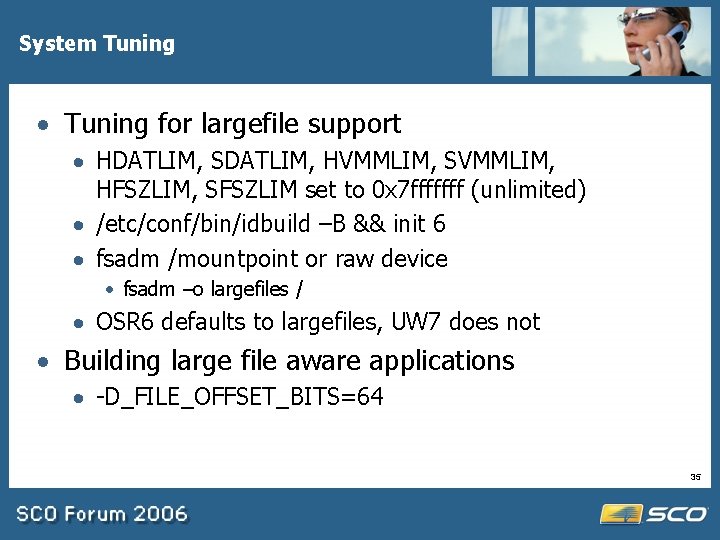
System Tuning · Tuning for largefile support · HDATLIM, SDATLIM, HVMMLIM, SVMMLIM, HFSZLIM, SFSZLIM set to 0 x 7 fffffff (unlimited) · /etc/conf/bin/idbuild –B && init 6 · fsadm /mountpoint or raw device · fsadm –o largefiles / · OSR 6 defaults to largefiles, UW 7 does not · Building large file aware applications · -D_FILE_OFFSET_BITS=64 35
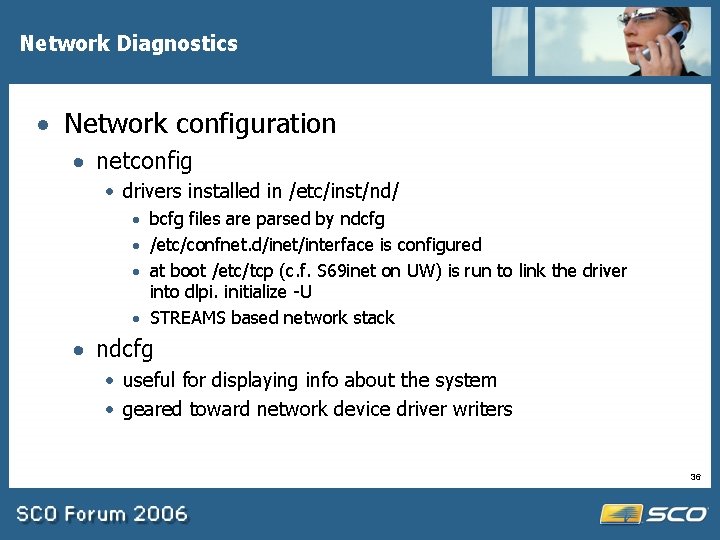
Network Diagnostics · Network configuration · netconfig · drivers installed in /etc/inst/nd/ · bcfg files are parsed by ndcfg · /etc/confnet. d/inet/interface is configured · at boot /etc/tcp (c. f. S 69 inet on UW) is run to link the driver into dlpi. initialize -U · STREAMS based network stack · ndcfg · useful for displaying info about the system · geared toward network device driver writers 36
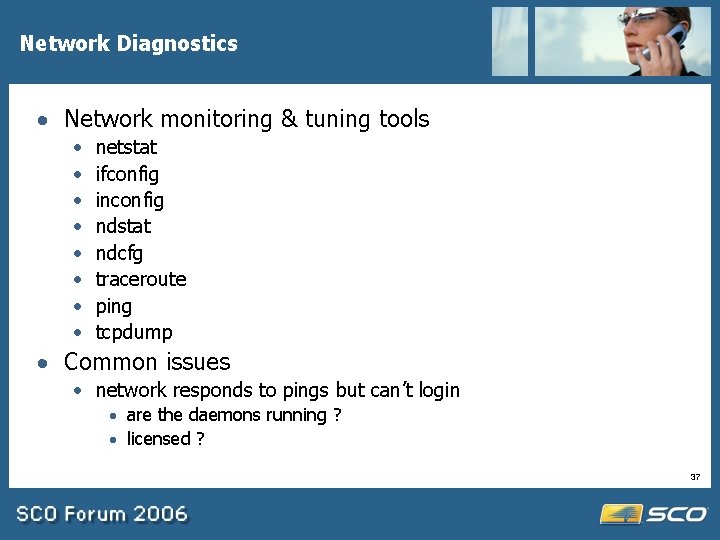
Network Diagnostics · Network monitoring & tuning tools · · · · netstat ifconfig inconfig ndstat ndcfg traceroute ping tcpdump · Common issues · network responds to pings but can’t login · are the daemons running ? · licensed ? 37
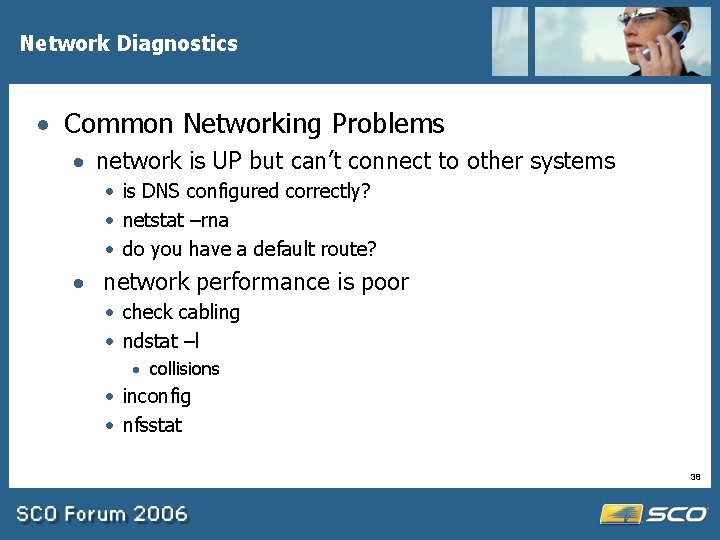
Network Diagnostics · Common Networking Problems · network is UP but can’t connect to other systems · is DNS configured correctly? · netstat –rna · do you have a default route? · network performance is poor · check cabling · ndstat –l · collisions · inconfig · nfsstat 38
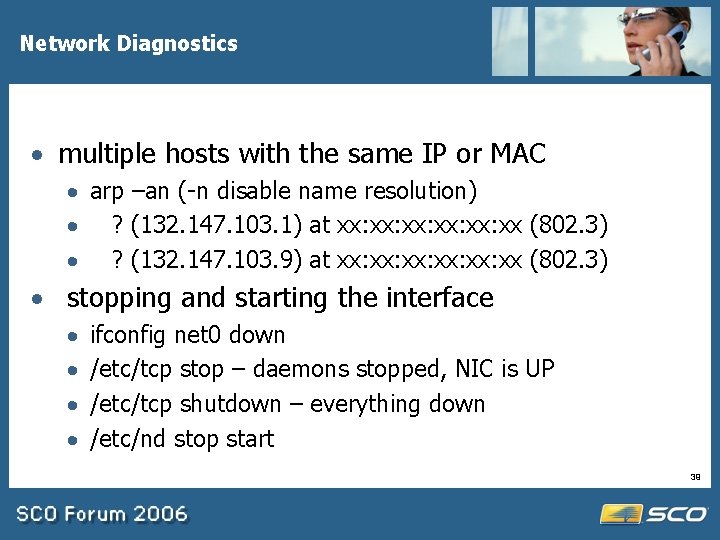
Network Diagnostics · multiple hosts with the same IP or MAC · arp –an (-n disable name resolution) · ? (132. 147. 103. 1) at xx: xx: xx: xx (802. 3) · ? (132. 147. 103. 9) at xx: xx: xx: xx (802. 3) · stopping and starting the interface · · ifconfig net 0 down /etc/tcp stop – daemons stopped, NIC is UP /etc/tcp shutdown – everything down /etc/nd stop start 39
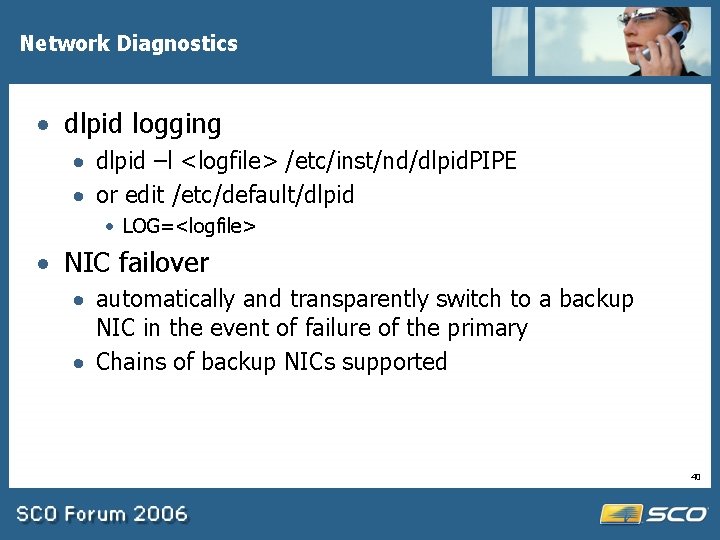
Network Diagnostics · dlpid logging · dlpid –l <logfile> /etc/inst/nd/dlpid. PIPE · or edit /etc/default/dlpid · LOG=<logfile> · NIC failover · automatically and transparently switch to a backup NIC in the event of failure of the primary · Chains of backup NICs supported 40
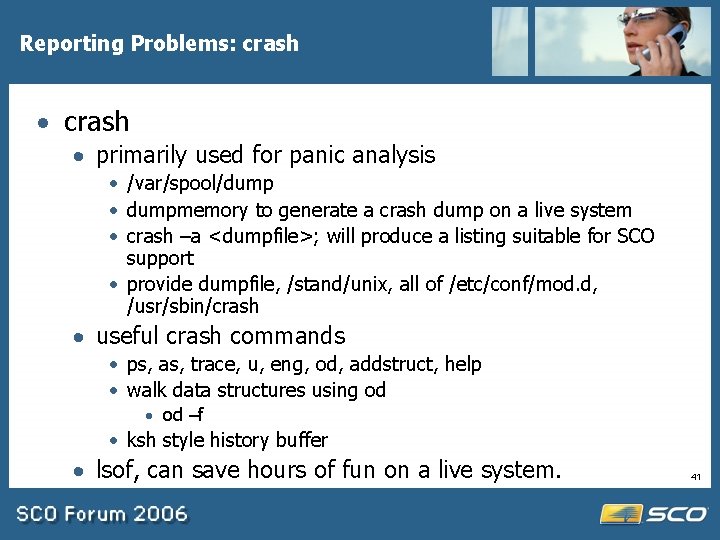
Reporting Problems: crash · primarily used for panic analysis · /var/spool/dump · dumpmemory to generate a crash dump on a live system · crash –a <dumpfile>; will produce a listing suitable for SCO support · provide dumpfile, /stand/unix, all of /etc/conf/mod. d, /usr/sbin/crash · useful crash commands · ps, as, trace, u, eng, od, addstruct, help · walk data structures using od · od –f · ksh style history buffer · lsof, can save hours of fun on a live system. 41
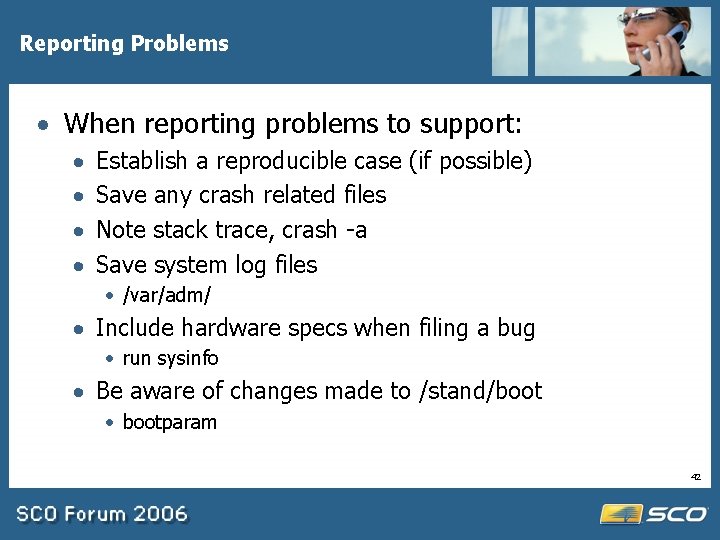
Reporting Problems · When reporting problems to support: · · Establish a reproducible case (if possible) Save any crash related files Note stack trace, crash -a Save system log files · /var/adm/ · Include hardware specs when filing a bug · run sysinfo · Be aware of changes made to /stand/boot · bootparam 42
SCO Implementation Services · Assessment Service · Evaluate Migration requirements · Porting Service · Port required application · Deployment Service · Assist with roll out and deployment · Education Service · Customized training delivered by SCO Professionals 43
Support Bundles and SCO System Audit · Support Bundles: · Six month unlimited technical support - openserver 6/unixware 7. 1. 4 · Multitude of upgrade options to suit business requirements · Single registration for product and support · SCO System Audit: · · Proactive, non-disruptive system integrity check Conveniently pre-scheduled or run ad-hoc Deliverables - analysis and assessment report Wide range of options available for corrective actions 44
Contact Us · Support Services North America · · Phone: (800)726 -6561 Email naisr@sco. com · Professional Services North America · Phone: (831)430 -4510 · Email: yasmink@sco. com International · Phone: 44 8700 994 992 · Email: suppco@sco. com International · Phone: 44 1707 22668 · Email: rsutton@sco. com On the web www. sco. com/support/progr ams On the web www. sco. com/consulting 45
Resources • Online documentation and late news http: //www. sco. com/support/docs • Knowledge base http: //wdb 1. sco. com/kb/search • Download page http: //www. sco. com/support/update/download 46
Resources • Certified and compatible hardware http: //www. sco. com/chwp • Skunkware packages http: //www. sco. com/skunkware • Unix. Ware & Open. Server public mailing list legend-subscribe@list. sco. com • OSR 6 upgrade issues osr 5 to 6@sco. com 47
· Q&A 48
- Slides: 48