
Presentation Skills Dr Katherine Selby and Hilary M
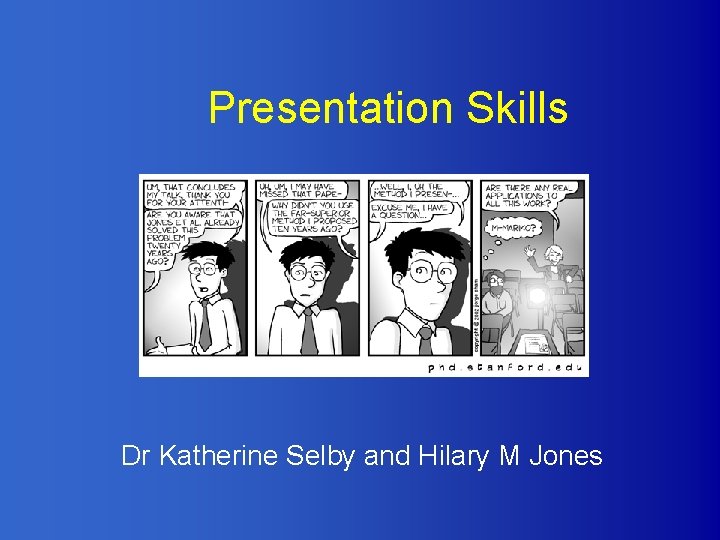
Presentation Skills Dr Katherine Selby and Hilary M Jones
In this session • What makes a good presentation? • Planning, Preparing and Practice • Performing – vocal techniques, body language • Problems and how to overcome them • Power. Point: the pros and cons
Terrible presentations… In your groups, think of a bad presentation or lecture you have seen. • Why was it bad? • What went wrong?
So what makes a good presentation?
Oral presentation skills Tried and tested structure: • • • Tell them what you’re going to tell them. Tell them what you’ve told them. Simple! And yet only ~10% bother.
Planning, Preparing and Practice To plan, prepare and practice for a good presentation you need to know: • Who are the audience? • What will they WANT to know? • Why are they here?
Questions to ask • • • What is the main aim? What is my subject matter? Who will the audience be? How much time do I have? Where will the presentation be held? What equipment will I have?
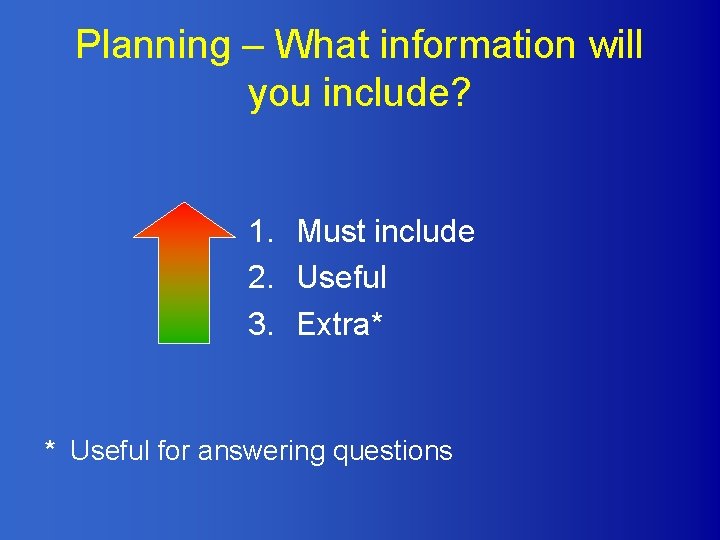
Planning – What information will you include? 1. Must include 2. Useful 3. Extra* * Useful for answering questions
What to think about in preparation • • • Structure Handouts Equipment Visuals Practicalities
How will you remember what to say? • • • Notes Cards Script Visual prompts Nothing…
Final Preparations and doublechecks • • • Handouts Equipment Graphics Practicalities relating to the venue etc Back-up plans
Practice your presentation at least: • By yourself • In front of a friend/colleague Time your presentation and remember that you may talk faster if you are nervous. But make the presentation natural
Performing What can we learn from an opera singer? • How does he make sure his words are heard? • What are his body language & posture like? • How does he make the audience feel involved? • Is he passionate about what he’s singing? How can you tell?
When things go wrong… • In your groups, identify as many things as possible that could go wrong in giving a presentation
The pros and cons of Power. Point
Power. Point Pros • Easy to plan and organise • Slide sorter gives easy reordering • Speaker’s notes lead you through • Can incorporate other software and weblinks • Portable • Good for graphics (usually)
Power. Point Cons Power. Point tempts otherwise sensible people to do unprofessional, or downright embarrassing things with their data…
Power. Point Cons Some people insist on typing word for word what they are going to say into the Power. Point slide, or worse, pasting sections of a paper or report onto the slide. They then turn around and, with their backs to the audience read the slide out to the bewildered and increasingly restless audience. In the old days this just wasn’t possible, but if nowadays if you’re a bit nervous Power. Point may tempt you into writing your whole script onto the screen.
Power. Point Cons • Other people can’t resist the zany animations • They think it’s interesting, but the truth is… • We’ve all seen it before (yawn)
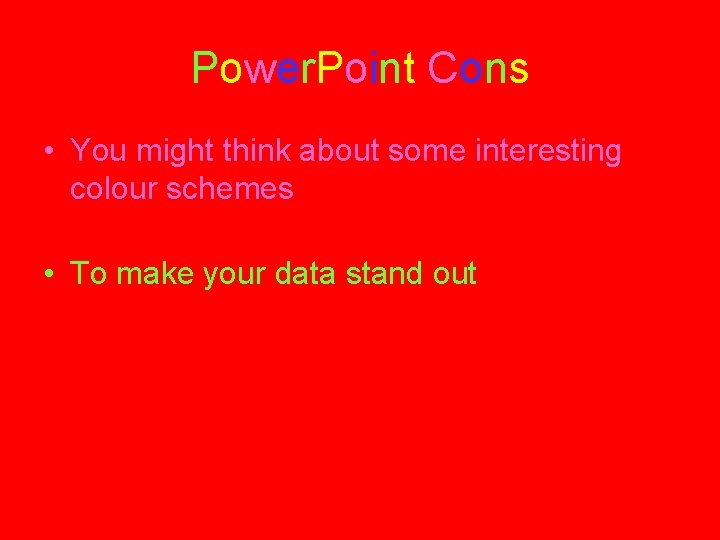
Power. Point Cons • You might think about some interesting colour schemes • To make your data stand out
Power. Point Cons • But a simple colour scheme is better
Power. Point Cons • Avoid low-resolution images And text on top of images, which is distracting and difficult to read.
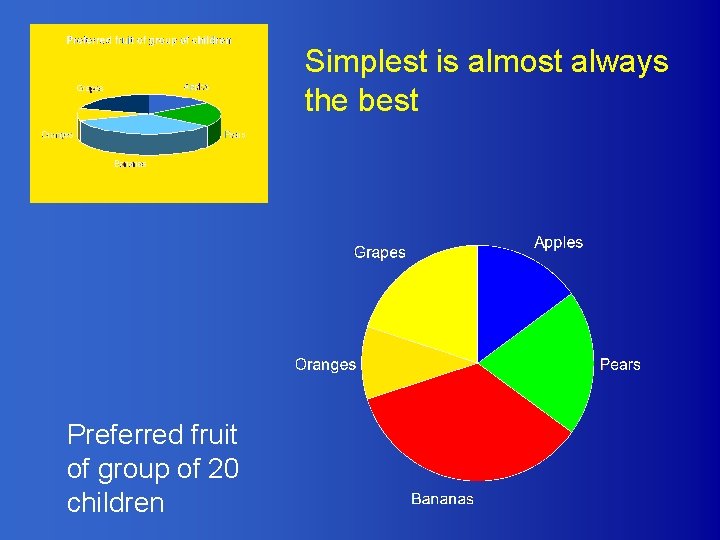
Simplest is almost always the best Preferred fruit of group of 20 children
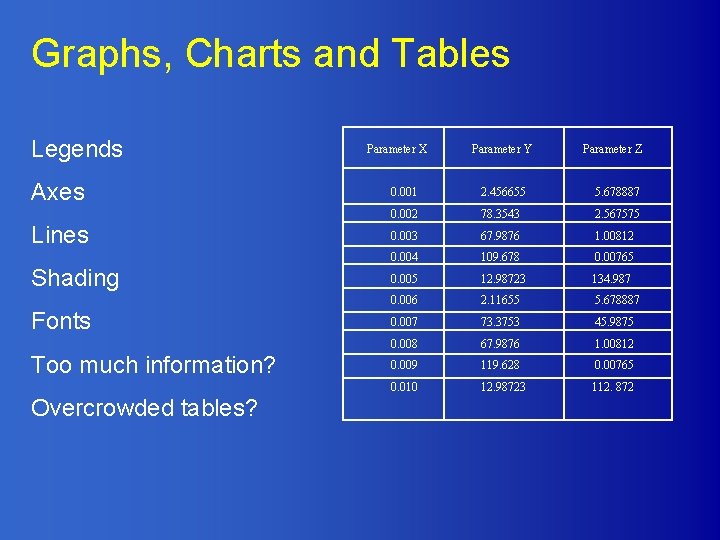
Graphs, Charts and Tables Legends Axes Lines Shading Fonts Too much information? Overcrowded tables? Parameter X Parameter Y Parameter Z 0. 001 2. 456655 5. 678887 0. 002 78. 3543 2. 567575 0. 003 67. 9876 1. 00812 0. 004 109. 678 0. 00765 0. 005 12. 98723 134. 987 0. 006 2. 11655 5. 678887 0. 007 73. 3753 45. 9875 0. 008 67. 9876 1. 00812 0. 009 119. 628 0. 00765 0. 010 12. 98723 112. 872
Summary • Find out as much as you can about what will be expected of you (audience, venue, time, who else is speaking) • Plan, Prepare and Practice • Use appropriate technologies • Remember the opera singer – be passionate, be heard, and make your audience feel involved.
Useful references • http: //www. smallbusinesscomputing. com/b iztools/article. php/684871 • http: //www. marshall. edu/it/cit/Presentation s/2002/WVNET/Preventing_Death_by_Po wer. Point. pdf
- Slides: 26