
Presentation Skills David Baker IT Services Adrian Taylor
Presentation Skills David Baker (IT Services) Adrian Taylor Department of Materials University of Oxford
Aim of course • • • Designing & Creating Conference Posters using Powerpoint (DB) Designing & Creating a Slideshow Presentation using Powerpoint (DB) To explore what makes a good talk (AOT) To discuss what you need to think about when preparing and giving a talk (AOT) Remember, you already have a lot of experience……. . Department of Materials University of Oxford
PREPARING & DELIVERING A GOOD TALK (Practical Tips, AOT) See Materials WWW http: //www. materials. ox. ac. uk/teaching/ pg/pgskills. html Department of Materials University of Oxford
Aim of a presentation • • Remember you want to COMMUNICATE Try to tell a story • Think about your message • Think about your audience – Make sure the audience follows you – Cover a moderate amount well, rather than a lot badly – What do you want to say, at what level – What is the exciting new science & why does it matter – Are they physical scientists, 6 th formers, politicians, modellers, – – experimentalists. . . ? Often a mixed audience. What do they want to know (their expectations of the talk) What do they need to be told (in order to understand take away your message) Department of Materials University of Oxford

Structure of a talk • A clear structure helps the audience to follow your story – beginning: what you are going to say – middle: saying it – end: what you have said • Get the timing right – how many slides can you use (rule of thumb = 1 slide per two minutes) – how fast can you talk, how fast should you talk – get the main message across (rest is optional) – have a plan in case you run out of time Department of Materials University of Oxford
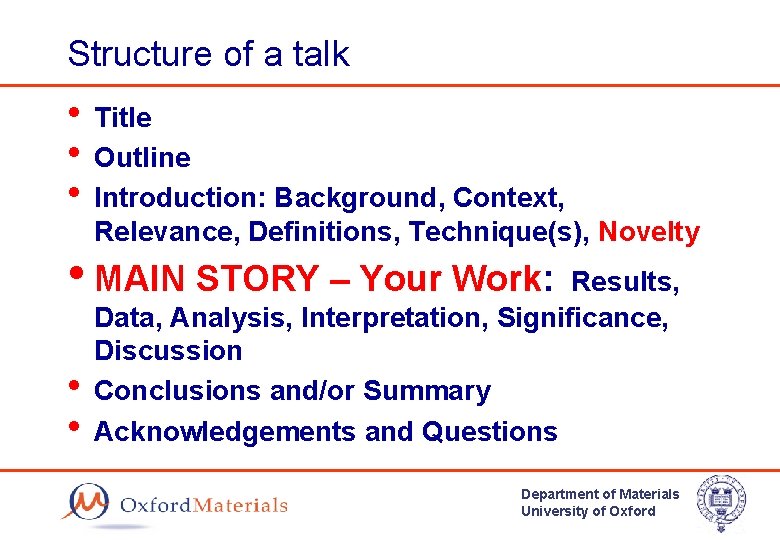
Structure of a talk • Title • Outline • Introduction: Background, Context, Relevance, Definitions, Technique(s), Novelty • MAIN STORY – Your Work: • • Results, Data, Analysis, Interpretation, Significance, Discussion Conclusions and/or Summary Acknowledgements and Questions Department of Materials University of Oxford
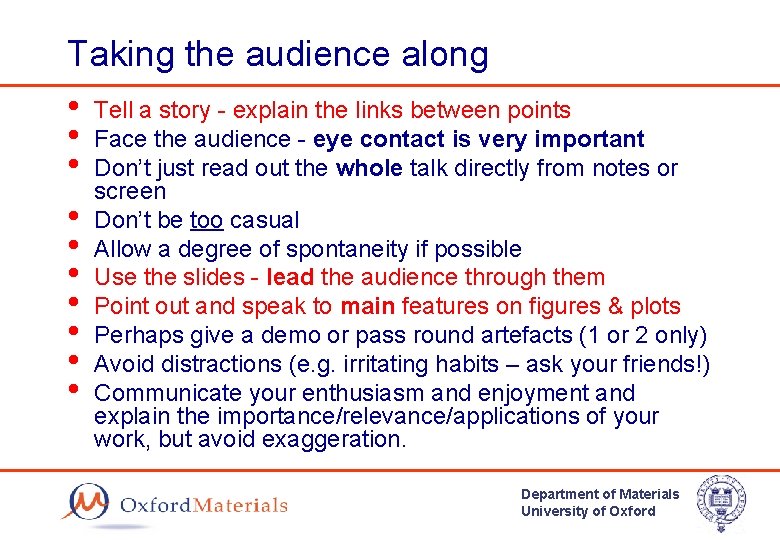
Taking the audience along • Tell a story - explain the links between points • Face the audience - eye contact is very important • Don’t just read out the whole talk directly from notes or screen • Don’t be too casual • Allow a degree of spontaneity if possible • Use the slides - lead the audience through them • Point out and speak to main features on figures & plots • Perhaps give a demo or pass round artefacts (1 or 2 only) • Avoid distractions (e. g. irritating habits – ask your friends!) • Communicate your enthusiasm and enjoyment and explain the importance/relevance/applications of your work, but avoid exaggeration. Department of Materials University of Oxford
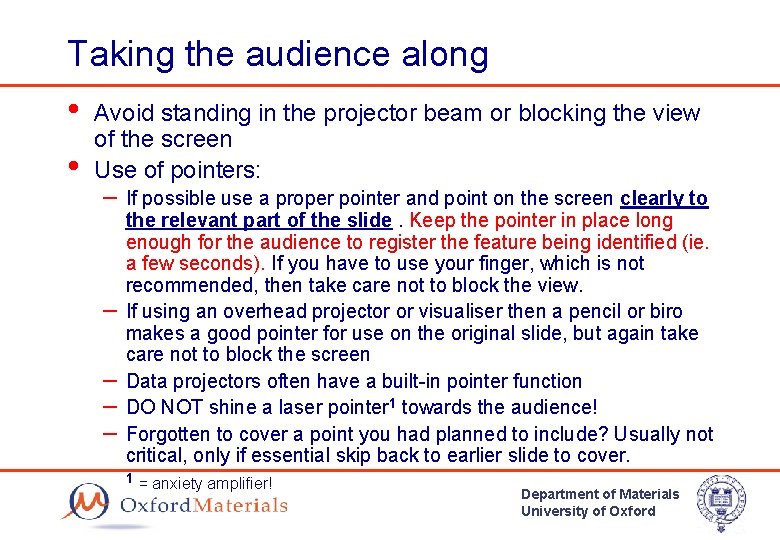
Taking the audience along • • Avoid standing in the projector beam or blocking the view of the screen Use of pointers: – If possible use a proper pointer and point on the screen clearly to – – the relevant part of the slide. Keep the pointer in place long enough for the audience to register the feature being identified (ie. a few seconds). If you have to use your finger, which is not recommended, then take care not to block the view. If using an overhead projector or visualiser then a pencil or biro makes a good pointer for use on the original slide, but again take care not to block the screen Data projectors often have a built-in pointer function DO NOT shine a laser pointer 1 towards the audience! Forgotten to cover a point you had planned to include? Usually not critical, only if essential skip back to earlier slide to cover. 1 = anxiety amplifier! Department of Materials University of Oxford
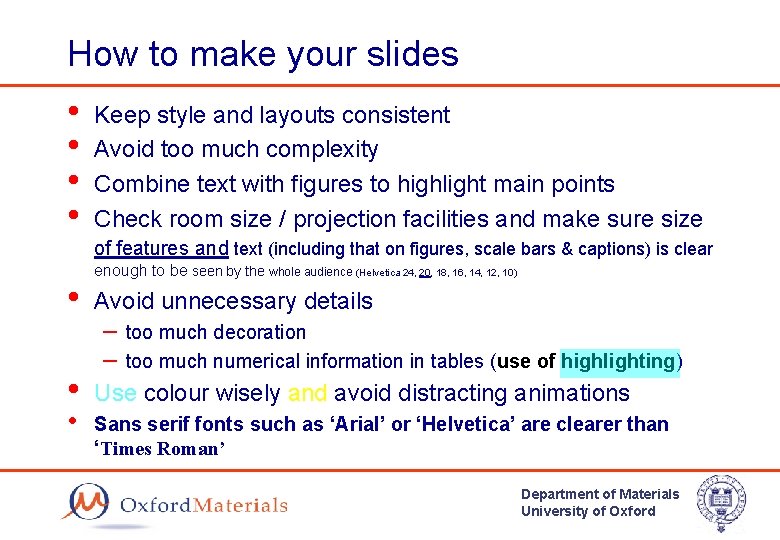
How to make your slides • • Keep style and layouts consistent Avoid too much complexity Combine text with figures to highlight main points Check room size / projection facilities and make sure size of features and text (including that on figures, scale bars & captions) is clear • • • enough to be seen by the whole audience (Helvetica 24, 20, 18, 16, 14, 12, 10) Avoid unnecessary details – too much decoration – too much numerical information in tables (use of highlighting) Use colour wisely and avoid distracting animations Sans serif fonts such as ‘Arial’ or ‘Helvetica’ are clearer than ‘Times Roman’ Department of Materials University of Oxford
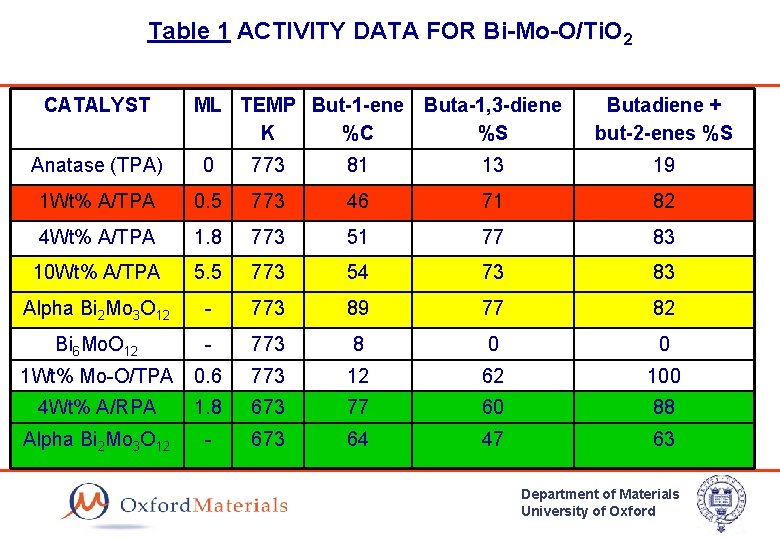
Table 1 ACTIVITY DATA FOR Bi-Mo-O/Ti. O 2 CATALYST ML TEMP But-1 -ene Buta-1, 3 -diene K %C %S Butadiene + but-2 -enes %S Anatase (TPA) 0 773 81 13 19 1 Wt% A/TPA 0. 5 773 46 71 82 4 Wt% A/TPA 1. 8 773 51 77 83 10 Wt% A/TPA 5. 5 773 54 73 83 Alpha Bi 2 Mo 3 O 12 - 773 89 77 82 Bi 6 Mo. O 12 - 773 8 0 0 1 Wt% Mo-O/TPA 0. 6 773 12 62 100 4 Wt% A/RPA 1. 8 673 77 60 88 Alpha Bi 2 Mo 3 O 12 - 673 64 47 63 Department of Materials University of Oxford
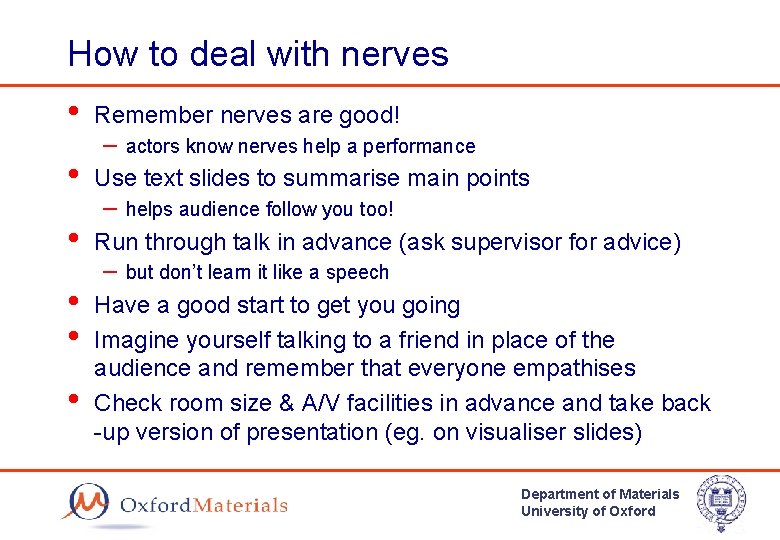
How to deal with nerves • Remember nerves are good! • Use text slides to summarise main points • Run through talk in advance (ask supervisor for advice) • • Have a good start to get you going Imagine yourself talking to a friend in place of the audience and remember that everyone empathises Check room size & A/V facilities in advance and take back -up version of presentation (eg. on visualiser slides) • – actors know nerves help a performance – helps audience follow you too! – but don’t learn it like a speech Department of Materials University of Oxford
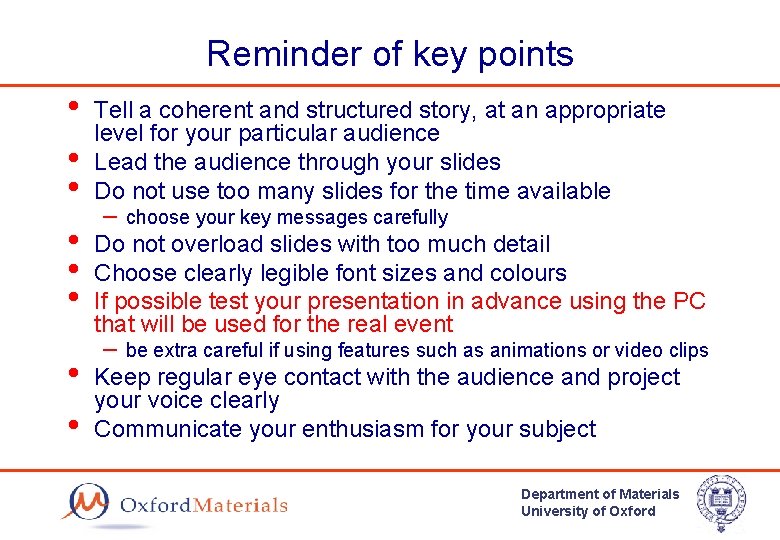
Reminder of key points • • Tell a coherent and structured story, at an appropriate level for your particular audience Lead the audience through your slides Do not use too many slides for the time available – choose your key messages carefully Do not overload slides with too much detail Choose clearly legible font sizes and colours If possible test your presentation in advance using the PC that will be used for the real event – be extra careful if using features such as animations or video clips Keep regular eye contact with the audience and project your voice clearly Communicate your enthusiasm for your subject Department of Materials University of Oxford
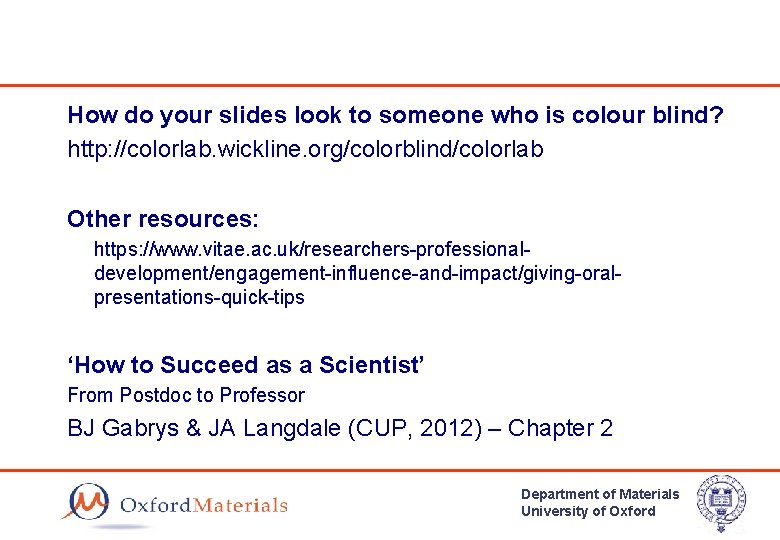
How do your slides look to someone who is colour blind? http: //colorlab. wickline. org/colorblind/colorlab Other resources: https: //www. vitae. ac. uk/researchers-professionaldevelopment/engagement-influence-and-impact/giving-oralpresentations-quick-tips ‘How to Succeed as a Scientist’ From Postdoc to Professor BJ Gabrys & JA Langdale (CUP, 2012) – Chapter 2 Department of Materials University of Oxford
- Slides: 13