
Presentation on Database DBMS Surendra Prasad Tharu Database
Presentation on Database & DBMS Surendra Prasad Tharu

Database • Database is a collection of interrelated data of objects or entities stored in tabular in such way that can be easily accessed and used by users. • Database: it is a collection of related information about a subject organized in a useful manner that provides a base or foundation for procedure, such as retrieving information, drawing conclusion and make decision. • It provides a base or foundation for handling huge data in well organized manner. – Field: is the property or attributes of table – Record: is the collection of data on interrelated fields – Table: is the arrangement of rows(records) and columns(fields) with unique name.
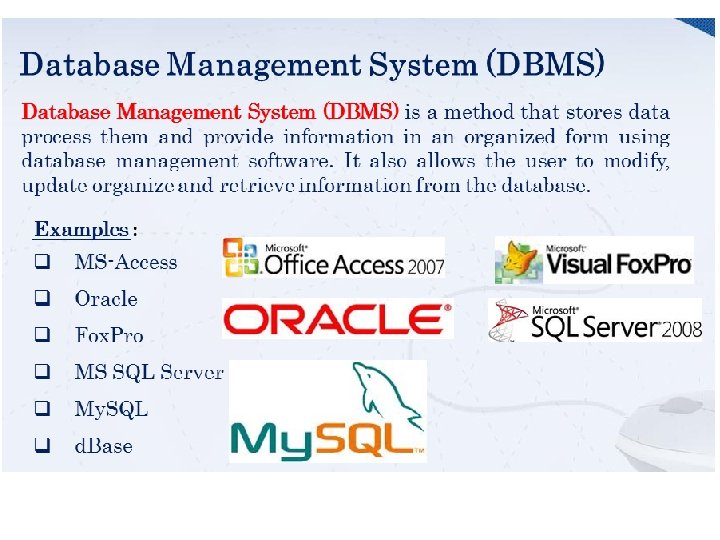
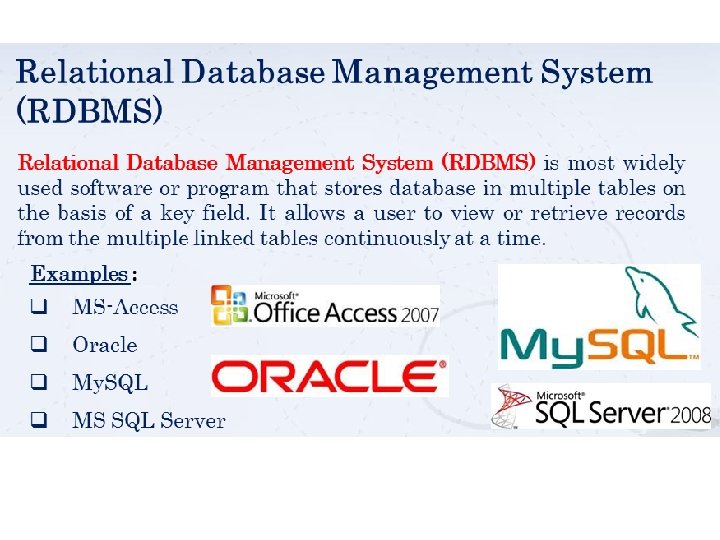
Database Management System • DBMS is the collection of computerized interrelated data and set of program to access, panupulate and manages those data. E. g. MS-Access, My S QL, My SQL Server, Fox. Pro, Oracle, Dbase, Sybase, DB 2 etc. • A DBMS is a set of programs that manages the database files. It allows accessing the files, updating the records and retrieving data as requested. • DBMS is the intermediary between the user and the database
Role and Advantages of the DBMS Disadvantages of DBMS – Improved data sharing – Improved data security – Reduce data redundancy – Provides multiple user interfaces – Better data integration – Minimized data inconsistency – Improved data access & independancy – Improved decision making – Process complex query – Increased end-user productivity • Disadvantages of DBMS – Expensive – Changing Technology – Needs Technical Training – Back of needed

Objectives of DBMS • It allows the grouth of database system. • DBMS provides safety mechanism for database. • It allows multiple users to be active at one time • It eliminates redundant (duplicate) data • In DBMS, update and latest modification possible • Provide storage and handle huge data
Types of Databases • Databases can be classified according to: – Number of users – Database location(s) – Expected type and extent of use • Single-user database supports only one user at a time – Desktop database: single-user; runs on PC • Multiuser database supports multiple users at the same time – Workgroup and enterprise databases
Types of Databases (cont’d. ) • Centralized database: data located at a single site • Distributed database: data distributed across several different sites • Operational database: supports a company’s day-to-day operations – Transactional or production database • Data warehouse: stores data used for tactical or strategic decisions
Types of Databases (cont'd. ) • Unstructured data exist in their original state • Structured data result from formatting – Structure applied based on type of processing to be performed • Semi-structured data have been processed to some extent • Extensible Markup Language (XML) represents data elements in textual format – XML database supports semi-structured XML data
What is Data Model • Data Model is a collection of conceptual tools for describing data, data relationships, data semantics and consistency constraint. • A data model is a conceptual representation of data structures required for data base and is very powerful in expressing and communicating the business requirements. • A data model visually represents the nature of data, business rules governing the data, and how it will be organized in the database.
Data models • Data models – Relatively simple graphical representations of complex real-world data structures – Facilitate interaction among the designer, the applications programmer, and the end user – End-users have different views and needs for data – Data model organizes data for various users
The Evolution of Data Models Database Model is a management system that is characterized by the way where data are defined and structured, or the organizing principles of records in secondary storage. • Hierarchical Database Model • Network Database Model • Relational Database Model • Entity relationship Database Model • Object oriented (OO) Database Model 14
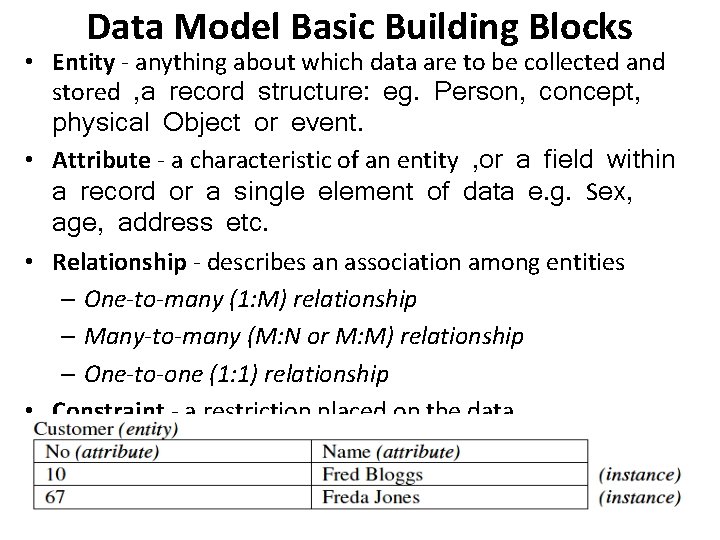
Data Model Basic Building Blocks • Entity - anything about which data are to be collected and stored , a record structure: eg. Person, concept, physical Object or event. • Attribute - a characteristic of an entity , or a field within a record or a single element of data e. g. Sex, age, address etc. • Relationship - describes an association among entities – One-to-many (1: M) relationship – Many-to-many (M: N or M: M) relationship – One-to-one (1: 1) relationship • Constraint - a restriction placed on the data
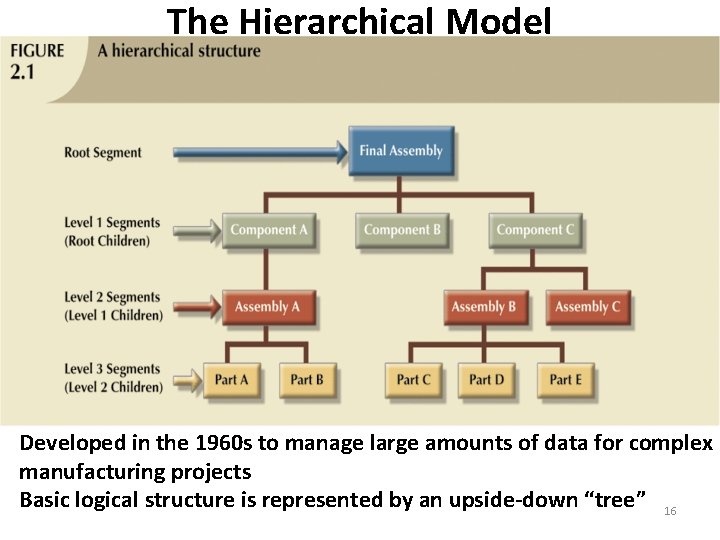
The Hierarchical Model Developed in the 1960 s to manage large amounts of data for complex manufacturing projects Basic logical structure is represented by an upside-down “tree” 16
The Hierarchical Model • Advantages – Easiest model – Has one or more attributes – The searching is fast and easy, if parent is known – Supports one to one or one to many relationship. • Disadvantages – Ole fashioned, outdated db model – Difficult to manage and Complex to implement – Lacks structural independence and increase redundancy
- Slides: 18