
Presentation of Input Output Devices Prepared by Bernard
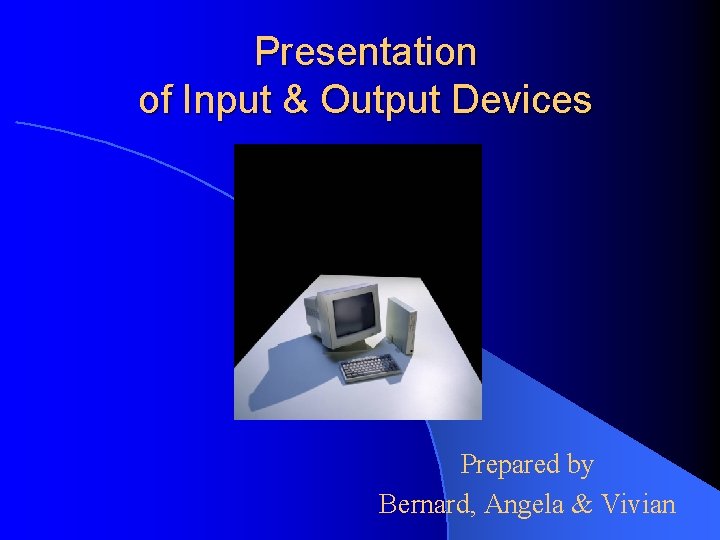
Presentation of Input & Output Devices Prepared by Bernard, Angela & Vivian
Input & Output Devices l Tools for people to interact & communicate with computers. l Enter data using input devices l Computer give us back the results through output devices 5 -2
Input Devices l Any hardware component that allows the user to enter data, programs, commands, and user response to a computer 5 -3
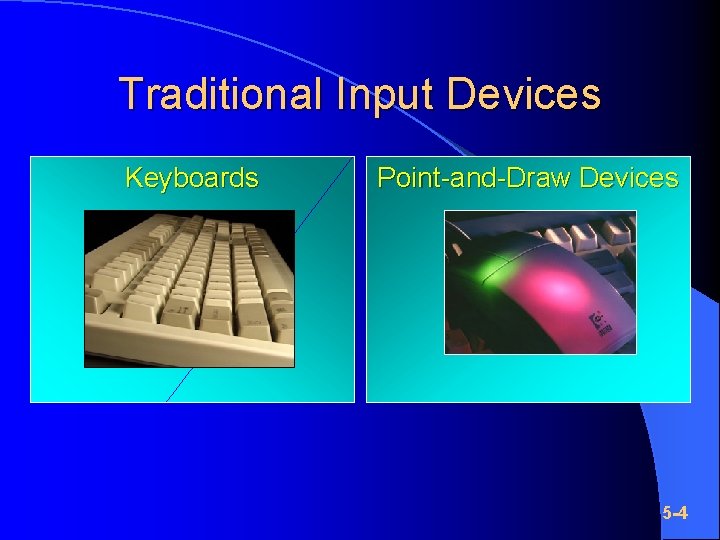
Traditional Input Devices Keyboards Point-and-Draw Devices 5 -4
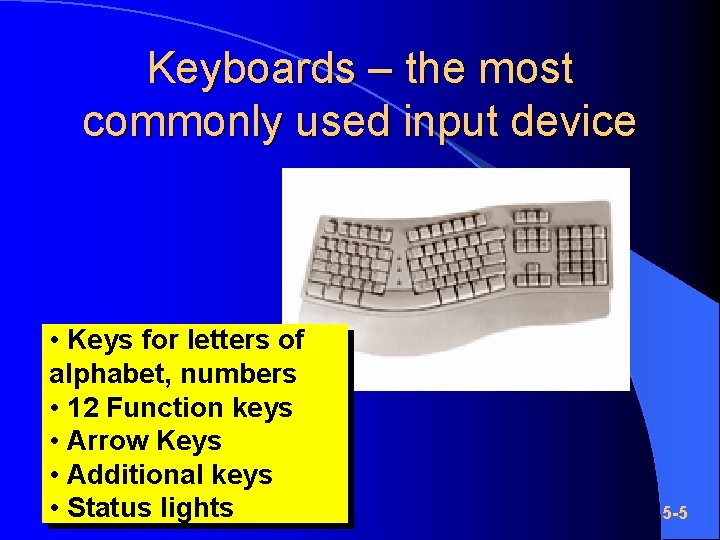
Keyboards – the most commonly used input device • Keys for letters of alphabet, numbers • 12 Function keys • Arrow Keys • Additional keys • Status lights 5 -5
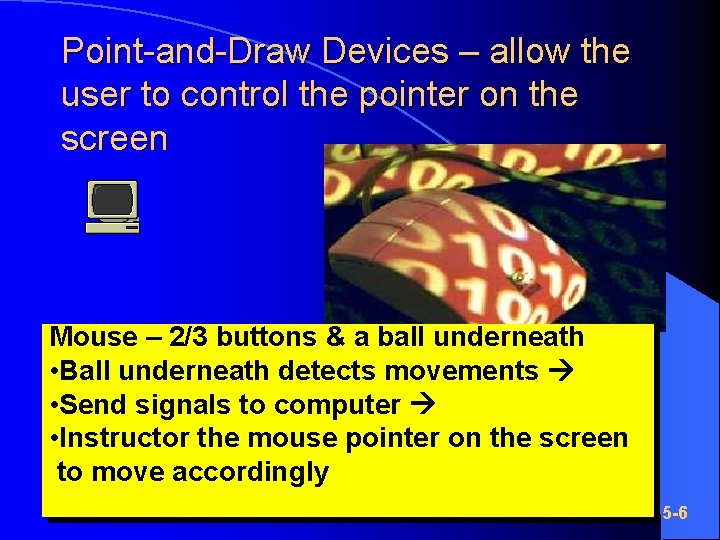
Point-and-Draw Devices – allow the user to control the pointer on the screen Mouse – 2/3 buttons & a ball underneath • Ball underneath detects movements • Send signals to computer • Instructor the mouse pointer on the screen to move accordingly 5 -6
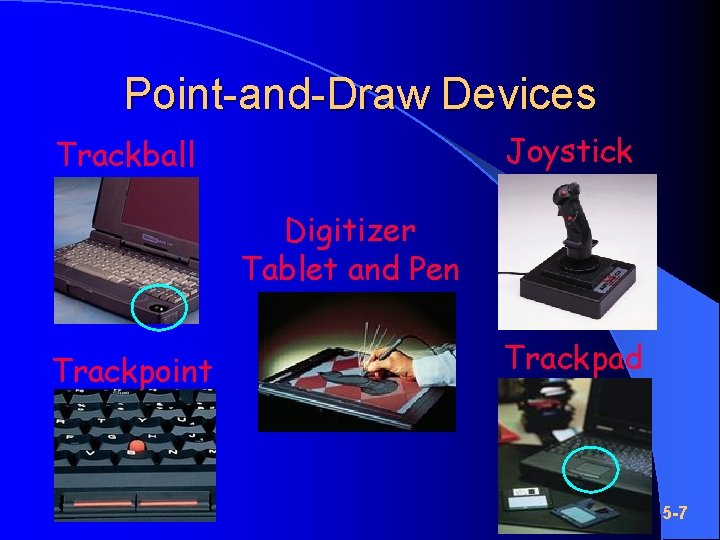
Point-and-Draw Devices Joystick Trackball Digitizer Tablet and Pen Trackpoint Trackpad 5 -7

Scanners and Reading Devices l Capture data directly from the source document l The input process becomes more efficient because manual data entry is eliminated 5 -8
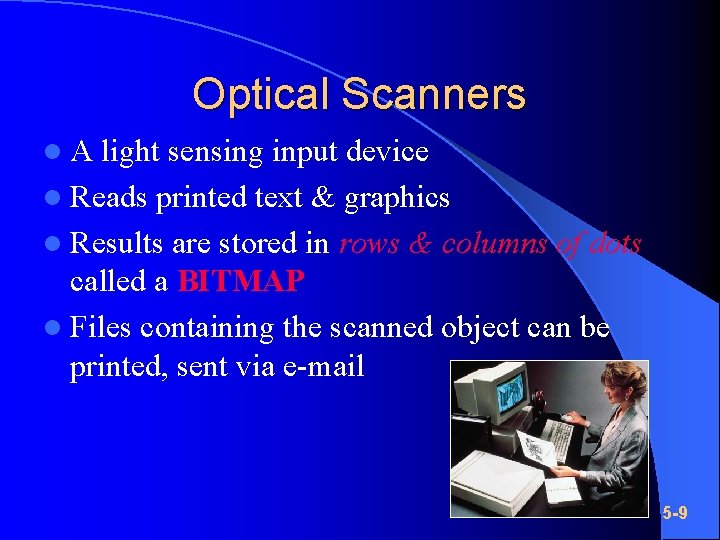
Optical Scanners l. A light sensing input device l Reads printed text & graphics l Results are stored in rows & columns of dots called a BITMAP l Files containing the scanned object can be printed, sent via e-mail 5 -9
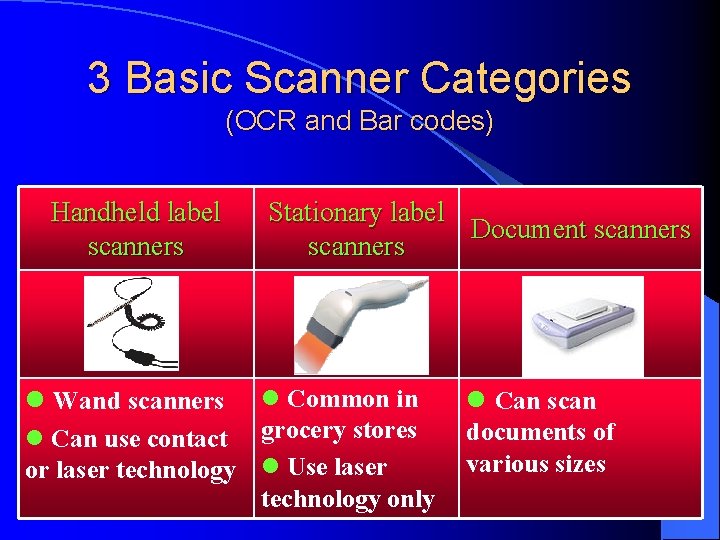
3 Basic Scanner Categories (OCR and Bar codes) Handheld label scanners Stationary label Document scanners l Common in l Can use contact grocery stores or laser technology l Use laser technology only l Wand scanners l Can scan documents of various sizes 5 -10
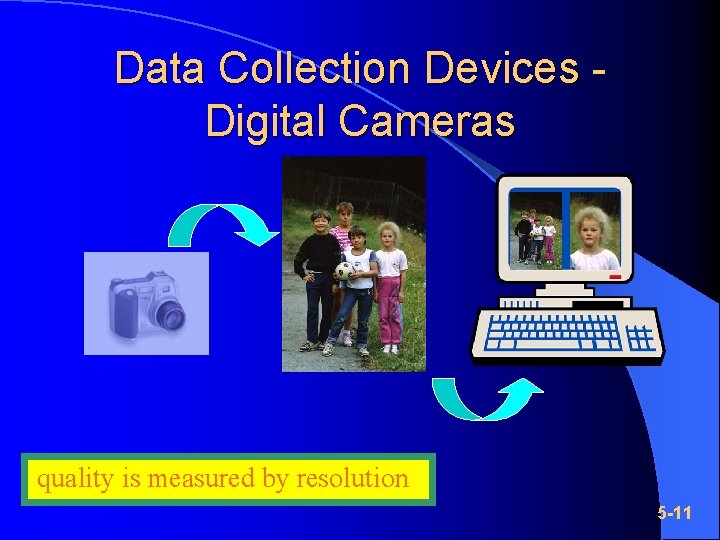
Data Collection Devices Digital Cameras quality is measured by resolution 5 -11
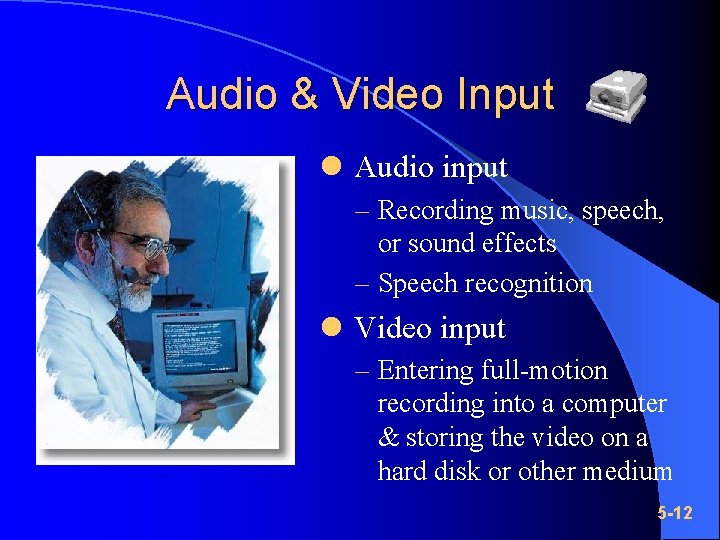
Audio & Video Input l Audio input – Recording music, speech, or sound effects – Speech recognition l Video input – Entering full-motion recording into a computer & storing the video on a hard disk or other medium 5 -12
What is Output ? Data that has been processed into a useful form called information l Text, graphic, audio, video l 5 -13
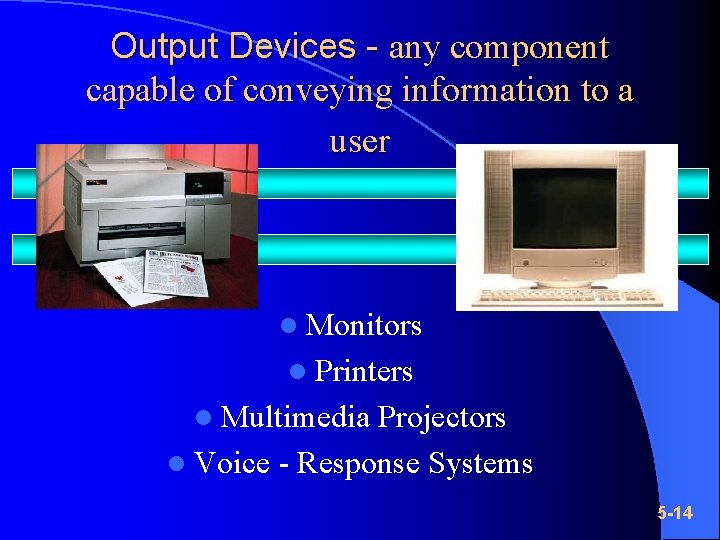
Output Devices - any component capable of conveying information to a user l Monitors l Printers l Multimedia Projectors l Voice - Response Systems 5 -14

Display Devices – visually displays soft copies of text, graphics, and video information l Color monitor: displays text, graphics and video information in color l Monochrome monitor: display text, graphics and video information in one color 5 -15
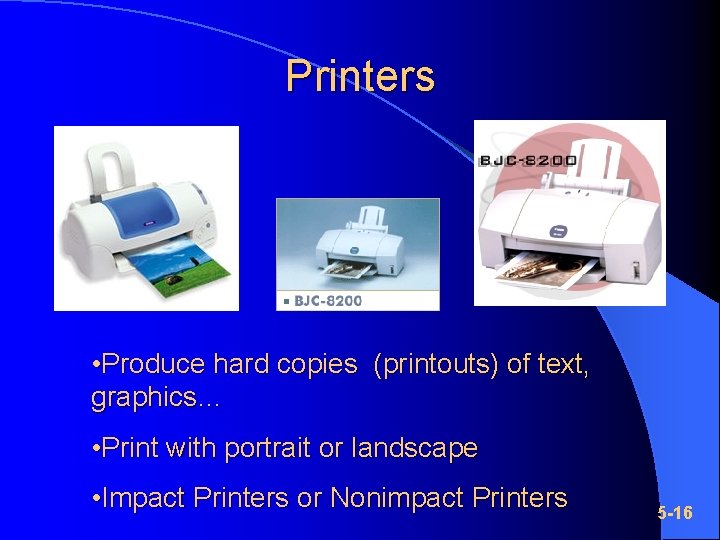
Printers • Produce hard copies (printouts) of text, graphics… • Print with portrait or landscape • Impact Printers or Nonimpact Printers 5 -16
Impact Printers l Form characters & graphics by striking a mechanism against an ink ribbon that contacts the paper l Withstand dusty environments, vibrations, & extreme temp. l E. g. dot-matrix printers 5 -17
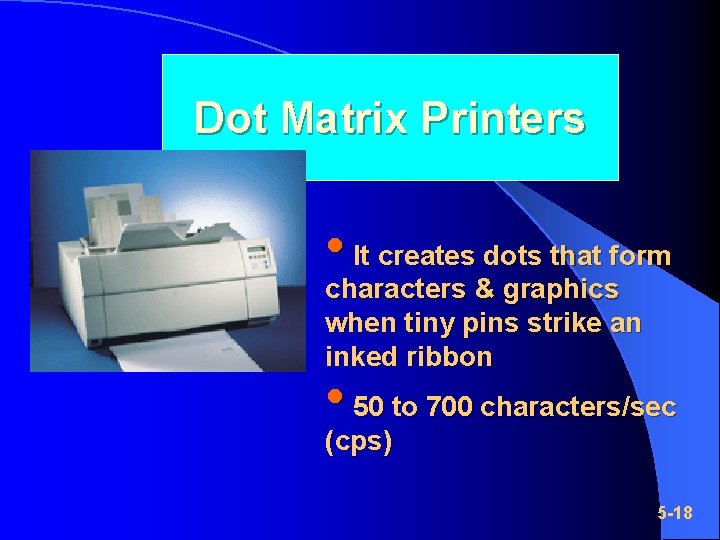
Dot Matrix Printers • It creates dots that form characters & graphics when tiny pins strike an inked ribbon • 50 to 700 characters/sec (cps) 5 -18
Nonimpact Printers l l l No striking mechanism Quiet High-Quality output Colour Single Sheets E. g. Ink-jet printers, laser printers, thermal printers, portable printers, label printers 5 -19
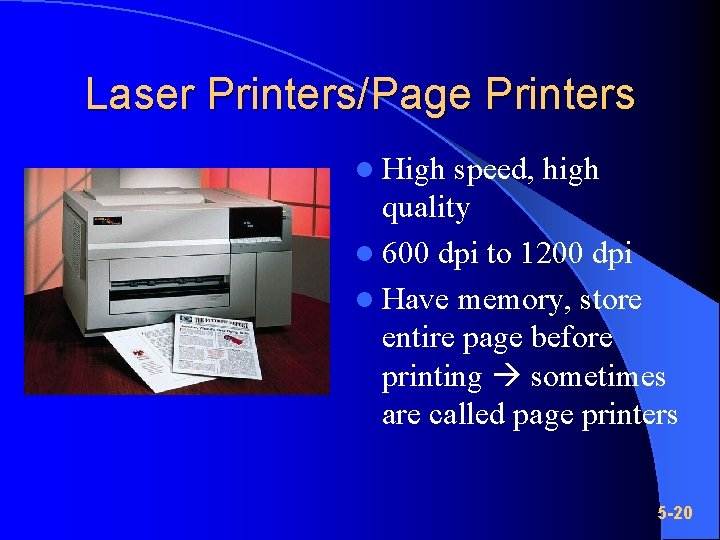
Laser Printers/Page Printers l High speed, high quality l 600 dpi to 1200 dpi l Have memory, store entire page before printing sometimes are called page printers 5 -20
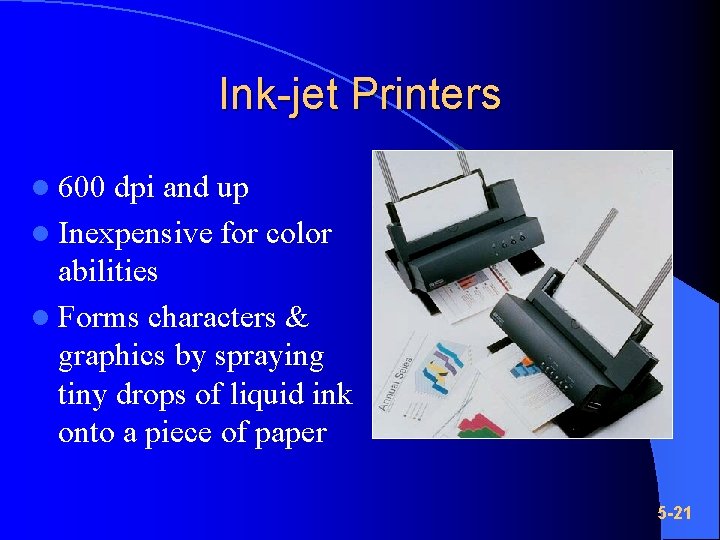
Ink-jet Printers l 600 dpi and up l Inexpensive for color abilities l Forms characters & graphics by spraying tiny drops of liquid ink onto a piece of paper 5 -21
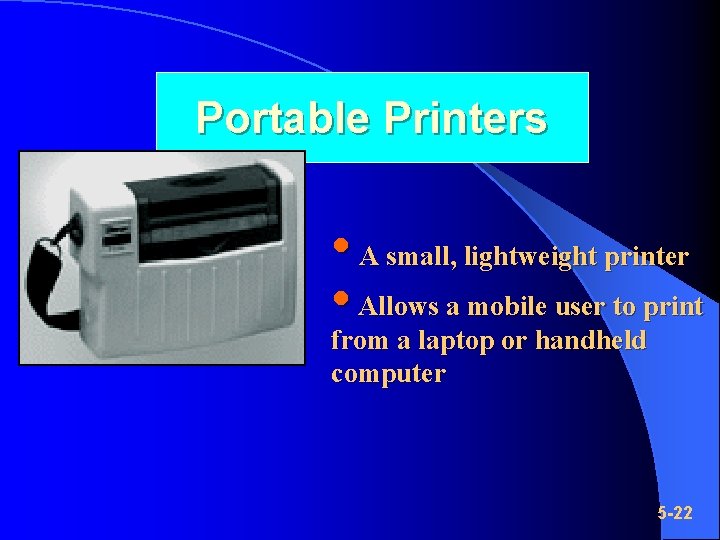
Portable Printers • A small, lightweight printer • Allows a mobile user to print from a laptop or handheld computer 5 -22
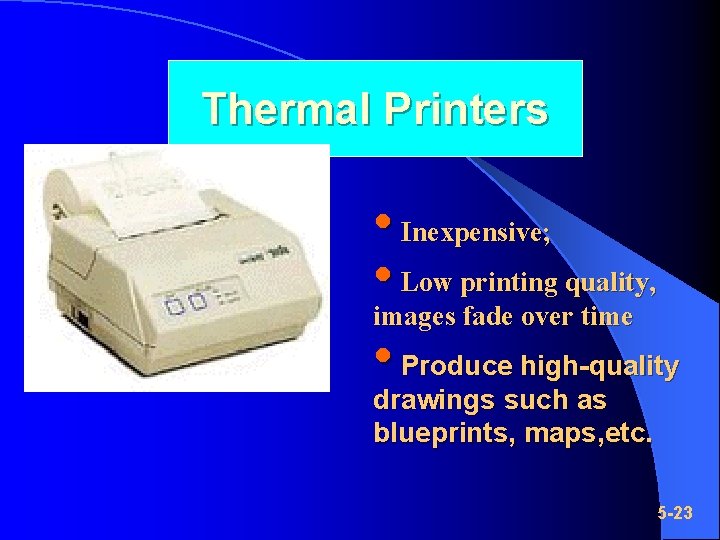
Thermal Printers • Inexpensive; • Low printing quality, images fade over time • Produce high-quality drawings such as blueprints, maps, etc. 5 -23
Other Output Devices l Presentation Graphics – LCD Panels – LCD Projectors l Voice-Response Systems – Speakers – Headsets l Fax Machine 5 -24
Terminals l function as both input & output devices l Consist of: – A monitor (output) – A keyboard (input) – A video card 5 -25
Terminals Basic categories of terminals: l Dumb terminals – No independent processing power – Are used to enter & transmit data to, or receive & display information from the host computer l Intelligent terminals – Has memory & processor – Independent processing capability 5 -26
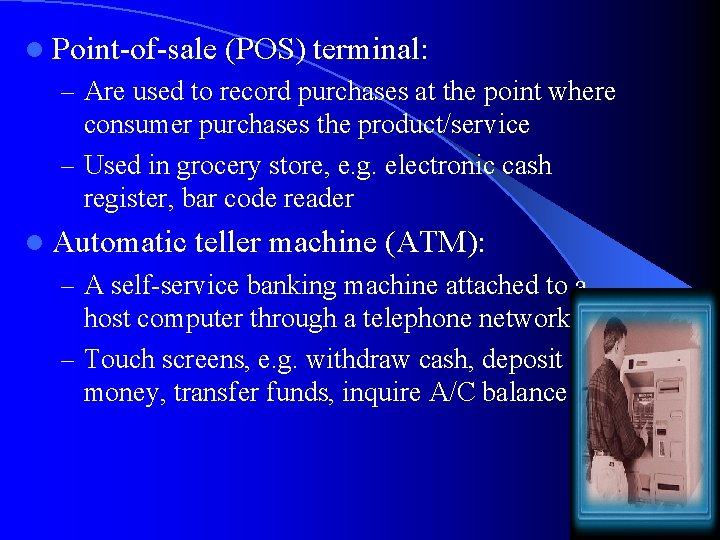
l Point-of-sale (POS) terminal: – Are used to record purchases at the point where consumer purchases the product/service – Used in grocery store, e. g. electronic cash register, bar code reader l Automatic teller machine (ATM): – A self-service banking machine attached to a host computer through a telephone network. – Touch screens, e. g. withdraw cash, deposit money, transfer funds, inquire A/C balance 5 -27

End of Presentation Thank You 5 -28
- Slides: 28