
PRESENTATION BEST PRACTICES The following are some helpful
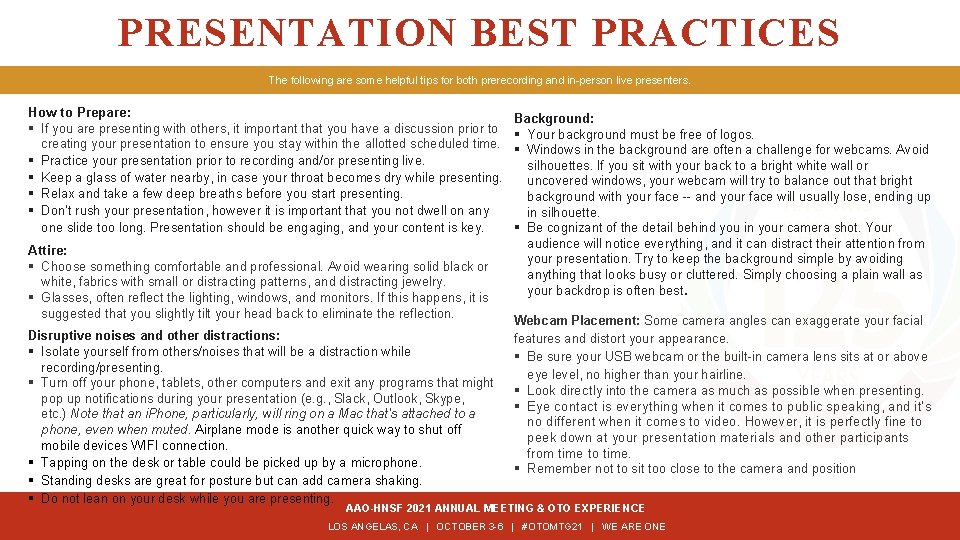
PRESENTATION BEST PRACTICES The following are some helpful tips for both prerecording and in-person live presenters. How to Prepare: § If you are presenting with others, it important that you have a discussion prior to creating your presentation to ensure you stay within the allotted scheduled time. § Practice your presentation prior to recording and/or presenting live. § Keep a glass of water nearby, in case your throat becomes dry while presenting. § Relax and take a few deep breaths before you start presenting. § Don’t rush your presentation, however it is important that you not dwell on any one slide too long. Presentation should be engaging, and your content is key. Attire: § Choose something comfortable and professional. Avoid wearing solid black or white, fabrics with small or distracting patterns, and distracting jewelry. § Glasses, often reflect the lighting, windows, and monitors. If this happens, it is suggested that you slightly tilt your head back to eliminate the reflection. Disruptive noises and other distractions: § Isolate yourself from others/noises that will be a distraction while recording/presenting. § Turn off your phone, tablets, other computers and exit any programs that might pop up notifications during your presentation (e. g. , Slack, Outlook, Skype, etc. ) Note that an i. Phone, particularly, will ring on a Mac that's attached to a phone, even when muted. Airplane mode is another quick way to shut off mobile devices WIFI connection. § Tapping on the desk or table could be picked up by a microphone. § Standing desks are great for posture but can add camera shaking. § Do not lean on your desk while you are presenting. Background: § Your background must be free of logos. § Windows in the background are often a challenge for webcams. Avoid silhouettes. If you sit with your back to a bright white wall or uncovered windows, your webcam will try to balance out that bright background with your face -- and your face will usually lose, ending up in silhouette. § Be cognizant of the detail behind you in your camera shot. Your audience will notice everything, and it can distract their attention from your presentation. Try to keep the background simple by avoiding anything that looks busy or cluttered. Simply choosing a plain wall as your backdrop is often best. Webcam Placement: Some camera angles can exaggerate your facial features and distort your appearance. § Be sure your USB webcam or the built-in camera lens sits at or above eye level, no higher than your hairline. § Look directly into the camera as much as possible when presenting. § Eye contact is everything when it comes to public speaking, and it’s no different when it comes to video. However, it is perfectly fine to peek down at your presentation materials and other participants from time to time. § Remember not to sit too close to the camera and position AAO-HNSF 2021 ANNUAL MEETING & OTO EXPERIENCE LOS ANGELAS, CA | OCTOBER 3 -6 | #OTOMTG 21 | WE ARE ONE
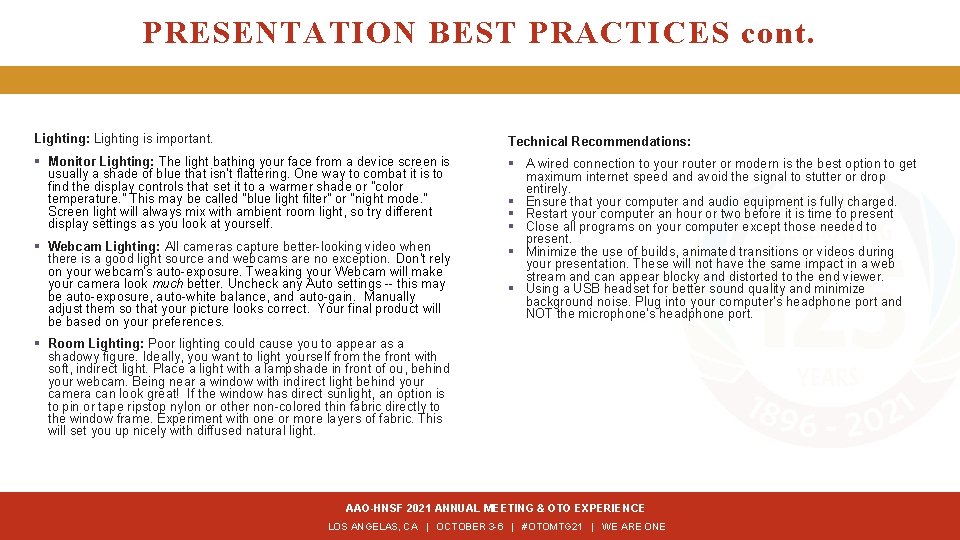
PRESENTATION BEST PRACTICES cont. Lighting: Lighting is important. Technical Recommendations: § Monitor Lighting: The light bathing your face from a device screen is usually a shade of blue that isn’t flattering. One way to combat it is to find the display controls that set it to a warmer shade or "color temperature. " This may be called "blue light filter" or "night mode. " Screen light will always mix with ambient room light, so try different display settings as you look at yourself. § A wired connection to your router or modern is the best option to get maximum internet speed and avoid the signal to stutter or drop entirely. § Ensure that your computer and audio equipment is fully charged. § Restart your computer an hour or two before it is time to present § Close all programs on your computer except those needed to present. § Minimize the use of builds, animated transitions or videos during your presentation. These will not have the same impact in a web stream and can appear blocky and distorted to the end viewer. § Using a USB headset for better sound quality and minimize background noise. Plug into your computer’s headphone port and NOT the microphone’s headphone port. § Webcam Lighting: All cameras capture better-looking video when there is a good light source and webcams are no exception. Don't rely on your webcam's auto-exposure. Tweaking your Webcam will make your camera look much better. Uncheck any Auto settings -- this may be auto-exposure, auto-white balance, and auto-gain. Manually adjust them so that your picture looks correct. Your final product will be based on your preferences. § Room Lighting: Poor lighting could cause you to appear as a shadowy figure. Ideally, you want to light yourself from the front with soft, indirect light. Place a light with a lampshade in front of ou, behind your webcam. Being near a window with indirect light behind your camera can look great! If the window has direct sunlight, an option is to pin or tape ripstop nylon or other non-colored thin fabric directly to the window frame. Experiment with one or more layers of fabric. This will set you up nicely with diffused natural light. AAO-HNSF 2021 ANNUAL MEETING & OTO EXPERIENCE LOS ANGELAS, CA | OCTOBER 3 -6 | #OTOMTG 21 | WE ARE ONE
- Slides: 2