
Preparing a Poster for a Publication and Display
Preparing a Poster for a Publication and Display Prepared by Edward Hensel (ME) Elizabeth De. Bartolo (ME) Copyright © 2009 Rochester Institute of Technology All rights reserved. EDGE™
For more detailed information… • This file includes a summary of tips for preparing a technical poster. For guidelines and sample posters, see Mycourses or the Resources project on EDGE™
About your posters… • Lots of examples in the hallways • 2000+ viewers! • BROAD audience: – Peer students – Faculty members and Project Sponsors – Practicing engineers at Sponsor organization – Lower division undergraduate students – Prospective Students and Their Families Copyright © 2005 Rochester Institute of Technology All rights reserved. EDGE™
Poster Objectives • Summarize the highlights of your work. • Serve as a conversation starter. • Entice the viewer to seek out more information about your project. EDGE™
Poster Format • 20” wide x 30” tall • A blank poster (template) and samples are available on Mycourses and EDGE • Use full color, and lots of graphics • Two copies made for you by the MSD Program Administration: – One for display in halls of KGCOE – One for sponsor • Additional posters printed here at your own cost EDGE™
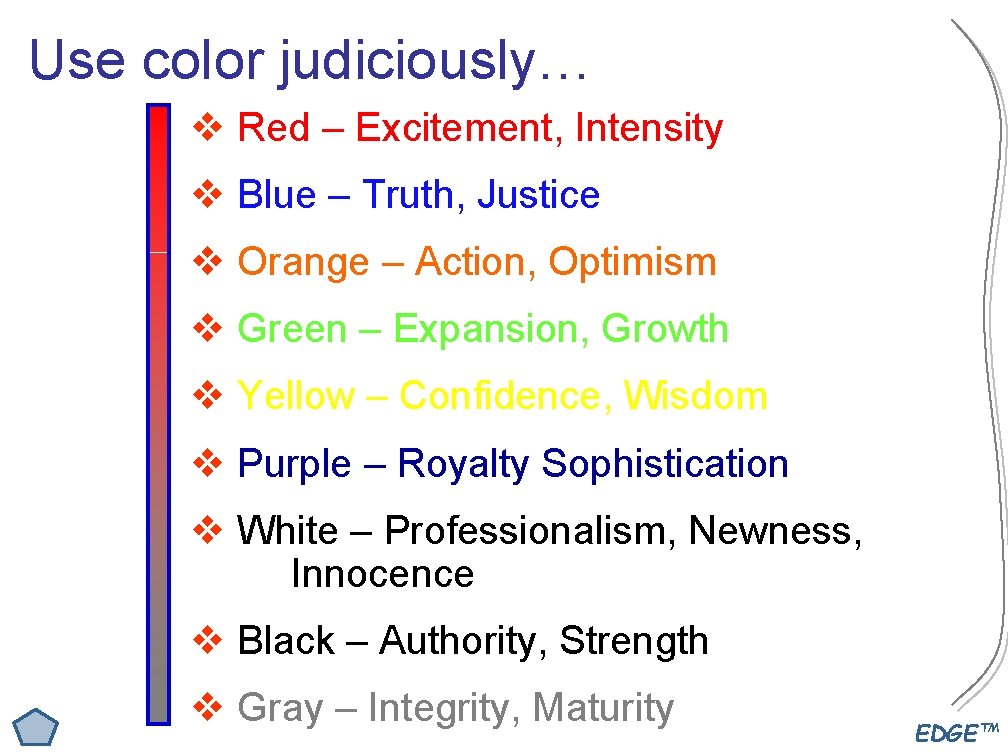
Use color judiciously… v Red – Excitement, Intensity v Blue – Truth, Justice v Orange – Action, Optimism v Green – Expansion, Growth v Yellow – Confidence, Wisdom v Purple – Royalty Sophistication v White – Professionalism, Newness, Innocence v Black – Authority, Strength v Gray – Integrity, Maturity EDGE™

Typical Poster Contents EDGE™
The Title Block • • Title (descriptive but brief) Project Number Every author with departmental affiliation. Use graphics – show a photo of the team, not just your names! EDGE™
Introduction & Background • Why is your work important? Motivation! • Who else has contributed to this field of research, based on the references cited? • Where can the viewer find out more about the project? • Outline work done to complete the project. EDGE™
Needs and Specifications • Outline customer needs • Outline design specifications • Are all customer needs addressed? (QFD? ) EDGE™
Design Concepts • • If you include many design concepts, do it briefly! How did you arrive at final solution? Final concept should be clearly defined Exploded view, clear CAD drawings EDGE™
Theory / Analysis / Model / Testing • Outline the mathematical development – key results • Outline testing done on final product • Emphasize results and interpretations • Check your work – especially units! • Did you meet your specs? Prove it! EDGE™
Conclusions and Recommendations • Critical evaluation of project – what went well, what didn’t? • What still needs doing AND what resources might be required for that? • Does your customer support your conclusions and recommendations? EDGE™
Acknowledgements • Who paid the bills? • Who helped out and what did they do? • Include graphic of the MSD program: EDGE™
Workshop Activity: Poster Review – 15 minutes! • In groups of 2 or 3 (your team, if possible): – Pick three posters to review as a group – Identify 3 strengths of each poster – Identify 3 weaknesses of each poster – Consider how to apply what you’ve seen to your own poster EDGE™
What did you see? • Positive features we saw… • Negative features we saw… • Ideas we can apply to our own poster… EDGE™
The Highlights: • • • Limit text, use bullets Choose easy-read font size Lots of (annotated) graphics Clean up graphs and CAD drawings Content should flow intuitively Content should not be overly detailed – highlight methods, results, and conclusions EDGE™
Some nice (but optional) features: • Supplemental 1 -page handout for viewers • Plan a 1 -2 minute verbal summary of your work to accompany the poster • Anticipate some questions that viewers may ask – how will you address them? • Have your prototype available for the poster session EDGE™
- Slides: 18