
Prepare your students for tomorrow Effective Communication Tools
- Slides: 17
Prepare your students for tomorrow. Effective Communication Tools for Educators Using Microsoft Education Application Solutions
What course participants have said: • Great course and great instructor! Participant, College of Du. Page, Chicago, IL 8/13/09 • I learned a lot…. I will definitely use what I have learned. Participant, NECC, Washington, DC 6/29/09
Setting the Stage – Teaching in the 21 st Century Sit tight! Fasten your seat belts. It’s the 21 st Century! Have you seen the new classrooms of the 21 st century? There are no walls, no buildings , and no geographical limitations to accessing information. You probably already knew that, but did you know that collaborative student projects can also transcend those traditional barriers ? Microsoft® developed the tools. You can facilitate the projects!
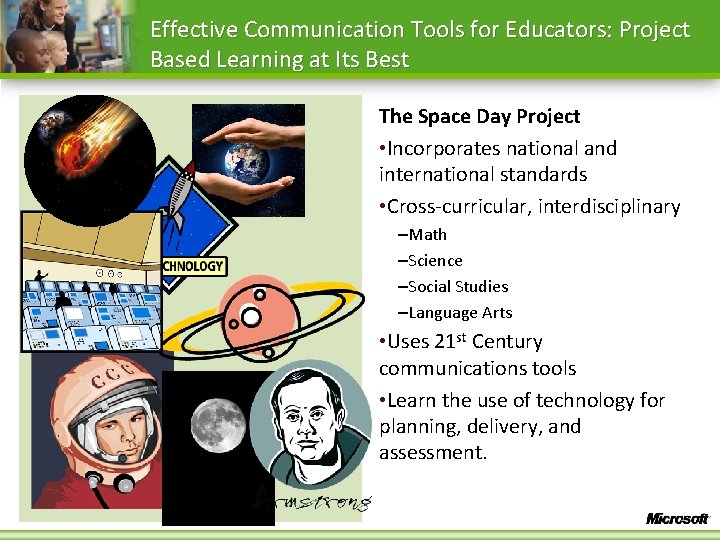
Effective Communication Tools for Educators: Project Based Learning at Its Best The Space Day Project • Incorporates national and international standards • Cross-curricular, interdisciplinary –Math –Science –Social Studies –Language Arts • Uses 21 st Century communications tools • Learn the use of technology for planning, delivery, and assessment.
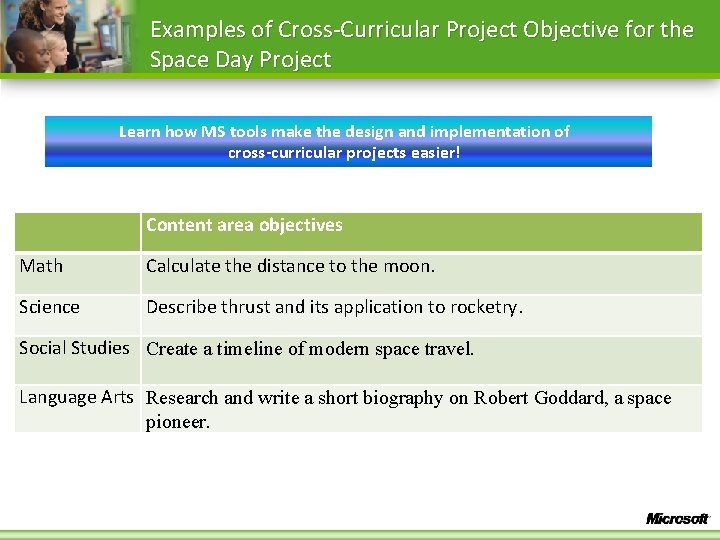
Examples of Cross-Curricular Project Objective for the Space Day Project Learn how MS tools make the design and implementation of cross-curricular projects easier! Content area objectives Math Calculate the distance to the moon. Science Describe thrust and its application to rocketry. Social Studies Create a timeline of modern space travel. Language Arts Research and write a short biography on Robert Goddard, a space pioneer.
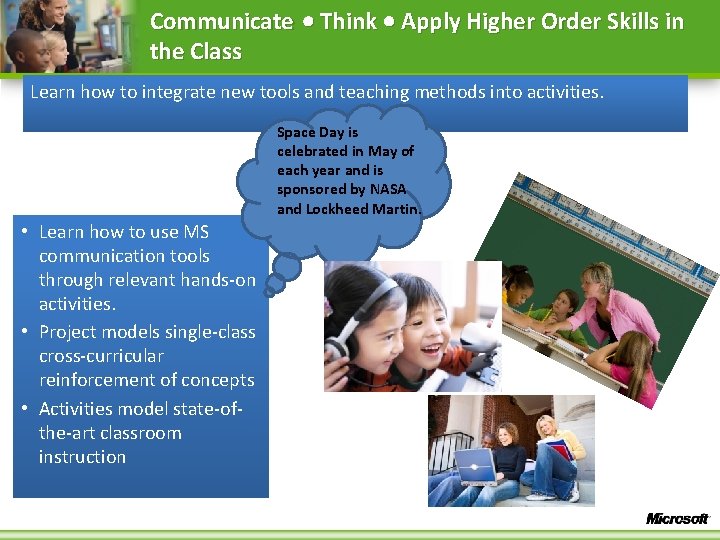
Communicate Think Apply Higher Order Skills in the Class Learn how to integrate new tools and teaching methods into activities. Space Day is celebrated in May of each year and is sponsored by NASA and Lockheed Martin. • Learn how to use MS communication tools through relevant hands-on activities. • Project models single-class cross-curricular reinforcement of concepts • Activities model state-ofthe-art classroom instruction
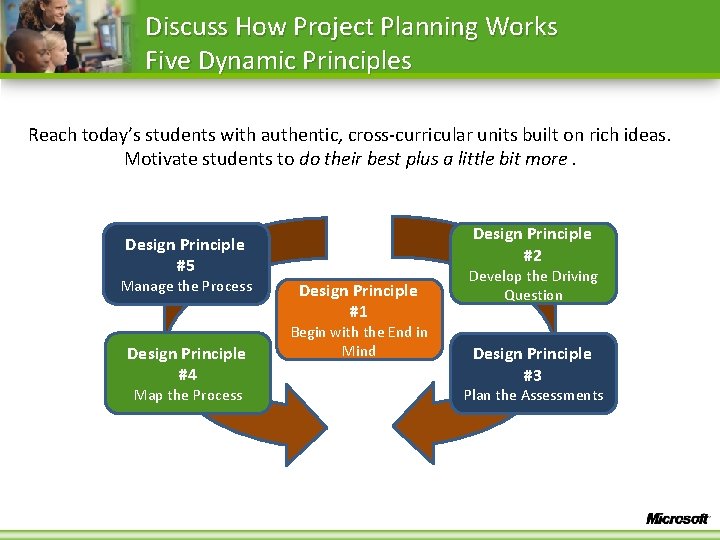
Discuss How Project Planning Works Five Dynamic Principles Reach today’s students with authentic, cross-curricular units built on rich ideas. Motivate students to do their best plus a little bit more. Design Principle #2 Design Principle #5 Manage the Process Design Principle #4 Map the Process Design Principle #1 Begin with the End in Mind Develop the Driving Question Design Principle #3 Plan the Assessments
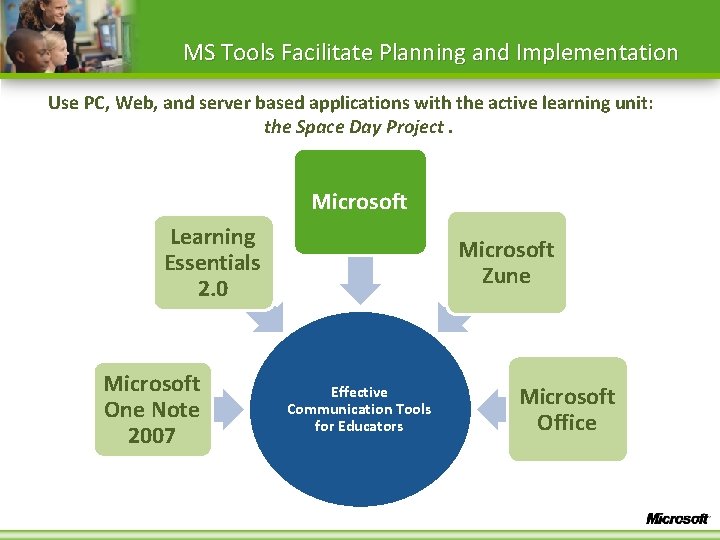
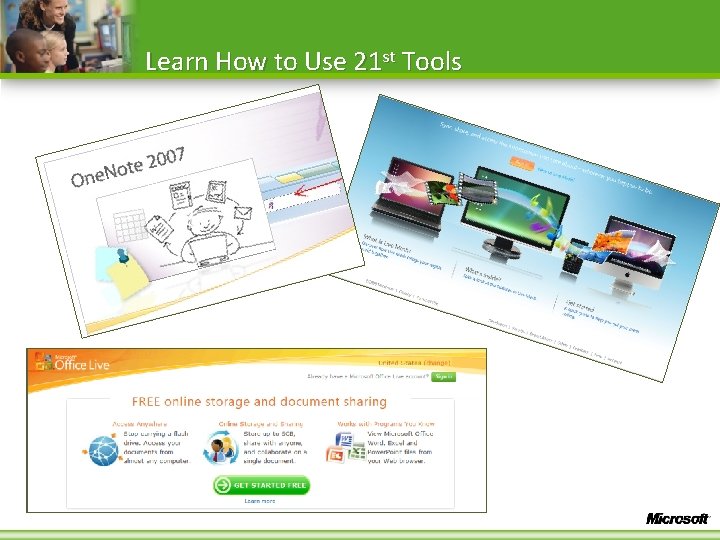
MS Tools Facilitate Planning and Implementation Use PC, Web, and server based applications with the active learning unit: the Space Day Project. Microsoft Learning Essentials 2. 0 Microsoft One Note 2007 Microsoft Zune Effective Communication Tools for Educators Microsoft Office
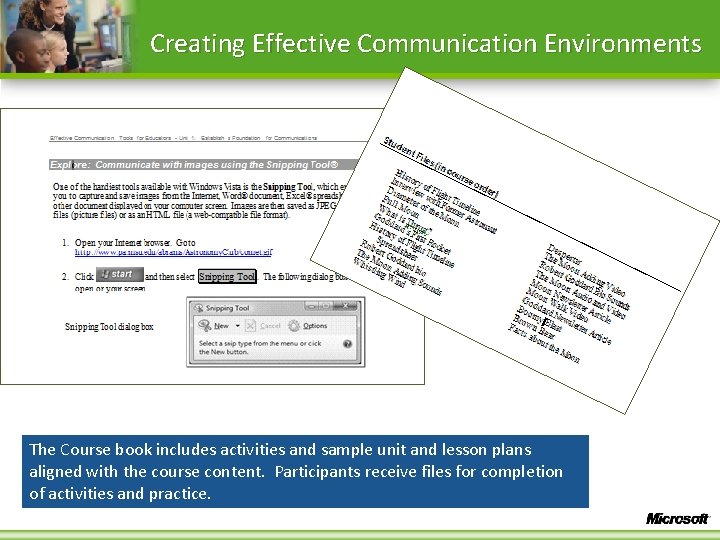
Creating Effective Communication Environments The Course book includes activities and sample unit and lesson plans aligned with the course content. Participants receive files for completion of activities and practice.
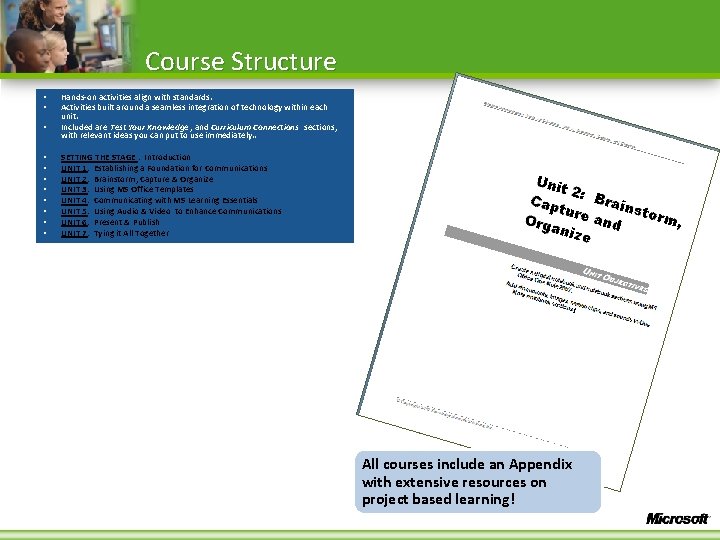
Course Structure • • • Hands-on activities align with standards. Activities built around a seamless integration of technology within each unit. Included are Test Your Knowledge , and Curriculum Connections sections, with relevant ideas you can put to use immediately. . SETTING THE STAGE : Introduction UNIT 1: Establishing a Foundation for Communications UNIT 2: Brainstorm, Capture & Organize UNIT 3: Using MS Office Templates UNIT 4: Communicating with MS Learning Essentials UNIT 5: Using Audio & Video to Enhance Communications UNIT 6: Present & Publish UNIT 7: Tying it All Together All courses include an Appendix with extensive resources on project based learning!
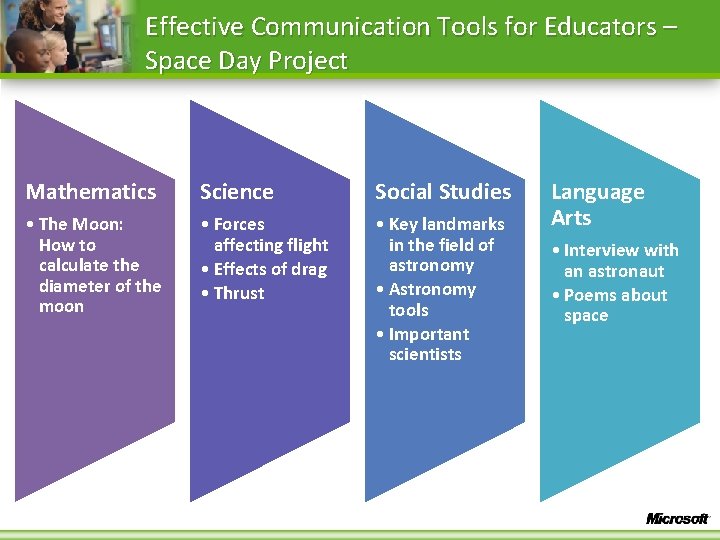
Effective Communication Tools for Educators – Space Day Project Mathematics Science Social Studies • The Moon: How to calculate the diameter of the moon • Forces affecting flight • Effects of drag • Thrust • Key landmarks in the field of astronomy • Astronomy tools • Important scientists Language Arts • Interview with an astronaut • Poems about space
Learn How to Use 21 st Tools
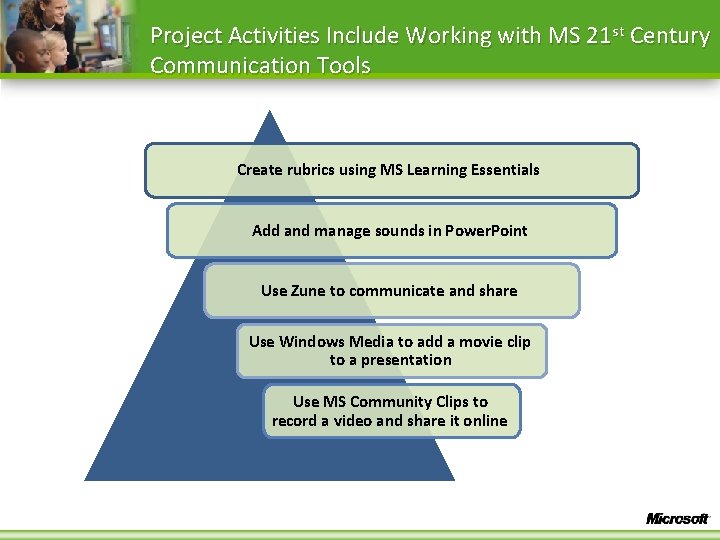
Project Activities Include Working with MS 21 st Century Communication Tools Create rubrics using MS Learning Essentials Add and manage sounds in Power. Point Use Zune to communicate and share Use Windows Media to add a movie clip to a presentation Use MS Community Clips to record a video and share it online
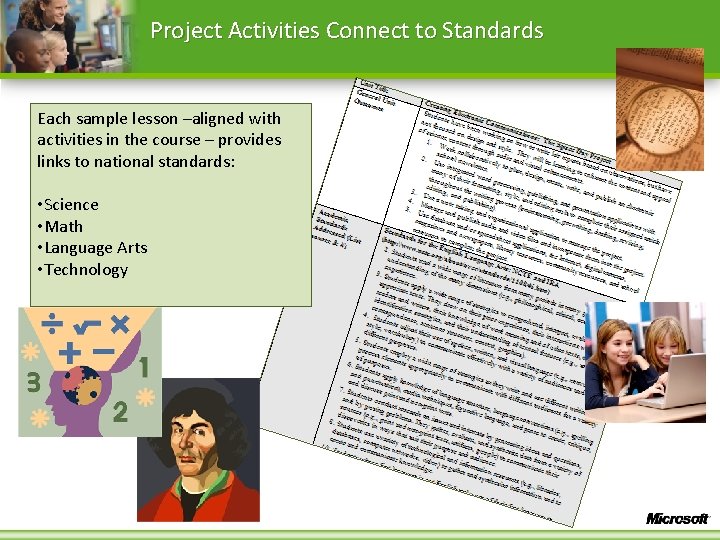
Project Activities Connect to Standards Each sample lesson –aligned with activities in the course – provides links to national standards: • Science • Math • Language Arts • Technology
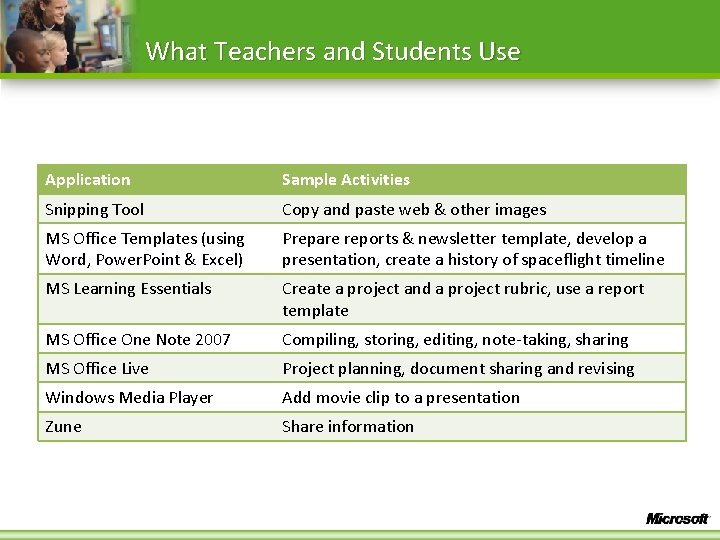
What Teachers and Students Use Application Sample Activities Snipping Tool Copy and paste web & other images MS Office Templates (using Word, Power. Point & Excel) Prepare reports & newsletter template, develop a presentation, create a history of spaceflight timeline MS Learning Essentials Create a project and a project rubric, use a report template MS Office One Note 2007 Compiling, storing, editing, note-taking, sharing MS Office Live Project planning, document sharing and revising Windows Media Player Add movie clip to a presentation Zune Share information
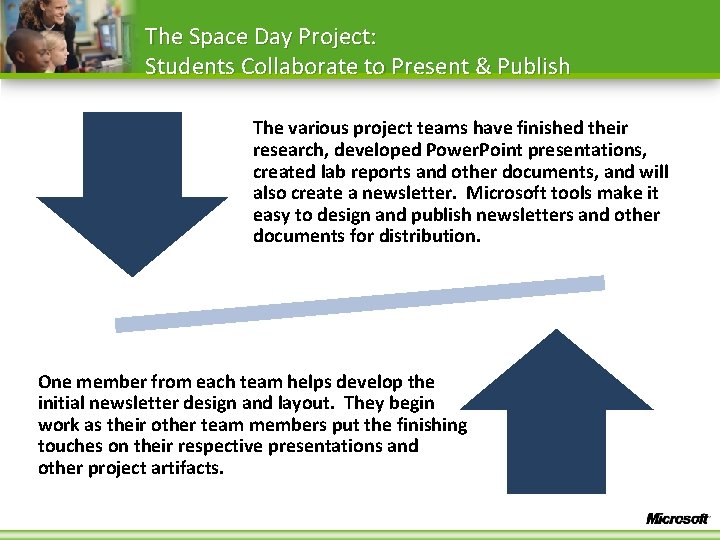
The Space Day Project: Students Collaborate to Present & Publish The various project teams have finished their research, developed Power. Point presentations, created lab reports and other documents, and will also create a newsletter. Microsoft tools make it easy to design and publish newsletters and other documents for distribution. One member from each team helps develop the initial newsletter design and layout. They begin work as their other team members put the finishing touches on their respective presentations and other project artifacts.
Tying It All Together Apply what you have learned: • Examine several case studies to design project based units of instruction to meet unique student needs. • Select appropriate MS tools for a particular learning activity. • Learn through peer discussion about ways to change classroom practice and improve communications.