
Preliminary to Assembly Language Programming CE 140 A
Preliminary to Assembly Language Programming CE 140 A 1/A 2 28 June 2003
Number Systems Review o o Binary System Hexadecimal System Conversion from between different number systems Complements
Binary System o o o Place values consist of powers of 2 0 or 1 Easy to implement in hardware

Number Base Conversions o o o Integer Decimal to Binary Divide by 2, remainders Fraction Decimal to Binary -> Multiply by 2, integers Binary to Decimal Multiply each digit by its place value in decimal, then add
Octal and Hexadecimal Numbers o o o Octal – base 8 – groups of 3 bits Hexadecimal – base 16 – groups of 4 bits Used as another way of representing binary numbers; simpler and easier
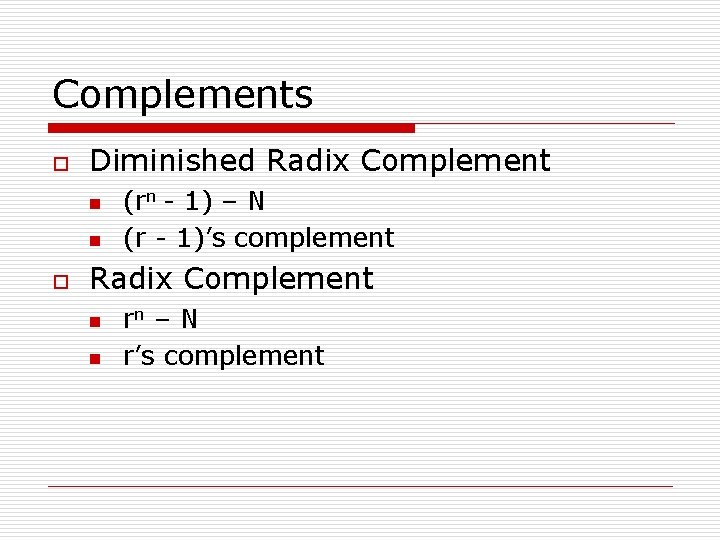
Complements o Diminished Radix Complement n n o (rn - 1) – N (r - 1)’s complement Radix Complement n n rn – N r’s complement

Signed Binary Numbers o o Signed-magnitude (leftmost bit is sign bit 0 -positive 1 -negative) Signed-1’s-complement Signed-2’s-complement Addition and subtraction with Signed 2’s complement is the easiest to implement in hardware

Arithmetic Addition/Subtraction o o Convert subtraction operation to addition Represent the addends in 2’s complement form Discard the carry-out If the sum is negative, it is already in 2’s complement form
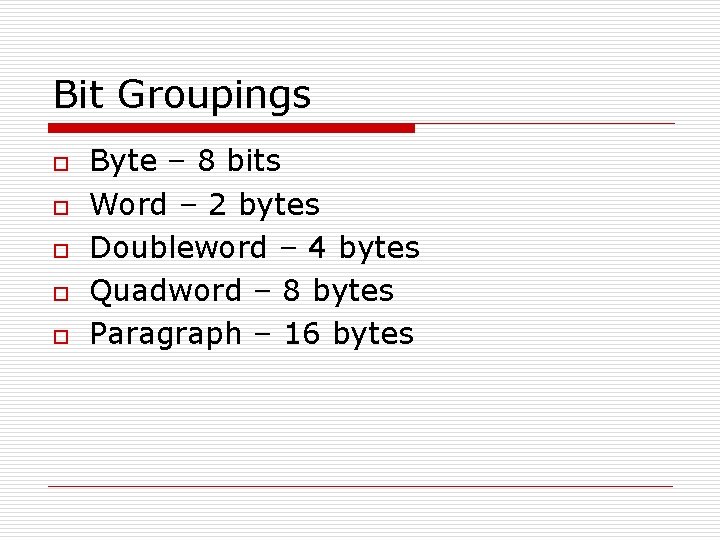
Bit Groupings o o o Byte – 8 bits Word – 2 bytes Doubleword – 4 bytes Quadword – 8 bytes Paragraph – 16 bytes
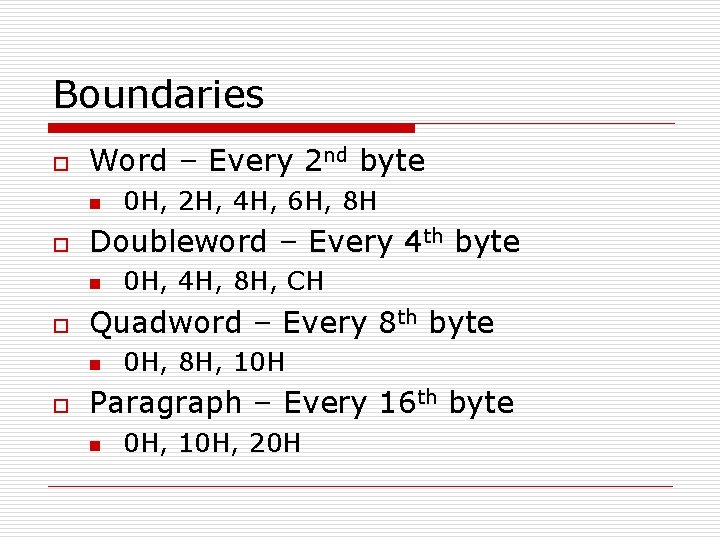
Boundaries o Word – Every 2 nd byte n o Doubleword – Every 4 th byte n o 0 H, 4 H, 8 H, CH Quadword – Every 8 th byte n o 0 H, 2 H, 4 H, 6 H, 8 H 0 H, 8 H, 10 H Paragraph – Every 16 th byte n 0 H, 10 H, 20 H
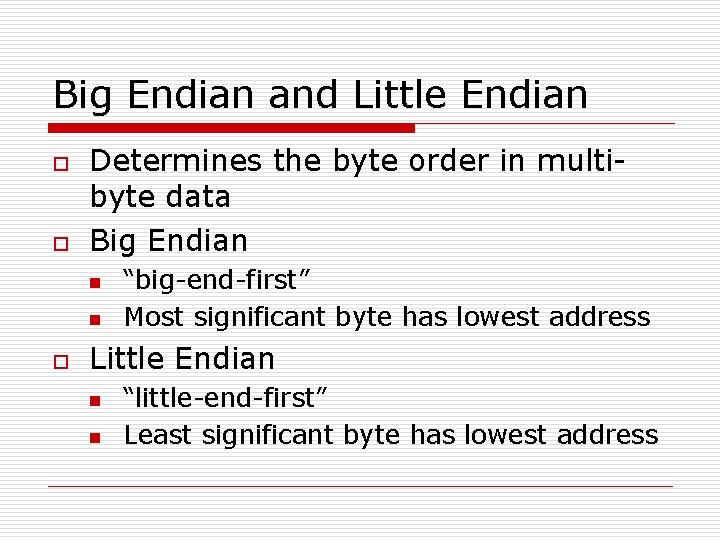
Big Endian and Little Endian o o Determines the byte order in multibyte data Big Endian n n o “big-end-first” Most significant byte has lowest address Little Endian n n “little-end-first” Least significant byte has lowest address
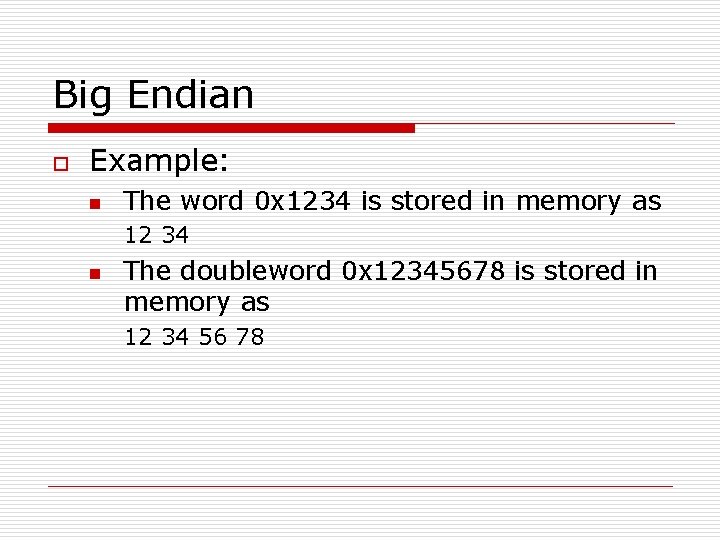
Big Endian o Example: n The word 0 x 1234 is stored in memory as 12 34 n The doubleword 0 x 12345678 is stored in memory as 12 34 56 78
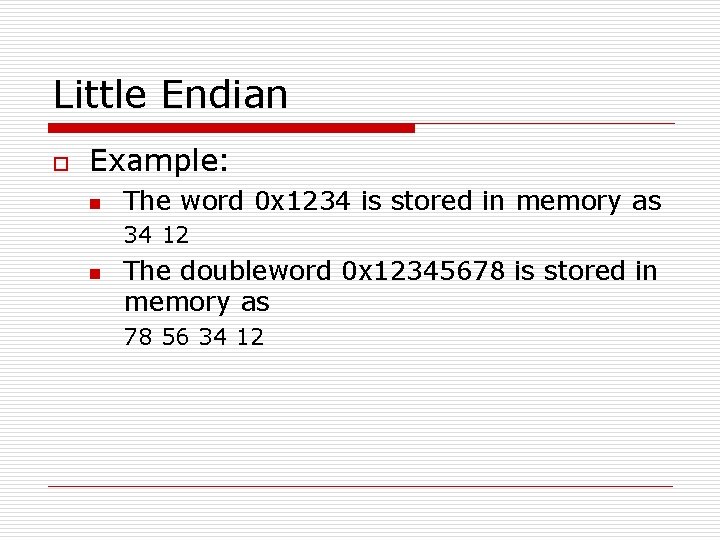
Little Endian o Example: n The word 0 x 1234 is stored in memory as 34 12 n The doubleword 0 x 12345678 is stored in memory as 78 56 34 12
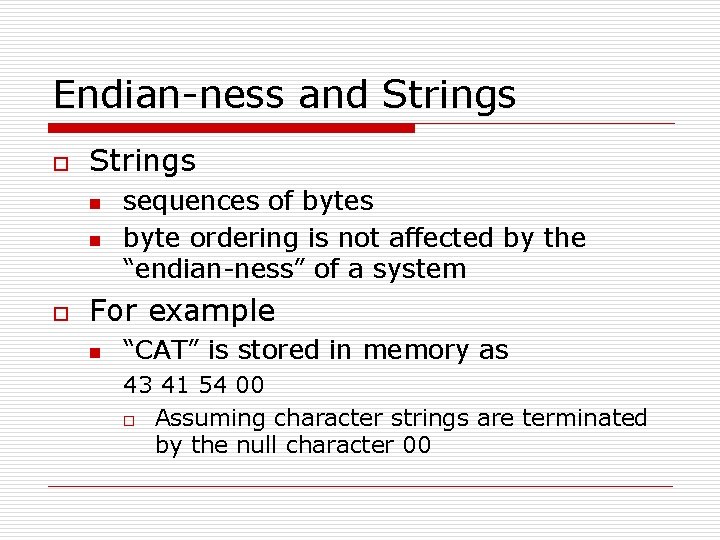
Endian-ness and Strings o Strings n n o sequences of bytes byte ordering is not affected by the “endian-ness” of a system For example n “CAT” is stored in memory as 43 41 54 00 o Assuming character strings are terminated by the null character 00
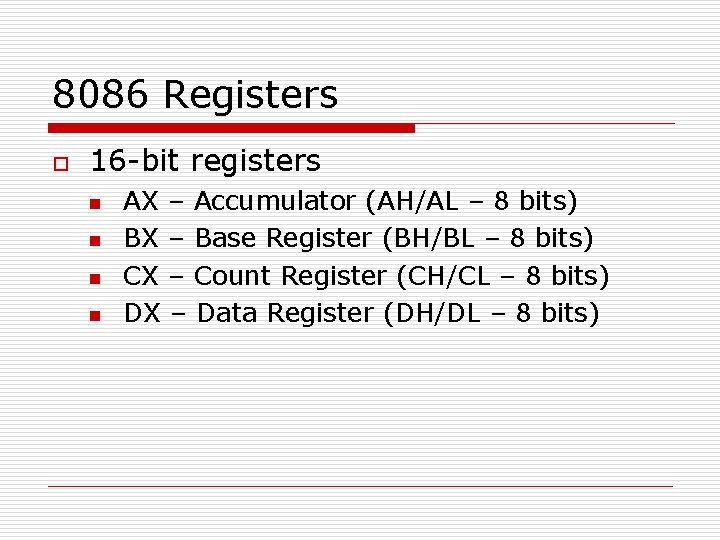
8086 Registers o 16 -bit registers n n AX – Accumulator (AH/AL – 8 bits) BX – Base Register (BH/BL – 8 bits) CX – Count Register (CH/CL – 8 bits) DX – Data Register (DH/DL – 8 bits)
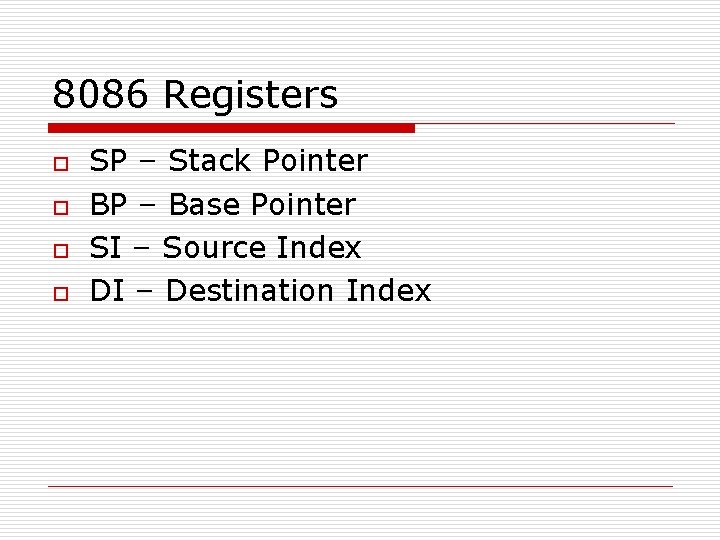
8086 Registers o o SP – Stack Pointer BP – Base Pointer SI – Source Index DI – Destination Index
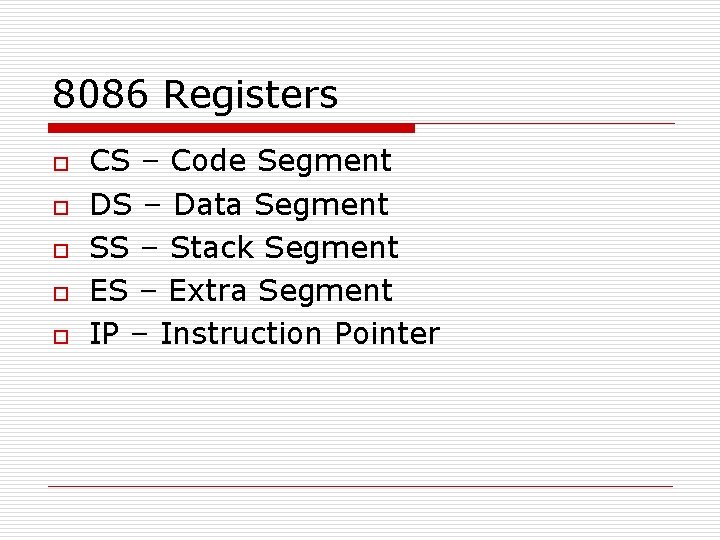
8086 Registers o o o CS – Code Segment DS – Data Segment SS – Stack Segment ES – Extra Segment IP – Instruction Pointer
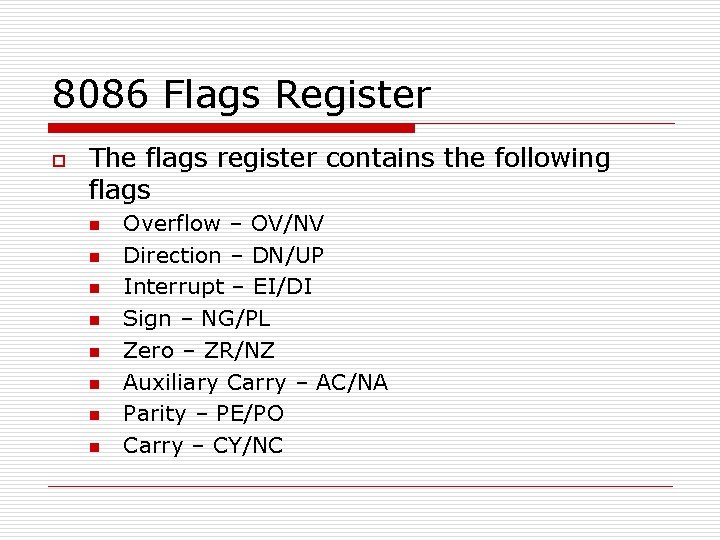
8086 Flags Register o The flags register contains the following flags n n n n Overflow – OV/NV Direction – DN/UP Interrupt – EI/DI Sign – NG/PL Zero – ZR/NZ Auxiliary Carry – AC/NA Parity – PE/PO Carry – CY/NC
Introduction to DEBUG o o o Debug is a debugger that comes with DOS 16 -bit basic assembler
![Debug Commands o o o assemble A [address] compare C range address dump D](http://slidetodoc.com/presentation_image_h2/19e327d783c45aaadadde09e8d4d9444/image-20.jpg "Debug Commands o o o assemble A [address] compare C range address dump D")
Debug Commands o o o assemble A [address] compare C range address dump D [range] enter E address [list] fill F range list
![Debug Commands o o o go G [=address] [addresses] hex H value 1 value](http://slidetodoc.com/presentation_image_h2/19e327d783c45aaadadde09e8d4d9444/image-21.jpg "Debug Commands o o o go G [=address] [addresses] hex H value 1 value")
Debug Commands o o o go G [=address] [addresses] hex H value 1 value 2 input I port load L [address] [drive] [firstsector] [number] move M range address
![Debug Commands o o o o o name N [pathname] [arglist] output O port](http://slidetodoc.com/presentation_image_h2/19e327d783c45aaadadde09e8d4d9444/image-22.jpg "Debug Commands o o o o o name N [pathname] [arglist] output O port")
Debug Commands o o o o o name N [pathname] [arglist] output O port byte proceed P [=address] [number] quit Q register R [register] search S range list trace T [=address] [value] unassemble U [range] write W [address] [drive] [firstsector] [number]
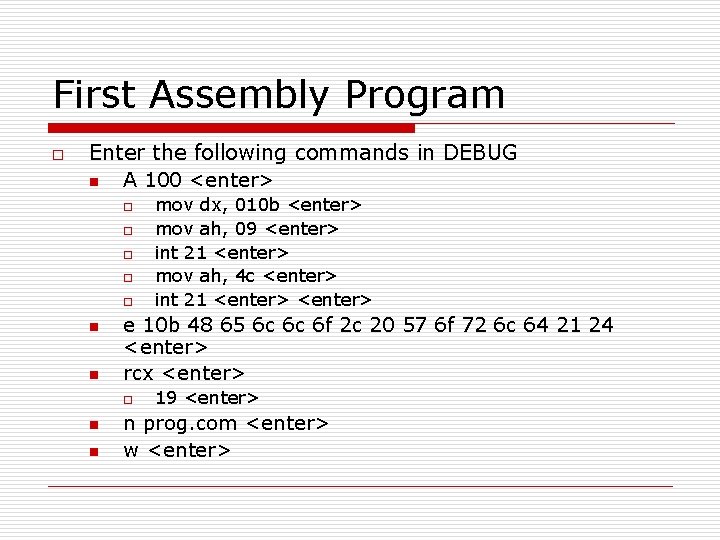
First Assembly Program o Enter the following commands in DEBUG n A 100 <enter> o o o n n e 10 b 48 65 6 c 6 c 6 f 2 c 20 57 6 f 72 6 c 64 21 24 <enter> rcx <enter> o n n mov dx, 010 b <enter> mov ah, 09 <enter> int 21 <enter> mov ah, 4 c <enter> int 21 <enter> 19 <enter> n prog. com <enter> w <enter>
First Assembly Program o o o Printing a string Printing a character Returning to DOS
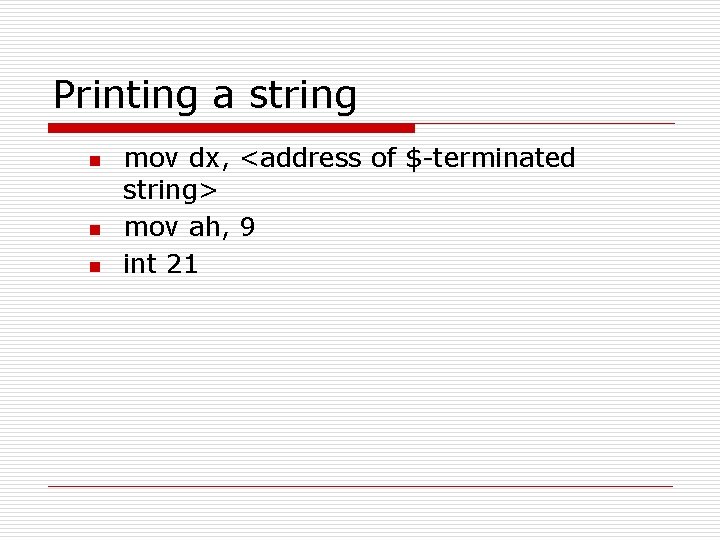
Printing a string n n n mov dx, <address of $-terminated string> mov ah, 9 int 21
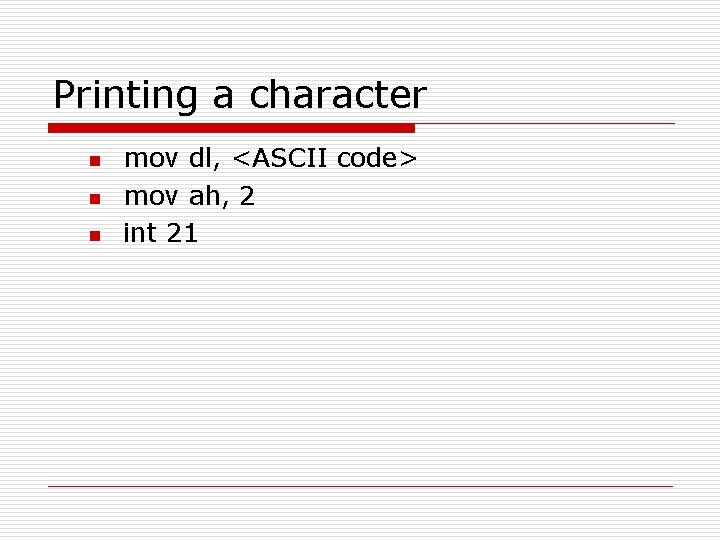
Printing a character n n n mov dl, <ASCII code> mov ah, 2 int 21
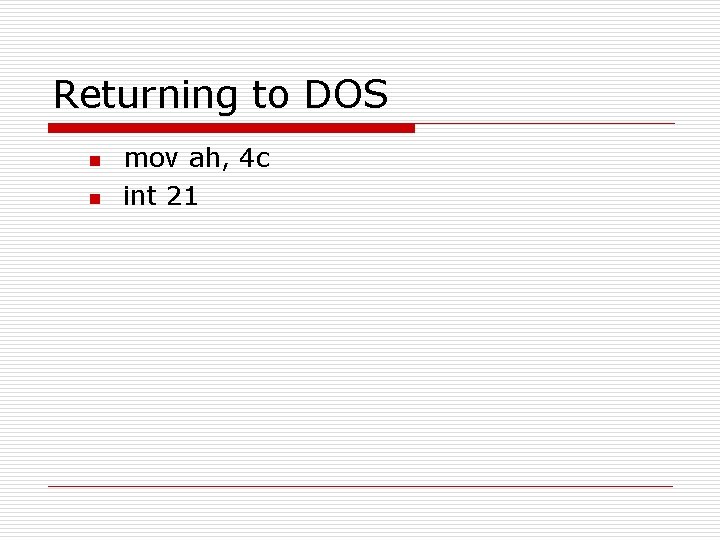
Returning to DOS n n mov ah, 4 c int 21
Programming Exercise #1 o o o Create a program using DEBUG that will display a null-terminated string Due on the next meeting Assignment: n Why do we have to start the code at offset 0100 H? (Hint: This has something to do with. COM programs)
- Slides: 28