
Preconnect prefetch prerender aka building a web performance

Preconnect, prefetch, prerender. . . aka, building a web performance oracle in your application! Ilya Grigorik - @igrigorik@google. com
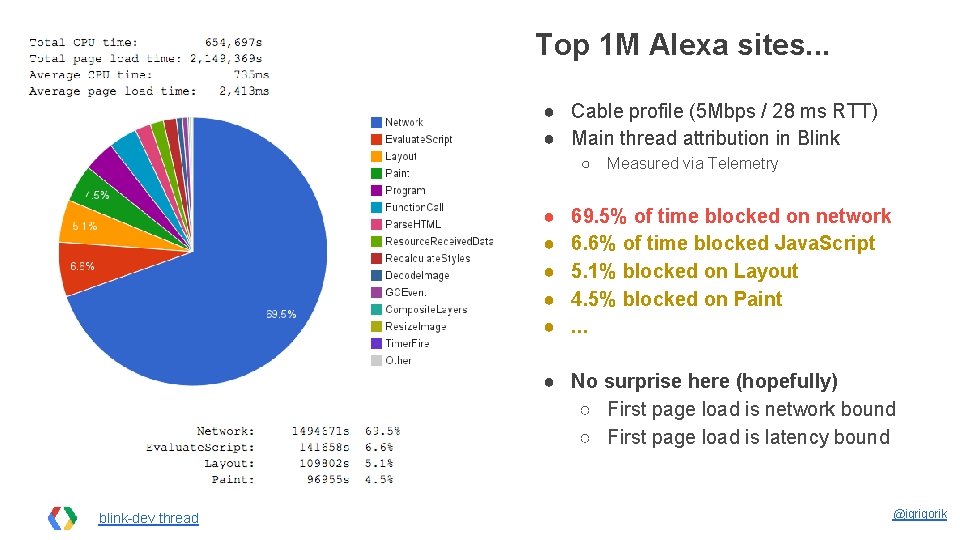
Top 1 M Alexa sites. . . ● Cable profile (5 Mbps / 28 ms RTT) ● Main thread attribution in Blink ○ ● ● ● Measured via Telemetry 69. 5% of time blocked on network 6. 6% of time blocked Java. Script 5. 1% blocked on Layout 4. 5% blocked on Paint. . . ● No surprise here (hopefully) ○ First page load is network bound ○ First page load is latency bound blink-dev thread @igrigorik
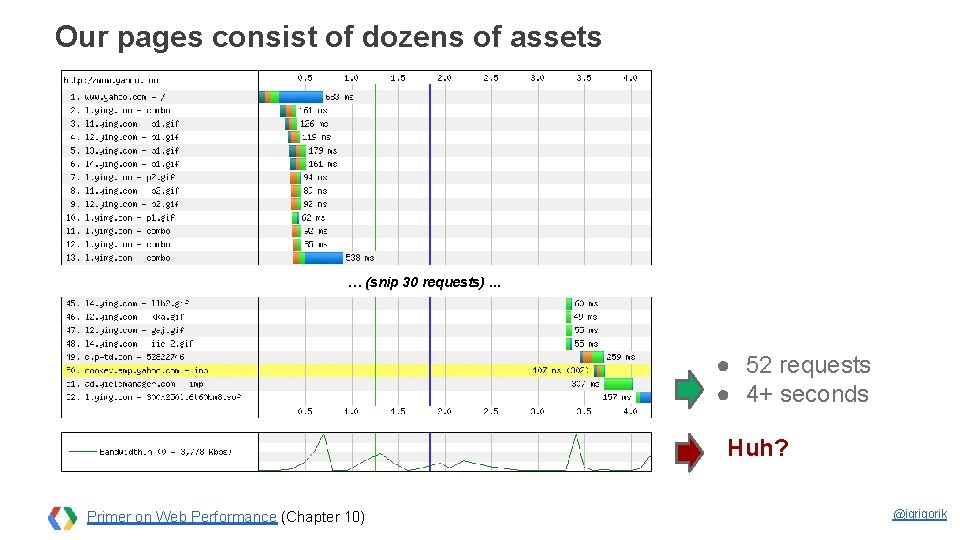
Our pages consist of dozens of assets … (snip 30 requests). . . ● 52 requests ● 4+ seconds Huh? Primer on Web Performance (Chapter 10) @igrigorik
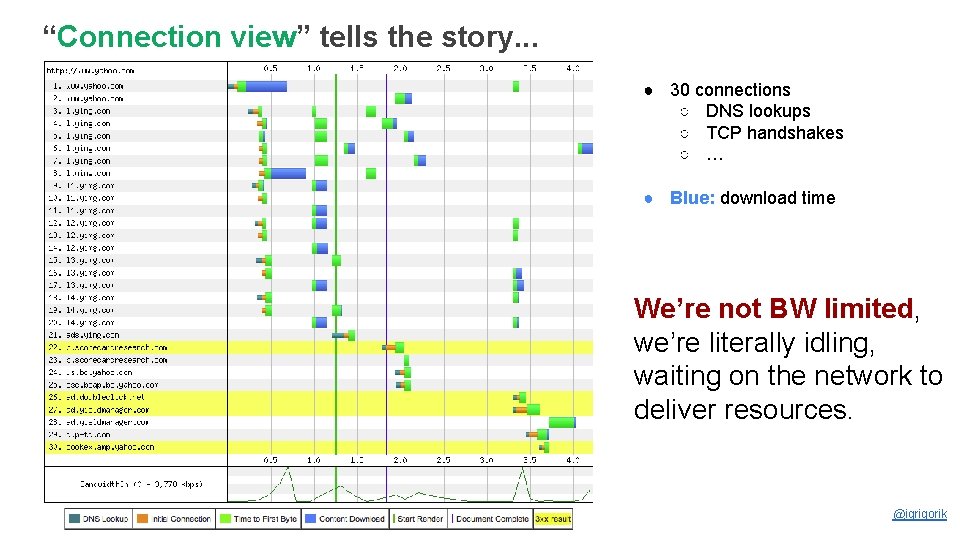
“Connection view” tells the story. . . ● 30 connections ○ DNS lookups ○ TCP handshakes ○ … ● Blue: download time We’re not BW limited, we’re literally idling, waiting on the network to deliver resources. Speed, performance and human perception @igrigorik

Let’s build a smarter browser! We can hide some of the network latency through clever tricks.
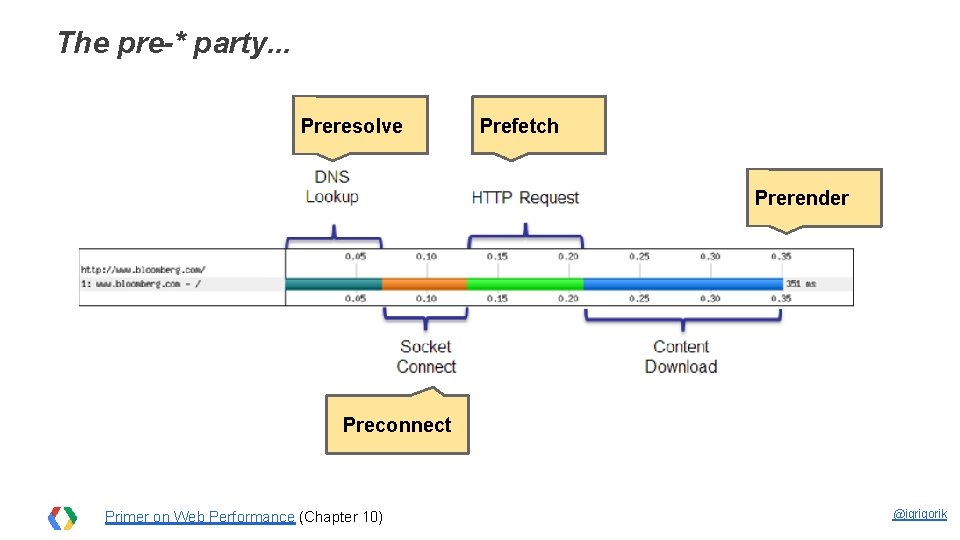
The pre-* party. . . Preresolve Prefetch Prerender Preconnect Primer on Web Performance (Chapter 10) @igrigorik
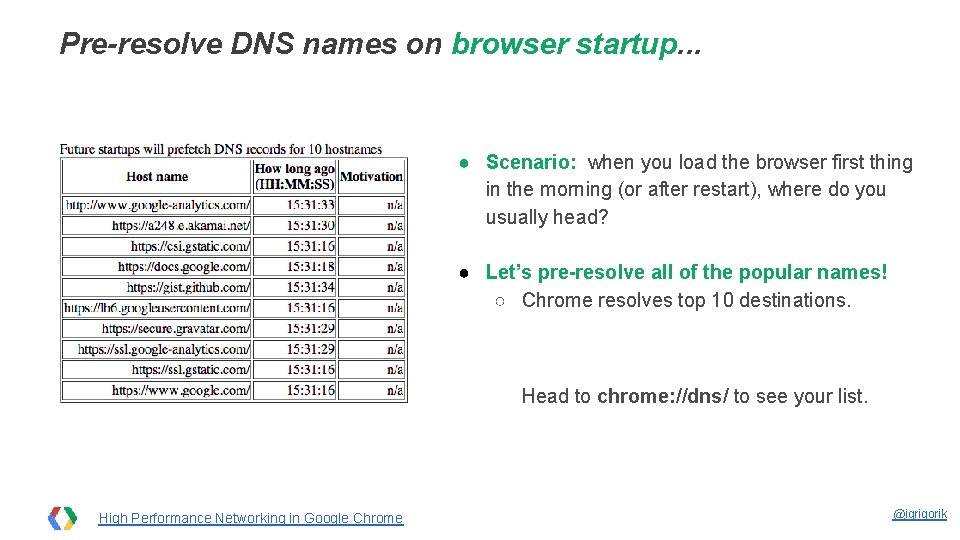
Pre-resolve DNS names on browser startup. . . ● Scenario: when you load the browser first thing in the morning (or after restart), where do you usually head? ● Let’s pre-resolve all of the popular names! ○ Chrome resolves top 10 destinations. Head to chrome: //dns/ to see your list. High Performance Networking in Google Chrome @igrigorik
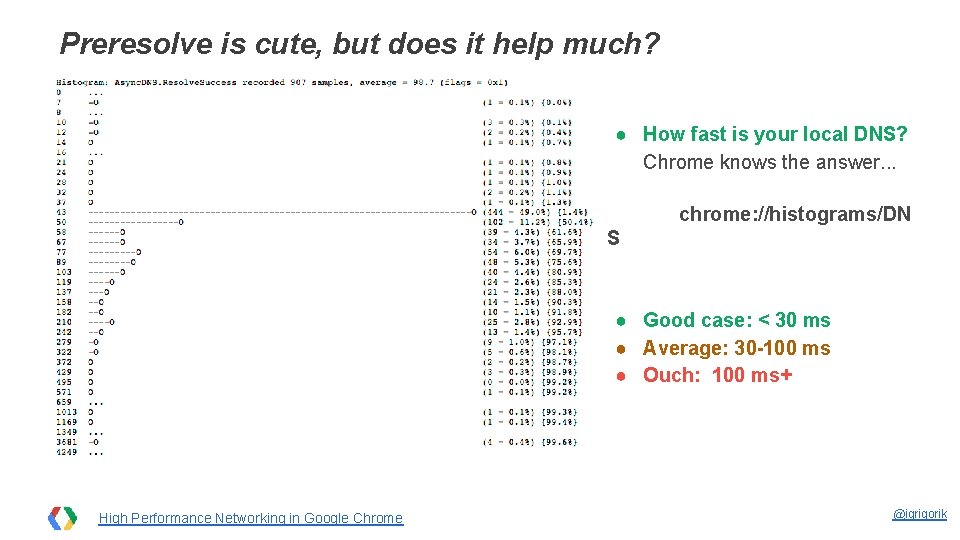
Preresolve is cute, but does it help much? ● How fast is your local DNS? Chrome knows the answer. . . chrome: //histograms/DN S ● Good case: < 30 ms ● Average: 30 -100 ms ● Ouch: 100 ms+ High Performance Networking in Google Chrome @igrigorik
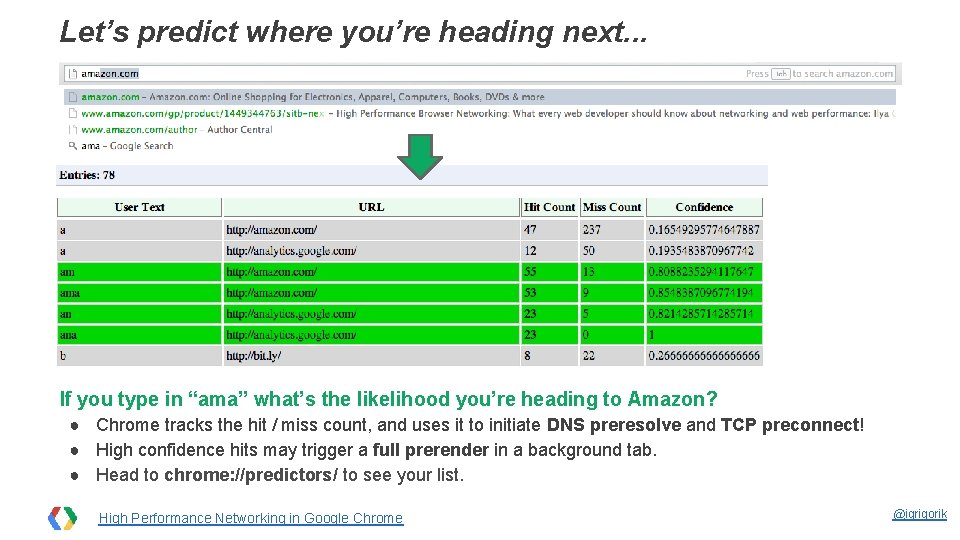
Let’s predict where you’re heading next. . . If you type in “ama” what’s the likelihood you’re heading to Amazon? ● Chrome tracks the hit / miss count, and uses it to initiate DNS preresolve and TCP preconnect! ● High confidence hits may trigger a full prerender in a background tab. ● Head to chrome: //predictors/ to see your list. High Performance Networking in Google Chrome @igrigorik
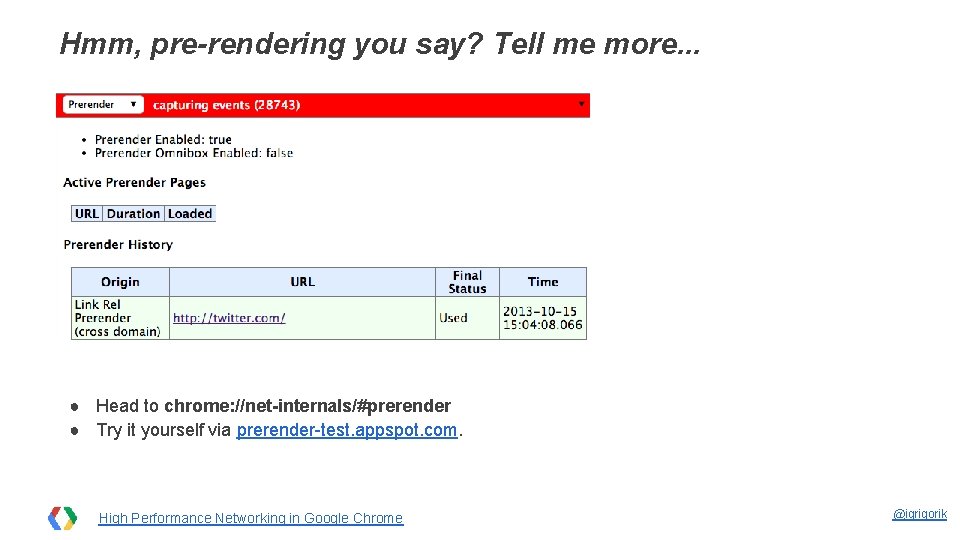
Hmm, pre-rendering you say? Tell me more. . . ● Head to chrome: //net-internals/#prerender ● Try it yourself via prerender-test. appspot. com. High Performance Networking in Google Chrome @igrigorik
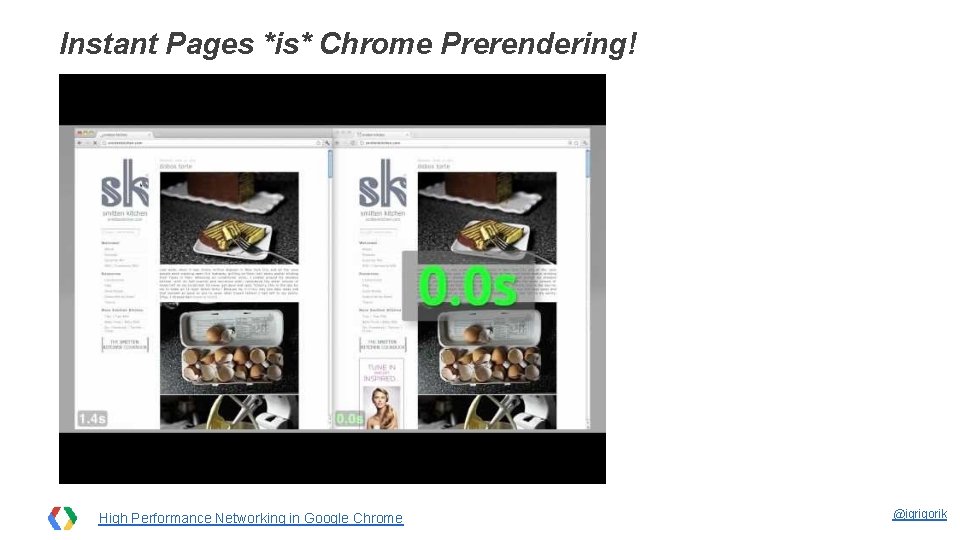
Instant Pages *is* Chrome Prerendering! High Performance Networking in Google Chrome @igrigorik
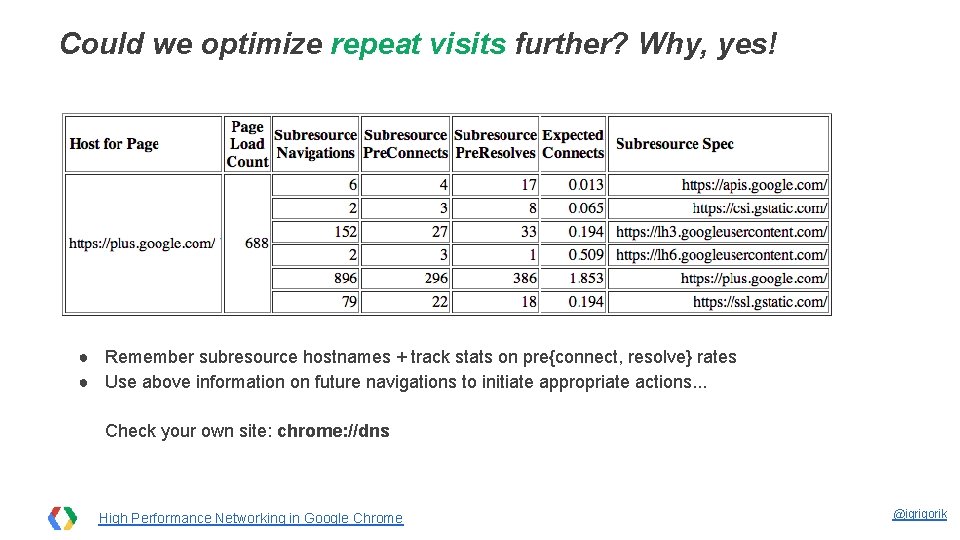
Could we optimize repeat visits further? Why, yes! ● Remember subresource hostnames + track stats on pre{connect, resolve} rates ● Use above information on future navigations to initiate appropriate actions. . . Check your own site: chrome: //dns High Performance Networking in Google Chrome @igrigorik
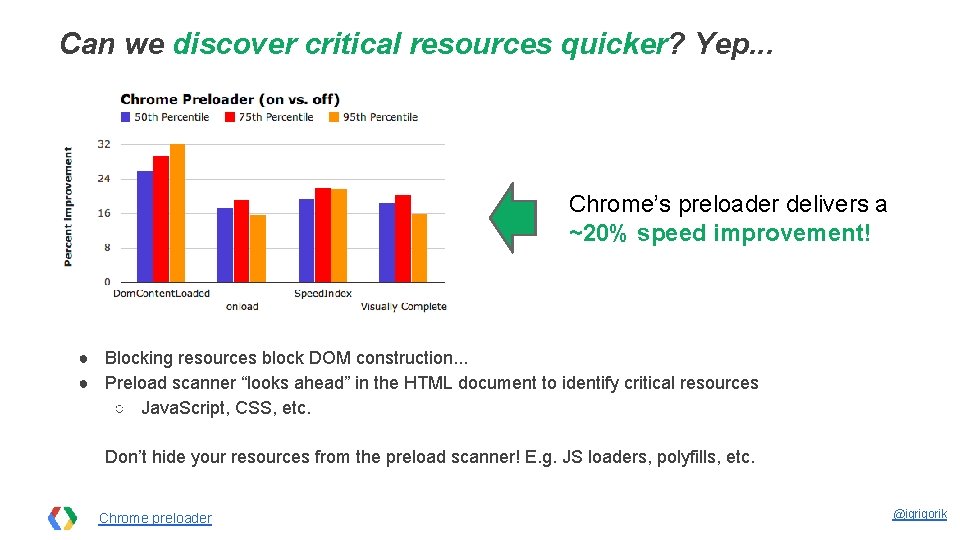
Can we discover critical resources quicker? Yep. . . Chrome’s preloader delivers a ~20% speed improvement! ● Blocking resources block DOM construction. . . ● Preload scanner “looks ahead” in the HTML document to identify critical resources ○ Java. Script, CSS, etc. Don’t hide your resources from the preload scanner! E. g. JS loaders, polyfills, etc. Chrome preloader @igrigorik
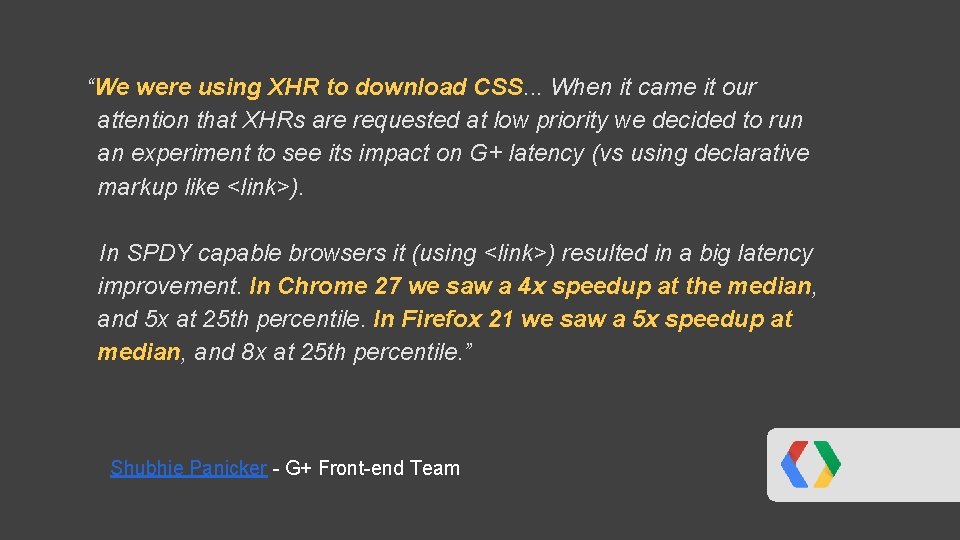
“We were using XHR to download CSS. . . When it came it our attention that XHRs are requested at low priority we decided to run an experiment to see its impact on G+ latency (vs using declarative markup like <link>). In SPDY capable browsers it (using <link>) resulted in a big latency improvement. In Chrome 27 we saw a 4 x speedup at the median, and 5 x at 25 th percentile. In Firefox 21 we saw a 5 x speedup at median, and 8 x at 25 th percentile. ” Shubhie Panicker - G+ Front-end Team

In short, Chrome does a lot! but you can help it…
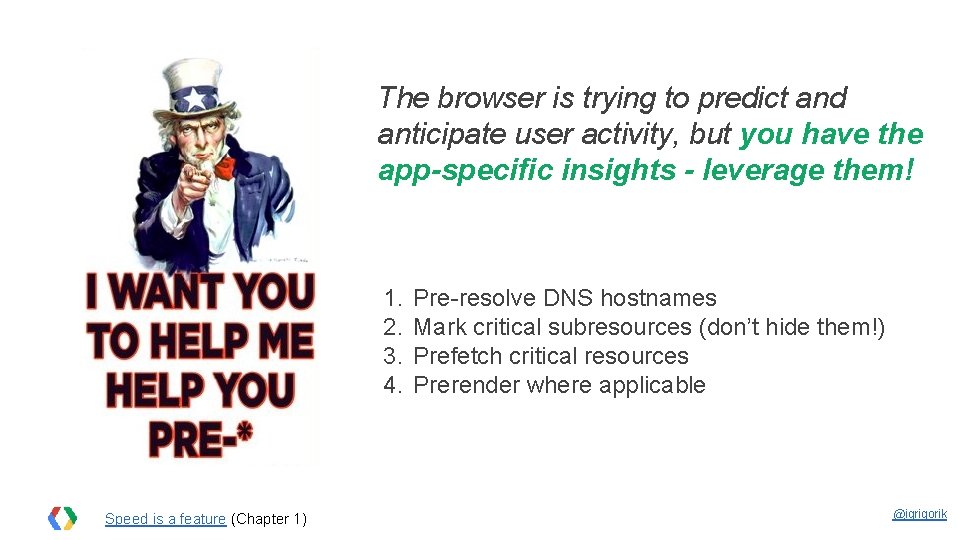
The browser is trying to predict and anticipate user activity, but you have the app-specific insights - leverage them! 1. 2. 3. 4. Speed is a feature (Chapter 1) Pre-resolve DNS hostnames Mark critical subresources (don’t hide them!) Prefetch critical resources Prerender where applicable @igrigorik

Embed “dns-prefetch” hints. . . <link rel="dns-prefetch" href="hostname_to_resolve. com"> <link rel="dns-prefetch" href="host 2. com"> Embed prefetch hints in <head> to hint the browser to pre-resolve these names. ● Useful for critical resources later in the page ● Useful for resources behind a redirect ○ host 1. com/resource > 301 > host 2. com/resouce ■ dns-prefetch: host 2. com ○ (or even better, eliminate the redirect : )) High Performance Networking in Google Chrome @igrigorik
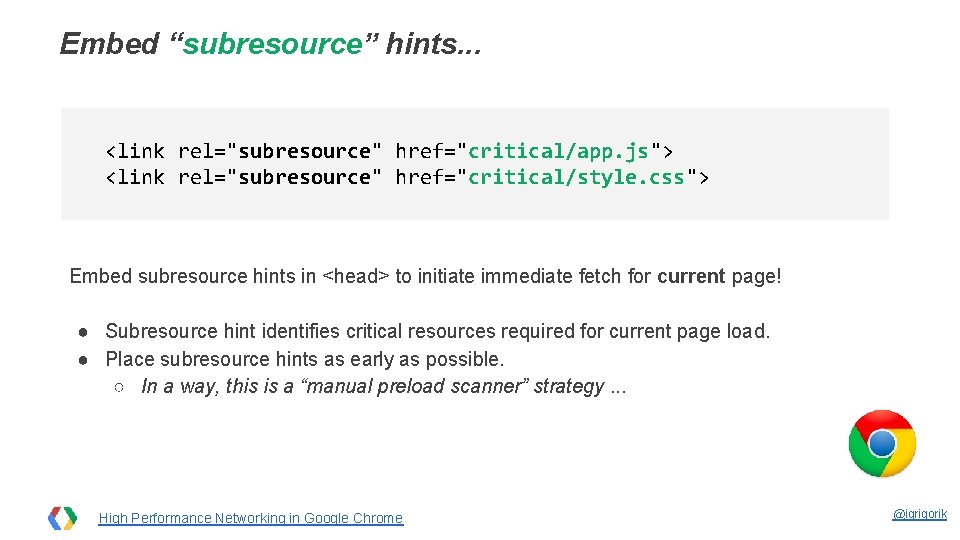
Embed “subresource” hints. . . <link rel="subresource" href="critical/app. js"> <link rel="subresource" href="critical/style. css"> Embed subresource hints in <head> to initiate immediate fetch for current page! ● Subresource hint identifies critical resources required for current page load. ● Place subresource hints as early as possible. ○ In a way, this is a “manual preload scanner” strategy. . . High Performance Networking in Google Chrome @igrigorik
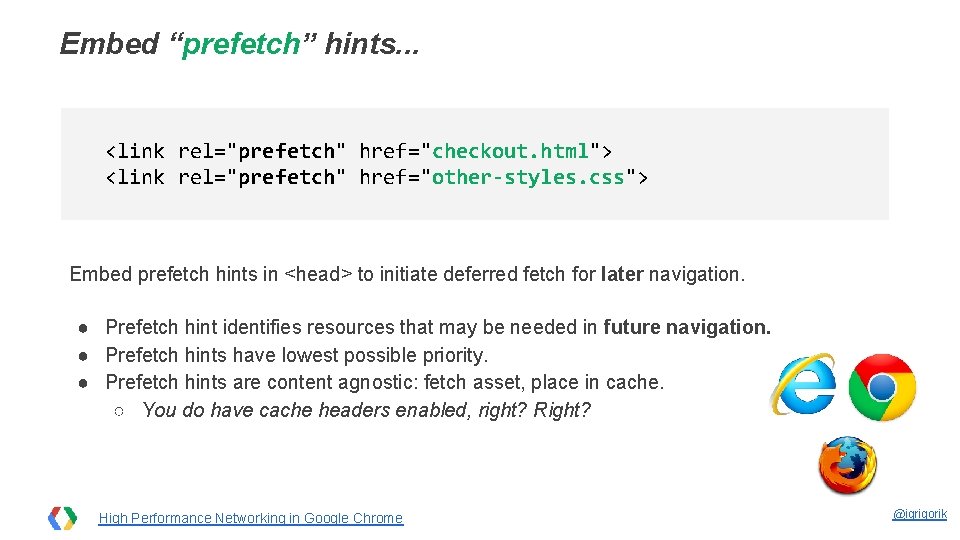
Embed “prefetch” hints. . . <link rel="prefetch" href="checkout. html"> <link rel="prefetch" href="other-styles. css"> Embed prefetch hints in <head> to initiate deferred fetch for later navigation. ● Prefetch hint identifies resources that may be needed in future navigation. ● Prefetch hints have lowest possible priority. ● Prefetch hints are content agnostic: fetch asset, place in cache. ○ You do have cache headers enabled, right? Right? High Performance Networking in Google Chrome @igrigorik
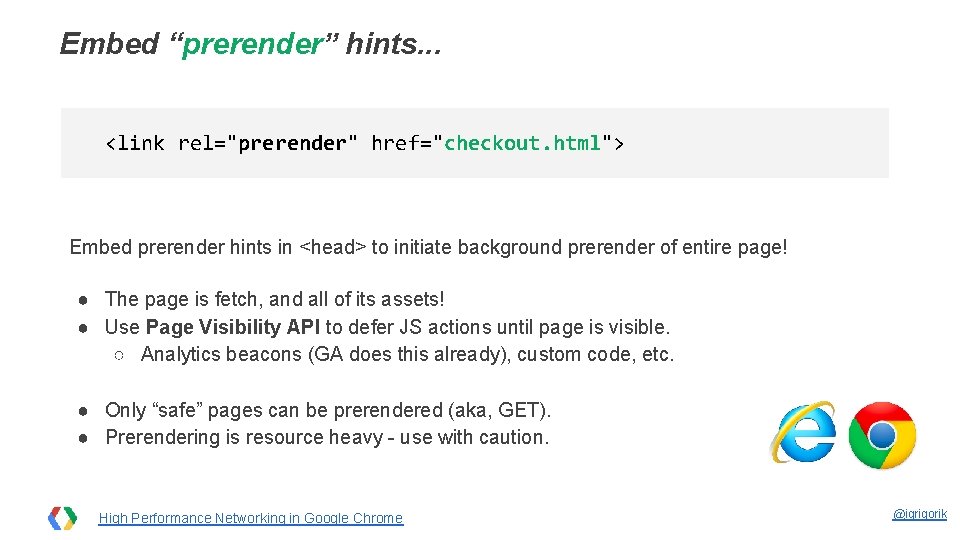
Embed “prerender” hints. . . <link rel="prerender" href="checkout. html"> Embed prerender hints in <head> to initiate background prerender of entire page! ● The page is fetch, and all of its assets! ● Use Page Visibility API to defer JS actions until page is visible. ○ Analytics beacons (GA does this already), custom code, etc. ● Only “safe” pages can be prerendered (aka, GET). ● Prerendering is resource heavy - use with caution. High Performance Networking in Google Chrome @igrigorik
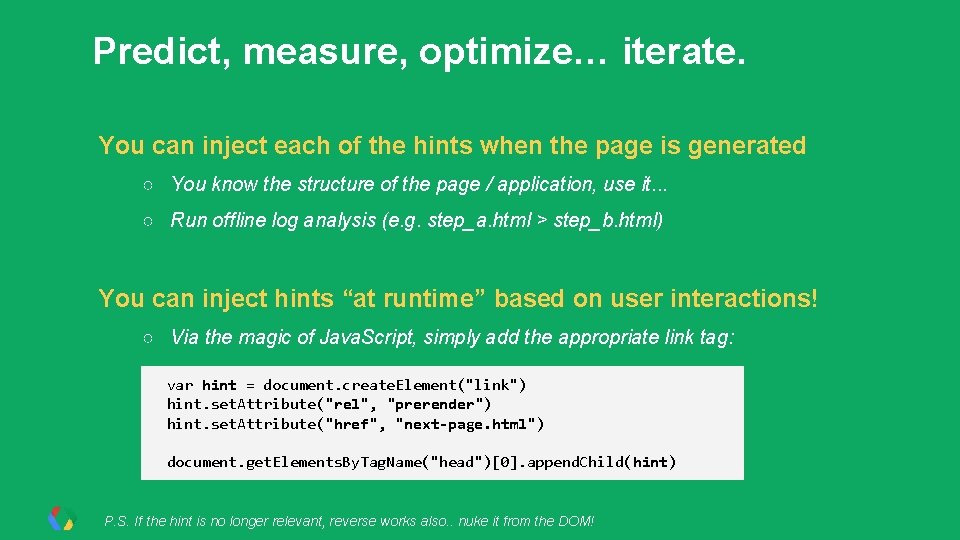
Predict, measure, optimize… iterate. You can inject each of the hints when the page is generated ○ You know the structure of the page / application, use it. . . ○ Run offline log analysis (e. g. step_a. html > step_b. html) You can inject hints “at runtime” based on user interactions! ○ Via the magic of Java. Script, simply add the appropriate link tag: var hint = document. create. Element("link") hint. set. Attribute("rel", "prerender") hint. set. Attribute("href", "next-page. html") document. get. Elements. By. Tag. Name("head")[0]. append. Child(hint) P. S. If the hint is no longer relevant, reverse works also. . nuke it from the DOM!
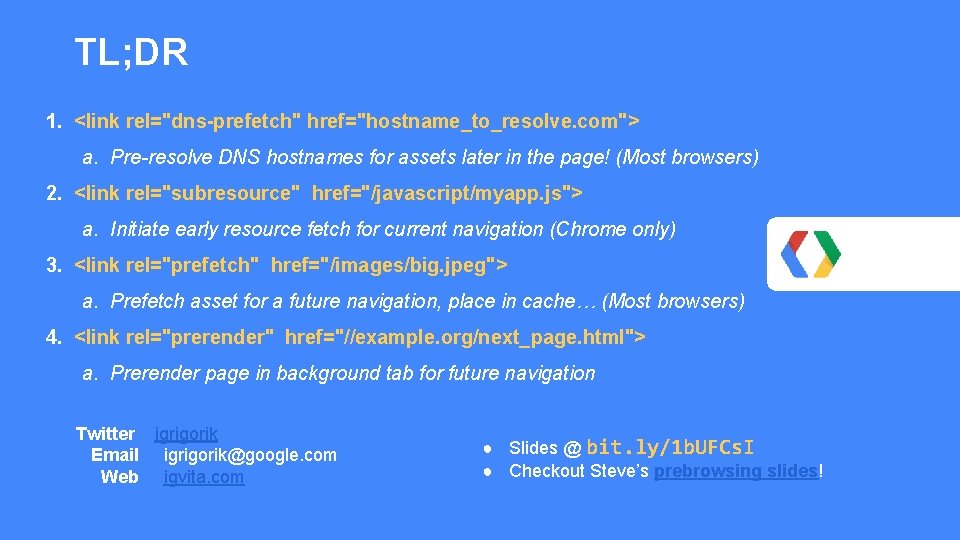
TL; DR 1. <link rel="dns-prefetch" href="hostname_to_resolve. com"> a. Pre-resolve DNS hostnames for assets later in the page! (Most browsers) 2. <link rel="subresource" href="/javascript/myapp. js"> a. Initiate early resource fetch for current navigation (Chrome only) 3. <link rel="prefetch" href="/images/big. jpeg"> a. Prefetch asset for a future navigation, place in cache… (Most browsers) 4. <link rel="prerender" href="//example. org/next_page. html"> a. Prerender page in background tab for future navigation Twitter igrigorik Email igrigorik@google. com Web igvita. com ● Slides @ bit. ly/1 b. UFCs. I ● Checkout Steve’s prebrowsing slides!
- Slides: 22