
PRECISION FREQUENCY MEASUREMENT TRANSCEIVER CALIBRATION AND THE FREQUENCY
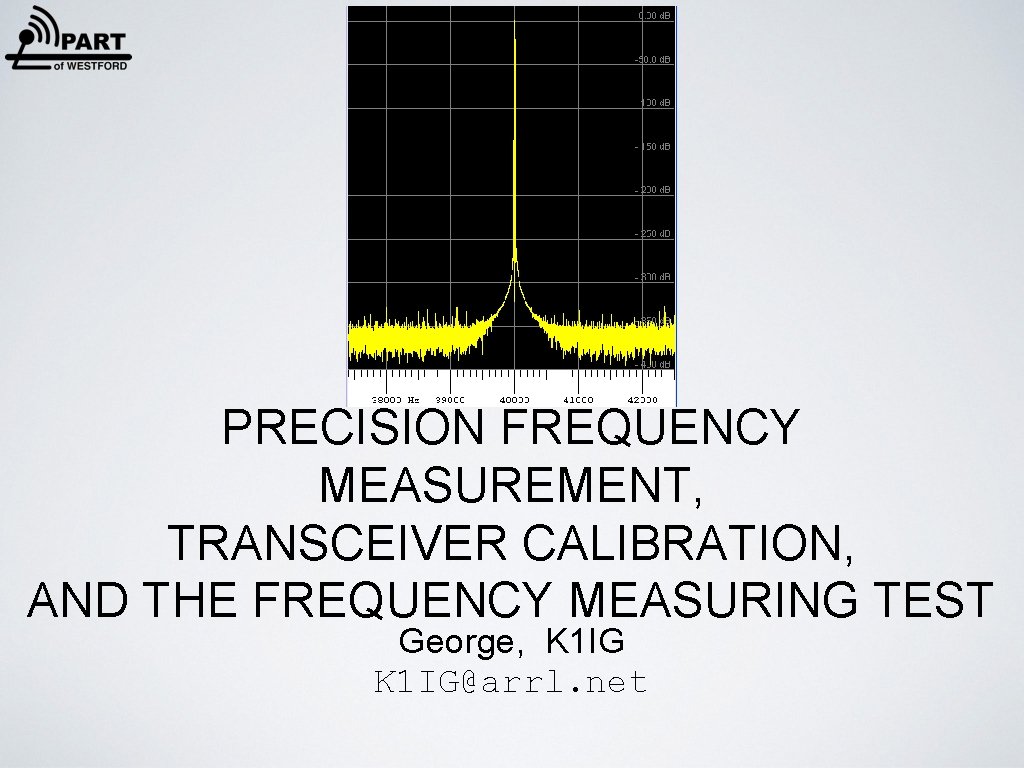
PRECISION FREQUENCY MEASUREMENT, TRANSCEIVER CALIBRATION, AND THE FREQUENCY MEASURING TEST George, K 1 IG@arrl. net
• Be sure you’re on the right frequency - avoid an FCC QSL • DX spots are accurate • Does your net complain that you're off frequency? • Digital modes (PSK, WSPR…) require frequency accuracy • Drift with age • Know your rig and be able to optimize its performance • Participate in semi-annual ARRL Frequency Measuring Test But my rig has a digital readout! It must be accurate! WHY BOTHER? XXX
ARRL FREQUENCY MEASURING TEST • Began in 1931 • Twice a year — April and November • Measure frequencies over the air • Goal is 1 Hz or better accuracy — measure and report to the nearest 0. 01 Hz • 100 - 130 participants worldwide
MINIMUM SETUP?
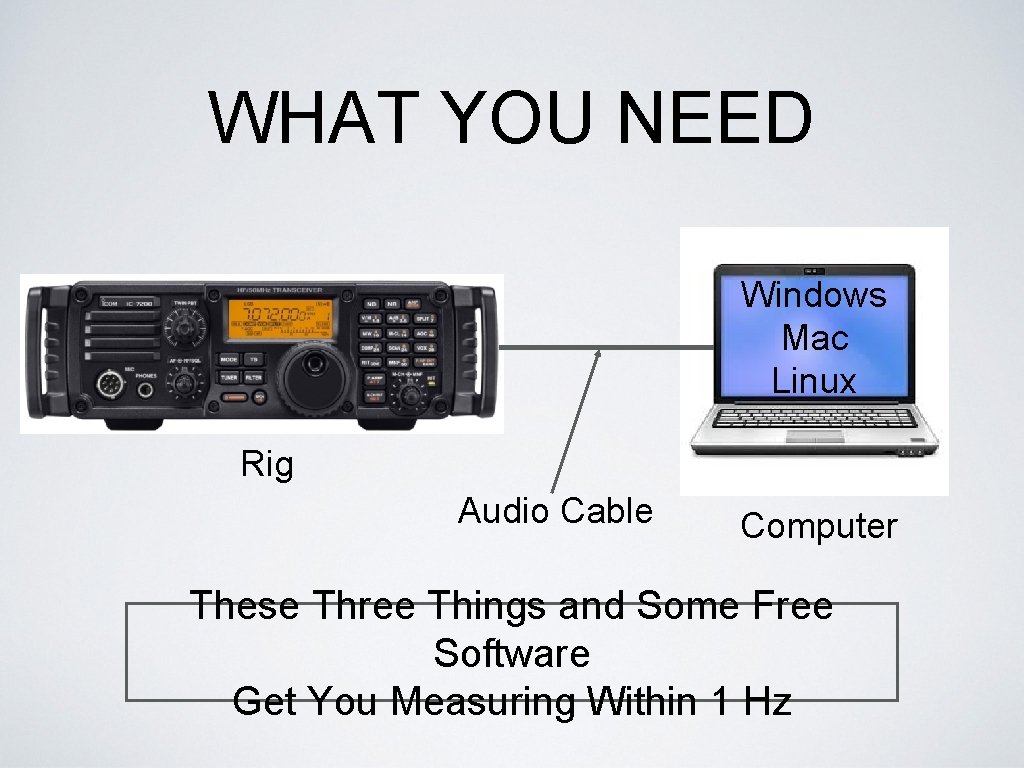
WHAT YOU NEED Windows Mac Linux Rig Audio Cable Computer These Three Things and Some Free Software Get You Measuring Within 1 Hz
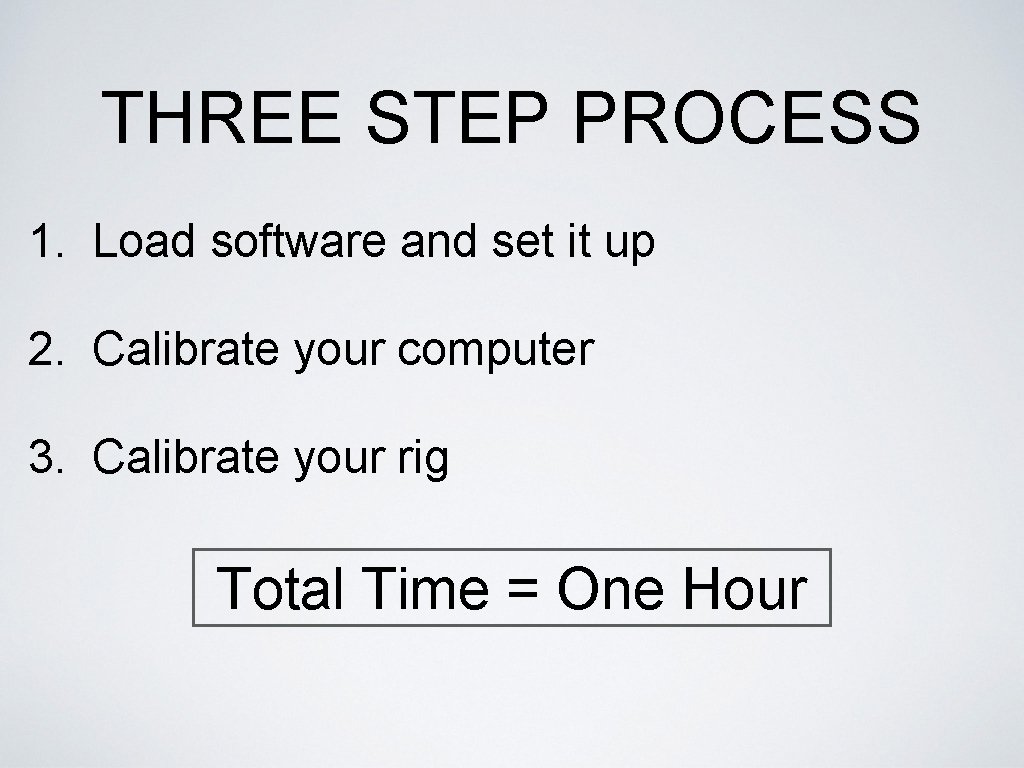
THREE STEP PROCESS 1. Load software and set it up 2. Calibrate your computer 3. Calibrate your rig Total Time = One Hour
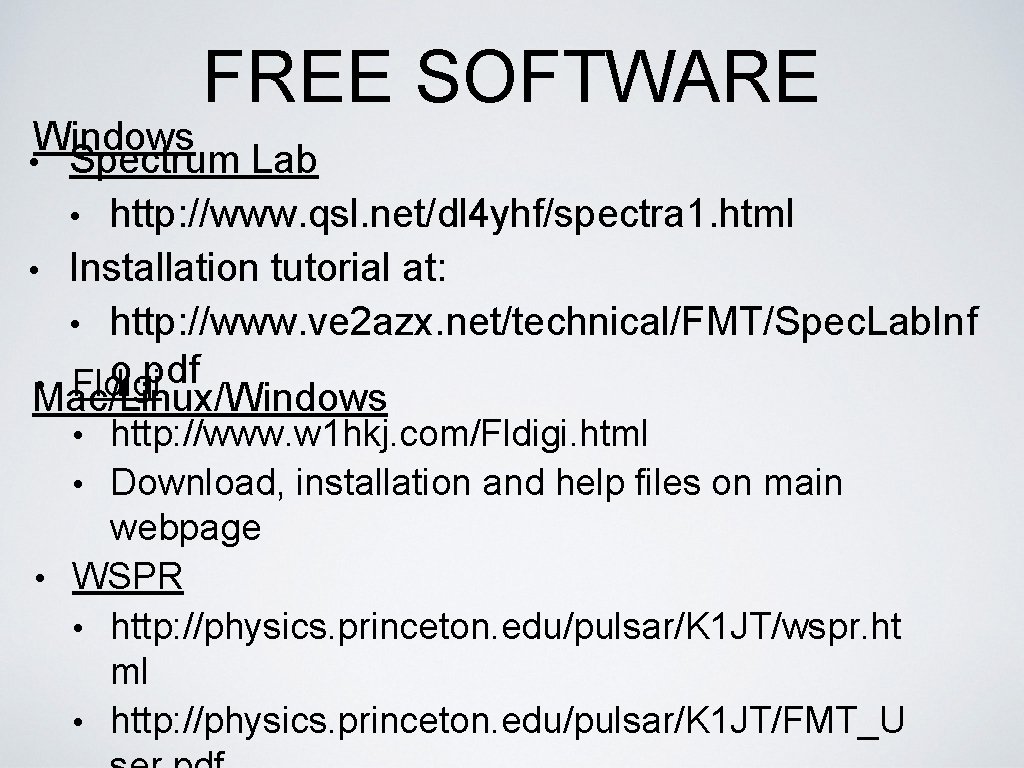
FREE SOFTWARE Windows • Spectrum Lab • http: //www. qsl. net/dl 4 yhf/spectra 1. html • Installation tutorial at: • http: //www. ve 2 azx. net/technical/FMT/Spec. Lab. Inf o. pdf • Mac/Linux/Windows Fldigi • http: //www. w 1 hkj. com/Fldigi. html • Download, installation and help files on main webpage • WSPR • http: //physics. princeton. edu/pulsar/K 1 JT/wspr. ht ml • http: //physics. princeton. edu/pulsar/K 1 JT/FMT_U
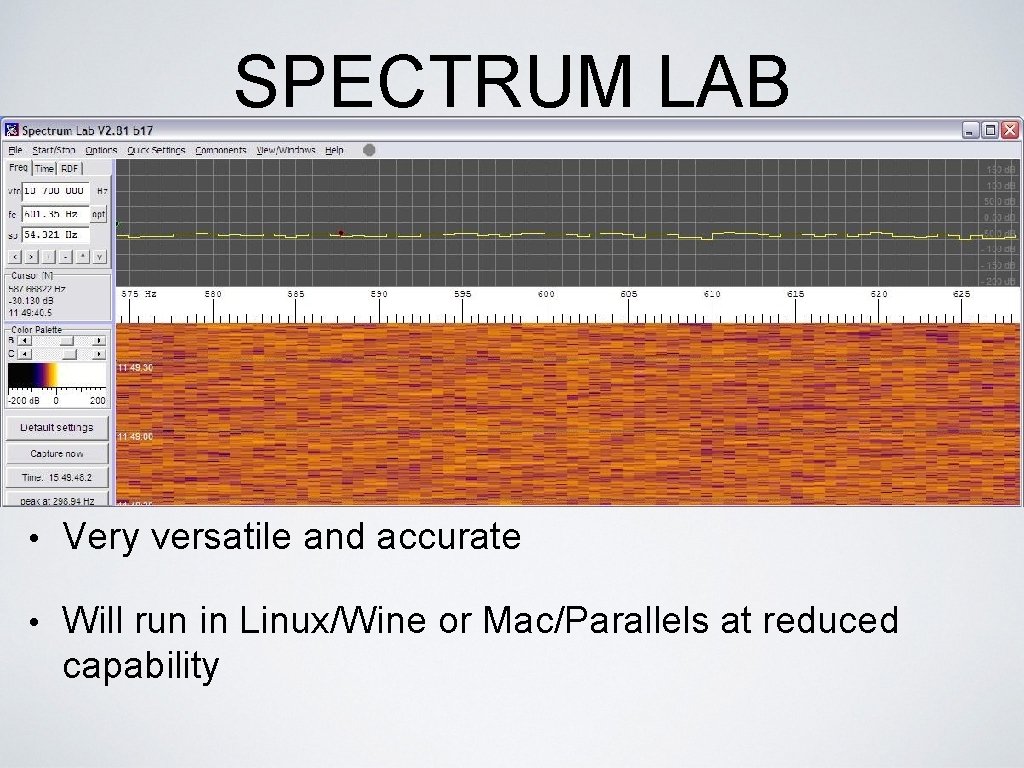
SPECTRUM LAB • Very versatile and accurate • Will run in Linux/Wine or Mac/Parallels at reduced capability
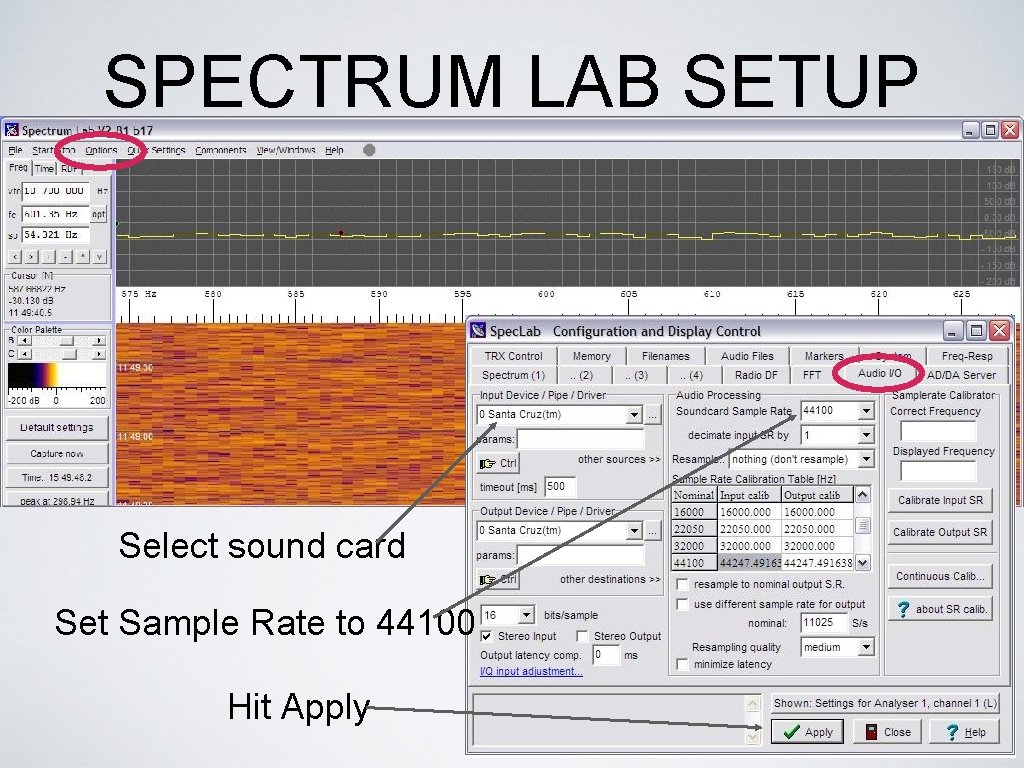
SPECTRUM LAB SETUP Select sound card Set Sample Rate to 44100 Hit Apply
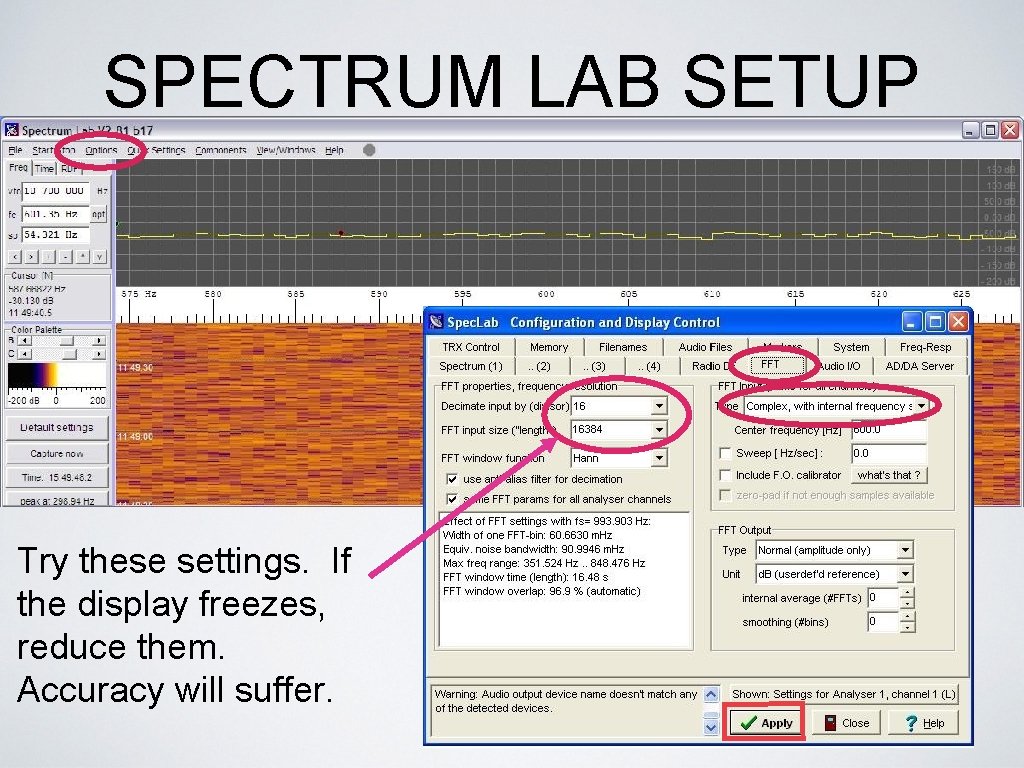
SPECTRUM LAB SETUP Try these settings. If the display freezes, reduce them. Accuracy will suffer.
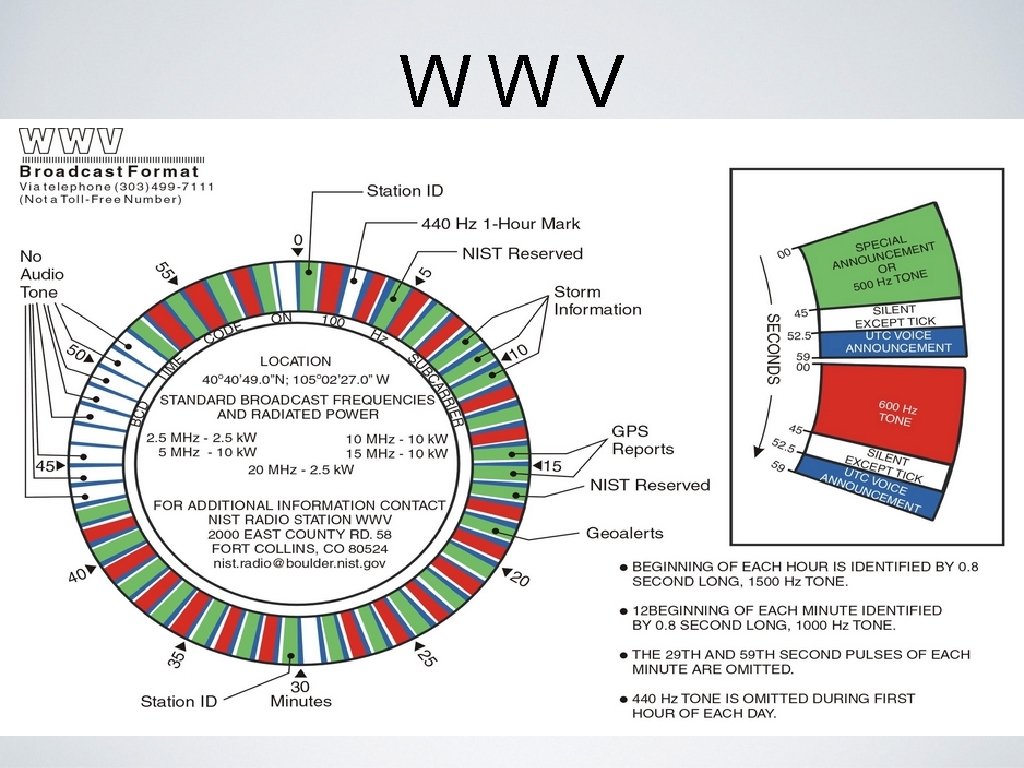
WWV
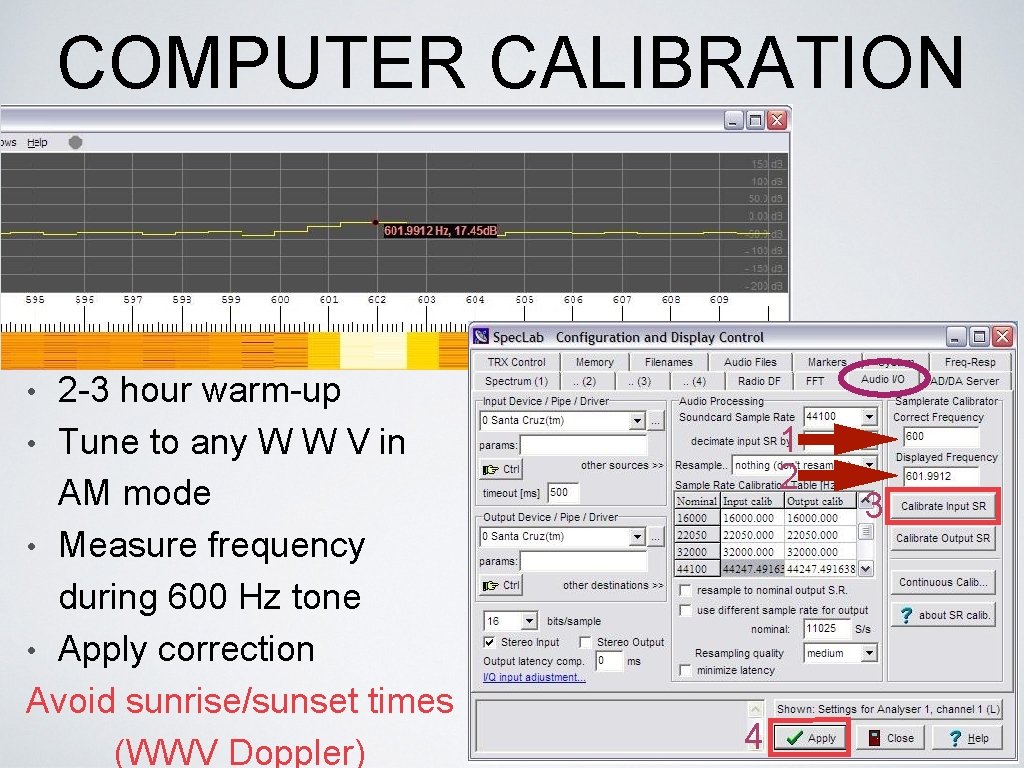
COMPUTER CALIBRATION • 2 -3 hour warm-up 1 2 • Tune to any W W V in AM mode • Measure frequency during 600 Hz tone • Apply correction Avoid sunrise/sunset times (WWV Doppler) 4 3
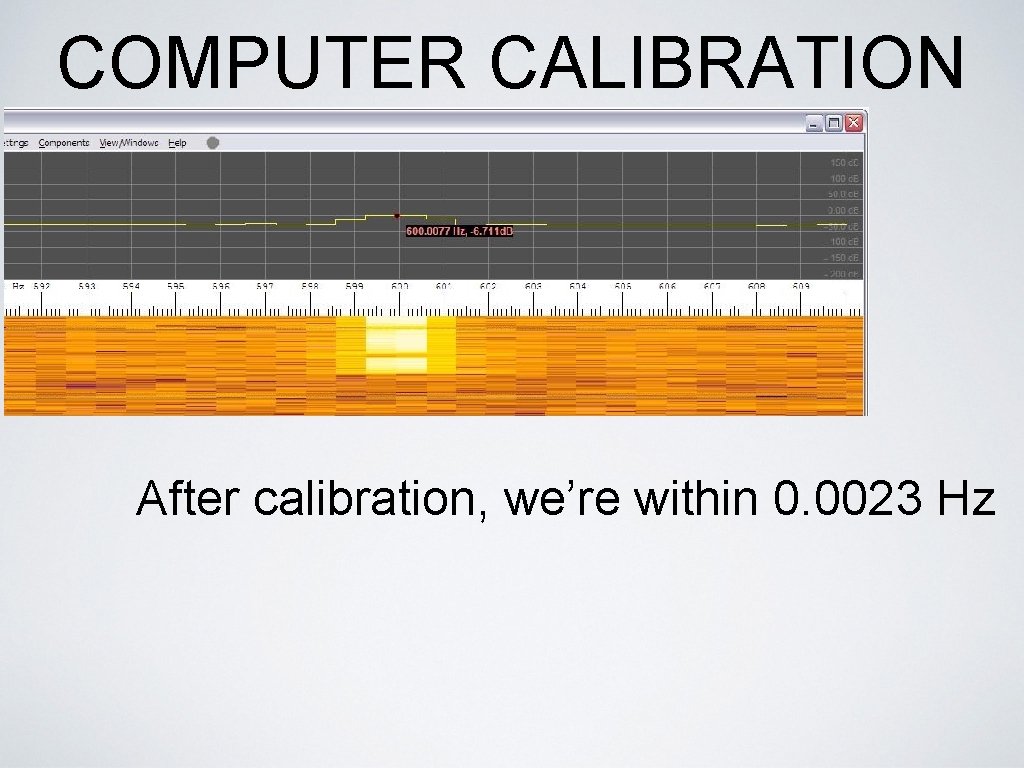
COMPUTER CALIBRATION After calibration, we’re within 0. 0023 Hz
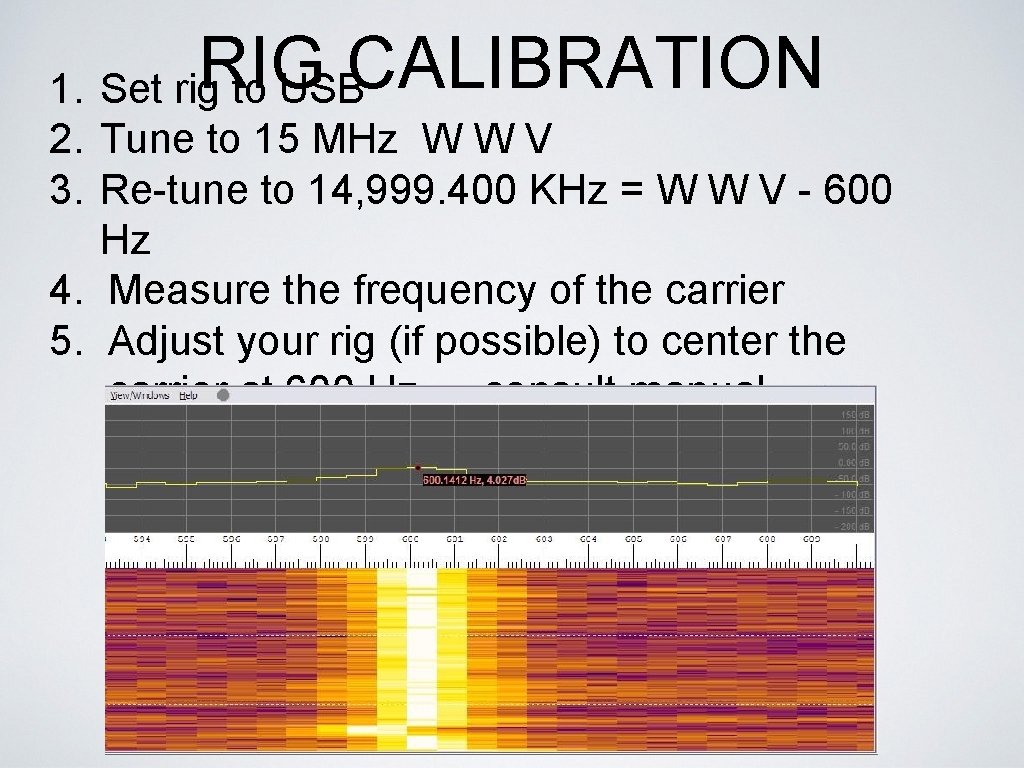
RIG CALIBRATION 1. Set rig to USB 2. Tune to 15 MHz W W V 3. Re-tune to 14, 999. 400 KHz = W W V - 600 Hz 4. Measure the frequency of the carrier 5. Adjust your rig (if possible) to center the carrier at 600 Hz — consult manual
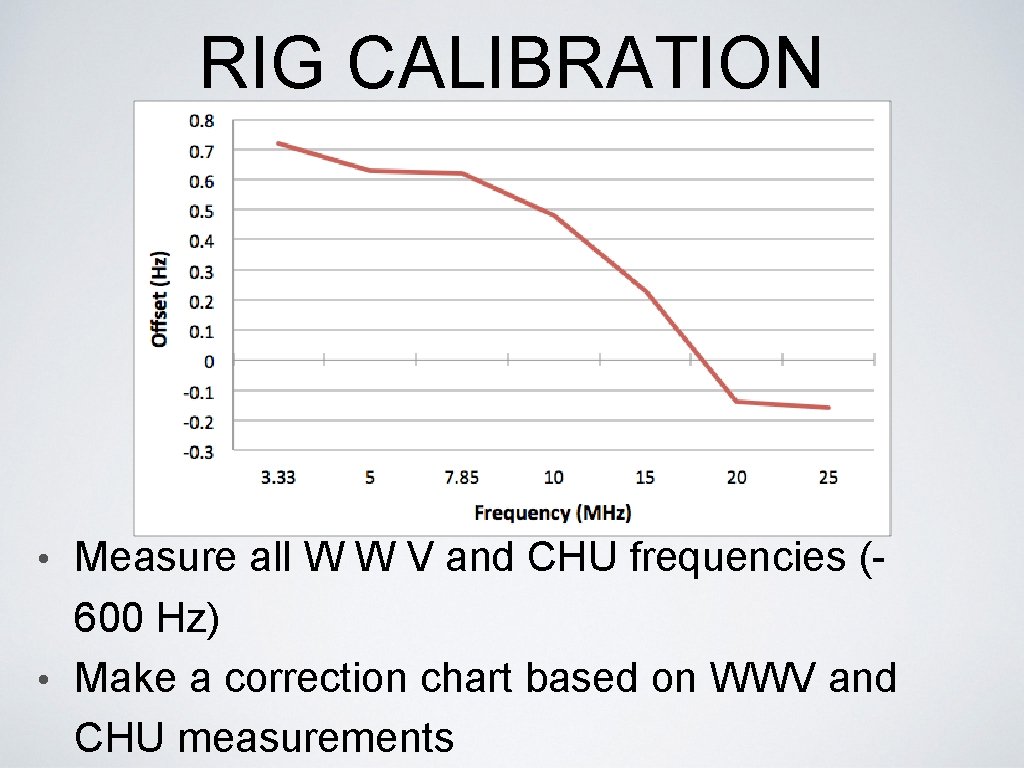
RIG CALIBRATION Measure all W W V and CHU frequencies (600 Hz) • Make a correction chart based on WWV and CHU measurements •

FLDIGI Ref: FLDIGI Users Manual - Operating • Digiscope Display - W W V mode • Frequency Analyzer (v. 3. 21)
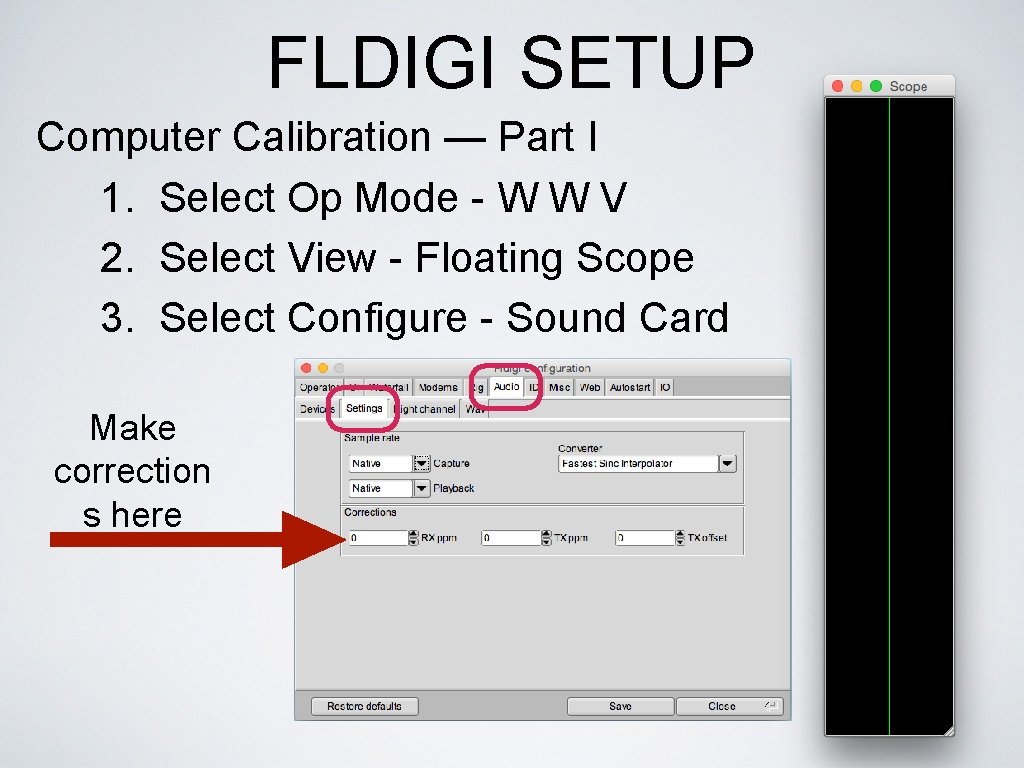
FLDIGI SETUP Computer Calibration — Part I 1. Select Op Mode - W W V 2. Select View - Floating Scope 3. Select Configure - Sound Card Make correction s here
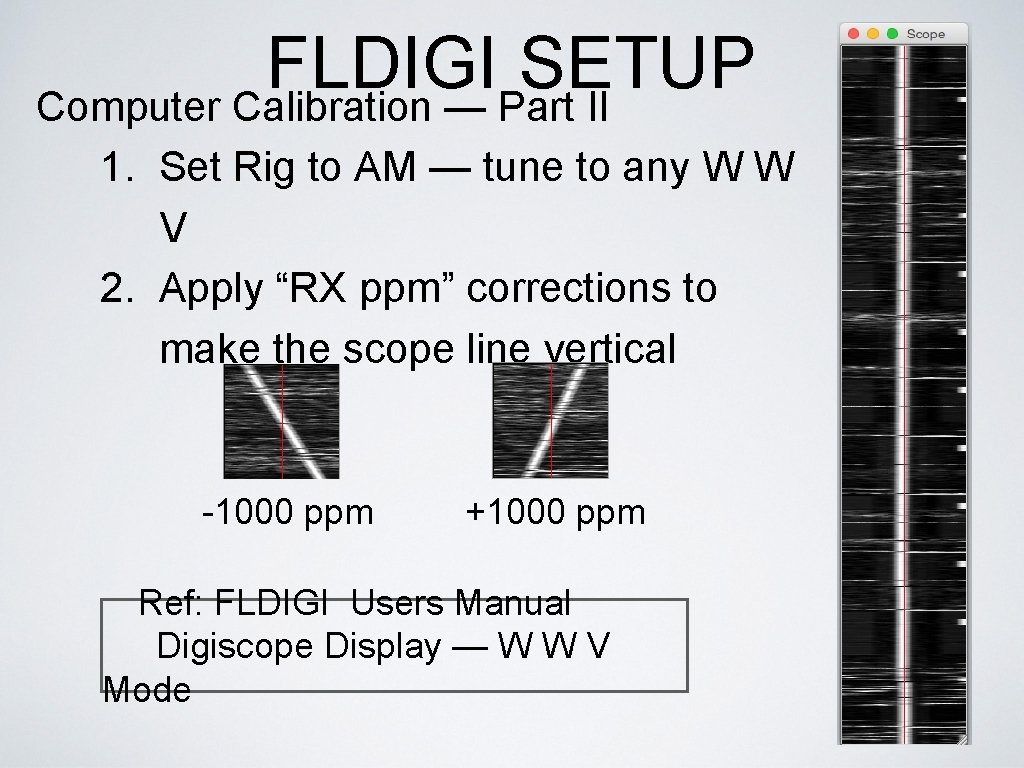
FLDIGI SETUP Computer Calibration — Part II 1. Set Rig to AM — tune to any W W V 2. Apply “RX ppm” corrections to make the scope line vertical -1000 ppm +1000 ppm Ref: FLDIGI Users Manual Digiscope Display — W W V Mode
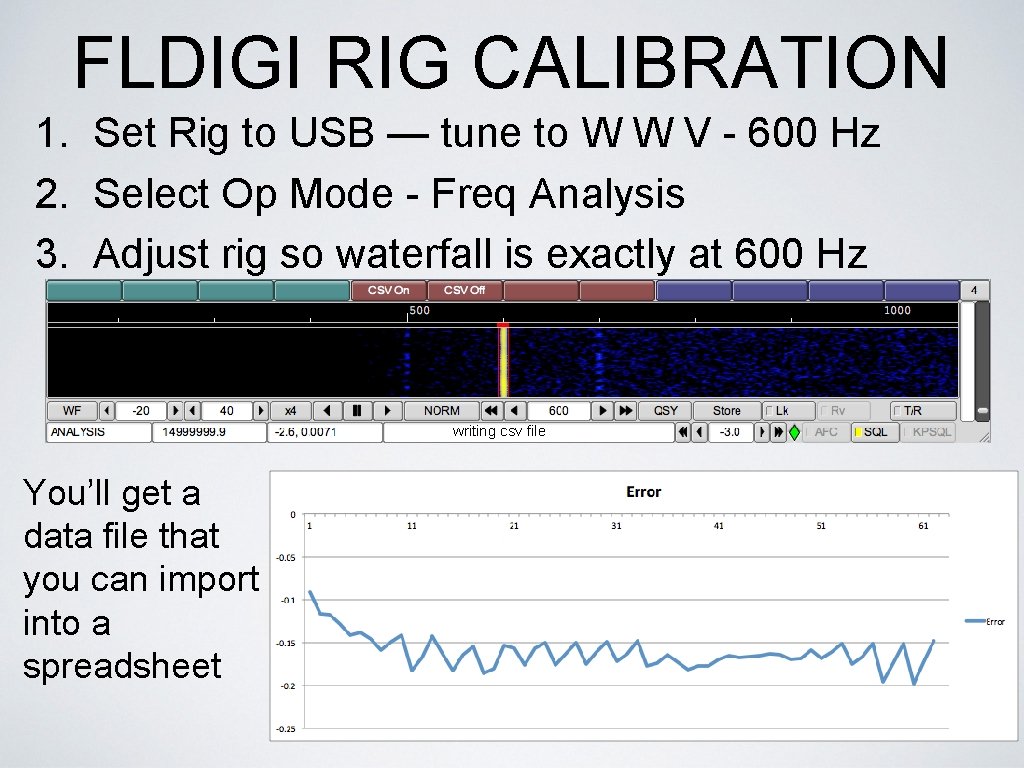
FLDIGI RIG CALIBRATION 1. Set Rig to USB — tune to W W V - 600 Hz 2. Select Op Mode - Freq Analysis 3. Adjust rig so waterfall is exactly at 600 Hz writing csv file You’ll get a data file that you can import into a spreadsheet
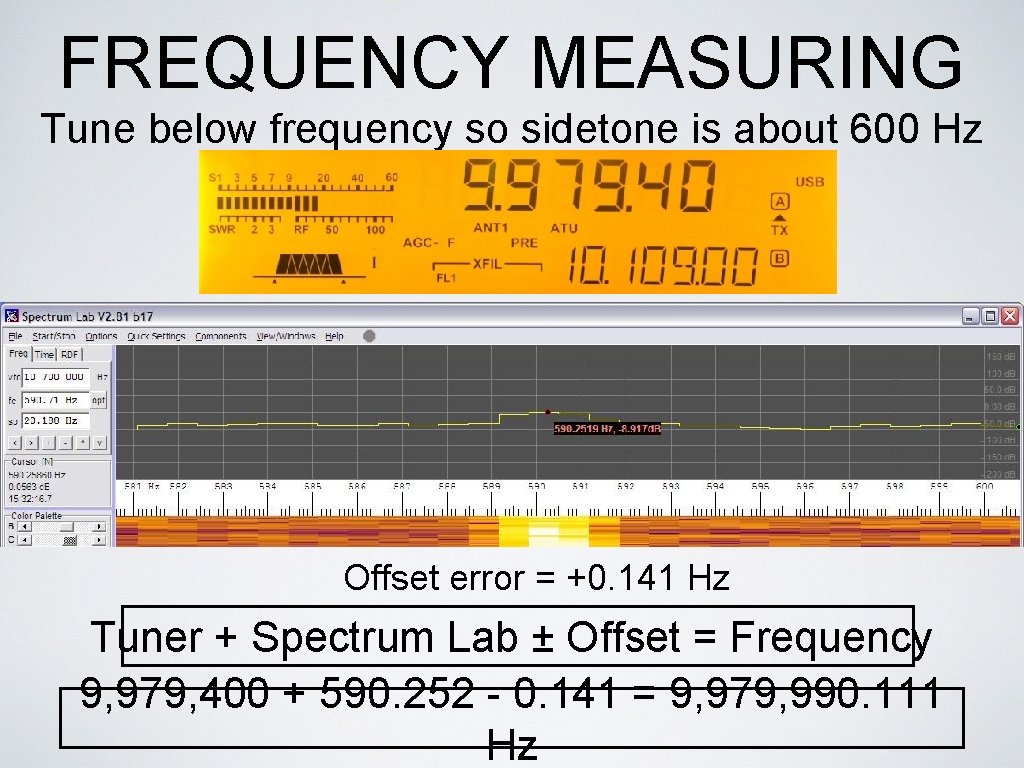
FREQUENCY MEASURING Tune below frequency so sidetone is about 600 Hz Offset error = +0. 141 Hz Tuner + Spectrum Lab ± Offset = Frequency 9, 979, 400 + 590. 252 - 0. 141 = 9, 979, 990. 111 Hz
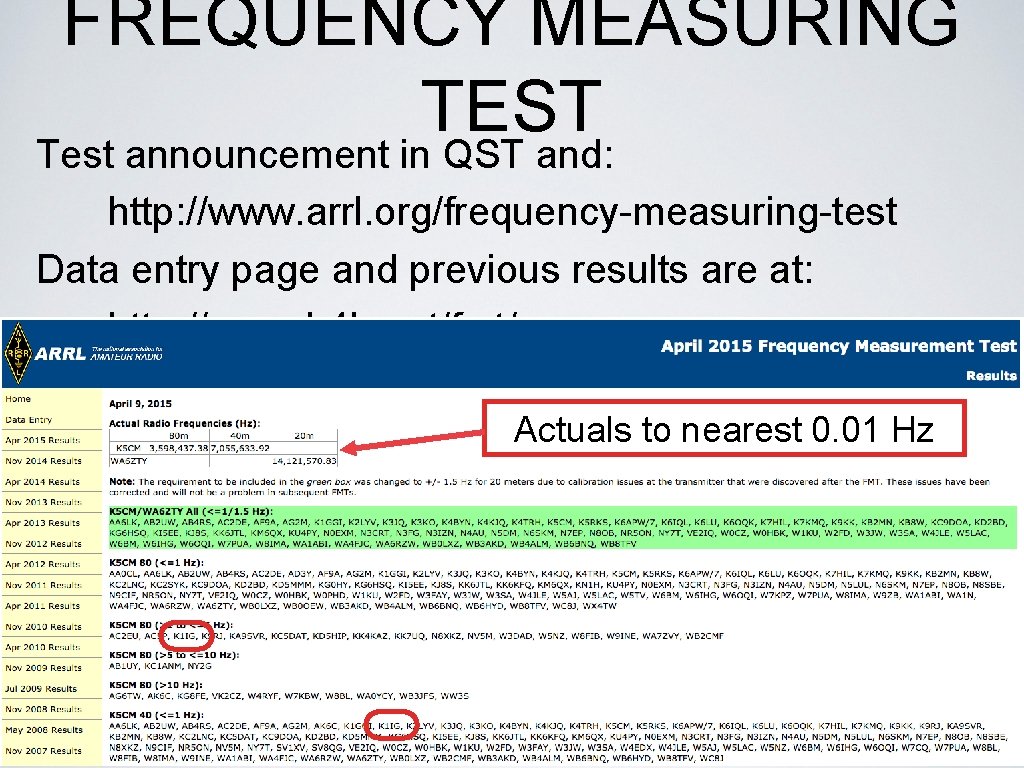
FREQUENCY MEASURING TEST Test announcement in QST and: http: //www. arrl. org/frequency-measuring-test Data entry page and previous results are at: http: //www. b 4 h. net/fmt/ Test Format (three frequencies): Actuals to nearest 0. 01 Hz • 5 minute call-up • 2 minute test (carrier or tone) • 1 minute sign-off Go to designated website and enter data to nearest. 01 Hz Perform calibrations before and after the test!
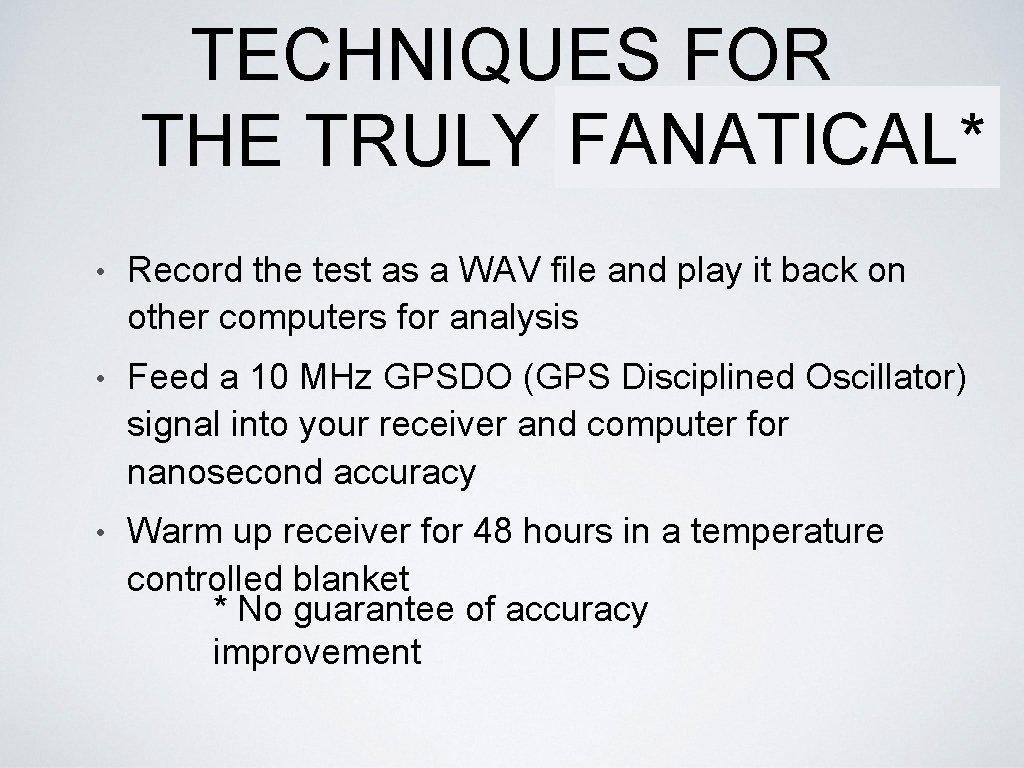
TECHNIQUES FOR FANATICAL* THE TRULY SERIOUS • Record the test as a WAV file and play it back on other computers for analysis • Feed a 10 MHz GPSDO (GPS Disciplined Oscillator) signal into your receiver and computer for nanosecond accuracy • Warm up receiver for 48 hours in a temperature controlled blanket * No guarantee of accuracy improvement
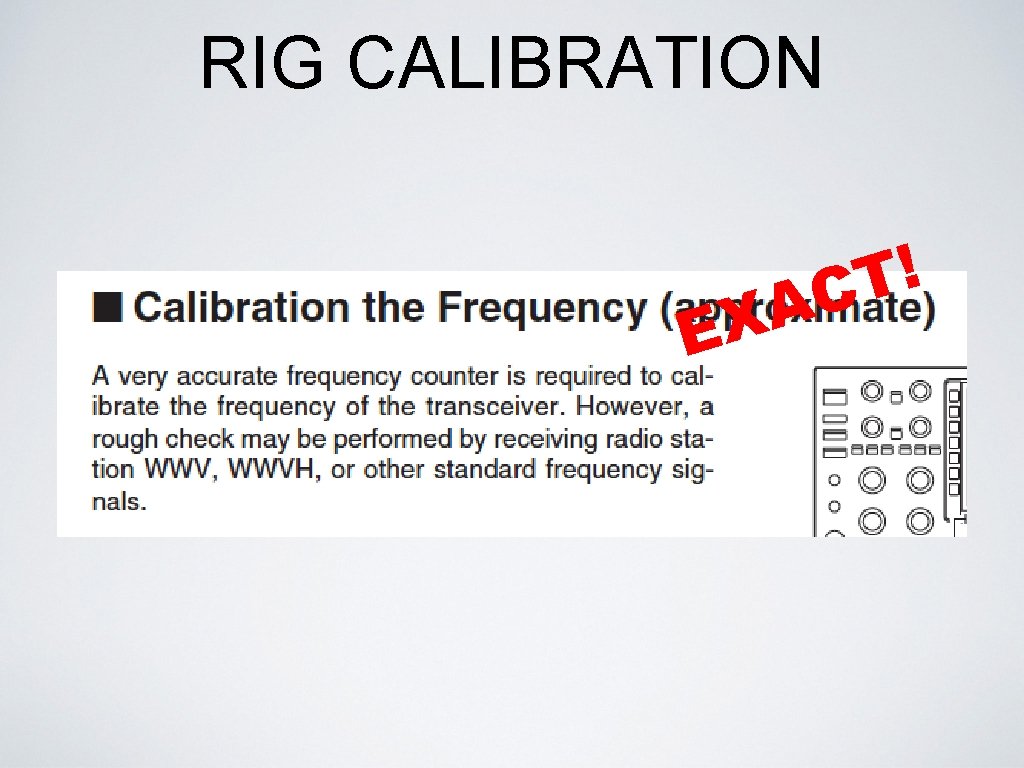
RIG CALIBRATION EX ! T AC
- Slides: 23