
PreAnalytics Open Data Cleaning COMP 6214 Heather Packer



- Slides: 46
Pre-Analytics: Open Data Cleaning COMP 6214 Heather Packer 16/01/18
Open Data Sets and Errors • Often errors aren’t noticed by data publishers – Data’s structure can change over the years – Datasets can be large, and publishers can have many datasets • Errors can be a result of human mistakes in data entry 2
Why is Pre-Analytics Important? • If data is not clean then any processing will still contain any issues • Any inconsistencies or errors can cause lack of trust • It easier to combine it with different datasets and gain deeper insights 3
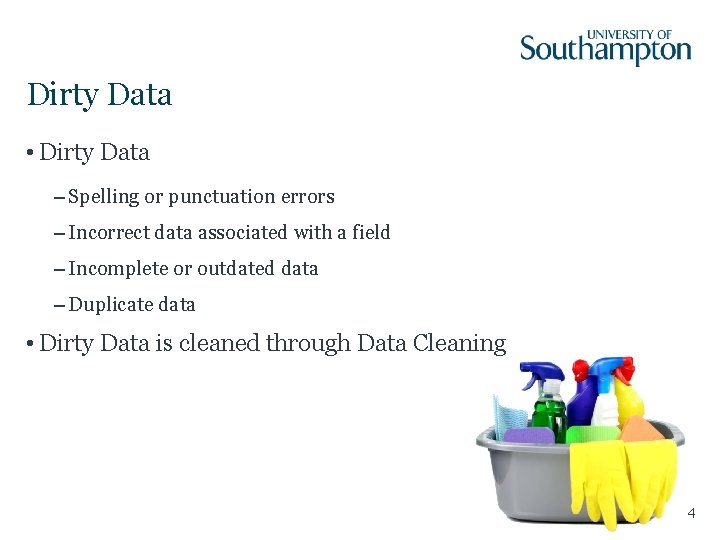
Dirty Data • Dirty Data – Spelling or punctuation errors – Incorrect data associated with a field – Incomplete or outdated data – Duplicate data • Dirty Data is cleaned through Data Cleaning 4
Cleaning Data is Expensive • A recent study found that the process of preparing data for analysis can take anywhere between 60% and 80% of the time of a data-driven project. • To improve flawed data: – Find more data – Reason over existing data to infer clean values • Data Cleaning can vary depending on it’s use 5
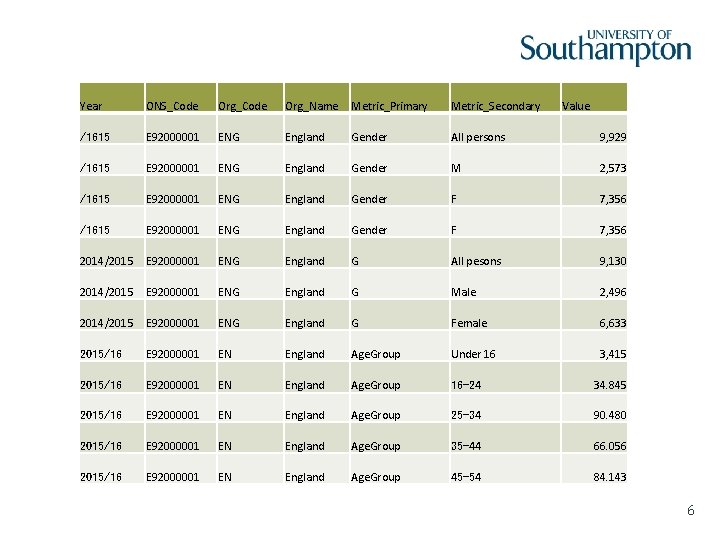
Year ONS_Code Org_Name Metric_Primary Metric_Secondary Value /1615 E 92000001 ENG England Gender All persons 9, 929 /1615 E 92000001 ENG England Gender M 2, 573 /1615 E 92000001 ENG England Gender F 7, 356 2014/2015 E 92000001 ENG England G All pesons 9, 130 2014/2015 E 92000001 ENG England G Male 2, 496 2014/2015 E 92000001 ENG England G Female 6, 633 2015/16 E 92000001 EN England Age. Group Under 16 3, 415 2015/16 E 92000001 EN England Age. Group 16 -24 34. 845 2015/16 E 92000001 EN England Age. Group 25 -34 90. 480 2015/16 E 92000001 EN England Age. Group 35 -44 66. 056 2015/16 E 92000001 EN England Age. Group 45 -54 84. 143 6
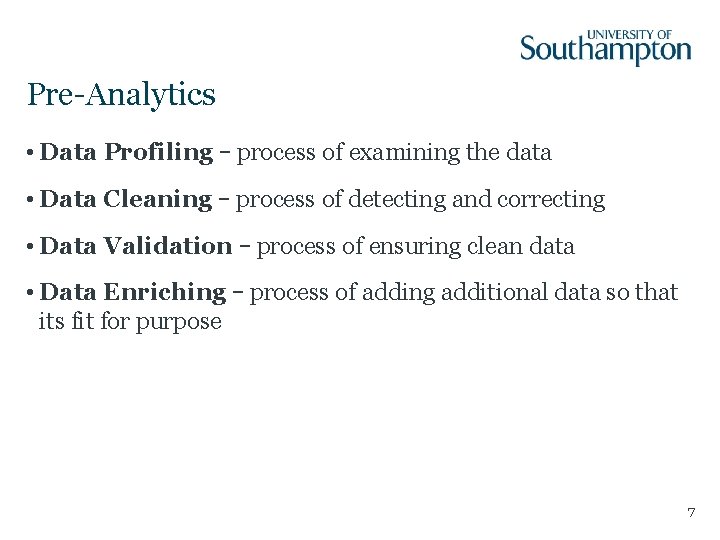
Pre-Analytics • Data Profiling – process of examining the data • Data Cleaning – process of detecting and correcting • Data Validation – process of ensuring clean data • Data Enriching – process of adding additional data so that its fit for purpose 7
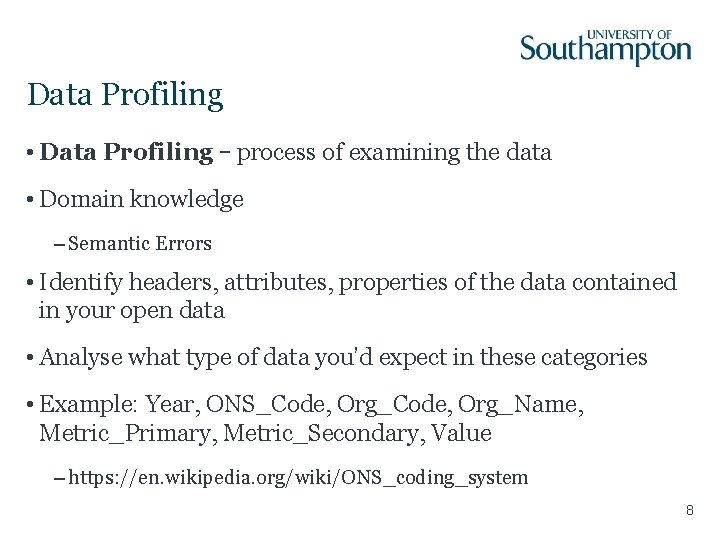
Data Profiling • Data Profiling – process of examining the data • Domain knowledge – Semantic Errors • Identify headers, attributes, properties of the data contained in your open data • Analyse what type of data you’d expect in these categories • Example: Year, ONS_Code, Org_Name, Metric_Primary, Metric_Secondary, Value – https: //en. wikipedia. org/wiki/ONS_coding_system 8
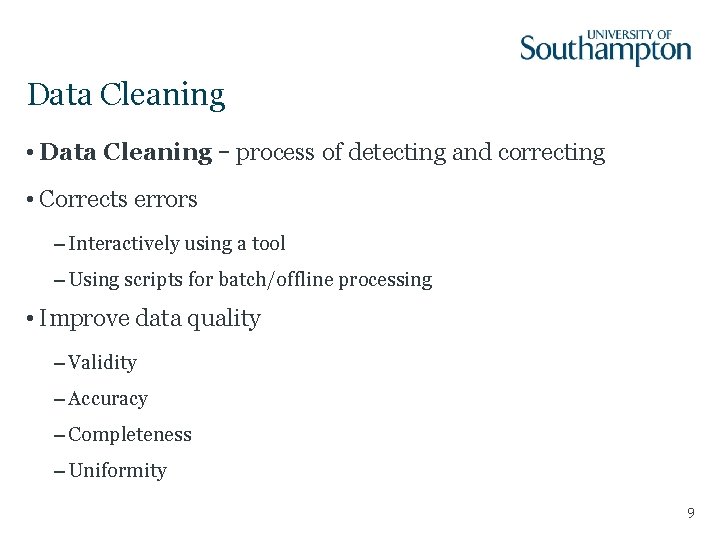
Data Cleaning • Data Cleaning – process of detecting and correcting • Corrects errors – Interactively using a tool – Using scripts for batch/offline processing • Improve data quality – Validity – Accuracy – Completeness – Uniformity 9
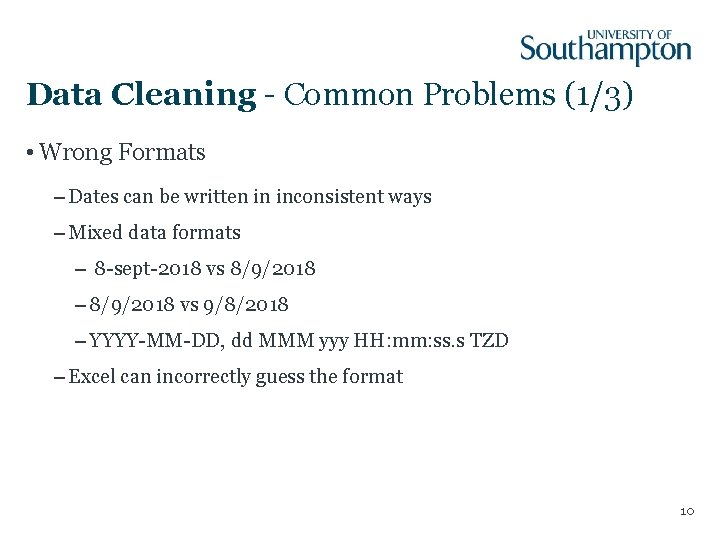
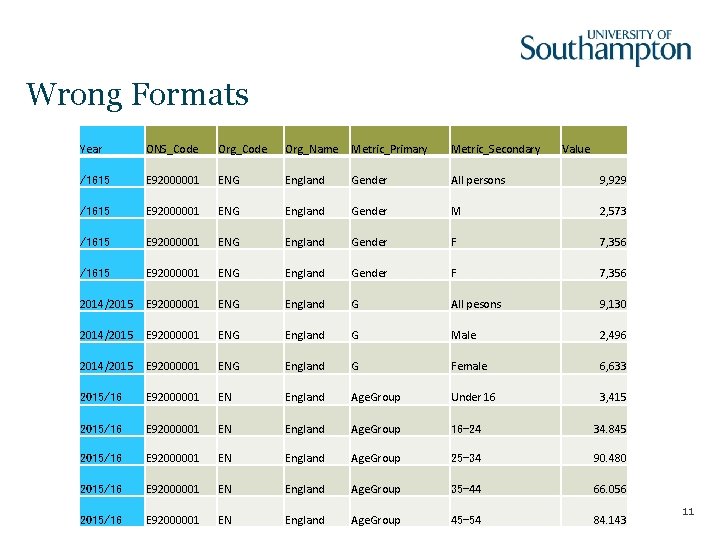
Data Cleaning - Common Problems (1/3) • Wrong Formats – Dates can be written in inconsistent ways – Mixed data formats – 8 -sept-2018 vs 8/9/2018 – 8/9/2018 vs 9/8/2018 – YYYY-MM-DD, dd MMM yyy HH: mm: ss. s TZD – Excel can incorrectly guess the format 10
Wrong Formats Year ONS_Code Org_Name Metric_Primary Metric_Secondary Value /1615 E 92000001 ENG England Gender All persons 9, 929 /1615 E 92000001 ENG England Gender M 2, 573 /1615 E 92000001 ENG England Gender F 7, 356 2014/2015 E 92000001 ENG England G All pesons 9, 130 2014/2015 E 92000001 ENG England G Male 2, 496 2014/2015 E 92000001 ENG England G Female 6, 633 2015/16 E 92000001 EN England Age. Group Under 16 3, 415 2015/16 E 92000001 EN England Age. Group 16 -24 34. 845 2015/16 E 92000001 EN England Age. Group 25 -34 90. 480 2015/16 E 92000001 EN England Age. Group 35 -44 66. 056 2015/16 E 92000001 EN England Age. Group 45 -54 84. 143 11
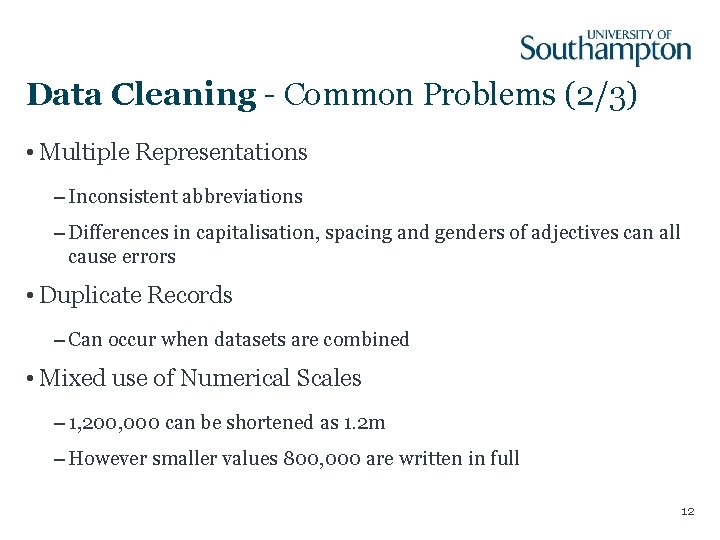
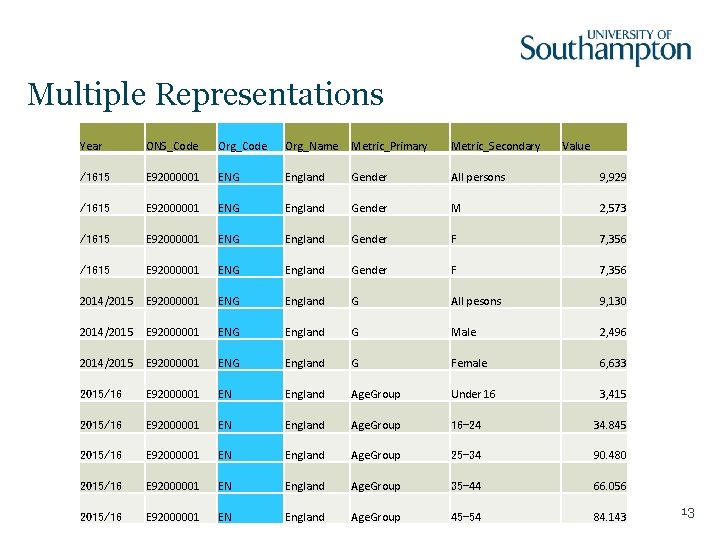
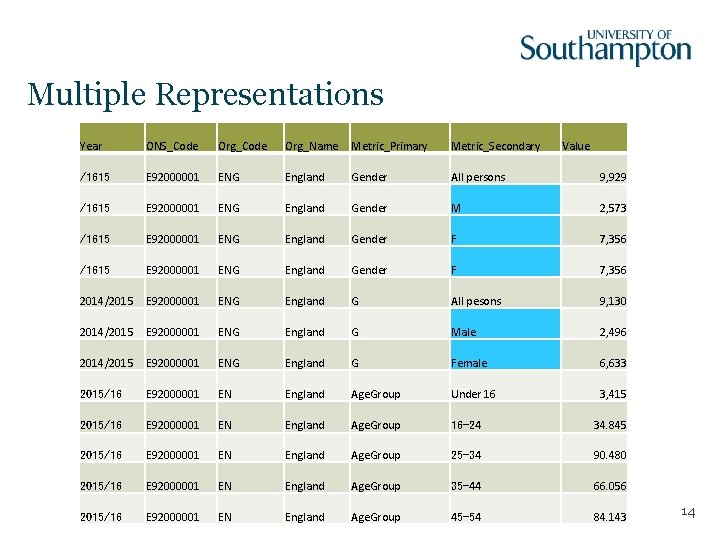
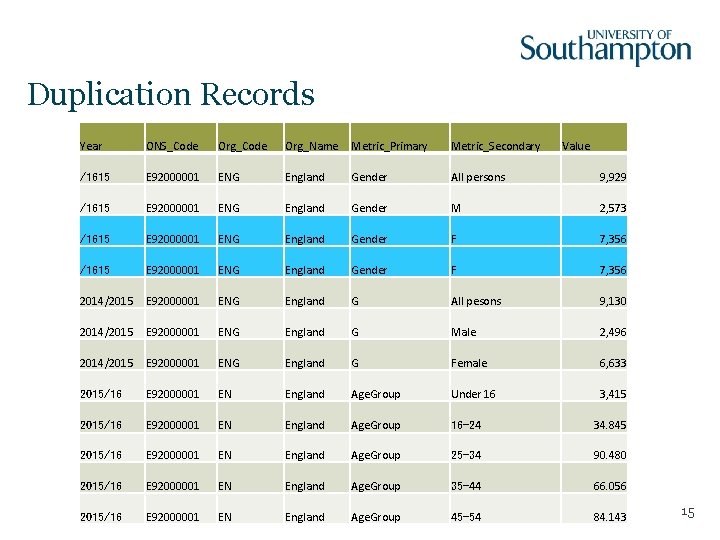
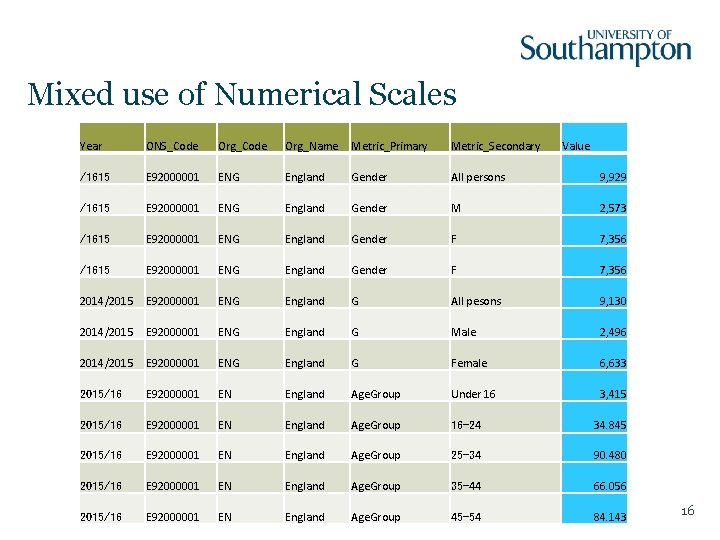
Data Cleaning - Common Problems (2/3) • Multiple Representations – Inconsistent abbreviations – Differences in capitalisation, spacing and genders of adjectives can all cause errors • Duplicate Records – Can occur when datasets are combined • Mixed use of Numerical Scales – 1, 200, 000 can be shortened as 1. 2 m – However smaller values 800, 000 are written in full 12
Multiple Representations Year ONS_Code Org_Name Metric_Primary Metric_Secondary Value /1615 E 92000001 ENG England Gender All persons 9, 929 /1615 E 92000001 ENG England Gender M 2, 573 /1615 E 92000001 ENG England Gender F 7, 356 2014/2015 E 92000001 ENG England G All pesons 9, 130 2014/2015 E 92000001 ENG England G Male 2, 496 2014/2015 E 92000001 ENG England G Female 6, 633 2015/16 E 92000001 EN England Age. Group Under 16 3, 415 2015/16 E 92000001 EN England Age. Group 16 -24 34. 845 2015/16 E 92000001 EN England Age. Group 25 -34 90. 480 2015/16 E 92000001 EN England Age. Group 35 -44 66. 056 2015/16 E 92000001 EN England Age. Group 45 -54 84. 143 13
Multiple Representations Year ONS_Code Org_Name Metric_Primary Metric_Secondary Value /1615 E 92000001 ENG England Gender All persons 9, 929 /1615 E 92000001 ENG England Gender M 2, 573 /1615 E 92000001 ENG England Gender F 7, 356 2014/2015 E 92000001 ENG England G All pesons 9, 130 2014/2015 E 92000001 ENG England G Male 2, 496 2014/2015 E 92000001 ENG England G Female 6, 633 2015/16 E 92000001 EN England Age. Group Under 16 3, 415 2015/16 E 92000001 EN England Age. Group 16 -24 34. 845 2015/16 E 92000001 EN England Age. Group 25 -34 90. 480 2015/16 E 92000001 EN England Age. Group 35 -44 66. 056 2015/16 E 92000001 EN England Age. Group 45 -54 84. 143 14
Duplication Records Year ONS_Code Org_Name Metric_Primary Metric_Secondary Value /1615 E 92000001 ENG England Gender All persons 9, 929 /1615 E 92000001 ENG England Gender M 2, 573 /1615 E 92000001 ENG England Gender F 7, 356 2014/2015 E 92000001 ENG England G All pesons 9, 130 2014/2015 E 92000001 ENG England G Male 2, 496 2014/2015 E 92000001 ENG England G Female 6, 633 2015/16 E 92000001 EN England Age. Group Under 16 3, 415 2015/16 E 92000001 EN England Age. Group 16 -24 34. 845 2015/16 E 92000001 EN England Age. Group 25 -34 90. 480 2015/16 E 92000001 EN England Age. Group 35 -44 66. 056 2015/16 E 92000001 EN England Age. Group 45 -54 84. 143 15
Mixed use of Numerical Scales Year ONS_Code Org_Name Metric_Primary Metric_Secondary Value /1615 E 92000001 ENG England Gender All persons 9, 929 /1615 E 92000001 ENG England Gender M 2, 573 /1615 E 92000001 ENG England Gender F 7, 356 2014/2015 E 92000001 ENG England G All pesons 9, 130 2014/2015 E 92000001 ENG England G Male 2, 496 2014/2015 E 92000001 ENG England G Female 6, 633 2015/16 E 92000001 EN England Age. Group Under 16 3, 415 2015/16 E 92000001 EN England Age. Group 16 -24 34. 845 2015/16 E 92000001 EN England Age. Group 25 -34 90. 480 2015/16 E 92000001 EN England Age. Group 35 -44 66. 056 2015/16 E 92000001 EN England Age. Group 45 -54 84. 143 16
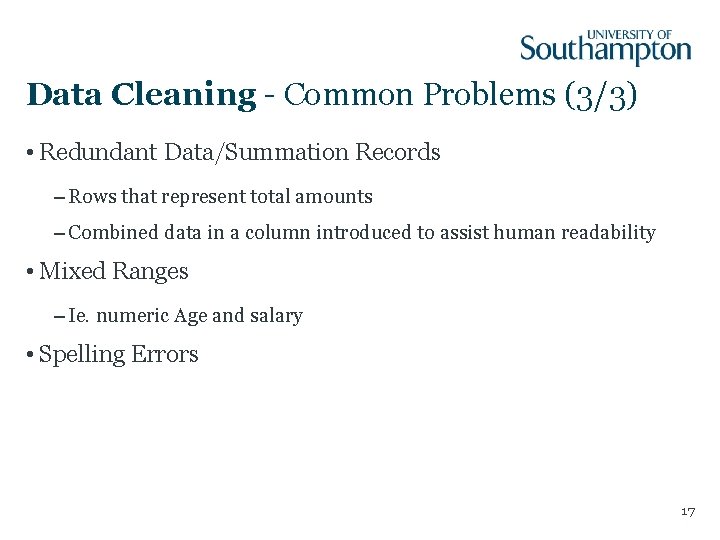
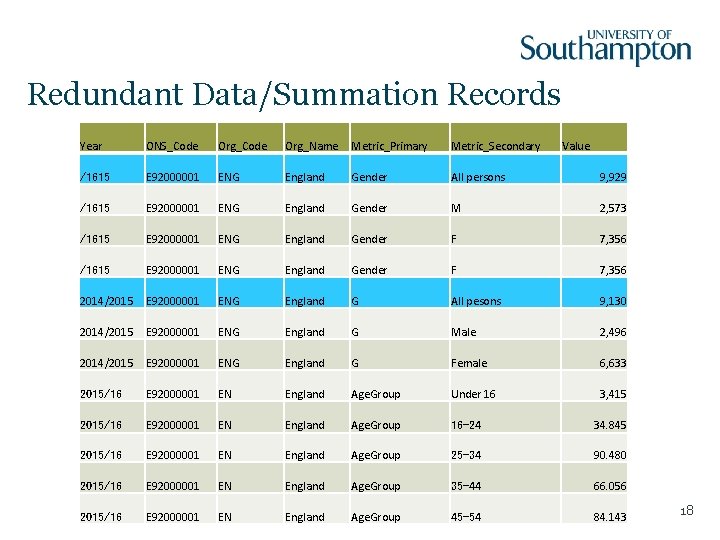
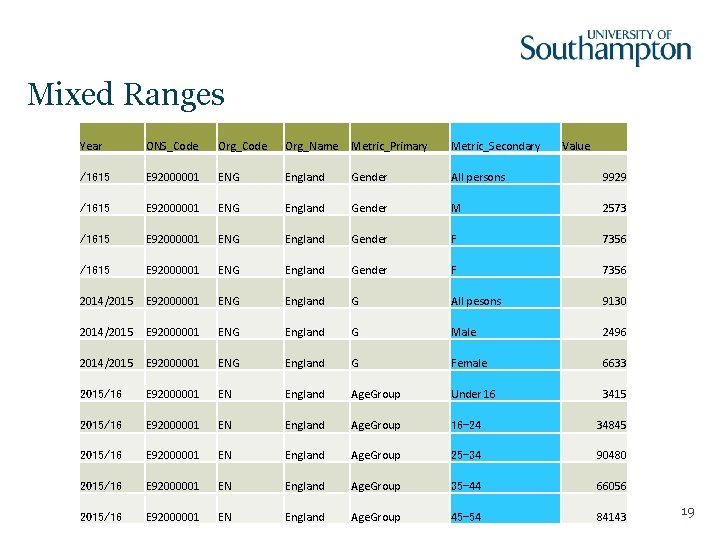
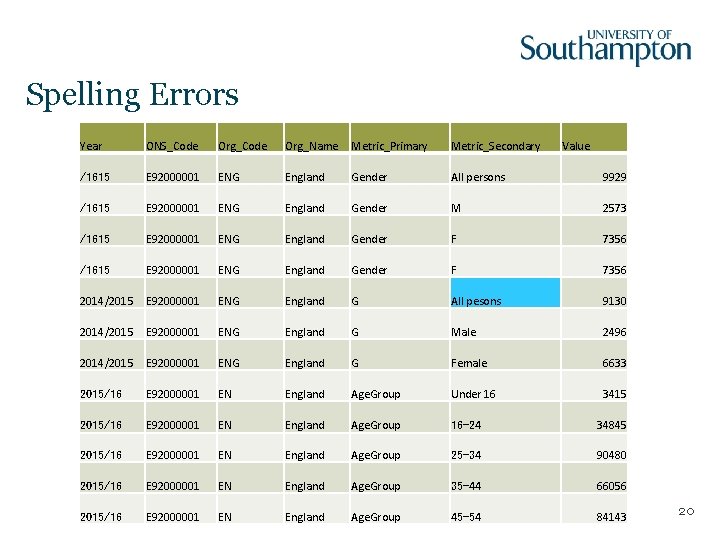
Data Cleaning - Common Problems (3/3) • Redundant Data/Summation Records – Rows that represent total amounts – Combined data in a column introduced to assist human readability • Mixed Ranges – Ie. numeric Age and salary • Spelling Errors 17
Redundant Data/Summation Records Year ONS_Code Org_Name Metric_Primary Metric_Secondary Value /1615 E 92000001 ENG England Gender All persons 9, 929 /1615 E 92000001 ENG England Gender M 2, 573 /1615 E 92000001 ENG England Gender F 7, 356 2014/2015 E 92000001 ENG England G All pesons 9, 130 2014/2015 E 92000001 ENG England G Male 2, 496 2014/2015 E 92000001 ENG England G Female 6, 633 2015/16 E 92000001 EN England Age. Group Under 16 3, 415 2015/16 E 92000001 EN England Age. Group 16 -24 34. 845 2015/16 E 92000001 EN England Age. Group 25 -34 90. 480 2015/16 E 92000001 EN England Age. Group 35 -44 66. 056 2015/16 E 92000001 EN England Age. Group 45 -54 84. 143 18
Mixed Ranges Year ONS_Code Org_Name Metric_Primary Metric_Secondary Value /1615 E 92000001 ENG England Gender All persons 9929 /1615 E 92000001 ENG England Gender M 2573 /1615 E 92000001 ENG England Gender F 7356 2014/2015 E 92000001 ENG England G All pesons 9130 2014/2015 E 92000001 ENG England G Male 2496 2014/2015 E 92000001 ENG England G Female 6633 2015/16 E 92000001 EN England Age. Group Under 16 3415 2015/16 E 92000001 EN England Age. Group 16 -24 34845 2015/16 E 92000001 EN England Age. Group 25 -34 90480 2015/16 E 92000001 EN England Age. Group 35 -44 66056 2015/16 E 92000001 EN England Age. Group 45 -54 84143 19
Spelling Errors Year ONS_Code Org_Name Metric_Primary Metric_Secondary Value /1615 E 92000001 ENG England Gender All persons 9929 /1615 E 92000001 ENG England Gender M 2573 /1615 E 92000001 ENG England Gender F 7356 2014/2015 E 92000001 ENG England G All pesons 9130 2014/2015 E 92000001 ENG England G Male 2496 2014/2015 E 92000001 ENG England G Female 6633 2015/16 E 92000001 EN England Age. Group Under 16 3415 2015/16 E 92000001 EN England Age. Group 16 -24 34845 2015/16 E 92000001 EN England Age. Group 25 -34 90480 2015/16 E 92000001 EN England Age. Group 35 -44 66056 2015/16 E 92000001 EN England Age. Group 45 -54 84143 20
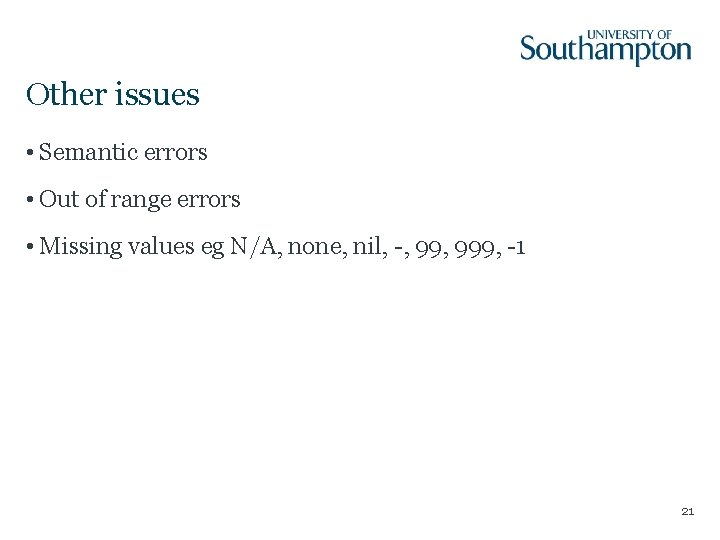
Other issues • Semantic errors • Out of range errors • Missing values eg N/A, none, nil, -, 999, -1 21
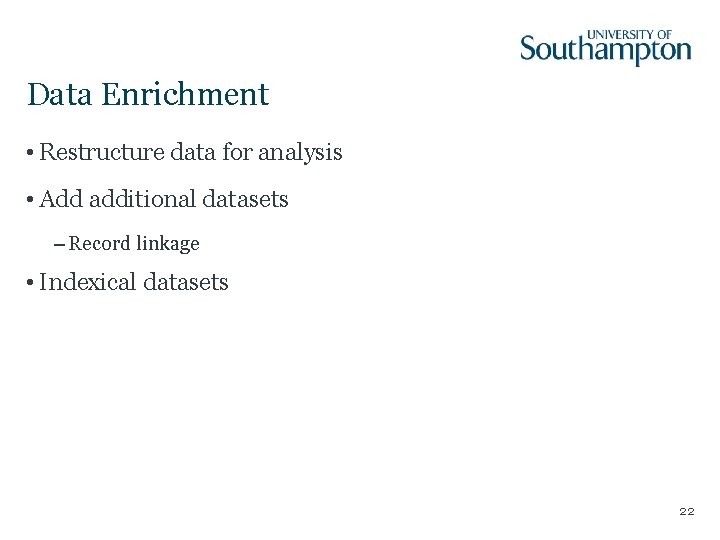
Data Enrichment • Restructure data for analysis • Add additional datasets – Record linkage • Indexical datasets 22
Good Citizen • Reporting any errors found to publisher • Discussing any errors and corrections made on the data 23
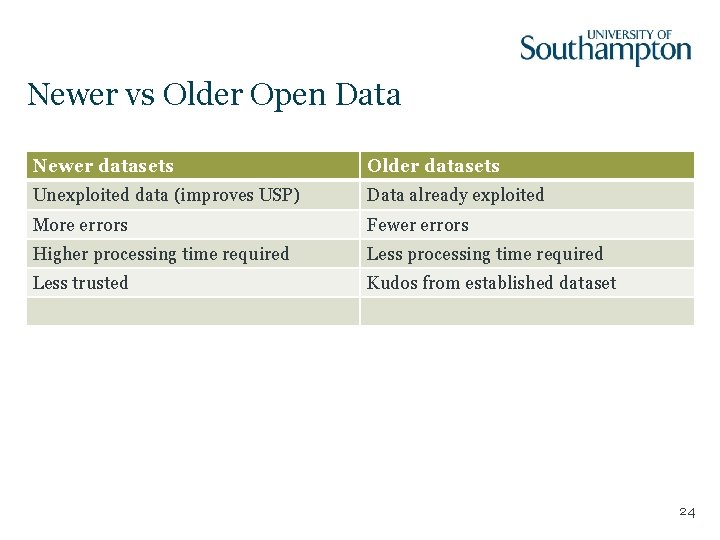
Newer vs Older Open Data Newer datasets Older datasets Unexploited data (improves USP) Data already exploited More errors Fewer errors Higher processing time required Less trusted Kudos from established dataset 24
Tools
Data Validation • Open data in different formats • Linter or lint – A tool that analyses source code – Identifies errors, bugs, style errors 26
Data Validation • Tabular Data – CSVLint • Hierarchical Data – JSONLint 27
CSV Validation • CSV is a very simple format • First used in 1972 by Fortran • 2005 as a MIME Content Type • 2015 formal semantics defined • Easy to create files hard to use • Not all CSV files follow 2015 http: //csvlint. io/ 28
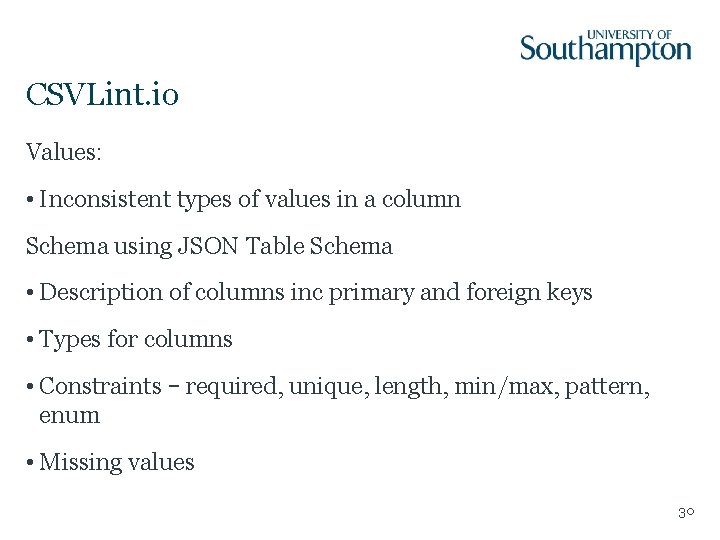
CSVLint. io Encoding: • Odd characters, line breaks, stray/unclosed quotes, whitespace, use of UTF-8 Structure: • Blank rows, ragged rows • Empty or duplicate column names 29
CSVLint. io Values: • Inconsistent types of values in a column Schema using JSON Table Schema • Description of columns inc primary and foreign keys • Types for columns • Constraints – required, unique, length, min/max, pattern, enum • Missing values 30
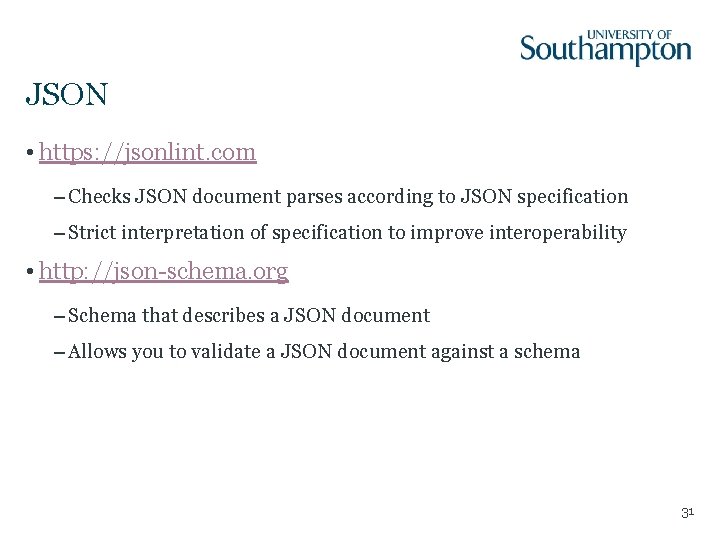
JSON • https: //jsonlint. com – Checks JSON document parses according to JSON specification – Strict interpretation of specification to improve interoperability • http: //json-schema. org – Schema that describes a JSON document – Allows you to validate a JSON document against a schema 31
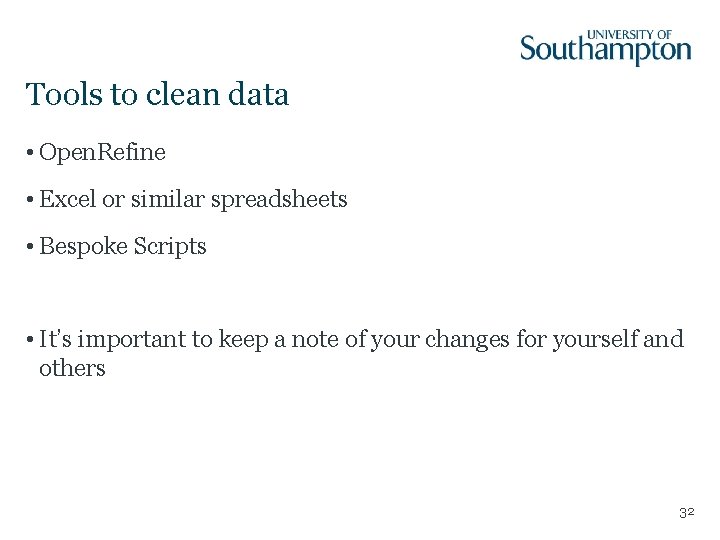
Tools to clean data • Open. Refine • Excel or similar spreadsheets • Bespoke Scripts • It’s important to keep a note of your changes for yourself and others 32
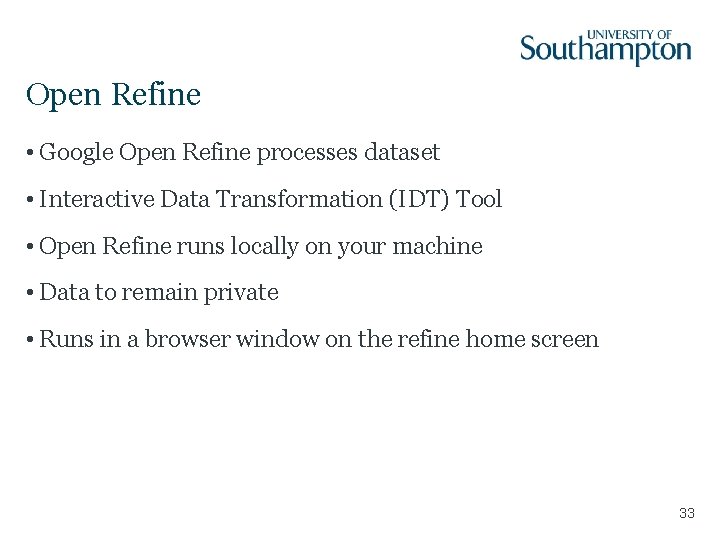
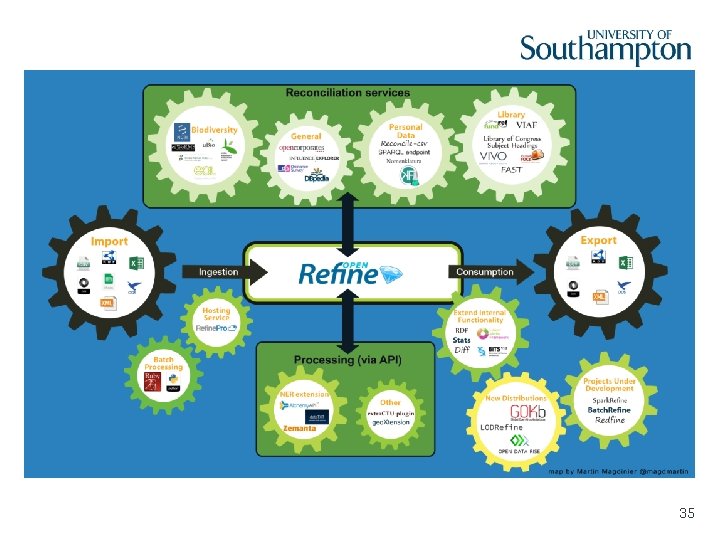
Open Refine • Google Open Refine processes dataset • Interactive Data Transformation (IDT) Tool • Open Refine runs locally on your machine • Data to remain private • Runs in a browser window on the refine home screen 33
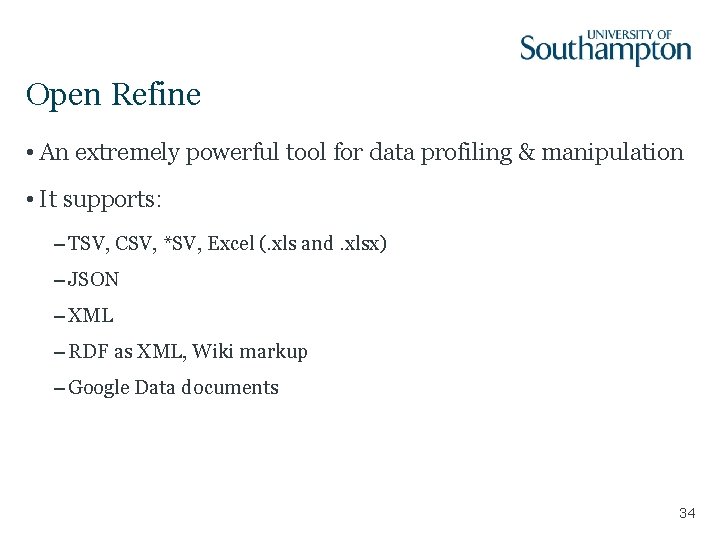
Open Refine • An extremely powerful tool for data profiling & manipulation • It supports: – TSV, CSV, *SV, Excel (. xls and. xlsx) – JSON – XML – RDF as XML, Wiki markup – Google Data documents 34
35
Open Refine Benefits • Open Refine is good for fixing: – Data formats – Multiple representations – Duplicate records – Redundant data – Mixed numerical scales – Mixed ranges 36
Open Refine Limitations • It is not a good tool for creating new datasets • Not useful for huge datasets • The amount of data that can be processed depends on the memory size • For a file size of 512 MB, a simple operation can take more than 15 minutes which is not accepted in real-tine application • Use Open Refine as an offline data cleaning tool 37
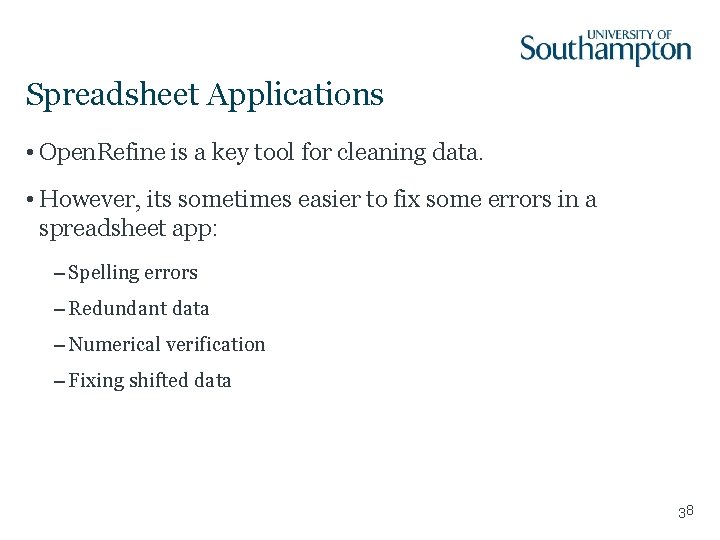
Spreadsheet Applications • Open. Refine is a key tool for cleaning data. • However, its sometimes easier to fix some errors in a spreadsheet app: – Spelling errors – Redundant data – Numerical verification – Fixing shifted data 38
Coursework 1: Data Cleaning and Visualisation Heather Packer 16/01/18
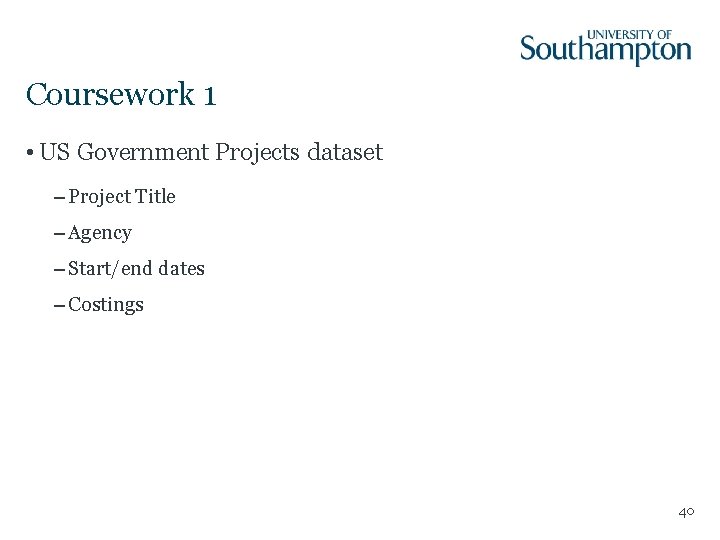
Coursework 1 • US Government Projects dataset – Project Title – Agency – Start/end dates – Costings 40
Part 1 - Data Cleaning • Real dataset with artificial errors • There are 5 types of errors • There are more than 5 errors • Use Open. Refine 41
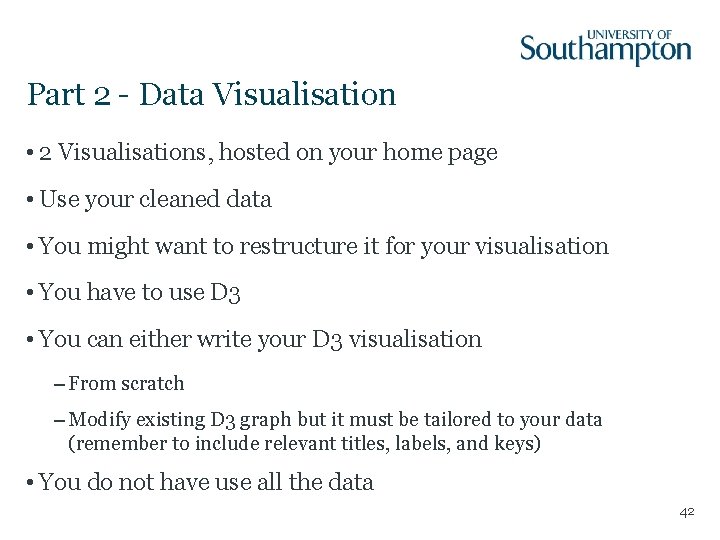
Part 2 - Data Visualisation • 2 Visualisations, hosted on your home page • Use your cleaned data • You might want to restructure it for your visualisation • You have to use D 3 • You can either write your D 3 visualisation – From scratch – Modify existing D 3 graph but it must be tailored to your data (remember to include relevant titles, labels, and keys) • You do not have use all the data 42
Mark Distribution • Part 1 – Cleaning and manipulation (5 marks) • Part 2 – Choice of visualisation (5 marks) – Implementation (4 marks) – Interactivity (4 marks) – Completion (2 marks) 43
Overview • Deadline: March 15 th 4 pm • Worth 20% of your mark for this module • The usual late penalties apply for late handins (10% per working day) 44
Open Refine - Tutorial • https: //secure. ecs. soton. ac. uk/notes/comp 6214/2017/resou rces/Cleaning_Exercise. pdf • Dataset 1 – Department for Environment, Food & Rural Affair https: //data. gov. uk/dataset/agricultural_market_reports • Dataset 2 – UK GP Earnings https: //data. gov. uk/dataset/gp_earnings_and_expenses 45
D 3 - Resources • https: //www. gitbook. com/book/comp 6234/3 -html-css-andjavascript • https: //www. gitbook. com/book/comp 6234/4 -data-to-charts • https: //www. gitbook. com/book/comp 6234/5 -advancedcharts • https: //www. gitbook. com/book/comp 6234/6 -legends-andinteractivity • https: //www. gitbook. com/book/comp 6234/7 -maps 46