
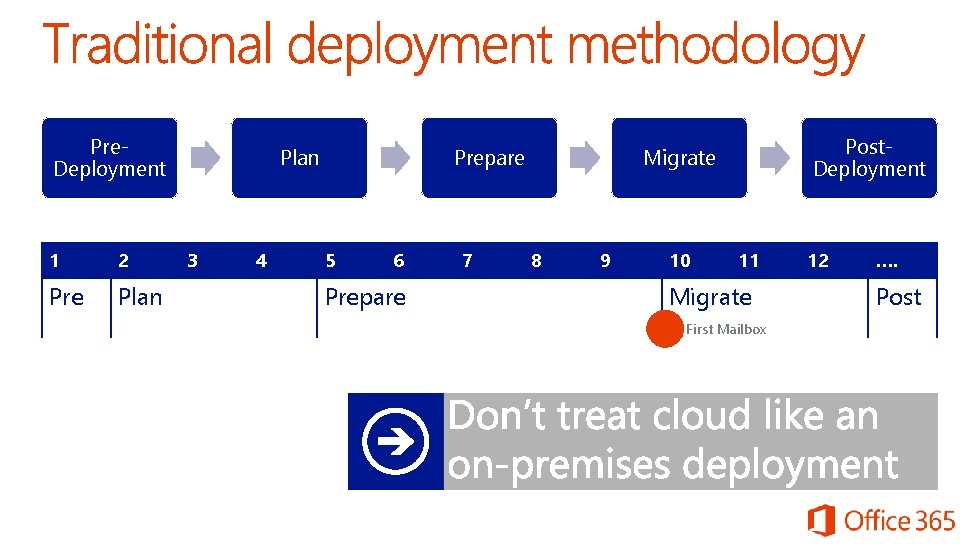
Pre Deployment 1 2 Pre Plan 3 4




- Slides: 45
Pre. Deployment 1 2 Pre Plan 3 4 Prepare 5 6 Prepare 7 Post. Deployment Migrate 8 9 10 11 Migrate First Mailbox 12 …. Post
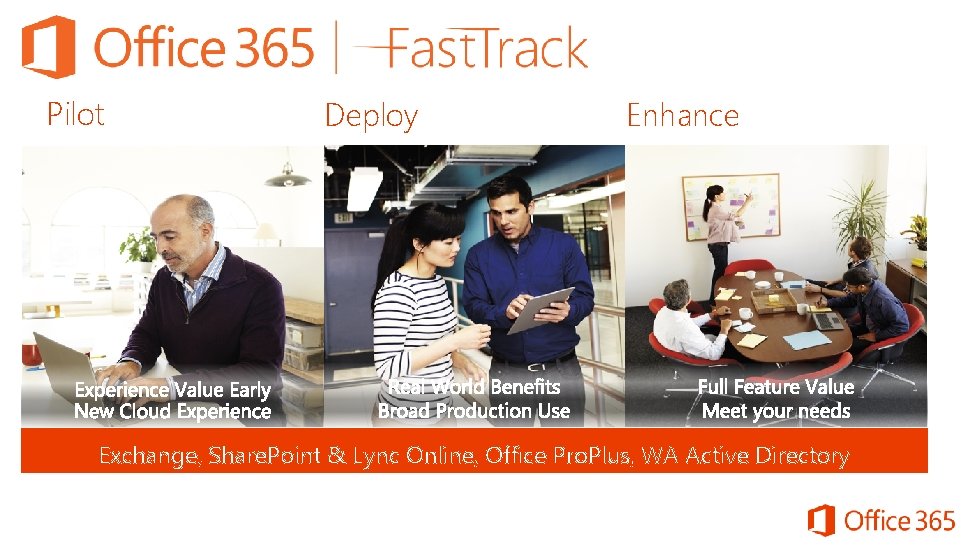
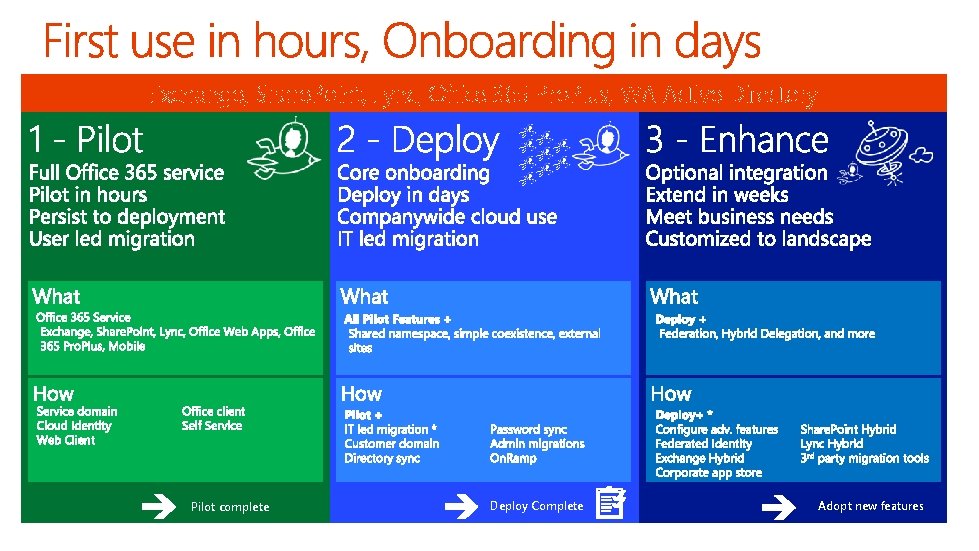
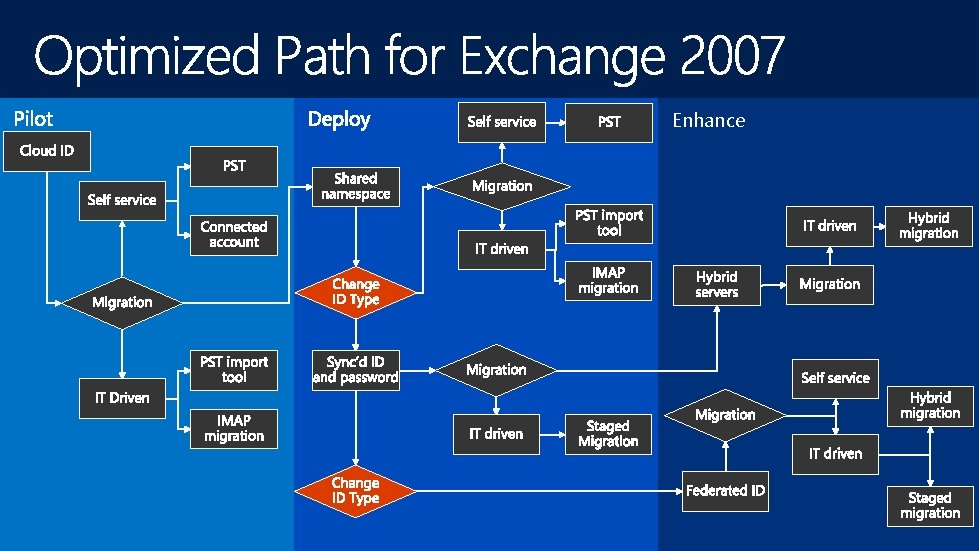
Pilot Deploy Enhance Exchange, Share. Point & Lync Online, Office Pro. Plus, WA Active Directory
Exchange, Share. Point, Lync, Office 365 Pro. Plus, WA Active Directory Pilot complete Deploy Complete Adopt new features
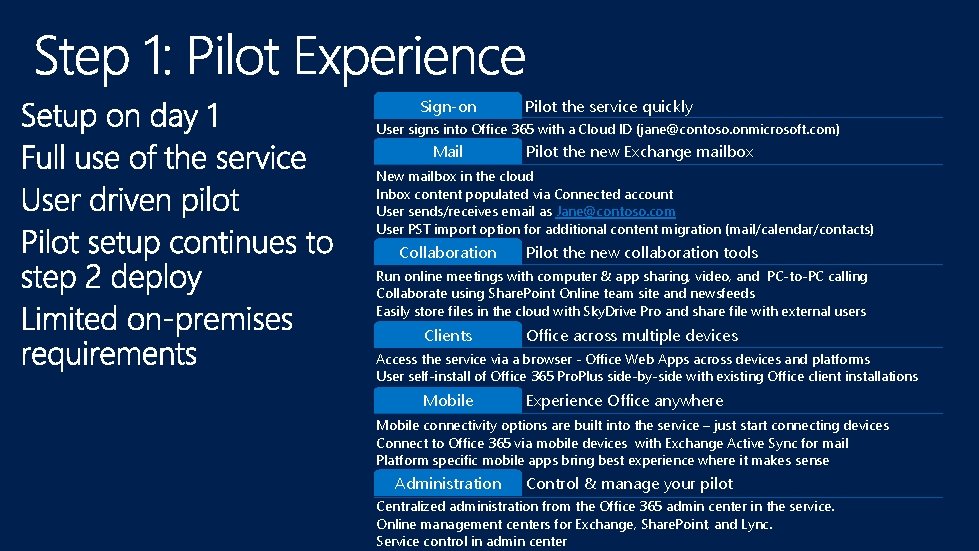
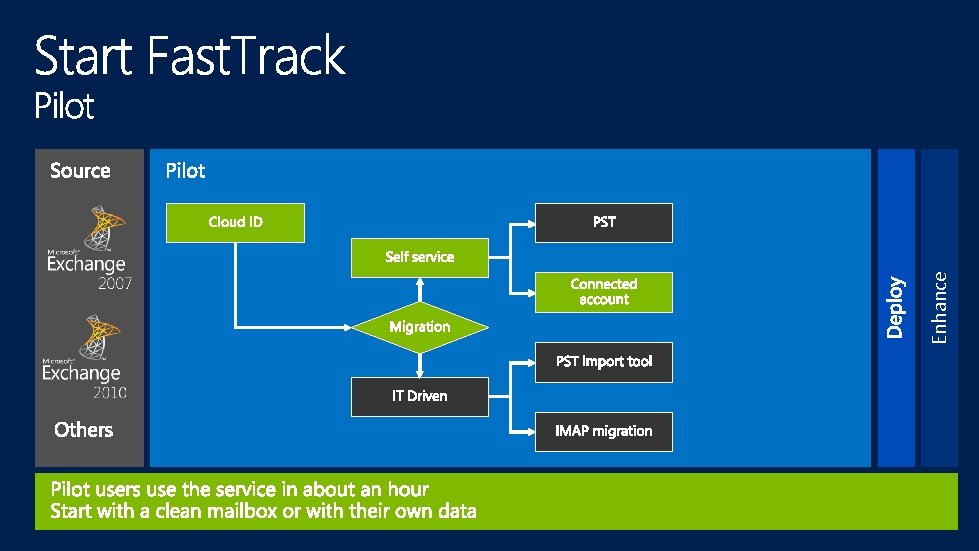
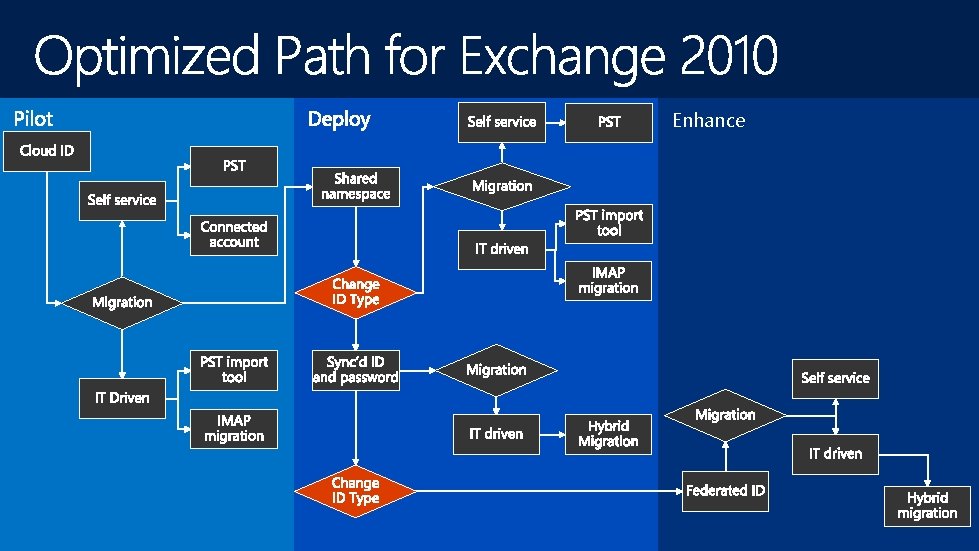
Sign-on Pilot the service quickly User signs into Office 365 with a Cloud ID (jane@contoso. onmicrosoft. com) Mail Pilot the new Exchange mailbox New mailbox in the cloud Inbox content populated via Connected account User sends/receives email as Jane@contoso. com User PST import option for additional content migration (mail/calendar/contacts) Collaboration Pilot the new collaboration tools Run online meetings with computer & app sharing, video, and PC-to-PC calling Collaborate using Share. Point Online team site and newsfeeds Easily store files in the cloud with Sky. Drive Pro and share file with external users Clients Office across multiple devices Access the service via a browser - Office Web Apps across devices and platforms User self-install of Office 365 Pro. Plus side-by-side with existing Office client installations Mobile Experience Office anywhere Mobile connectivity options are built into the service – just start connecting devices Connect to Office 365 via mobile devices with Exchange Active Sync for mail Platform specific mobile apps bring best experience where it makes sense Administration Control & manage your pilot Centralized administration from the Office 365 admin center in the service. Online management centers for Exchange, Share. Point, and Lync. Service control in admin center
Enhance
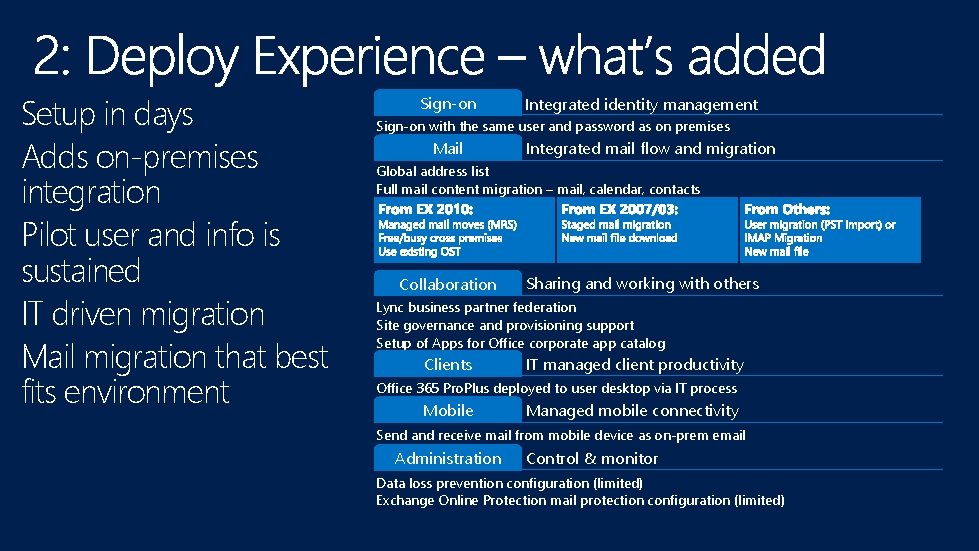
Setup in days Adds on-premises integration Pilot user and info is sustained IT driven migration Mail migration that best fits environment Sign-on Integrated identity management Sign-on with the same user and password as on premises Mail Integrated mail flow and migration Global address list Full mail content migration – mail, calendar, contacts Collaboration Sharing and working with others Lync business partner federation Site governance and provisioning support Setup of Apps for Office corporate app catalog Clients IT managed client productivity Office 365 Pro. Plus deployed to user desktop via IT process Mobile Managed mobile connectivity Send and receive mail from mobile device as on-prem email Administration Control & monitor Data loss prevention configuration (limited) Exchange Online Protection mail protection configuration (limited)
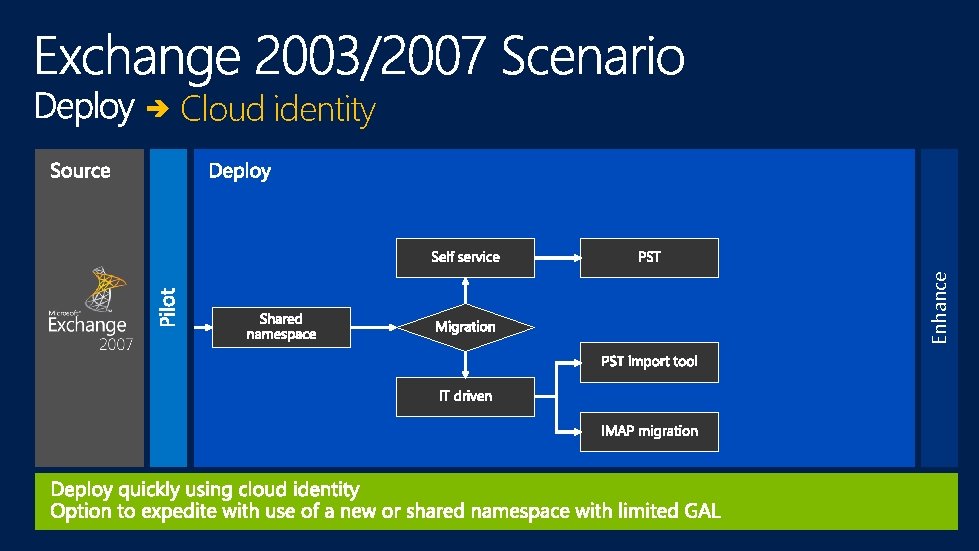
Enhance Cloud identity
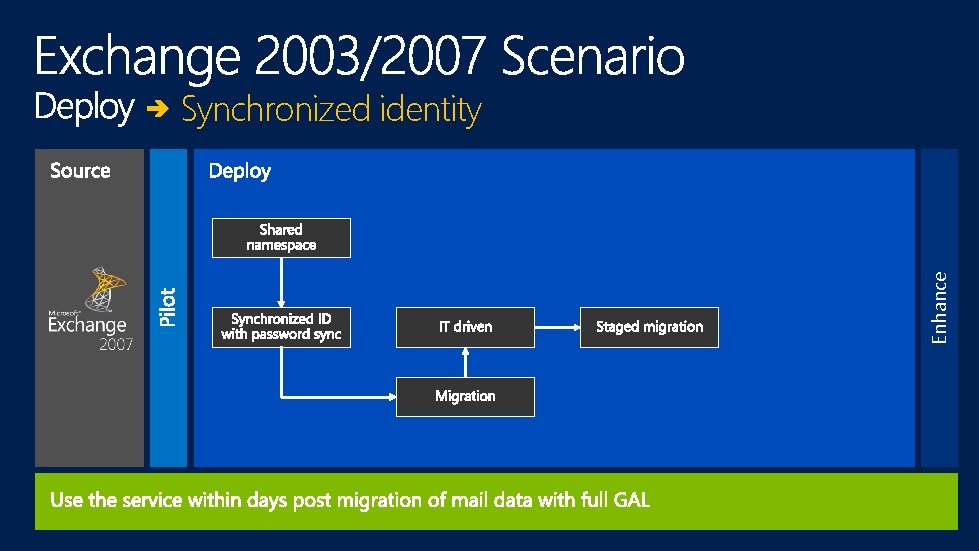
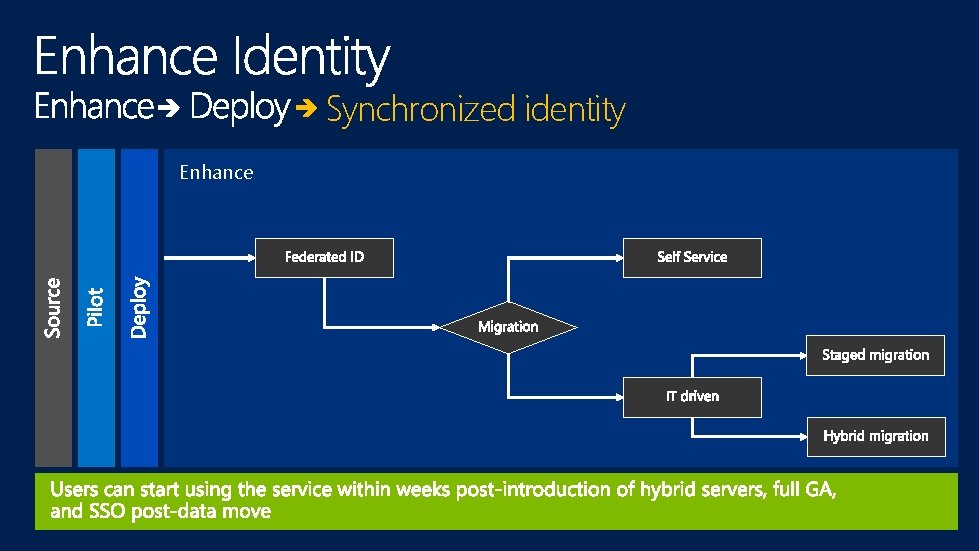
Enhance Synchronized identity
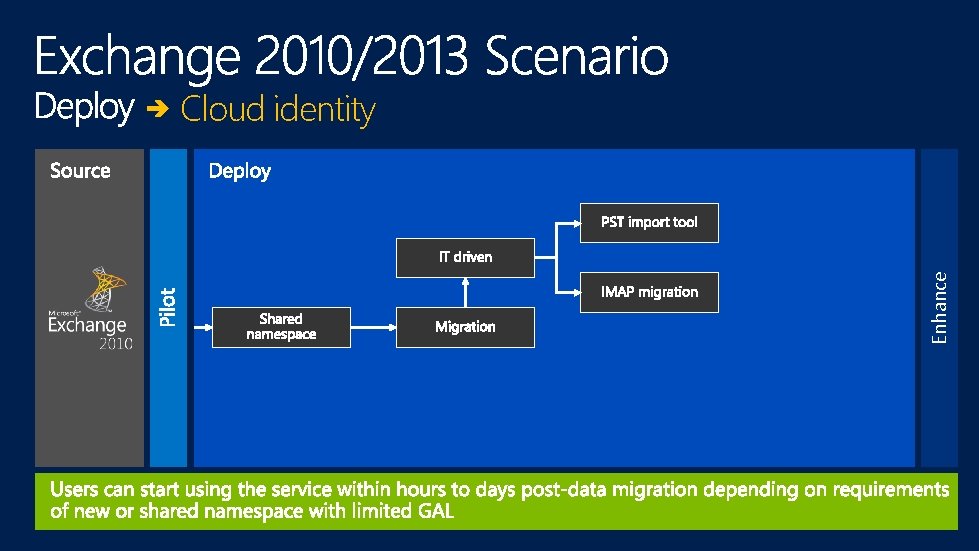
Enhance Cloud identity
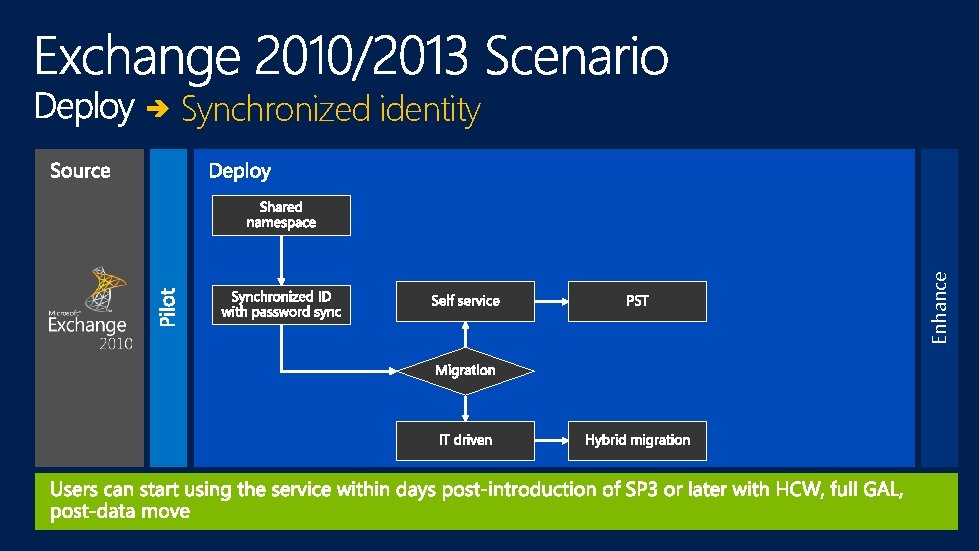
Enhance Synchronized identity
Decision points Identity type Namespace Migration approach
Fast. Track enablers Engineering enhancements
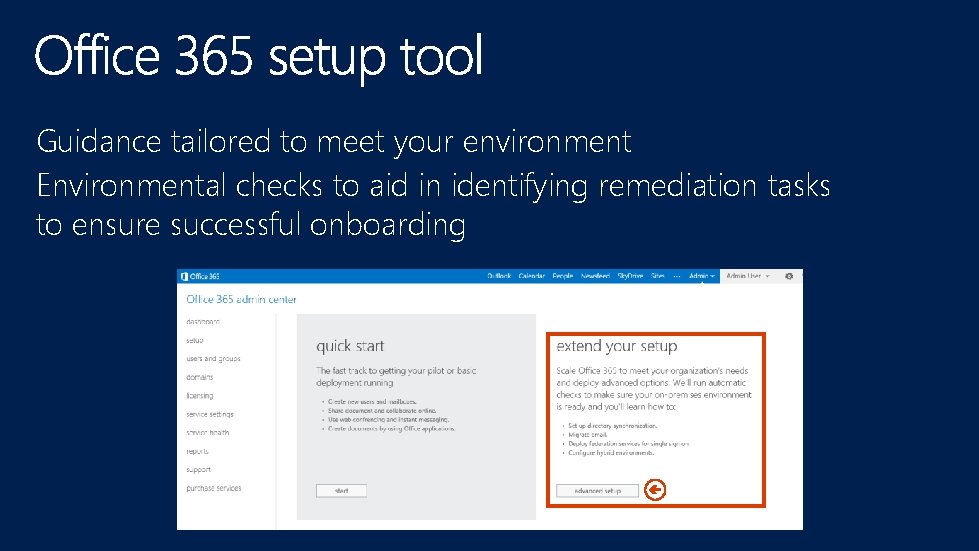
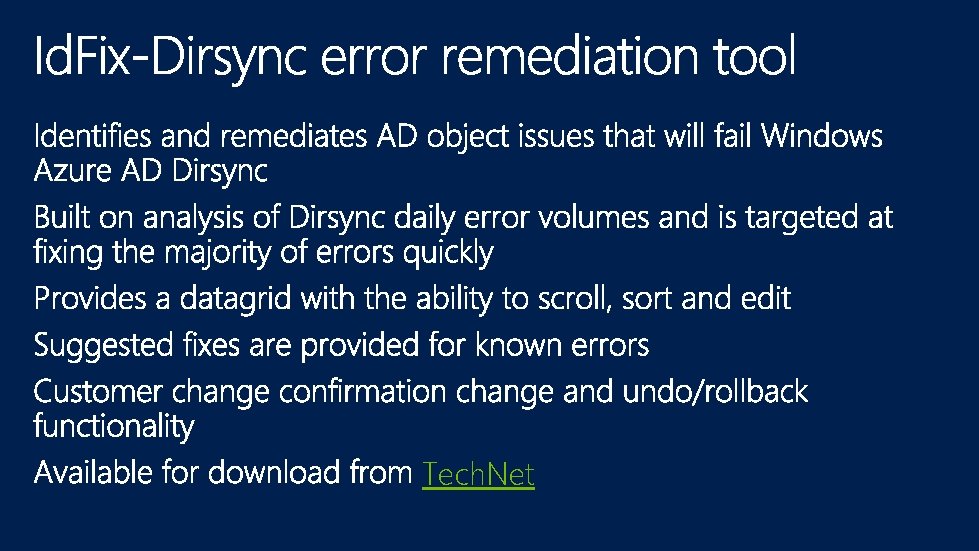
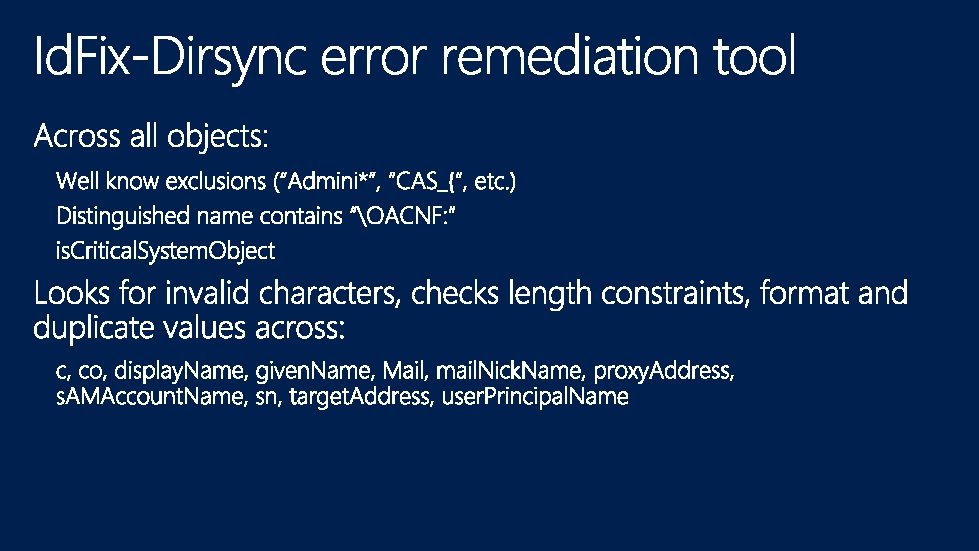
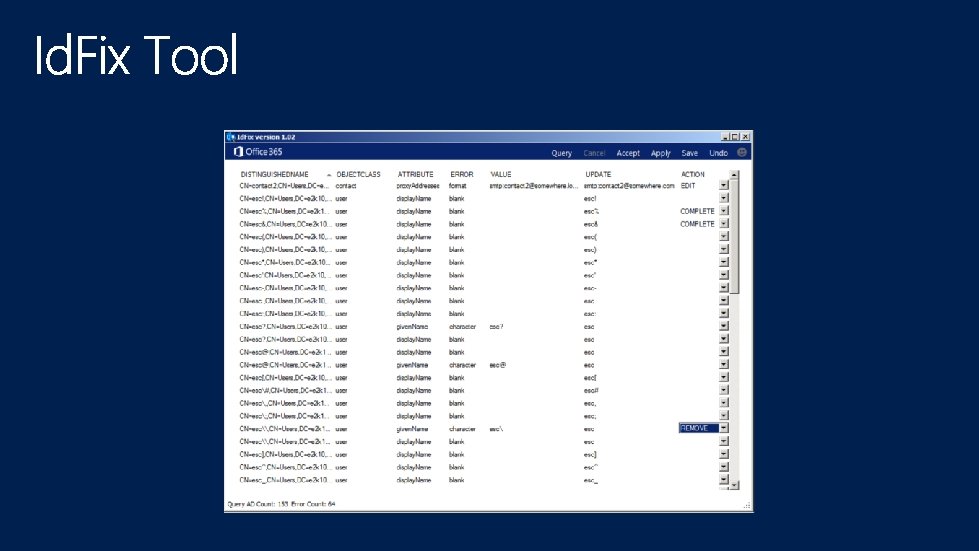
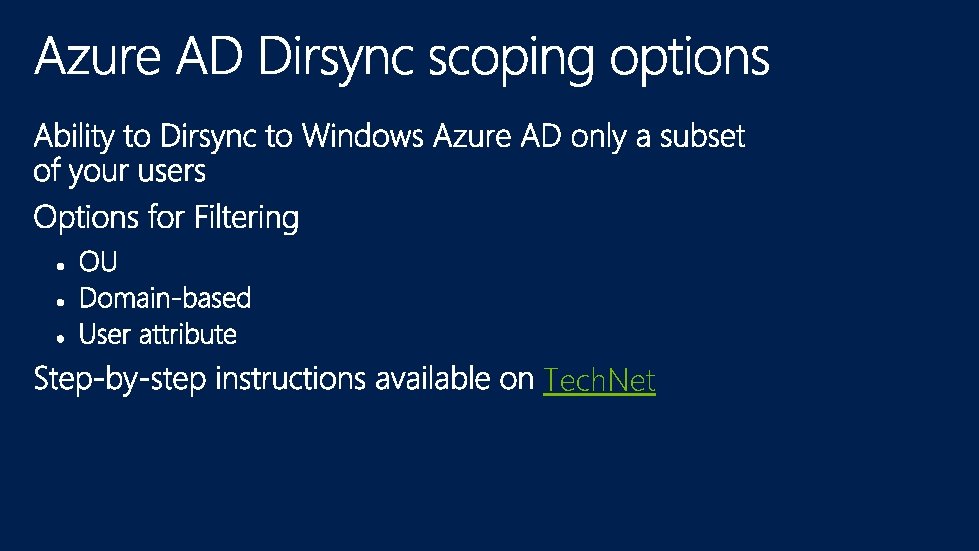
Guidance tailored to meet your environment Environmental checks to aid in identifying remediation tasks to ensure successful onboarding
Tech. Net
Tech. Net
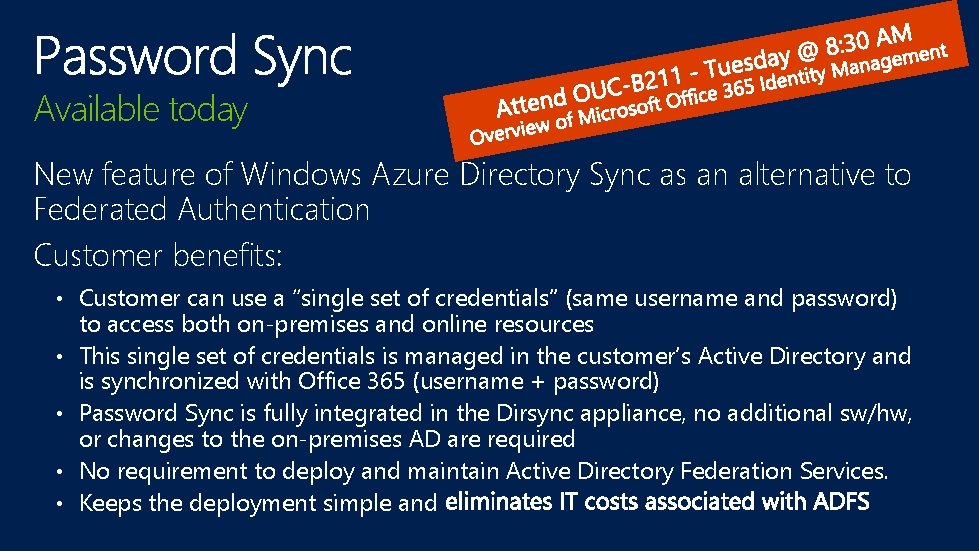
Available today New feature of Windows Azure Directory Sync as an alternative to Federated Authentication Customer benefits: • Customer can use a “single set of credentials” (same username and password) • • to access both on-premises and online resources This single set of credentials is managed in the customer’s Active Directory and is synchronized with Office 365 (username + password) Password Sync is fully integrated in the Dirsync appliance, no additional sw/hw, or changes to the on-premises AD are required No requirement to deploy and maintain Active Directory Federation Services. Keeps the deployment simple and
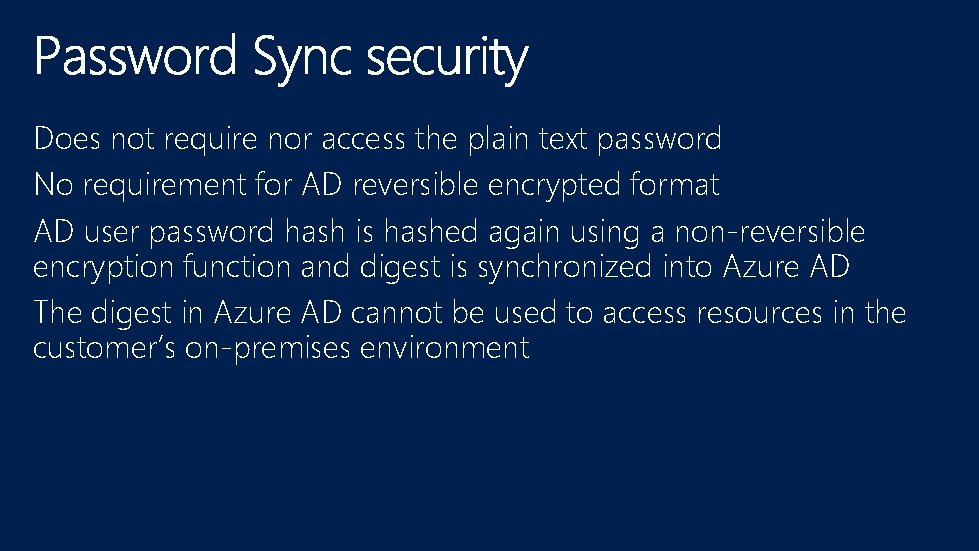
Does not require nor access the plain text password No requirement for AD reversible encrypted format AD user password hash is hashed again using a non-reversible encryption function and digest is synchronized into Azure AD The digest in Azure AD cannot be used to access resources in the customer’s on-premises environment
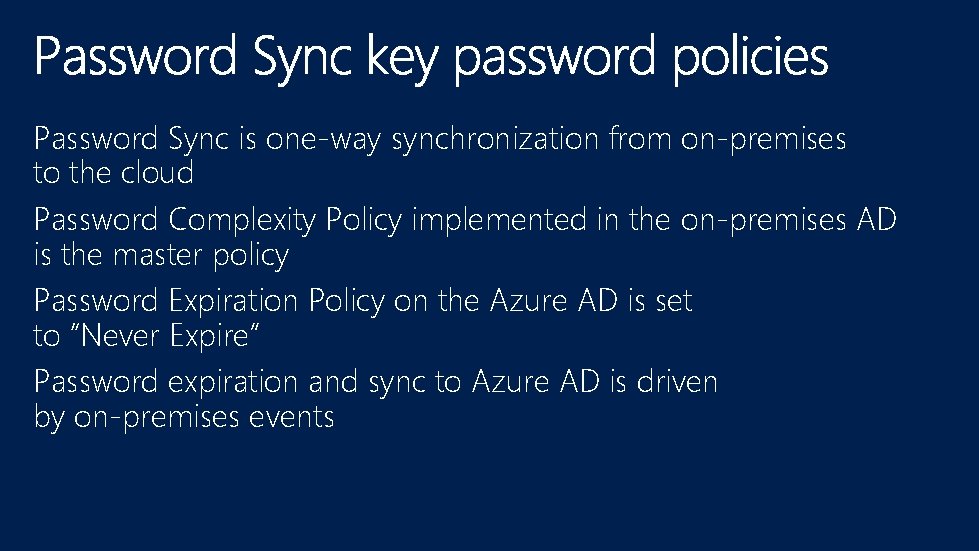
Password Sync is one-way synchronization from on-premises to the cloud Password Complexity Policy implemented in the on-premises AD is the master policy Password Expiration Policy on the Azure AD is set to “Never Expire” Password expiration and sync to Azure AD is driven by on-premises events
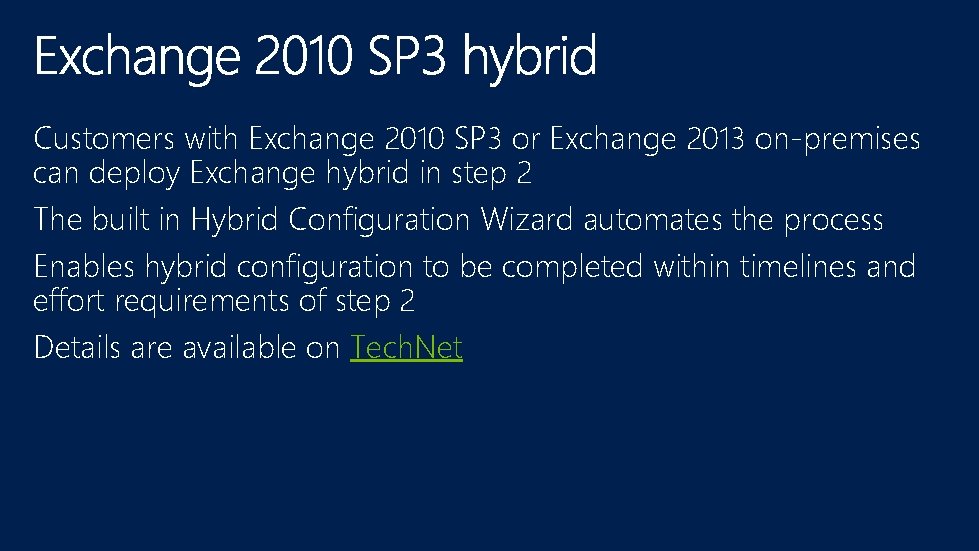
Customers with Exchange 2010 SP 3 or Exchange 2013 on-premises can deploy Exchange hybrid in step 2 The built in Hybrid Configuration Wizard automates the process Enables hybrid configuration to be completed within timelines and effort requirements of step 2 Details are available on Tech. Net
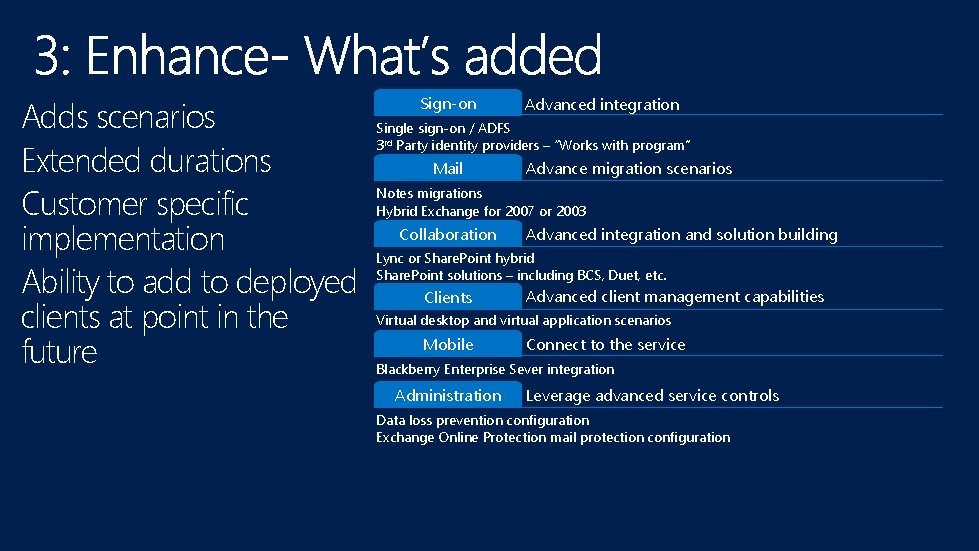
Adds scenarios Extended durations Customer specific implementation Ability to add to deployed clients at point in the future Sign-on Advanced integration Single sign-on / ADFS 3 rd Party identity providers – “Works with program” Mail Advance migration scenarios Notes migrations Hybrid Exchange for 2007 or 2003 Collaboration Advanced integration and solution building Lync or Share. Point hybrid Share. Point solutions – including BCS, Duet, etc. Clients Advanced client management capabilities Virtual desktop and virtual application scenarios Mobile Connect to the service Blackberry Enterprise Sever integration Administration Leverage advanced service controls Data loss prevention configuration Exchange Online Protection mail protection configuration
Synchronized identity Enhance
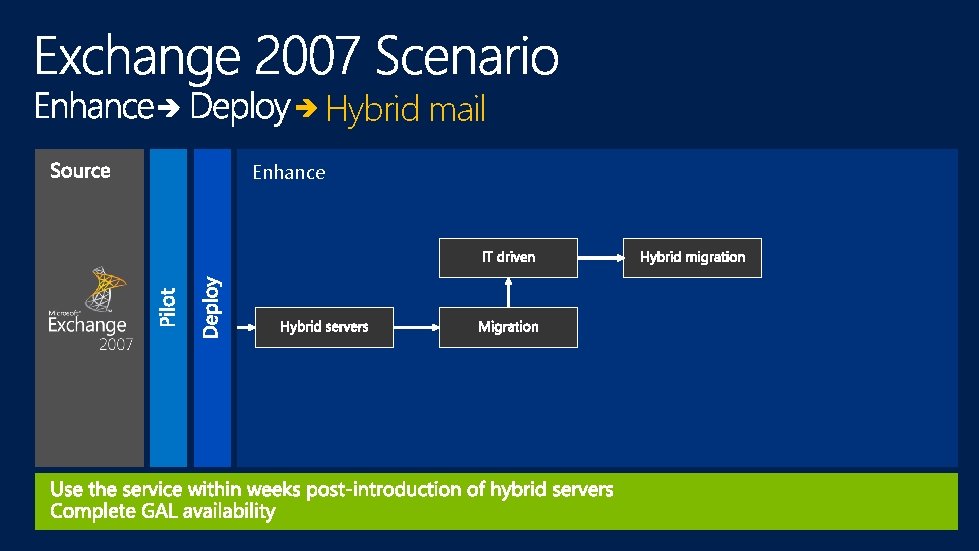
Hybrid mail Enhance
Decision points Hybrid use Authentication requirements Additional scenarios
Start Fast. Track
http: //Fast. Track. Office. com
Learning
Appendix
Enhance
Enhance