
Practical Knowledge Graph Example Protege Stardog and Peeps
- Slides: 27
Practical Knowledge Graph Example Protege, Stardog and Peeps
Today’s exercise 1. 2. 3. 4. 5. Look at a simple ontology for information about people and their relations in Protégé Look at some instance data in Protégé Run the DL and rule reasoner in Protégé Load the ontology and data into Stardog Browse and query the resulting knowledge graph in Stardog
Preliminaries l On your own computer (Windows, Mac, Linux) – – – Download and install Protégé Download, install and configure the community edition of Stardog 5 Clone the 691 peeps repository
Peeps files l The peeps repo has five files – – – README. md catalog-v 001. xml – protégé config file load_peeps. sh – bash script to load peeps into stardog mypeeps. ttl – data encoded using peeps ontology peeps. ttl – the peeps ontology prefixes. ttl – list of prefixes, used by stardog’s query component
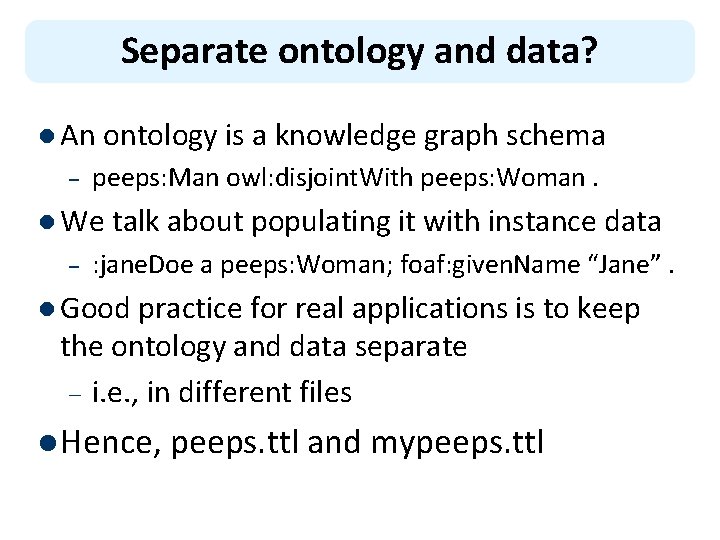
Separate ontology and data? l An ontology is a knowledge graph schema – peeps: Man owl: disjoint. With peeps: Woman. l We talk about populating it with instance data – : jane. Doe a peeps: Woman; foaf: given. Name “Jane”. l Good practice for real applications is to keep the ontology and data separate – i. e. , in different files l Hence, peeps. ttl and mypeeps. ttl
Why separate ontology and data? l It really depends on the usecase l Some facts are part of an ontology if they’re important, unchanging knowledge l Maybe the ontology is a one-off, and will never be used with any other data l Maybe you added data while developing the ontology for testing and debugging l But many ontologies are intended for reuse or to represent datasets that change frequently
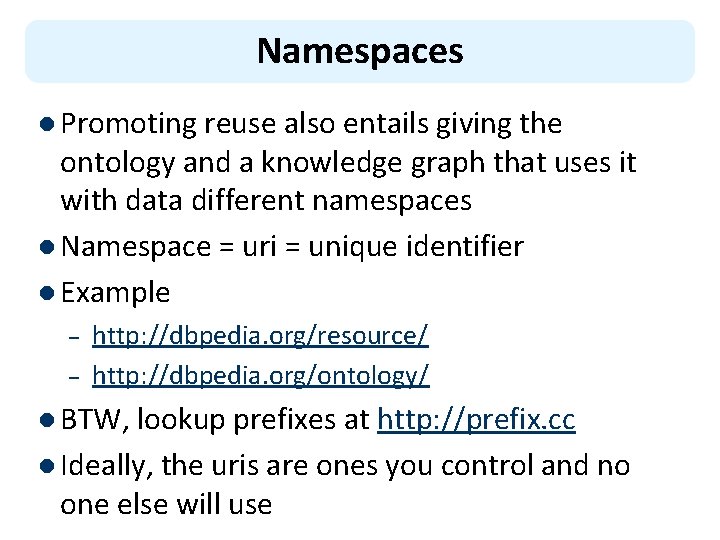
Namespaces l Promoting reuse also entails giving the ontology and a knowledge graph that uses it with data different namespaces l Namespace = uri = unique identifier l Example – – http: //dbpedia. org/resource/ http: //dbpedia. org/ontology/ l BTW, lookup prefixes at http: //prefix. cc l Ideally, the uris are ones you control and no one else will use
Namespace best practice l Ideally, the namespace should resolve to a file containing the ontology or data – Maybe not the data if it’s big or proprietary l Enables other ontologies to import and use yours just from its URI l If you don’t control a long-lived URI … – You might use a file on github – You might use purl to create a “permanent url” that redirects to the current location
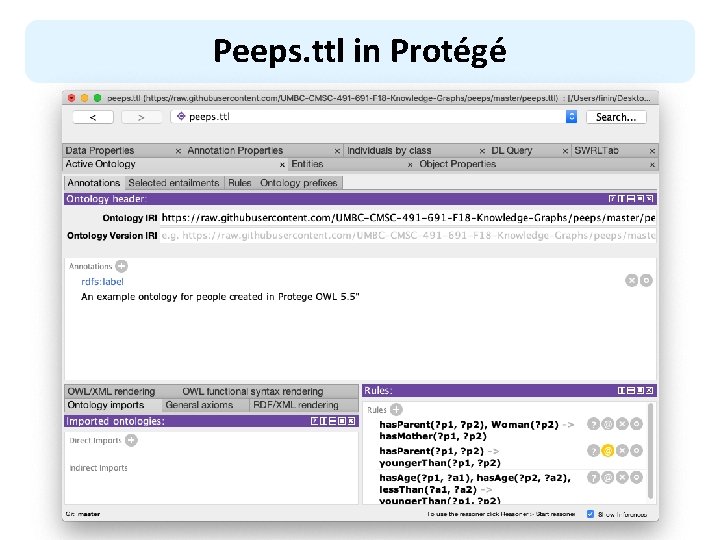
Peeps. ttl in Protégé
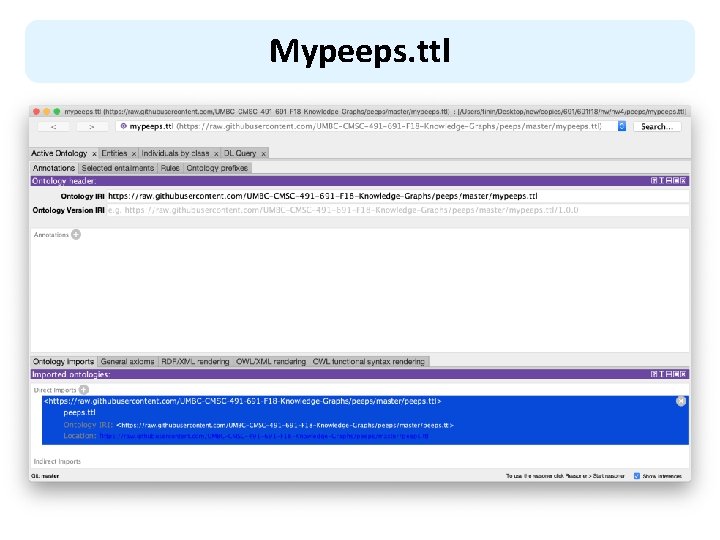
Mypeeps. ttl
When to import an ontology l In Protégé, we import an ontology if we want a reasoner to understand its vocabulary l It does not add the ontology to the file that will be saved l Plus: the knowledge may be important or essential in testing l Minus: big ontologies may add a lot of useless data l Here mypeeps. ttl imports peeps, but not foaf or schema
Stardog Graph Platform
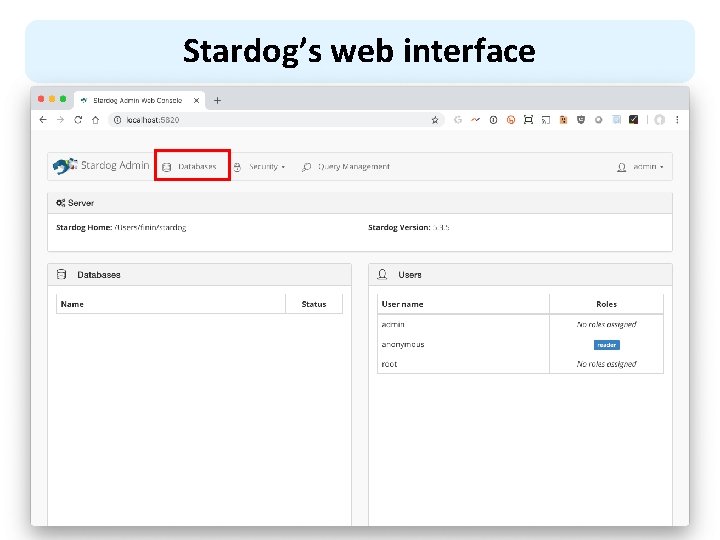
Stardog Graph Platform l Stardog is easy to install and use, but rich in features l It has a Web interface, good command-line tools and a Java API l We’ll look at how to – – – Load the peeps example files Browse the results Query the graph via the Web console
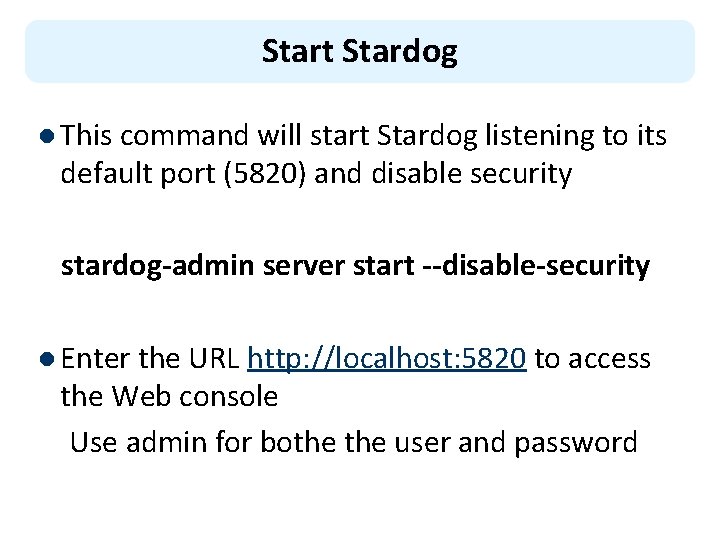
Start Stardog l This command will start Stardog listening to its default port (5820) and disable security stardog-admin server start --disable-security l Enter the URL http: //localhost: 5820 to access the Web console Use admin for bothe user and password
Stardog script l load_peeps. sh is a bash script for loading the peeps data and ontology l Use variations for other systems or shells l Once loaded go to http: //localhost: 5820/ to use Stardog’s web interface
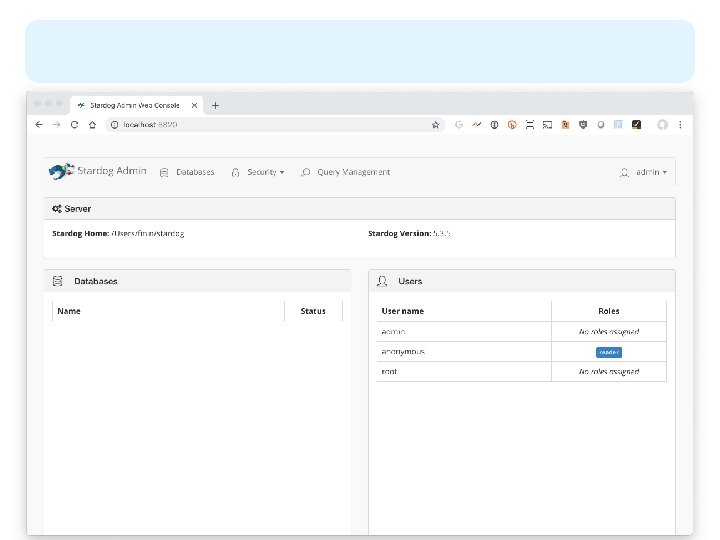
Stardog’s web interface
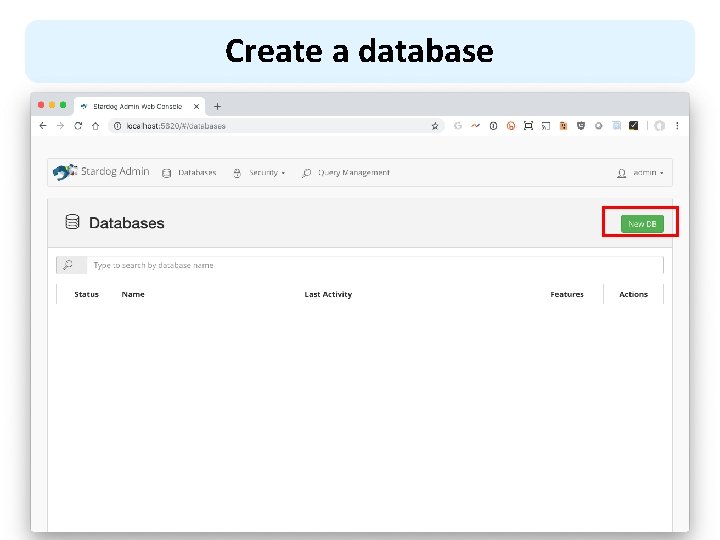
Create a database
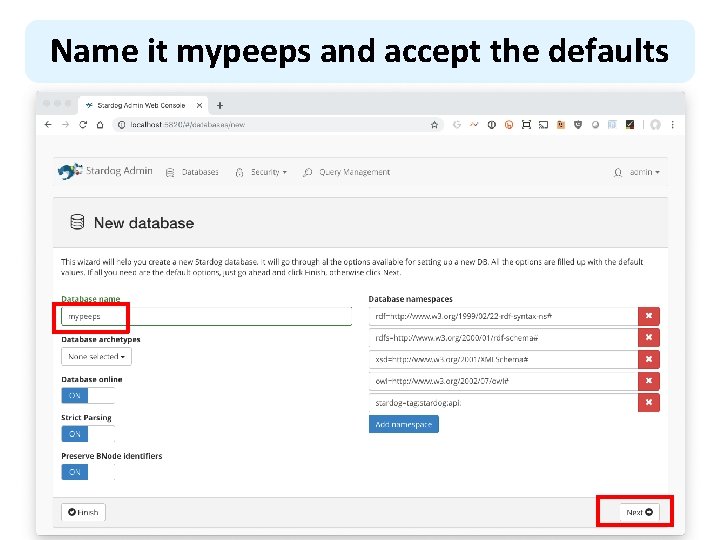
Name it mypeeps and accept the defaults
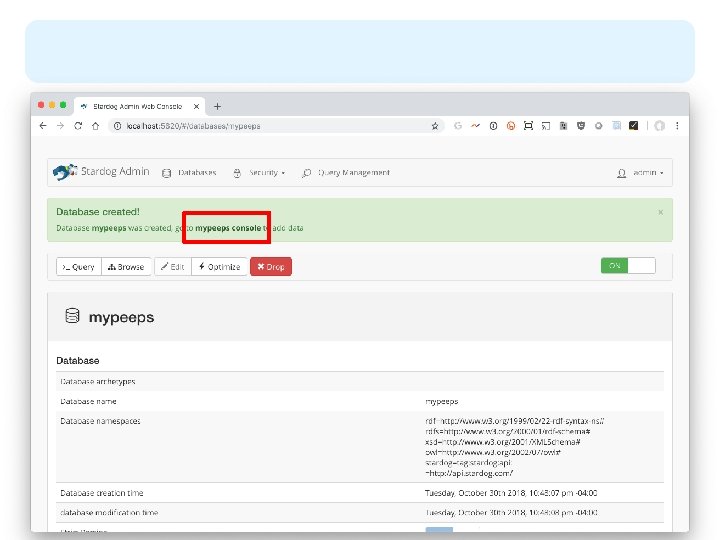
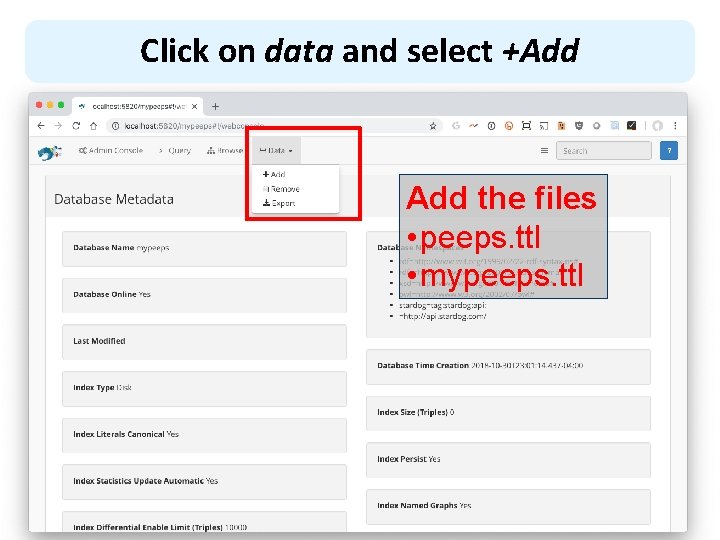
Click on data and select +Add the files • peeps. ttl • mypeeps. ttl
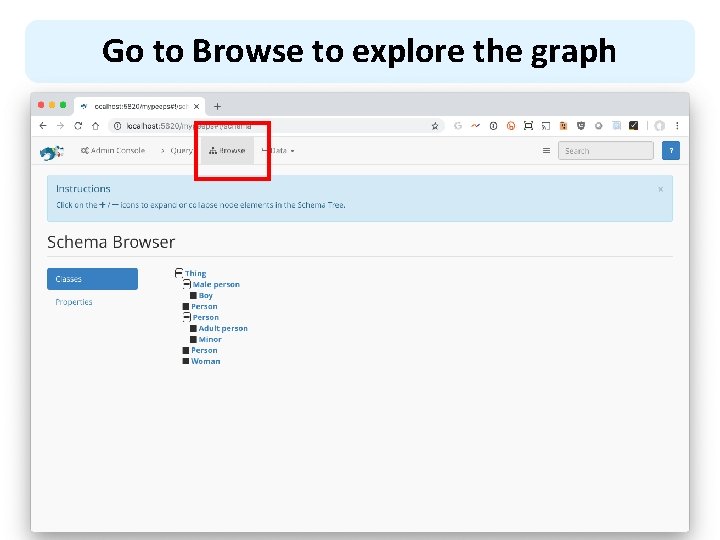
Go to Browse to explore the graph
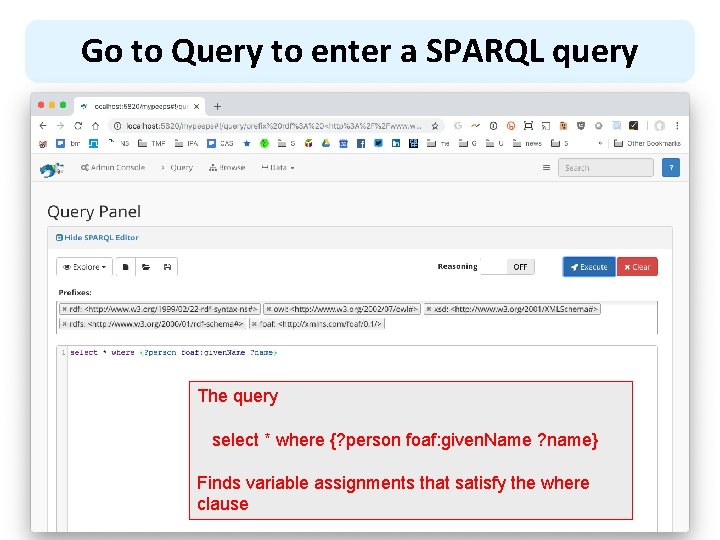
Go to Query to enter a SPARQL query The query select * where {? person foaf: given. Name ? name} Finds variable assignments that satisfy the where clause
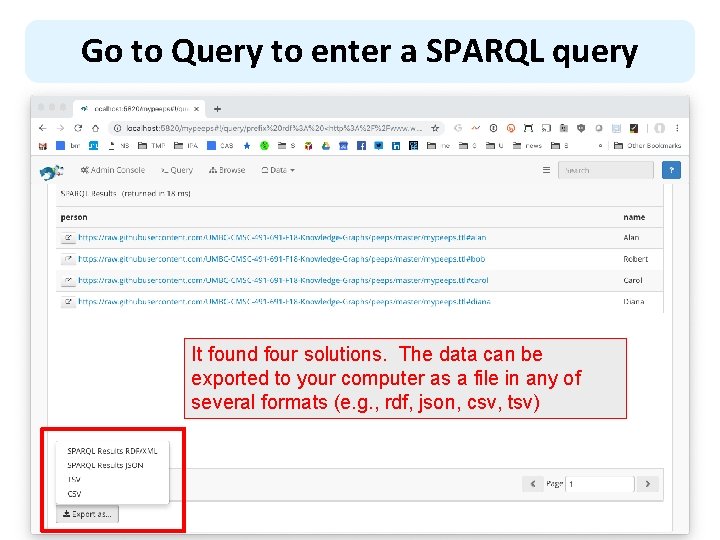
Go to Query to enter a SPARQL query It found four solutions. The data can be exported to your computer as a file in any of several formats (e. g. , rdf, json, csv, tsv)
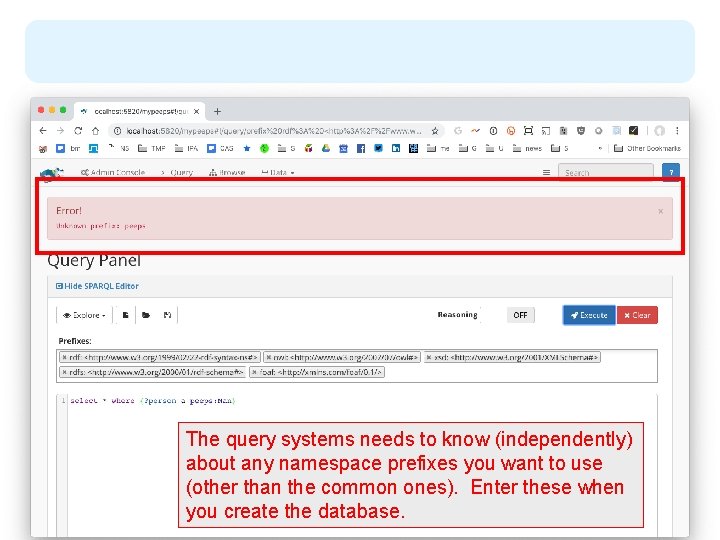
The query systems needs to know (independently) about any namespace prefixes you want to use (other than the common ones). Enter these when you create the database.
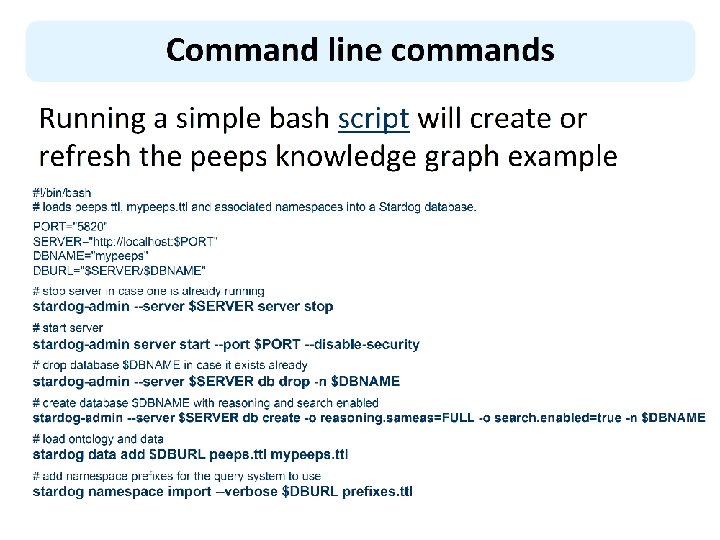
Command line commands Running a simple bash script will create or refresh the peeps knowledge graph example #!/bin/bash # loads peeps. ttl, mypeeps. ttl and associated namespaces into a Stardog database. PORT="5820" SERVER="http: //localhost: $PORT" DBNAME="mypeeps" DBURL="$SERVER/$DBNAME" # stop server in case one is already running stardog-admin --server $SERVER server stop # start server stardog-admin server start --port $PORT --disable-security # drop database $DBNAME in case it exists already stardog-admin --server $SERVER db drop -n $DBNAME # create database $DBNAME with reasoning and search enabled stardog-admin --server $SERVER db create -o reasoning. sameas=FULL -o search. enabled=true -n $DBNAME # load ontology and data stardog data add $DBURL peeps. ttl mypeeps. ttl # add namespace prefixes for the query system to use stardog namespace import --verbose $DBURL prefixes. ttl
Query from Python l Stardog serves as a endpoint for SPARQL queries l Use this URL to send queries to the mypeeps database http: //localhost: 5820/mypeeps/query/ l There are packages that help do this in many languages, including Python l See query. py in the peeps repository