
Practical Introduction to Model Fitting 6 examples of
- Slides: 12
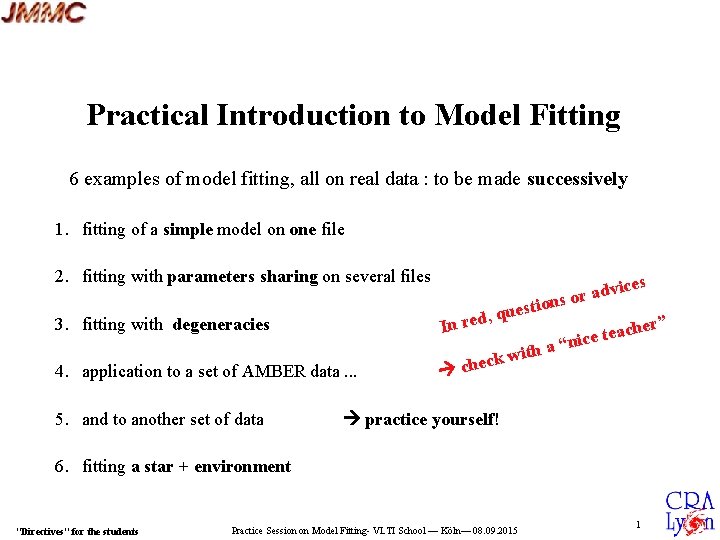
Practical Introduction to Model Fitting 6 examples of model fitting, all on real data : to be made successively 1. fitting of a simple model on one file 2. fitting with parameters sharing on several files ices adv r o s ion est 3. fitting with degeneracies , qu d e r n I 4. application to a set of AMBER data. . . ck w e h c 5. and to another set of data ith her” eac t e c i a “n practice yourself! 6. fitting a star + environment "Directives" for the students Practice Session on Model Fitting- VLTI School — Köln— 08. 09. 2015 1
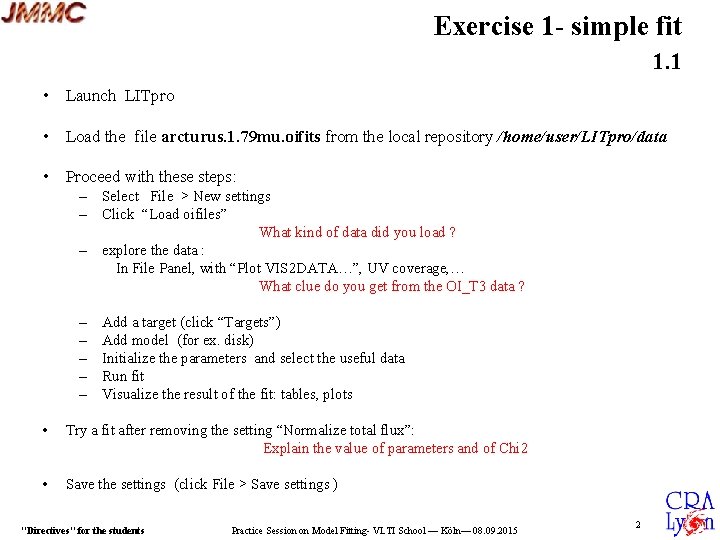
Exercise 1 - simple fit 1. 1 • Launch LITpro • Load the file arcturus. 1. 79 mu. oifits from the local repository /home/user/LITpro/data • Proceed with these steps: – Select File > New settings – Click “Load oifiles” What kind of data did you load ? – explore the data : In File Panel, with “Plot VIS 2 DATA…”, UV coverage, … What clue do you get from the OI_T 3 data ? – – – Add a target (click “Targets”) Add model (for ex. disk) Initialize the parameters and select the useful data Run fit Visualize the result of the fit: tables, plots • Try a fit after removing the setting “Normalize total flux”: Explain the value of parameters and of Chi 2 • Save the settings (click File > Save settings ) "Directives" for the students Practice Session on Model Fitting- VLTI School — Köln— 08. 09. 2015 2
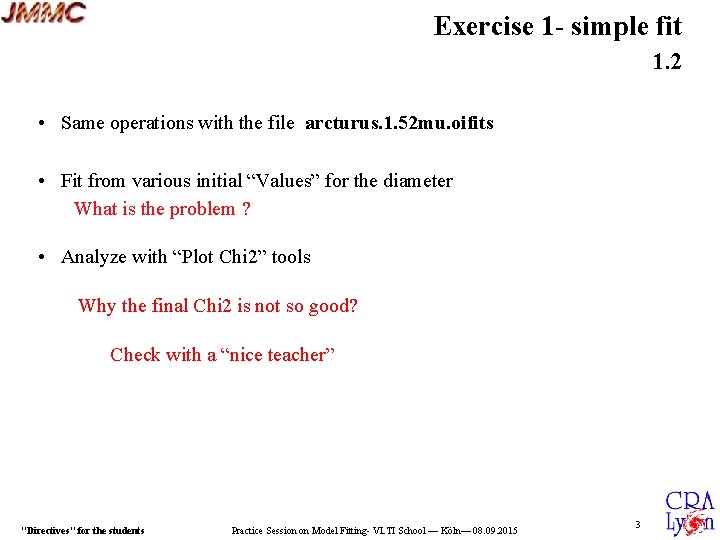
Exercise 1 - simple fit 1. 2 • Same operations with the file arcturus. 1. 52 mu. oifits • Fit from various initial “Values” for the diameter What is the problem ? • Analyze with “Plot Chi 2” tools Why the final Chi 2 is not so good? Check with a “nice teacher” "Directives" for the students Practice Session on Model Fitting- VLTI School — Köln— 08. 09. 2015 3
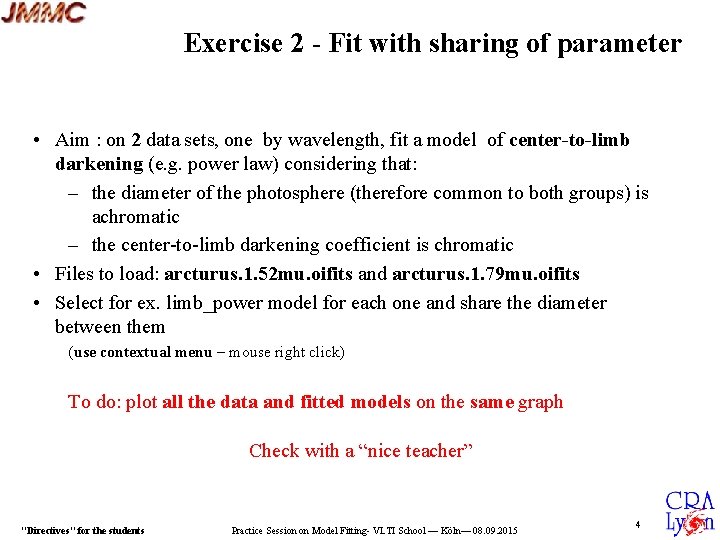
Exercise 2 - Fit with sharing of parameter • Aim : on 2 data sets, one by wavelength, fit a model of center-to-limb darkening (e. g. power law) considering that: – the diameter of the photosphere (therefore common to both groups) is achromatic – the center-to-limb darkening coefficient is chromatic • Files to load: arcturus. 1. 52 mu. oifits and arcturus. 1. 79 mu. oifits • Select for ex. limb_power model for each one and share the diameter between them (use contextual menu – mouse right click) To do: plot all the data and fitted models on the same graph Check with a “nice teacher” "Directives" for the students Practice Session on Model Fitting- VLTI School — Köln— 08. 09. 2015 4
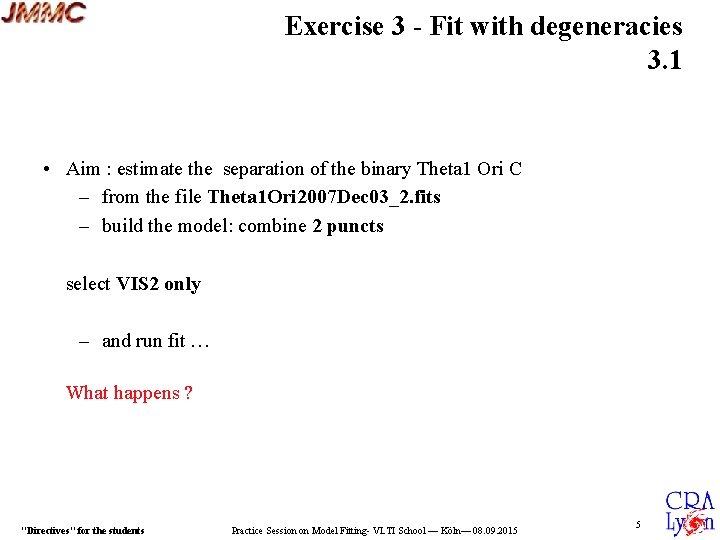
Exercise 3 - Fit with degeneracies 3. 1 • Aim : estimate the separation of the binary Theta 1 Ori C – from the file Theta 1 Ori 2007 Dec 03_2. fits – build the model: combine 2 puncts select VIS 2 only – and run fit … What happens ? "Directives" for the students Practice Session on Model Fitting- VLTI School — Köln— 08. 09. 2015 5
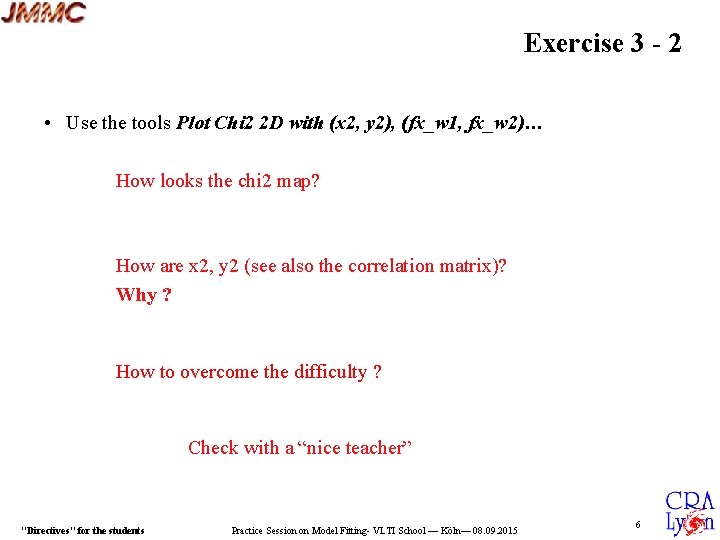
Exercise 3 - 2 • Use the tools Plot Chi 2 2 D with (x 2, y 2), (fx_w 1, fx_w 2)… How looks the chi 2 map? How are x 2, y 2 (see also the correlation matrix)? Why ? How to overcome the difficulty ? Check with a “nice teacher” "Directives" for the students Practice Session on Model Fitting- VLTI School — Köln— 08. 09. 2015 6
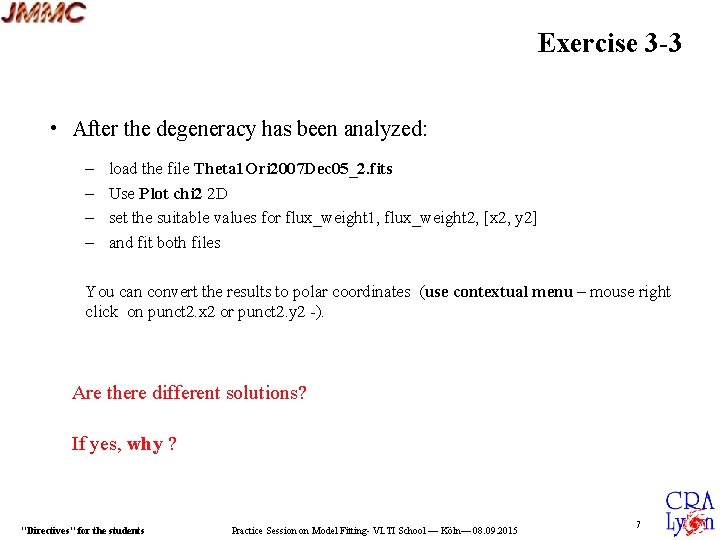
Exercise 3 -3 • After the degeneracy has been analyzed: – – load the file Theta 1 Ori 2007 Dec 05_2. fits Use Plot chi 2 2 D set the suitable values for flux_weight 1, flux_weight 2, [x 2, y 2] and fit both files You can convert the results to polar coordinates (use contextual menu – mouse right click on punct 2. x 2 or punct 2. y 2 -). Are there different solutions? If yes, why ? "Directives" for the students Practice Session on Model Fitting- VLTI School — Köln— 08. 09. 2015 7
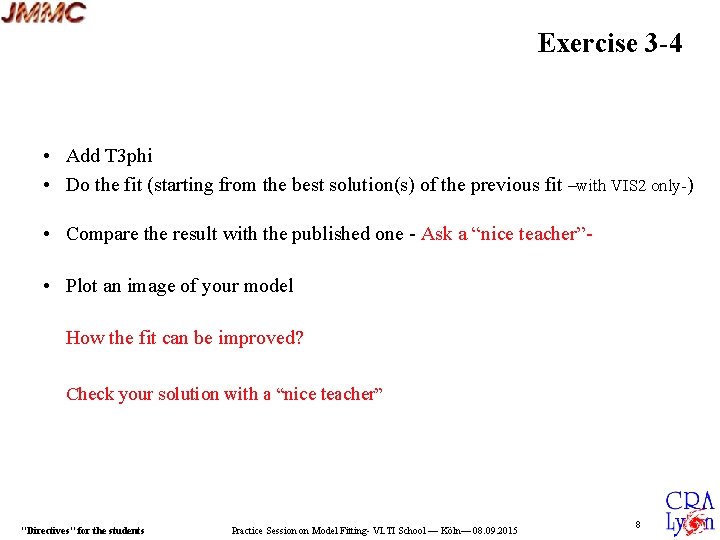
Exercise 3 -4 • Add T 3 phi • Do the fit (starting from the best solution(s) of the previous fit –with VIS 2 only-) • Compare the result with the published one - Ask a “nice teacher” • Plot an image of your model How the fit can be improved? Check your solution with a “nice teacher” "Directives" for the students Practice Session on Model Fitting- VLTI School — Köln— 08. 09. 2015 8
Exercise 4: exercise yourself! • Load from the local repository the files: PRODUCT_HD 87643_1. 94 -2. 31 micron_2008 -03 -01 T 02_01_57. 1002. fits PRODUCT_HD 87643_1. 94 -2. 41 micron_2008 -03 -05 T 03_05_13. 1075. fits PRODUCT_HD 87643_1. 94 -2. 54 micron_2008 -03 -12 T 00_24_20. 3943. fits PRODUCT_HD 87643_1. 96 -2. 55 micron_2008 -03 -11 T 00_17_20. 5606. fits • Observe the data… VIS 2 and T 3 phi, remembering exercise 3 • Build a first model and conduct the fit yourself "Directives" for the students Practice Session on Model Fitting- VLTI School — Köln— 08. 09. 2015 9
Exercise 5: another binary • Load the data file 2004 -BSC 1948 I. fits from the local repository • Conduct the fit like for Exercise 3 Check your solution with a “nice teacher” "Directives" for the students Practice Session on Model Fitting- VLTI School — Köln— 08. 09. 2015 10
Exercise 6: star with circumstellar environment • Load from the local repository the data files: PRODUCT_V 854 Cen_1. 46 -1. 86 micron_2013 -04 -15 T 02_24_59. 5317. fits PRODUCT_V 854 Cen_1. 46 -1. 86 micron_2013 -04 -15 T 04_13_58. 3409. fits PRODUCT_V 854 Cen_1. 46 -1. 86 micron_2013 -04 -15 T 05_26_38. 454. fits PRODUCT_V 854 Cen_1. 46 -1. 86 micron_2013 -04 -15 T 06_50_18. 1267. fits PRODUCT_V 854 Cen_1. 46 -1. 86 micron_2013 -04 -15 T 07_13_12. 1061. fits PRODUCT_V 854 Cen_1. 46 -1. 86 micron_2013 -04 -16 T 03_42_06. 1739. fits PRODUCT_V 854 Cen_1. 46 -1. 86 micron_2013 -04 -16 T 04_56_19. 7271. fits PRODUCT_V 854 Cen_1. 46 -1. 86 micron_2013 -04 -16 T 06_12_39. 1413. fits PRODUCT_V 854 Cen_1. 46 -1. 86 micron_2013 -04 -16 T 07_26_33. 8922. fits PRODUCT_V 854 Cen_1. 90 -2. 45 micron_2013 -04 -15 T 02_24_59. 5317. fits PRODUCT_V 854 Cen_1. 90 -2. 45 micron_2013 -04 -15 T 04_13_58. 3409. fits PRODUCT_V 854 Cen_1. 90 -2. 45 micron_2013 -04 -15 T 05_26_38. 4540. fits PRODUCT_V 854 Cen_1. 90 -2. 45 micron_2013 -04 -15 T 06_50_18. 1267. fits PRODUCT_V 854 Cen_1. 90 -2. 45 micron_2013 -04 -15 T 07_13_12. 1061. fits PRODUCT_V 854 Cen_1. 90 -2. 52 micron_2013 -04 -16 T 03_42_06. 1739. fits PRODUCT_V 854 Cen_1. 90 -2. 52 micron_2013 -04 -16 T 04_56_19. 7271. fits PRODUCT_V 854 Cen_1. 90 -2. 52 micron_2013 -04 -16 T 06_12_39. 1413. fits PRODUCT_V 854 Cen_1. 90 -2. 52 micron_2013 -04 -16 T 07_26_33. 8922. fits "Directives" for the students Practice Session on Model Fitting- VLTI School — Köln— 08. 09. 2015 H-Band K-Band 11
Exercise 6 -2 • Build a first model with an unresolved star and a simple environment Check the results of your fits with a nice teacher You may ask a “nice teacher” for a clue "Directives" for the students Practice Session on Model Fitting- VLTI School — Köln— 08. 09. 2015 12