
Practical First Steps Toward Web Accessibility and Reducing
Practical First Steps Toward Web Accessibility and Reducing Legal Risk https: //convergeaccessibility. com 1
Presenter Jeff Singleton Co-Founder of Converge Accessibility • Over two decades of evaluating and supporting information and communication technology • In depth knowledge of accessibility guidelines, standards and assistive technologies • Lectures on accessibility topics at National and International Disability and Technology Conferences 2

Simple Four-Part Model Accessibility Statement Manual Testing of Use Cases and Templates Automated Testing Creating a Culture of Accessibility 3
Accessibility Statement 4
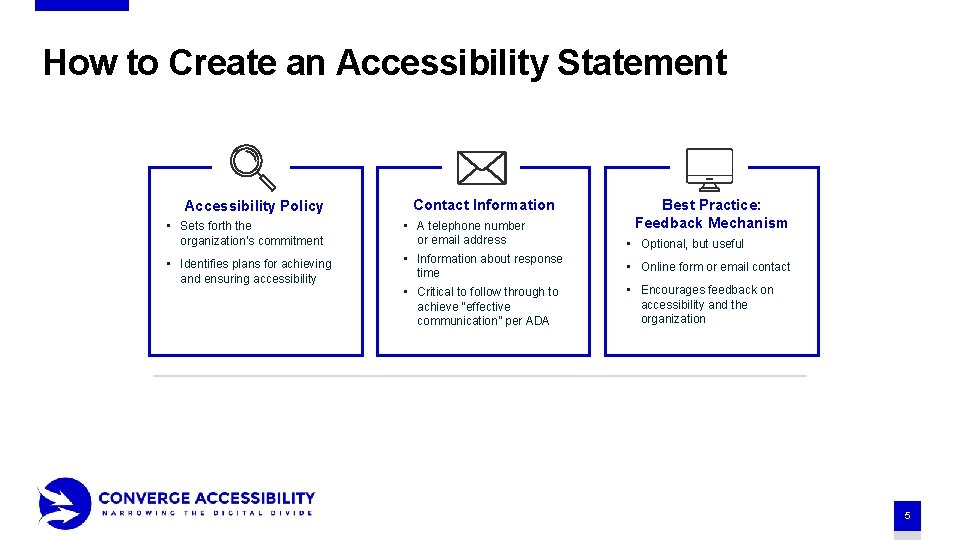
How to Create an Accessibility Statement Accessibility Policy Contact Information Best Practice: Feedback Mechanism • Sets forth the organization’s commitment • A telephone number or email address • Optional, but useful • Identifies plans for achieving and ensuring accessibility • Information about response time • Online form or email contact • Critical to follow through to achieve “effective communication” per ADA • Encourages feedback on accessibility and the organization 5
Manual Testing of Key Use Cases and Templates 6
Getting Started Creating your plan of attack • Ask yourself, “why do people go to our website? ” • Identify most visited page • Identify page templates • Identify critical user scenarios • Even complex sites often reduce to less than 25 pages that require manual testing. 7
Manual Testing Requires multiple passes • Keyboard • Screen Reader • Screen Magnifier • Voice Command 8
Automated Testing 9
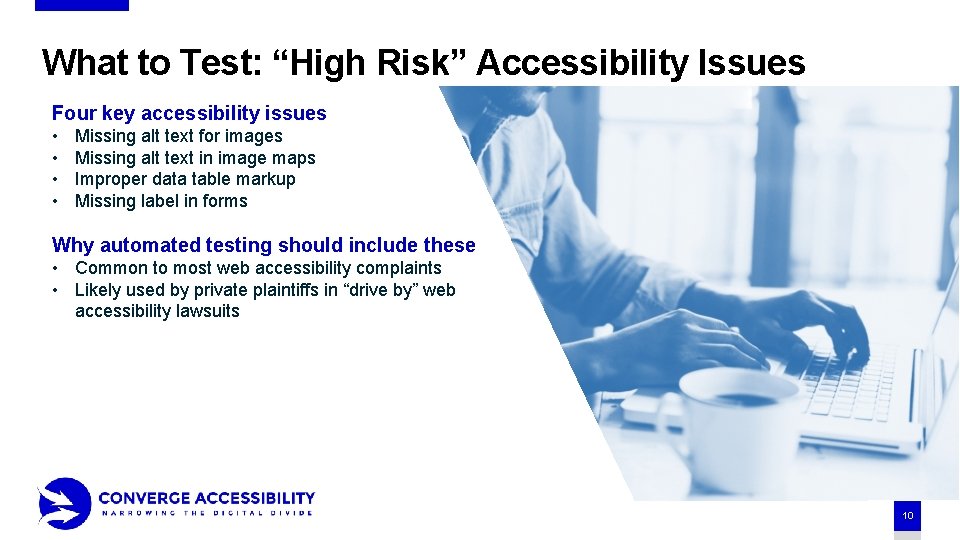
What to Test: “High Risk” Accessibility Issues Four key accessibility issues • • Missing alt text for images Missing alt text in image maps Improper data table markup Missing label in forms Why automated testing should include these • Common to most web accessibility complaints • Likely used by private plaintiffs in “drive by” web accessibility lawsuits 10
Creating a Culture of Accessibility 11
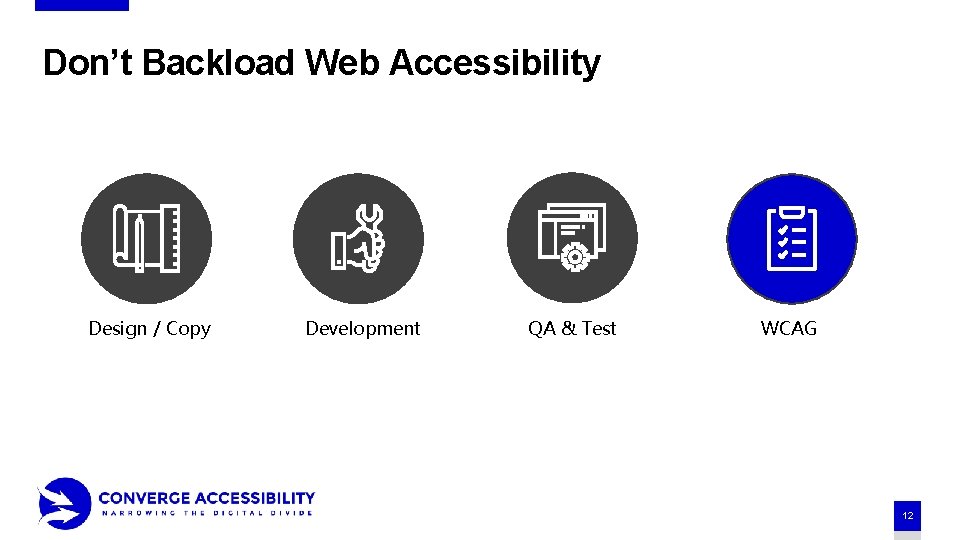
Don’t Backload Web Accessibility Design / Copy Development QA & Test WCAG 12
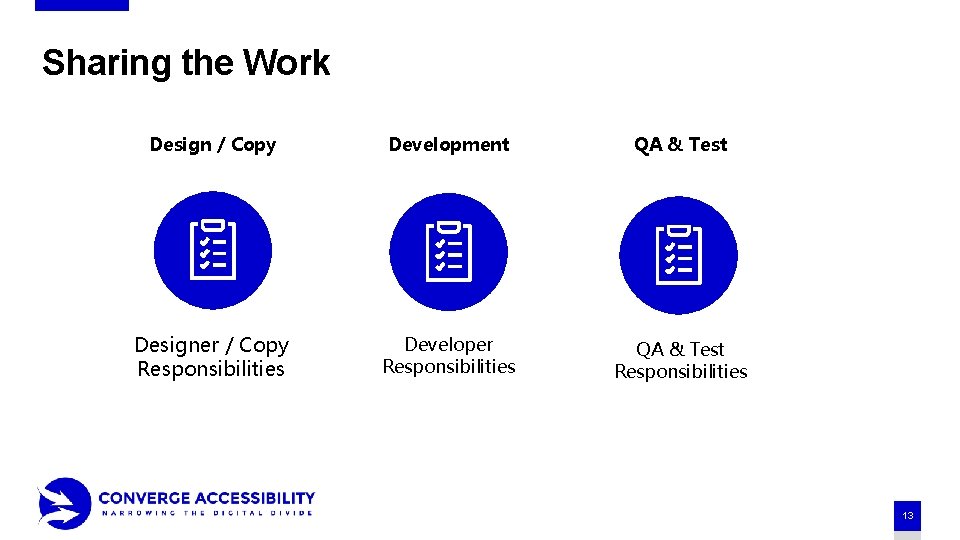
Sharing the Work Design / Copy Development QA & Test Designer / Copy Responsibilities Developer Responsibilities QA & Test Responsibilities 13
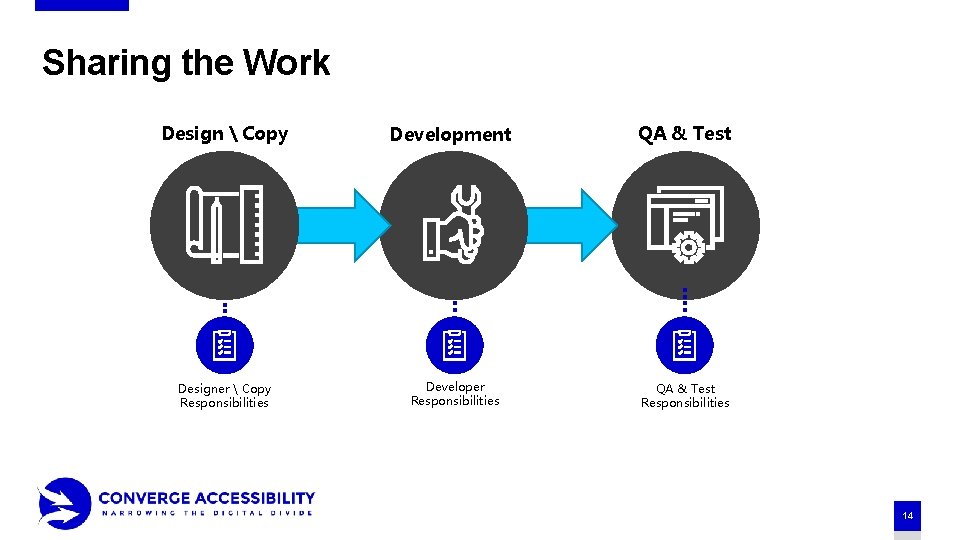
Sharing the Work Design Copy Designer Copy Responsibilities Development Developer Responsibilities QA & Test Responsibilities 14
In-depth info on Creating a Culture of Accessibility https: //convergeaccessibility. com/webalign-webinar-sign-up/ 15
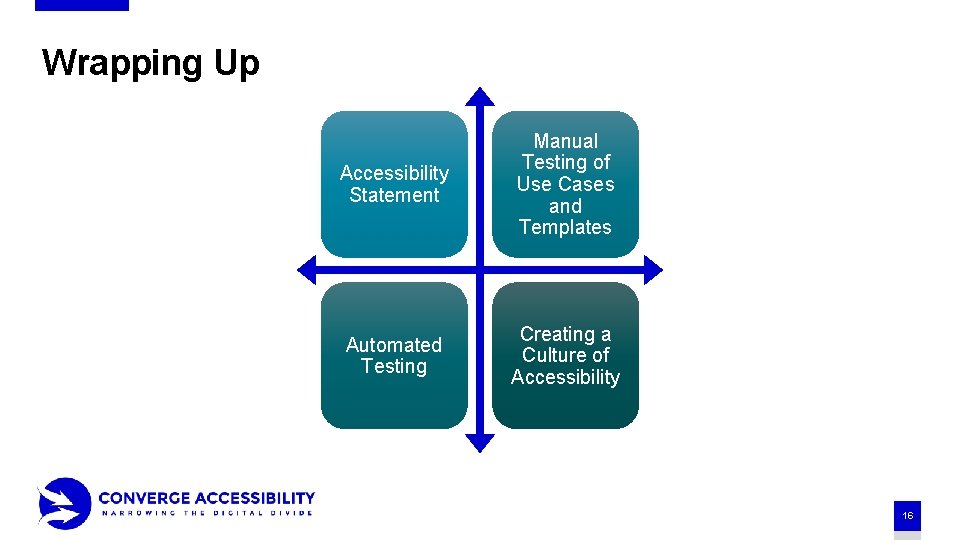
Wrapping Up Accessibility Statement Manual Testing of Use Cases and Templates Automated Testing Creating a Culture of Accessibility 16
Thank you! Contact Us: info@convergeaccessibility. com Visit: https: //convergeaccessibility. com 17
- Slides: 17