
Power Up Your Data Analysis with Power BI
Power Up Your Data Analysis with Power BI Terry Ginley Neal Donahue David Chickering @PBIUG www. pbiug. com info@pbiug. com
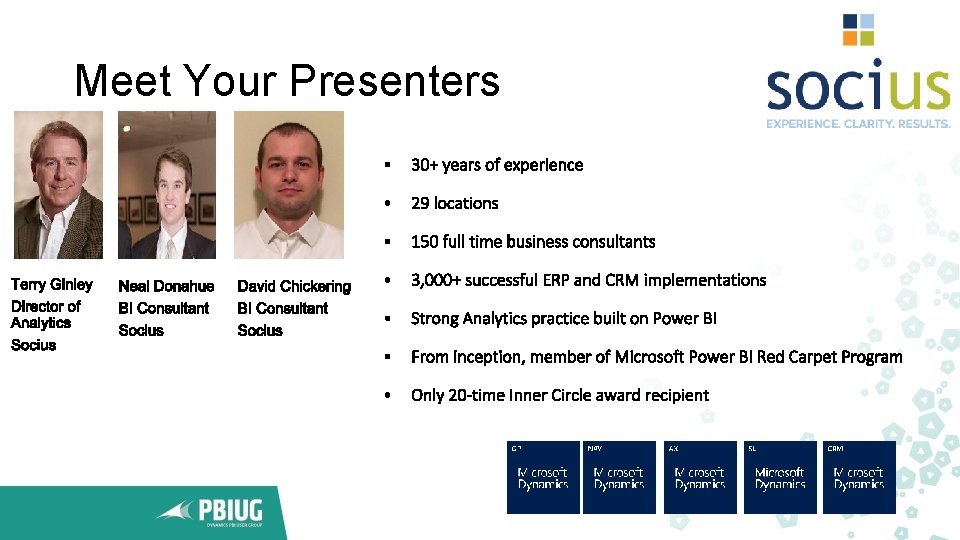
Meet Your Presenters

Power Up Your Data Analysis with Power BI • • Why Business Intelligence? Overview of Power BI Desktop and Powerbi. com Power BI Training What is new in Power BI Mobile Solutions Q&A
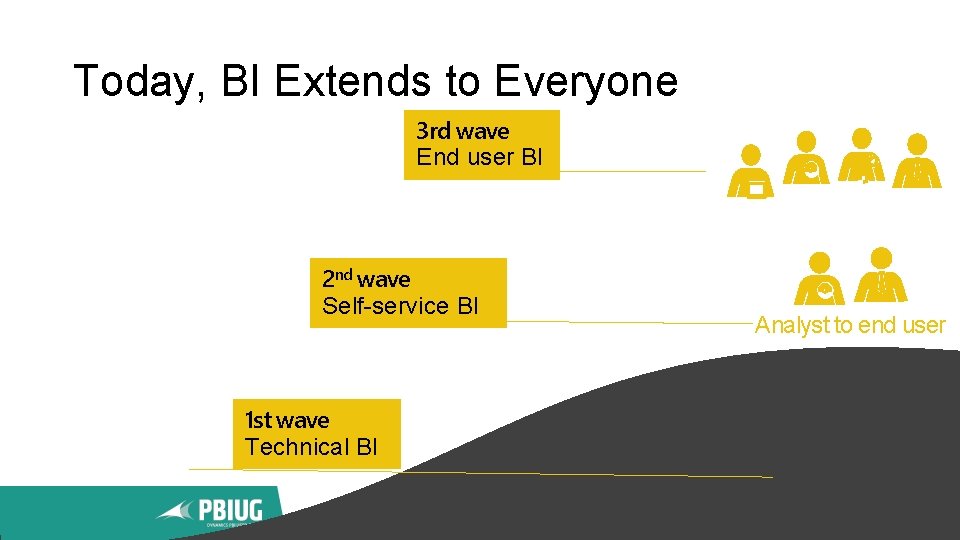
Today, BI Extends to Everyone 3 rd wave End user BI 2 nd wave Self-service BI 1 st wave Technical BI Analyst to end user
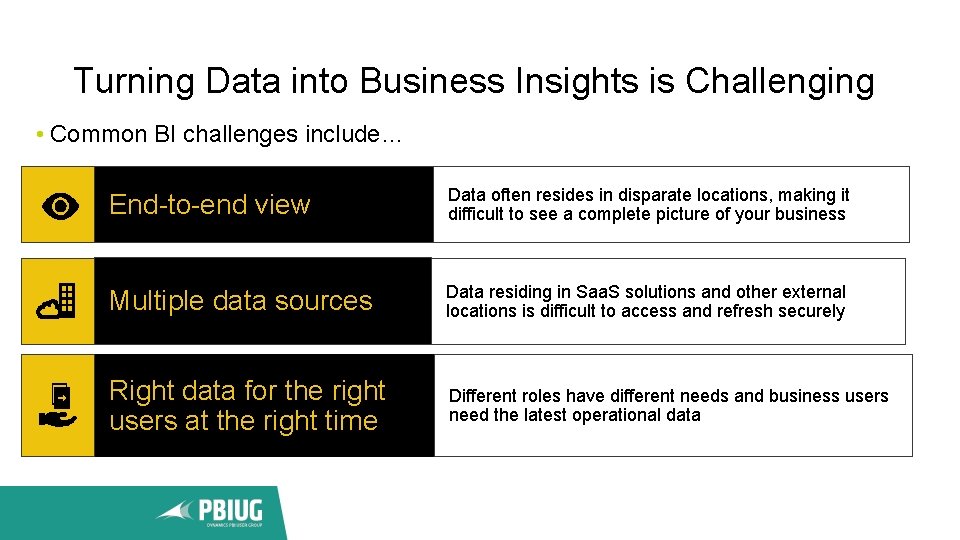
Turning Data into Business Insights is Challenging • Common BI challenges include… End-to-end view Data often resides in disparate locations, making it difficult to see a complete picture of your business Multiple data sources Data residing in Saa. S solutions and other external locations is difficult to access and refresh securely Right data for the right users at the right time Different roles have different needs and business users need the latest operational data
Why Business Intelligence? • BI is much more than reporting • BI is not about the best or latest technology. Its about Ease of Use and Adoption • Changing the mindset in an organization to become a “Learning Organization” • Move from what happened (static reporting) to can I effect for the better “what will happen”? • Rich and rapid self-service • Right time / Right place
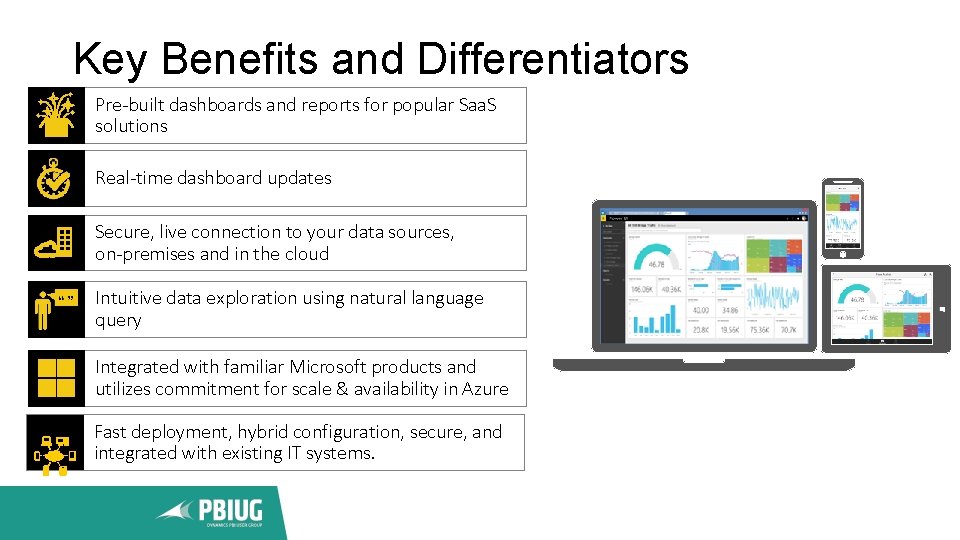
Key Benefits and Differentiators Pre-built dashboards and reports for popular Saa. S solutions Real-time dashboard updates Secure, live connection to your data sources, on-premises and in the cloud Intuitive data exploration using natural language query Integrated with familiar Microsoft products and utilizes commitment for scale & availability in Azure Fast deployment, hybrid configuration, secure, and integrated with existing IT systems.
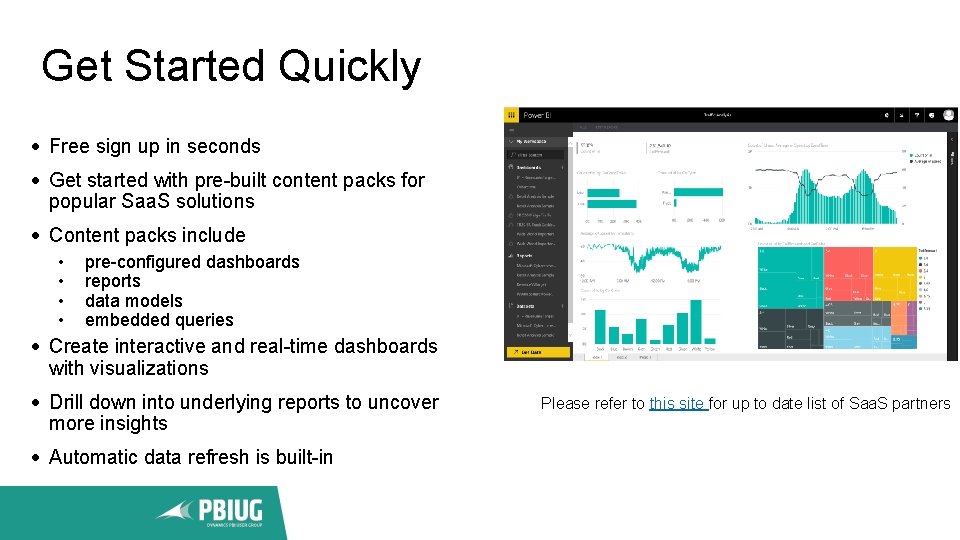
Get Started Quickly Free sign up in seconds Get started with pre-built content packs for popular Saa. S solutions Content packs include • • pre-configured dashboards reports data models embedded queries Create interactive and real-time dashboards with visualizations Drill down into underlying reports to uncover more insights Automatic data refresh is built-in Please refer to this site for up to date list of Saa. S partners
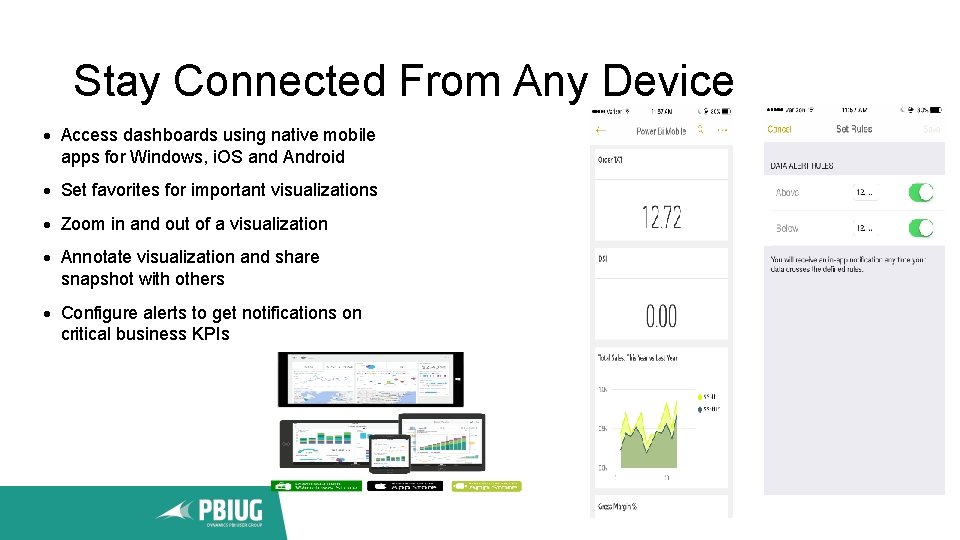
Stay Connected From Any Device Access dashboards using native mobile apps for Windows, i. OS and Android Set favorites for important visualizations Zoom in and out of a visualization Annotate visualization and share snapshot with others Configure alerts to get notifications on critical business KPIs
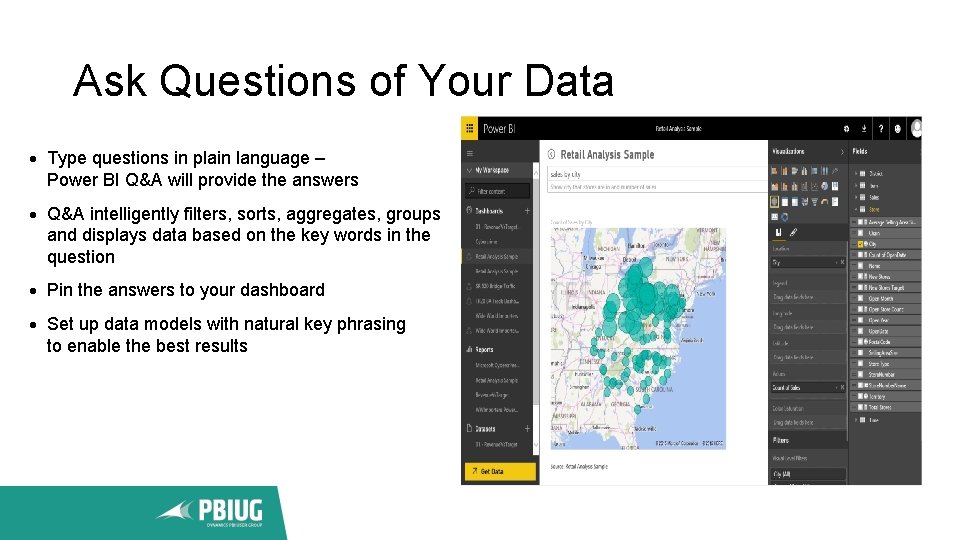
Ask Questions of Your Data Type questions in plain language – Power BI Q&A will provide the answers Q&A intelligently filters, sorts, aggregates, groups and displays data based on the key words in the question Pin the answers to your dashboard Set up data models with natural key phrasing to enable the best results
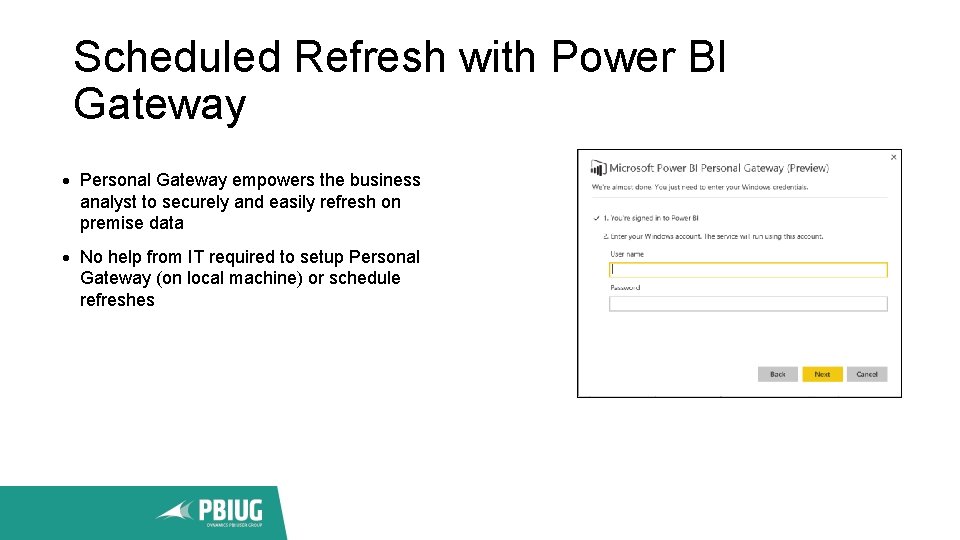
Scheduled Refresh with Power BI Gateway Personal Gateway empowers the business analyst to securely and easily refresh on premise data No help from IT required to setup Personal Gateway (on local machine) or schedule refreshes
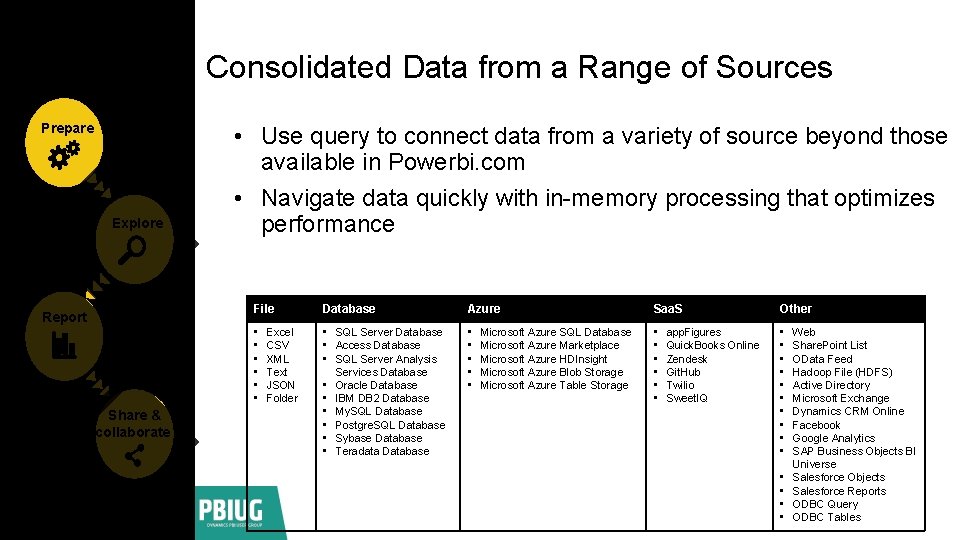
Consolidated Data from a Range of Sources Prepare Explore Report Share & collaborate • Use query to connect data from a variety of source beyond those available in Powerbi. com • Navigate data quickly with in-memory processing that optimizes performance File Database Azure Saa. S Other • • SQL Server Database • Access Database • SQL Server Analysis Services Database • Oracle Database • IBM DB 2 Database • My. SQL Database • Postgre. SQL Database • Sybase Database • Teradata Database • • • • • • Excel CSV XML Text JSON Folder Microsoft Azure SQL Database Microsoft Azure Marketplace Microsoft Azure HDInsight Microsoft Azure Blob Storage Microsoft Azure Table Storage app. Figures Quick. Books Online Zendesk Git. Hub Twilio Sweet. IQ • • Web Share. Point List OData Feed Hadoop File (HDFS) Active Directory Microsoft Exchange Dynamics CRM Online Facebook Google Analytics SAP Business Objects BI Universe Salesforce Objects Salesforce Reports ODBC Query ODBC Tables
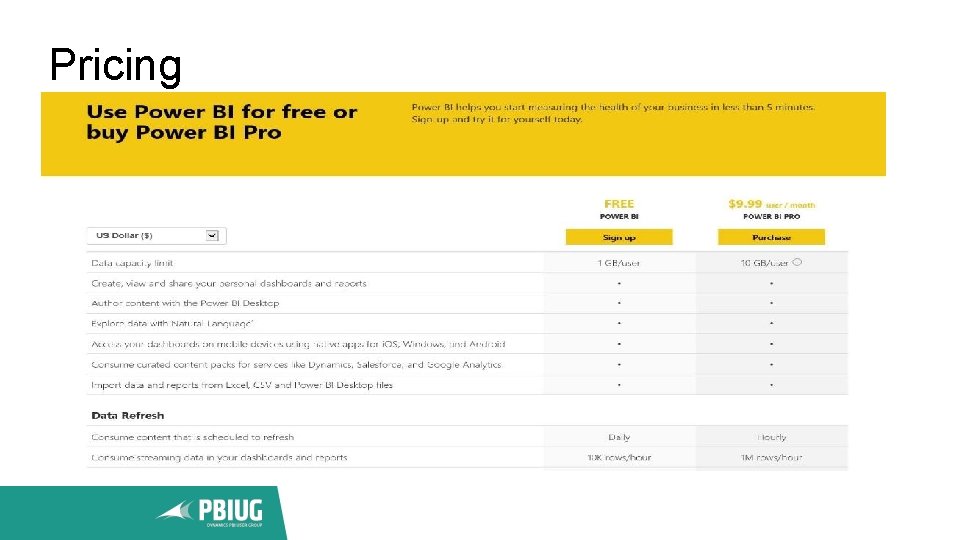
Pricing
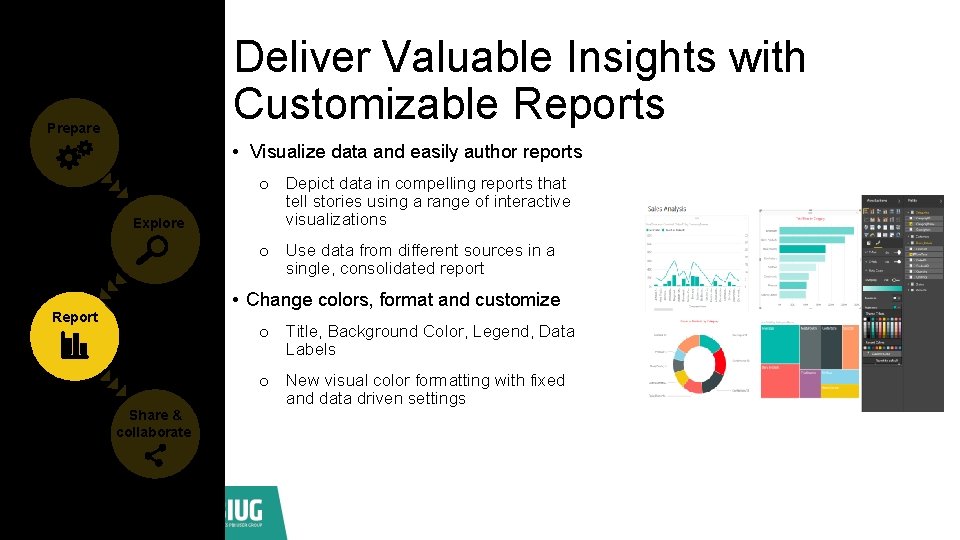
Deliver Valuable Insights with Customizable Reports Prepare • Visualize data and easily author reports Explore o Depict data in compelling reports that tell stories using a range of interactive visualizations o Use data from different sources in a single, consolidated report • Change colors, format and customize Report o Title, Background Color, Legend, Data Labels Share & collaborate o New visual color formatting with fixed and data driven settings

Demo Neal Donahue

What is new in PBI David Chickering
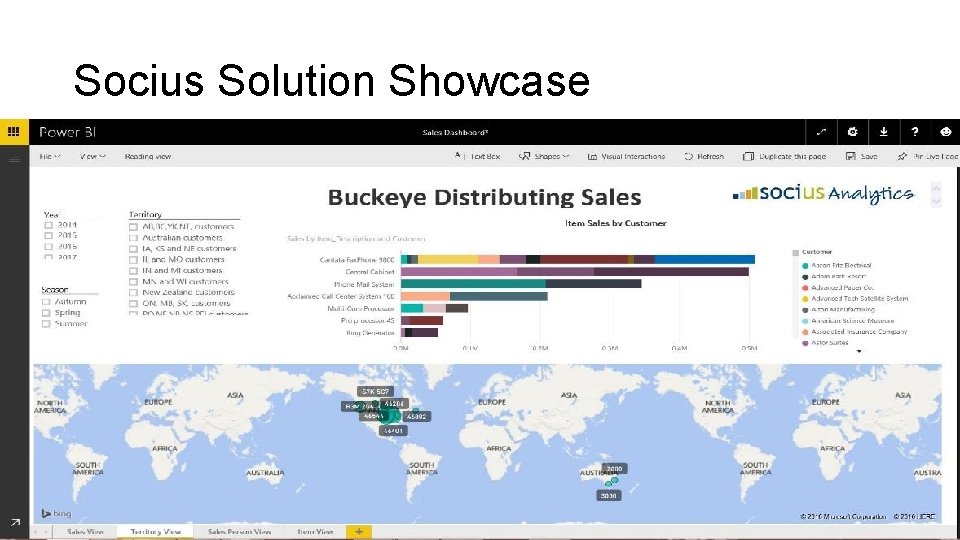
Socius Solution Showcase
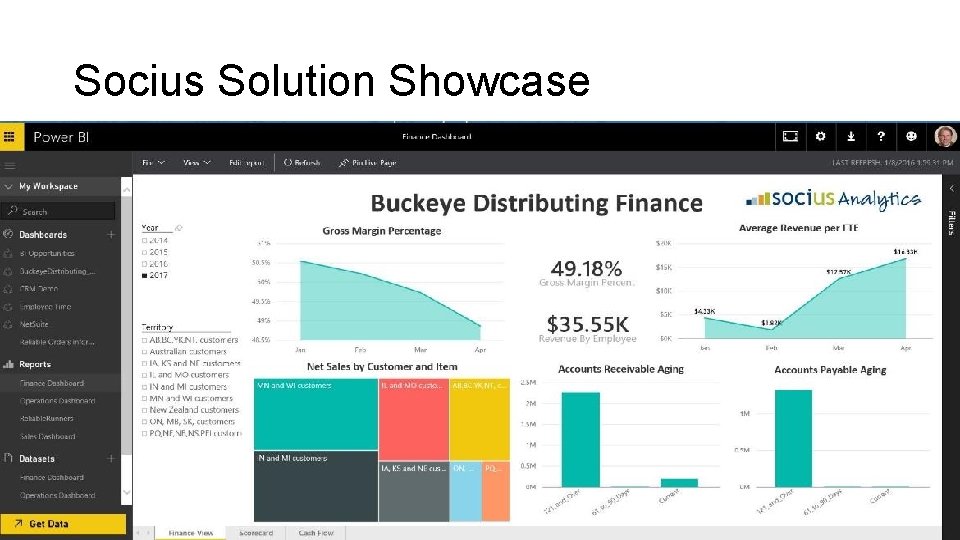
Socius Solution Showcase
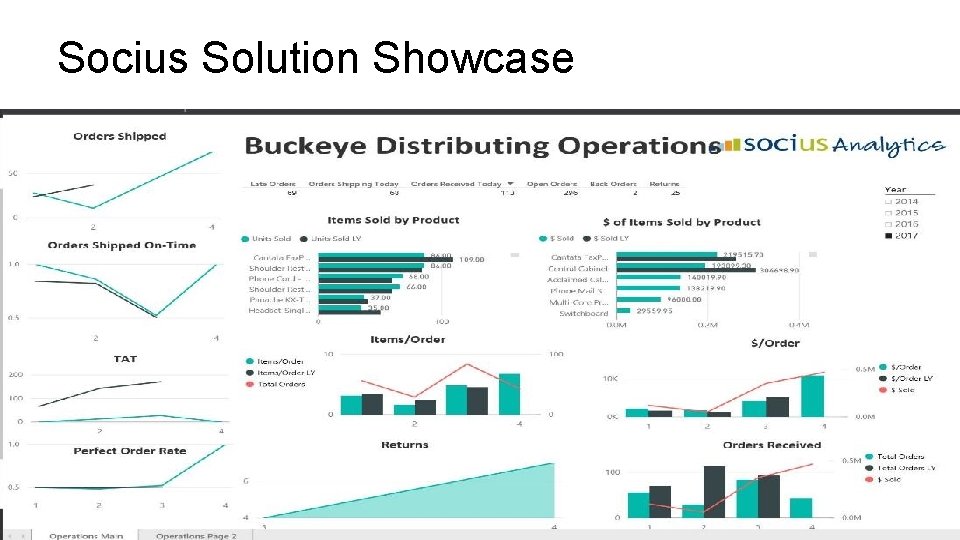
Socius Solution Showcase
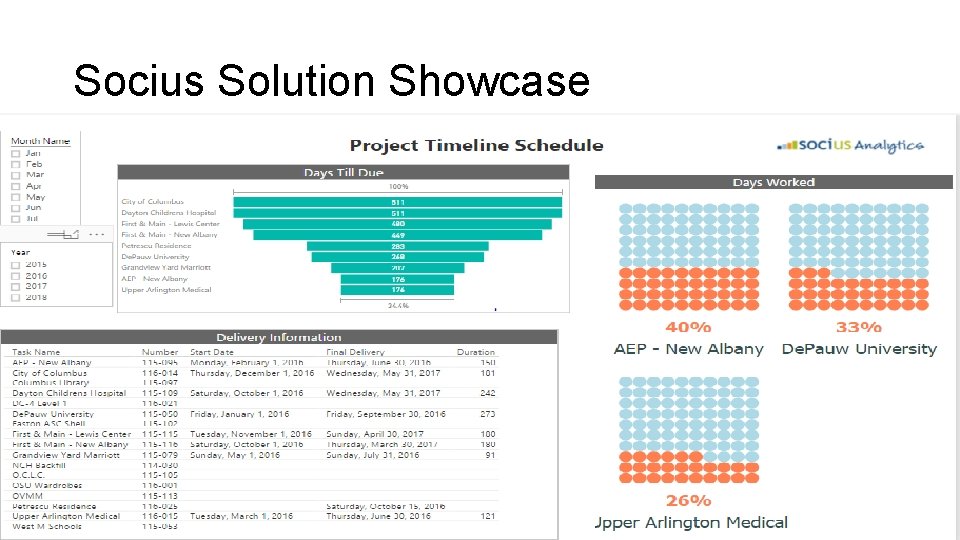
Socius Solution Showcase
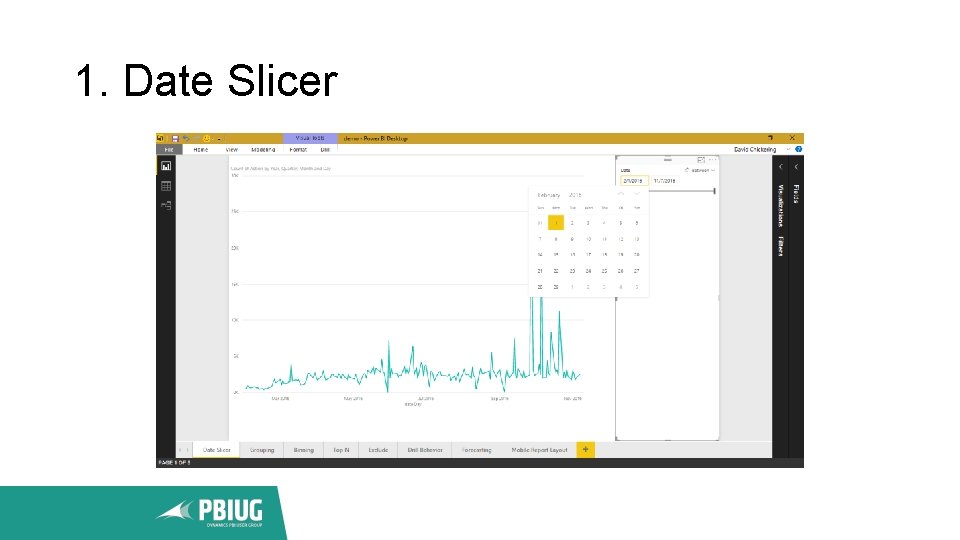
1. Date Slicer
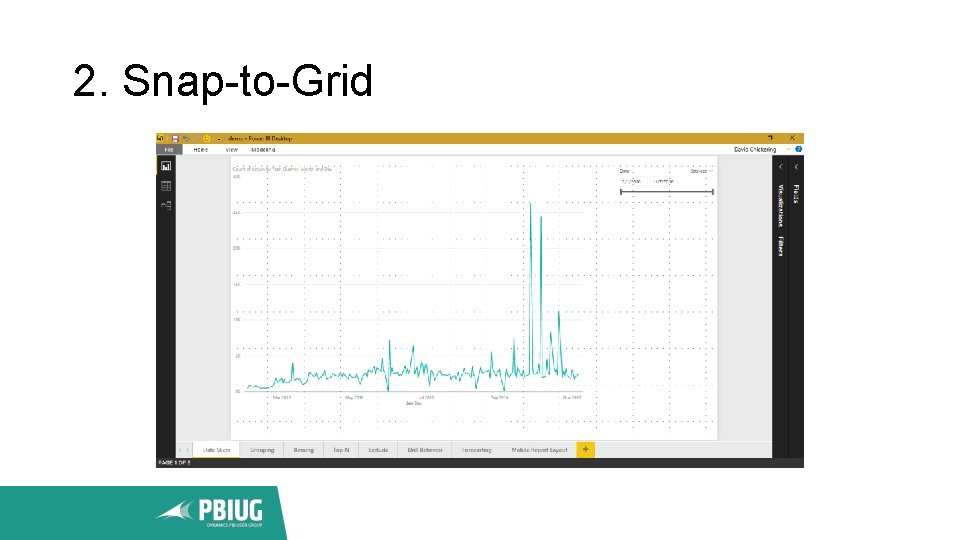
2. Snap-to-Grid
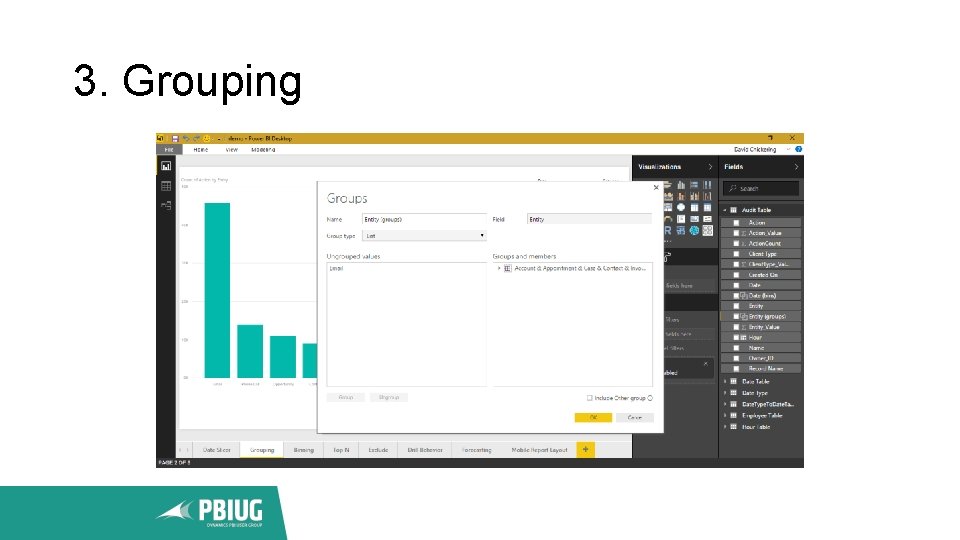
3. Grouping
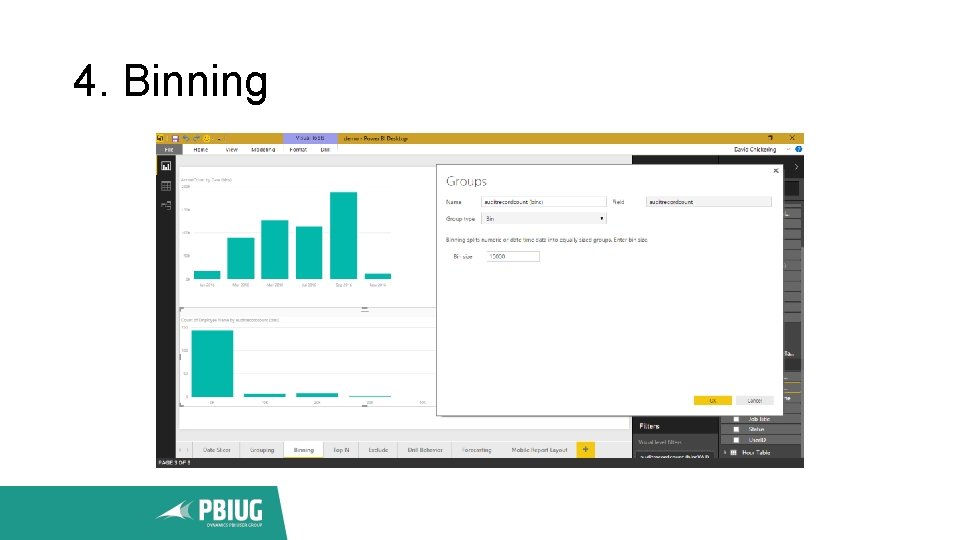
4. Binning
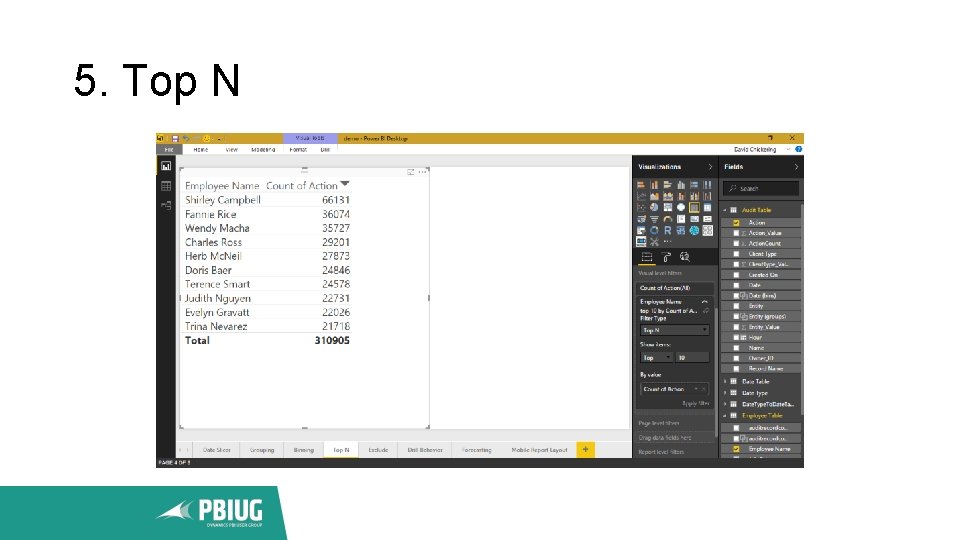
5. Top N
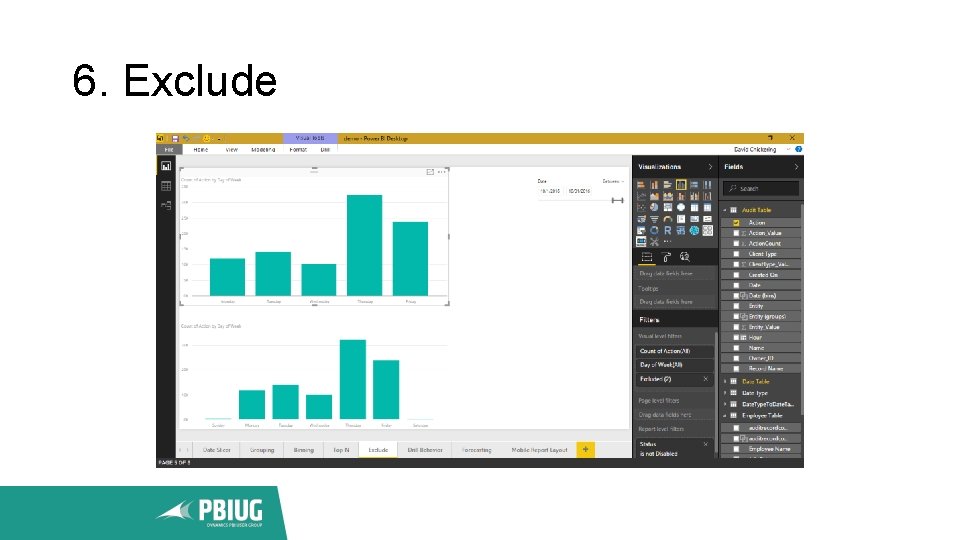
6. Exclude
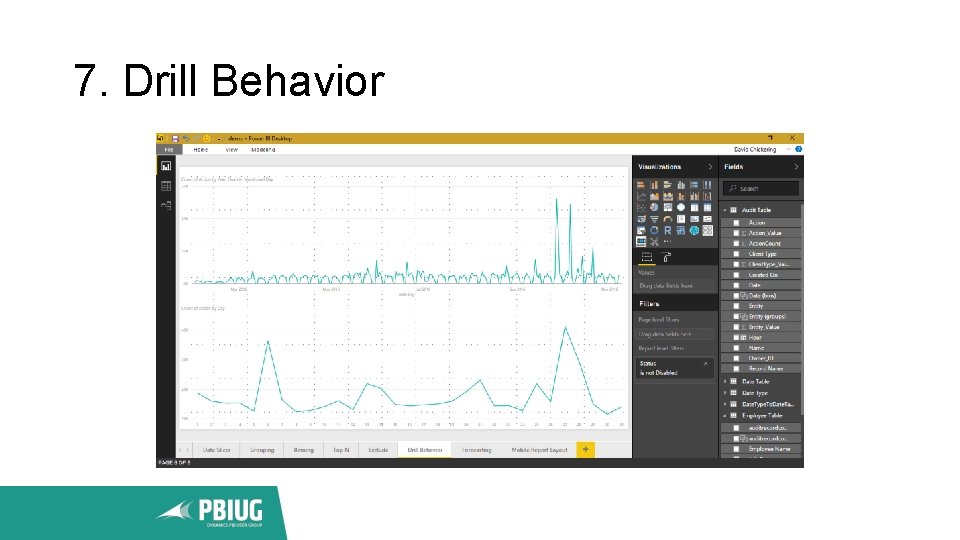
7. Drill Behavior
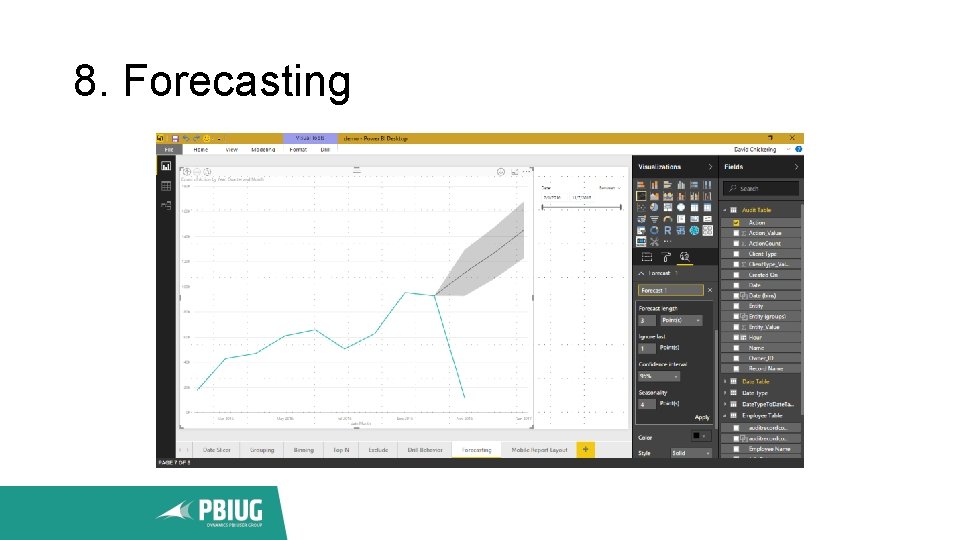
8. Forecasting
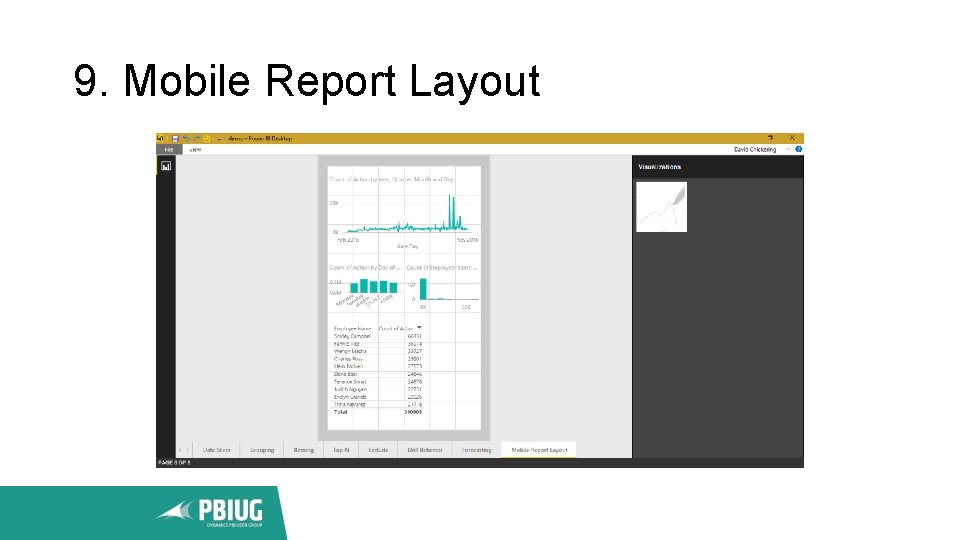
9. Mobile Report Layout
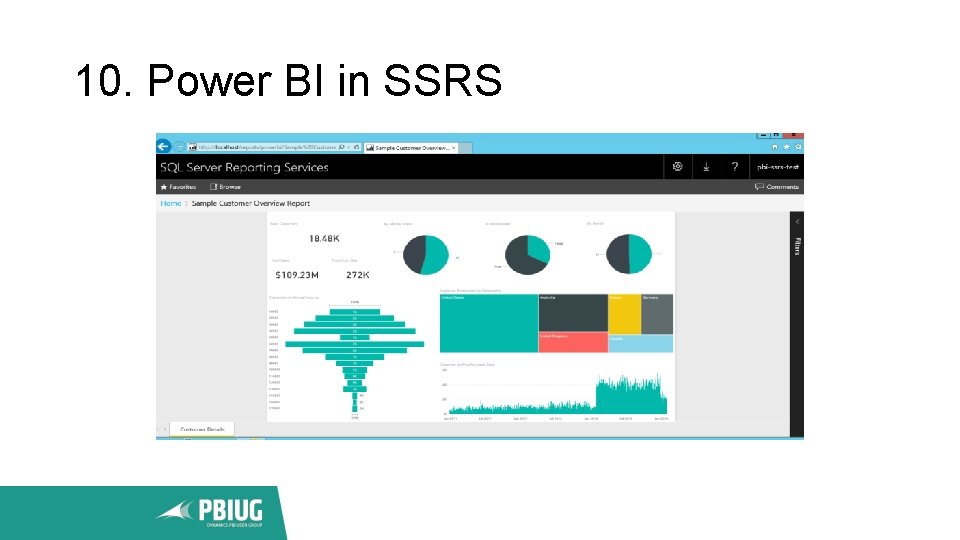
10. Power BI in SSRS

Q&A

Thank You Terry Ginley tginley@socius 1. com Neal Donahue ndonahue@socius 1. com David Chickering dchickering@socius 1. com @PBIUG www. pbiug. com info@pbiug. com
- Slides: 32