
Power Supply Controls Voltage Difference in Voltage is
- Slides: 28
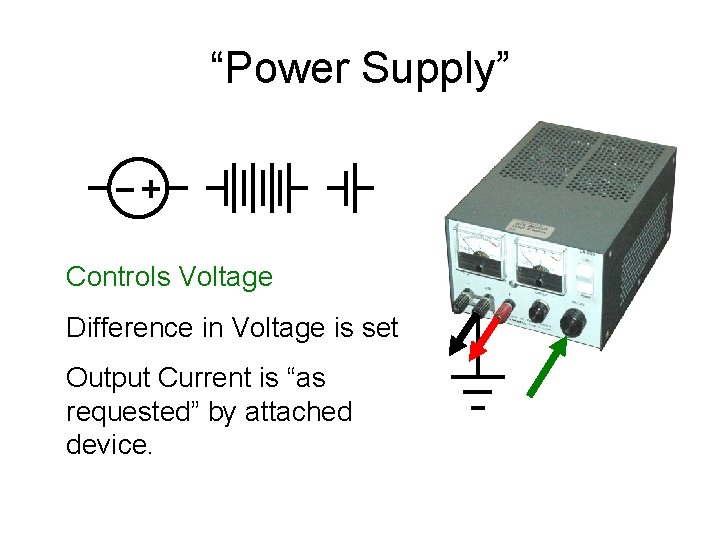
“Power Supply” Controls Voltage Difference in Voltage is set Output Current is “as requested” by attached device.
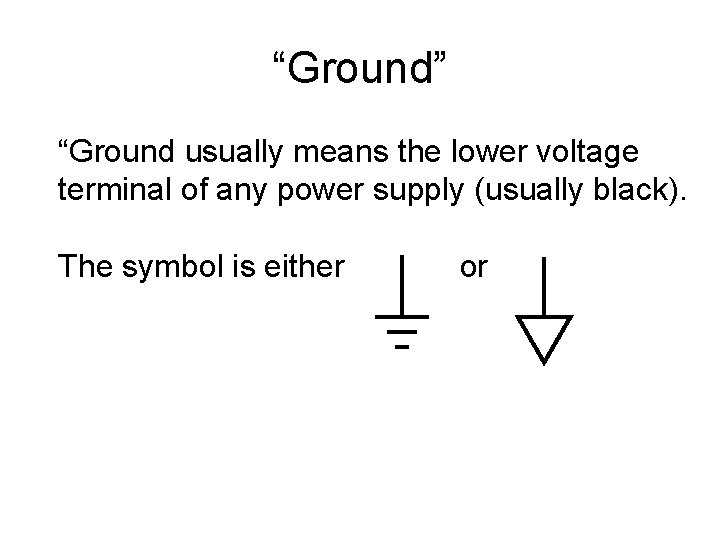
“Ground” “Ground usually means the lower voltage terminal of any power supply (usually black). The symbol is either or
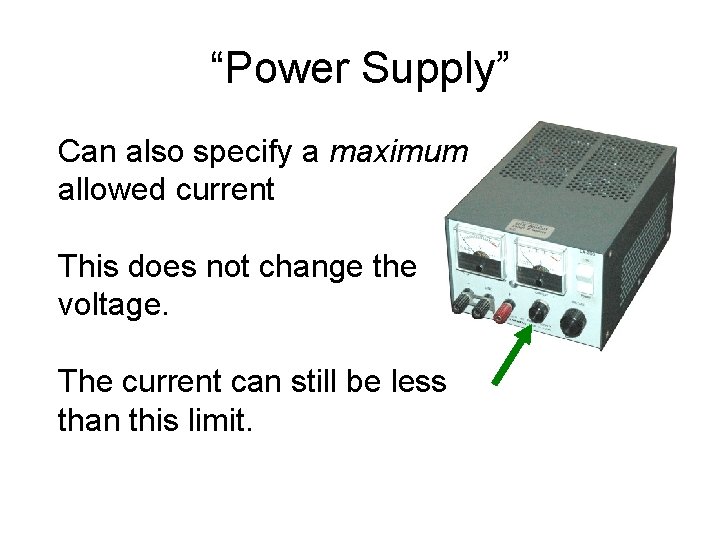
“Power Supply” Can also specify a maximum allowed current This does not change the voltage. The current can still be less than this limit.
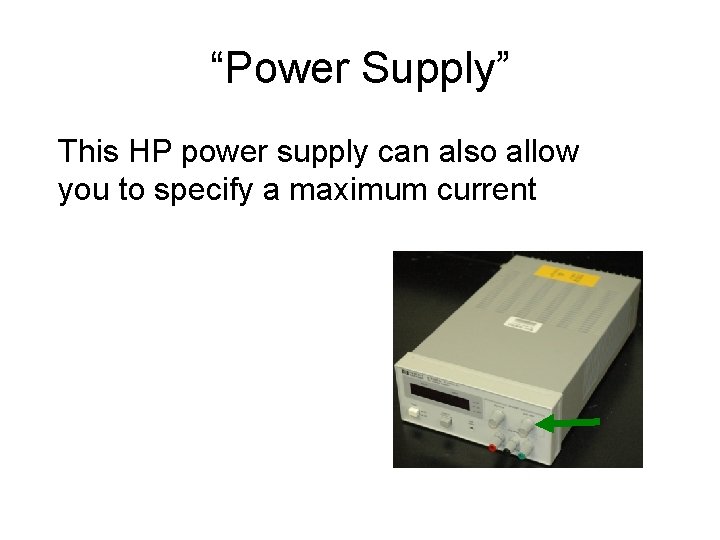
“Power Supply” This HP power supply can also allow you to specify a maximum current
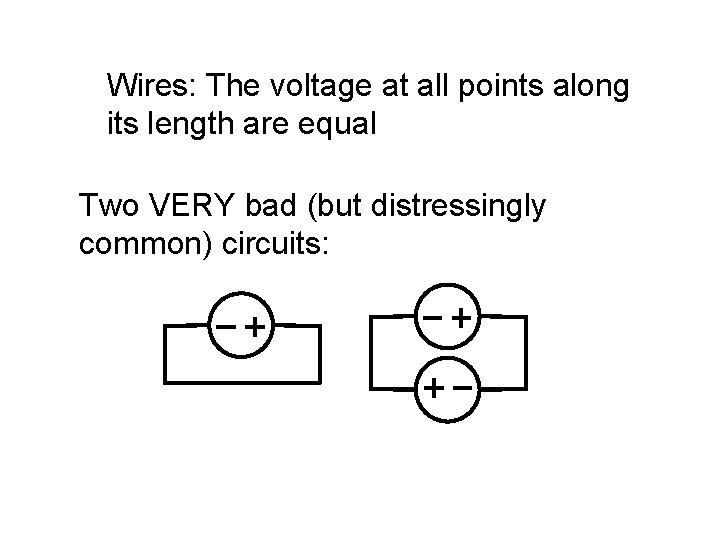
Wires: The voltage at all points along its length are equal Two VERY bad (but distressingly common) circuits:
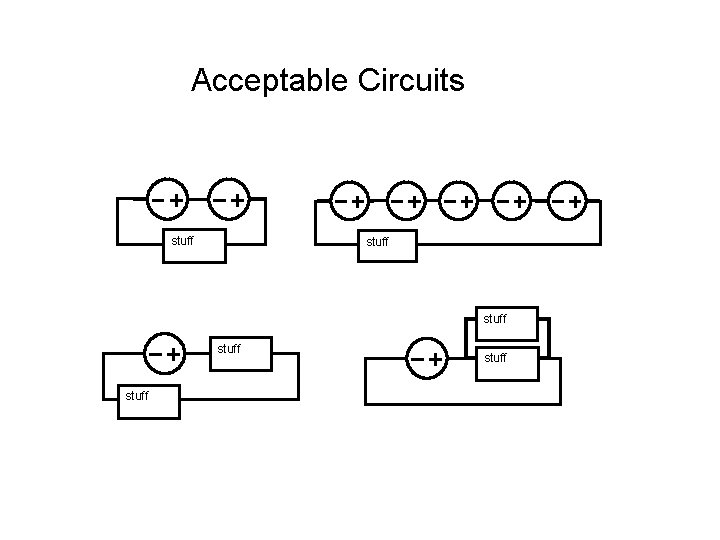
Acceptable Circuits stuff stuff
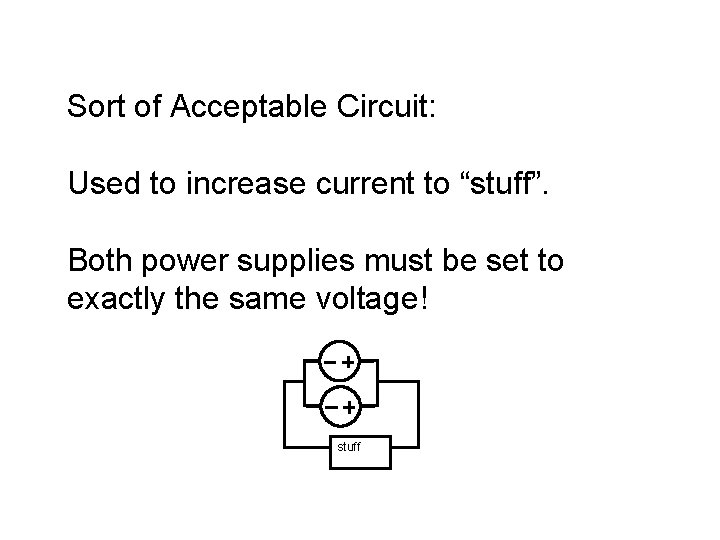
Sort of Acceptable Circuit: Used to increase current to “stuff”. Both power supplies must be set to exactly the same voltage! stuff
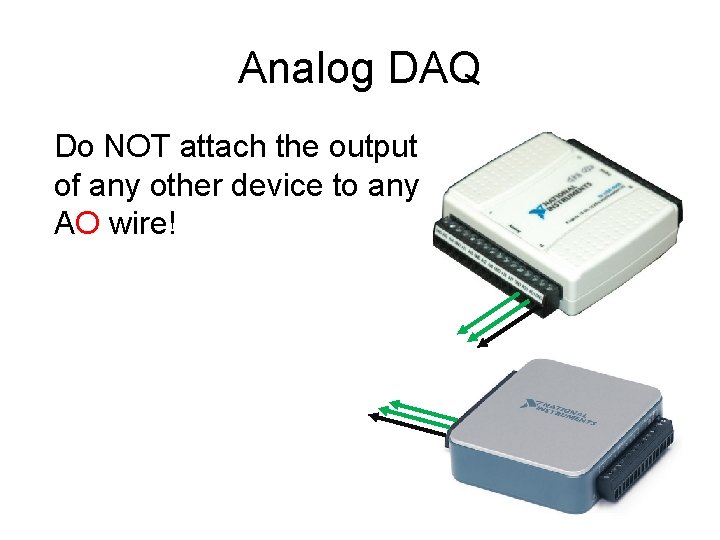
Analog DAQ Do NOT attach the output of any other device to any AO wire!
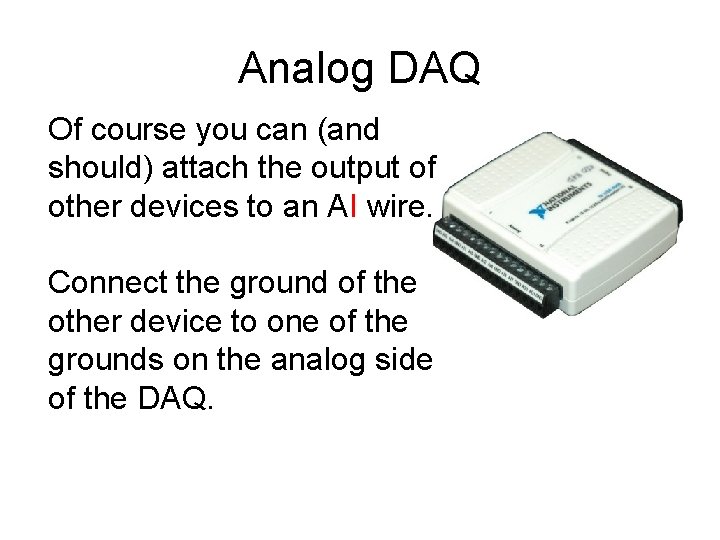
Analog DAQ Of course you can (and should) attach the output of other devices to an AI wire. Connect the ground of the other device to one of the grounds on the analog side of the DAQ.
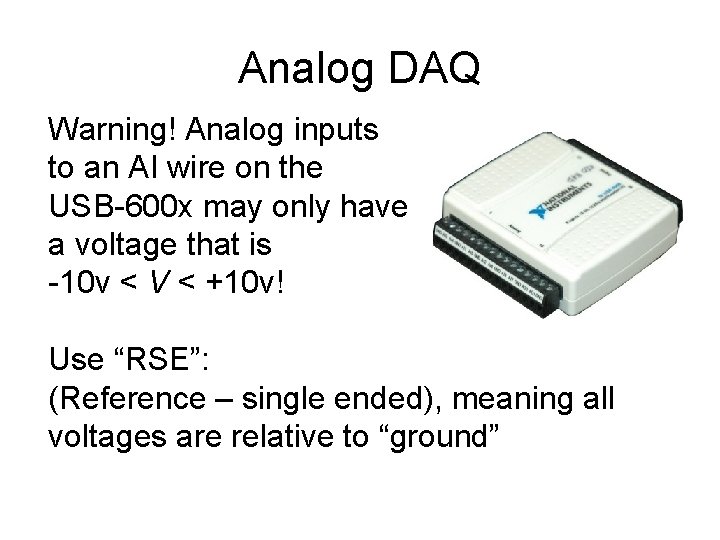
Analog DAQ Warning! Analog inputs to an AI wire on the USB-600 x may only have a voltage that is -10 v < V < +10 v! Use “RSE”: (Reference – single ended), meaning all voltages are relative to “ground”
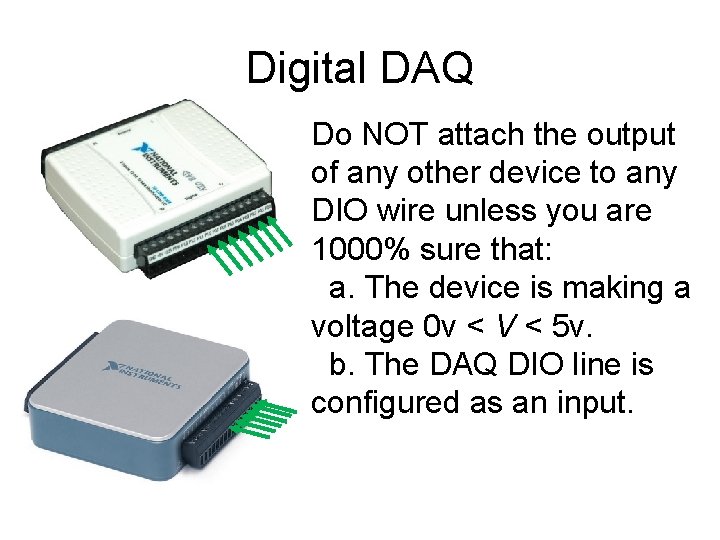
Digital DAQ Do NOT attach the output of any other device to any DIO wire unless you are 1000% sure that: a. The device is making a voltage 0 v < V < 5 v. b. The DAQ DIO line is configured as an input.
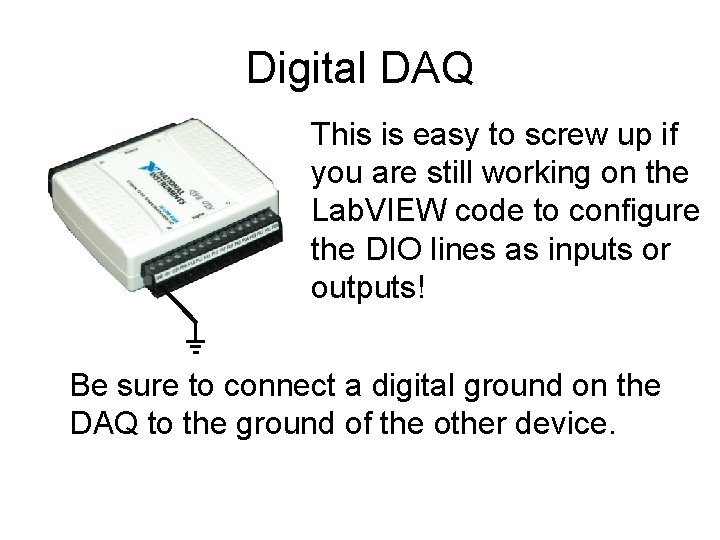
Digital DAQ This is easy to screw up if you are still working on the Lab. VIEW code to configure the DIO lines as inputs or outputs! Be sure to connect a digital ground on the DAQ to the ground of the other device.
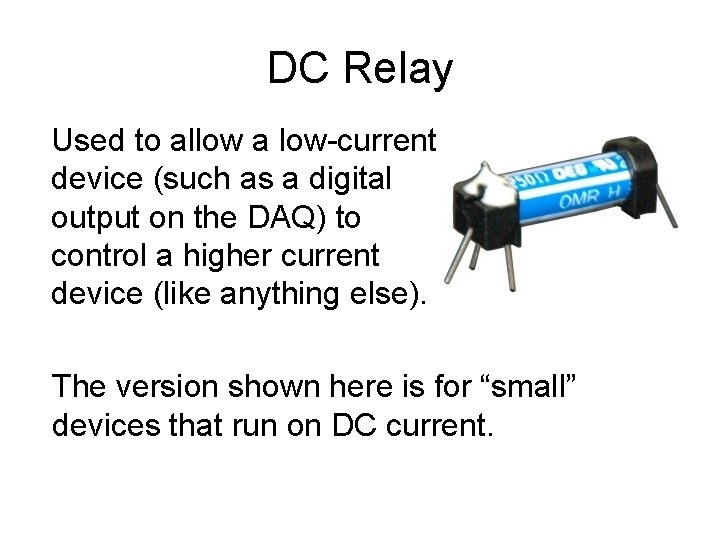
DC Relay Used to allow a low-current device (such as a digital output on the DAQ) to control a higher current device (like anything else). The version shown here is for “small” devices that run on DC current.
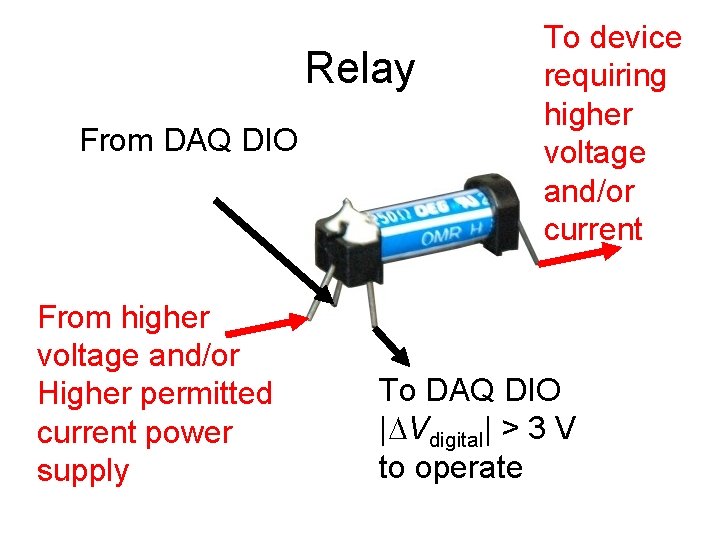
Relay From DAQ DIO From higher voltage and/or Higher permitted current power supply To device requiring higher voltage and/or current To DAQ DIO |DVdigital| > 3 V to operate
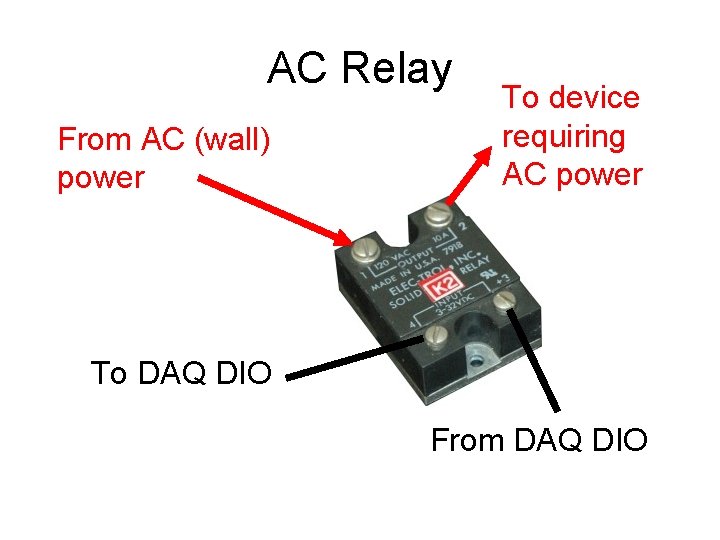
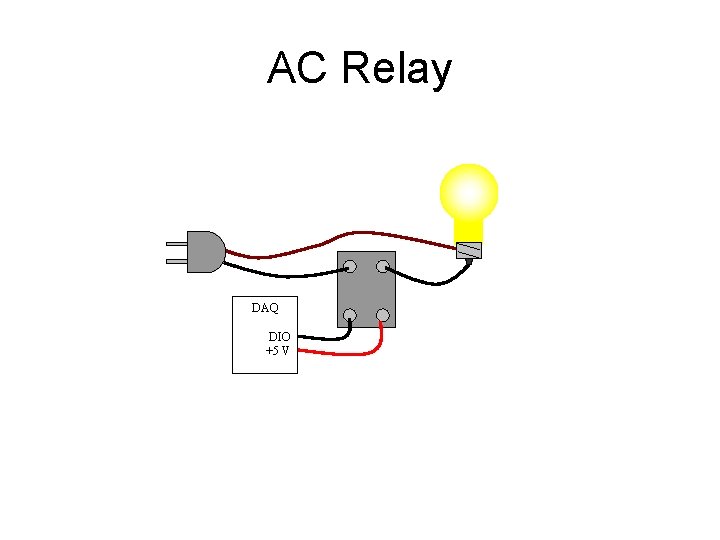
AC Relay From AC (wall) power To device requiring AC power To DAQ DIO From DAQ DIO
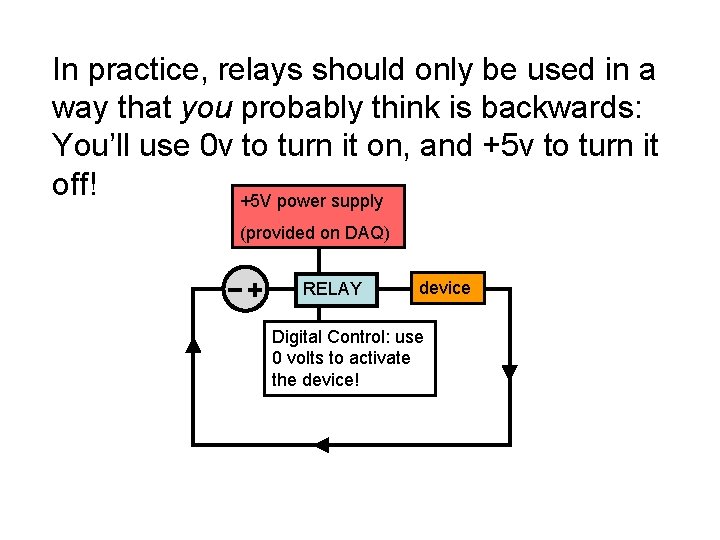
In practice, relays should only be used in a way that you probably think is backwards: You’ll use 0 v to turn it on, and +5 v to turn it off! +5 V power supply (provided on DAQ) RELAY device Digital Control: use 0 volts to activate the device!
AC Relay DAQ DIO +5 V
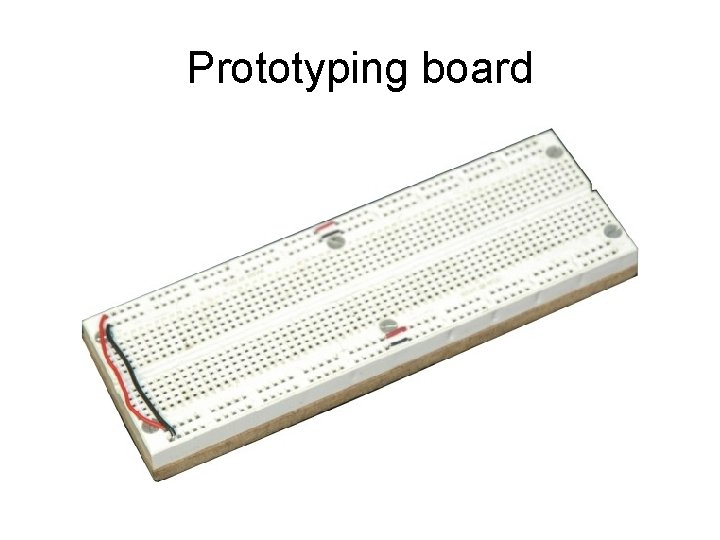
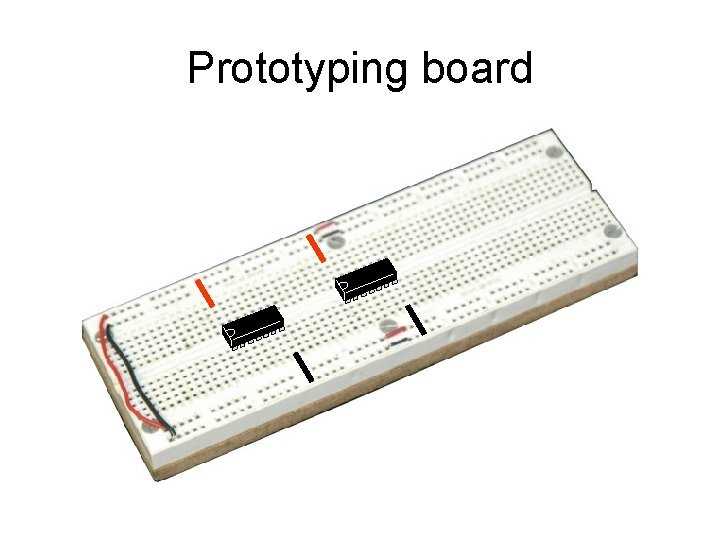
Prototyping board
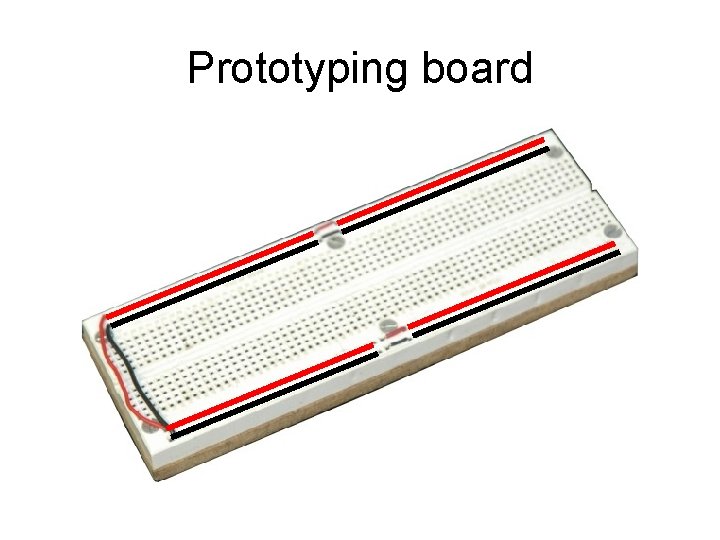
Prototyping board
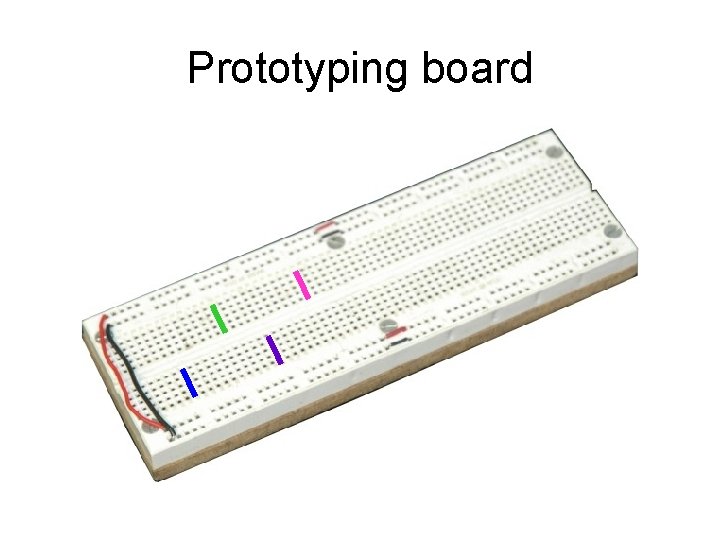
Prototyping board
Prototyping board
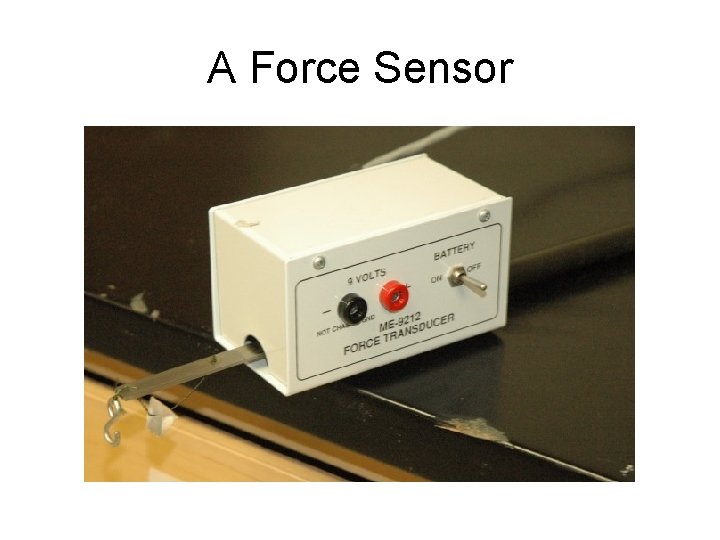
A Force Sensor
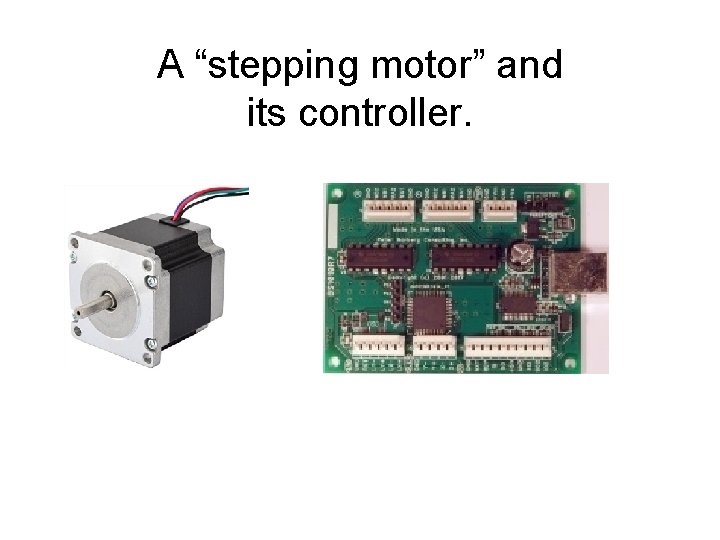
A “stepping motor” and its controller.
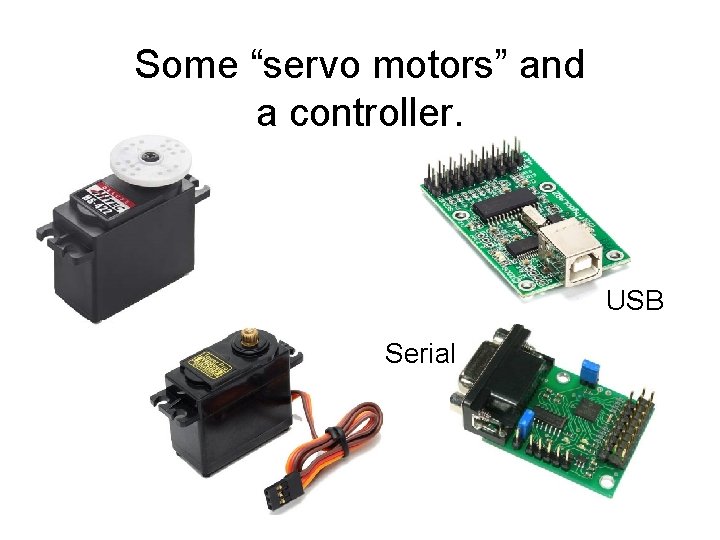
Some “servo motors” and a controller. USB Serial
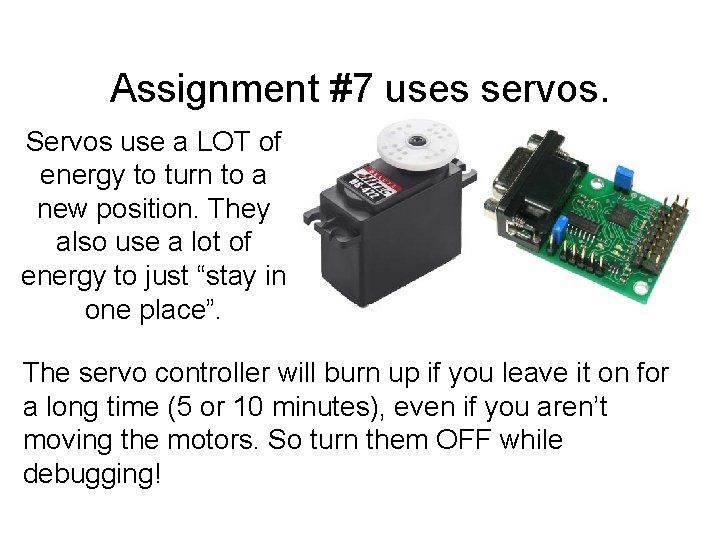
Assignment #7 uses servos. Servos use a LOT of energy to turn to a new position. They also use a lot of energy to just “stay in one place”. The servo controller will burn up if you leave it on for a long time (5 or 10 minutes), even if you aren’t moving the motors. So turn them OFF while debugging!
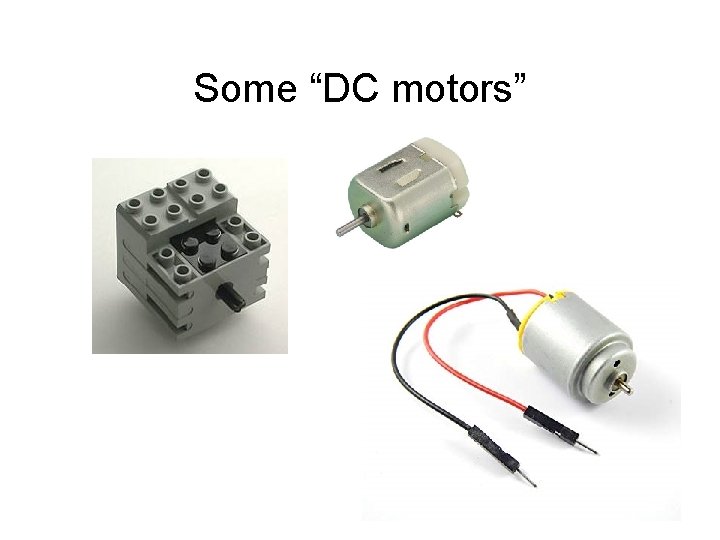
Some “DC motors”
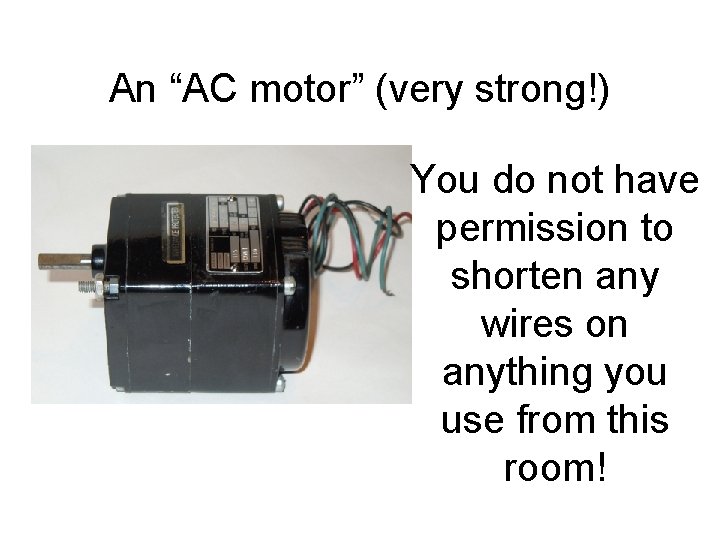
An “AC motor” (very strong!) You do not have permission to shorten any wires on anything you use from this room!
You may not disassemble anything that I own. Period. If you “need” to trash a motor, controller, etc. , buy your own first.