
Power Save Webinar Saturday October 3 2020 Taking

Power Save Webinar Saturday, October 3, 2020
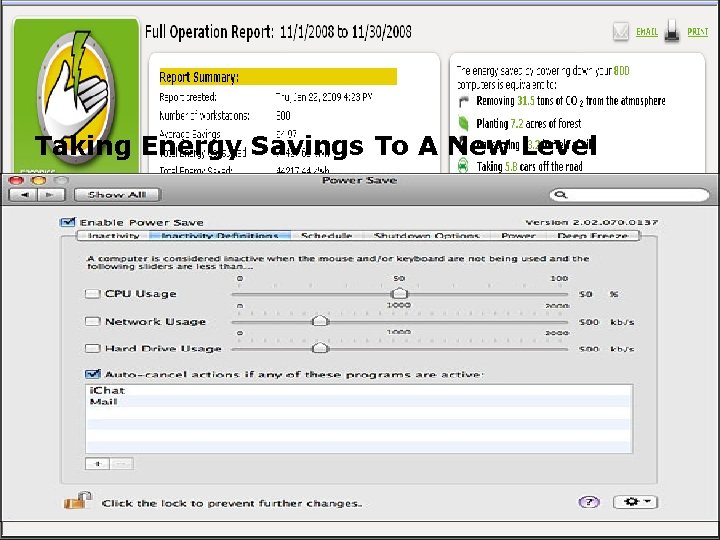
Taking Energy Savings To A New Level
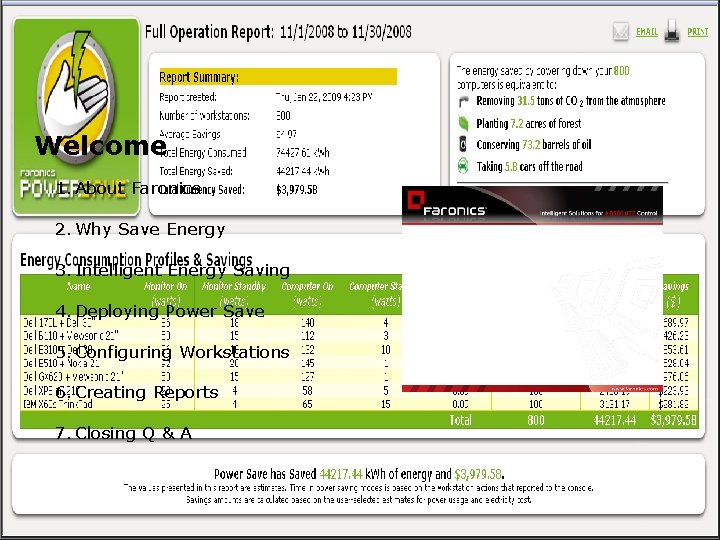
Welcome 1. About Faronics 2. Why Save Energy 3. Intelligent Energy Saving 4. Deploying Power Save 5. Configuring Workstations 6. Creating Reports 7. Closing Q & A
About Faronics Intelligent software solutions for absolute control In business since 1996 Over 20, 000 customers in over 100 countries Over 8 million licenses deployed Offices in USA and Canada Alliances
Faronics Product Portfolio Reboot to Restore Prevent Unwanted Program Execution Non-Disruptive Energy Management User Activity Management Dynamic Preference Control
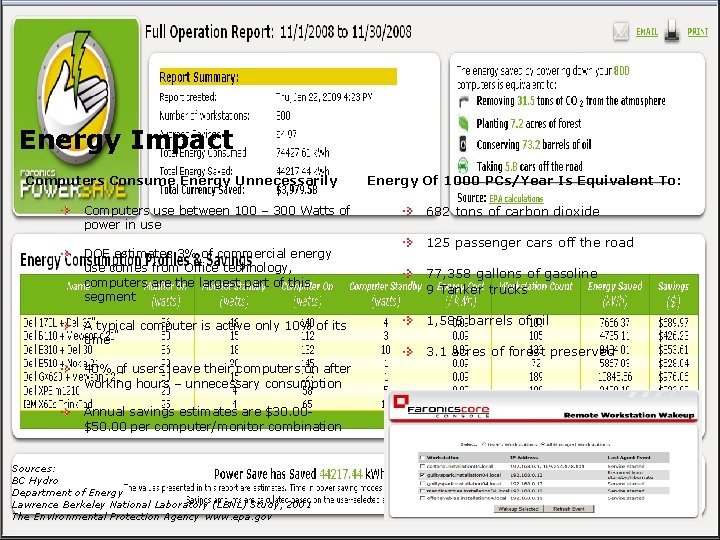
Energy Impact Computers Consume Energy Unnecessarily Computers use between 100 – 300 Watts of power in use DOE estimates 3% of commercial energy use comes from Office technology, computers are the largest part of this segment A typical computer is active only 10% of its time 40% of users leave their computers on after working hours – unnecessary consumption Annual savings estimates are $30. 00$50. 00 per computer/monitor combination Sources: BC Hydro Department of Energy Lawrence Berkeley National Laboratory (LBNL) Study, 2001 The Environmental Protection Agency www. epa. gov Energy Of 1000 PCs/Year Is Equivalent To: 682 tons of carbon dioxide 125 passenger cars off the road 77, 358 gallons of gasoline 9 Tanker trucks 1, 585 barrels of oil 3. 1 acres of forest preserved
Problems With Existing Solutions Are Disruptive Computers are turned off when user is away for a meeting or brief time Lengthy start up time Data can be lost Patches and updates are not delivered Background jobs are terminated IT and users resist savings initiatives
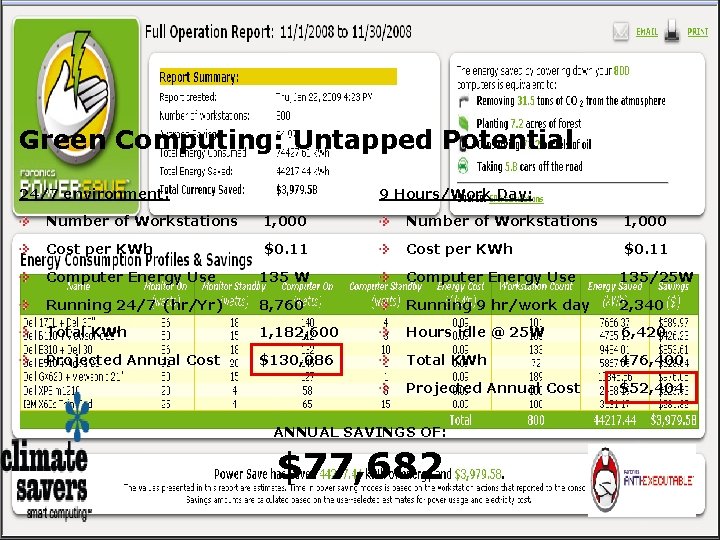
Green Computing: Untapped Potential 24/7 environment: 9 Hours/Work Day: Number of Workstations 1, 000 Cost per KWh $0. 11 Computer Energy Use 135 W Computer Energy Use 135/25 W Running 24/7 (hr/Yr) 8, 760 Running 9 hr/work day 2, 340 Total KWh 1, 182, 600 Hours idle @ 25 W 6, 420 Projected Annual Cost $130, 086 Total KWh 476, 400 Projected Annual Cost $52, 404 ANNUAL SAVINGS OF: $77, 682
Green Computing: Untapped Potential 9 Hr/Work Day GENERATES ANNUAL SAVINGS OF: Savings generated is enough to buy: 115 new Workstations or 40 new Laptops or 26 new Rack Servers $77, 682
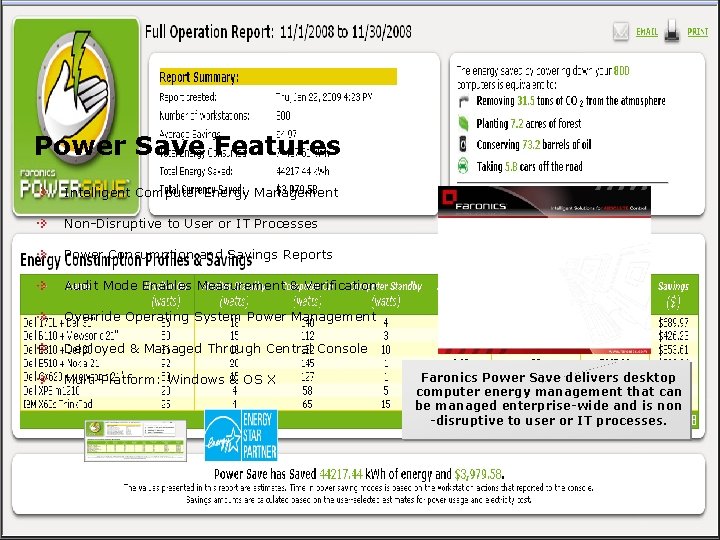
Power Save Features Intelligent Computer Energy Management Non-Disruptive to User or IT Processes Power Consumption and Savings Reports Audit Mode Enables Measurement & Verification Override Operating System Power Management Deployed & Managed Through Central Console Multi-Platform: Windows & OS X Faronics Power Save delivers desktop computer energy management that can be managed enterprise-wide and is non -disruptive to user or IT processes.
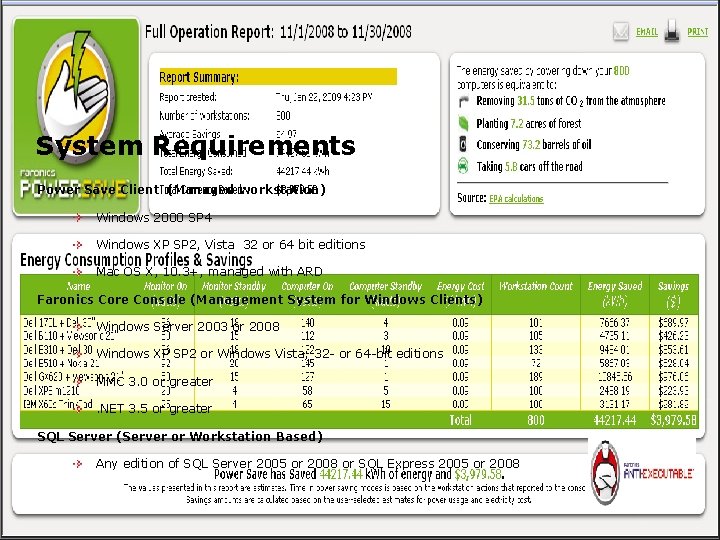
System Requirements Power Save Client (Managed workstation) Windows 2000 SP 4 Windows XP SP 2, Vista 32 or 64 bit editions Mac OS X, 10. 3+, managed with ARD Faronics Core Console (Management System for Windows Clients) Windows Server 2003 or 2008 Windows XP SP 2 or Windows Vista; 32 - or 64 -bit editions MMC 3. 0 or greater. NET 3. 5 or greater SQL Server (Server or Workstation Based) Any edition of SQL Server 2005 or 2008 or SQL Express 2005 or 2008
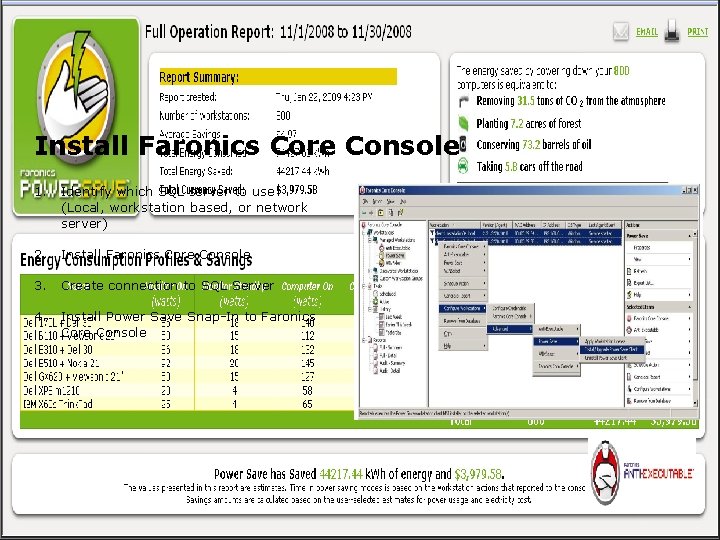
Install Faronics Core Console 1. Identify which SQL server to use (Local, workstation based, or network server) 2. Install Faronics Core Console 3. Create connection to SQL Server 4. Install Power Save Snap-In to Faronics Core Console
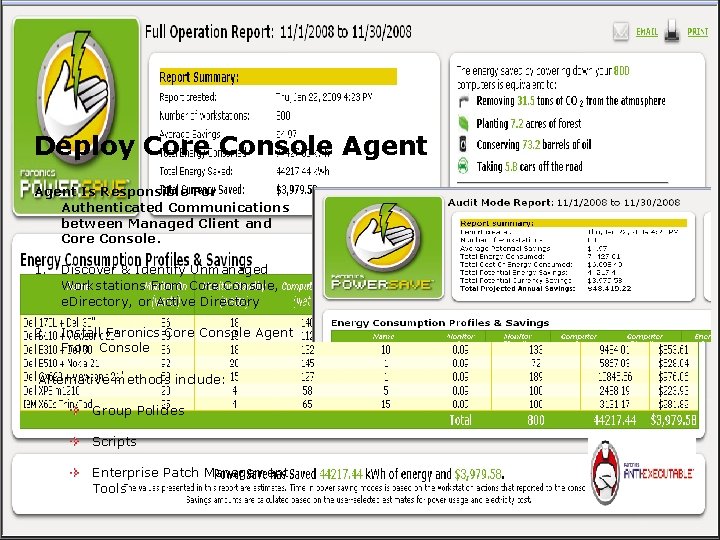
Deploy Core Console Agent Is Responsible For Authenticated Communications between Managed Client and Core Console. 1. Discover & Identify Unmanaged Workstations From Core Console, e. Directory, or Active Directory 2. Install Faronics Core Console Agent From Console Alternative methods include: Group Policies Scripts Enterprise Patch Management Tools
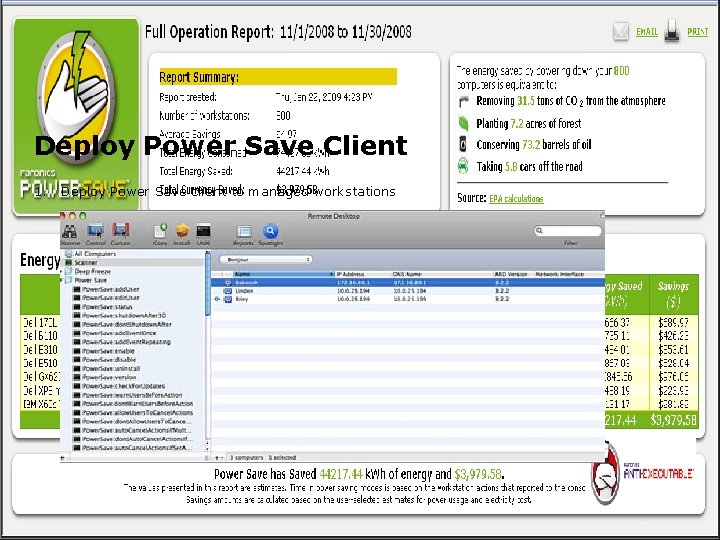
Deploy Power Save Client 1. Deploy Power Save client to managed workstations
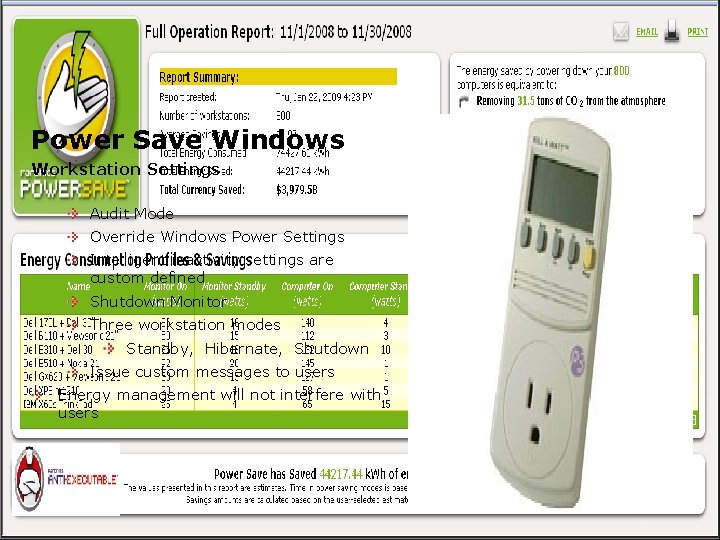
Power Save Windows Workstation Settings Audit Mode Override Windows Power Settings Intelligent inactivity settings are custom defined Shutdown Monitor Three workstation modes Standby, Hibernate, Shutdown Issue custom messages to users Energy management will not interfere with users
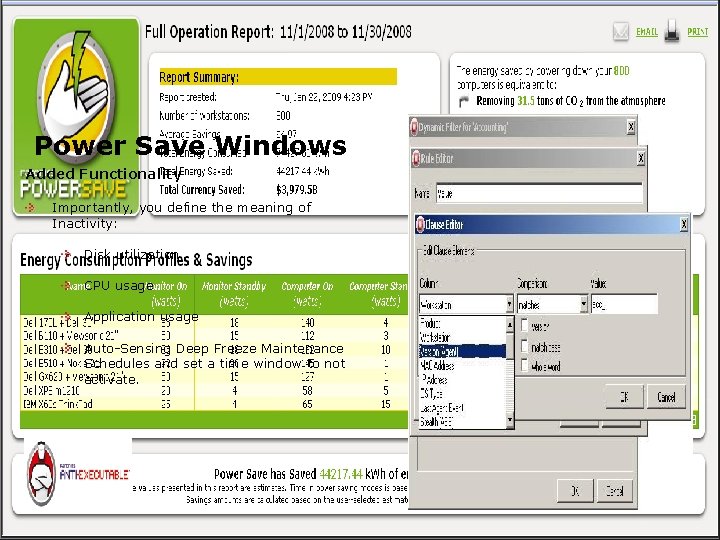
Power Save Windows Added Functionality Importantly, you define the meaning of Inactivity: Disk utilization CPU usage Application usage Auto-Sensing Deep Freeze Maintenance Schedules and set a time window to not activate.
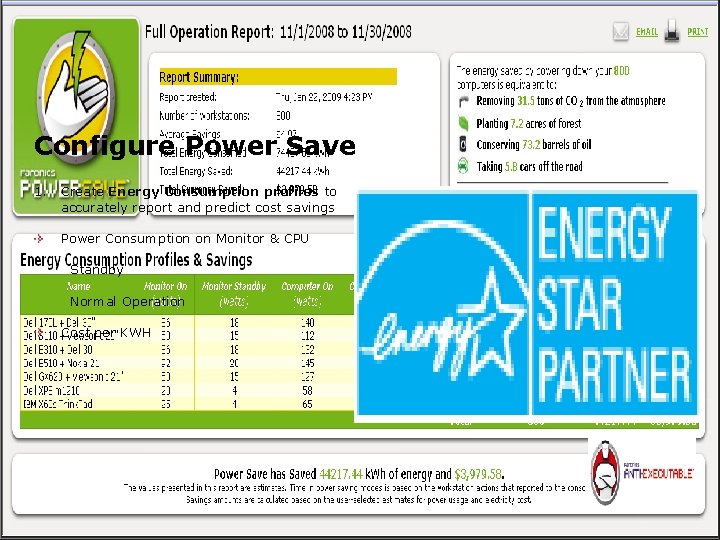
Configure Power Save 1. Create Energy Consumption profiles to accurately report and predict cost savings Power Consumption on Monitor & CPU Standby Normal Operation Cost per KWH
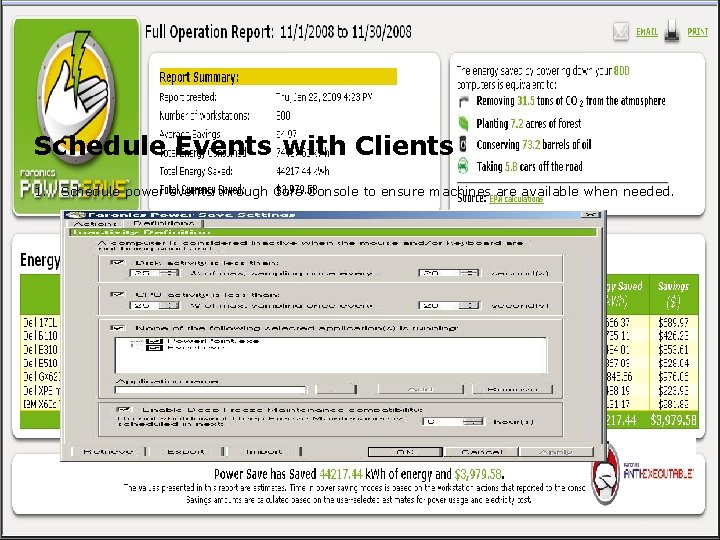
Schedule Events with Clients 1. Schedule power events through Core Console to ensure machines are available when needed.
Group Management Import existing groups from LDAP directory services Import from Novell e. Directory Dynamic Group Filtering to manage groups by multiple system attributes Persistent Tasks for groups or PCs
Central Wakeup Power Save has the ability to switch on remote computers through “Magic Packets” Wake-on-LAN Relay “Last Man Standing” Wake-on-LAN (WOL) broadcast packets cannot always cross routers and other networking equipment Designate one or more workstations as WOL relays Wake-on-LAN Web Interface Workstation(s) can be woken up through a browser after logging on to the corporate Virtual Private Network (VPN).
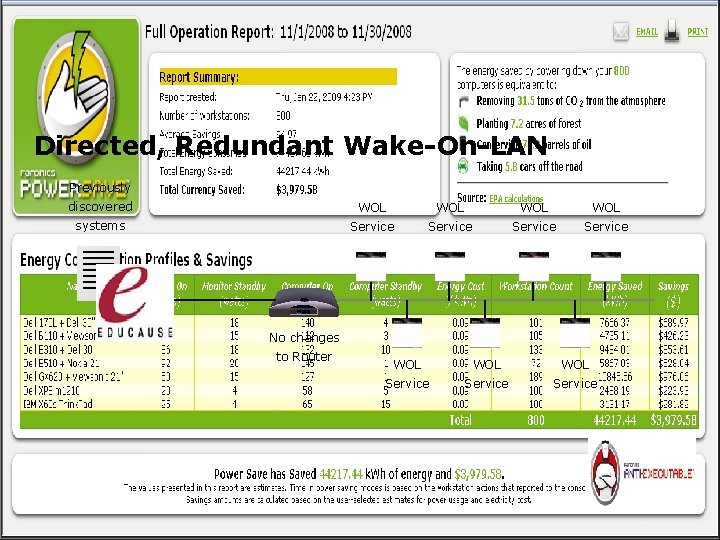
Directed, Redundant Wake-On-LAN Previously discovered WOL WOL systems Service No changes to Router WOL WOL Service
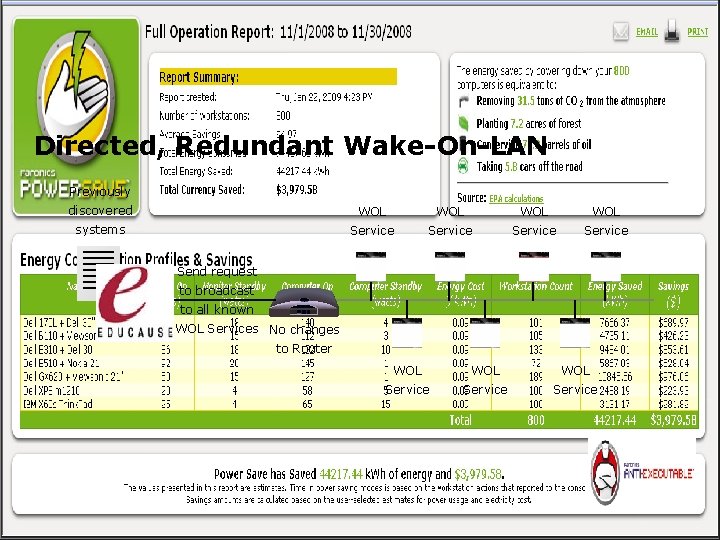
Directed, Redundant Wake-On-LAN Previously discovered WOL WOL systems Service Send request to broadcast to all known WOL Services No changes to Router WOL WOL Service
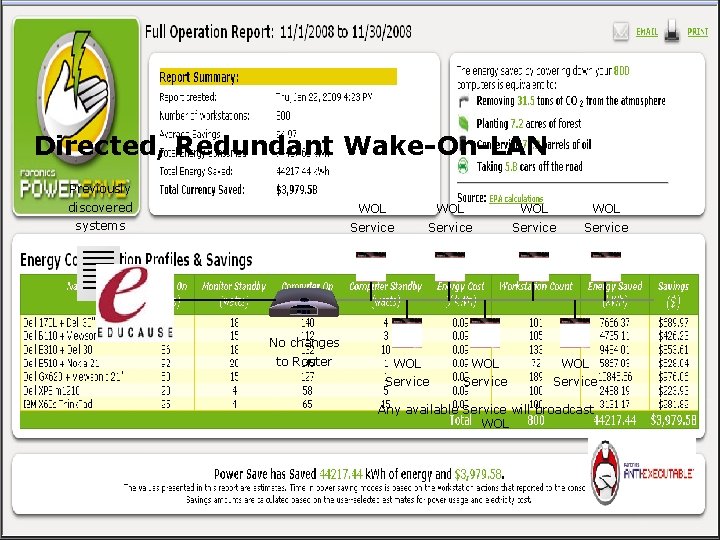
Directed, Redundant Wake-On-LAN Previously discovered WOL WOL systems Service No changes to Router WOL WOL Service Any available Service will broadcast WOL
Wake-on-LAN Web Interface
Command Line Interface Options MSI file contains command-line switches for silent install or post-deployment management from third-party management tools. Some examples: Update Power Save Configuration [path]Power. Save. Config /No. Gui /config=<xml. Config. File> Display local UI [path]Power. Save. Config Update License [path]Power. Save. Config /No. Gui /License=<license key> Mode (Full or Audit Only) [path]Power. Save. Config /No. Gui /Mode=full|audit. Only Allow or Override Windows Power Options [path]Power. Save. Config /No. Gui /Windows. Power. Options=allow|override Display usage and syntax information [path]Power. Save. Config /? [path]Power. Save. Config /Help
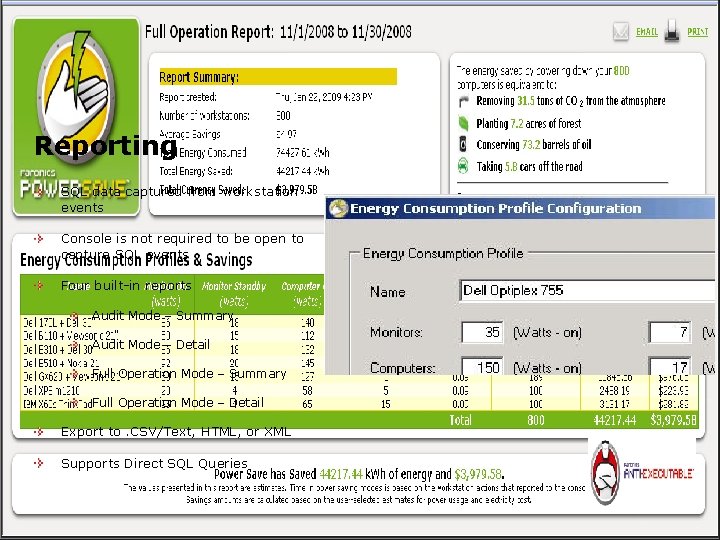
Reporting SQL data captured from workstation events Console is not required to be open to capture SQL events Four built-in reports Audit Mode – Summary Audit Mode – Detail Full Operation Mode – Summary Full Operation Mode – Detail Export to. CSV/Text, HTML, or XML Supports Direct SQL Queries
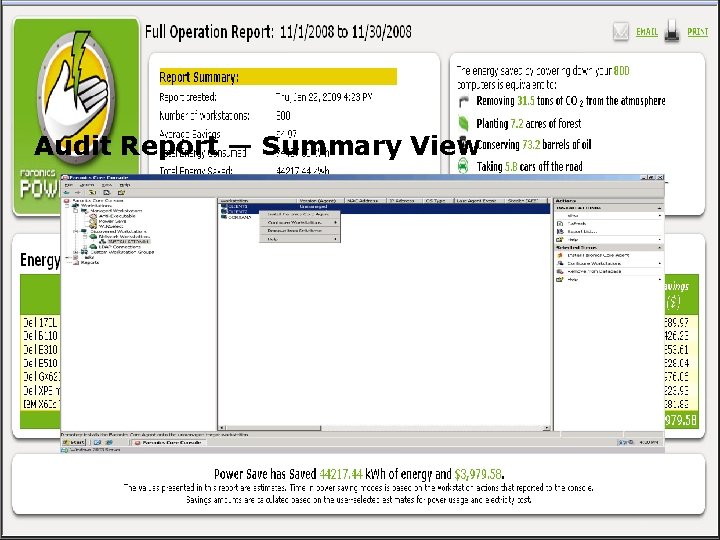
Audit Report — Summary View
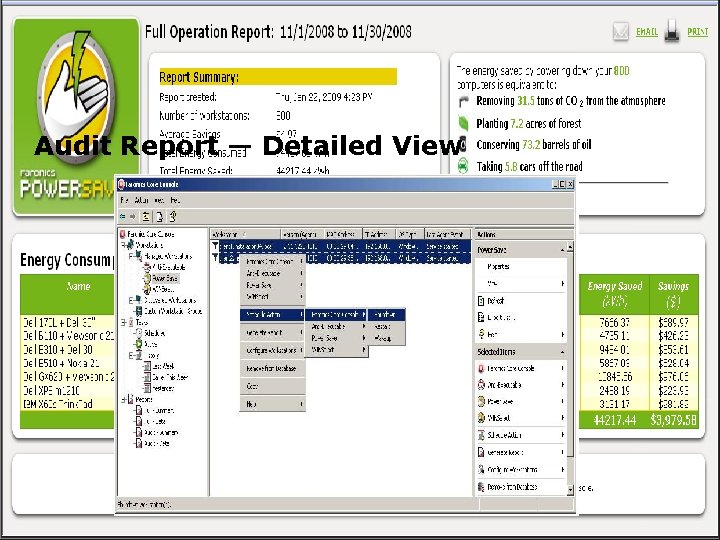
Audit Report — Detailed View
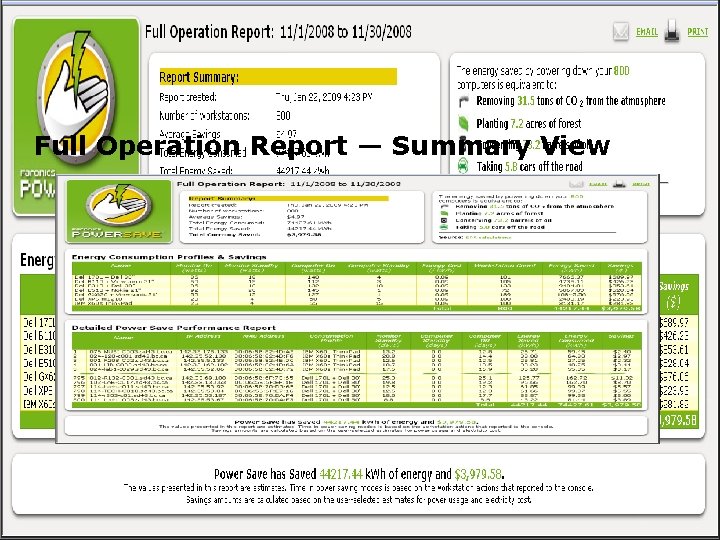
Full Operation Report — Summary View
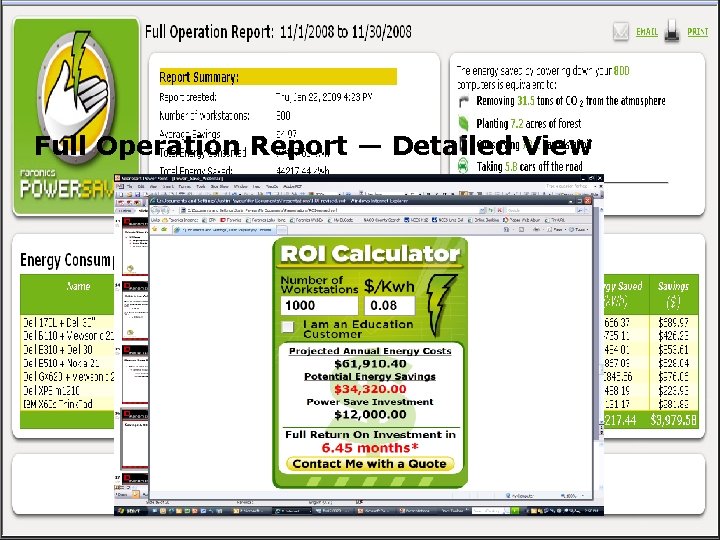
Full Operation Report — Detailed View
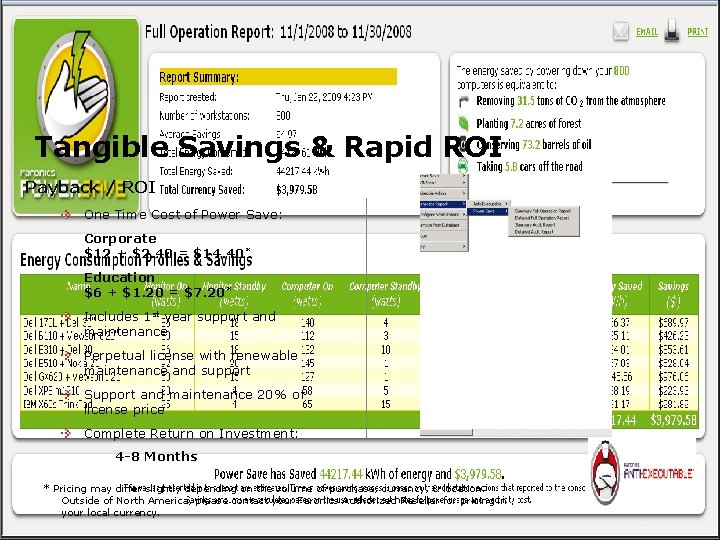
Tangible Savings & Rapid ROI Payback / ROI One Time Cost of Power Save: Corporate $12 + $2. 40 = $14. 40 * Education $6 + $1. 20 = $7. 20 * Includes 1 st year support and maintenance Perpetual license with renewable maintenance and support Support and maintenance 20% of license price Complete Return on Investment: 4 -8 Months * Pricing may differ slightly depending on the volume of purchase, currency, & location. Outside of North America, please contact your Faronics Authorized Reseller for pricing in your local currency.
Some of our Power Save Customers RR Donnelley & Sons Boston Public Schools BC Hydro Ventura Unified School District Bentall Capital Santa Cruz City Schools Los Angeles County Public Works Department Orange Unified School District Vancity Credit Union City of Chula Vista California State University, Chico Redlands USD Bakersfield City School District City of Bakersfield Ventura County Community College District City of West Sacramento Visalia Unified School District American Specialty Health Coeur D'Alene School District 271 Gaming Laboratories International Howard Community College
Next Steps Visit www. faronics. com to: Save money today by downloading a free fully functional evaluation of Power Save! www. faronics. com/powersave/evaluate View the Power Save product page Read case studies and other documentation in our Content Library Buy this product and save the world! Contact your Faronics Provider
Questions & Answers Sales Faronics Tech Support sales@faronics. com support@faronics. com 1 (800) 943 -6422 x 1

End of Presentation
Management Apple Remote Desktop Management for Power Save
Power Save (Mac) Added Functionality CPU usage Disk utilization Network Usage Application usage
Known Rebate Programs: California providers – Laptops may not be eligible PG&E, SCE & SDG&E rebates 100% license cost SMUD rebates $10/license Los Angeles Dept. of Water & Power up to 100% rebate Silicon Valley Power 80% rebate BC Hydro - $6/License to max 75% of product cost Wisconsin Energy – 50% of license paid Bonneville Power Administration – $18/license Oregon, Idaho, Montana & Washington State Oregon DOE – 25% of license investment Manitoba Power – 100% rebate New Hampshire – Public service of NH, 35% of license cost Austin Energy – 50% rebate up to $5 per license Seattle City Light - $3 rebate for every license (Municipal) Snohomish Public Utility District - $8 per license Wisconsin Energy – Rebate of 50% of license cost Full list available at www. faronics. com/powersave
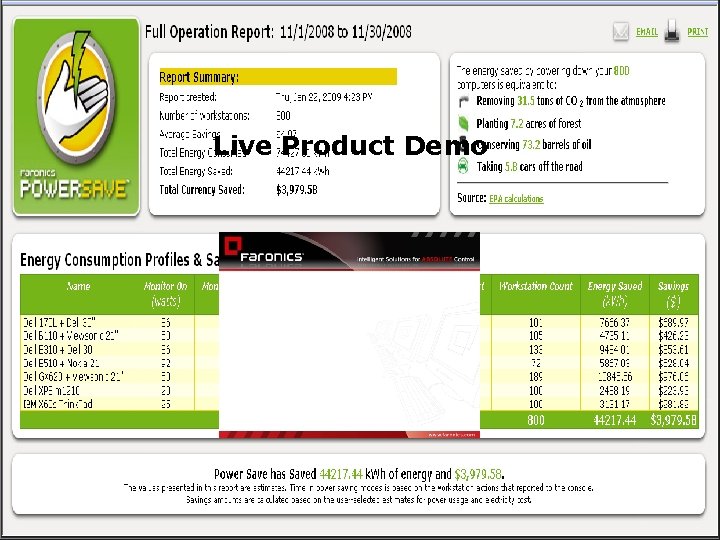
Live Product Demo
- Slides: 39