
Power Point Topic 1 Formatting Learning Goal By
Power. Point Topic 1: Formatting
Learning Goal By the end of this lesson you should be comfortable using all the formatting tools.
Before we start… • The purpose of a presentation is to enhance the delivery of a message to a specific audience. • Everything in your presentation needs to revolve around this principle.
Everything is a Drawing or Picture What you can put on a slide: – Auto. Shapes – Text Boxes – Word Art – Pictures
This Means That: 1. You cannot just type on a the screen, you need a Text Box. 2. Objects can be ordered, grouped and formatted. 3. There is no text wrapping 4. All objects are modified in the same way
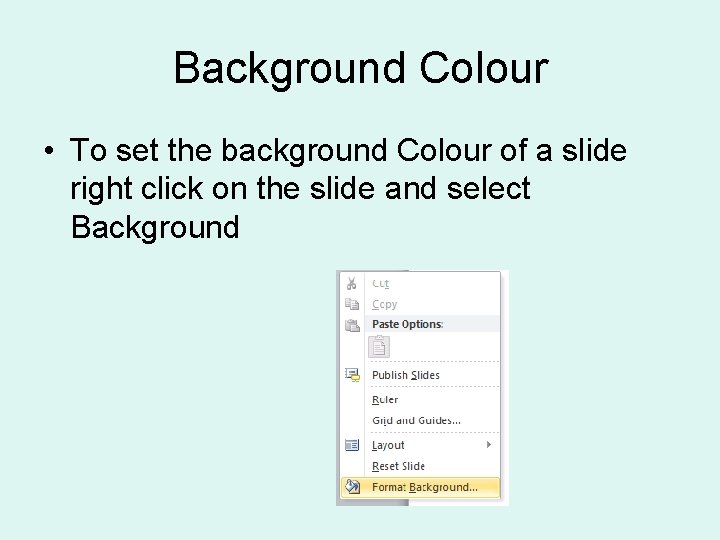
Background Colour • To set the background Colour of a slide right click on the slide and select Background
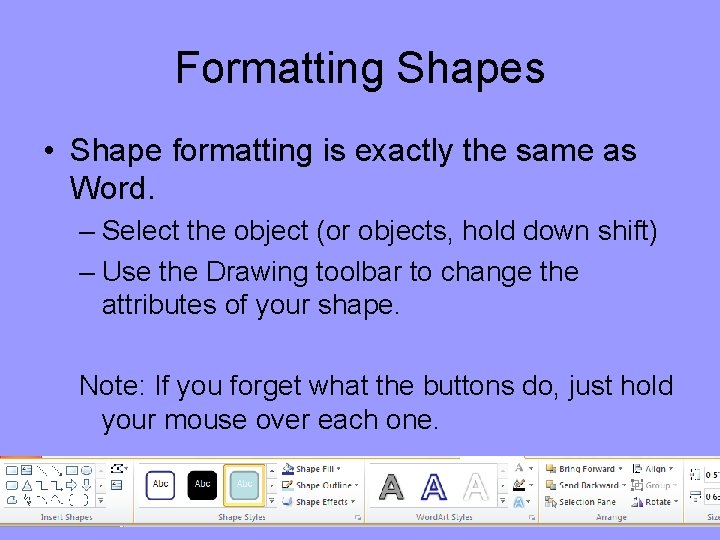
Formatting Shapes • Shape formatting is exactly the same as Word. – Select the object (or objects, hold down shift) – Use the Drawing toolbar to change the attributes of your shape. Note: If you forget what the buttons do, just hold your mouse over each one.
Your First Assignment 1 Goal: To explore the formatting and drawing tools. Job: Create a 6 slideshow about 1 of these two topics: 1. Awareness of the Impending Zombie Apocalypse. 2. Why your plans for March break are better than everyone elses.
Requirements: • • • At least 6 Slides Use a variety text formatting tools Use a variety of drawing tools Use some images. Make every aspect of your presentation support your main message!
Your First Assignment 2 • Your first slide should clearly state your message and your audience like this:
Main Message: “Zombie’s are coming and we are not ready” Audience: “United Nations Security Council”
- Slides: 11