
Power Point Terminal Learning Objective Given a computer

Power. Point
Terminal Learning Objective • Given a computer with Microsoft (MS) Power. Point and guidelines, build a presentation IAW Microsoft Office 97 Professional 6 in 1 Que edition 1997.
Presentations Present: • Abstracts • Concepts • Products • Ourselves
We Present Everyday • Meetings • Staff Teaching • Phone Calls • Ourselves
CAP Your Presentation • Content • Appearance • Practice
Content: Keep the Focus • Who • What • When • Where • How
Who • • Peers Staff Subordinates Students
What • • Statistics Charts Data Graphics
When • Time factors – Time for Preparation – Time Allowed – Time of Day
Where • Facilities – Projector – Display screen • Facility Resources – Computer – Software
How • Method of delivery – Printed – Visual – Spoken – Combination
Appearance • Consistency – Color – Fonts – Transitions – Builds
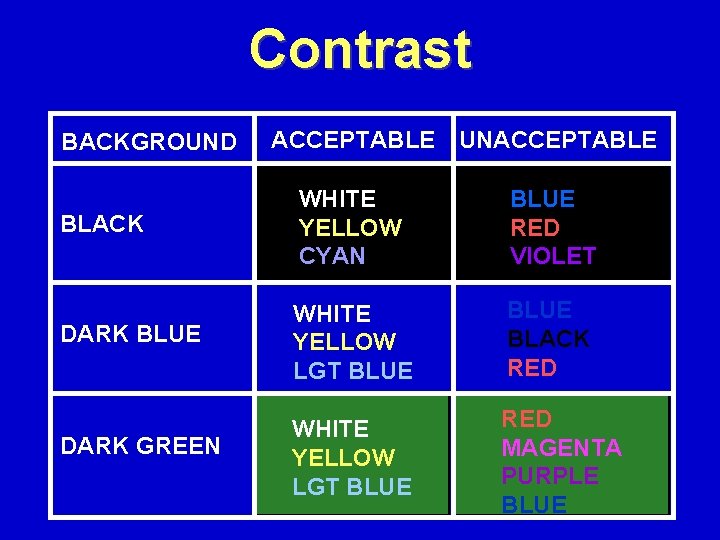
Contrast BACKGROUND ACCEPTABLE UNACCEPTABLE BLACK WHITE YELLOW CYAN BLUE RED VIOLET DARK BLUE WHITE YELLOW LGT BLUE BLACK RED WHITE YELLOW LGT BLUE RED MAGENTA PURPLE BLUE DARK GREEN
Transition • The special effect that introduces the slide • Smooth from one to another • Non-distracting
Builds • How the bullets, text, and graphics appear • Dim previous bullet (slide show view)
Appearance: Text • • • Fonts Capitalization Text Attributes Size (Versus Lines of Text) Contrast
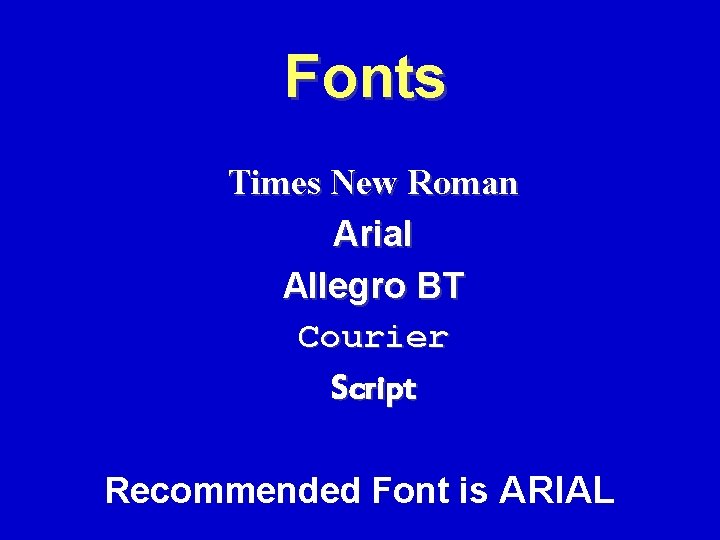
Fonts Times New Roman Arial Allegro BT Courier Script Recommended Font is ARIAL
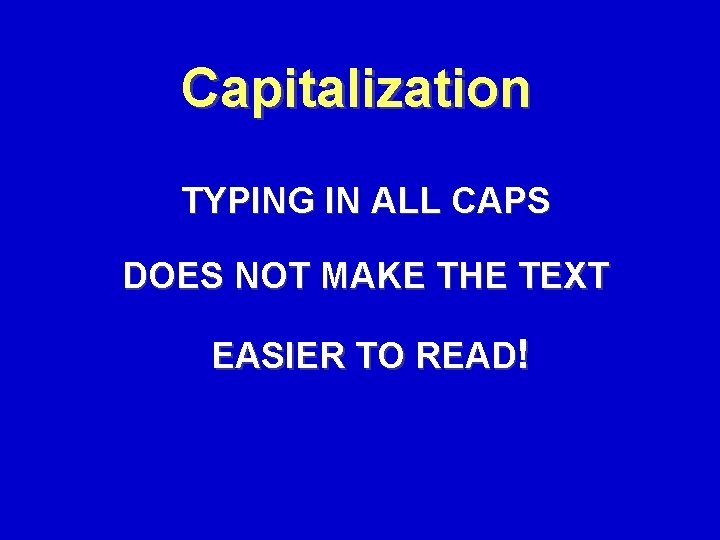
Capitalization TYPING IN ALL CAPS DOES NOT MAKE THE TEXT EASIER TO READ!
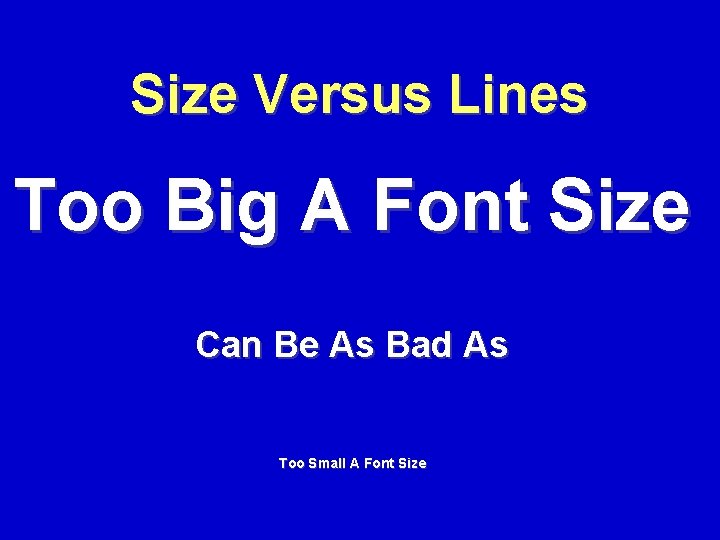
Size Versus Lines Too Big A Font Size Can Be As Bad As Too Small A Font Size
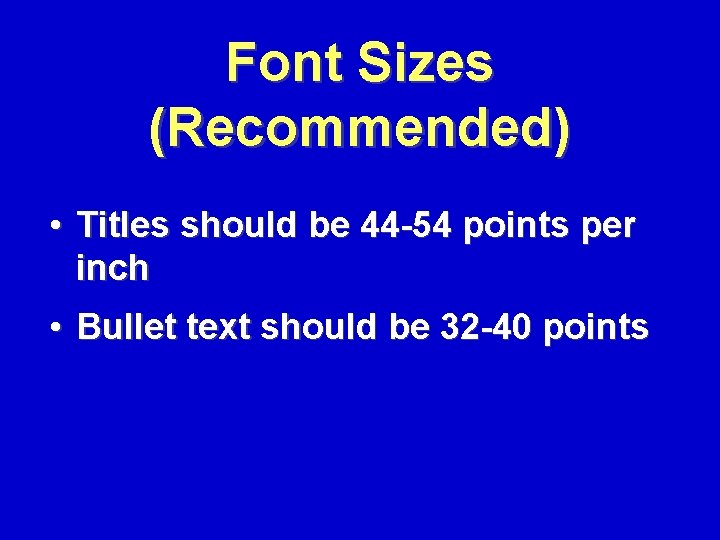
Font Sizes (Recommended) • Titles should be 44 -54 points per inch • Bullet text should be 32 -40 points
Practice! • • Effectiveness of delivery With / without an audience Before a mirror Be prepared for the question YOU don’t have the answer for
Practice Until If you didn’t know the material before YOU DO NOW!
“Bulletize” - Don’t Hypnotize! 25 Y. O. WM NKA C/O ‘Chest Pain’ x 25 min. Hx: States ‘stabbing’ pain began during PT exertion. Denies relief w/rest. States NK Family Hx of Heart Disease. parents presently undergoing marital problems.
“Bulletized” 25 Y. O. WM C/O ‘Chest Pain’ x 25 min. Hx: NKA Onset - P. T. W/O relief w/rest NK Family Hx of Heart Disease Parents - marital problems
Clip Art/pictures • A picture is worth a thousand words - if it is relevant! • No Message? DO NOT USE! • Make sure it is pertinent. • Not overwhelming.
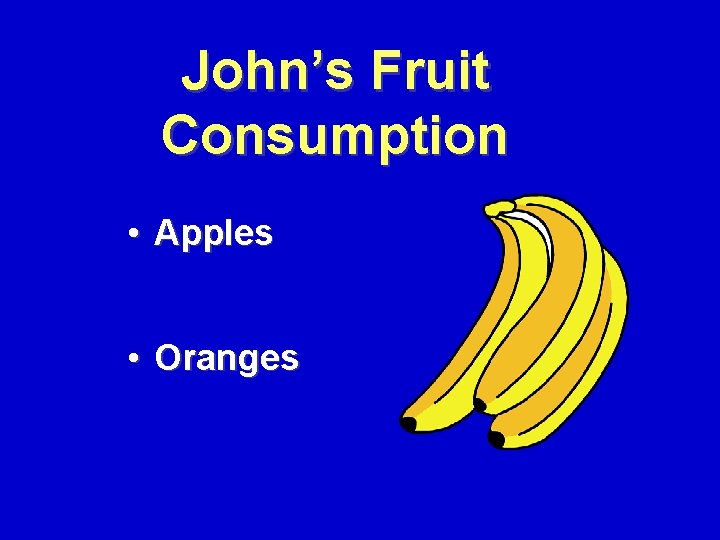
John’s Fruit Consumption • Apples • Oranges
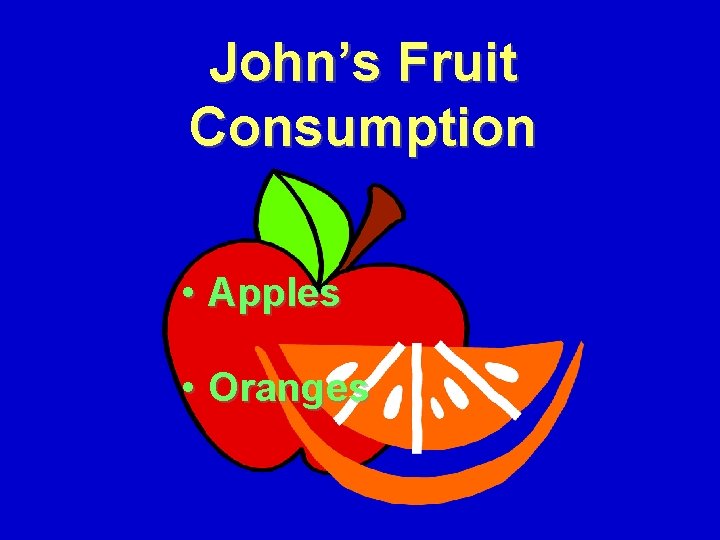
John’s Fruit Consumption • Apples • Oranges
Lack Of Negative Space • This image is much too busy to be easily read. • There is no place for the eyes to rest because the image is filled up. • There are too many lines of text to make this image readable. • How would you like to see the entire presentation as busy as this? • Your eyes would get very tired after looking at slides like this for a prolonged period of time.
Special Visual Effects • Use them if they are not distracting • It may tire the audience if overused, especially in transitions and builds.

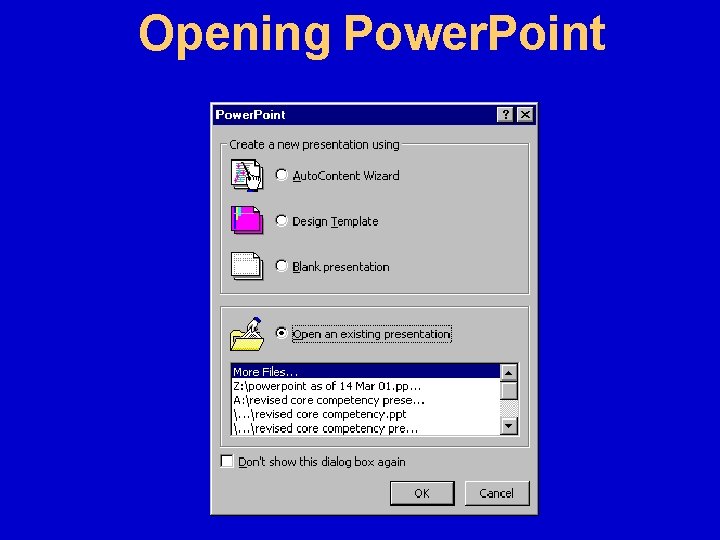
Opening Power. Point
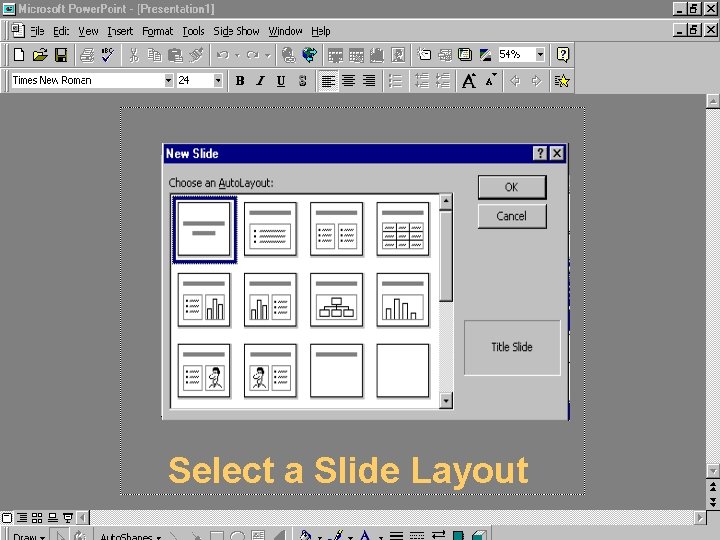
Select a Slide Layout
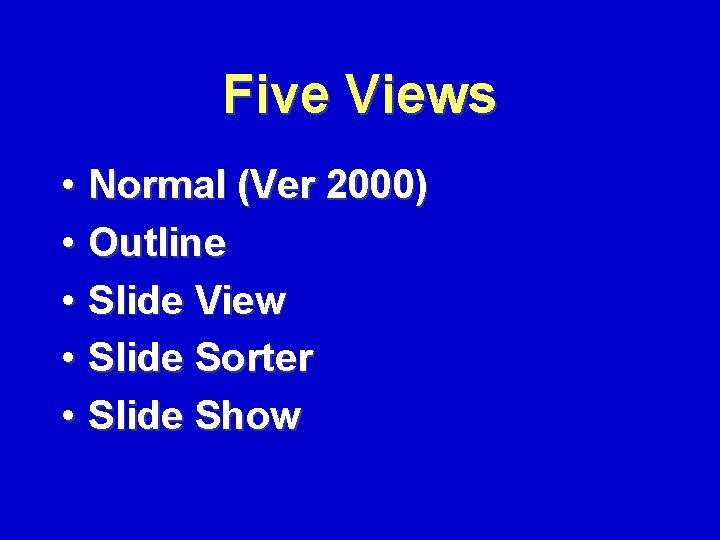
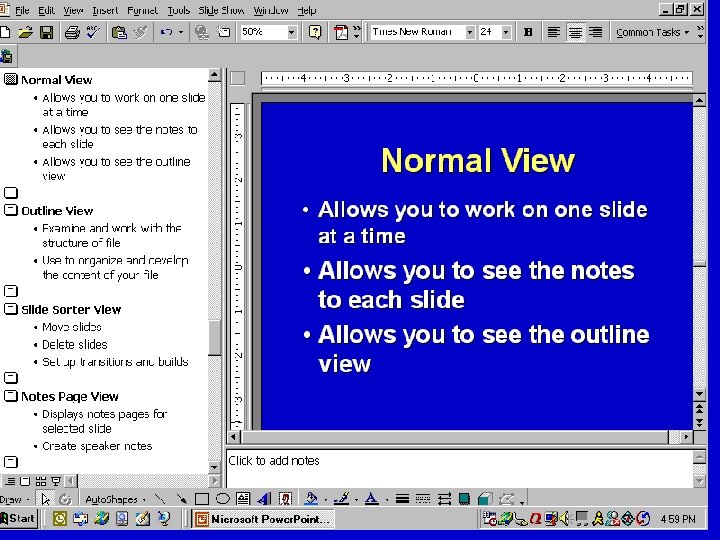
Five Views • Normal (Ver 2000) • Outline • Slide View • Slide Sorter • Slide Show
Normal View • Allows you to work on one slide at a time • Allows you to see the notes to each slide • Allows you to see the outline view
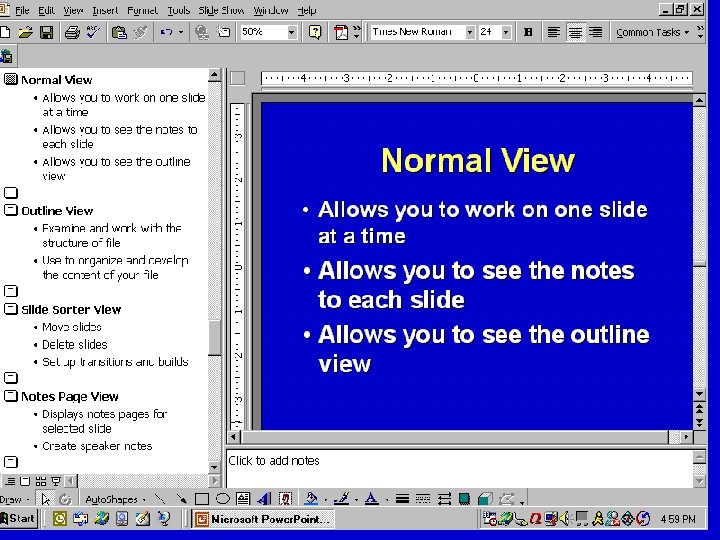
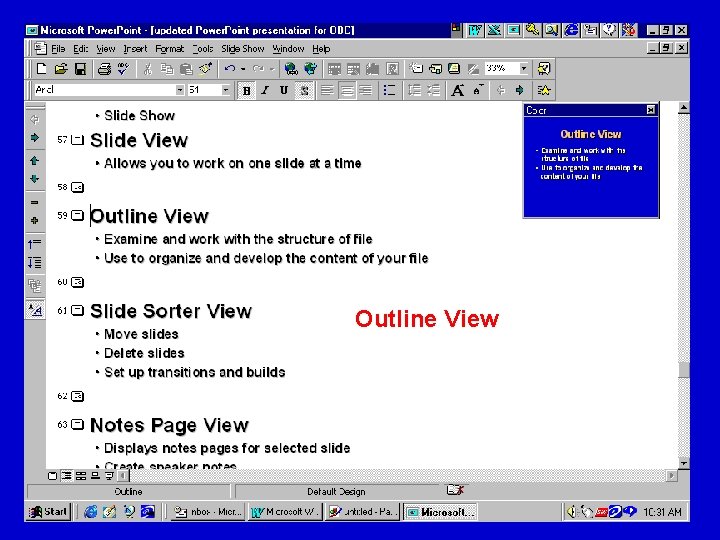
Outline View • Examine and work with the structure of file • Use to organize and develop the content of your file
Outline View
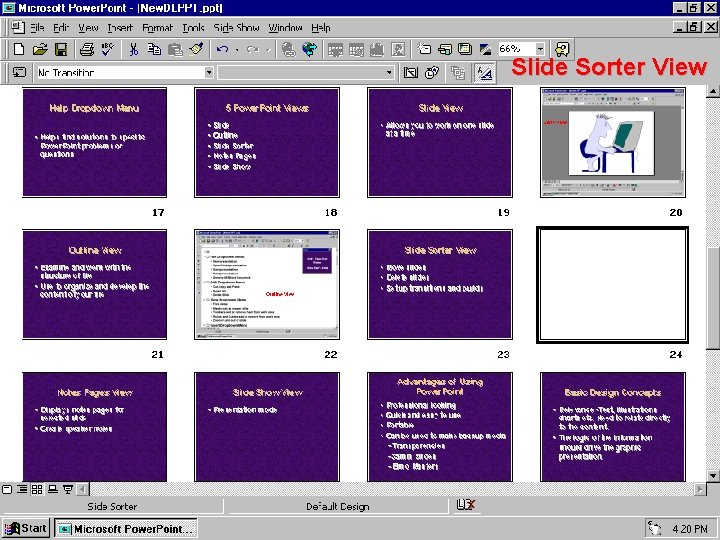
Slide Sorter View • Move slides • Delete slides • Set up transitions and builds
Slide Sorter View
Notes Page View • Displays notes pages for selected slide • Create speaker notes
Slide Show View Presentation mode
Slide Show View
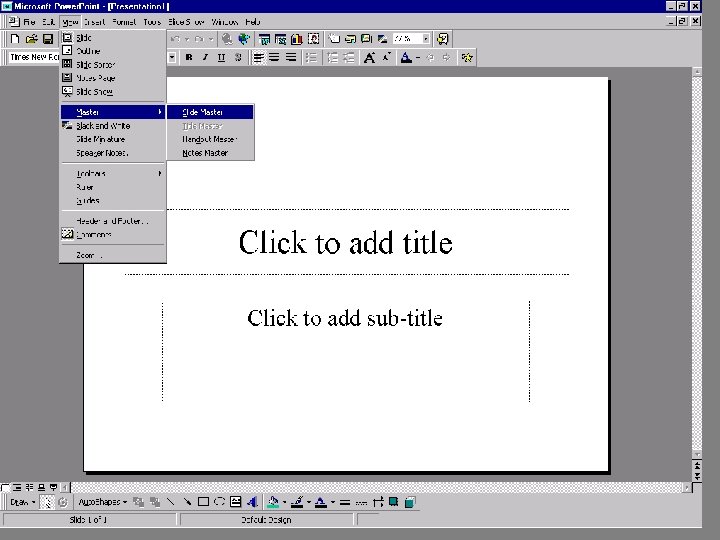
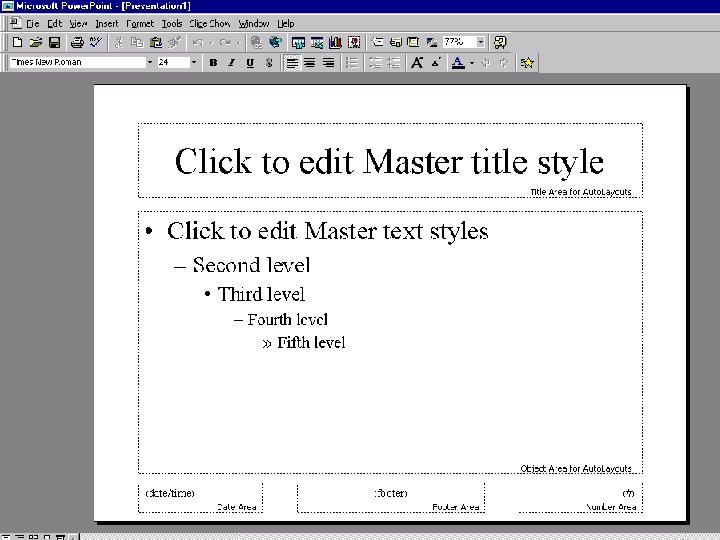
Master Slide • Set the attributes of your presentation once – Background color scheme – Fonts and Bullets
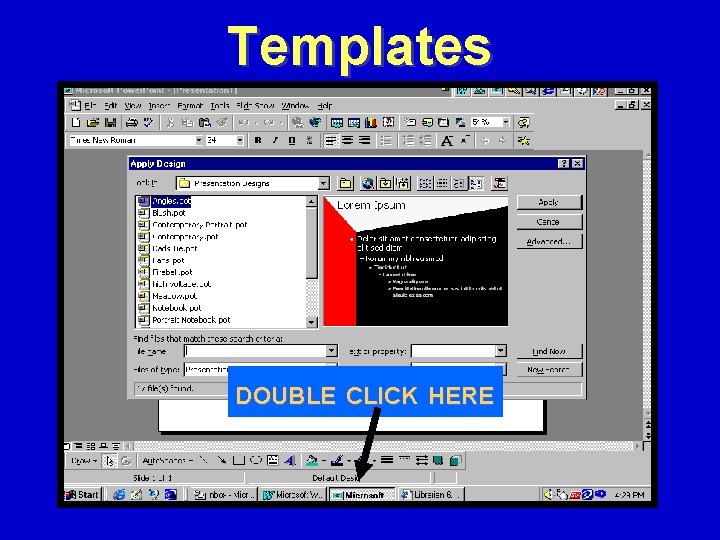
Templates DOUBLE CLICK HERE
Advantages of Using Power. Point • • Professional looking Quick and easy to use Can be used to make backups Portable
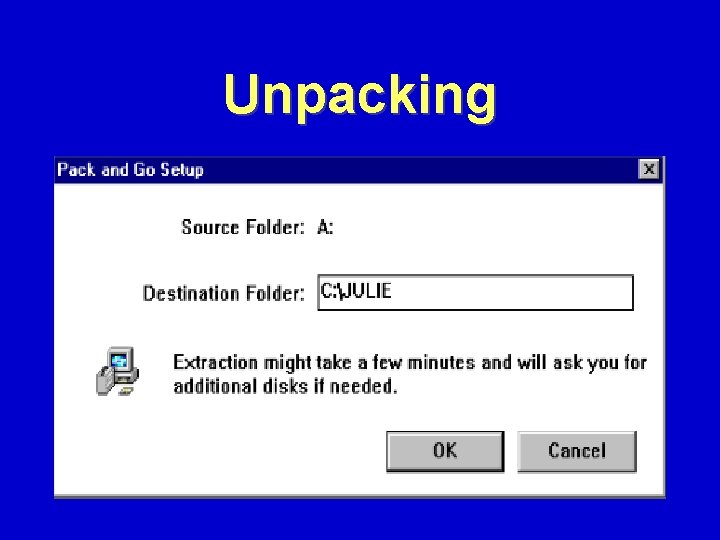
Pack and Go • Copies to a 3 ½ floppy disk (multiple diskettes) • Viewer available • Compresses data
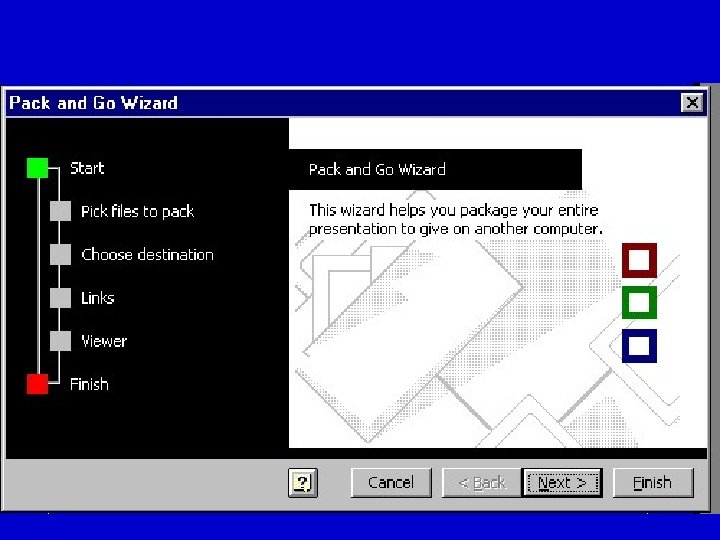
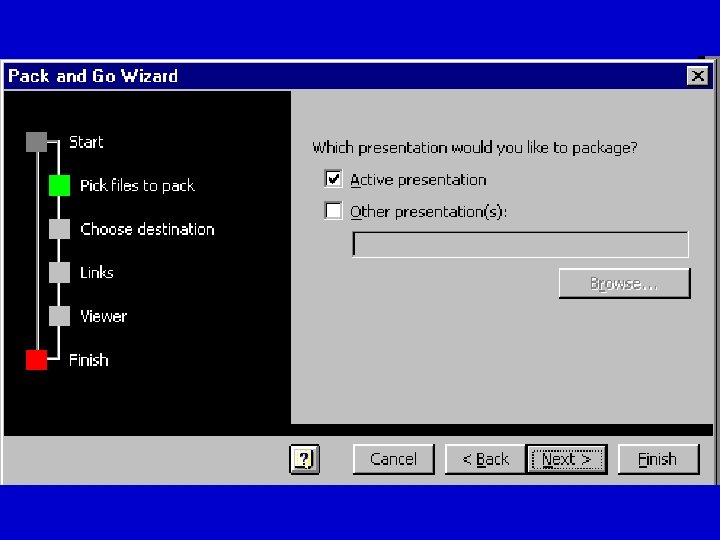
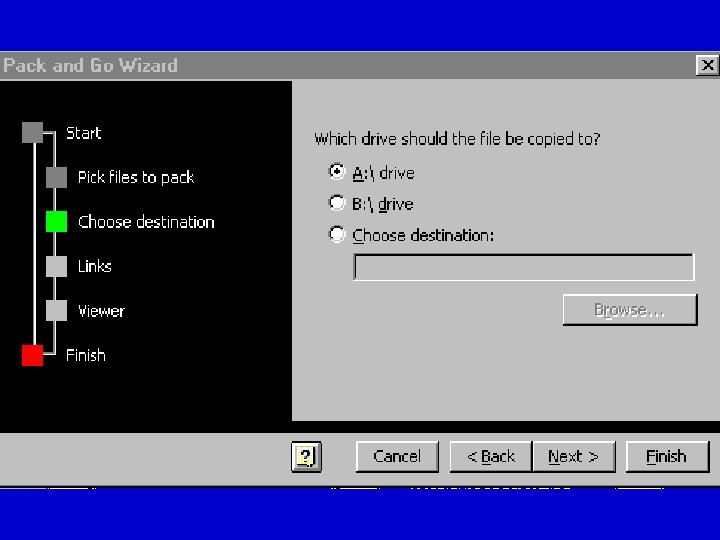
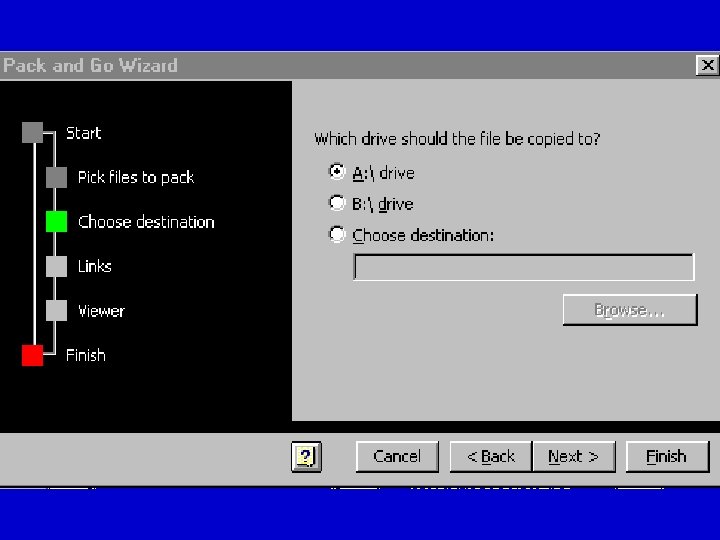
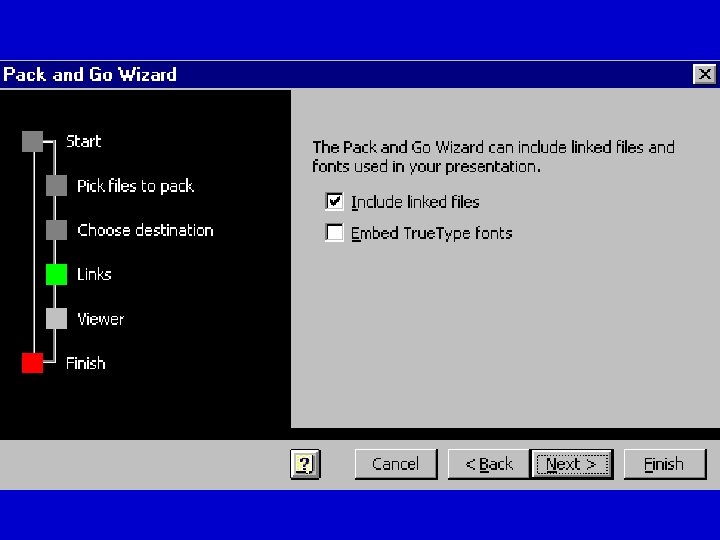
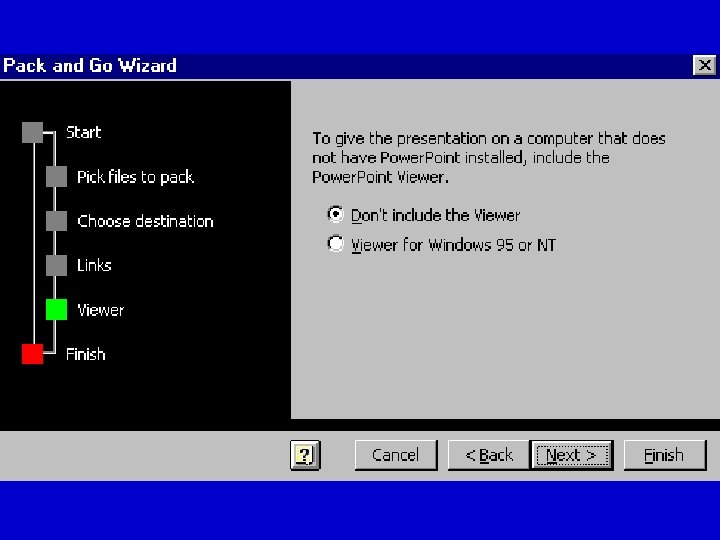
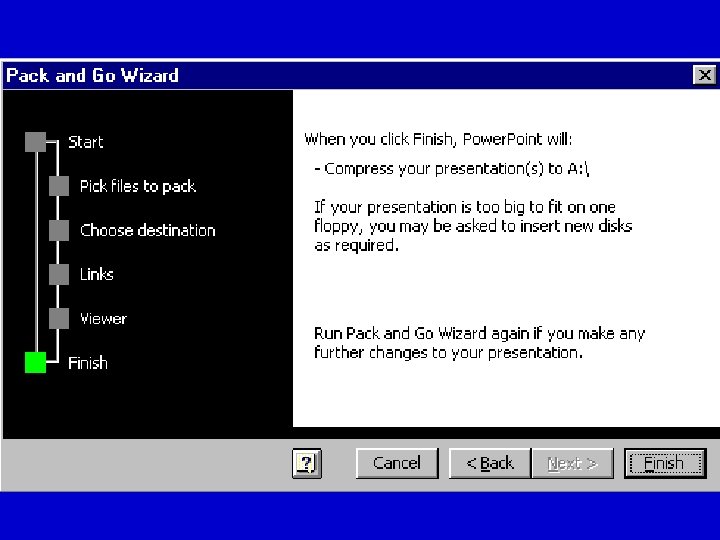
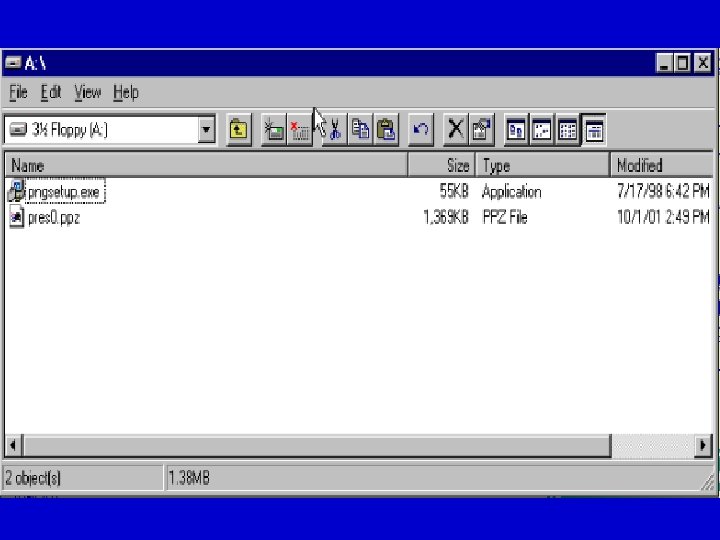
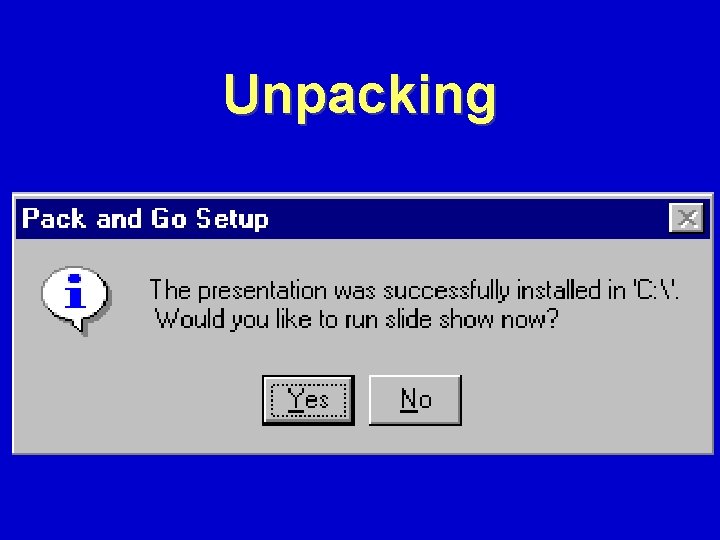
Unpacking • Use windows explorer • Go to floppy disk • Double click on the file called Pngsetup. exe • Go thru the wizard menus
Unpacking
Unpacking

Questions?
Summary • Techniques on presenting • Creating a Master Slide • Transitions and builds • Major areas of a Power. Point Screen
- Slides: 64