
Power Point Lesson 1 and 2 Part 1
- Slides: 19
Power. Point Lesson 1 and 2 --Part 1 Review • Make a review sheet by numbering as shown below. • The test is timed. • You can practice again if needed. • Click the mouse when you are ready to begin. 1. 2. 3. 4. 5. Up to 10.
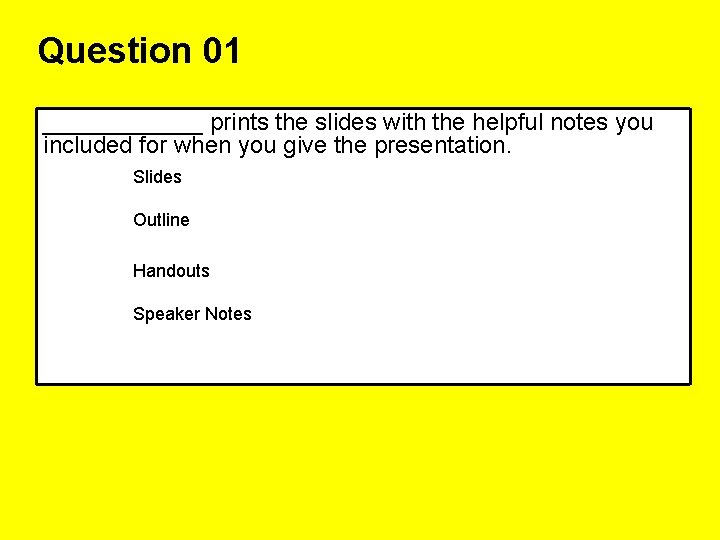
Question 01 ______ prints the slides with the helpful notes you included for when you give the presentation. Slides Outline Handouts Speaker Notes
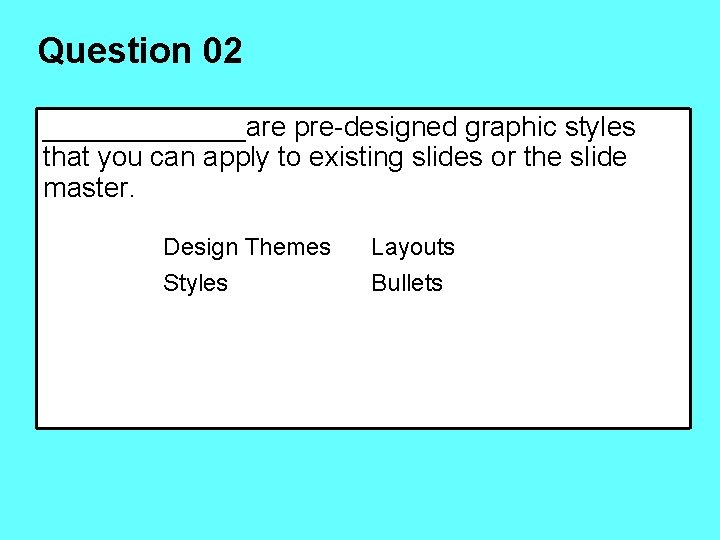
Question 02 _______are pre-designed graphic styles that you can apply to existing slides or the slide master. Design Themes Styles Layouts Bullets
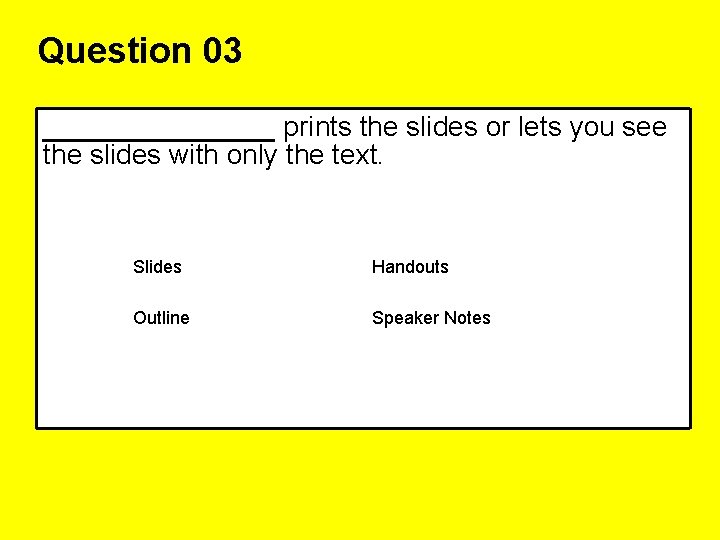
Question 03 _______ prints the slides or lets you see the slides with only the text. Slides Handouts Outline Speaker Notes
Question 4 ______view is where you actually develop each slide. In this view you can use the Slides Tab and Outline Tab Slide Show Slide Sorter
Question 5 ______ prints a thumbnail or small slides of the slide 3, 4, 6, or 9 to a page. A good way to print your slides! Slide Handouts Outline Speaker Notes
Question 6 ______displays your slides on the top portion of the page, with any speaker notes appearing in the Notes pane on the bottom of the page. Outline Slide Sorter Notes Page
Question 7 ______ view lets you “run” your presentation as a slide show. Slide Sorter Slide Show
Question 8 _______ view displays small slides on the screen so you can easily rearrange the slides. Slide Show Slide Sorter
Question 9 _______ a visual representation of data to help readers better understand relationships among data, such as an organizational charts, venn diagrams and pyramids Chart Table Diagrams Clip Arts
Question 10 ______ an option used to automate features in a slide show, such as slide transitions, animation, or audio. Animations Timings Sorters Bullets
Question 11 _______are used to add visual effects and/or sounds to individual text, graphics, or other elements on a slide. Animations Slide Transitions
Question 12 To keep your text so that it will look the same on all computers, you should ______fonts. stylize embed emphasize design
Question 13 _______should be used to cause the same fonts, colors, logos, headers/footers, and other customizations to appear on all the slides. Animations Handouts Master Slides Speaker Notes
Question 14 When designing your presentation, you should do all of the following EXCEPT ______. Use bullets Use pictures instead of words when possible Copy and paste from the Internet
Question 15 ______control how one slide is removed from the screen and the next appears. Animations Slide Transitions
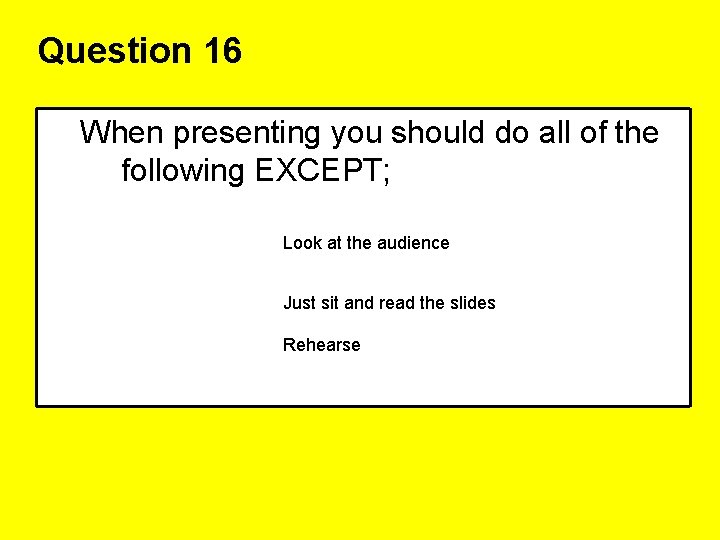
Question 16 When presenting you should do all of the following EXCEPT; Look at the audience Just sit and read the slides Rehearse
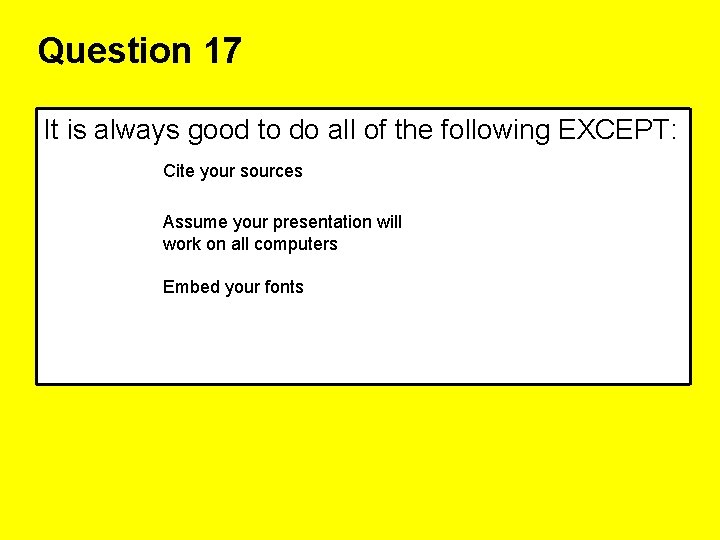
Question 17 It is always good to do all of the following EXCEPT: Cite your sources Assume your presentation will work on all computers Embed your fonts
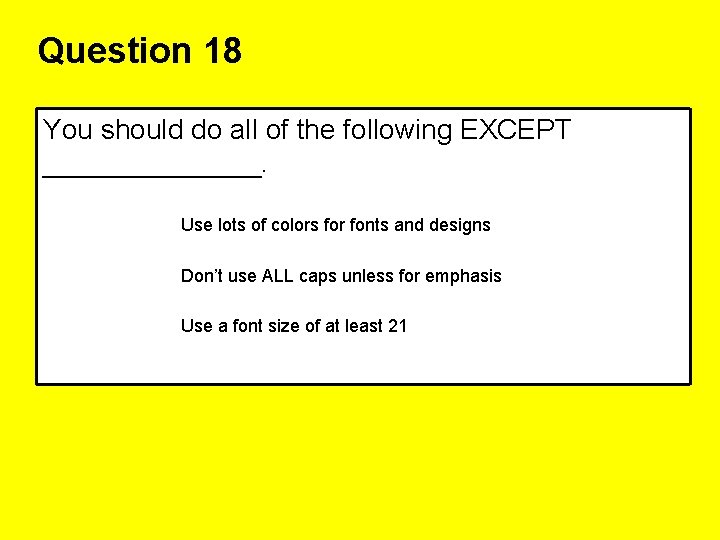
Question 18 You should do all of the following EXCEPT _______. Use lots of colors for fonts and designs Don’t use ALL caps unless for emphasis Use a font size of at least 21