
Power Point into Word Queens Printer for Ontario

- Slides: 25
Power. Point into Word © Queen’s Printer for Ontario, 2003 • Step 1. Write Notes below slides • Step 2. File>Send to> Microsoft Word • Step 3. Wait for exporting • Step 4. Remove 1 st column (Slide No. ) and decrease font in 3 rd column to 11 point • Step 5. Change Page Set Up to gain greater margins • Step 6. Drag column widths in ratio of 3 (for slide) to 2 (for text) • Step 7. Drag lower corner of slide pictures each by each until you get the best use of space. 1
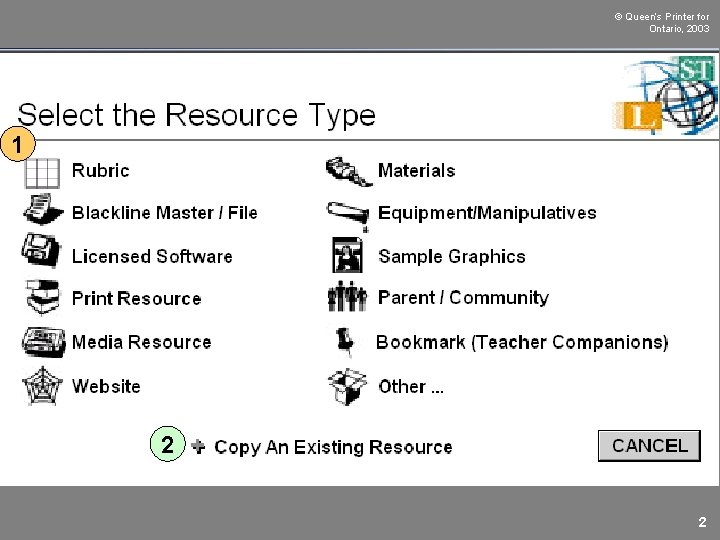
© Queen’s Printer for Ontario, 2003 1 2 2
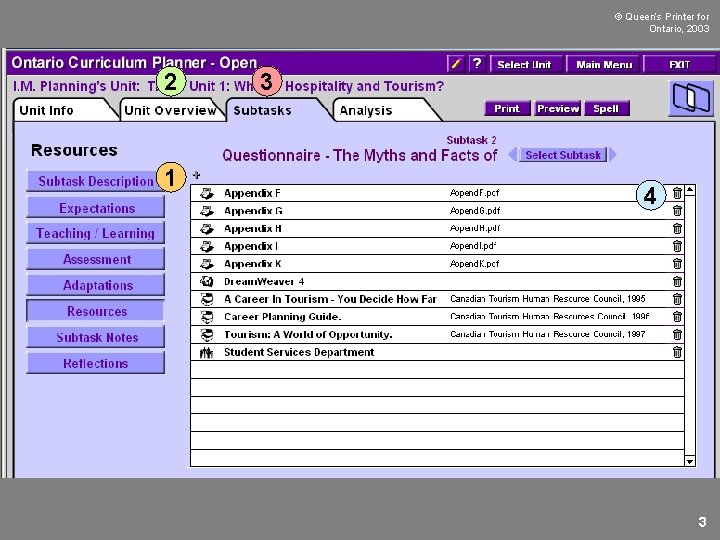
© Queen’s Printer for Ontario, 2003 2 1 3 4 3
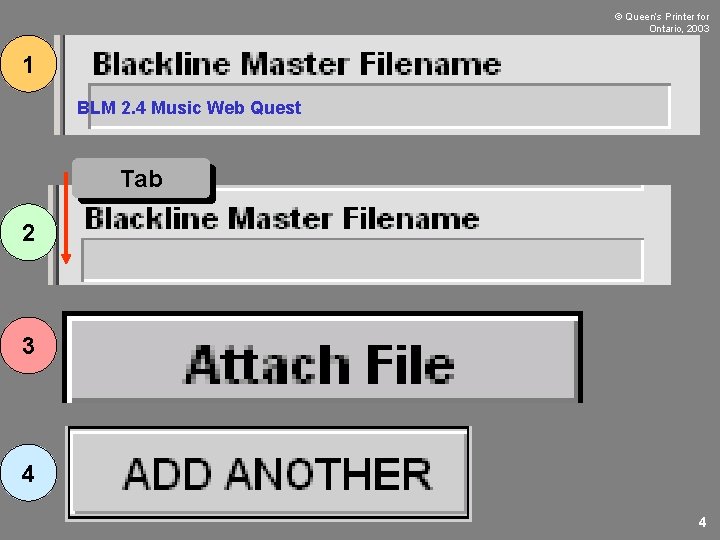
© Queen’s Printer for Ontario, 2003 1 BLM 2. 4 Music Web Quest Tab 2 3 4 4
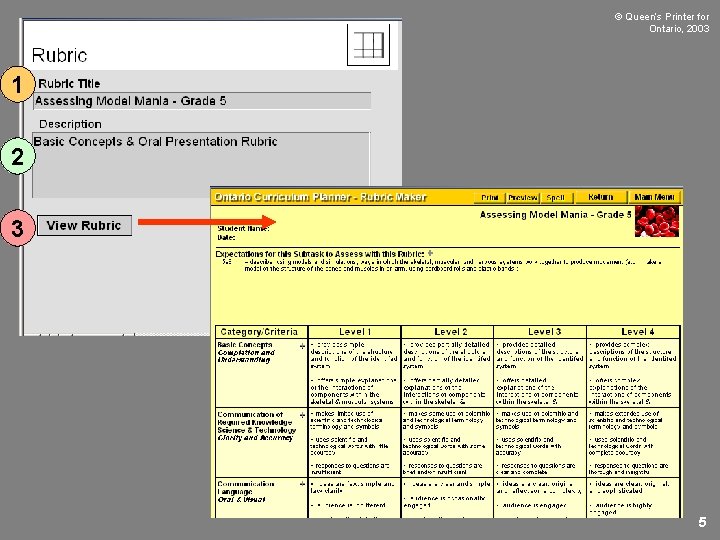
© Queen’s Printer for Ontario, 2003 1 2 3 5
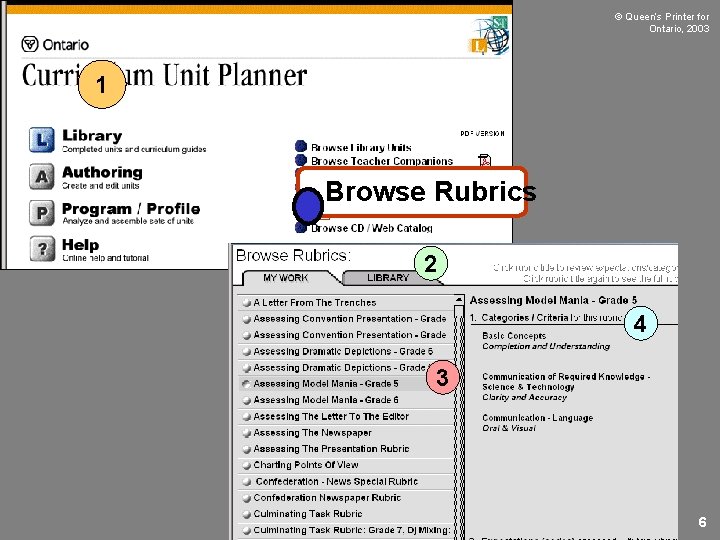
© Queen’s Printer for Ontario, 2003 1 Browse Rubrics 2 4 3 6
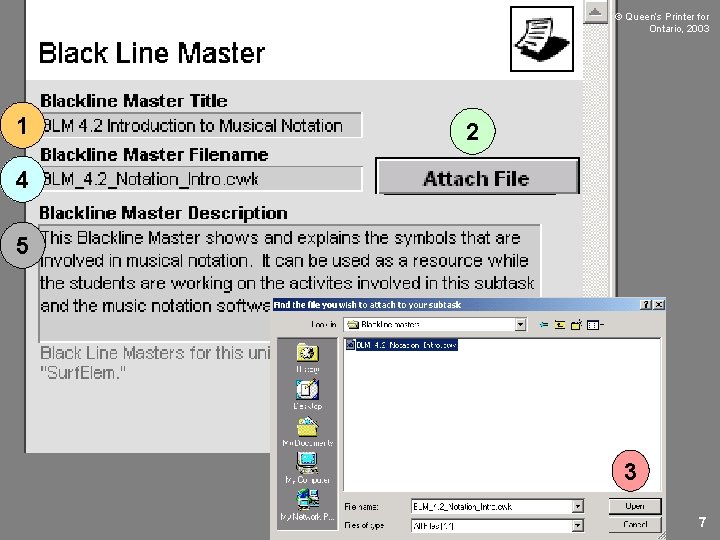
© Queen’s Printer for Ontario, 2003 1 2 4 5 3 7
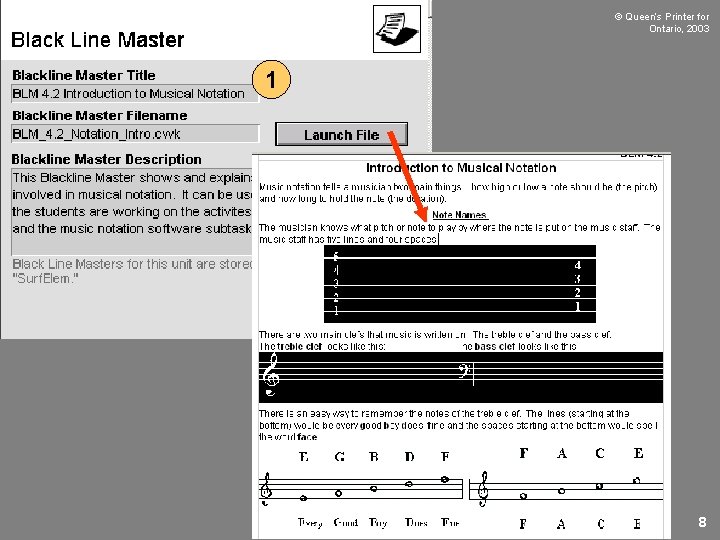
© Queen’s Printer for Ontario, 2003 1 8
© Queen’s Printer for Ontario, 2003 1 3 2 4 9
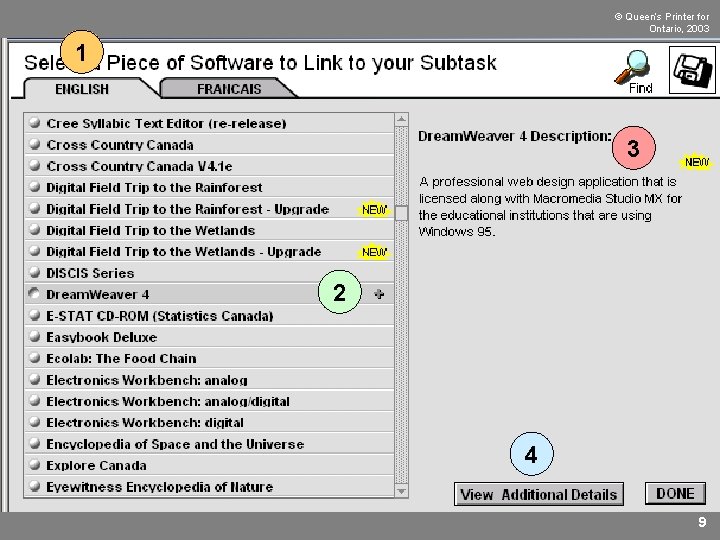
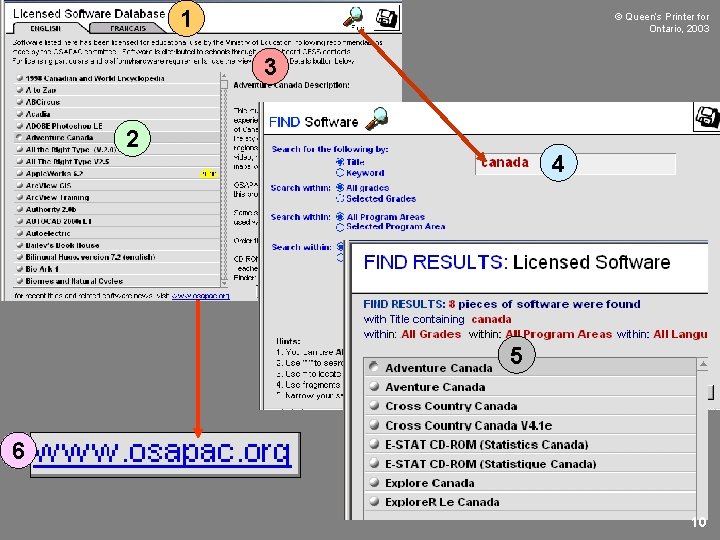
1 © Queen’s Printer for Ontario, 2003 3 2 4 5 6 10
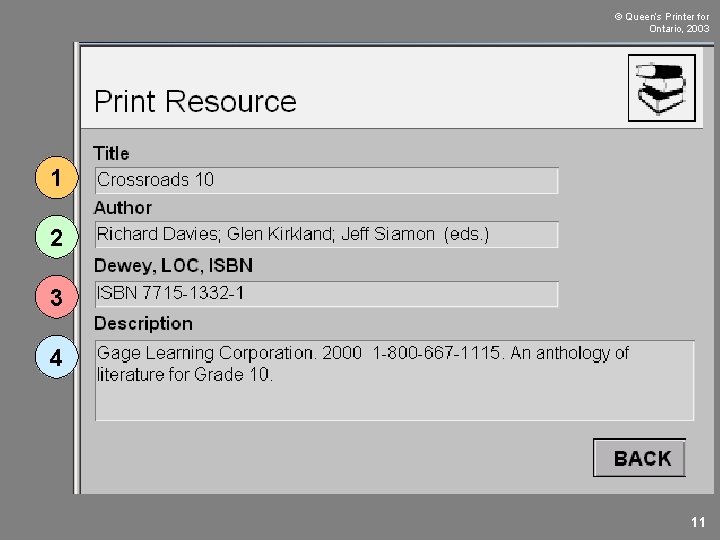
© Queen’s Printer for Ontario, 2003 1 2 3 4 11
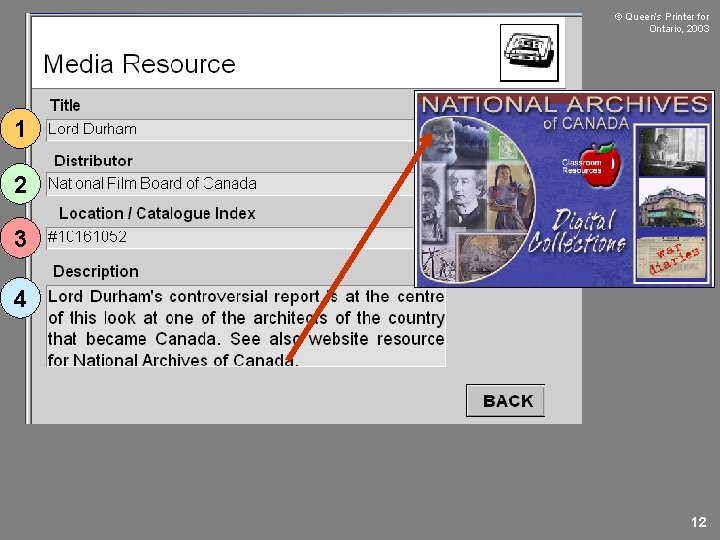
© Queen’s Printer for Ontario, 2003 1 2 3 4 12
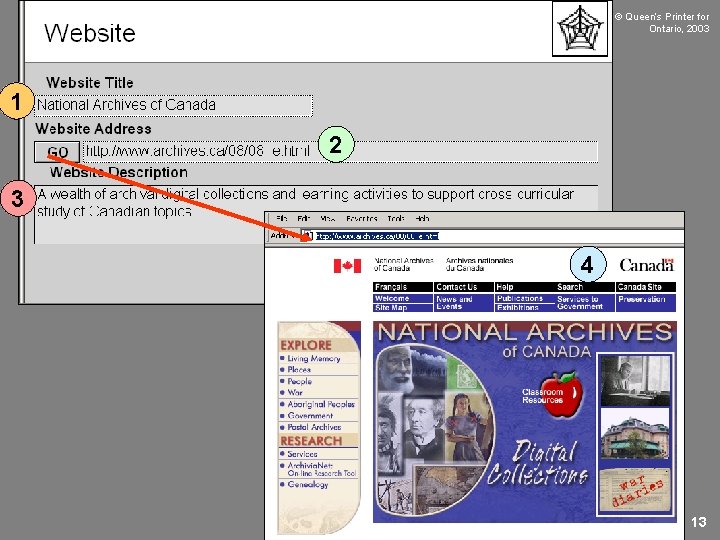
© Queen’s Printer for Ontario, 2003 1 2 3 4 13
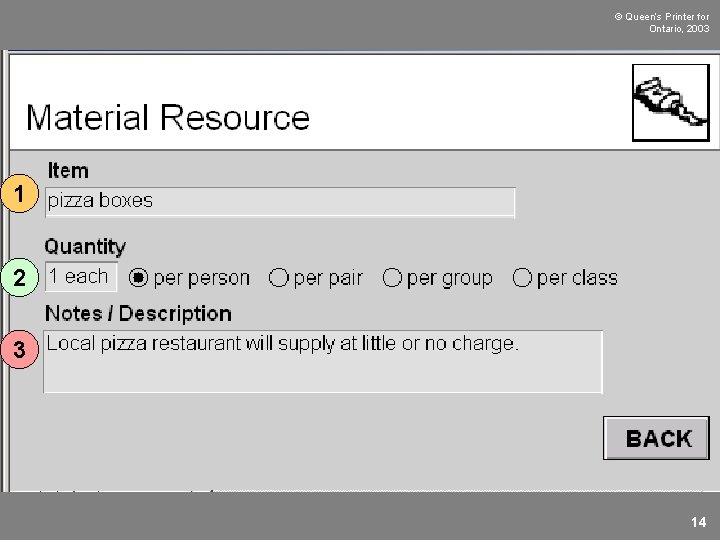
© Queen’s Printer for Ontario, 2003 1 2 3 14
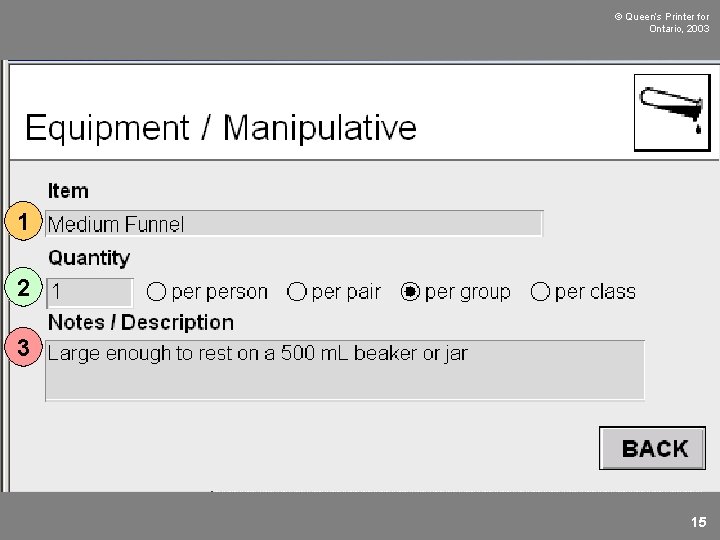
© Queen’s Printer for Ontario, 2003 1 2 3 15
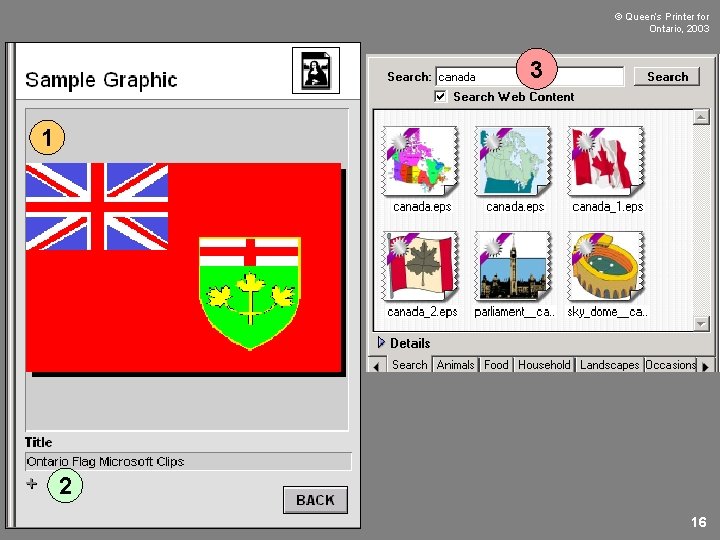
© Queen’s Printer for Ontario, 2003 3 1 2 16
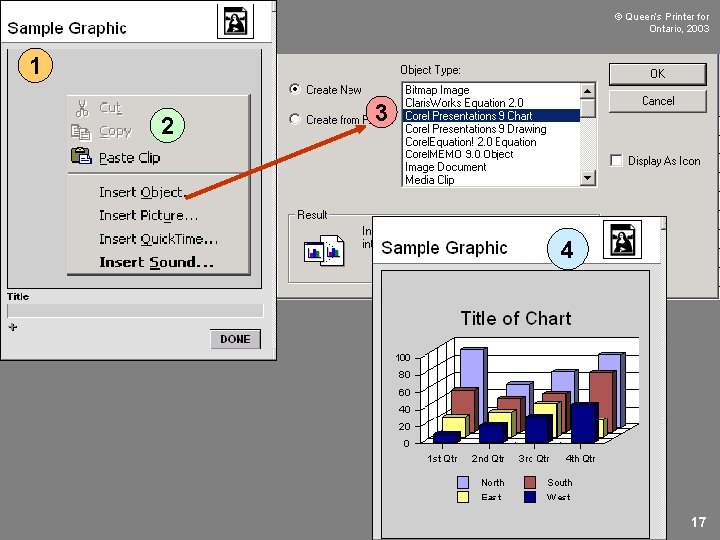
© Queen’s Printer for Ontario, 2003 1 2 3 4 17
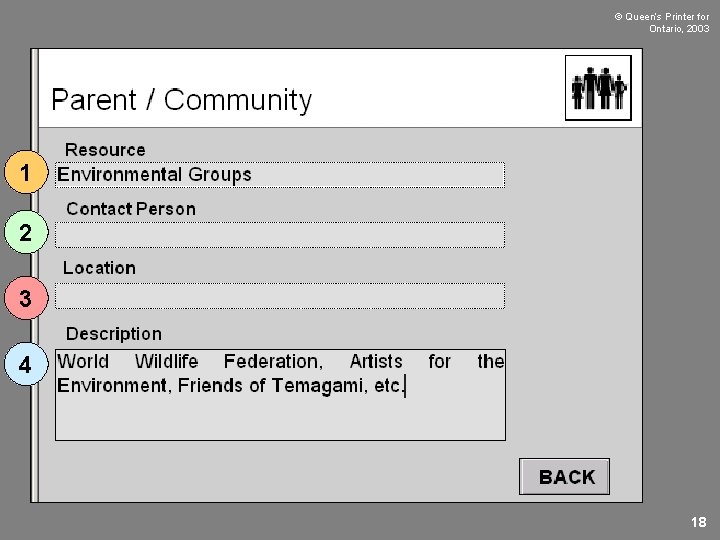
© Queen’s Printer for Ontario, 2003 1 2 3 4 18
1 © Queen’s Printer for Ontario, 2003 3 2 4 5 19
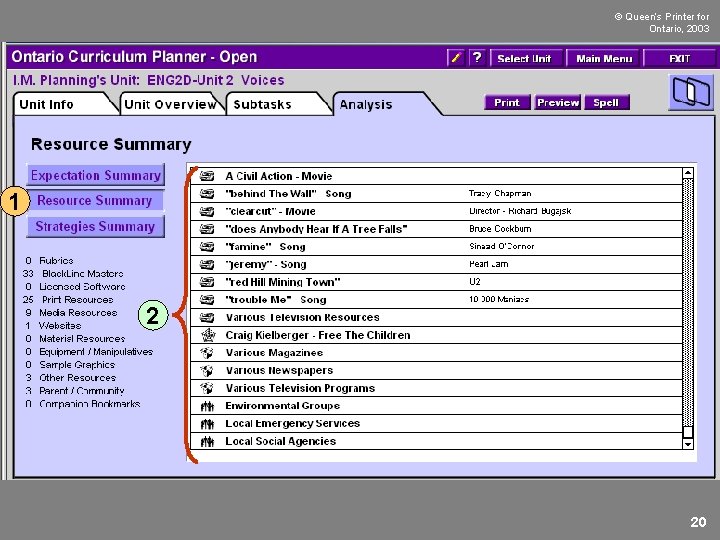
© Queen’s Printer for Ontario, 2003 1 2 20
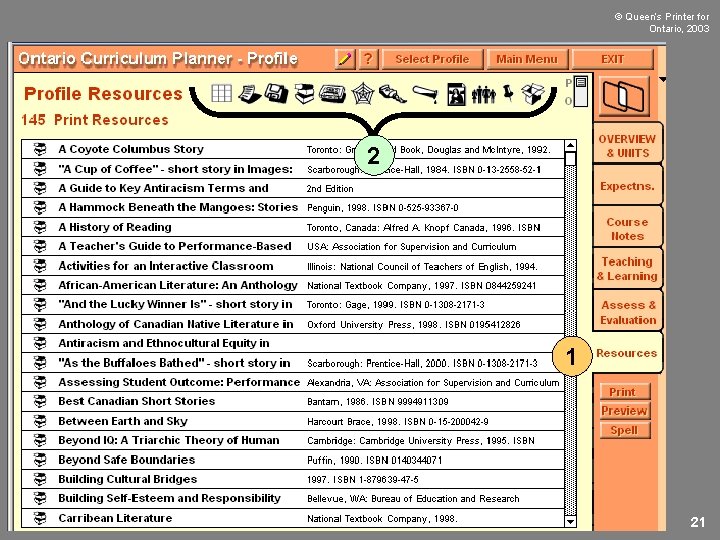
© Queen’s Printer for Ontario, 2003 2 1 21
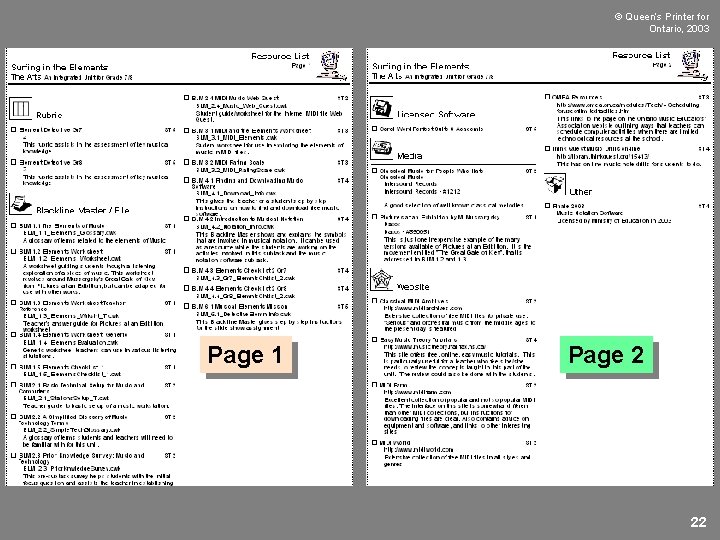
© Queen’s Printer for Ontario, 2003 Page 1 Page 2 22
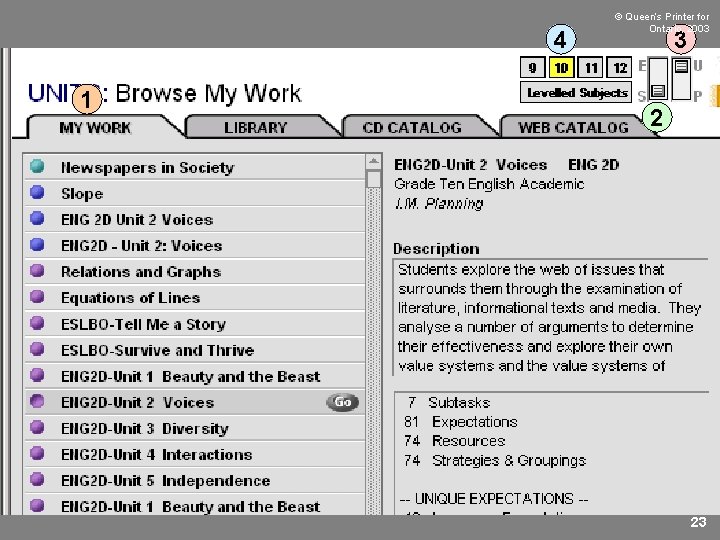
4 1 © Queen’s Printer for Ontario, 2003 3 2 23
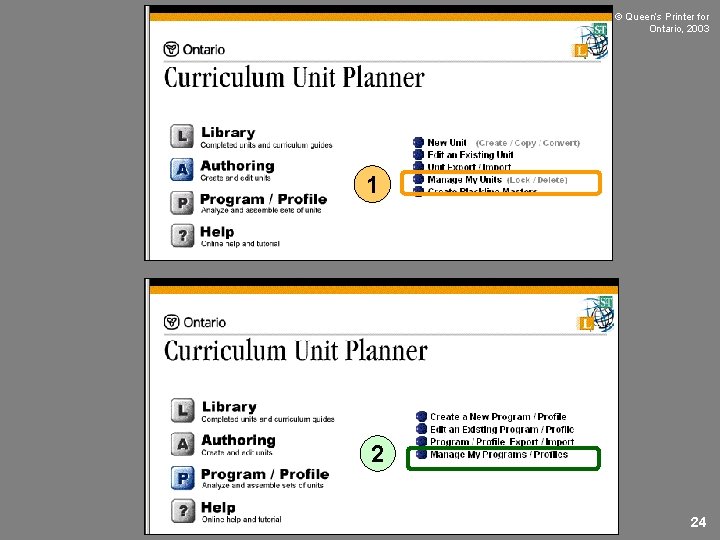
© Queen’s Printer for Ontario, 2003 1 2 24
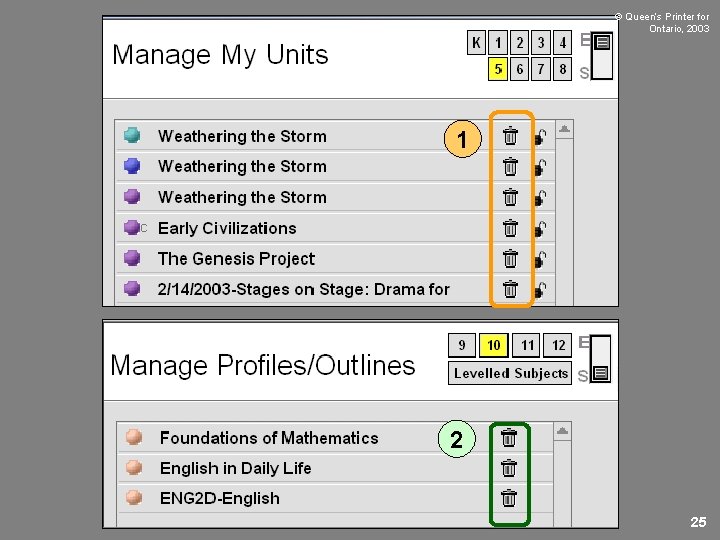
© Queen’s Printer for Ontario, 2003 1 2 25