
Power Point Hits and Misses Mr Moore Hold

- Slides: 16
Power. Point Hits and Misses Mr. Moore
Hold up your end with compelling material • No ones likes to be bored • Bored=inattention
KISS
Minimize Slides • 100 slides • 10 slides
Don't parrot Power. Point • One of the most prevalent and damaging habits of Power. Point users is to simply read the visual presentation to the audience. Not only is that redundant — short of using the clicker, why are you even there? — but it makes even the most visually appealing presentation boring to the bone. Power. Point works best with spoken remarks that augment and discuss, rather than mimic, what's on the screen. "Even with Power. Point, you've got to make eye contact with your audience, " says Roberta Prescott of The Prescott Group, a Connecticut-based communications consulting firm. "Those people didn't come to see the back of your head. "
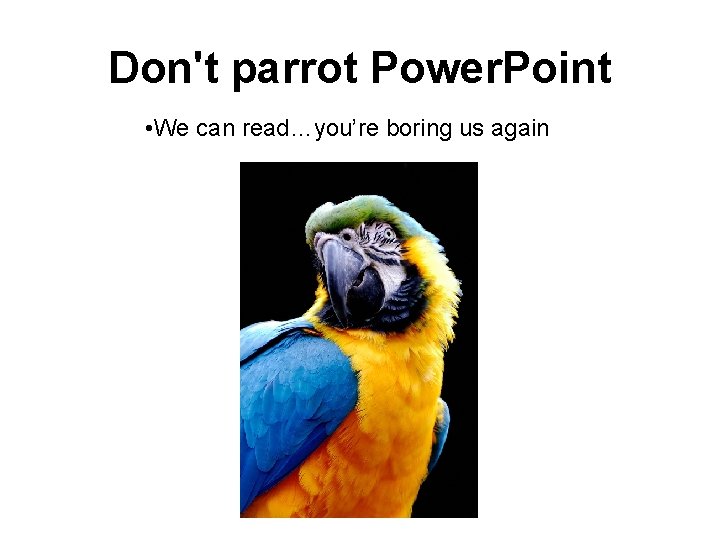
Don't parrot Power. Point • We can read…you’re boring us again
Timing is everything • Extra stimuli creates distraction
Give it a rest. The Blank Screen Phenomenon
Use Vibrant Colors Ø Doesn’t this look nicer than that plain white?
Import other pic’s and graphics Don’t
Handouts at the End Ø Limit stimuli!!! Ø What’s the first thing you do when you get a hand out?
Edit ruthlessly before presenting. Ø Think you four coming too my presentation. I hop you buy my stuf ? Ø Yeah, I’ll pass.
Sum it up Ø Don’t be the guy that has to end with “…and that’s it” Ø Use an Overview slide or close with something interesting
Overview Ø Follow these 10 simple ideas and you’ll be making professional presentations in no time!
References Ø http: //www. microsoft. com/smallbusiness/re sources/technology/businesssoftware/presenting-with-powerpoint-10 dos-anddonts. aspx#Presentingwith. Power. Pointdos anddonts