
Power Point Basics Digitools Chapter 10 Objectives o
Power. Point Basics Digitools Chapter 10
Objectives o o Plan, research, and write oral presentations Prepare visuals for oral presentation Deliver oral presentation Evaluate oral presentation
Plan, Research, and Writing o o o o Identify purpose Profile listeners Address listeners interests Develop outline of ideas Make Visuals Record and Insert Audio Prepare for the presentation
Purpose o Motivate or Influence n n n o Main ideas Supporting details Be persuasive Inform n n n Clear and concise Understandable and Useable Communicate Information
Listeners o A mental picture of group n n n Likes and Dislikes Needs Expertise/Knowledge Biases Responsibilities Decision makers?
Message o o o Main points or ideas Relate to your listeners Storyboard – main points and basic organization n o In Power. Point use Outline and notes to create Objections/Advantages for listener n Write in Notes
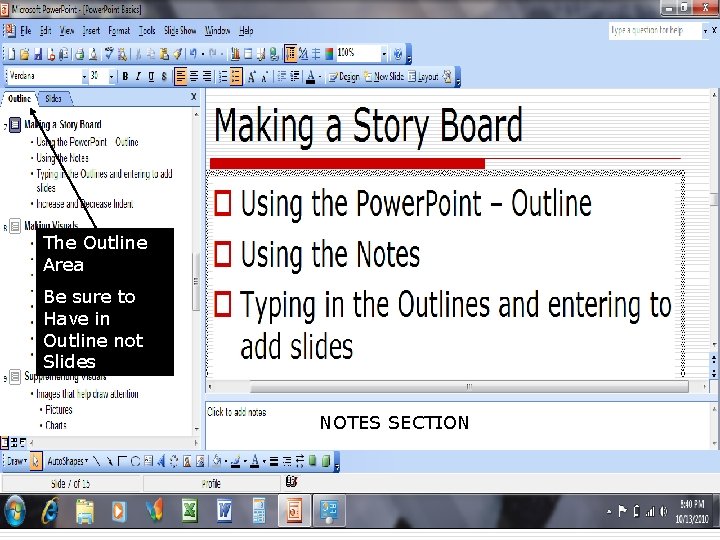
The Outline Area Be sure to Have in Outline not Slides NOTES SECTION
Making Visuals o o o o Start with title slide - introduce Enter short details Use phrases not sentences Capitalize first word No periods Use bulleted lists Make font readable Check spelling
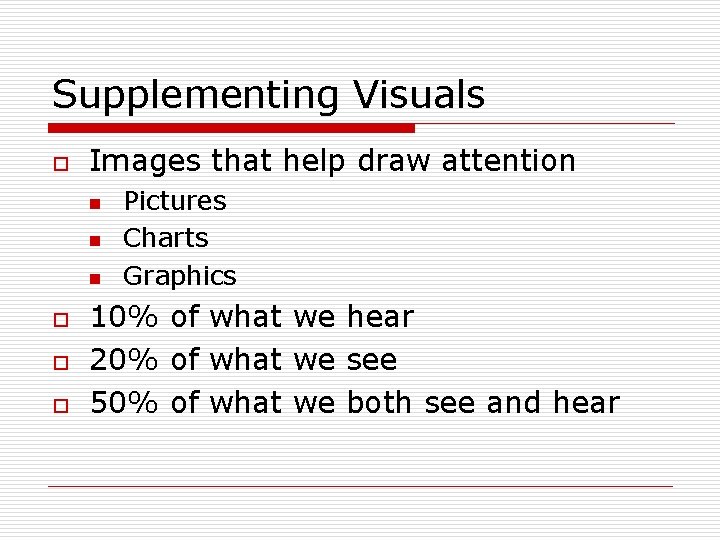
Supplementing Visuals o Images that help draw attention n o o o Pictures Charts Graphics 10% of what we hear 20% of what we see 50% of what we both see and hear
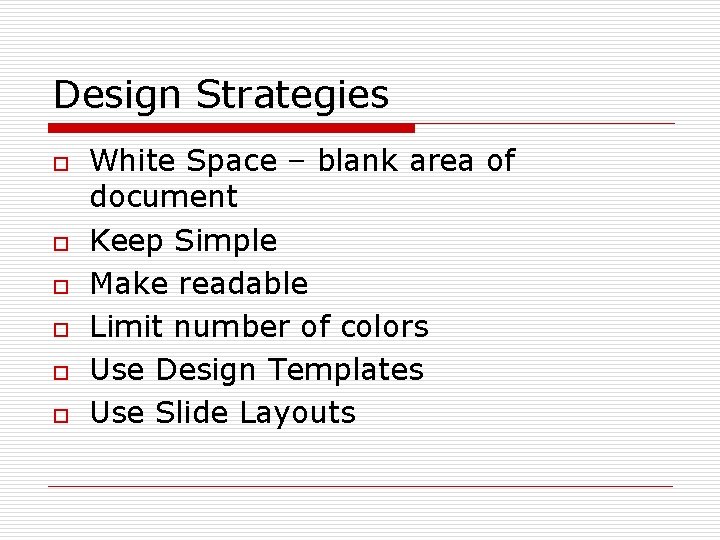
Design Strategies o o o White Space – blank area of document Keep Simple Make readable Limit number of colors Use Design Templates Use Slide Layouts
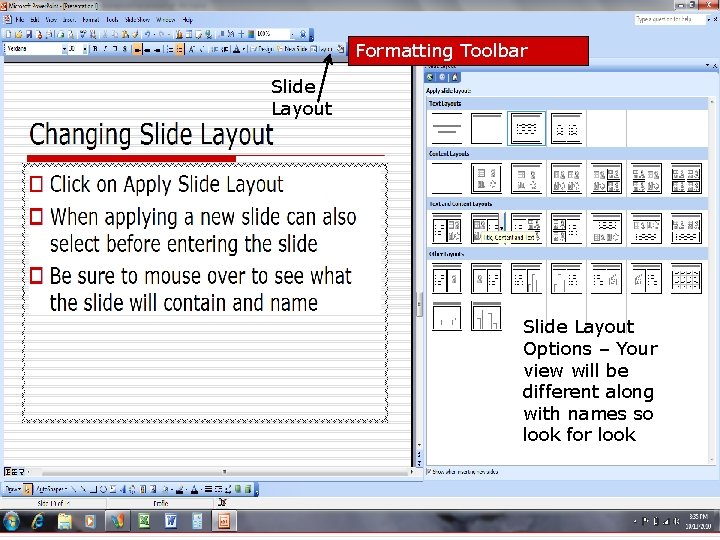
Formatting Toolbar Slide Layout Options – Your view will be different along with names so look for look
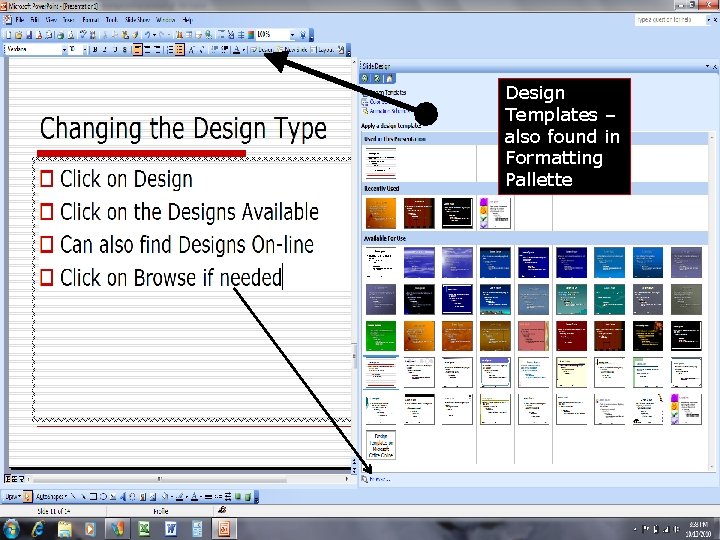
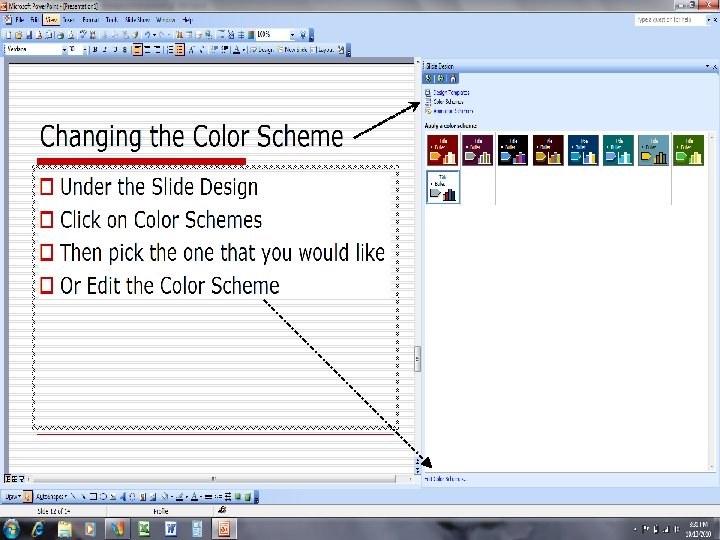
Design Templates – also found in Formatting Pallette
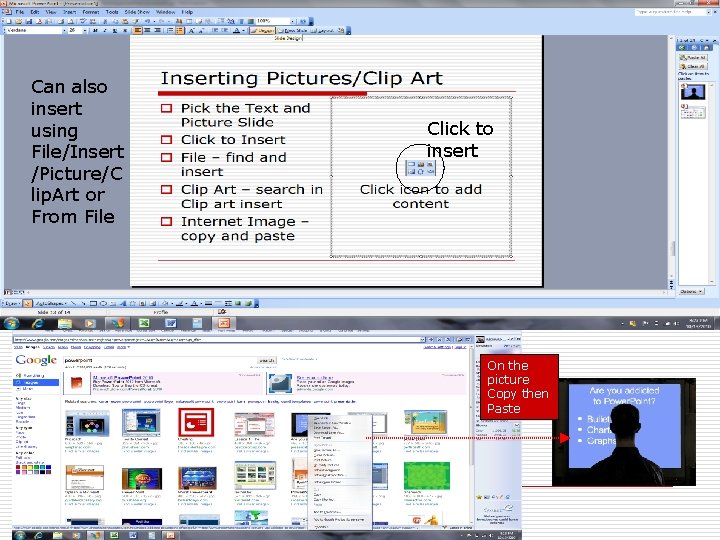
Can also insert using File/Insert /Picture/C lip. Art or From File Click to insert On the picture Copy then Paste
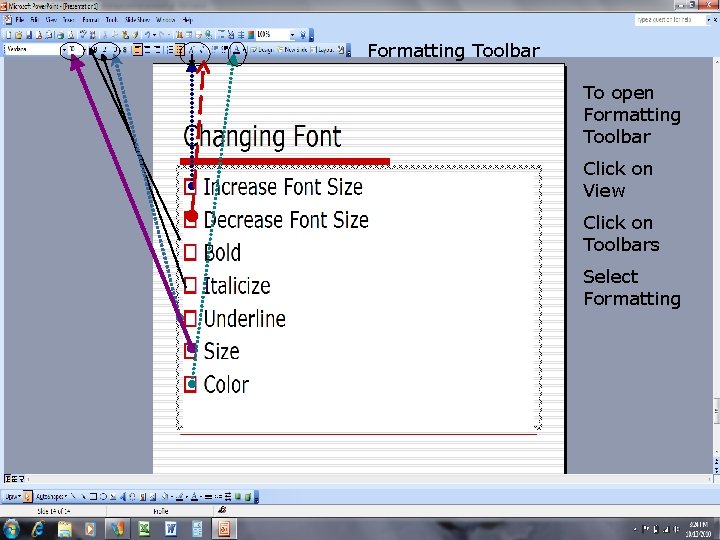
Formatting Toolbar To open Formatting Toolbar Click on View Click on Toolbars Select Formatting
- Slides: 15