
Power On Laptop and Login Bae Power Button
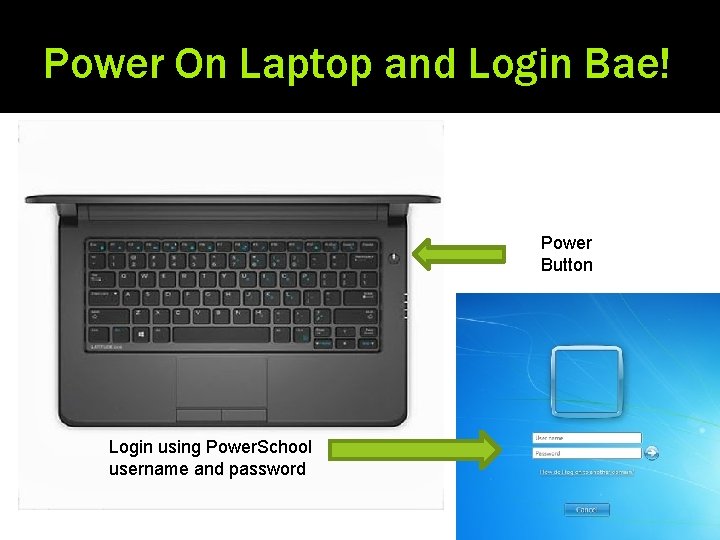
Power On Laptop and Login Bae! Power Button Login using Power. School username and password
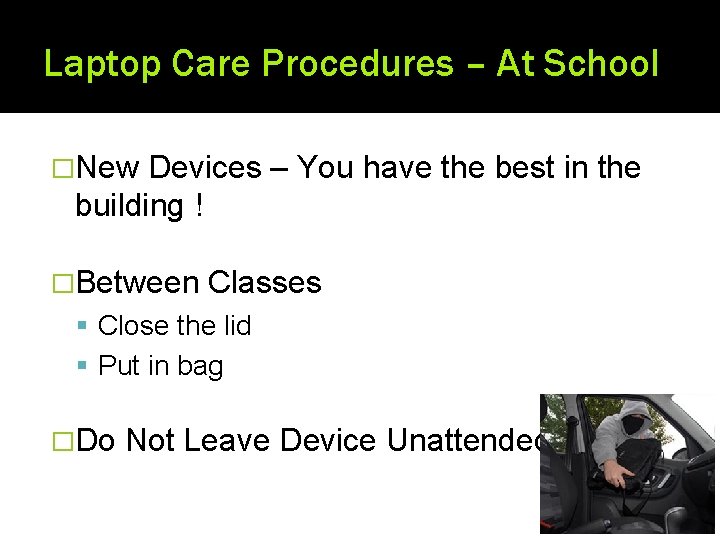
Laptop Care Procedures – At School �New Devices – You have the best in the building ! �Between Classes Close the lid Put in bag �Do Not Leave Device Unattended
Laptop Care Procedures – At Home �Filtering Applies at Home as Well as School �Not the Family Computer �Charge Each Night Ready for School the Next Day �Shutdown School Laptop Before Returning to
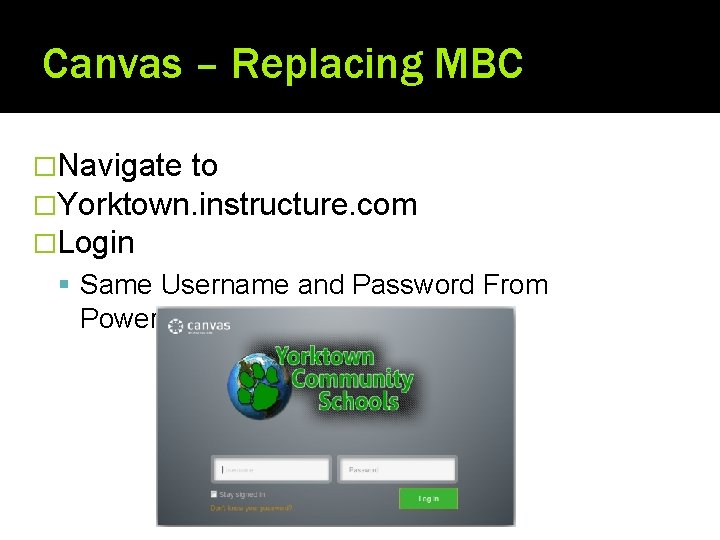
Canvas – Replacing MBC �Navigate to �Yorktown. instructure. com �Login Same Username and Password From Power. School
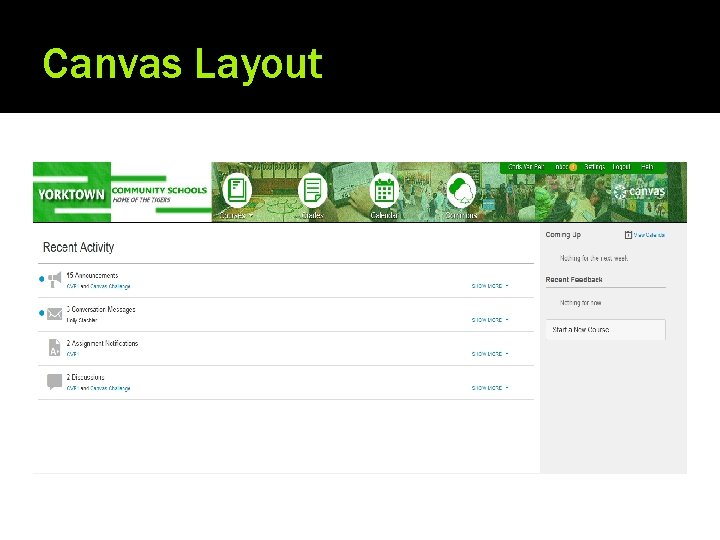
Canvas Layout
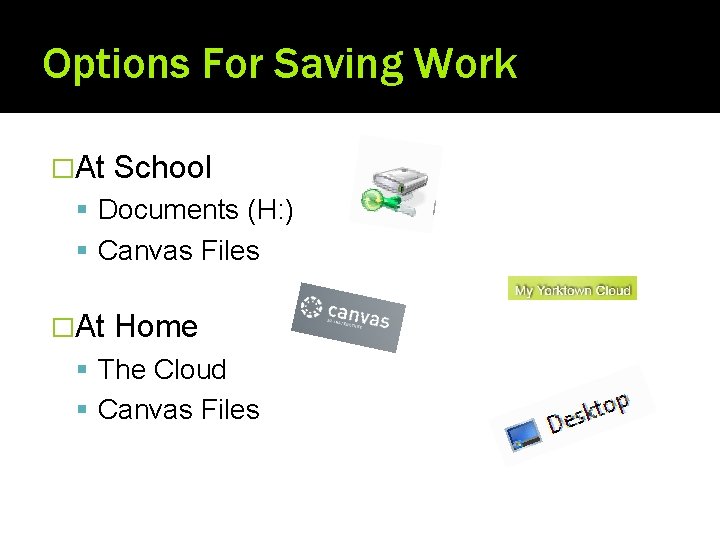
Options For Saving Work �At School Documents (H: ) Canvas Files �At Home The Cloud Canvas Files
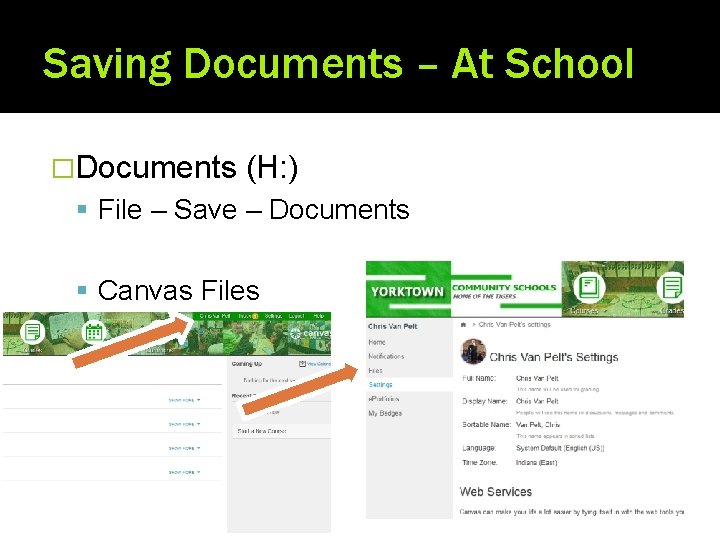
Saving Documents – At School �Documents (H: ) File – Save – Documents Canvas Files
Saving Documents – At Home �Yorktown Cloud: my. yorktown. k 12. in. us Cloud systems allow documents to be saved and edited from anywhere. All documents saved in “Documents” can be accessed from any location.
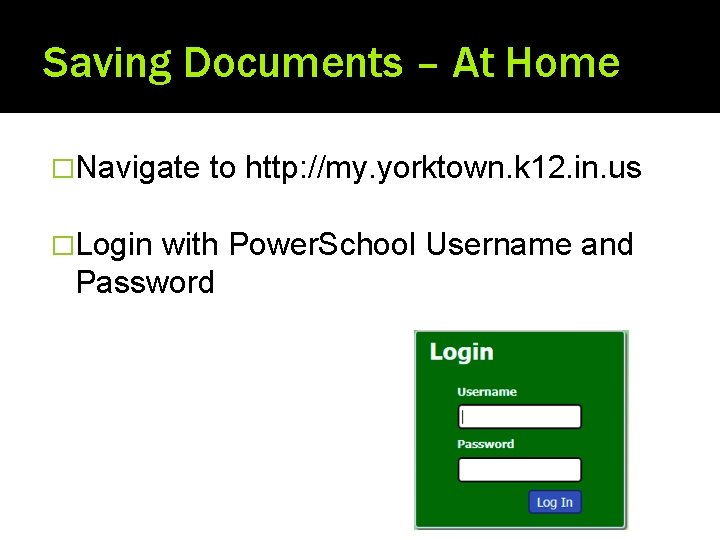
Saving Documents – At Home �Navigate �Login to http: //my. yorktown. k 12. in. us with Power. School Username and Password
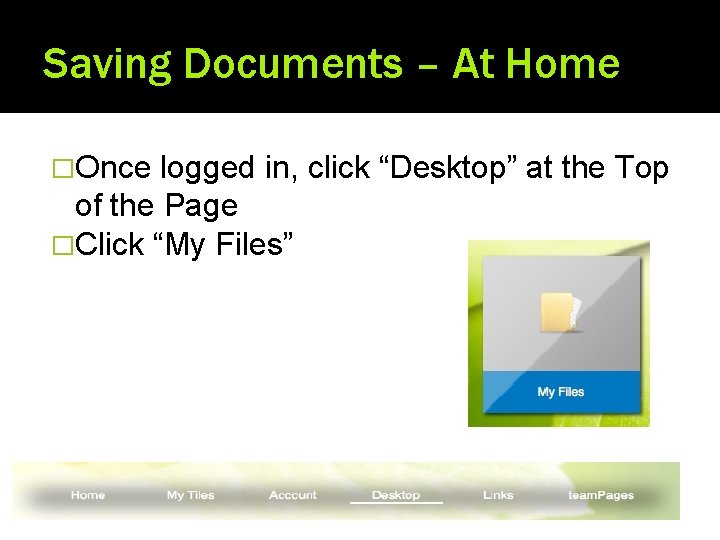
Saving Documents – At Home �Once logged in, click “Desktop” at the Top of the Page �Click “My Files”
Laptop Issues –What to do. . . Or nah �If Your Laptop is Not Working: Take Laptop to YHS library – Mrs. Belt �Netbook Loaner �If Damage Will Be Issued During Fix Fill out incident report – explaining what is wrong Laptop will be returned when work is complete �Repair Plans Can Be Found on YCS Technology Page – Forms and Policies – Technology Agreements and Policies
Enjoy! �Remember…. .
- Slides: 12