
Power BI Start to Finish Eugene Meidinger sqlgene
Power BI: Start to Finish Eugene Meidinger @sqlgene www. sqlgene. com/powerbi/ emeidinger@all-lines-tech. com
Background • Power BI was a set of excel addins • Power. Query • Power. Pivot • Power. View • Power BI is now a set of tools and services • Power BI Desktop • Power BI Service • Power BI Mobile
About me • Business Intelligence Developer • Certified in querying and administering SQL Server • Spoken at Pittsburgh SQL User Group and various SQL Saturdays • Worked for All-Lines / Lantek for 4 years • Went from SQL newb to SQL pro
All Lines/LANtek is a local woman owned solutions provider that delivers cost effective, industry standard IT solutions to our customers. We strive to be a Professional Business Partner and Trusted Advisor with each of our clients. We help companies streamline and improve the way they buy, implement, and manage their technology infrastructures that support their mission critical business applications.
Our Services All Lines/LANtek is the only IT Services company in the region able to deliver the full range of services we can. From hardware to hosting we can keep your business efficient and in top production. Managed Services IT Consulting Our programs will reduce IT costs, improve performance of the network, and assure a consistent level of service. We provide assessment, design, implementation, management, monitoring, and computer support services for all business computing needs. Microsoft Solutions Share. Point and Office 365 give you and the people you work with a better way to get things done together. IT Staffing Enterprise Infrastructure We provide IT staffing services for a variety of industries in the local market including manufacturing, finance, healthcare, among others. We provide proofs of concepts and assessments in all of these areas. We can also provide demos on site at our data center in Warrendale.
What are we going to cover? • What is Power BI? • Why is Power BI useful? • Why do you care?
Meet Chris from accounting • Technical non-technical user • Great with numbers, great with data • Comfortable with Excel • Can write a query if his or her life depends on it • Understands the ERP system in and out
What’s the problem? • No IT support • Most of the data lives in excel (spreadmarts) • Some is manually curated • Data needs cleansed • No version control • Different copies of reports • Reports can be edited, overwritten, broken • Time consuming process
How would you normally solve it? • Excel • Vlookups • Access • Manual work
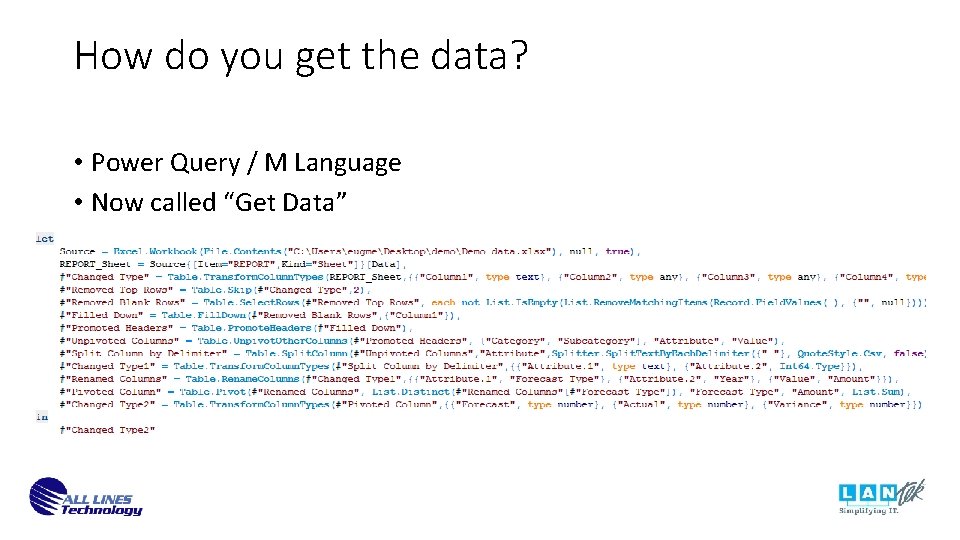
How do you get the data? • Power Query / M Language • Now called “Get Data”
Demo
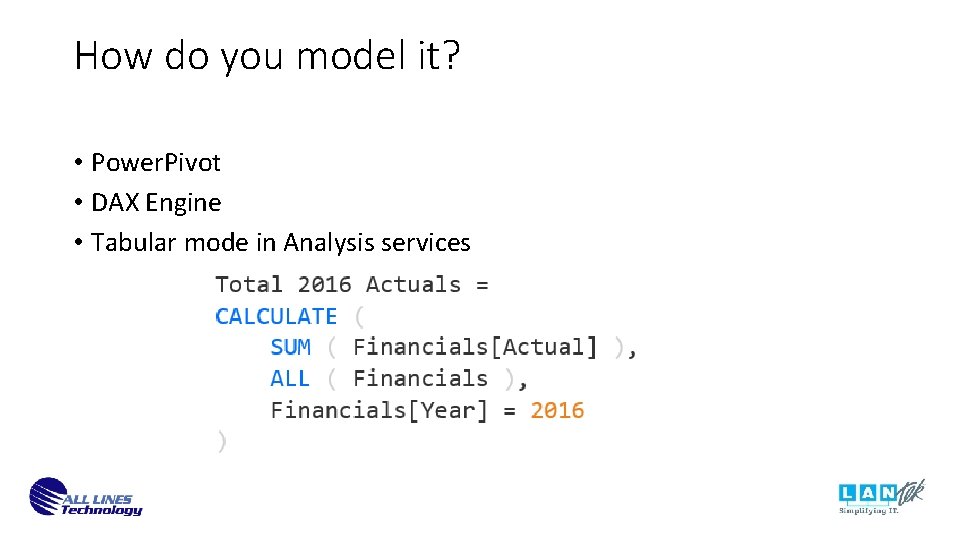
How do you model it? • Power. Pivot • DAX Engine • Tabular mode in Analysis services

Demo
How do you visualize it? • Formerly Power. View • Based on Silverlight • Now Power BI visualization engine • Based on D 3. js • Drag and drop

Demo
How do you publish it? • Click publish / Install a personal data gateway • Goes to the cloud • Microsoft manages the infrastructure • $10/mo per user for pro • Available online and on all devices

Demo
What happens when it becomes an “IT” project? • Personal data gateway converted to enterprise data gateway • SSAS server set up • Official BI project created
Resources • Getting started with Power BI by Stacia Misner Varga • Analyzing and Visualizing Data with Power BI By EDx and Microsoft • Power Pivot and Power BI By Rob Collie and Avi Singh • Applied Power Bi By Teo Lachev • Power. BI on Youtube • PASS BI Virtual Chapter • More Resources -> http: //www. sqlgene. com/powerbi/
- Slides: 19