
Power BI Report Server SelfService BI and Enterprise
Power BI Report Server Self-Service BI and Enterprise Reporting On-Premises Dustin Ryan Data Platform Solution Architect, Microsoft
Agenda Overview How to acquire Power BI Report Server for the BI user Power BI Report Server for the IT Pro Scenarios Summary
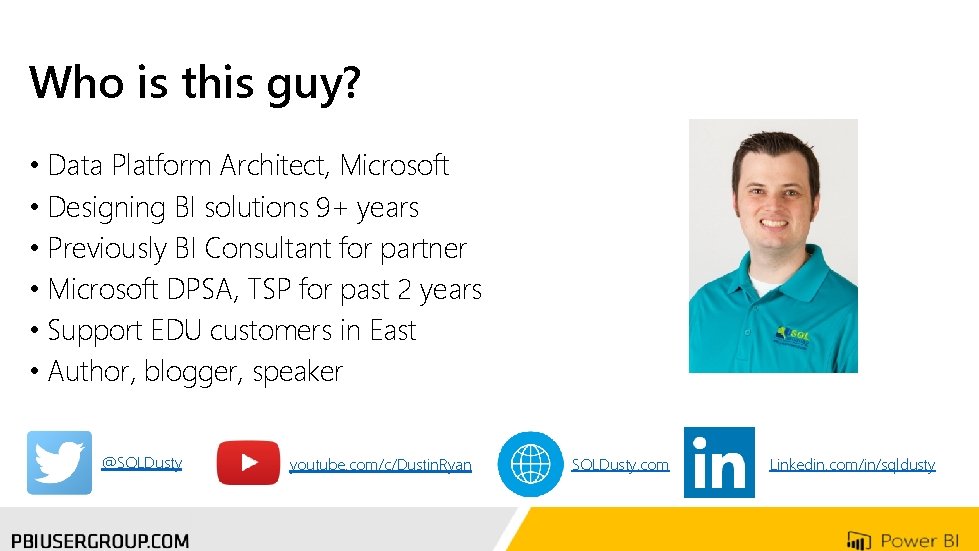
Who is this guy? • Data Platform Architect, Microsoft • Designing BI solutions 9+ years • Previously BI Consultant for partner • Microsoft DPSA, TSP for past 2 years • Support EDU customers in East • Author, blogger, speaker @SQLDusty youtube. com/c/Dustin. Ryan SQLDusty. com Linkedin. com/in/sqldusty
Overview How to acquire Report Server for the BI user Report Server for the IT Pro Scenarios Summary
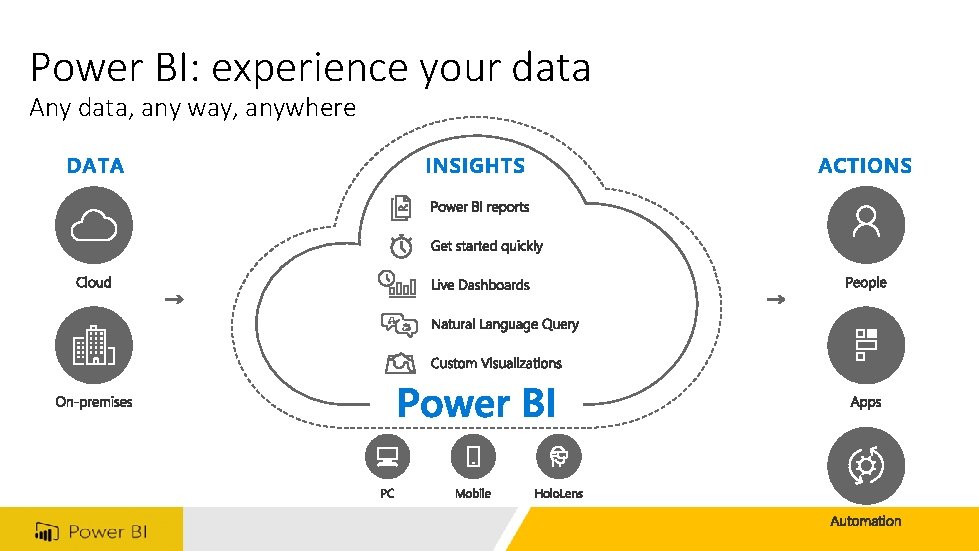
Power BI: experience your data Any data, any way, anywhere

Power BI: extending on-premises capabilities

Power BI Report Server
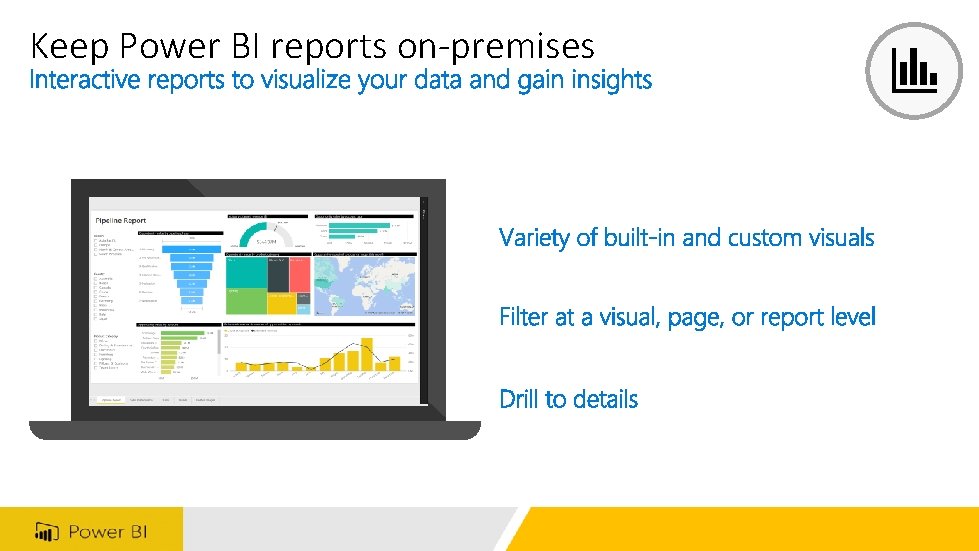
Keep Power BI reports on-premises

Compatible with SSRS
Overview How to acquire Report Server for the BI user Report Server for the IT Pro Scenarios Summary

How to acquire Power BI Report Server
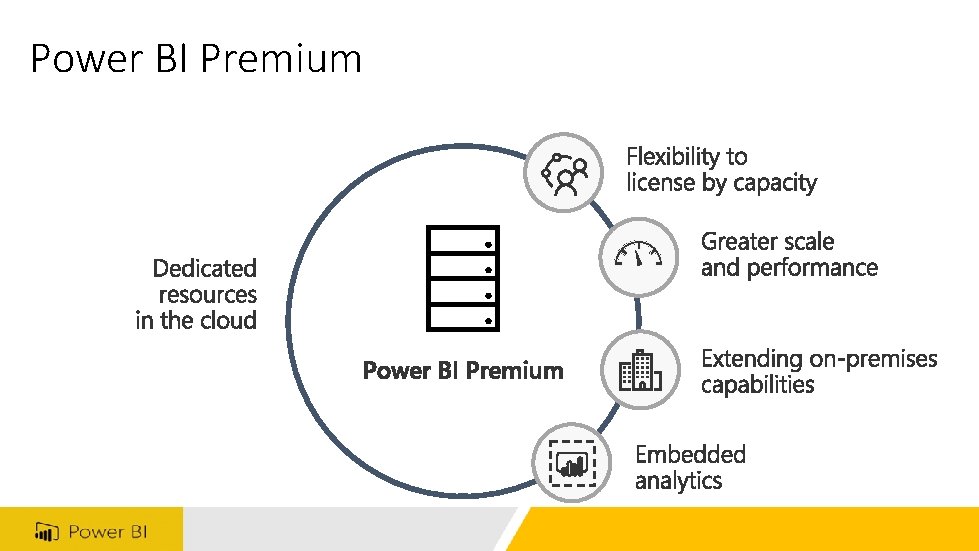
Power BI Premium

Overview How to acquire Report Server for the BI user Report Server for the IT Pro Scenarios Summary
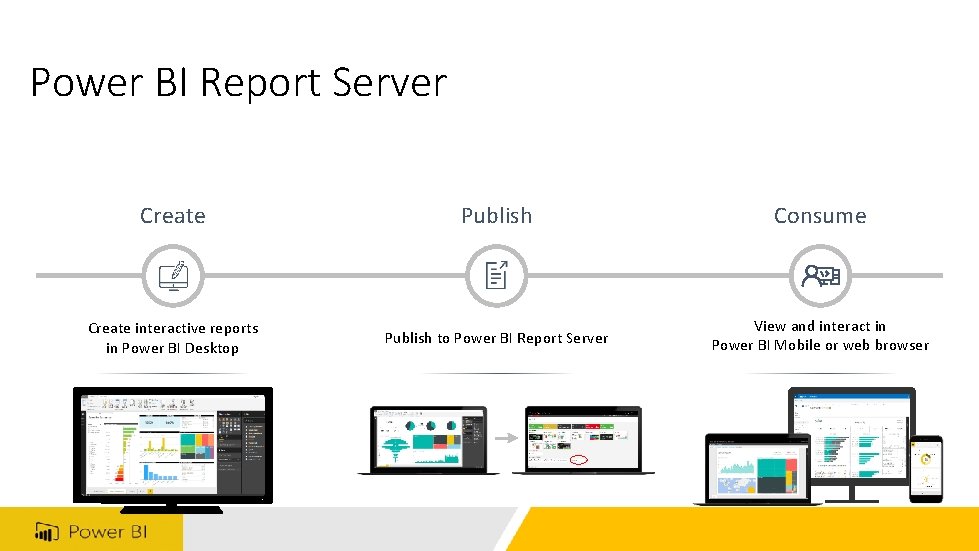
Power BI Report Server Create Publish Consume Create interactive reports in Power BI Desktop Publish to Power BI Report Server View and interact in Power BI Mobile or web browser
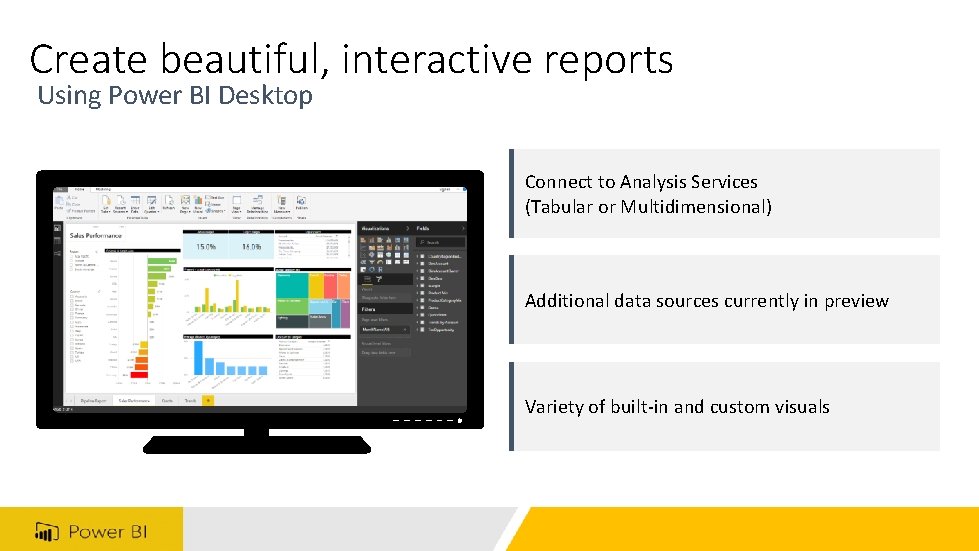
Create beautiful, interactive reports Using Power BI Desktop Connect to Analysis Services (Tabular or Multidimensional) Additional data sources currently in preview Variety of built-in and custom visuals
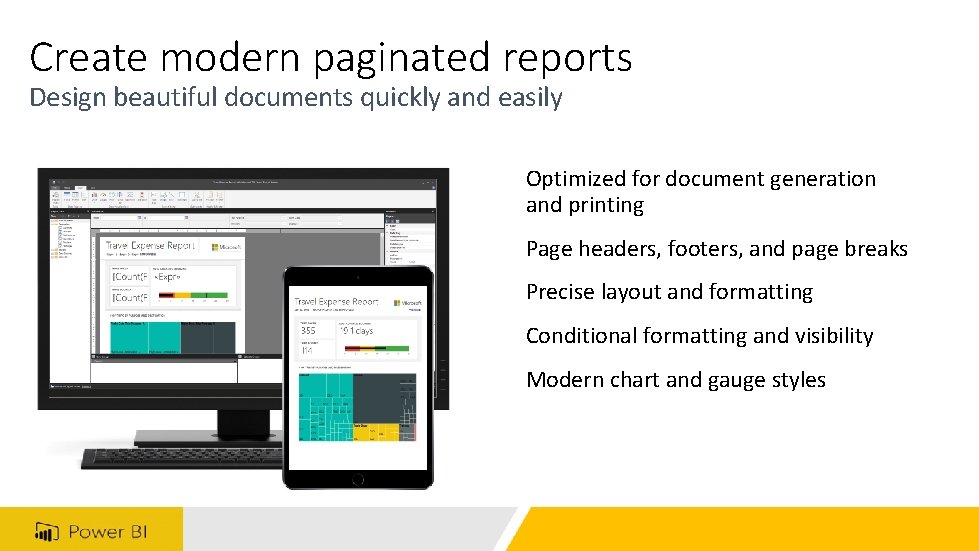
Create modern paginated reports Design beautiful documents quickly and easily Optimized for document generation and printing Page headers, footers, and page breaks Precise layout and formatting Conditional formatting and visibility Modern chart and gauge styles

View and interact with Excel workbooks Publish paginated, Power BI, and Excel reports in a single location Use live connection to Analysis Services (Tabular) Use a Power. Pivot data model

Publish and manage reports Publish to Power BI Report Server Organize and manage access to reports Re-open, edit, and save back Power BI Desktop
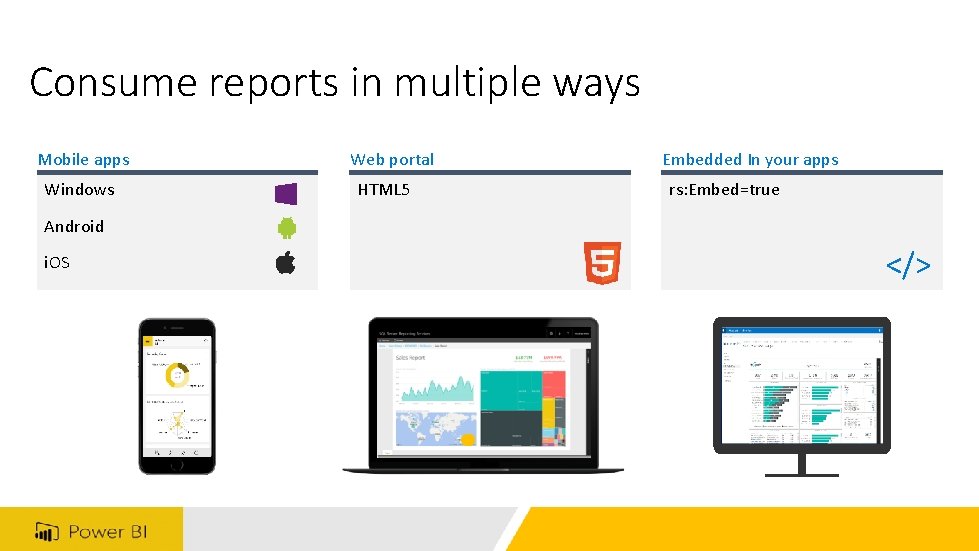
Consume reports in multiple ways Mobile apps Windows Web portal HTML 5 Embedded In your apps rs: Embed=true Android i. OS </>

Demo
Overview How to acquire Report Server for the BI user Report Server for the IT Pro Scenarios Summary
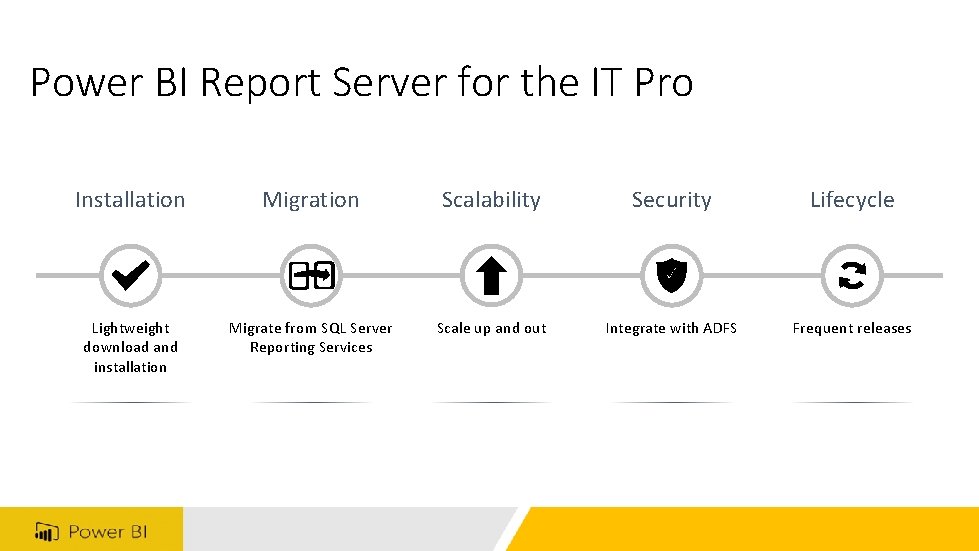
Power BI Report Server for the IT Pro Installation Migration Scalability Security Lifecycle Lightweight download and installation Migrate from SQL Server Reporting Services Scale up and out Integrate with ADFS Frequent releases

Install in minutes Lightweight download and installation Zero impact on SQL Server Requirements • Windows Server 2012+ • SQL Server Database Engine (2008+) • SQL Server Analysis Services (2012+)

Migrate from SSRS (Native mode) 1. Back up report server database SSRS Power BI Report Server 2. Install Power BI Report Server Copy/Move 3. Connect report server to database using Report Server Configuration Manager Report Server Database
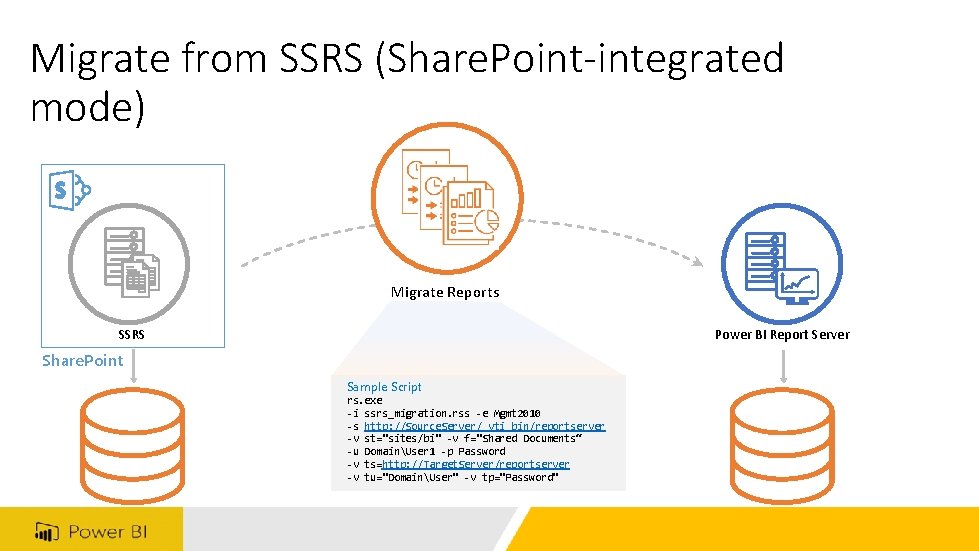
Migrate from SSRS (Share. Point-integrated mode) Migrate Reports SSRS Power BI Report Server Share. Point Sample Script rs. exe -i ssrs_migration. rss -e Mgmt 2010 -s http: //Source. Server/_vti_bin/reportserver -v st="sites/bi" -v f="Shared Documents“ -u DomainUser 1 -p Password -v ts=http: //Target. Server/reportserver -v tu="DomainUser" -v tp="Password"
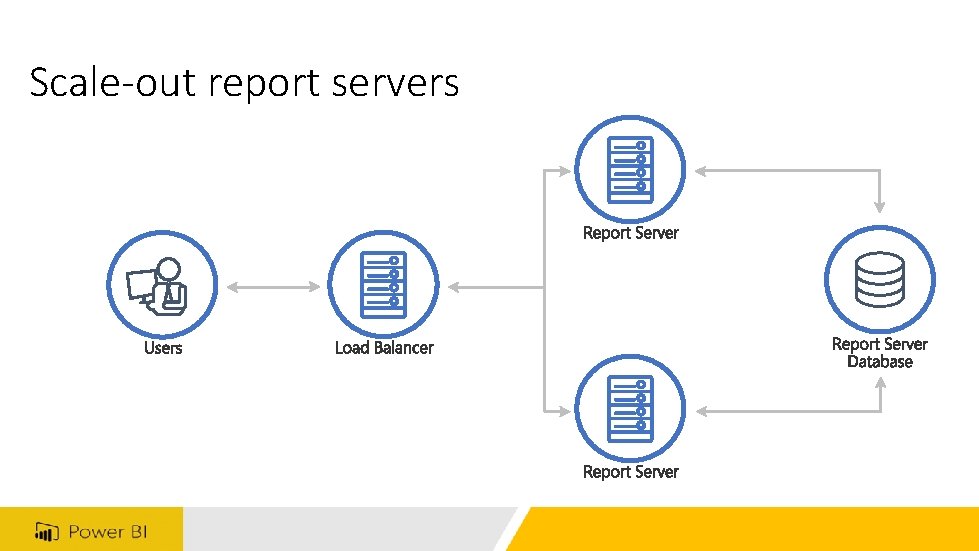
Scale-out report servers
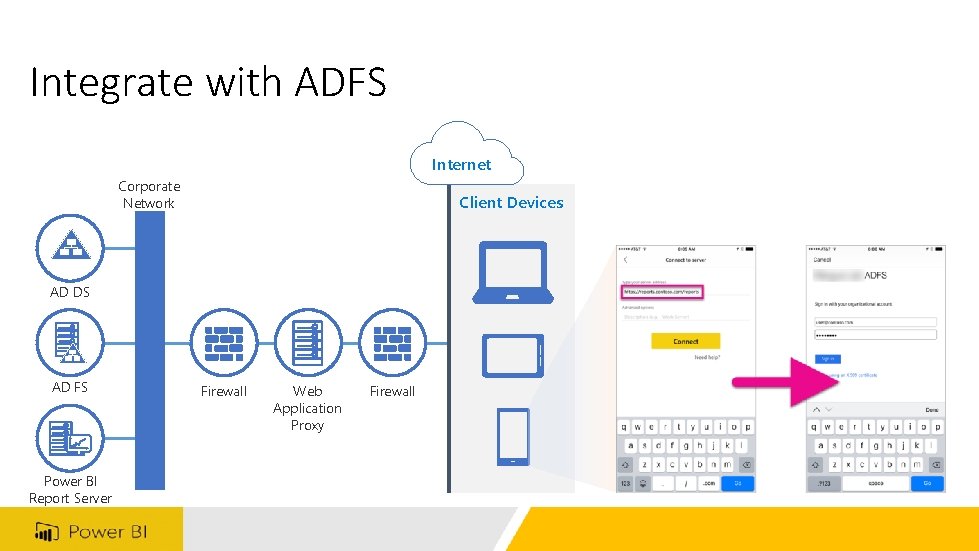
Integrate with ADFS Internet Corporate Network Client Devices AD DS AD FS Power BI Report Server Firewall Web Application Proxy Firewall
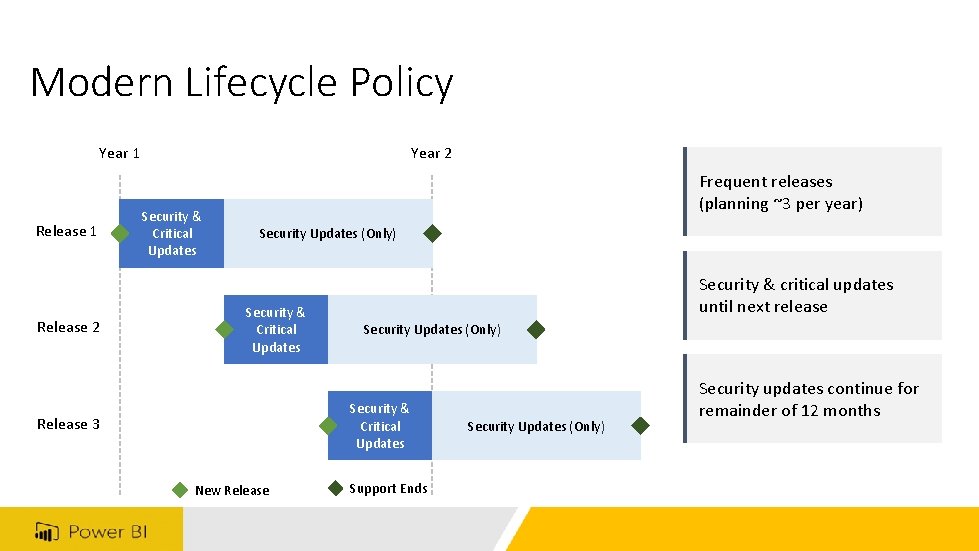
Modern Lifecycle Policy Year 1 Release 2 Year 2 Security & Critical Updates Frequent releases (planning ~3 per year) Security Updates (Only) Security & Critical Updates Security & critical updates until next release Security Updates (Only) Security & Critical Updates Release 3 New Release Support Ends Security Updates (Only) Security updates continue for remainder of 12 months

Updating Power BI Desktop + Report Server Power BI Report Server and Power BI Desktop release concurrently Power BI Report Server Upgrade Need to coordinate deployment of updates Upgrade IT Pro Power BI Desktop
Overview How to acquire Report Server for the BI user Report Server for the IT Pro Scenarios Summary
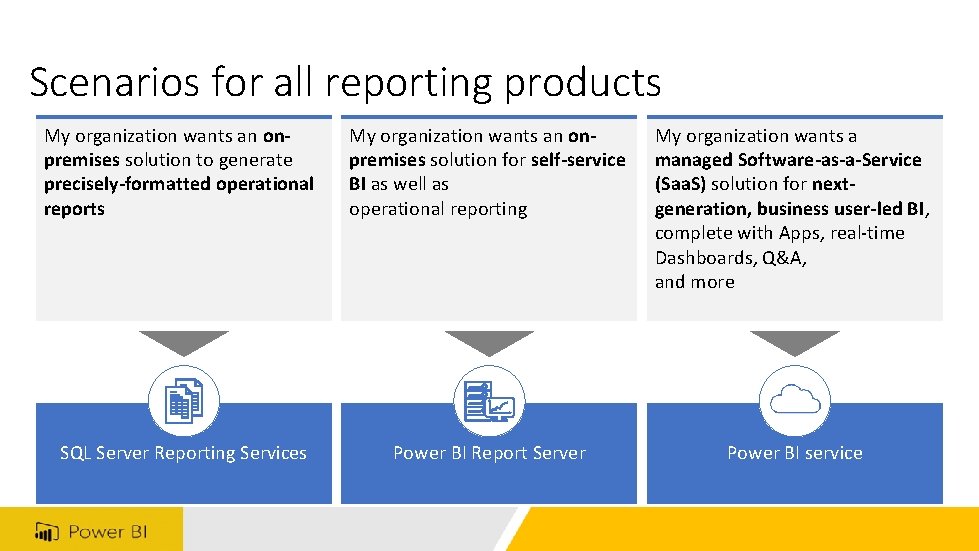
Scenarios for all reporting products My organization wants an onpremises solution to generate precisely-formatted operational reports My organization wants an onpremises solution for self-service BI as well as operational reporting My organization wants a managed Software-as-a-Service (Saa. S) solution for nextgeneration, business user-led BI, complete with Apps, real-time Dashboards, Q&A, and more SQL Server Reporting Services Power BI Report Server Power BI service

Compare reporting options Deployment SQL Server Reporting Services Power BI Report Server Power BI Service On-premises Cloud Power BI dashboards Power BI apps Natural language query (Q&A) Power BI reports Paginated reports (RDL) Mobile reports (Datazen-based) How to buy SQL Server [1] Power BI/SQL Server [2] Power BI Feature updates SQL Server release cycle Rapid release cycle Support lifecycle SQL Server support policy Modern Lifecycle Policy Managed service
Overview How to acquire Report Server for the BI user Report Server for the IT Pro Scenarios Summary
Call to action • Download Power BI Report Server • Or download August 2017 Power BI Report Server Preview • Read the documentation • Subscribe to the Power BI Blog • Follow @MSPower. BI on Twitter • Join the Power BI Community

SQLDusty. com @SQLDusty Questions? youtube. com/c/Dustin. Ryan linkedin. com/in/SQLDusty@gmail. com
- Slides: 35