
POWER BI REPORT Design Factors AUDIENCE Final Users
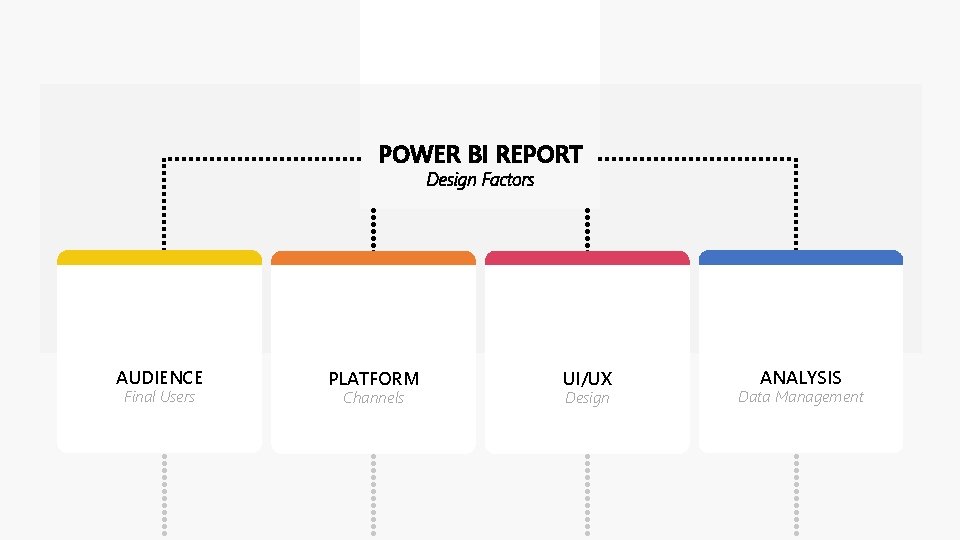
POWER BI REPORT Design Factors AUDIENCE Final Users PLATFORM Channels UI/UX Design ANALYSIS Data Management
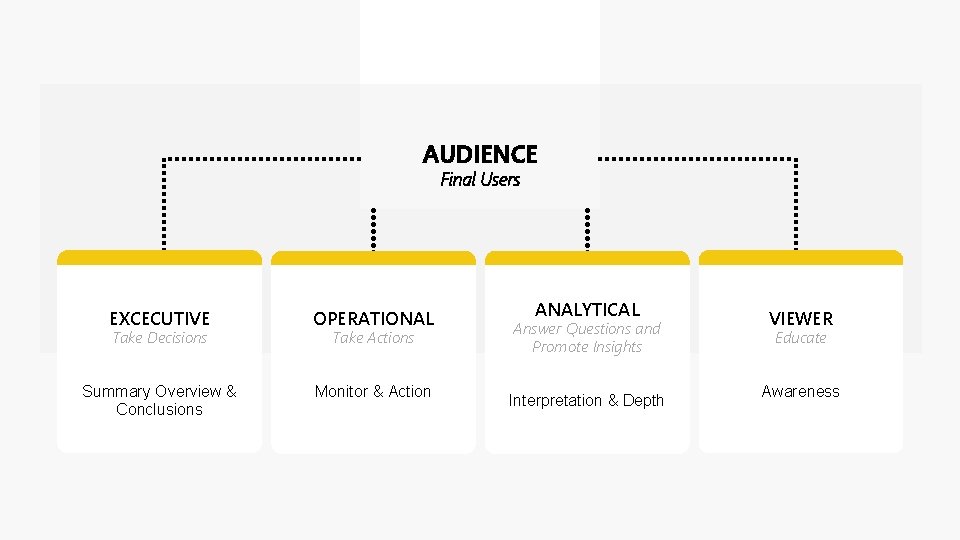
AUDIENCE Final Users EXCECUTIVE OPERATIONAL Summary Overview & Conclusions Monitor & Action Take Decisions Take Actions ANALYTICAL Answer Questions and Promote Insights Interpretation & Depth VIEWER Educate Awareness
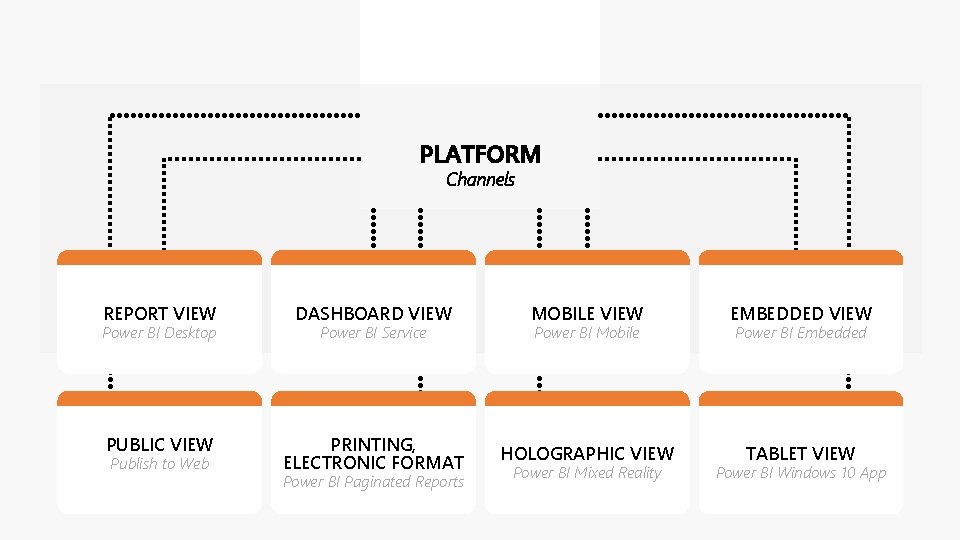
PLATFORM Channels REPORT VIEW DASHBOARD VIEW MOBILE VIEW EMBEDDED VIEW PUBLIC VIEW PRINTING, ELECTRONIC FORMAT HOLOGRAPHIC VIEW TABLET VIEW Power BI Desktop Publish to Web Power BI Service Power BI Paginated Reports Power BI Mobile Power BI Mixed Reality Power BI Embedded Power BI Windows 10 App
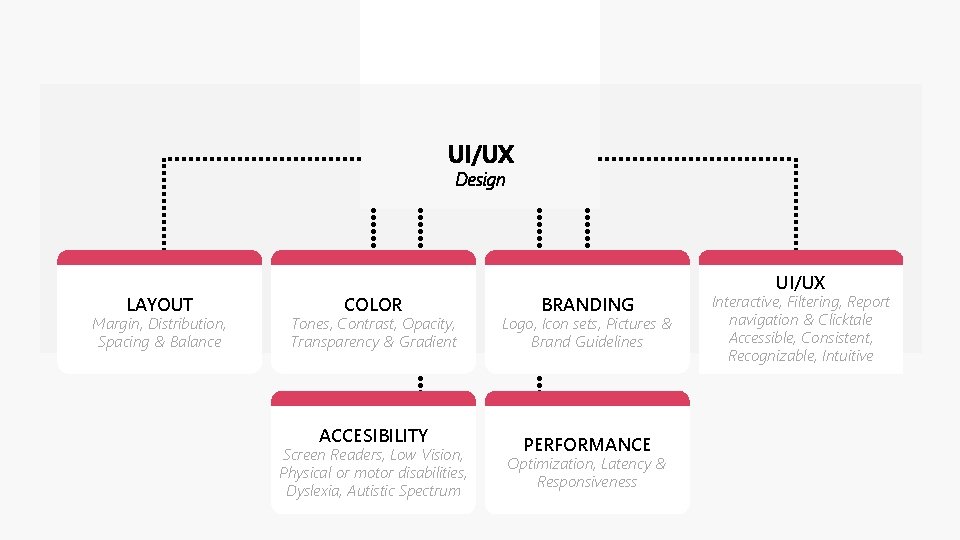
UI/UX Design LAYOUT Margin, Distribution, Spacing & Balance COLOR Tones, Contrast, Opacity, Transparency & Gradient ACCESIBILITY Screen Readers, Low Vision, Physical or motor disabilities, Dyslexia, Autistic Spectrum BRANDING Logo, Icon sets, Pictures & Brand Guidelines PERFORMANCE Optimization, Latency & Responsiveness UI/UX Interactive, Filtering, Report navigation & Clicktale Accessible, Consistent, Recognizable, Intuitive
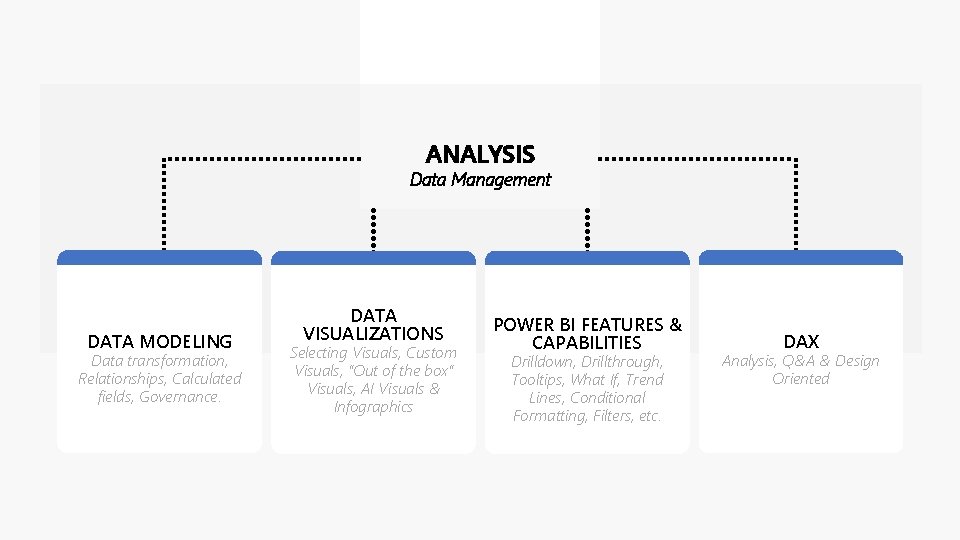
ANALYSIS Data Management DATA MODELING Data transformation, Relationships, Calculated fields, Governance. DATA VISUALIZATIONS Selecting Visuals, Custom Visuals, “Out of the box” Visuals, AI Visuals & Infographics POWER BI FEATURES & CAPABILITIES Drilldown, Drillthrough, Tooltips, What If, Trend Lines, Conditional Formatting, Filters, etc. DAX Analysis, Q&A & Design Oriented
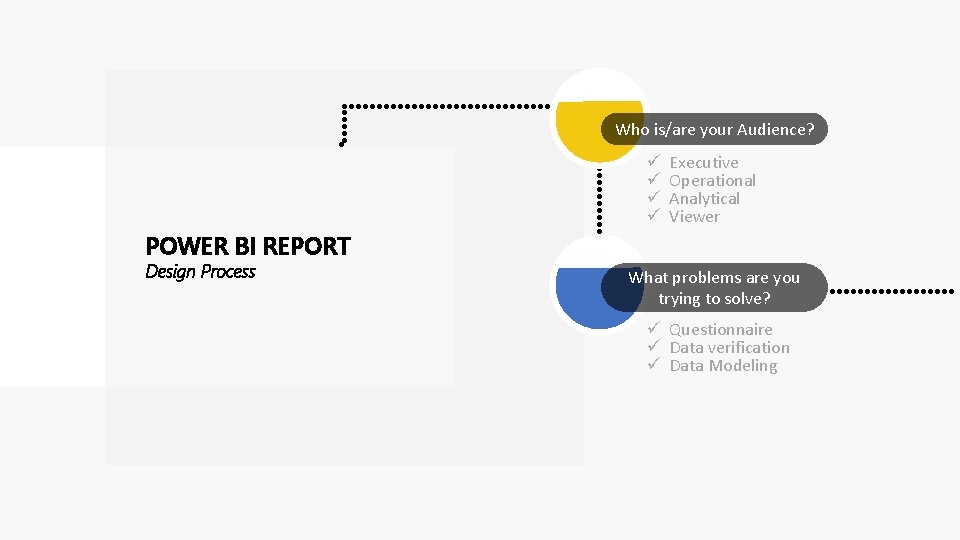
Who is/are your Audience? ü ü Executive Operational Analytical Viewer POWER BI REPORT Design Process What problems are you trying to solve? ü Questionnaire ü Data verification ü Data Modeling
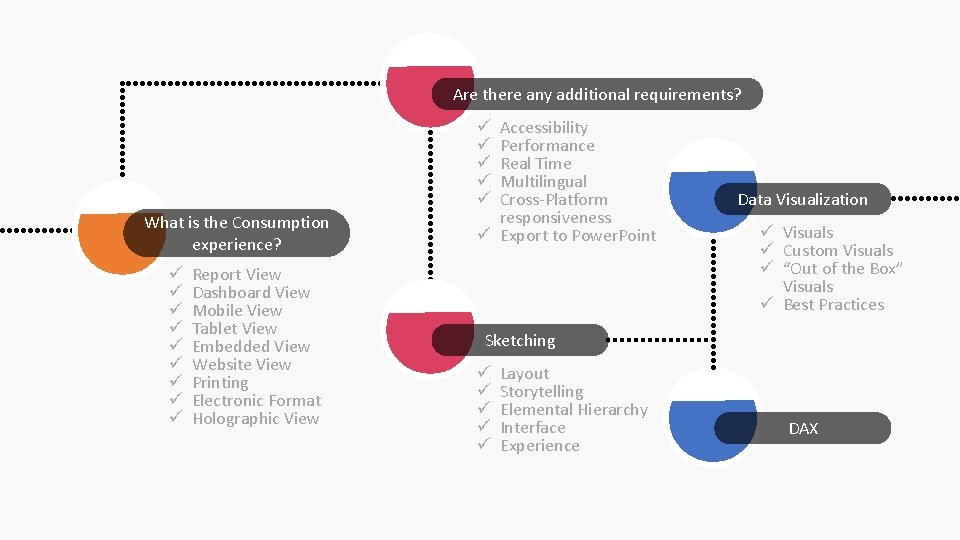
Are there any additional requirements? Accessibility Performance Real Time Multilingual Cross-Platform responsiveness ü Export to Power. Point ü ü ü What is the Consumption experience? ü ü ü ü ü Report View Dashboard View Mobile View Tablet View Embedded View Website View Printing Electronic Format Holographic View Data Visualization ü Visuals ü Custom Visuals ü “Out of the Box” Visuals ü Best Practices Sketching ü ü ü Layout Storytelling Elemental Hierarchy Interface Experience DAX
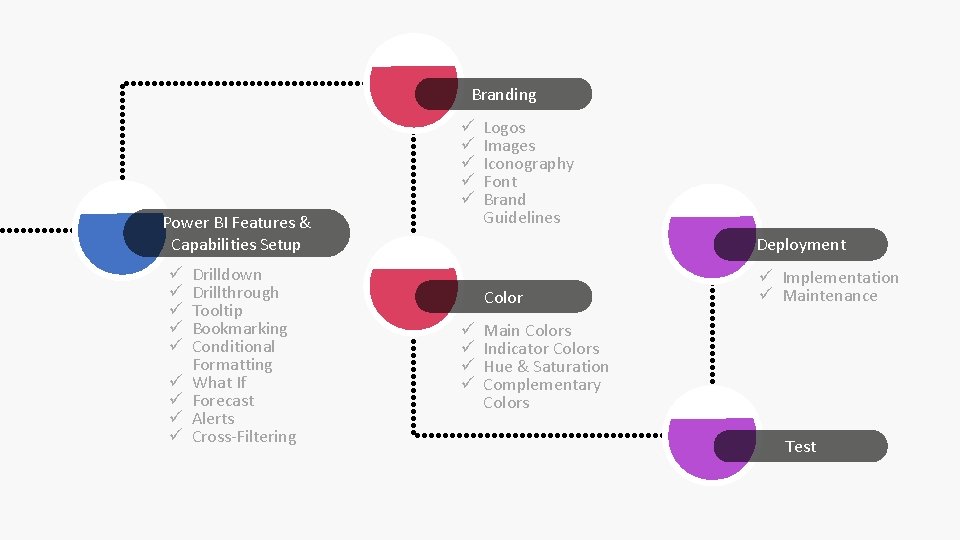
Branding ü ü ü Power BI Features & Capabilities Setup ü ü ü ü ü Drilldown Drillthrough Tooltip Bookmarking Conditional Formatting What If Forecast Alerts Cross-Filtering Logos Images Iconography Font Brand Guidelines Deployment Color ü ü ü Implementation ü Maintenance Main Colors Indicator Colors Hue & Saturation Complementary Colors Test
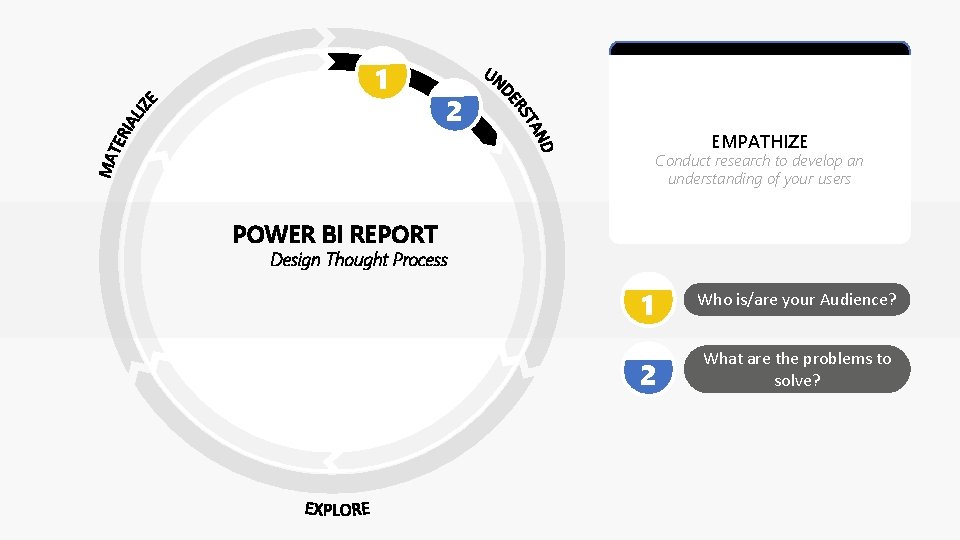
1 2 EMPATHIZE Conduct research to develop an understanding of your users POWER BI REPORT Design Thought Process 1 Who is/are your Audience? 2 What are the problems to solve?
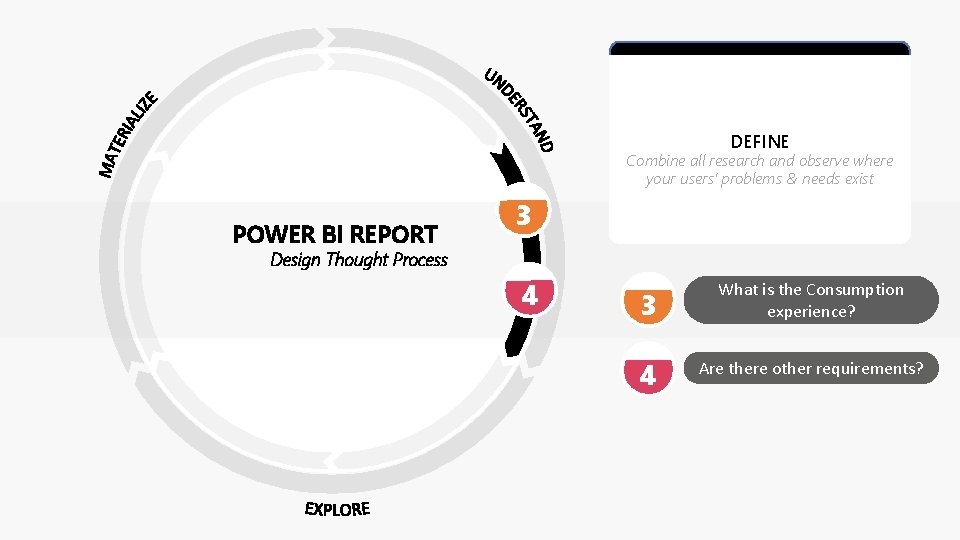
DEFINE Combine all research and observe where your users’ problems & needs exist POWER BI REPORT 3 Design Thought Process 4 3 What is the Consumption experience? 4 Are there other requirements?
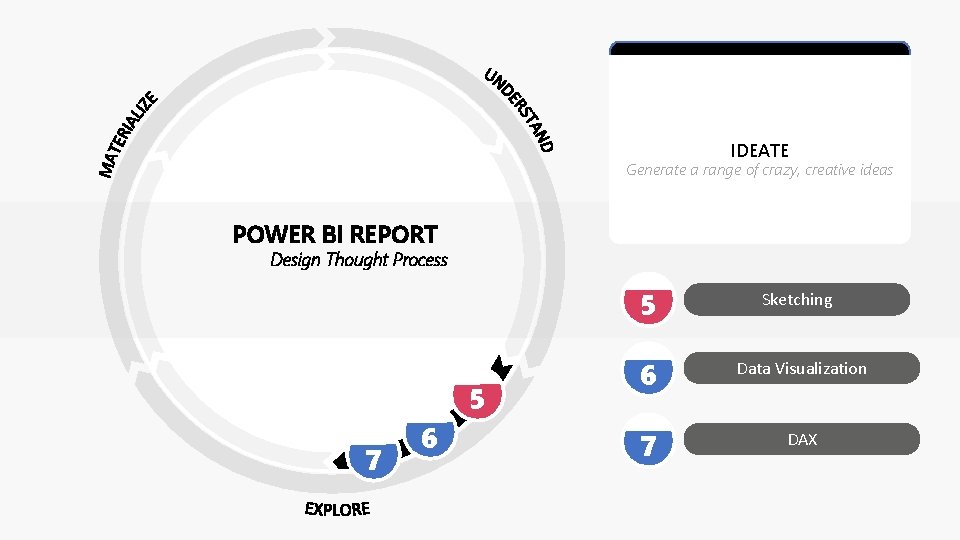
IDEATE Generate a range of crazy, creative ideas POWER BI REPORT Design Thought Process 5 7 6 5 Sketching 6 Data Visualization 7 DAX
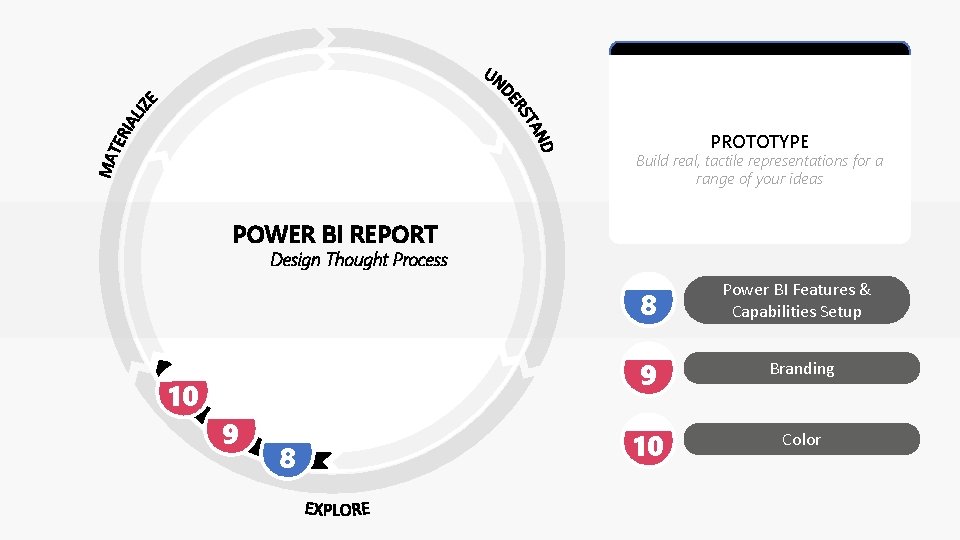
PROTOTYPE Build real, tactile representations for a range of your ideas POWER BI REPORT Design Thought Process 10 9 8 8 Power BI Features & Capabilities Setup 9 Branding 10 Color
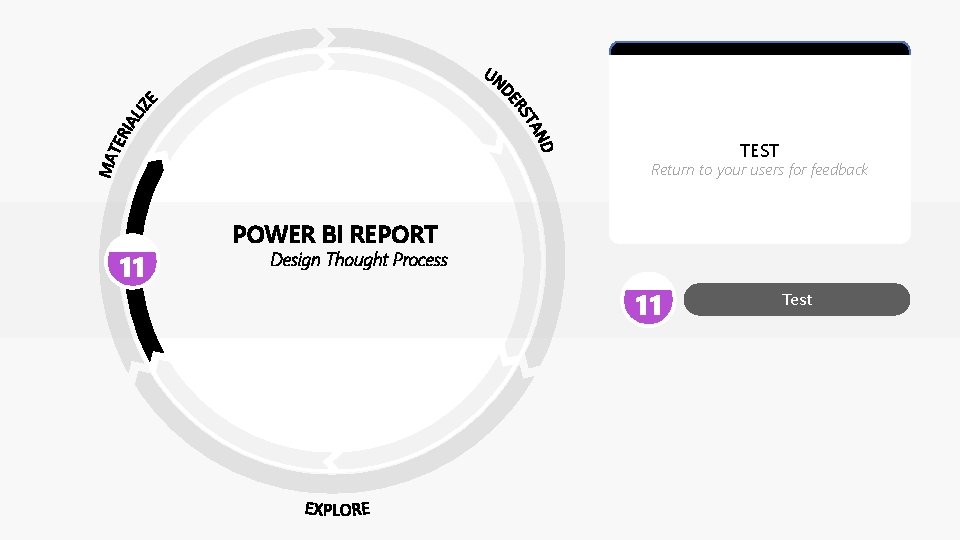
TEST Return to your users for feedback 11 POWER BI REPORT Design Thought Process 11 Test
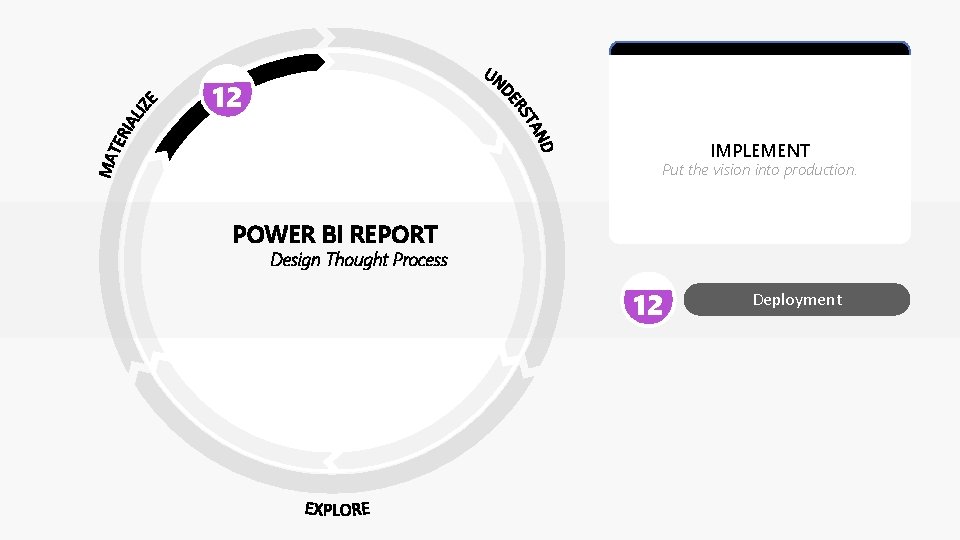
12 IMPLEMENT Put the vision into production. POWER BI REPORT Design Thought Process 12 Deployment
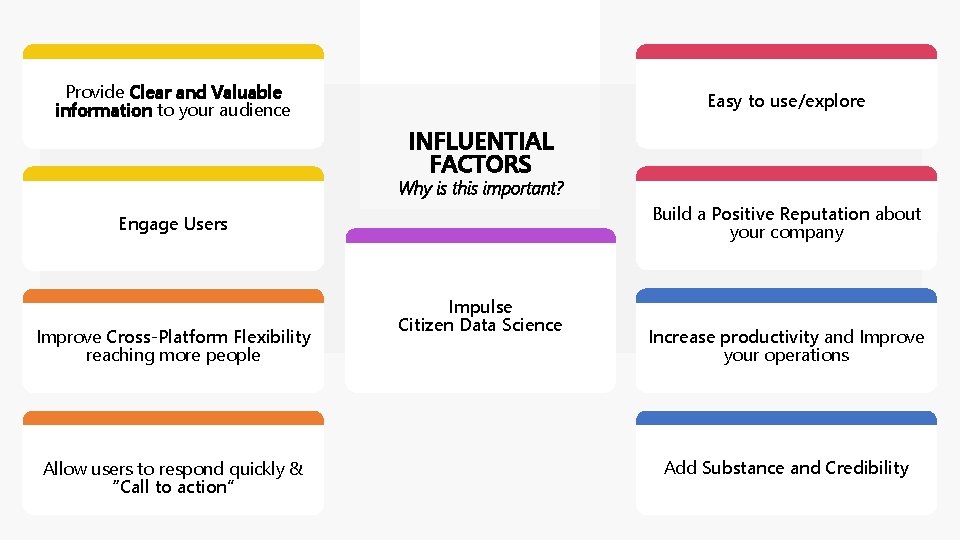
Provide Clear and Valuable information to your audience Easy to use/explore INFLUENTIAL FACTORS Why is this important? Build a Positive Reputation about your company Engage Users Improve Cross-Platform Flexibility reaching more people Allow users to respond quickly & “Call to action” Impulse Citizen Data Science Increase productivity and Improve your operations Add Substance and Credibility
- Slides: 15