
Power Bi Dashboard in a Day OnSite Training

Power. Bi Dashboard in a Day On-Site Training Maria Mejia Account Executive 949. 290. 1627 mmejia@affirma. com

Course Overview Details • 8 Hours • 1 Trainer Fixed Cost • $2, 500 Topics Covered • Learn how to use Microsoft’s Power BI. In the first part of the session, students will learn through a series of labs and sample data how to use Power BI Desktop to author reports. • In the second part of the session, students will use their reports to compose a dashboard and learn to share it on the Power BI Service. • Students will use Power BI Desktop to: • Connect to local data and data available in the Power BI Service • Create Data Models and Mash-ups: Discover and Combine data • Author a report • Create Dashboards from report elements • Share reports and dashboards to a Power BI Service App workspace
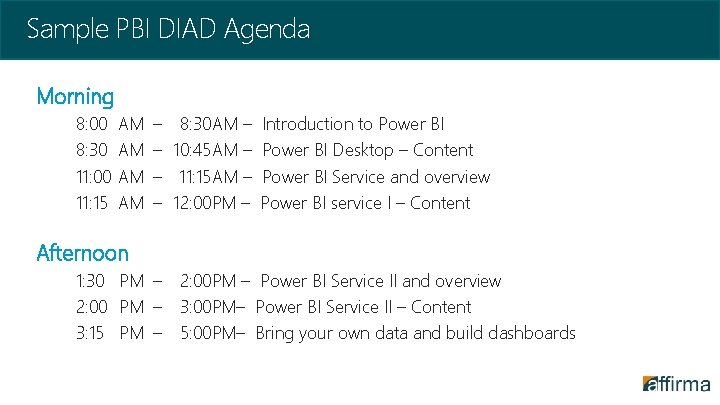
Sample PBI DIAD Agenda Morning 8: 00 8: 30 11: 00 11: 15 AM AM – – 8: 30 AM – 10: 45 AM – 11: 15 AM – 12: 00 PM – Introduction to Power BI Desktop – Content Power BI Service and overview Power BI service I – Content Afternoon 1: 30 PM – 2: 00 PM – Power BI Service II and overview 2: 00 PM – 3: 00 PM– Power BI Service II – Content 3: 15 PM – 5: 00 PM– Bring your own data and build dashboards
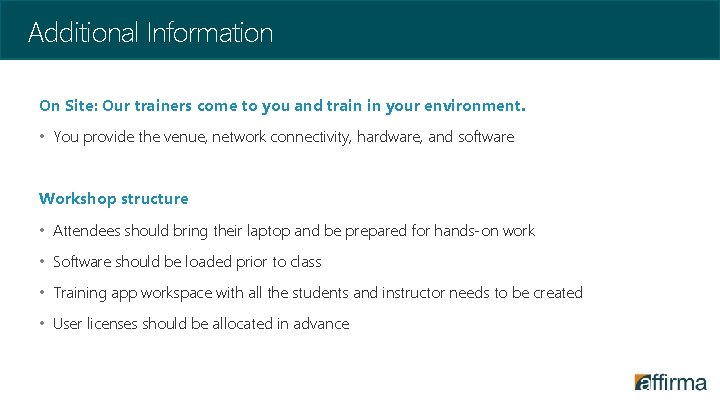
Additional Information On Site: Our trainers come to you and train in your environment. • You provide the venue, network connectivity, hardware, and software Workshop structure • Attendees should bring their laptop and be prepared for hands-on work • Software should be loaded prior to class • Training app workspace with all the students and instructor needs to be created • User licenses should be allocated in advance
- Slides: 4