
Power BI at Quik Trip Ryan Kime Lead

Power BI at Quik. Trip Ryan Kime Lead IT Business Data Analyst QT Data Services
Reporting History at Quik. Trip • Large reporting environment • Originally established in 2002 • Multiple upgrades, fragments from upgrades over time • 18, 000 reports, mostly list reports
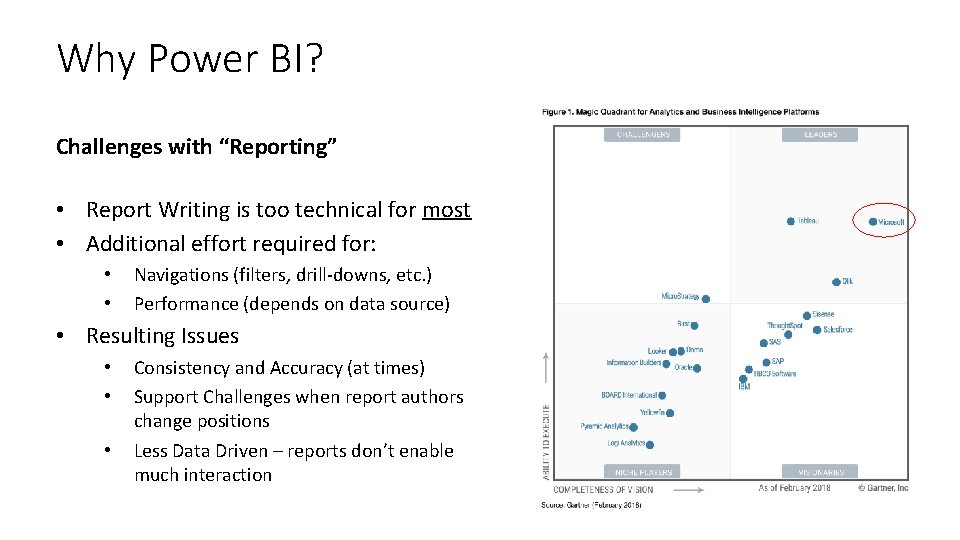
Why Power BI? Challenges with “Reporting” • Report Writing is too technical for most • Additional effort required for: • • Navigations (filters, drill-downs, etc. ) Performance (depends on data source) • Resulting Issues • • • Consistency and Accuracy (at times) Support Challenges when report authors change positions Less Data Driven – reports don’t enable much interaction
Why Power BI? High Performing Highly Visual Accelerated Delivery Increased Self Service Opportunities
Value New Cloud BI Platform REPORTS to INTERACTIVE BI Unlocking VALUE from data • HIGH SPEED DATA ENGINE • NAVIGATIONS BUILT IN (SIMPLE UI) • NATIVE MOBILE APP • ACCELERATED DELIVERY • BUSINESS ENABLED (DATA DRIVEN) RESULTS • GROW SELF SERVICE OVER TIME
Power BI Architecture There are multiple ways you can set up your Power BI architecture Determining how comfortable your business is with cloud computing will help you decide how to implement Power BI
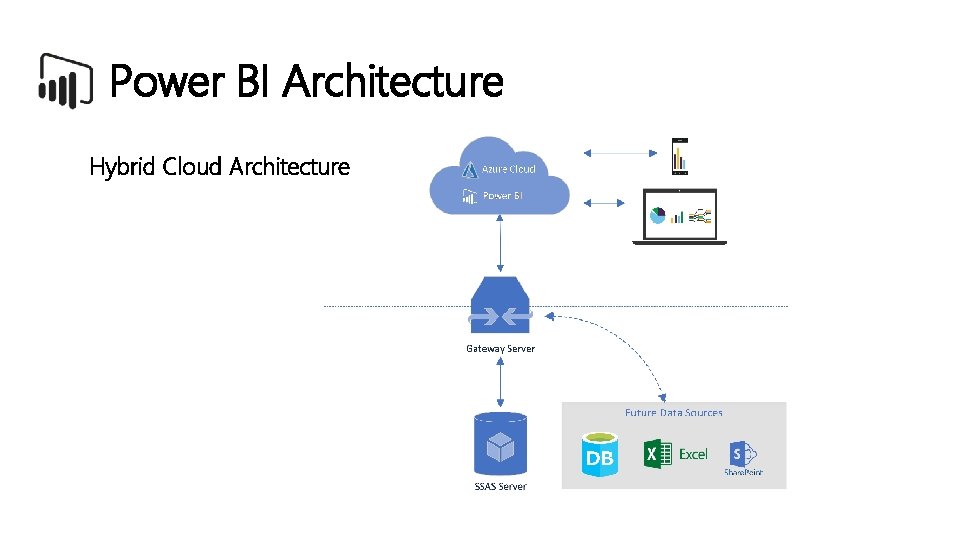
Power BI Architecture Hybrid Cloud Architecture
Data Security • What kind of data policies are in place? • How secure is our data? • Type of data - HIPAA, PII, and PCI data? • What kind of controls need to be in place? • What about access from a mobile device? • What about access from a home computer?
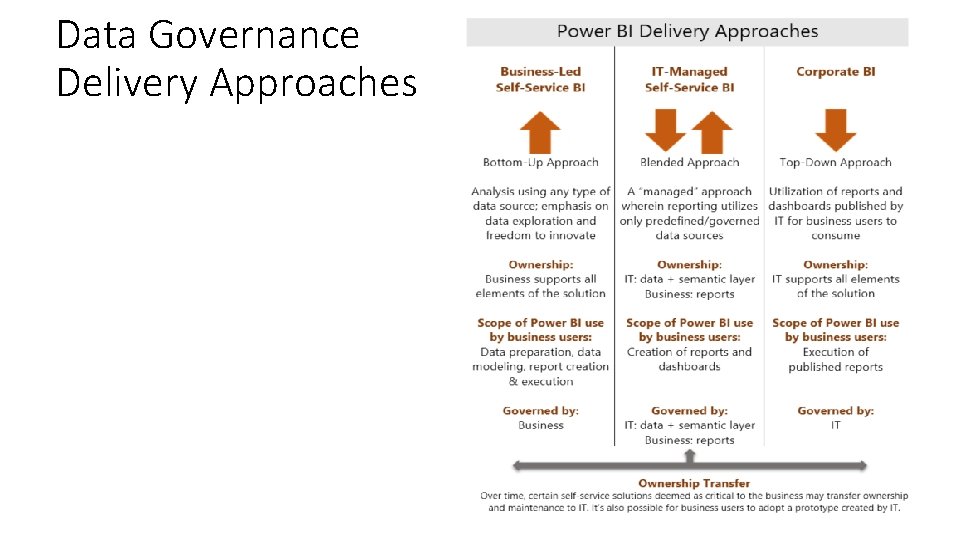
Data Governance Delivery Approaches
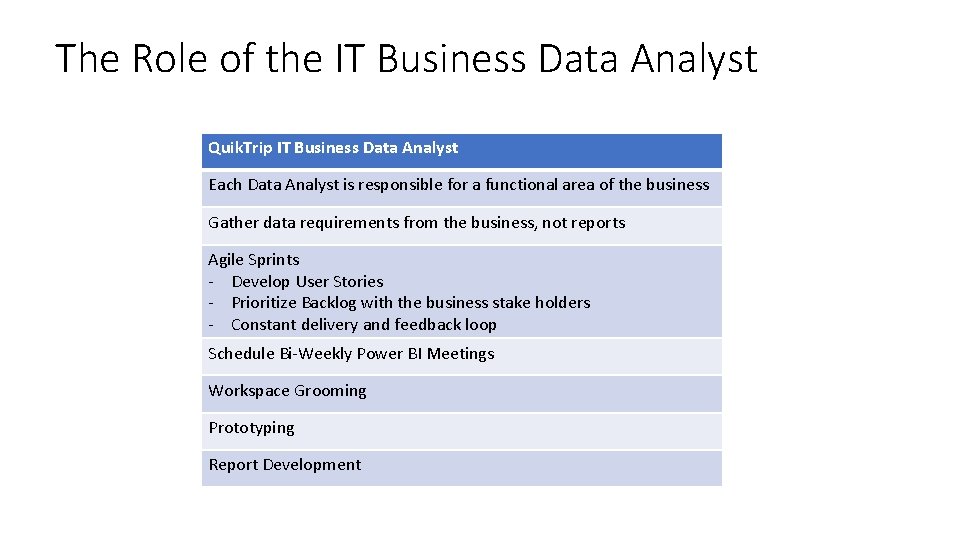
The Role of the IT Business Data Analyst Quik. Trip IT Business Data Analyst Each Data Analyst is responsible for a functional area of the business Gather data requirements from the business, not reports Agile Sprints - Develop User Stories - Prioritize Backlog with the business stake holders - Constant delivery and feedback loop Schedule Bi-Weekly Power BI Meetings Workspace Grooming Prototyping Report Development
Where Did We Start? • Sales • Already highly modeled in the Data Warehouse • Provide validation against the DW-based legacy reports • Performance comparison against legacy reporting environment • POC Phase • SSAS Sales Data Model
Where Are We Going? • Expanding Power BI beyond the Corporate walls • Implementing Power BI “Apps” • Continuous SSAS Model improvements • Researching SSAS Row-level security and Perspectives • Expanded Power BI rollout to other areas of the business • Power BI Prototyping • Future SSRS Integration with Power BI • Evaluate Power BI Premium as our user base gets bigger
Reference Links • Office 365 Trust Center - https: //products. office. com/en-us/business/office-365 -trust-center-welcome • Microsoft In. Tune – https: //docs. microsoft. com/en-us/power-bi/service-admin-mobile-intune • Power BI Whitepapers - https: //docs. microsoft. com/en-us/power-bi/whitepapers • Planning a Power BI Enterprise Deployment • Power Governance and Deployment Approaches - https: //docs. microsoft. com/en-us/power-bi/service-admin-governance
- Slides: 13