
Poster SetUp Posters Purpose Poster Sessions Cozby Bates
Poster Set-Up

Posters: Purpose Poster Sessions (Cozby & Bates, 2012, 314 -315) • Much information of different types at one time • Speak directly with researcher (network!) • Host provides guidelines (e. g. , dimensions, etc. ) see slide 28 • 2 major points

Posters: By Major • Humanities/INTD: Speak with your advisor about relevant sections • Psychology: Include title/authors/affiliation, abstract, intro, method, results, figures/tables, discussion, & references
Humanities/INTD APA or MLA Style REQUIRED for references Follow instructions in the relevant manual Triple check and proofread Have a peer or family member proofread

Psychology APA Style REQUIRED Follow instructions in the APA Manual Triple check and proofread Have a peer or family member proofread
Section content dictated by your department/advisor Layout and design should promote clarity and be pleasing to the eye (i. e. , should not clutter or distract from content)

Posters: Types 2 Options • Paper • Multiple sheets of paper adhered to attractive posterboard • Professional appearance (NO handwriting) • Powerpoint (professional sample provided) • Single sheet of paper—professionally printed
Posters: Activity Make your own! • Blank sheet of paper at rear of packet • 1 min layout • 1 min relevant sections for your project
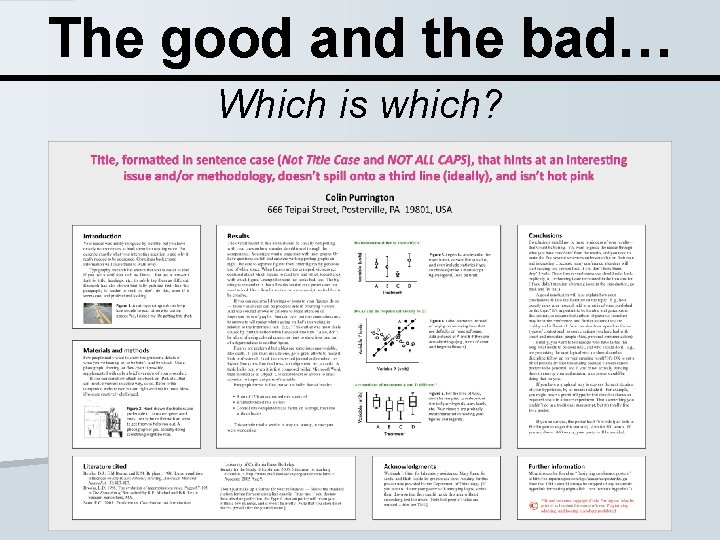
The good and the bad… Which is which?

The good and the bad…
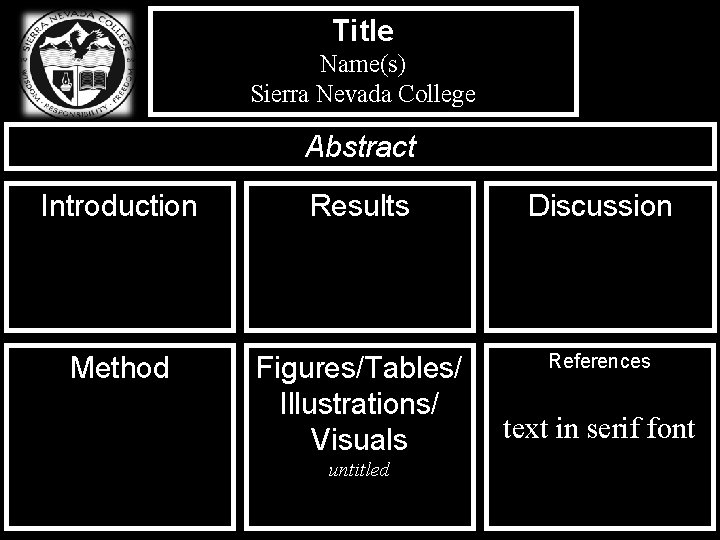
Title Name(s) Sierra Nevada College Abstract Introduction Results Discussion Method Figures/Tables/ Illustrations/ Visuals References untitled text in serif font
For SNC Logo, please view the internet link below http: //www. sierranevada. edu/201 5 Brand/
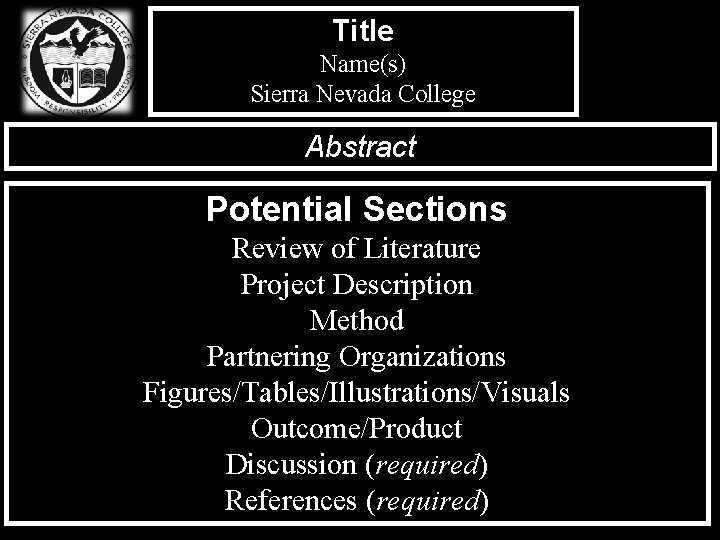
Title Name(s) Sierra Nevada College Abstract Potential Sections Review of Literature Project Description Method Partnering Organizations Figures/Tables/Illustrations/Visuals Outcome/Product Discussion (required) References (required)
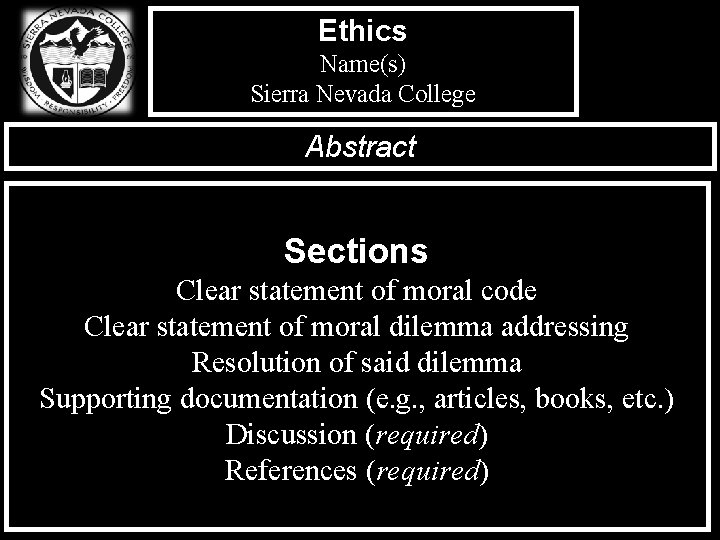
Ethics Name(s) Sierra Nevada College Abstract Sections Clear statement of moral code Clear statement of moral dilemma addressing Resolution of said dilemma Supporting documentation (e. g. , articles, books, etc. ) Discussion (required) References (required)
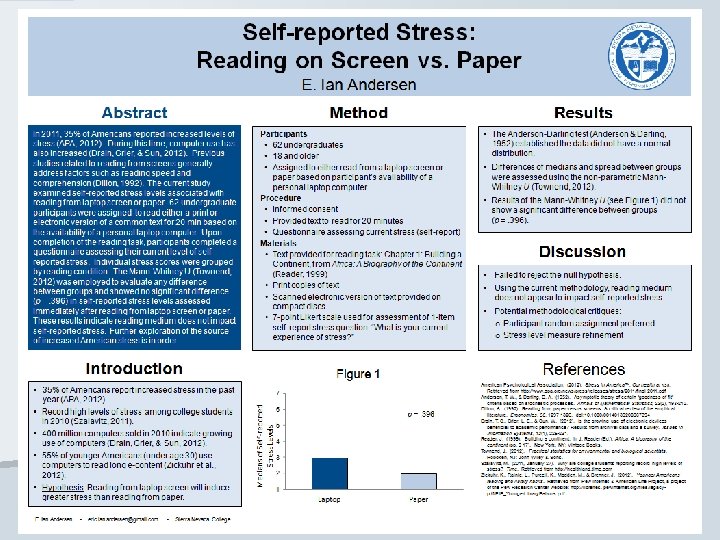
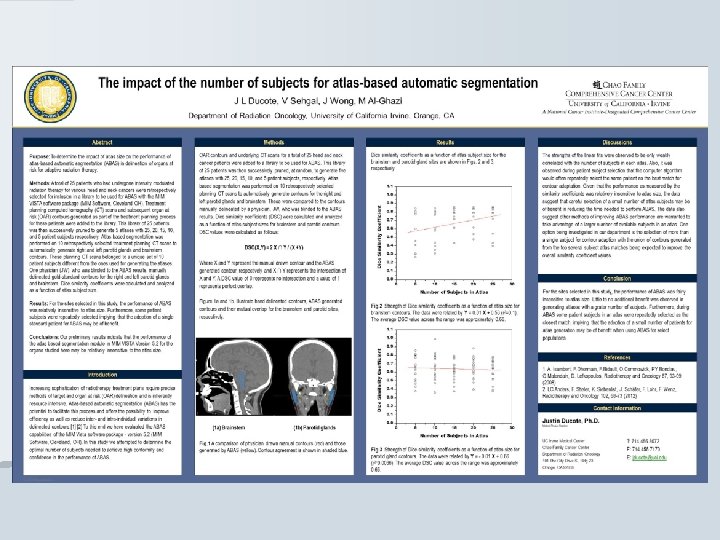
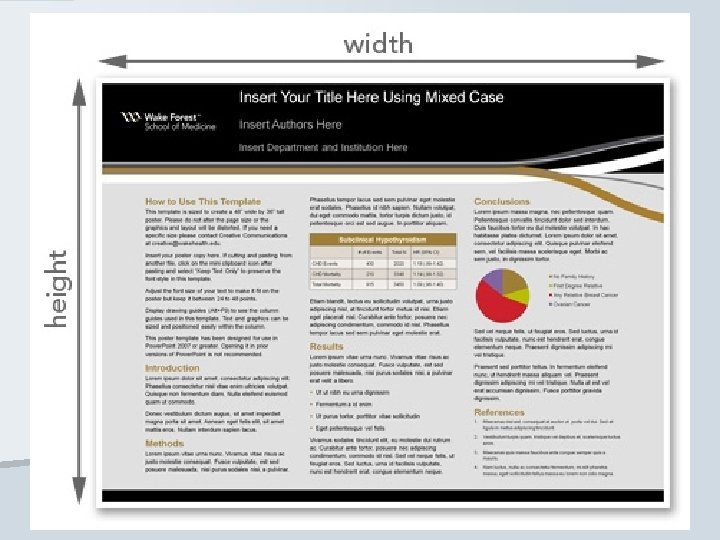
Powerpoint Poster Templates http: //www. posterpresentations. com/html/free_ poster_templates. html Templates http: //colinpurrington. com/tips/academic/poste rdesign Templates and Tips
Posters: Detail • Avoid providing TOO MUCH detail—bulleted lists of important points are great. Be concise, but complete. • Provided information should facilitate independent readability; BUT, remember the goal is to encourage conversation. • Tables/figures communicate the most information in the most efficient fashion
Posters: Detail • Someone at a poster conference should be able to read your poster and understand it without speaking to you. • Refer to figures/tables throughout poster
Posters: Font & Color • Font size should be readable from a distance —minimum usually ~20 pt (references can be smaller) • Vary font type (sans serif for title/headings and serif for text) • Color permitted to enhance appearance—can be printed or incorporated via professional use of colored “scrapbooking pages”
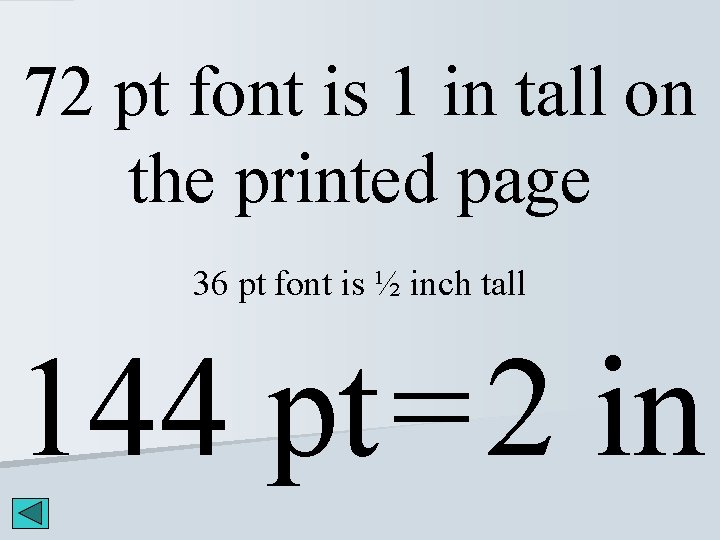
72 pt font is 1 in tall on the printed page 36 pt font is ½ inch tall 144 pt = 2 in
Posters: Accessorizing • Abstract handout • Have handout sized copies of your poster. Include your contact information. • Be prepared for 3 min verbal summary and 1 min questions highlighting major findings/research/project in non-technical language.
Poster for OUR Session • • • MLA/APA format throughout Recommended manuscript sections included Proper citation and referencing required At least 1 table/figure Abstract handout (can omit if poster incl. abstract) Poster handout 3 min summary, prepared for questions 48 in X 36 in (affix to backing) (Design > Pg Setup) NO HANDWRITING Minimum font size = 20 pt (references only) Main title much larger (i. e. , 200 pt font at times)
Final Details 1. Print pdf, solid backing, double stick tape 2. Check APA Style 3. Check data analysis—incorrectly analyzed data will be highly scrutinized 4. Business casual attire 5. Wear a nametag (use your creativity here!) 6. 1 presenter with poster at all times 7. Acknowledge those approaching your poster immediately. Answer questions and show interest in their opinions and comments.
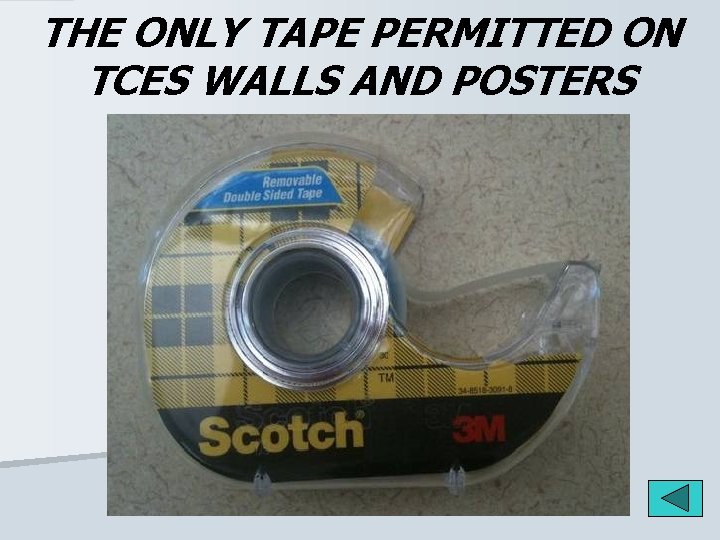
THE ONLY TAPE PERMITTED ON TCES WALLS AND POSTERS
Importantly… Have fun and be confident. You are the expert!
- Slides: 27