
Poster Presentations Outline Poster Presentations Why poster presentations
- Slides: 15
Poster Presentations Outline - Poster Presentations Why poster presentations? Poster Layout Oral Component
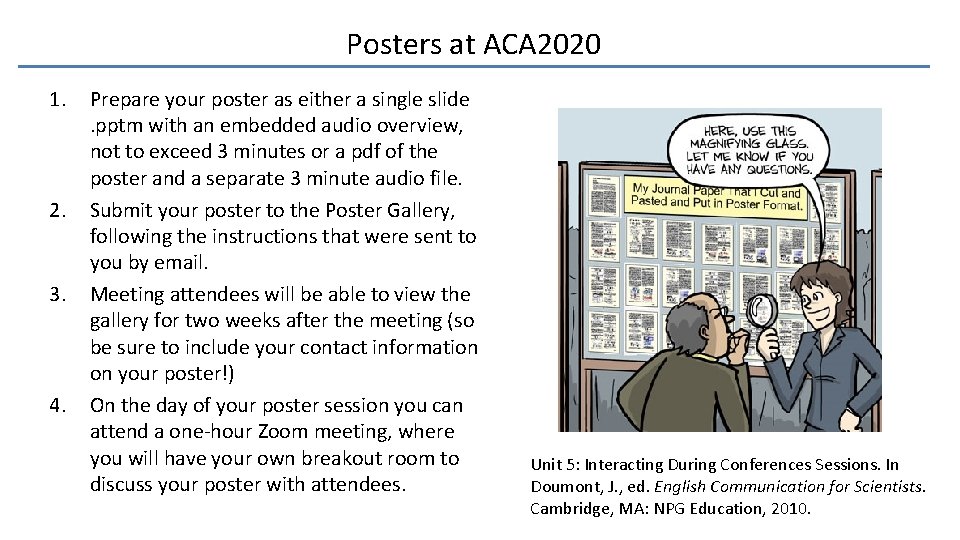
Posters at ACA 2020 1. 2. 3. 4. Prepare your poster as either a single slide . pptm with an embedded audio overview, not to exceed 3 minutes or a pdf of the poster and a separate 3 minute audio file. Submit your poster to the Poster Gallery, following the instructions that were sent to you by email. Meeting attendees will be able to view the gallery for two weeks after the meeting (so be sure to include your contact information on your poster!) On the day of your poster session you can attend a one-hour Zoom meeting, where you will have your own breakout room to discuss your poster with attendees. Unit 5: Interacting During Conferences Sessions. In Doumont, J. , ed. English Communication for Scientists. Cambridge, MA: NPG Education, 2010.
Poster Presentation Resources Unit 5: Interacting During Conferences Sessions. In Doumont, J. , ed. English Communication for Scientists. Cambridge, MA: NPG Education, 2010. https: //www. nature. com/scitable/ebooks/english-communication-for-scientists 14053993/interacting-during-conference-sessions-14239345/ Purrington, C. Designing conference posters. http: //colinpurrington. com/tips/academic/posterdesign University of Guelph. Effective Poster Design. http: //www. soe. uoguelph. ca/webfiles/agalvez/poster/ Rethinking The Science Poster https: //convention. apa. org/blog/rethinking-the-science-poster
Why poster presentations? Posters are a way of communicating research results at conferences. They are a mix of paper and oral presentation. Posters should be able to convey research findings without discussion with the author, but should also contain minimal text. You will not be able to cram all of your research onto a single poster. Instead, select two or three key points upon which to focus.
Why poster presentations? There are several advantages to presenting posters at conferences instead of a talk: 1. Your poster will be displayed in the ACA gallery for two weeks after the conference, and you will have an hour to interact remotely with attendees. This allows for additional exposure of your work and networking. 2. You will be forced to have your poster finished well in advance – no working up to the very last minute. 3. If you are nervous about public speaking in front of a large audience of experts, you may find recorded audio and one-on-one discussions about your work more comfortable. 4. You can promote your science in other ways using your poster! Consider tweeting your poster #acamtg 2020 #v. ACAmtg 2020 #ACAgoes. Virtual 2020 #virtual. ACAxtal #crystallography
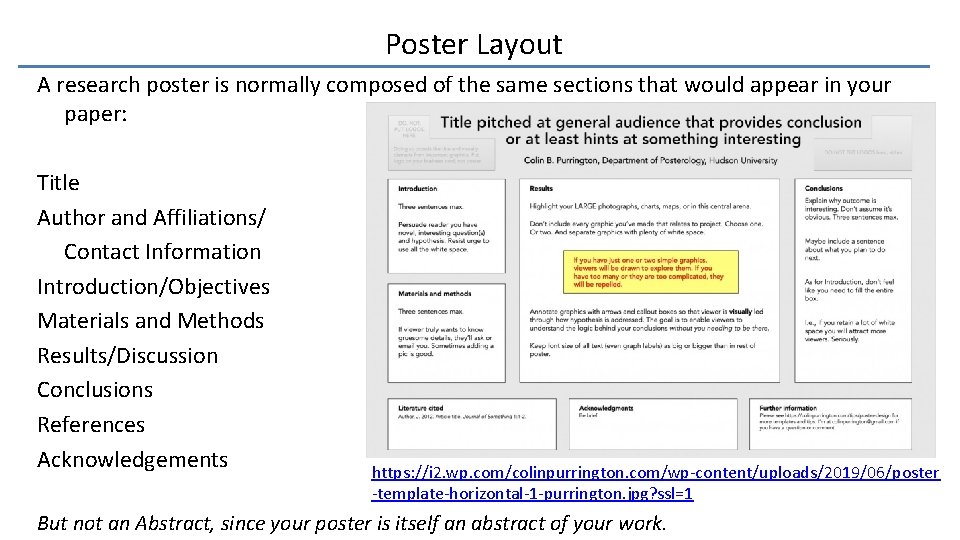
Poster Layout A research poster is normally composed of the same sections that would appear in your paper: Title Author and Affiliations/ Contact Information Introduction/Objectives Materials and Methods Results/Discussion Conclusions References Acknowledgements https: //i 2. wp. com/colinpurrington. com/wp-content/uploads/2019/06/poster -template-horizontal-1 -purrington. jpg? ssl=1 But not an Abstract, since your poster is itself an abstract of your work.
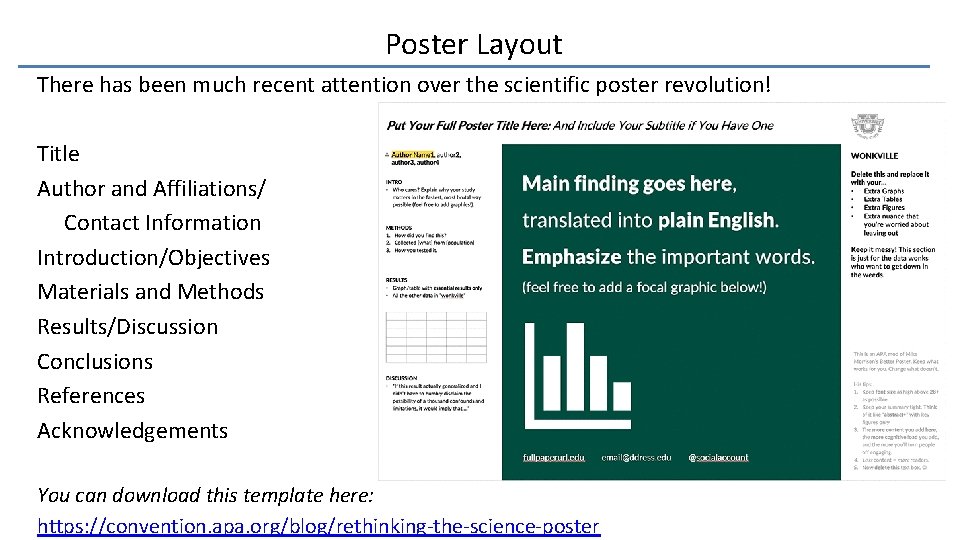
Poster Layout There has been much recent attention over the scientific poster revolution! Title Author and Affiliations/ Contact Information Introduction/Objectives Materials and Methods Results/Discussion Conclusions References Acknowledgements You can download this template here: https: //convention. apa. org/blog/rethinking-the-science-poster
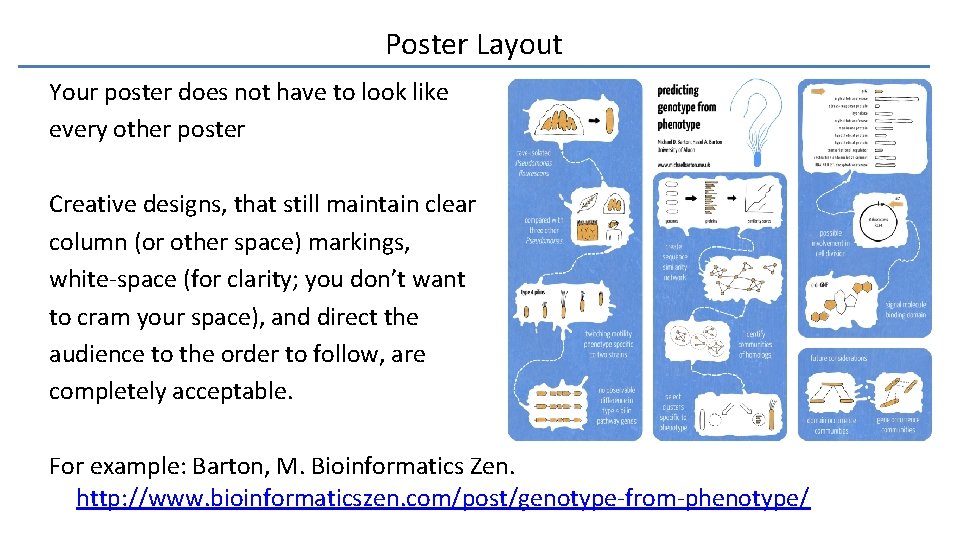
Poster Layout Your poster does not have to look like every other poster Creative designs, that still maintain clear column (or other space) markings, white-space (for clarity; you don’t want to cram your space), and direct the audience to the order to follow, are completely acceptable. For example: Barton, M. Bioinformatics Zen. http: //www. bioinformaticszen. com/post/genotype-from-phenotype/
Making Your Poster There a variety of free and commercial software programs suitable for poster preparation (La. Te. X, Scibus, Inkscape, Microsoft Powerpoint), and there are many templates available (Ex. http: //colinpurrington. com/tips/academic/posterdesign) Once you have selected your program, go to (Microsoft Powerpoint, under Design) Slide Size, and set your poster dimensions. You will want to set this immediately so that you can assess if your text and graphics are sufficiently high resolution. Since we are using Zoom for the synchronous poster time, you will want to use a landscape orientation for your poster, to maximize your space.
Making Your Poster Next, you should be able to introduce a grid on your poster. This grid is not intended to be printed, but rather will serve as a line guide to ensure column separation, and that objects appear neatly organized. (In Microsoft Powerpoint View Gridlines) Decide on a color scheme and background. Your university may have template that you could use for a professional conference. Avoid dark backgrounds; these make it challenging to design graphics that stand out. Select a font. It is suggested that title, headings and subheadings be in non-serif, and that main body text be in a serif font.
Making Your Poster Use a font size that can be read by your audience. You should also ensure that your figure captions and graph labels are readable from a distance, since they may be the major point of attraction from the audience. View your poster at 100% and step away from the screen. Can you still read your poster? Attendees will be able to download your poster to zoom in on parts of interest from the gallery. For the synchronous presentation time, consider making some back up slides as a “Zoom-in” on your figures and graphs.
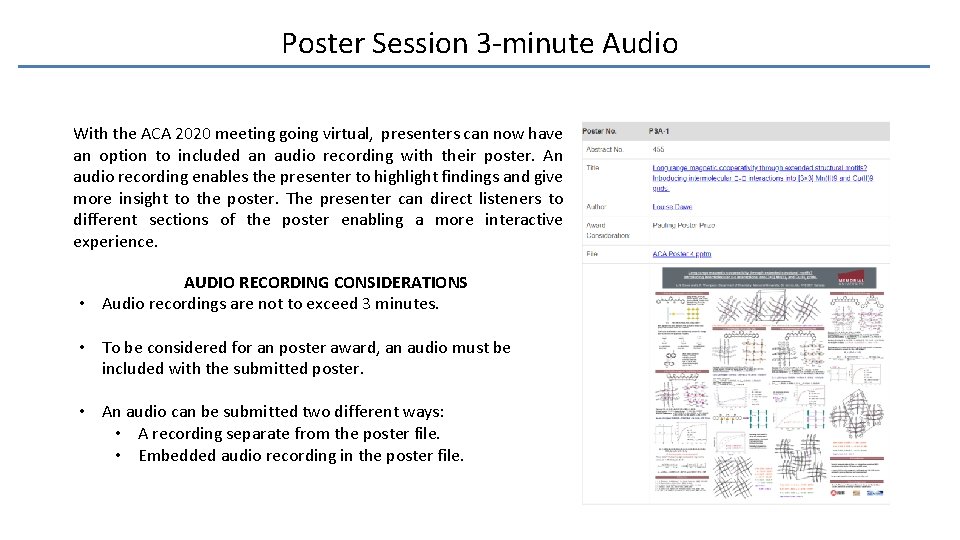
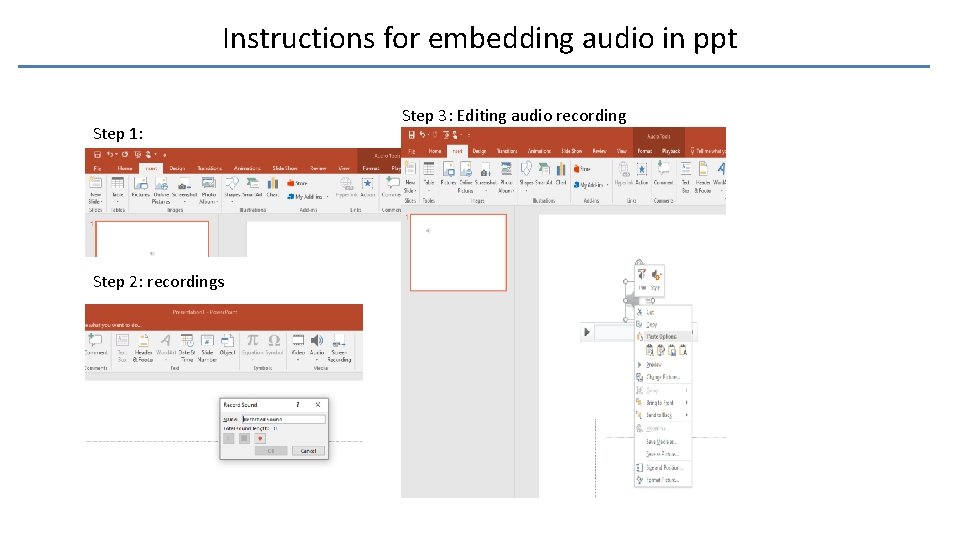
Poster Session 3 -minute Audio With the ACA 2020 meeting going virtual, presenters can now have an option to included an audio recording with their poster. An audio recording enables the presenter to highlight findings and give more insight to the poster. The presenter can direct listeners to different sections of the poster enabling a more interactive experience. AUDIO RECORDING CONSIDERATIONS • Audio recordings are not to exceed 3 minutes. • To be considered for an poster award, an audio must be included with the submitted poster. • An audio can be submitted two different ways: • A recording separate from the poster file. • Embedded audio recording in the poster file.
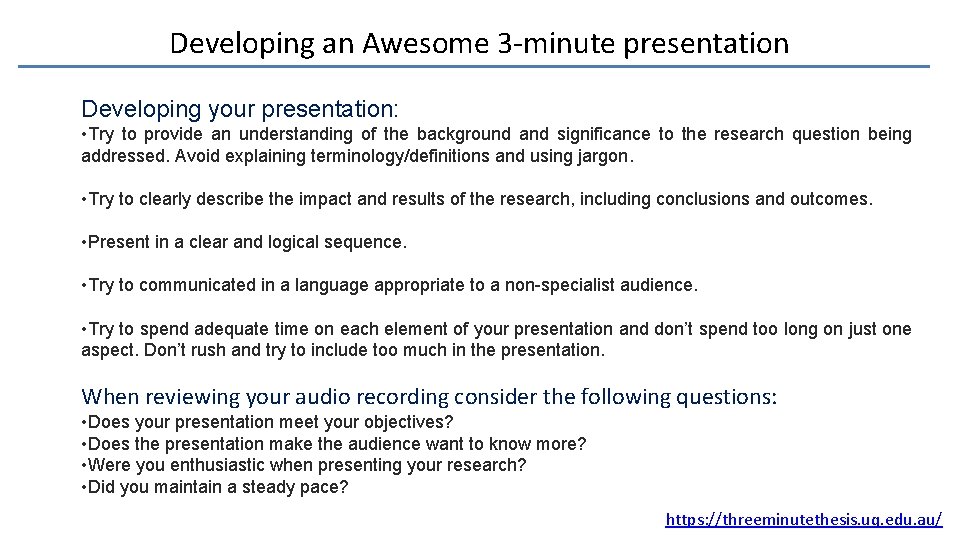
Developing an Awesome 3 -minute presentation Developing your presentation: • Try to provide an understanding of the background and significance to the research question being addressed. Avoid explaining terminology/definitions and using jargon. • Try to clearly describe the impact and results of the research, including conclusions and outcomes. • Present in a clear and logical sequence. • Try to communicated in a language appropriate to a non-specialist audience. • Try to spend adequate time on each element of your presentation and don’t spend too long on just one aspect. Don’t rush and try to include too much in the presentation. When reviewing your audio recording consider the following questions: • Does your presentation meet your objectives? • Does the presentation make the audience want to know more? • Were you enthusiastic when presenting your research? • Did you maintain a steady pace? https: //threeminutethesis. uq. edu. au/
Instructions for embedding audio in ppt Step 1: Step 2: recordings Step 3: Editing audio recording
Final Thoughts If someone visits your breakout room, you can introduce yourself and ask if they would like to discuss your work. If they say no, do not take it as a reflection on your research! If you have not yet published your work you should consider carefully if a virtual conference (or any conference!) is the right time and place to tell the world about your research. Be sure to include your contact information on your poster in case someone would like to follow-up with you later. Let us know if you have questions! Tiffany Kinnibrugh tkinnibr@anl. gov Louise Dawe ldawe@wlu. ca