
Poster Presentation Guidelines Author Name 1 Institute Introduction
- Slides: 1
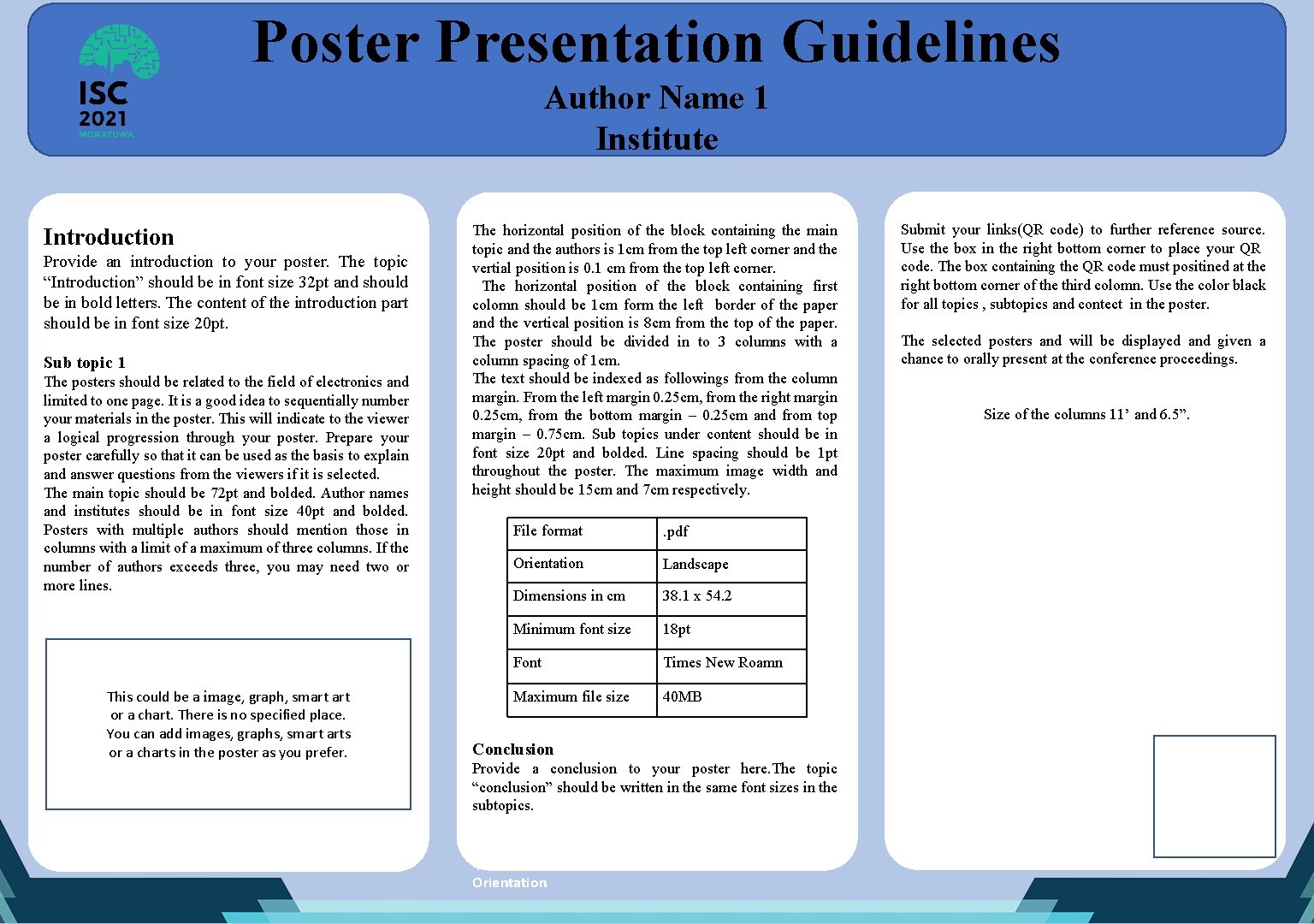
Poster Presentation Guidelines Author Name 1 Institute Introduction Provide an introduction to your poster. The topic “Introduction” should be in font size 32 pt and should be in bold letters. The content of the introduction part should be in font size 20 pt. Sub topic 1 The posters should be related to the field of electronics and limited to one page. It is a good idea to sequentially number your materials in the poster. This will indicate to the viewer a logical progression through your poster. Prepare your poster carefully so that it can be used as the basis to explain and answer questions from the viewers if it is selected. The main topic should be 72 pt and bolded. Author names and institutes should be in font size 40 pt and bolded. Posters with multiple authors should mention those in columns with a limit of a maximum of three columns. If the number of authors exceeds three, you may need two or more lines. This could be a image, graph, smart or a chart. There is no specified place. You can add images, graphs, smart arts or a charts in the poster as you prefer. The horizontal position of the block containing the main topic and the authors is 1 cm from the top left corner and the vertial position is 0. 1 cm from the top left corner. The horizontal position of the block containing first colomn should be 1 cm form the left border of the paper and the vertical position is 8 cm from the top of the paper. The poster should be divided in to 3 columns with a column spacing of 1 cm. The text should be indexed as followings from the column margin. From the left margin 0. 25 cm, from the right margin 0. 25 cm, from the bottom margin – 0. 25 cm and from top margin – 0. 75 cm. Sub topics under content should be in font size 20 pt and bolded. Line spacing should be 1 pt throughout the poster. The maximum image width and height should be 15 cm and 7 cm respectively. File format . pdf Orientation Landscape Dimensions in cm 38. 1 x 54. 2 Minimum font size 18 pt Font Times New Roamn Maximum file size 40 MB Conclusion Provide a conclusion to your poster here. The topic “conclusion” should be written in the same font sizes in the subtopics. File format. pdf Orientation Submit your links(QR code) to further reference source. Use the box in the right bottom corner to place your QR code. The box containing the QR code must positined at the right bottom corner of the third colomn. Use the color black for all topics , subtopics and contect in the poster. The selected posters and will be displayed and given a chance to orally present at the conference proceedings. Size of the columns 11’ and 6. 5”.