
POS Process POS PROCESS 1 2 3 4
- Slides: 2
POS Process
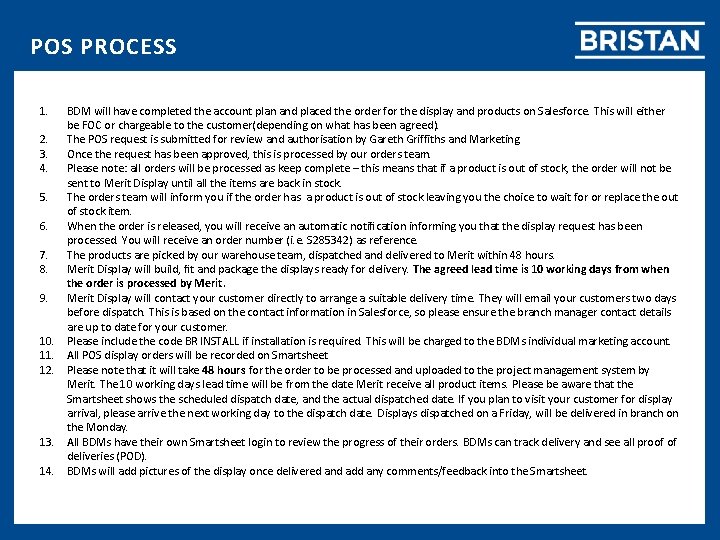
POS PROCESS 1. 2. 3. 4. 5. 6. 7. 8. 9. 10. 11. 12. 13. 14. BDM will have completed the account plan and placed the order for the display and products on Salesforce. This will either be FOC or chargeable to the customer(depending on what has been agreed). The POS request is submitted for review and authorisation by Gareth Griffiths and Marketing. Once the request has been approved, this is processed by our orders team. Please note: all orders will be processed as keep complete – this means that if a product is out of stock, the order will not be sent to Merit Display until all the items are back in stock. The orders team will inform you if the order has a product is out of stock leaving you the choice to wait for or replace the out of stock item. When the order is released, you will receive an automatic notification informing you that the display request has been processed. You will receive an order number (i. e. S 285342) as reference. The products are picked by our warehouse team, dispatched and delivered to Merit within 48 hours. Merit Display will build, fit and package the displays ready for delivery. The agreed lead time is 10 working days from when the order is processed by Merit Display will contact your customer directly to arrange a suitable delivery time. They will email your customers two days before dispatch. This is based on the contact information in Salesforce, so please ensure the branch manager contact details are up to date for your customer. Please include the code BR INSTALL if installation is required. This will be charged to the BDMs individual marketing account. All POS display orders will be recorded on Smartsheet Please note that it will take 48 hours for the order to be processed and uploaded to the project management system by Merit. The 10 working days lead time will be from the date Merit receive all product items. Please be aware that the Smartsheet shows the scheduled dispatch date, and the actual dispatched date. If you plan to visit your customer for display arrival, please arrive the next working day to the dispatch date. Displays dispatched on a Friday, will be delivered in branch on the Monday. All BDMs have their own Smartsheet login to review the progress of their orders. BDMs can track delivery and see all proof of deliveries (POD). BDMs will add pictures of the display once delivered and add any comments/feedback into the Smartsheet.