
POP PMACS Operations Portal Kevin Lux luxkupenn edu
- Slides: 39
POP: PMACS Operations Portal Kevin Lux luxk@upenn. edu @luxk on Slack https: //kevinlux. info/
Talk Overview • Background • Problem statement and POP design • POP integrations / sample workflows • Demo • Conclusion and Q/A 2
Background: Me • Intern in Penn Security Lab (SEAS) in 2001 while attending Drexel. • Transitioned to full-time while earning a MSE in CIS. • Moved to PSOM in 2006. • Started building POP in late 2016. 3
Background: Organization • PMACS (Penn Medicine Academic Computing Services) was created through the consolidation of various PSOM IT groups. • Well over 100 IT professionals including system admins, infrastructure personnel, LSPs, application owners, etc. • Have own our Active Directory domain serving Windows, Macs and Linux. Our helpdesk software is currently Quest K 1000. 4
Background: Me + Organization • Part of the Windows team. Primary responsibility is Active Directory and associated software infrastructure. • I’m a strange hybrid of a programmer, system admin, project leader and evangelist. • Only developer of POP. 5
Background: POP Main drivers for developing POP include… • We receive many simple and repetitive requests. • We had minimal integration both internally with our own apps and to University systems. • Wanted a self-service portal for technical users to do work on operational systems in a controlled way. 6
Background: POP, cont. Leading to a desire to… • Automate as many simple and common tasks as possible. • Make tasks requiring approval to be “single click”. • Create new functionality in the enterprise by integrating our systems, Penn systems and Penn Medicine systems. • Have auditable, repeatable and defined processes for as many tasks as possible. 7
Background: POP, cont. My solution to the problem statement laid out is… POP, the PMACS Operations Portal Let’s look at the design of POP at a high level… 8
POP: Design In its simplest form, POP is… • A web-based application that presents forms to users so they may query or change our operational systems. • Depending on security, users can self-service the request or it can be held for review. • Supports many behind-the-scenes integrations to perform the operations in real time. 9
POP: Design, cont. Primary users of POP are… • LSPs. • System Admins. • Application Owners. • Managers. 10
POP: Design/Forms The basic design principle of POP is a form. • A form is created for a discrete task. • It has data fields. • It has code that is executed on various events. • It has ACLs. 11
POP: Design/Forms, cont. Forms can… • Be held for approval by other people. • Pull in functionality from other forms. • Link with tickets in our helpdesk. • Be activated by a variety of input methods. 12
POP: Design/Forms, cont. Forms are entry points into POP. • Users complete forms and submit them to a POP controller. • Programming for the forms translate the form data and the requested action into actual operations on our systems. • POP uses whatever layers are necessary to complete the requests. 13
POP: Design/AD integration POP and AD are closely intertwined… • POP is the primary AD manipulation tool in PMACS. • Many AD account ops were a primary use case for early POP releases. • As more apps were moved to AD, we needed tools to manage app users in AD. 14
POP: Design/AD integration, cont. POP uses AD for… • Authenticating users. • Verifying ACLs (based on group membership) on forms. • Storing information needed to perform some automation. 15
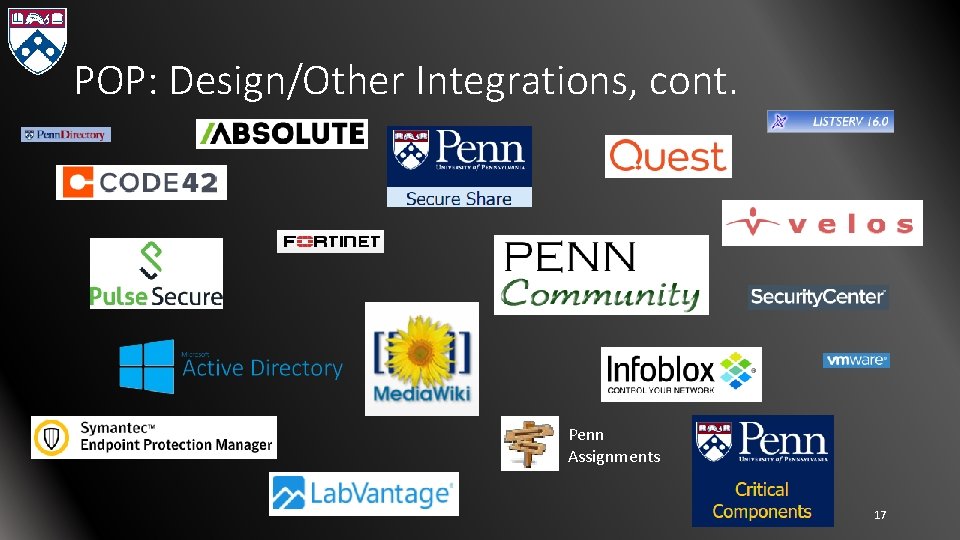
POP: Design/Other Integrations There is much more to POP than just AD manipulation… • Integrating with Penn Medicine for provisioning email accounts. • Getting information from Penn Community. • Sending Secure. Share messages. And… 16
POP: Design/Other Integrations, cont. Penn Assignments 17
POP: Selected Workflows POP has over 300 forms. Exploring all of them in this forum is not feasible. • I have selected a few workflows that I feel demonstrate the power and value of POP. • Those workflows marked as Demo will be demonstrated live. 18
POP: Looking up a user Displaying user information is probably the most used form in POP. • Provides basic user information from AD. • Includes additional information from other operational systems such as reset and KACE. • All combined in to one succinct view. Demo 19
POP: Creating a new user All AD user accounts are provisioned through POP. • Requestor fills out a form with the usual information. Creates a helpdesk ticket for tracking purposes. • Approvers see a split view: original form and Penn Community information. • Approval of the form creates (and then executes) a plan. Demo 20
POP: Creating a new user, cont. New user plan includes… • Creating the user account. • Sending the user’s new password via Secure. Share. • Creating and setting ACLs for the user’s DFS home folder. 21
POP: Creating a new user, cont. New user plan also includes… • Adding the user to any requested groups. • Synchronizing the user’s AD account with Penn Community affiliation data. Key point: all this stuff happens the same way, regardless of who does the work. There is only one way to make a user in POP and, by proxy, in PMACS. 22
POP: Disabling users A user can be disabled in two ways… • Interactive request by an authorized user. • Triggered by changes in Penn Community. The latter is more interesting… so we’ll explore that. 23
POP: Disabling users, cont. POP monitors Penn Community for changes to user affiliations. Upon losing certain affiliations… • POP disables the account. • Removes all groups from the account, storing the removed groups in AD. • Changes the login shell in /bin/false. 24
POP: Disabling users, cont. Account disables: fail secure vs fail open. • Necessary given the number of users and decentralized nature. • Easily reversed. • Notifications are sent out. 25
POP: Local admin passwords PMACS uses LAPS (local administrator password solution) to further enhance Windows workstation security. • Each machine in the domain has a different admin password. • Password is stored in AD. • LSPs can access password via POP. 26
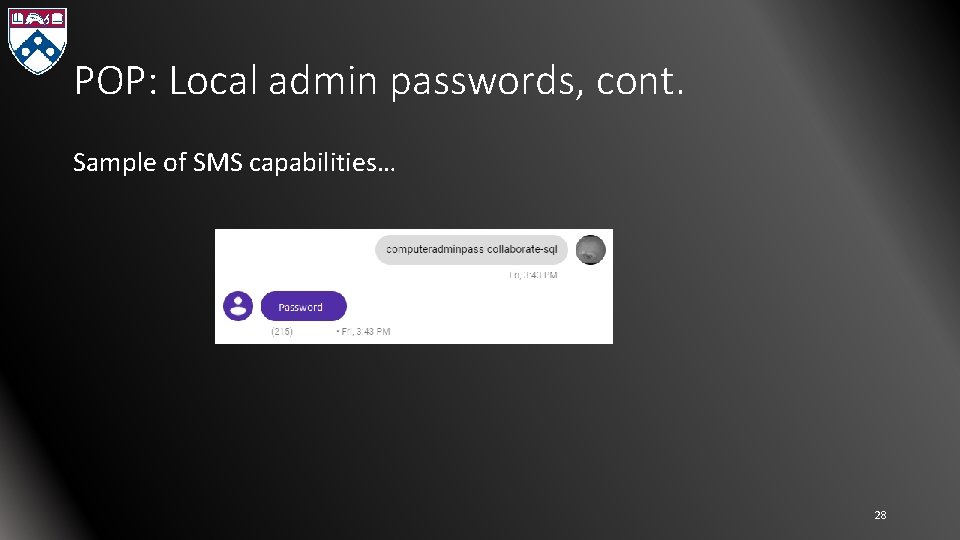
POP: Local admin passwords, cont. Using POP “in the field” can be inconvenient… • POP added an integration with a SMS provider, Plivo. • LSPs can text POP from “known” cell phone numbers. • POP will respond back to authorized users with the password. 27
POP: Local admin passwords, cont. Sample of SMS capabilities… 28
POP: Assignments is critical to both LSPs and sysadmins. • Using ISC’s Assignments API, POP has webified most of the core functionality of Assignments. • This is a generic use case – the integrated use case for PSOM use will not be discussed. • We’re all pretty familiar with Assignments, so not much more will be said here. Demo 29
POP: Penn Medicine Email Integration PSOM leverages Penn Medicine’s O 365 instance for email. • LSPs request new accounts by creating tickets in Penn Medicine’s ticketing system. • This process requires duplication of information and work. • Working on a new integration with the Penn Medicine admin team. 30
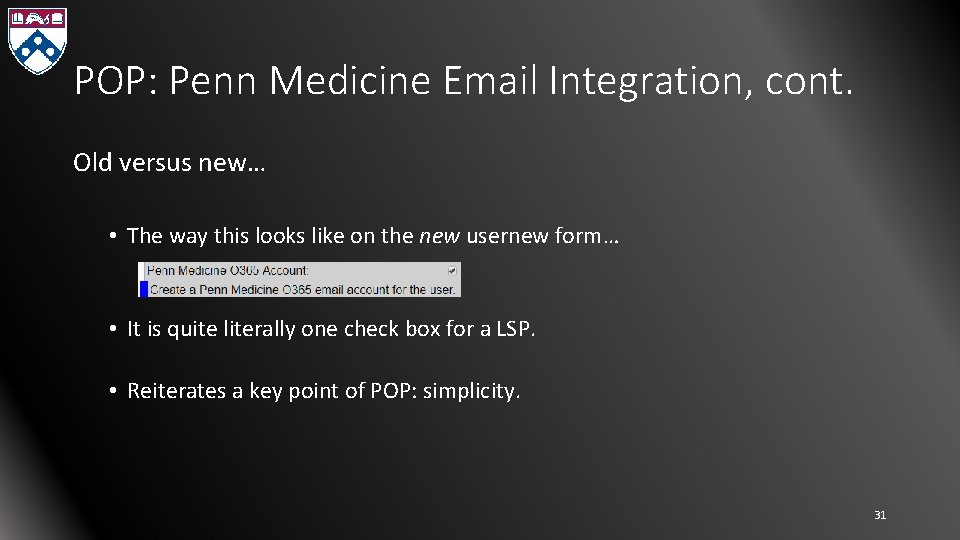
POP: Penn Medicine Email Integration, cont. Old versus new… • The way this looks like on the new usernew form… • It is quite literally one check box for a LSP. • Reiterates a key point of POP: simplicity. 31
POP: Penn Medicine Email Integration, cont. POP also updates the ISC online directory. • POP scans for changes between Penn Medicine O 365 accounts and Penn Community for PSOM people. • Changes for PSOM people are pushed to ISC’s directory using a REST service. 32
POP: Demo time Let’s see POP in action… • Looking up a user • Creating a new user (LSP view / Admin view) • Assignments 33
POP: Implementation POP is written in Perl and runs primarily under IIS. • Secondary site runs under Apache on Cent. OS. • Codebase is over 43 k lines of code/configuration. • 1 dev: me. 34
POP: Conclusion POP saves a lot of people in PSOM time and effort in their day to day jobs. • Things that need to happen with certain operations are automatically done. • Processes are predictable and repeatable. • Logging is centralized. • “There is usually a POP form for that…” 35
POP: Conclusion, cont. The way in which POP allows admins to approve requests… • Allows admins to be more responsive to requests. • Eliminates admin fat fingering. • Enables admins to stay logged into one system instead of many. 36
POP: Conclusion, cont. Organizational gains… • Details of operations become more formalized because they are backed by code. • IT operations move towards standardization because they run on one system. • One stop shopping makes life easier. 37
POP: Conclusion, cont. This is only the tip of the iceberg. • I intentionally glossed over most of the technical details regarding the implementation… particularly security. • There are lots of interesting things that you can do. I included only the most approachable in this talk. 38
POP: Question/Answer Session • Thanks for your attention! • Questions? • Follow-up communication channels: • luxk@upenn. edu • @luxk on Slack • https: //kevinlux. info/ • Contains older presentations to SUG and Security-SIG. 39